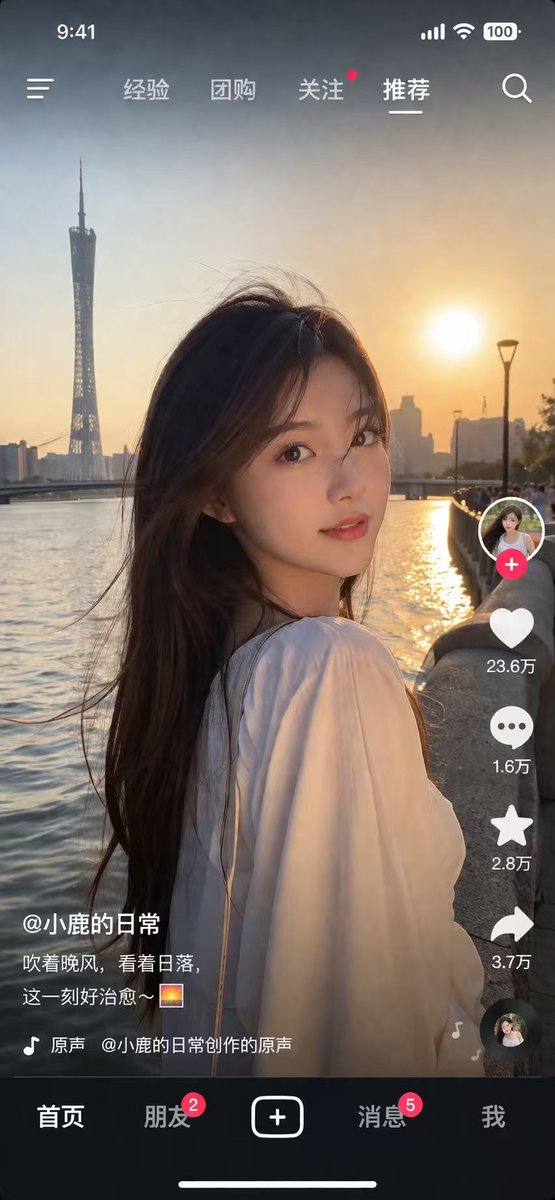
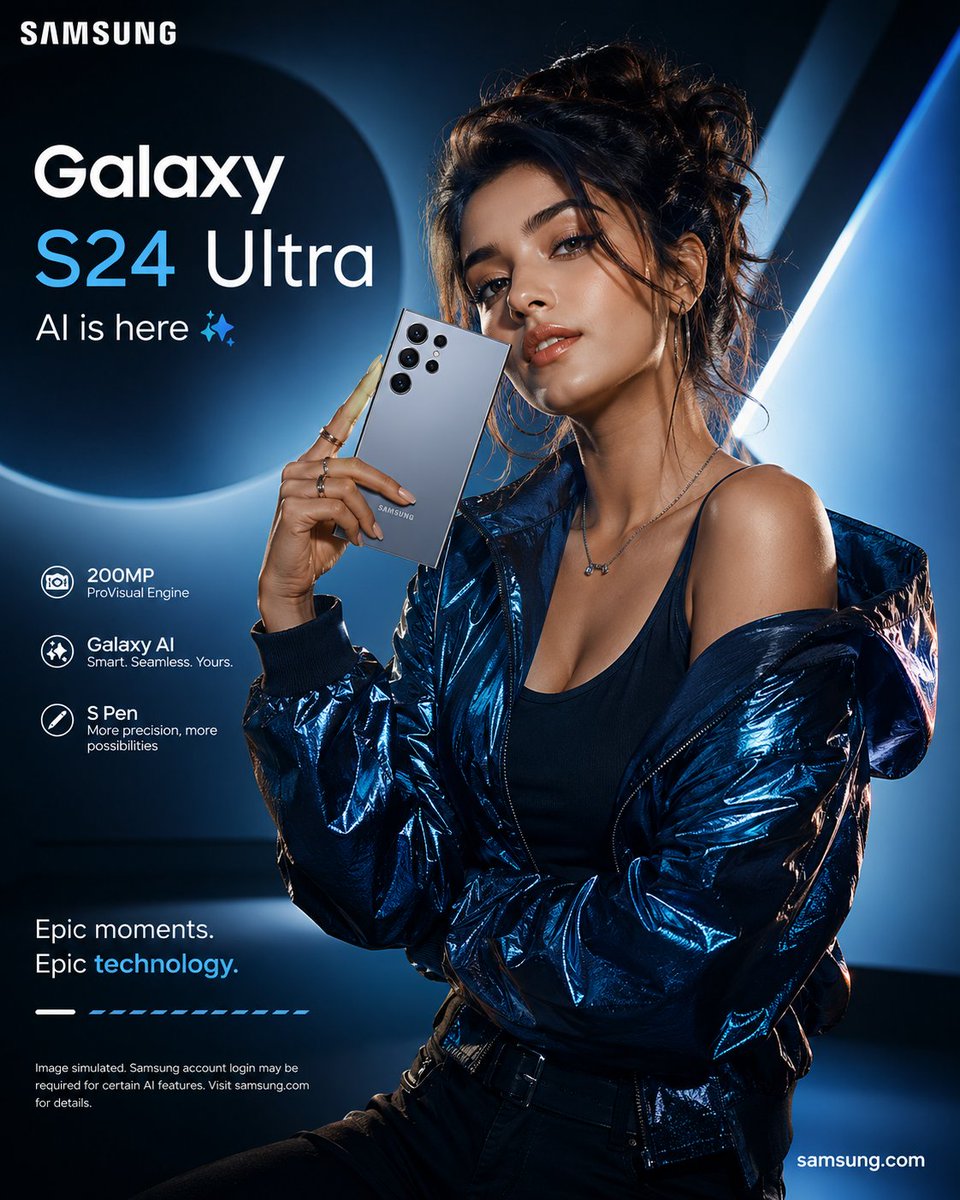
How do I use the Bold Studio Portrait template?
Choose the primary action to open PicX Studio with the available template settings. Review the model and format, personalize the creative direction, and generate when ready.
A ready image prompt for PicX Studio. Change the subject, setting, or lighting one variable at a time.
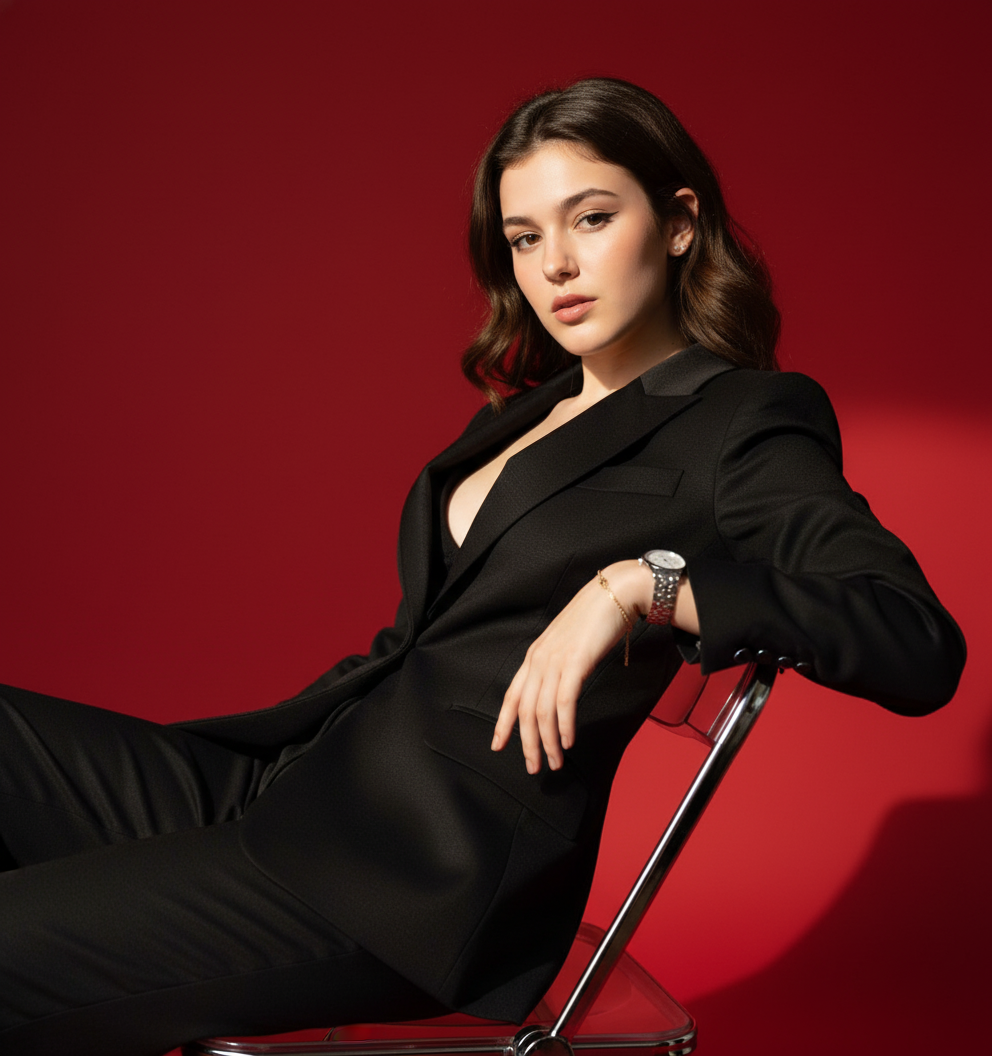
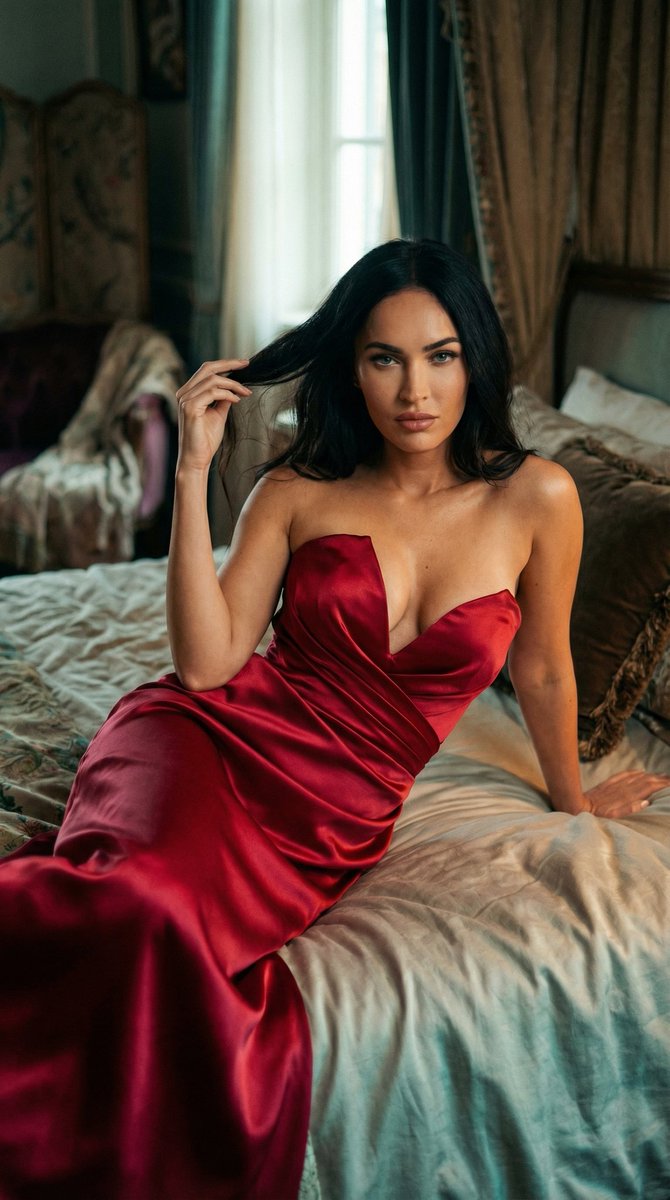
A bold studio portrait of the person in the reference photo, seated on a sleek steel chair in a deep red set. Reclined slightly, confident posture, one arm casually over chair edge. Outfit: fitted black tailored suit with subtle satin texture, collar open for modern edge. Sharp spotlight highlighting face and torso, dramatic shadows, rich red ambient glow. Intense gaze, lips slightly parted — confident high-fashion attitude. High contrast black-on-red, polished highlights, cinematic Korean celebrity style with avant-garde edge.
Choose the primary action to open PicX Studio with the available template settings. Review the model and format, personalize the creative direction, and generate when ready.
Yes. You can change the subject, setting, lighting, mood, format, and available model controls before creating your image.
This template is free to open and customize. Generation usage is shown in PicX Studio before you create.
Choose a compatible model in PicX Studio based on the style, speed, and output controls your project needs.
Follow a topic to a crawlable collection of related PicX Studio templates.
43,474 public templates available. Verified via the PicX Studio public templates API; refreshed hourly.



![118-google-nano-banana-pro-skincare-product- — A professional skincare shot of a [product container] with [cap/lid], labeled [brand, product, descriptor, volume](/_next/image?url=https%3A%2F%2Fcdn.picxstudio.com%2Fuploads%2Fpost118_img0_332898b8-29ea-42a9-87ab-9ed746a3f944.jpg&w=828&q=100)




![69-untitled — FORMAT: 15s / 145 BPM / 14 SHOTS
SUBJECT: @[image1]
WARDROBE: Clean modern outfit
ENVIRONMENT: Street / indoor transitions
MOOD: Discovery → contr](/_next/image?url=https%3A%2F%2Fcdn.picxstudio.com%2Fuploads%2Fpost69_img0_d45faecf-38c3-4bcb-81a4-f6eb1cf42bb2.jpg&w=828&q=100)
















![Combustion Freeze: Object Frozen at Ignition — A single {argument name="object" default="[OBJECT]"} suspended in space, frozen at the moment of ign…](https://pbs.twimg.com/media/G_ZgT6XXoAAYqfN.jpg)





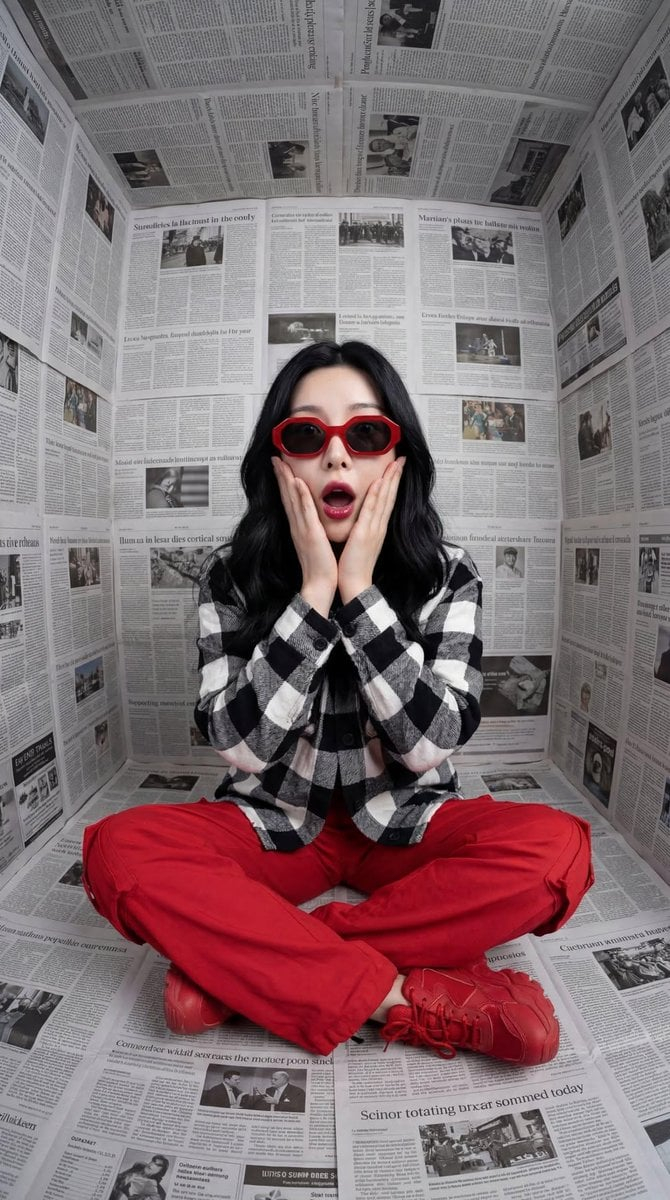
![Ultra-Detailed New Chinese Aesthetic Portrait Prompt (Zhao Lusi Style) — 作为世界级时尚摄影师(融合Steven Meisel的电影质感 + Paolo Roversi的柔光美学 + Harley Weir的情感捕捉),为[参考图1女性角色]创作定](https://pbs.twimg.com/media/G-XByHMWwAAxF4D.jpg)