How do I use the Tropical Beach Sandcastle Portrait template?
Choose the primary action to open PicX Studio with the available template settings. Review the model and format, personalize the creative direction, and generate when ready.
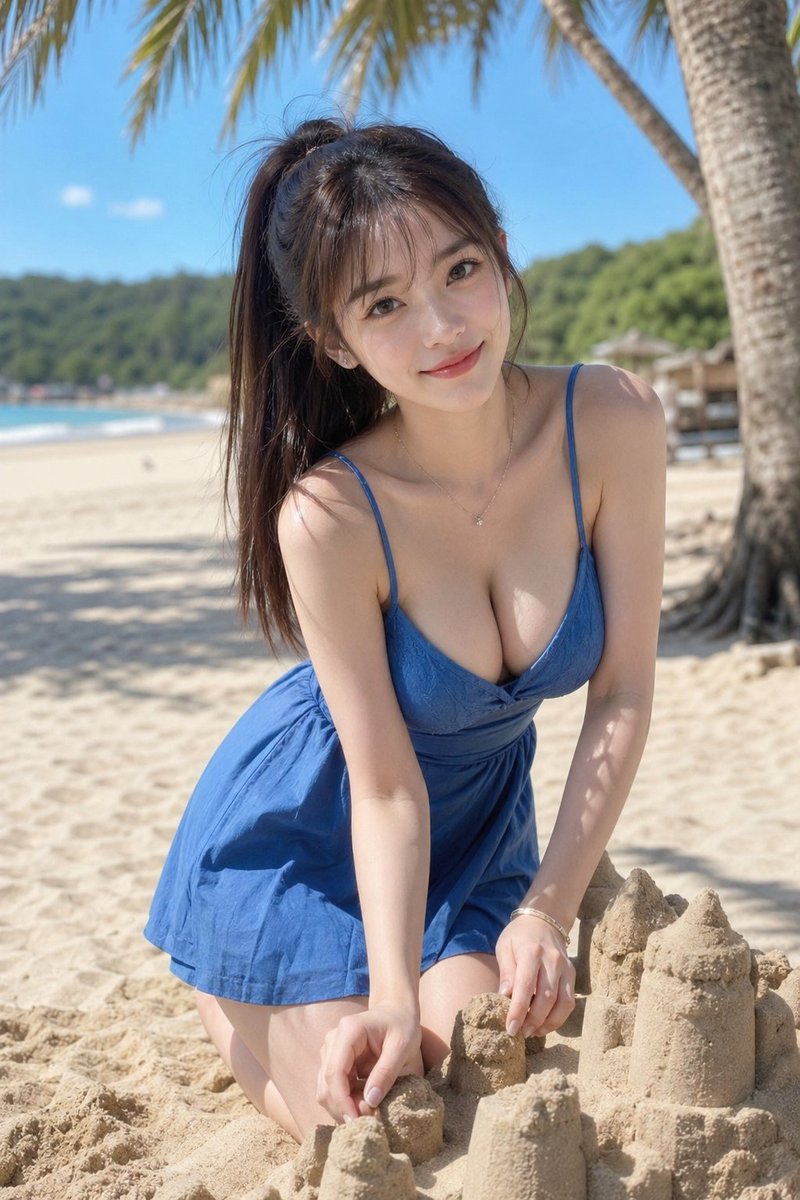
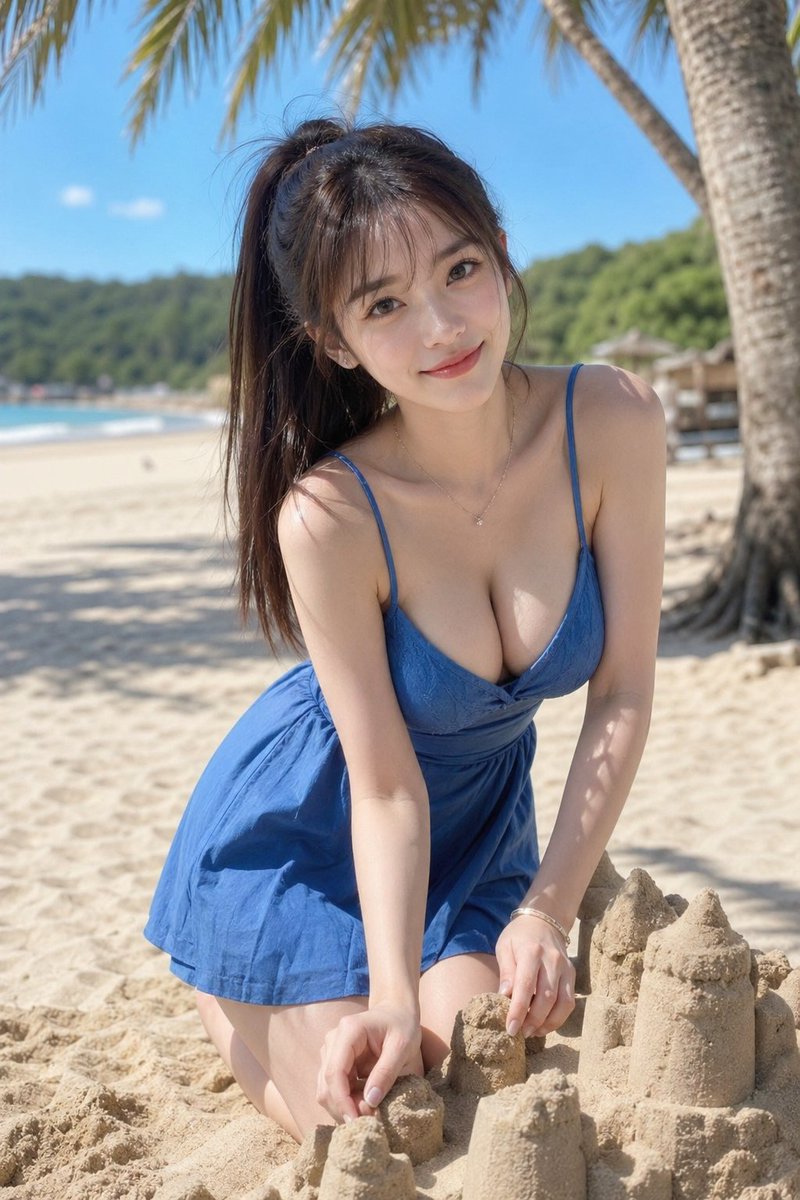
This prompt generates a realistic summer beach portrait of a woman in a blue sundress building sandcastles, ideal for vacation-themed lifestyle imagery. (free to use) — Free AI image template on PicX Studio.
A photorealistic vertical beach portrait of a young woman kneeling on pale sand while building sandcastles, shot in bright natural midday sunlight with a shallow depth of field. She has long dark brown hair tied in a high ponytail, a slim figure, and wears a short deep-blue sundress with thin spaghetti straps, a plunging neckline, and a softly flared skirt. She is leaning forward toward the camera in a playful candid pose, both hands shaping the sand in front of her. Add a delicate thin necklace with a tiny pendant and a subtle bracelet. Place exactly 5 sandcastle elements in the foreground: 2 taller turret-like sand towers on the right, 2 smaller rounded sand mounds near the center front, and 1 partially formed sand piece in her hands. The background is a tropical beach with smooth beige sand, turquoise water along the left side, a green tree-covered shoreline in the distance, and palm trees arching overhead, including 1 large palm trunk on the right edge. Use soft bokeh in the background, clean summer vacation fashion photography, realistic skin tones, natural shadows from palm leaves across her arms and dress, and a serene luxury resort atmosphere. Frame it as a full-body to three-quarter portrait in portrait orientation, centered subject, eye-level to slightly low camera angle.
Use Tropical Beach Sandcastle Portrait to plan an AI image around gpt-image-2 generation, themes such as en and gpt-image-2. Match the preview's composition first, then personalize the subject, setting, and mood for your own project.
Use the primary action to load the template settings in PicX Studio.
Adjust the subject and creative details for your destination.
Create the image, compare the result with the preview, and refine one variable at a time.
A continuous mix — similar concepts first, woven with same-model prompts and fresh picks from the catalog.
Choose the primary action to open PicX Studio with the available template settings. Review the model and format, personalize the creative direction, and generate when ready.
Yes. You can change the subject, setting, lighting, mood, format, and available model controls before creating your image.
This template is free to open and customize. Generation usage is shown in PicX Studio before you create.
Start with gpt-image-2, which is the model associated with this template. You can compare another compatible model for a different finish.
Follow a topic to a crawlable collection of related PicX Studio templates.
39,157 public templates available. Verified via the PicX Studio public templates API; refreshed hourly.
A continuous mix — similar concepts first, woven with same-model prompts and fresh picks from the catalog.