
Soft Pink Scrapbook Collage
A photorealistic studio photography collage prompt in a soft pastel pink scrapbook style, perfect for lifestyle posters.
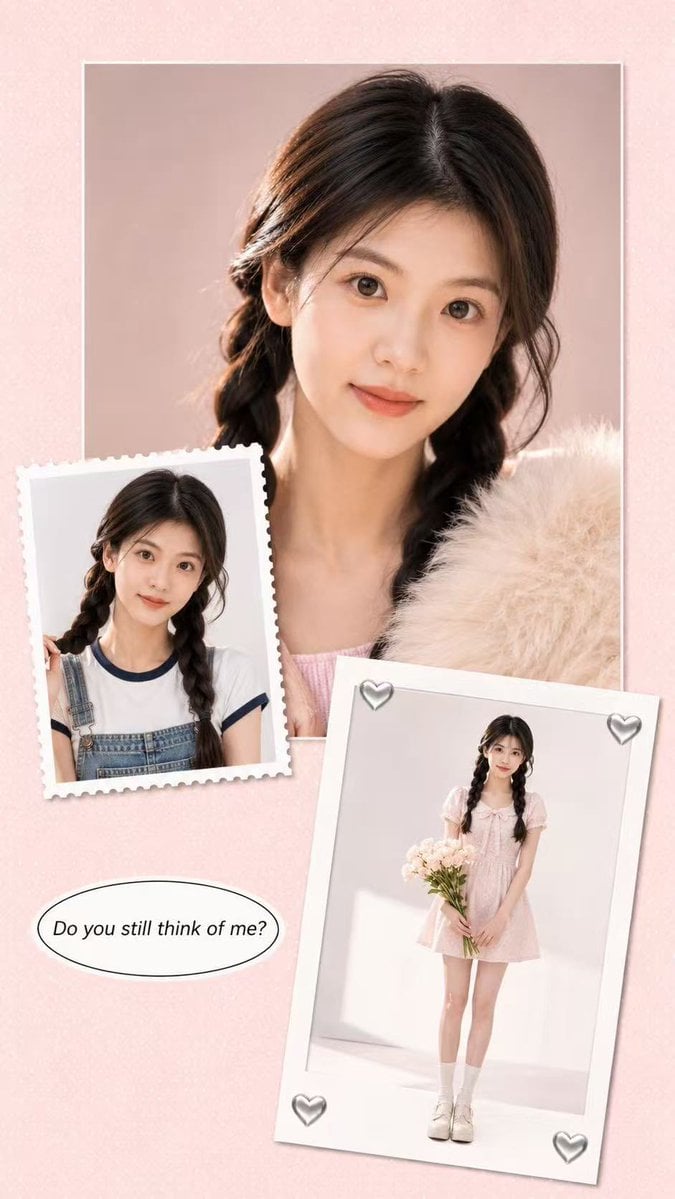
- Prompt included
- Model and format preset
- Free template
The prompt behind this image
Copy the exact prompt behind Soft Pink Scrapbook Collage, or open it in the studio and make it yours.
Use the uploaded portrait only as a loose identity reference. Keep only the person’s face shape, natural facial features, hairstyle, hair color, and approximate body proportions. Do not copy the original portrait’s clothing, background, lighting, pose, image quality, accessories, or expression. Create a new image with a similar soft scrapbook collage feeling, but not an exact copy. Create a highly realistic live-action studio photography collage poster in a soft pastel scrapbook style, vertical 9:16 composition. The same person from the uploaded portrait appears across multiple photo cards in the collage. Preserve the person’s real face shape, facial identity, hairstyle, hair color, skin tone, and natural body proportions from the uploaded portrait. Do not change them into another person. Keep the result photorealistic, like real studio photos arranged into a designed poster, not anime, not illustration. The background is a pale blush-pink paper texture with tiny white dotted patterns, clean and minimal. Place a large square studio portrait photo in the upper center as the main visual focus. The person is shown in a soft beauty close-up, looking at the camera with a calm, slightly romantic expression. Use clean white studio lighting, soft skin texture, realistic eyes, natural lips, delicate makeup, and subtle shadows. Add a fluffy cream-colored faux fur detail near the lower right side of the main portrait for a soft fashion feeling. Add one smaller vintage stamp-style photo card on the left side, slightly tilted, with perforated paper edges. It shows another realistic portrait of the same person in a clean studio setup, wearing a casual youthful outfit that fits their appearance naturally. Add another larger instant-photo / polaroid-style card in the lower right area, slightly rotated, showing the same person in a full-body studio portrait with a simple cute outfit, standing naturally and holding a small bouquet of white flowers. Add small silver heart sticker decorations on the corners of the polaroid card. Include one clean speech-bubble text element near the lower left area. The text should be in English and read: “Do you still think of me?” Use simple black italic serif or clean handwritten-style typography, centered inside the bubble. Overall mood: soft romantic diary, realistic studio portrait collage, pastel pink, clean white space, youthful fashion editorial, delicate scrapbook design, premium social media poster, natural real-photo texture, realistic lighting, high detail, no watermark, no logo. Negative Prompt: anime, manga, cartoon, 2D illustration, doll-like face, plastic skin, fake beauty filter, over-smoothed skin, low-resolution, blurry face, distorted face, wrong identity, changed hairstyle, changed hair color, extra fingers, broken hands, deformed body, unnatural neck, bad anatomy, duplicated person errors, messy collage layout, unreadable text, random letters, Chinese text, watermark, logo, brand mark, AI watermark, oversaturated colors, harsh dirty gray background, copied outfit from reference image, copied exact pose, copied exact composition, unrealistic eyes, fake studio lighting, overexposed skin, noisy image, compression artifacts
How to use Soft Pink Scrapbook Collage in 3 steps
- 1Upload ImagePNG, JPG or paste
Add your photo
Upload the photo the template builds on. The prompt, model and format are already set.
- 2…a portrait of your subject in softgolden-hour light, 85mm…
Personalize
Edit the subject and creative details for your destination.
- 3Generate
Generate
Press Generate — your image is created in PicX Studio, so you can compare it with the original and refine one variable at a time.
More like this
Templates with the same subject, style or setup. Open one to see its prompt.
Y2K Retro Scrapbook Collage Poster

Soft Handcrafted Paper-Cut Layered Illustration
Scrapbook Cover Sticker Collage Effect
Pink Paper Moodboard Fashion Collage

Paper Cut Finale Fireworks

Paper Cut Garden Maze

Paper Cut Rooftop Concert

Paper Cut Bicycle Coast

Paper Cut Castle Gate

Paper Cut Kitchen Chaos

Paper Cut Carnival Ride

Paper Cut Rainy Bus Stop
Make it yours
Soft Pink Scrapbook Collage works as-is. These are the safest ways to change it without losing the look.
Change one field
Copy a single group, rewrite it, and generate again so you can see what that field is doing.
Keep the frame, change the subject
Hold the composition and light of Soft Pink Scrapbook Collage, then swap wardrobe, props or the person for a new take.
| If the result… | Why | Fix |
|---|---|---|
| The result drifts from the preview | Too many fields changed at once. | Reuse Soft Pink Scrapbook Collage as-is first, then change one group — subject, light, or setting. |
| The model over-stylizes the scene | The prose prompt leaves finish and camera underspecified. | Add one camera or lighting sentence and stay on GPT Image 2. |
More GPT Image 2 templates
Other prompts made for GPT Image 2.

Six VTuber Japanese Logo Sheet

Realistic Portrait of Woman and Deer

The Vista Modular Condo Poster

AI Model Routing Comparison Infographic

2.5D Anime Art Board

Isometric Productivity Desk Scene

New York Double Exposure Poster

Four-Panel AI Landscape Comparison

Japanese Tatami Lifestyle Magazine Cover

NESCAFÉ Coffee Map Poster
More image prompts
Fresh picks from across the catalog.
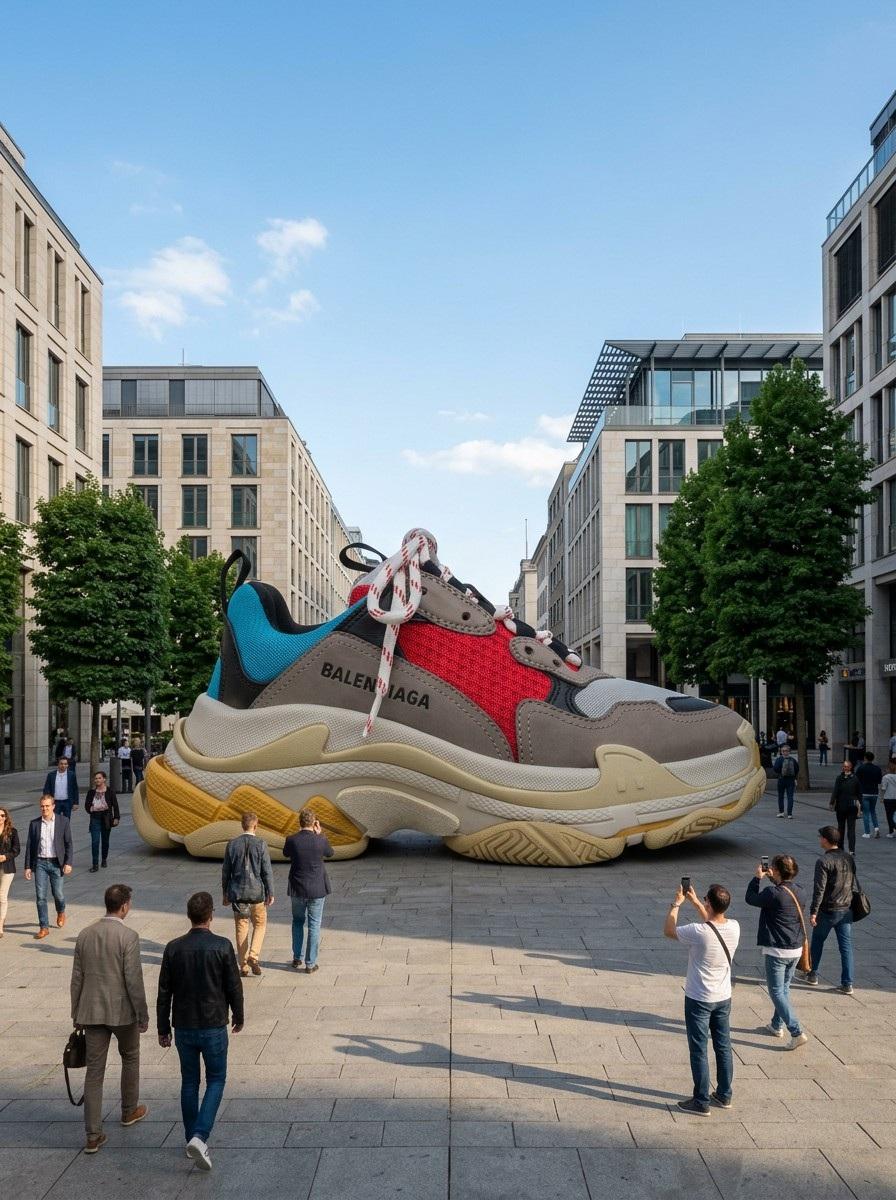
Giant Product Art Installation Prompt for Nano Banana Pro

Sunset Ancient Spanish City Landscape
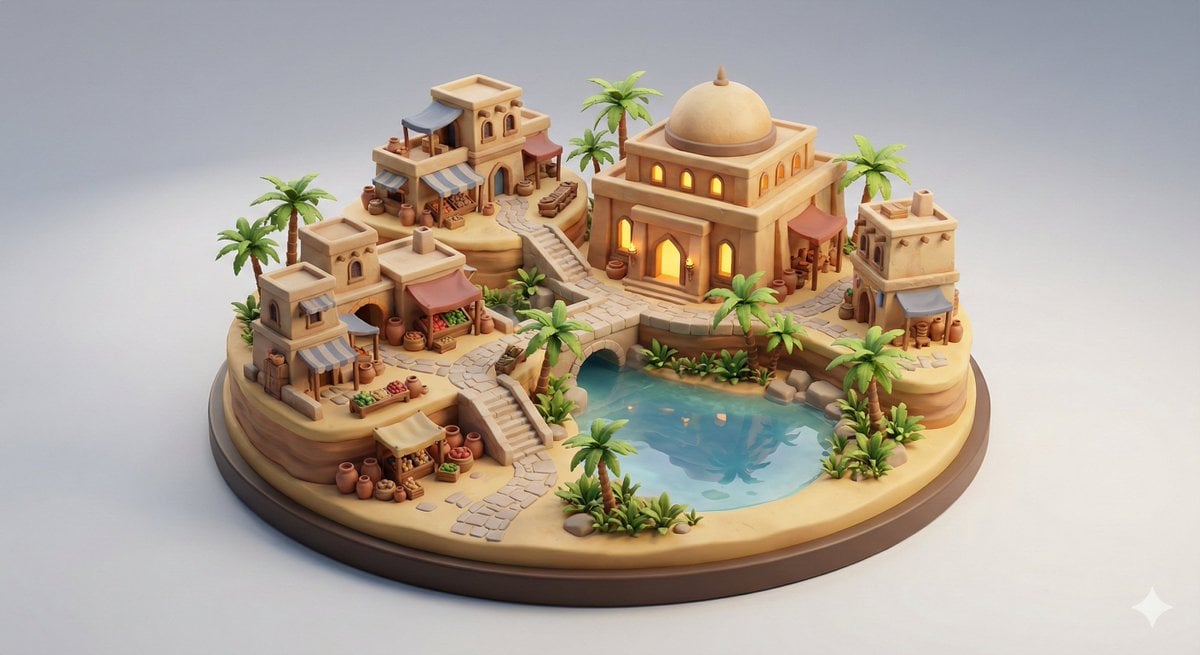
Collectible Miniature Diorama of a Developed Desert Oasis Settlement
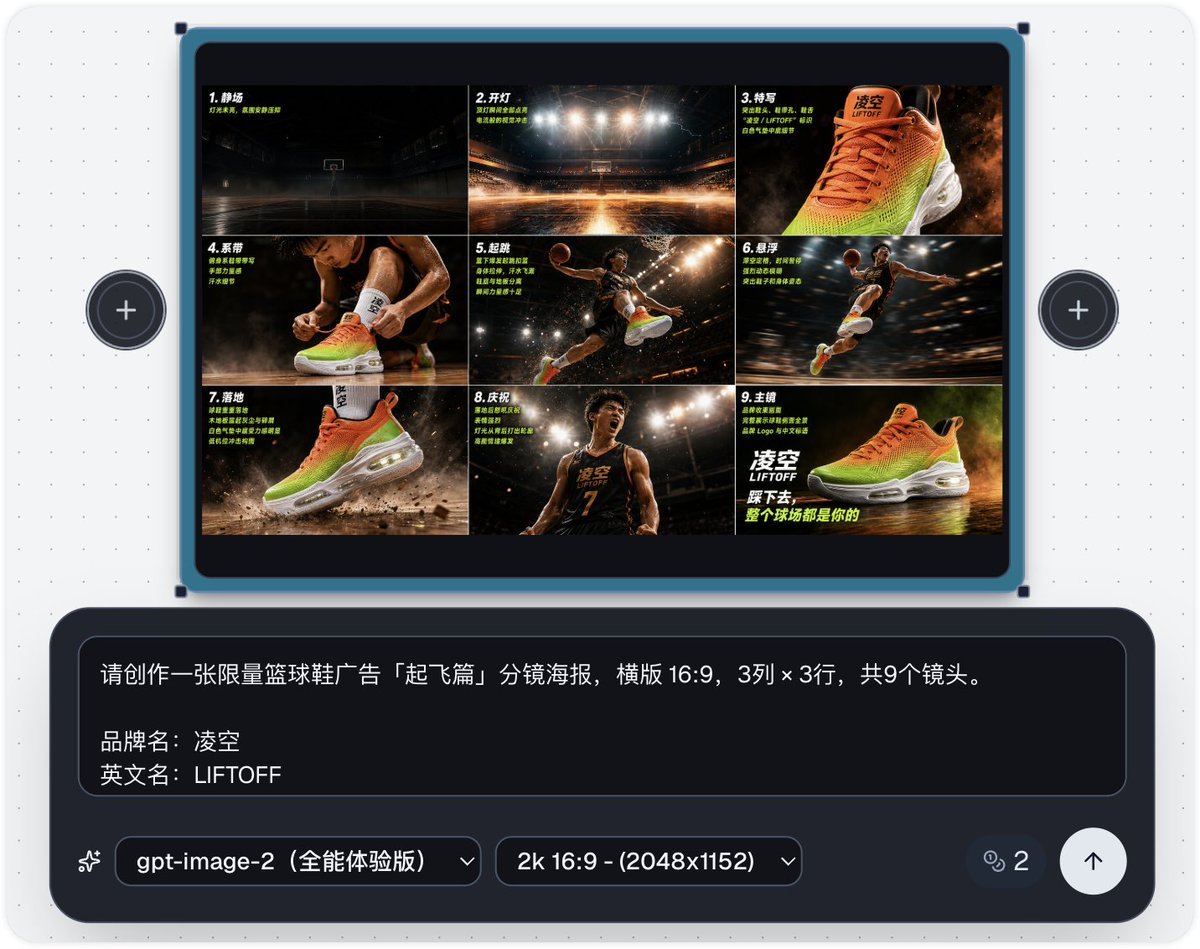
Basketball Shoe Storyboard Advertisement
SynClub Anime Character QR Poster
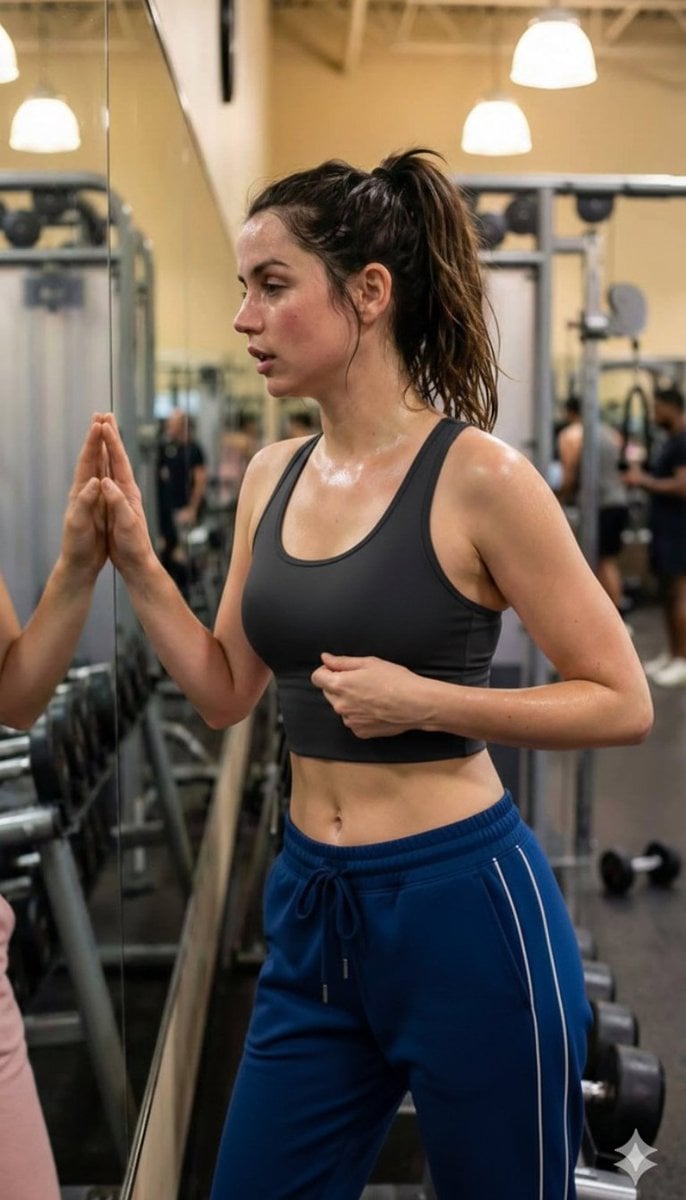
Post-Workout Gym Moment (JSON Format)
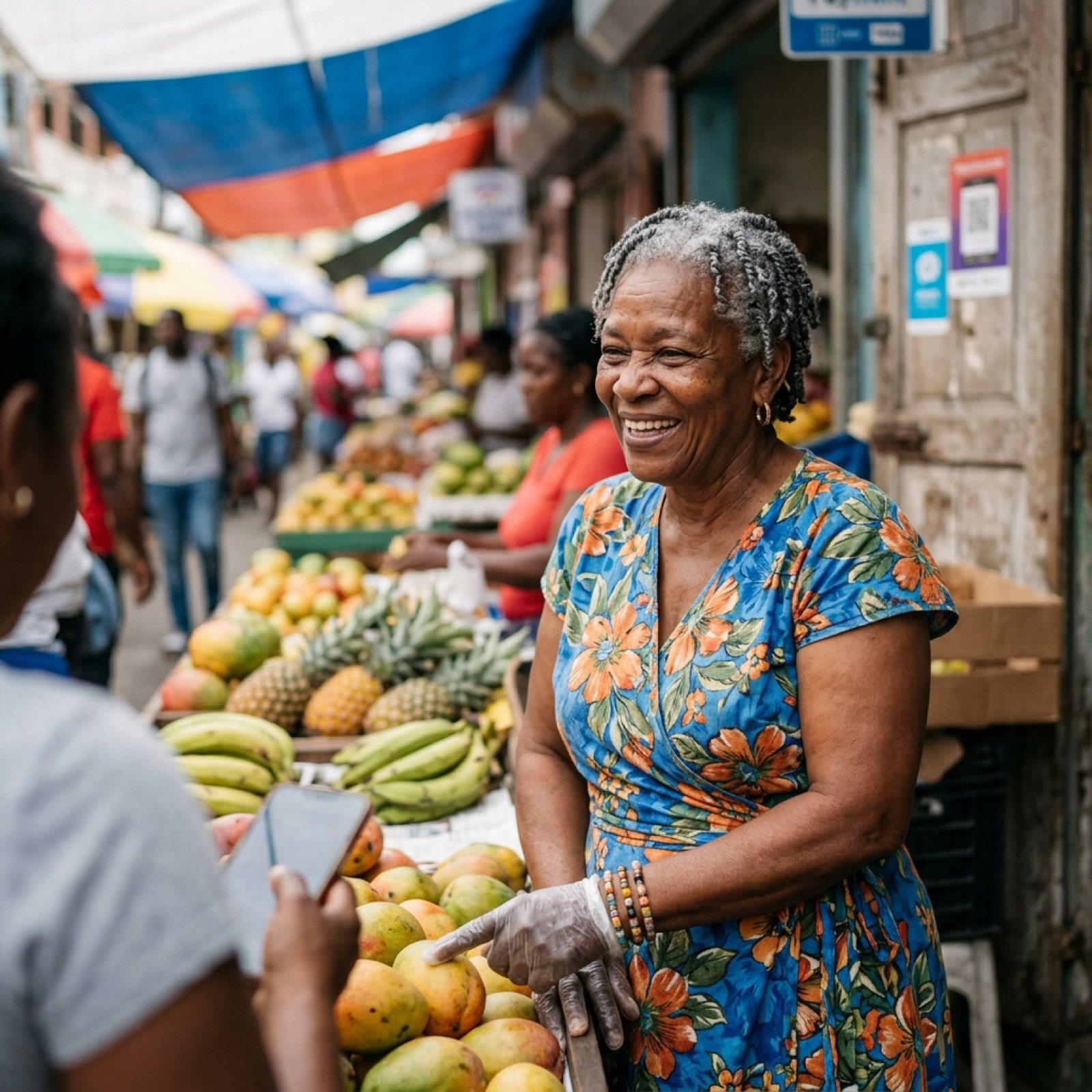
Nano Banana Image Generation Prompt Schema (JSON Format)
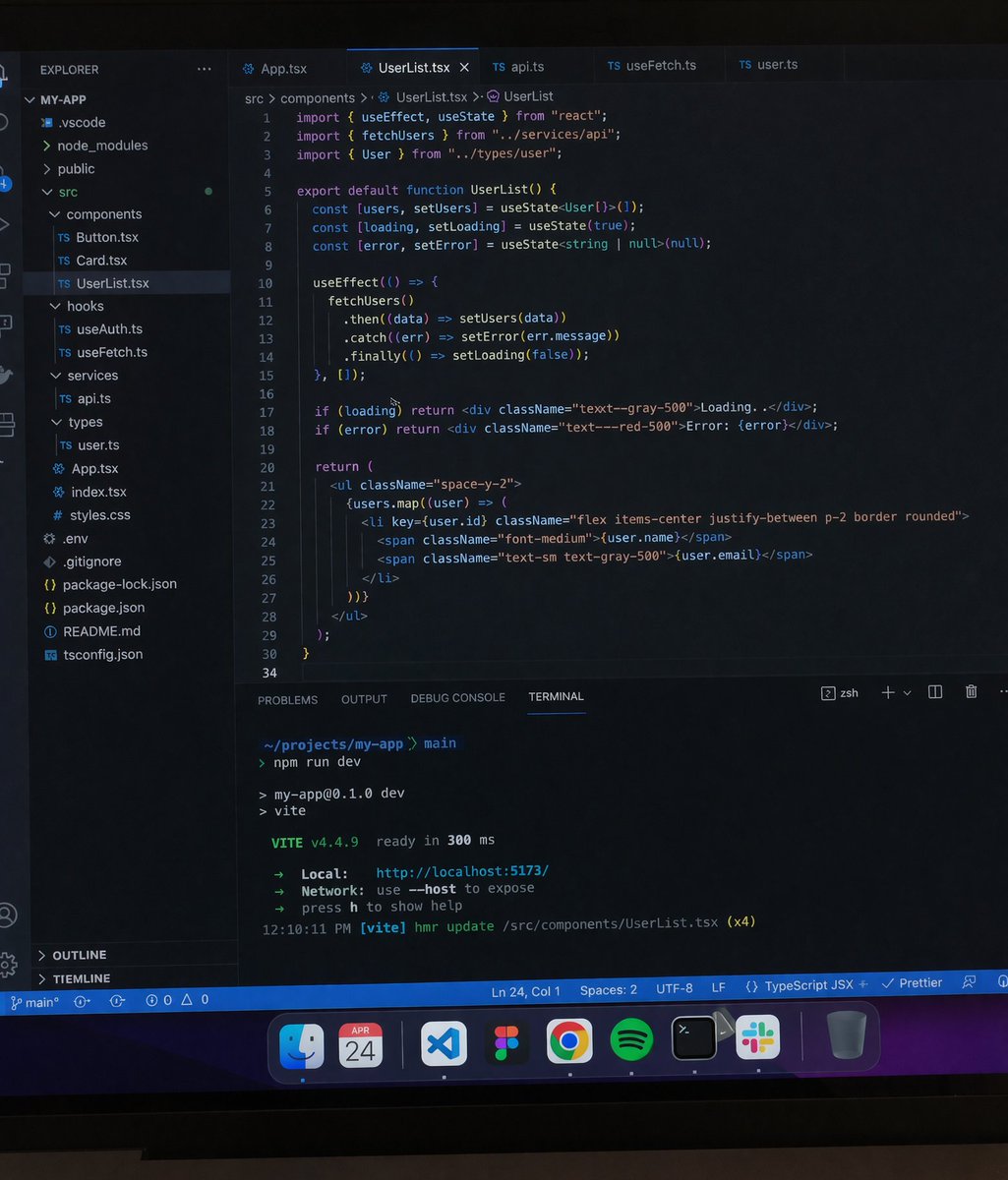
Professional workstation screen prompt
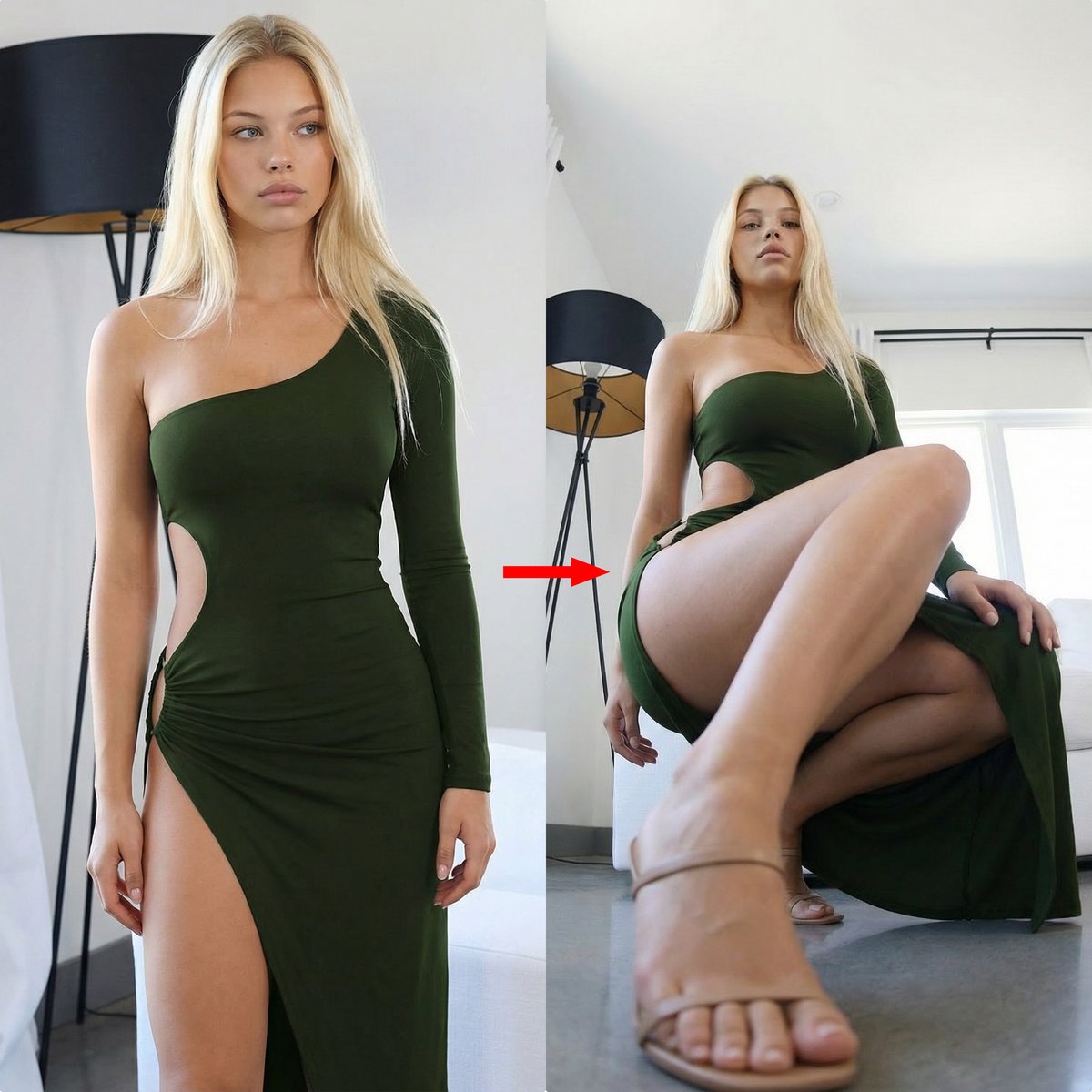
Extreme Perspective Ultra Wide-Angle Prompt

Pongal Festival Photo Prompt for Gemini Nano Banana
Browse template categories
Soft Pink Scrapbook Collage questions
How do I use the Soft Pink Scrapbook Collage template?
Add your photo if the template asks for one, edit the prompt if you like — the template's model and format are already selected — and press Generate. Your version opens in PicX Studio.
Can I customize the Soft Pink Scrapbook Collage template?
Yes. You can change the subject, setting, lighting, mood, format, and available model controls before creating your image.
Is the Soft Pink Scrapbook Collage template free?
Opening and editing this template is free. Generating uses credits, shown on the Generate button when you are signed in.
Which AI model should I use?
Start with GPT Image 2, which is the model associated with this template. You can compare another compatible model for a different finish.
Looking for something else? Browse all templates.

Your photo, any look
Thousands of ready templates for every top image and video model, from one credit balance.