How do I use the Tzuyu Urban Street Fashion Editorial template?
Choose the primary action to open PicX Studio with the available template settings. Review the model and format, personalize the creative direction, and generate when ready.
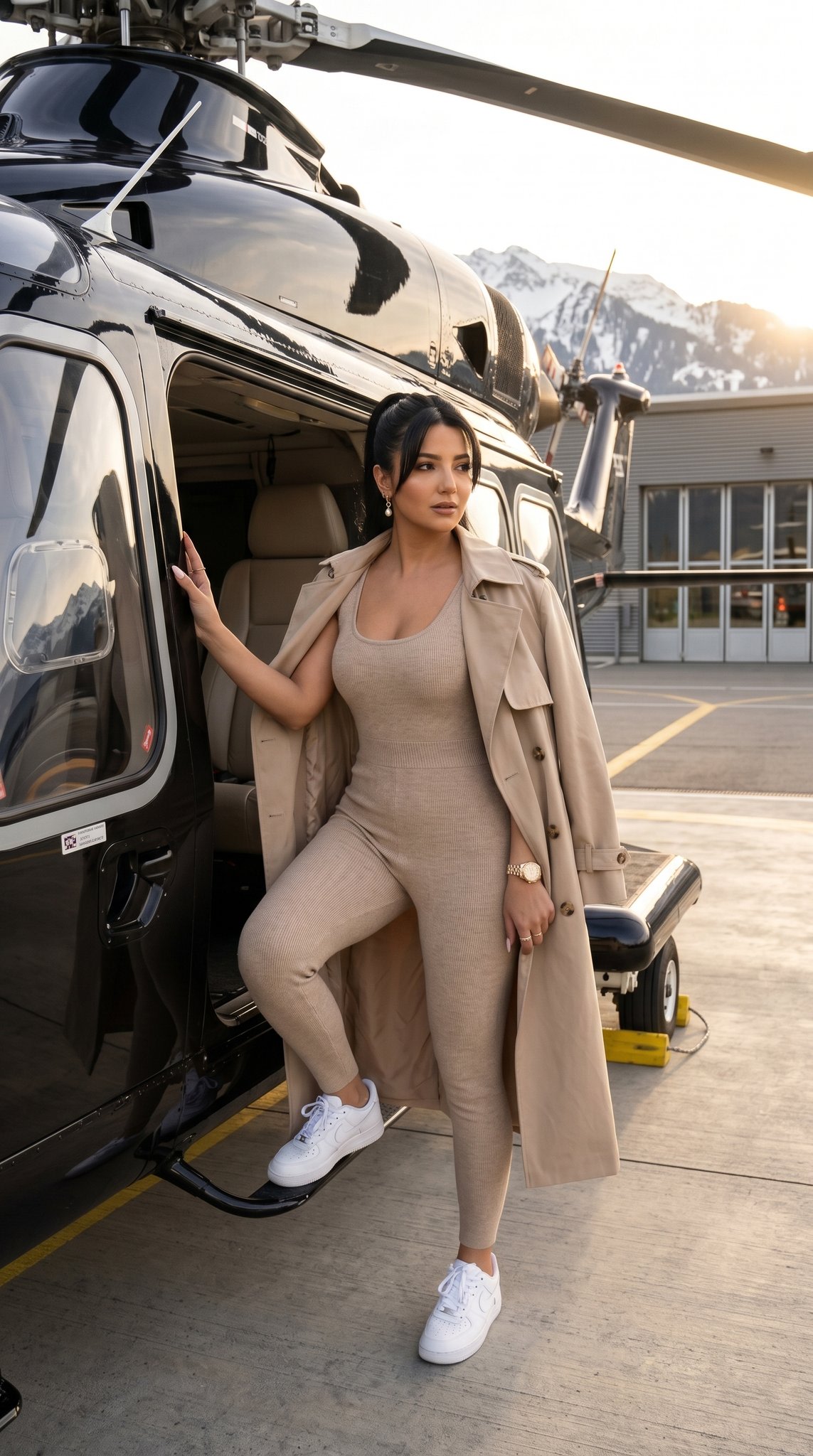
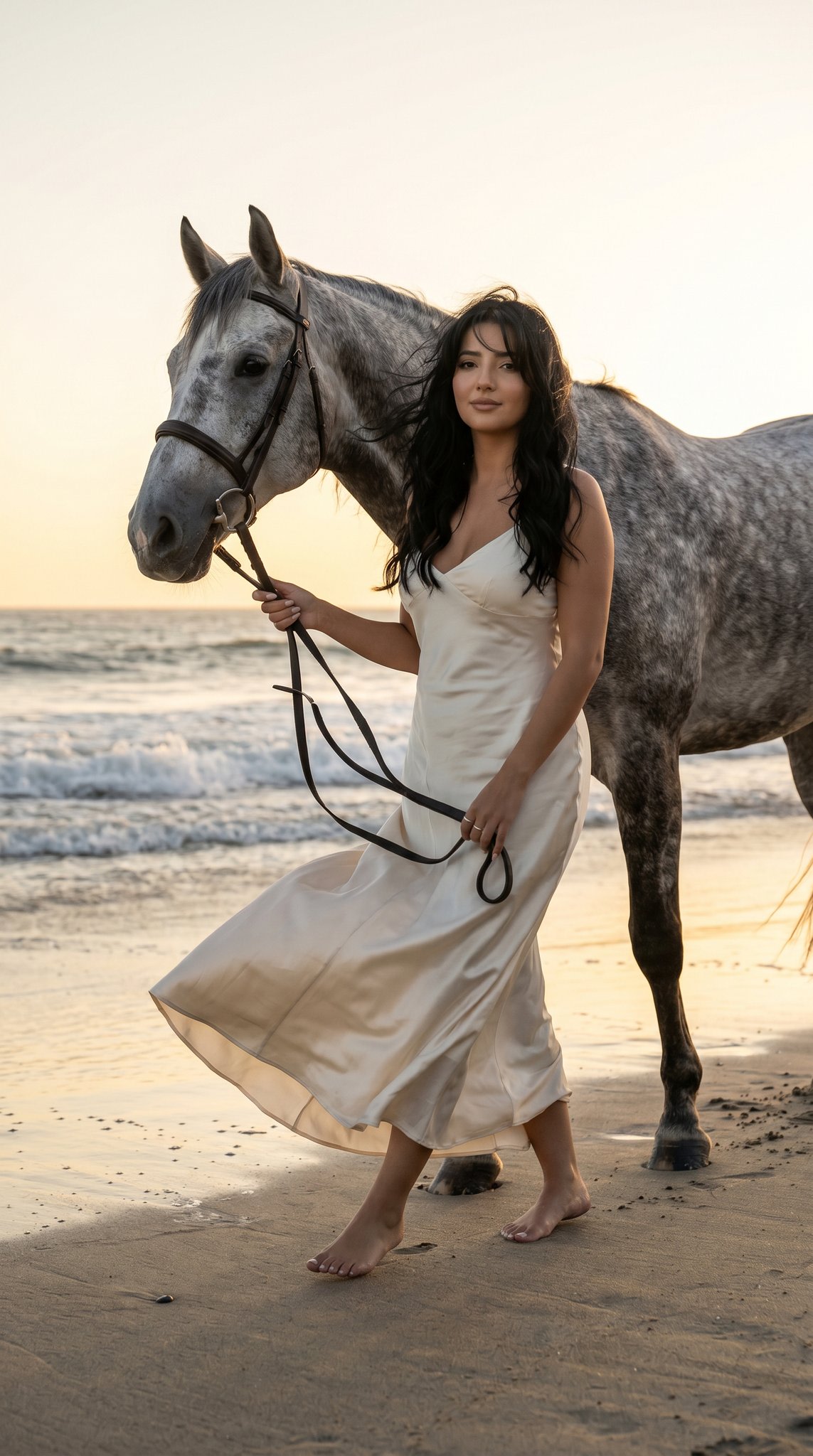
A detailed JSON prompt for generating a side-by-side image of Kpop idol Tzuyu walking on a city sidewalk. The prompt specifies her outfit (glossy black vinyl romper, sheer tights, stilettos), pose, urban background details, and high-contrast, cool daylight color grading. (free to use) — Free AI image template on PicX Studio.
{ "prompt": "Side-by-side image of Kpop idol Tzuyu walking on a city sidewalk. She has long dark brown hair and wears black sunglasses, a glossy black vinyl long-sleeve belted romper, sheer black tights, and black stilettos. Carrying a studded black bag. Daytime urban street background. --ar 3:4", "subject": { "hair": "Long dark brown, straight", "skin": "Fair East Asian complexion", "eyewear": "Black cat-eye sunglasses" }, "outfit": { "material": "Glossy black vinyl or latex", "top": "Long-sleeve with high ruffled collar, gathered shoulders, front seam", "bottom": "Matching black vinyl micro-shorts", "waist": "Black belt with silver hardware", "legs": "Sheer black pantyhose", "footwear": "Black pointed-toe stiletto heels" }, "pose": "Walking forward confidently, mid-stride. Left leg forward, left arm carrying bag down, right arm slightly back.", "items": [ "Small black handbag with silver studs", "Sunglasses" ], "background": { "setting": "Urban daytime sidewalk", "details": "Grey concrete pavement, dark storefront pillars, reflective glass, blurred pedestrians and vehicles." }, "color_grading": { "tone": "Cool, daylight, high contrast", "lighting": "Diffused bright light, strong white highlights on glossy outfit" }, "exact_colors": { "glossy_black": "#0D0D0F", "vinyl_highlights": "#E0E2E5", "dark_brown_hair": "#3A2A22", "skin_tone": "#F3D7CA", "sheer_tights": "#453430", "concrete_grey": "#929495", "background_blue": "#3E576B" } }
Use Tzuyu Urban Street Fashion Editorial to plan an AI image around nano-banana-2 generation. Match the preview's composition first, then personalize the subject, setting, and mood for your own project.
Use the primary action to load the template settings in PicX Studio.
Adjust the subject and creative details for your destination.
Create the image, compare the result with the preview, and refine one variable at a time.
A continuous mix — similar concepts first, woven with same-model prompts and fresh picks from the catalog.
Choose the primary action to open PicX Studio with the available template settings. Review the model and format, personalize the creative direction, and generate when ready.
Yes. You can change the subject, setting, lighting, mood, format, and available model controls before creating your image.
This template is free to open and customize. Generation usage is shown in PicX Studio before you create.
Start with nano-banana-2, which is the model associated with this template. You can compare another compatible model for a different finish.
A continuous mix — similar concepts first, woven with same-model prompts and fresh picks from the catalog.
Follow a topic to a crawlable collection of related PicX Studio templates.
32,032 public templates available. Verified via the PicX Studio public templates API; refreshed hourly.