How do I use the AI Shaved Ice Texture Correction template?
Choose the primary action to open PicX Studio with the available template settings. Review the model and format, personalize the creative direction, and generate when ready.
A specific prompt for Nano Banana Pro designed to refine and smooth out grainy or unnatural textures in AI-generated food images, specifically for shaved ice, while preserving the original color scheme. Change the subject, setting, or lighting one variable at a time.

{argument name="料理名" default="かき氷"}の気持ち悪さを軽減して、自然な形に修正して 粒度が粗くて絶妙に気持ち悪くておいしくなさそうなので それ以外は色調含めて一切変更しない
Choose the primary action to open PicX Studio with the available template settings. Review the model and format, personalize the creative direction, and generate when ready.
Yes. You can change the subject, setting, lighting, mood, format, and available model controls before creating your image.
This template is free to open and customize. Generation usage is shown in PicX Studio before you create.
Start with gemini-3-pro-image-preview, which is the model associated with this template. You can compare another compatible model for a different finish.
Follow a topic to a crawlable collection of related PicX Studio templates.
43,449 public templates available. Verified via the PicX Studio public templates API; refreshed hourly.







![Candid Balcony Chore Snapshot — A vertical, full-body side-profile casual snapshot of {argument name="subject name" default="[NAME]"} standing on her tiptoes on](https://cms-assets.youmind.com/media/1785223104888_ayywwe_HOO3fafXcAAEP6B-300x537.jpg)


![Urban Street Mixed Media Portrait — Transform this image [Upload Your Image] into a 64K DSLR shot resolution of A creative urban street portrait featuring a you](https://cms-assets.youmind.com/media/1785137834120_1a6fgj_HOH_vMobUAAAZf1-300x224.jpg)


![Executive Corporate Editorial Portrait — A high-fidelity, corporate editorial portrait of {argument name="subject name" default="[NAME]"} with long wavy hair sw](https://cms-assets.youmind.com/media/1785223092665_zcd5pl_HOQFCANXwAACJ8--300x537.jpg)


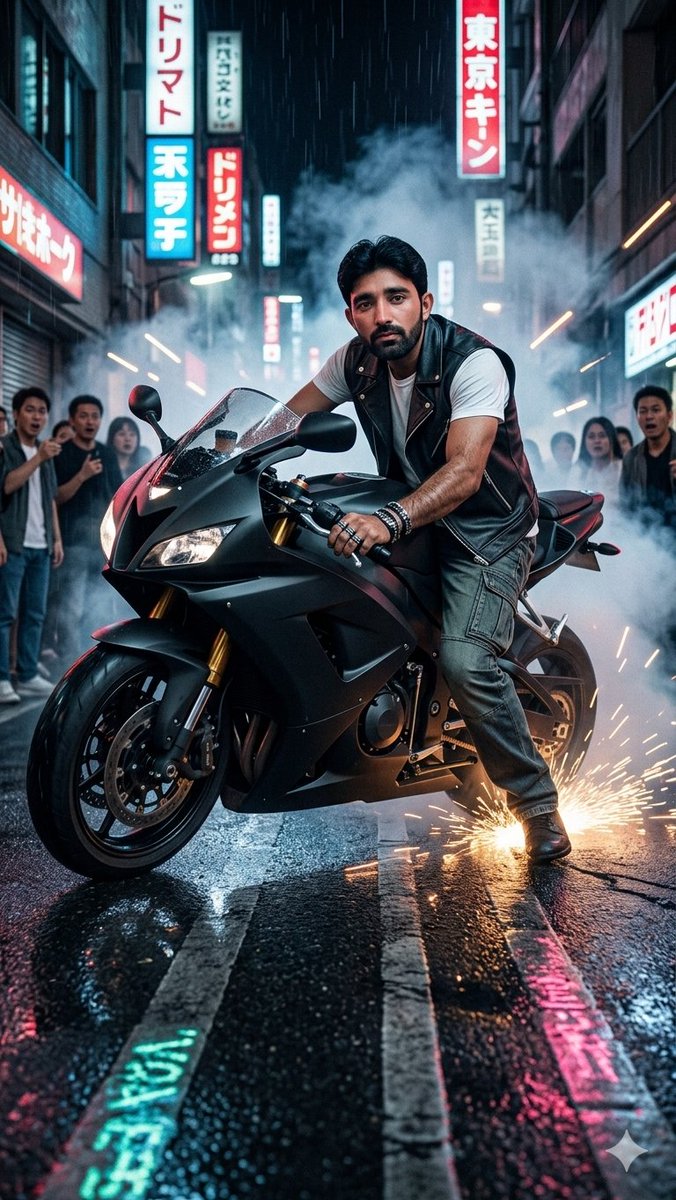

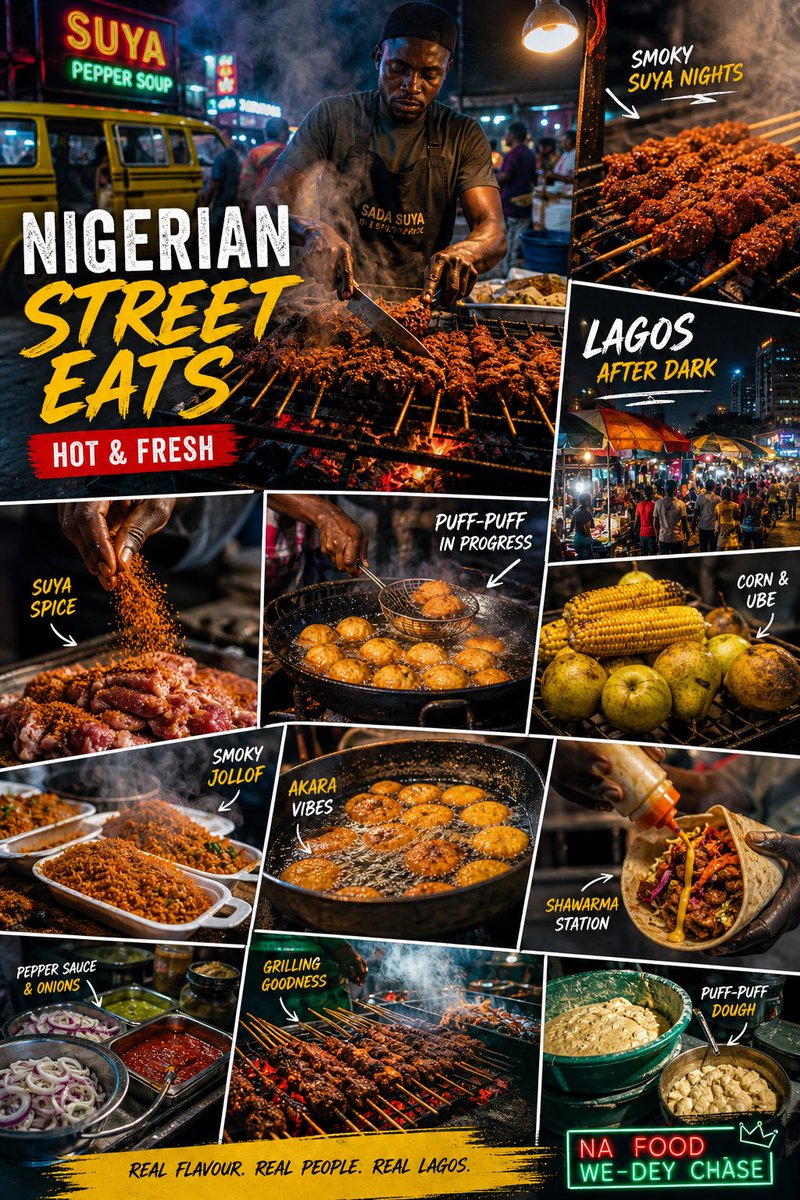
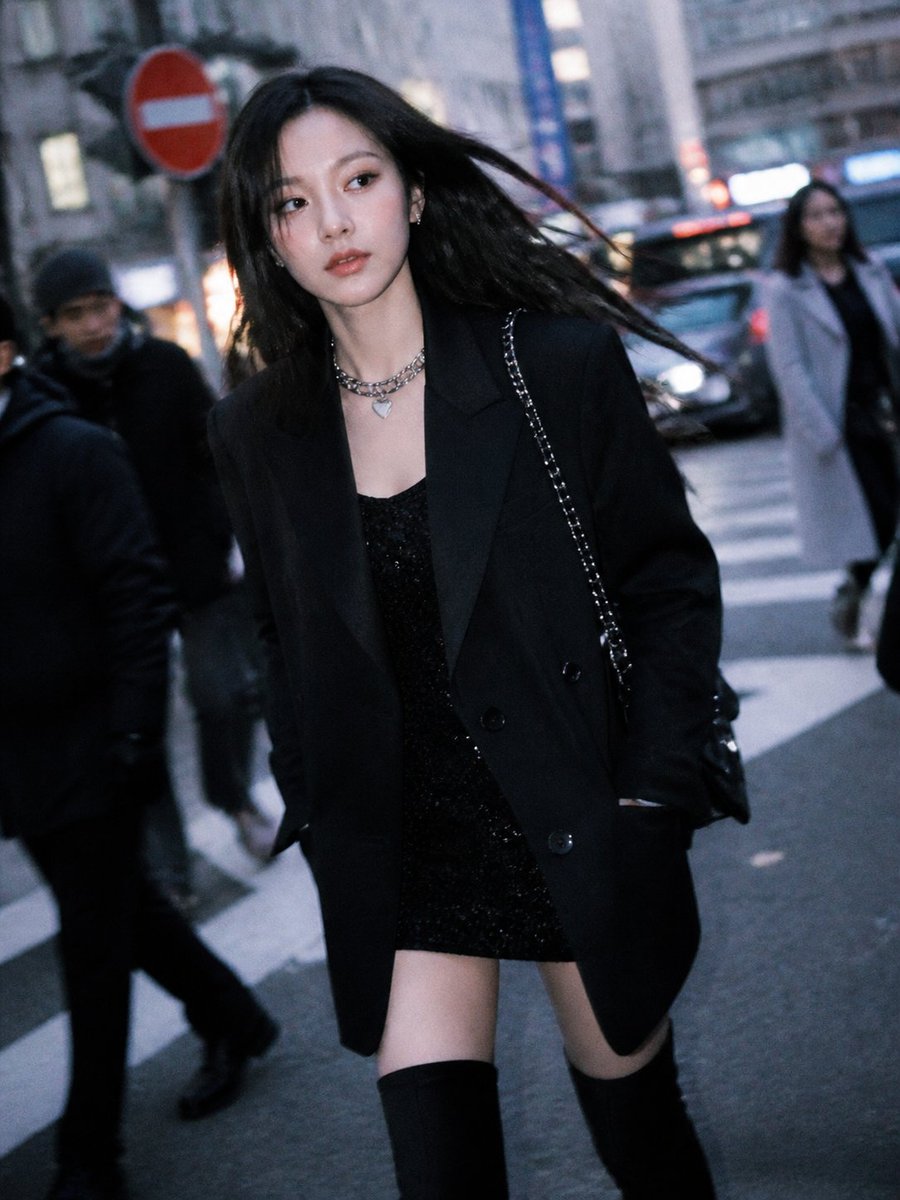
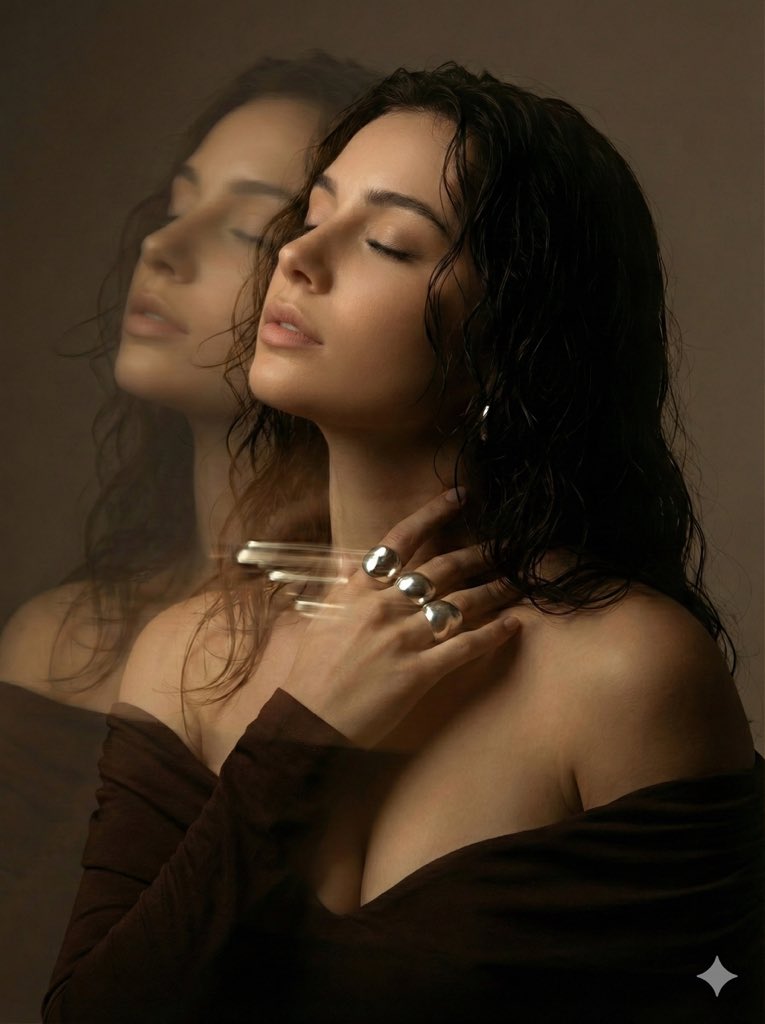





![Desert ATV Safari Portrait — [인물] 이미지 1, 이미지 2참조
[인물의 포즈 및 표정]
넓은 모래 사막 한가운데에서 검은색 사륜 바이크(ATV)에 올라타 정면을 바라보며 앉아 있습니다. 양손으로 바이크의 핸들을 가볍게 잡은 채, 고개를 우측으로 살짝 기울여 카](https://cms-assets.youmind.com/media/1780995768887_7lhtwh_HKVATqmaYAANAyg.jpg)