
Mother of Dragons RAW Photography Style
A high-detail prompt simulating a RAW photograph of a fantasy queen character, focusing on intricate textures and deep focal depth.
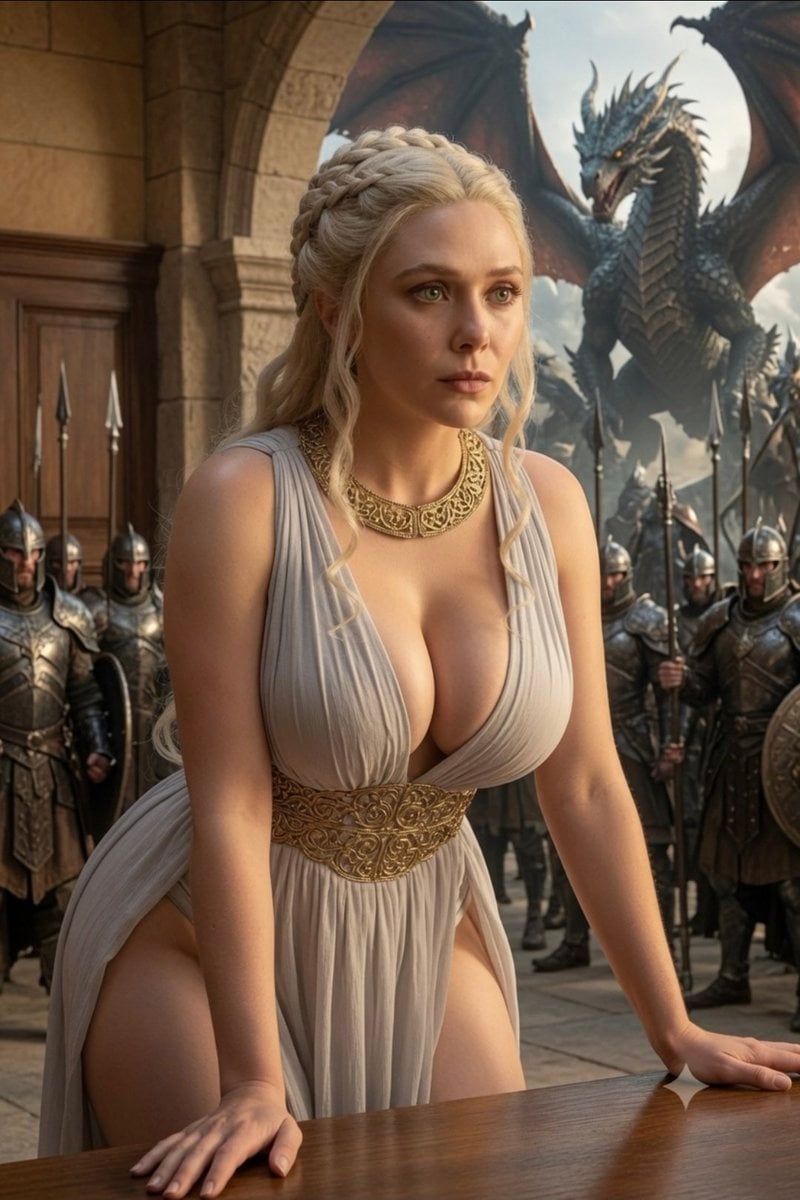
- Prompt included
- Model and format preset
- Free template
The prompt behind this image
Copy the exact prompt behind Mother of Dragons RAW Photography Style, or open it in the studio and make it yours.
- Visual Details › Subject
- Woman resembling Daenerys Targaryen, detailed portrait
- Visual Details › Hair
- Platinum blonde, intricate braided hairstyle on top, loose wavy tendrils framing the face, sharp and clear texture
- Visual Details › Expression
- Neutral, focused expression looking slightly off-camera
- Visual Details › Attire
- Pale grey pleated gown with deep plunging neckline, gold filigree metal waist belt, matching gold filigree collar. Fabric texture and metal details are highly defined.
- Visual Details › Pose
- Leaning forward on a dark wood table surface, arms extended downward. Sharp focus extends across her hands and the table texture.
- Visual Details › Background
- Dark interior setting with visible, sharp architectural details, including dark wood paneling, a stone wall texture, and defined window frames. No depth of field blur.
- Visual Details › Lighting
- Warm, natural light illuminating the scene, with distinct golden backlighting originating from the table surface and background elements, remaining sharp and defined rather than soft.
- Raw Photo Technical Details › Format
- Unprocessed CR3 RAW file data
- Raw Photo Technical Details › Resolution
- High-resolution 4K UHD (3840x2160)
- Raw Photo Technical Details › Camera Settings › Shot On
- Canon EOS R5
- Raw Photo Technical Details › Camera Settings › Lens
- RF 50mm f/1.8 STM
- Raw Photo Technical Details › Camera Settings › Aperture
- f/11 (Deep depth of field, entire scene in focus)
- Raw Photo Technical Details › Camera Settings › Shutter Speed
- 1/160 sec
- Raw Photo Technical Details › Camera Settings › Iso
- 640 (Natural digital grain visible)
- Raw Photo Technical Details › Camera Settings › White Balance
- Daylight
- Raw Photo Technical Details › Texture
- Realistic skin texture, visible fabric weave, defined metal details, natural digital noise/grain throughout the image
- Raw Photo Technical Details › Focus
- Pan-focal, sharp detail from foreground (subject) to background architectural elements.
- Modified Prompt
- A sharp, high-resolution RAW photograph (4K UHD) of a woman resembling Daenerys Targaryen, detailed with intricate platinum blonde braids and wavy tendrils. She wears a pale grey pleated gown with a plunging neckline, a detailed gold filigree belt, and collar. She is leaning forward on a dark wood table with her arms extended. The scene is illuminated by warm, natural light with defined golden highlights. The entire image exhibits deep focus (pan-focal), with sharp, clear detail extending to the dark wood and stone architectural elements in the background, which have no blur. Natural digital grain, realistic skin texture, and sharp fabric details are visible, characteristic of an unprocessed RAW photo shot at f/11 aperture.
Raw JSON
{ "visual_details": { "subject": "Woman resembling Daenerys Targaryen, detailed portrait", "hair": "Platinum blonde, intricate braided hairstyle on top, loose wavy tendrils framing the face, sharp and clear texture", "expression": "Neutral, focused expression looking slightly off-camera", "attire": "Pale grey pleated gown with deep plunging neckline, gold filigree metal waist belt, matching gold filigree collar. Fabric texture and metal details are highly defined.", "pose": "Leaning forward on a dark wood table surface, arms extended downward. Sharp focus extends across her hands and the table texture.", "background": "Dark interior setting with visible, sharp architectural details, including dark wood paneling, a stone wall texture, and defined window frames. No depth of field blur.", "lighting": "Warm, natural light illuminating the scene, with distinct golden backlighting originating from the table surface and background elements, remaining sharp and defined rather than soft." }, "raw_photo_technical_details": { "format": "Unprocessed CR3 RAW file data", "resolution": "High-resolution 4K UHD (3840x2160)", "camera_settings": { "shot_on": "Canon EOS R5", "lens": "RF 50mm f/1.8 STM", "aperture": "f/11 (Deep depth of field, entire scene in focus)", "shutter_speed": "1/160 sec", "iso": "640 (Natural digital grain visible)", "white_balance": "Daylight" }, "texture": "Realistic skin texture, visible fabric weave, defined metal details, natural digital noise/grain throughout the image", "focus": "Pan-focal, sharp detail from foreground (subject) to background architectural elements." }, "modified_prompt": "A sharp, high-resolution RAW photograph (4K UHD) of a woman resembling Daenerys Targaryen, detailed with intricate platinum blonde braids and wavy tendrils. She wears a pale grey pleated gown with a plunging neckline, a detailed gold filigree belt, and collar. She is leaning forward on a dark wood table with her arms extended. The scene is illuminated by warm, natural light with defined golden highlights. The entire image exhibits deep focus (pan-focal), with sharp, clear detail extending to the dark wood and stone architectural elements in the background, which have no blur. Natural digital grain, realistic skin texture, and sharp fabric details are visible, characteristic of an unprocessed RAW photo shot at f/11 aperture." }How to use Mother of Dragons RAW Photography Style in 3 steps
- 1
Open
The prompt is already in the box next to the preview, with the template's model and format selected.
- 2…a portrait of your subject in softgolden-hour light, 85mm…
Personalize
Edit the subject and creative details for your destination.
- 3Generate
Generate
Press Generate — your image is created in PicX Studio, so you can compare it with the original and refine one variable at a time.
More like this
Templates with the same subject, style or setup. Open one to see its prompt.

Creative Character in Pink Office
Avant-Garde Asian Fashion Model
Underwater Macro Face Portrait
Water-level Bridge Modification
Noir Punk Street Portrait
High Contrast Cinematic Face Portrait

Monochrome Studio Portrait with Colored Lens

Ultra-Realistic Yacht Sunset Portrait

Mushroom Still Life Composition
Whimsical Anthropomorphic Friendly Insect
Pop Art Summer Fruit Fashion Illustration
High Fashion Editorial Portrait
Make it yours
Mother of Dragons RAW Photography Style works as-is. These are the safest ways to change it without losing the look.
Swap the setting
Keep the rest of the prompt and replace the location block. The current setting is “Dark interior setting with visible, sharp architectural details, including dark ”.
Swap the light
One lighting change is enough to compare takes. Current light: “Warm, natural light illuminating the scene, with distinct golden backlighting or”.
Change one field
Copy a single group, rewrite it, and generate again so you can see what that field is doing.
| If the result… | Why | Fix |
|---|---|---|
| The result drifts from the preview | Too many fields changed at once. | Reuse Mother of Dragons RAW Photography Style as-is first, then change one group — subject, light, or setting. |
| Gemini 3 Pro Image Preview ignores part of the JSON | Some models flatten or skip nested keys. | Keep the same values and paste them as a short paragraph instead. |
More Gemini 3 Pro Image Preview templates
Other prompts made for Gemini 3 Pro Image Preview.
Cinematic Urban Night Billboard Portrait
Ultra-Realistic iPhone Selfie with Motion Blur
Cinematic Mirror Reflection Portrait
Elegant Men's Twilight Editorial
Coastal Freedom Sunset Portrait
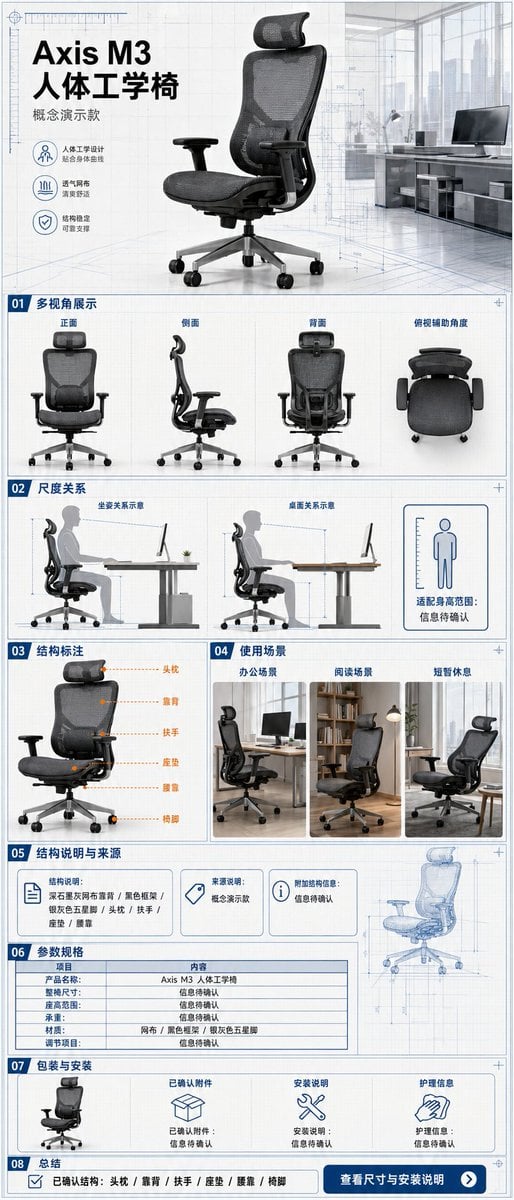
Ergonomic Office Chair E-commerce Mobile Detail Page
Macro Guitar Fret Dressing
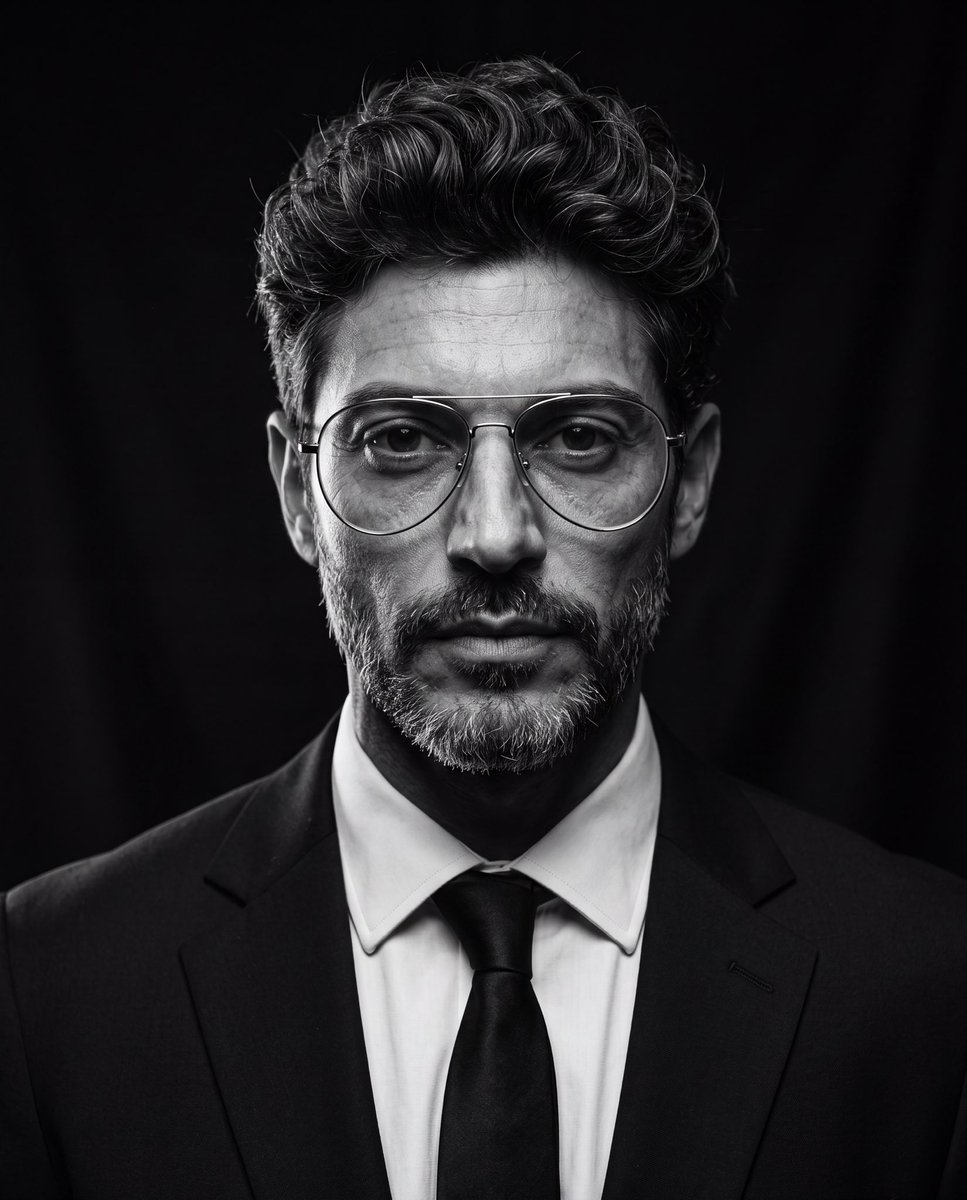
Cinematic Black and White Studio Portrait
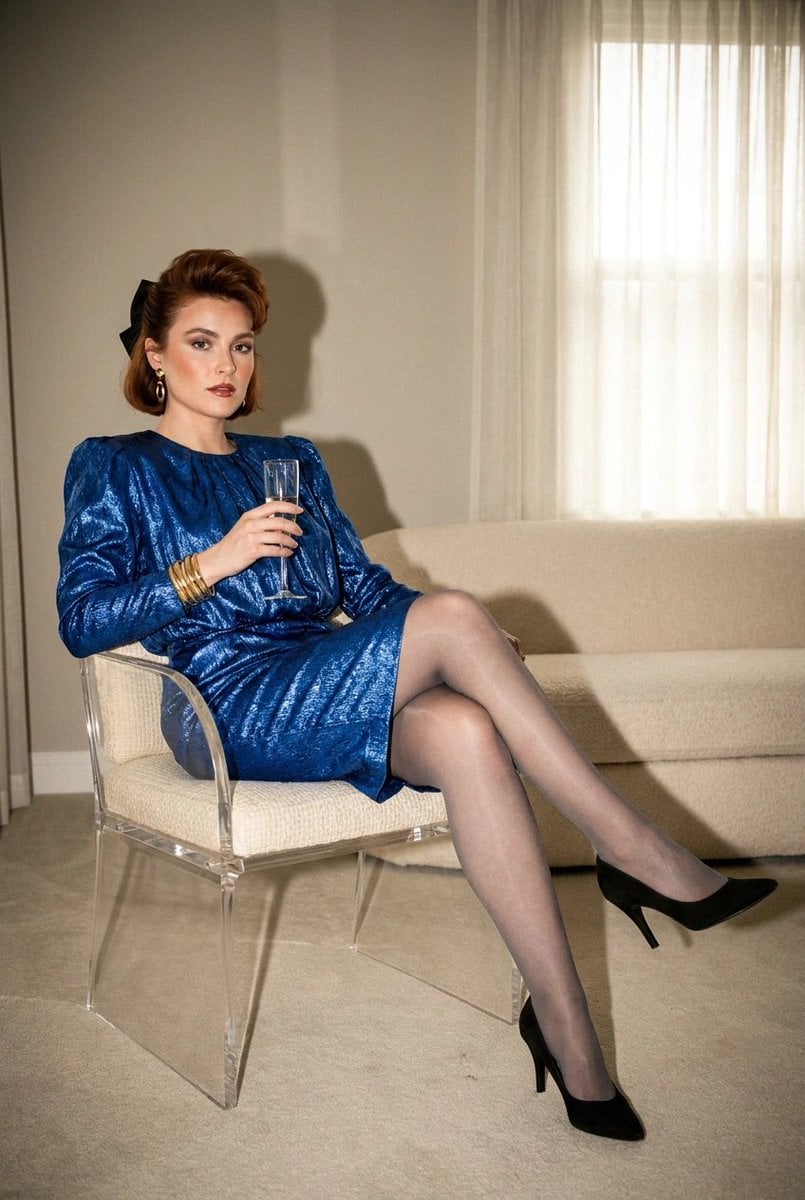
1980s Retro Salon Portrait

Felt Frog Diorama Beach
More image prompts
Fresh picks from across the catalog.
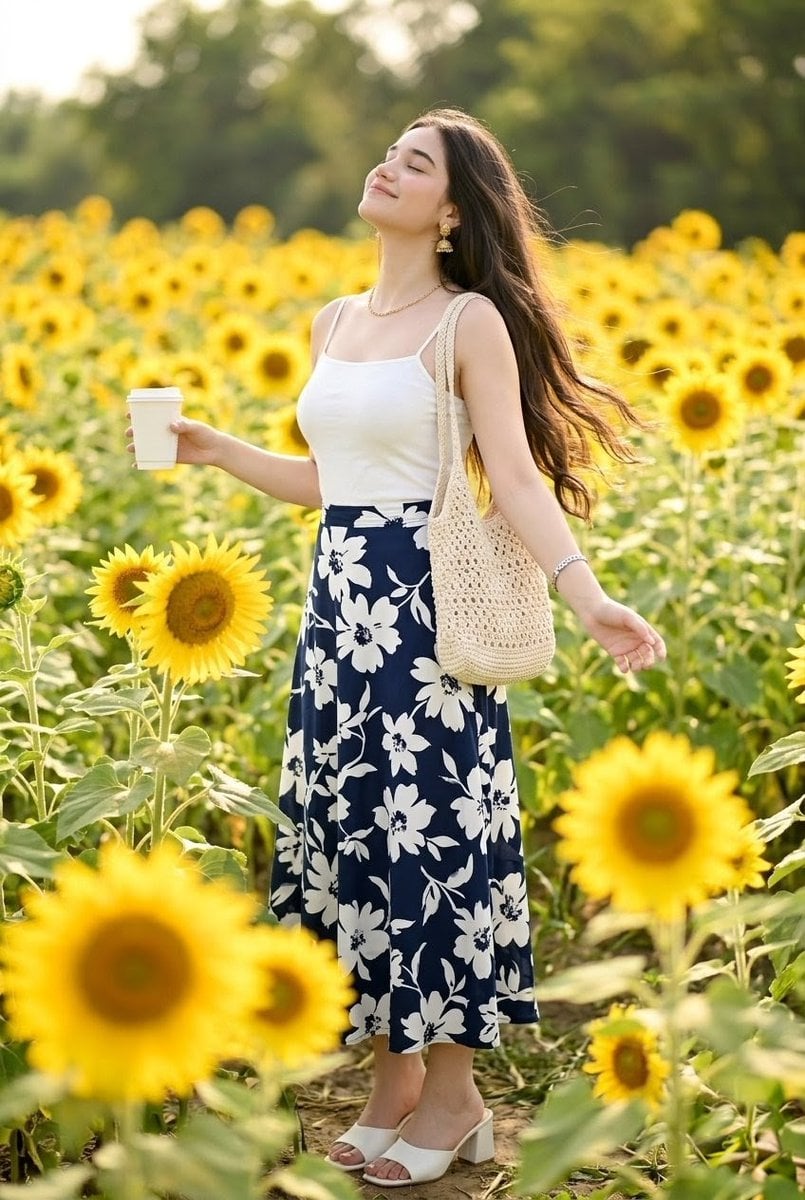
Woman in Sunflower Field Fashion Photo
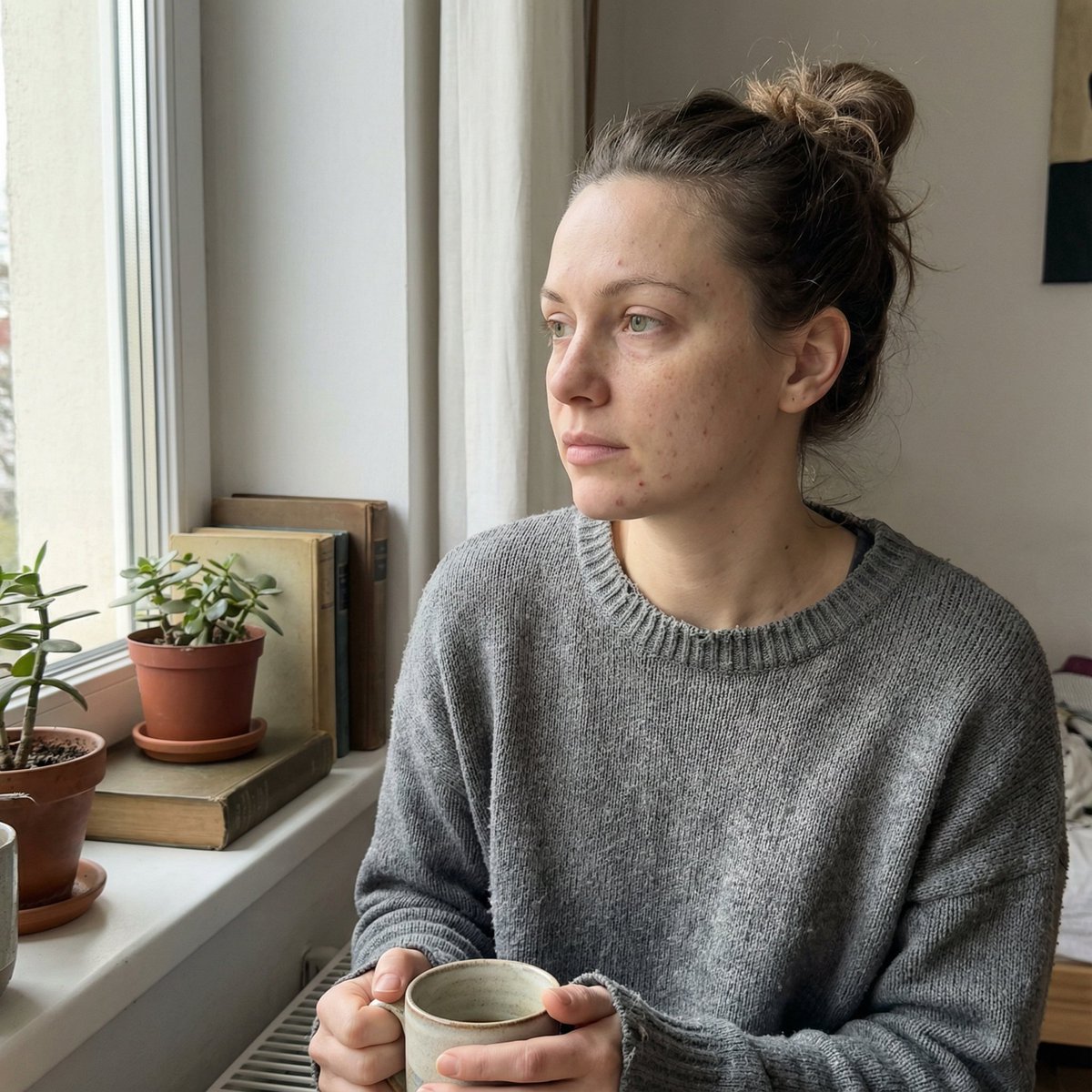
Realistic Candid Portrait Comparison Prompt
Empowerment Sports Campaign Poster
Moonlit Sierra-Style Castle Pixel Art
Professional Logo VI Design Manual

Premium Brand Infographic with Male Model
Wildlife Photographer Adventure Storyboard
Nano Banana 2 image editing prompt

Commercial Product Advertising Illustration

Visual Telephone Game Image Grid
Featured in prompt roundups
Hand-picked collections that include this template.
Browse template categories
Mother of Dragons RAW Photography Style questions
How do I use the Mother of Dragons RAW Photography Style template?
Add your photo if the template asks for one, edit the prompt if you like — the template's model and format are already selected — and press Generate. Your version opens in PicX Studio.
Can I customize the Mother of Dragons RAW Photography Style template?
Yes. You can change the subject, setting, lighting, mood, format, and available model controls before creating your image.
Is the Mother of Dragons RAW Photography Style template free?
Opening and editing this template is free. Generating uses credits, shown on the Generate button when you are signed in.
Which AI model should I use?
Start with Gemini 3 Pro Image Preview, which is the model associated with this template. You can compare another compatible model for a different finish.
Looking for something else? Browse all templates.

Your photo, any look
Thousands of ready templates for every top image and video model, from one credit balance.