
Cinematic Blue Hour Street Portrait Prompt for Nano Banana Pro
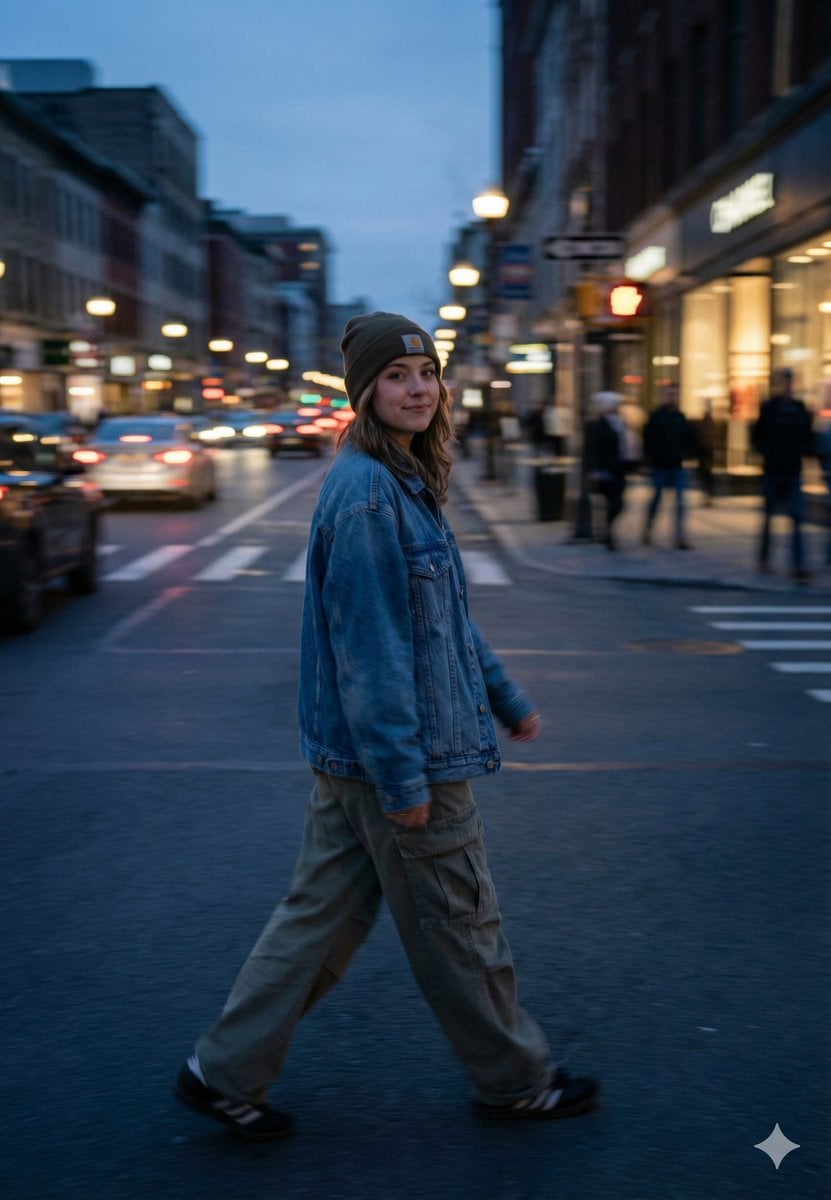
A highly structured JSON prompt for Nano Banana Pro, detailing a cinematic street portrait of a young woman crossing a city street during blue hour, emphasizing motion blur, bokeh, streetwear fashion, and a 35mm film…
- Prompt included
- Model and format preset
- Free template
The prompt behind this image
Copy the exact prompt behind Cinematic Blue Hour Street Portrait Prompt for Nano Banana Pro, or open it in the studio and make it yours.
- Scene
- blue-hour city street crossing with motion blur and glowing bokeh traffic lights
- Subject › Gender
- female
- Subject › Age Range
- early 20s
- Subject › Expression
- soft confident smile, calm and unbothered
- Subject › Pose
- mid-stride walking across the street, body slightly turned back toward camera
- Subject › Gaze
- looking at camera while walking
- Subject › Vibe
- casual, grounded, real street moment
- Wardrobe › Headwear
- dark beanie with small front logo patch
- Wardrobe › Outerwear
- oversized blue denim jacket
- Wardrobe › Bottom
- baggy cargo pants in muted olive/khaki tone
- Wardrobe › Footwear
- black sneakers
- Wardrobe › Styling Notes
- streetwear casual, comfortable fit, no over-styling
- Environment › Location
- busy downtown street with storefronts and pedestrians
- Environment › Background
- traffic cars with light trails, blurred people on sidewalks, city buildings fading into distance
- Environment › Time Of Day
- evening blue hour, just after sunset
- Environment › Weather
- cool dry evening, slightly hazy atmosphere
- Lighting › Key Light
- natural blue-hour ambient light
- Lighting › Practicals
- warm street lamps and shop lights creating contrast
- Lighting › Look
- soft cinematic contrast, realistic exposure, no harsh highlights
- Camera › Shot Type
- full-body street portrait in motion
- Camera › Angle
- eye-level perspective
- Camera › Lens
- 35mm full-frame look
- Camera › Aperture Style
- wide aperture for background separation and bokeh
- Camera › Shutter Effect
- slight motion blur on legs and traffic, subject face still readable
Raw JSON
{
  "scene": "blue-hour city street crossing with motion blur and glowing bokeh traffic lights",
  "subject": {
    "gender": "female",
    "age_range": "early 20s",
    "expression": "soft confident smile, calm and unbothered",
    "pose": "mid-stride walking across the street, body slightly turned back toward camera",
    "gaze": "looking at camera while walking",
    "vibe": "casual, grounded, real street moment"
  },
  "wardrobe": {
    "headwear": "dark beanie with small front logo patch",
    "outerwear": "oversized blue denim jacket",
    "bottom": "baggy cargo pants in muted olive/khaki tone",
    "footwear": "black sneakers",
    "styling_notes": "streetwear casual, comfortable fit, no over-styling"
  },
  "environment": {
    "location": "busy downtown street with storefronts and pedestrians",
    "background": "traffic cars with light trails, blurred people on sidewalks, city buildings fading into distance",
    "time_of_day": "evening blue hour, just after sunset",
    "weather": "cool dry evening, slightly hazy atmosphere"
  },
  "lighting": {
    "key_light": "natural blue-hour ambient light",
    "practicals": "warm street lamps and shop lights creating contrast",
    "look": "soft cinematic contrast, realistic exposure, no harsh highlights"
  },
  "camera": {
    "shot_type": "full-body street portrait in motion",
    "angle": "eye-level perspective",
    "lens": "35mm full-frame look",
    "aperture_style": "wide aperture for background separation and bokeh",
    "shutter_effect": "slight motion blur on legs and traffic, subject face still readable",
    "focus": "subject in focus with soft background blur"
  },
  "color_and_texture": {
    "color_palette": "cool blues and greys with warm orange/yellow city lights",
    "grading": "film-like, muted saturation, natural skin tones",
    "texture": "subtle film grain, realistic fabric texture, no smoothing"
  },
  "composition": {
    "framing": "subject centered slightly left, strong leading lines from road and buildings",
    "depth": "deep city perspective with layered lights",
    "energy": "movement in background, calm subject contrast"
  },
  "negative_prompts": [
    "plastic skin",
    "overly sharpened",
    "AI beauty face",
    "perfect symmetry",
    "hyper-saturated colors",
    "cinematic fog overload",
    "cartoon look",
    "studio lighting",
    "unrealistic glow",
    "extra limbs",
    "deformed hands"
  ],
  "quality_tags": [
    "cinematic realism",
    "street photography",
    "blue hour",
    "natural motion blur",
    "35mm film look",
    "authentic texture",
    "subtle bokeh"
  ]
}How to use Cinematic Blue Hour Street Portrait Prompt for Nano Banana Pro in 3 steps
- 1
Open
The prompt is already in the box next to the preview, with the template's model and format selected.
- 2…a portrait of your subject in softgolden-hour light, 85mm…
Personalize
Edit the subject and creative details for your destination.
- 3Generate
Generate
Press Generate — your image is created in PicX Studio, so you can compare it with the original and refine one variable at a time.
More like this
Templates with the same subject, style or setup. Open one to see its prompt.

Nano Banana Is So Addictive

Nano Banana 2 Perspective Experiment

Gemini Nano Banana 2 Isometric 3d City D

Nano Banana 2

Gemini Nano Banana 2

Gemini Nano Banana 2 Logo in Wet Sand Be

Nano Banana 2 Gourmet Ice Cream Commerci

Nano Banana Pro Photoreal Playful Couple

Nano Banana 2 High Fashion Sports Campai

Nano Banana 2 Editorial Fashion Portrait

B&W Photobooth Expression Grid 4x4 — Nano Banana

Gen Z TikTok Viral Expression Grid 4x4 — Nano Banana
Make it yours
Cinematic Blue Hour Street Portrait Prompt for Nano Banana Pro works as-is. These are the safest ways to change it without losing the look.
Swap the setting
Keep the rest of the prompt and replace the location block. The current setting is “busy downtown street with storefronts and pedestrians”.
Swap the light
One lighting change is enough to compare takes. Current light: “natural blue-hour ambient light”.
Change one field
Copy a single group, rewrite it, and generate again so you can see what that field is doing.
| If the result… | Why | Fix |
|---|---|---|
| The result drifts from the preview | Too many fields changed at once. | Reuse Cinematic Blue Hour Street Portrait Prompt for Nano Banana Pro as-is first, then change one group — subject, light, or setting. |
| Nano Banana 2 ignores part of the JSON | Some models flatten or skip nested keys. | Keep the same values and paste them as a short paragraph instead. |
More Nano Banana 2 templates
Other prompts made for Nano Banana 2.

Photorealistic Leaf Shaped Like a Dragon

K-Pop Idol Portrait Grid for Rapid Selection

Poetic Rain Forest Portrait During Golden Hour

Urban Street Portrait with Cartoon Inner Self Duo

Candid Nighttime Photo with Cat Prompt

High-Concept 3D Diorama Generation Prompt

Cinematic Futuristic Studio Portrait Template

Skincare Editorial Photography Collage Prompt

Hyper-Realistic Commercial Product Photography (Splash Effect)

Hyper-Realistic Nightclub Portrait Prompt
More image prompts
Fresh picks from across the catalog.
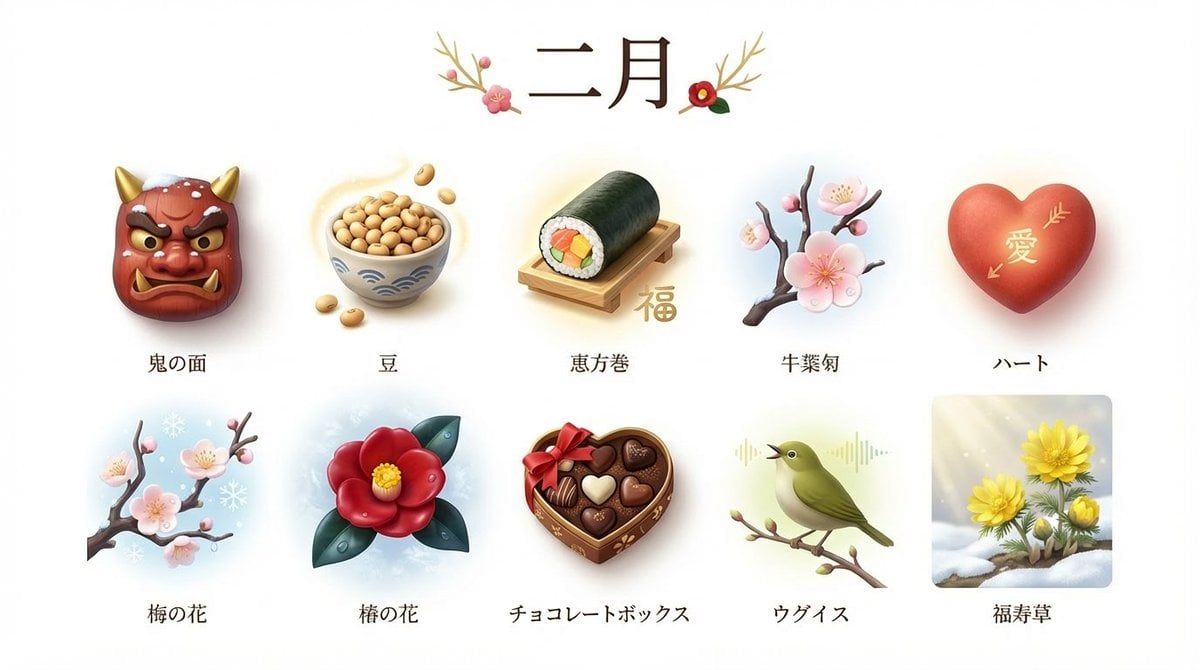
3D Icon Collection Representing Japanese Seasons

Hybrid CGI Ink-Wash Chinese Illustration

Hyper-realistic Product Photography of Kinder Joy
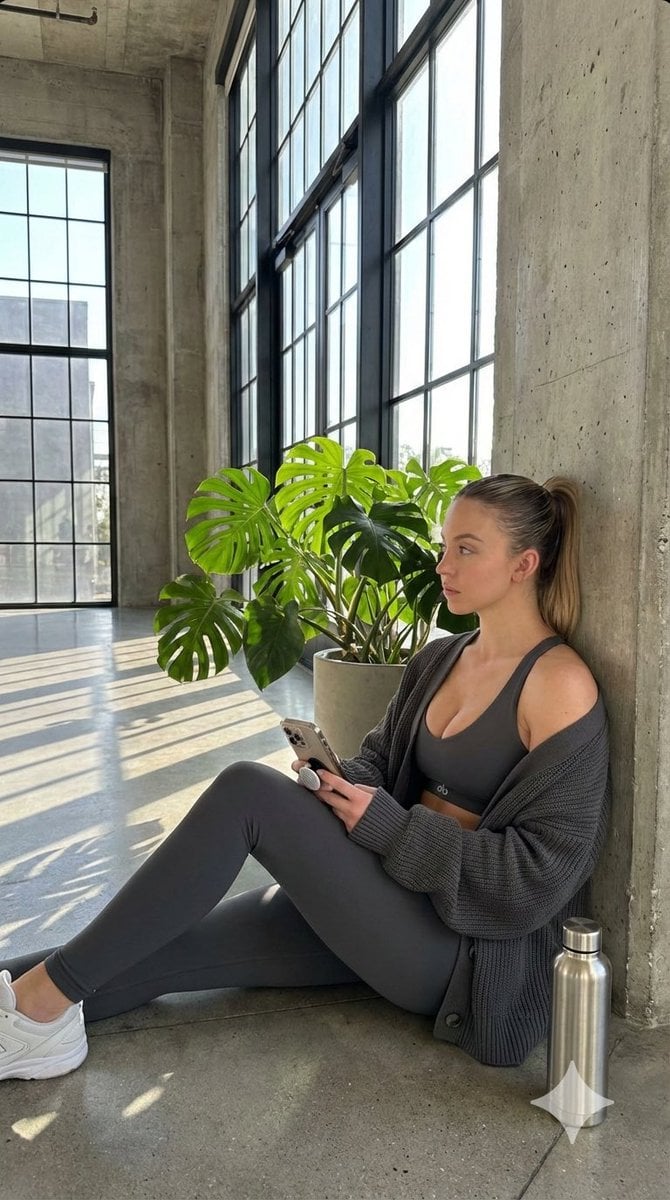
Candid Post-Workout Shot in Brutalist Architecture
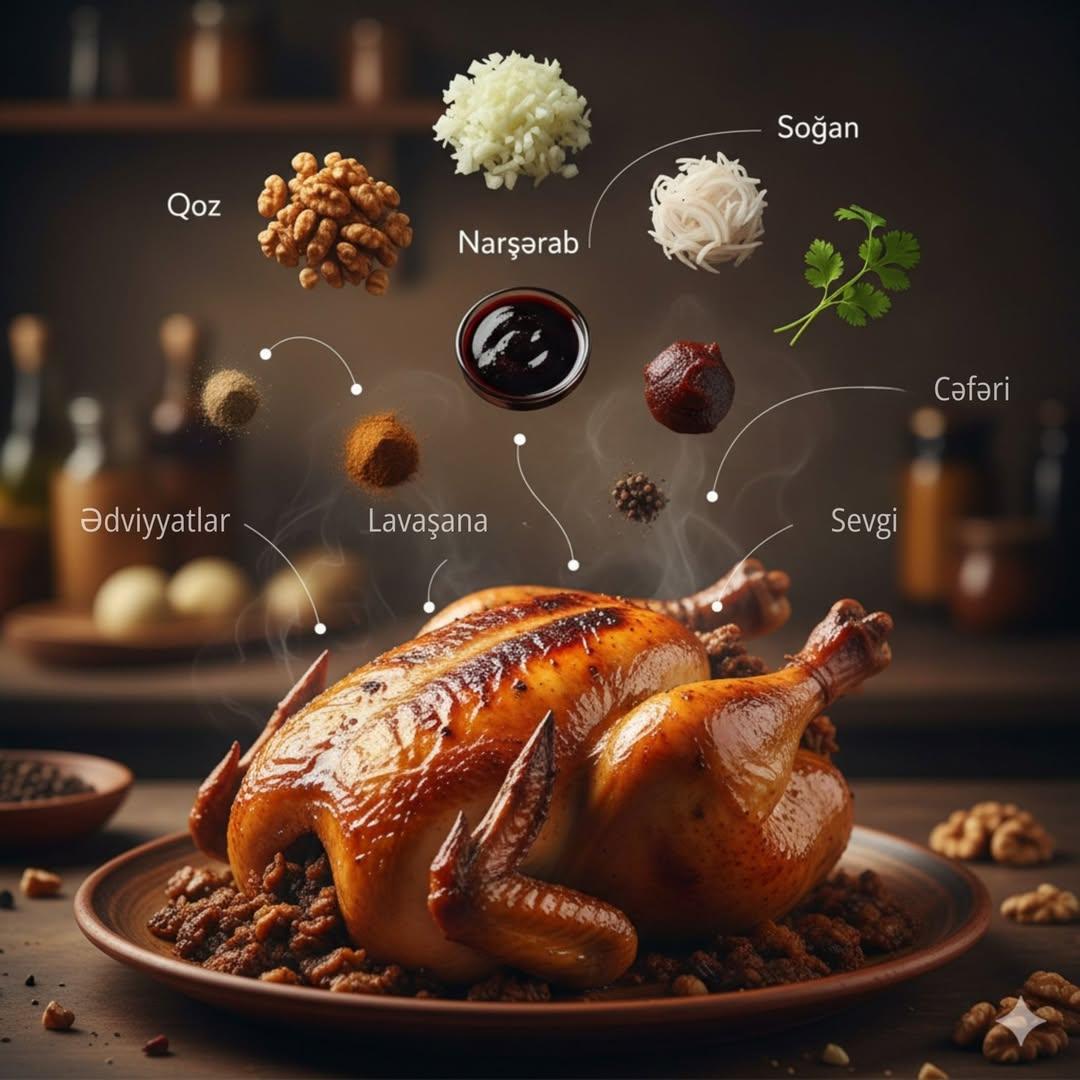
Cinematic Food Infographic of Levengi Chicken
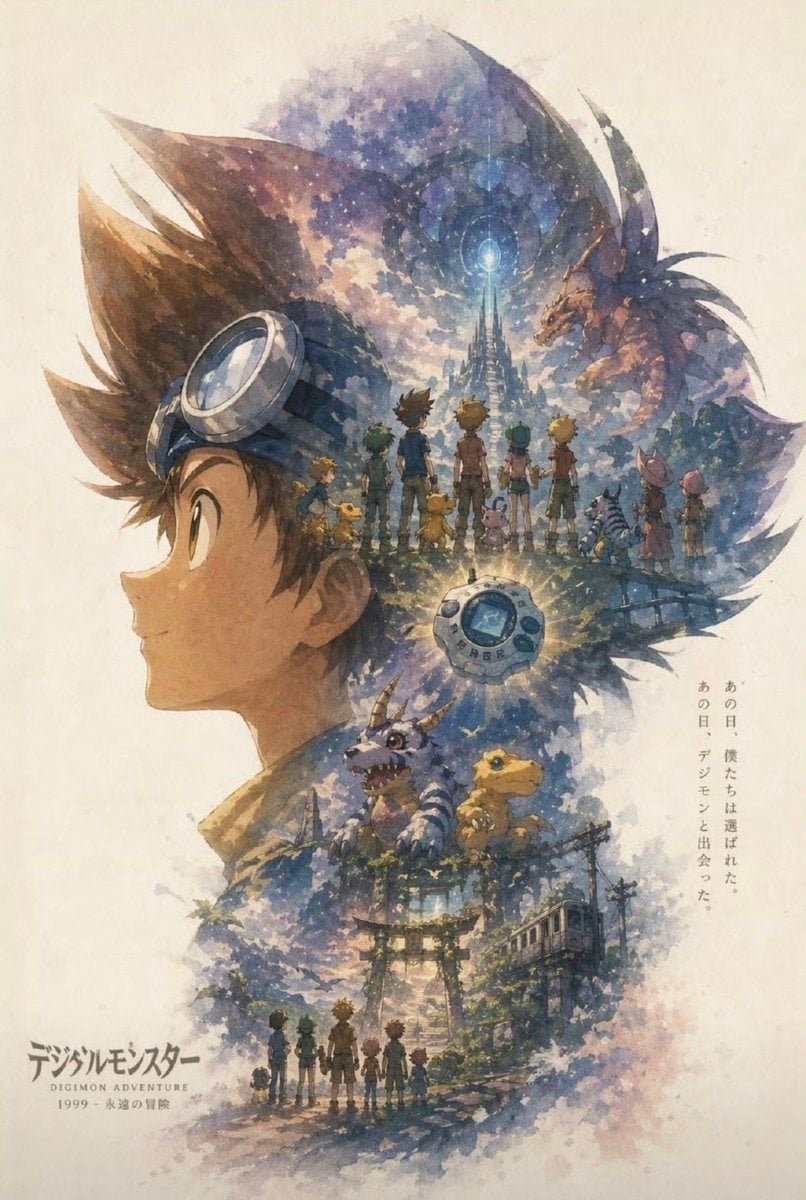
Nostalgic Watercolor Anime Adventure Poster
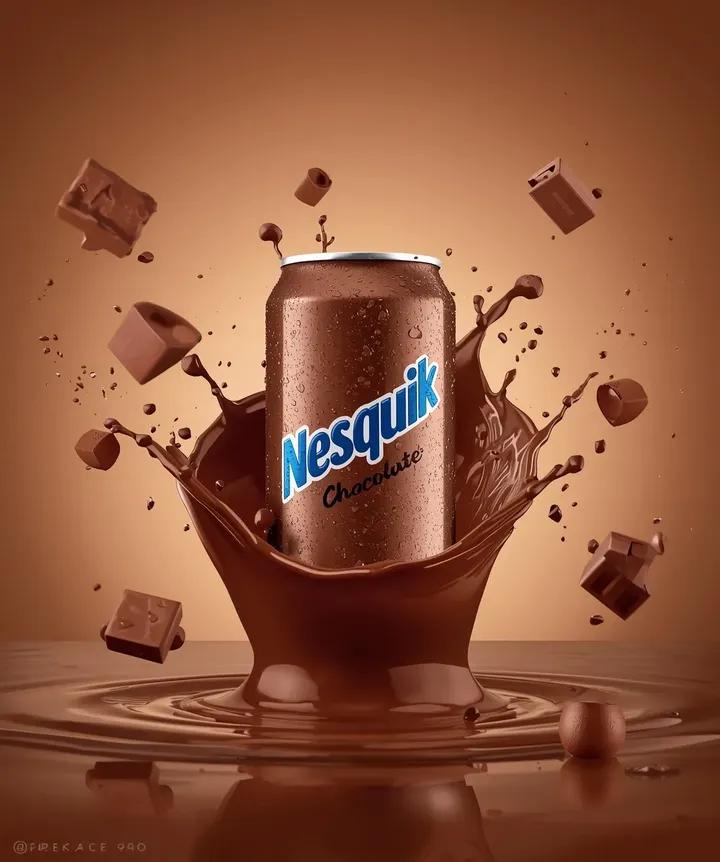
Macro Product Photography: Chilled Chocolate Drink Can
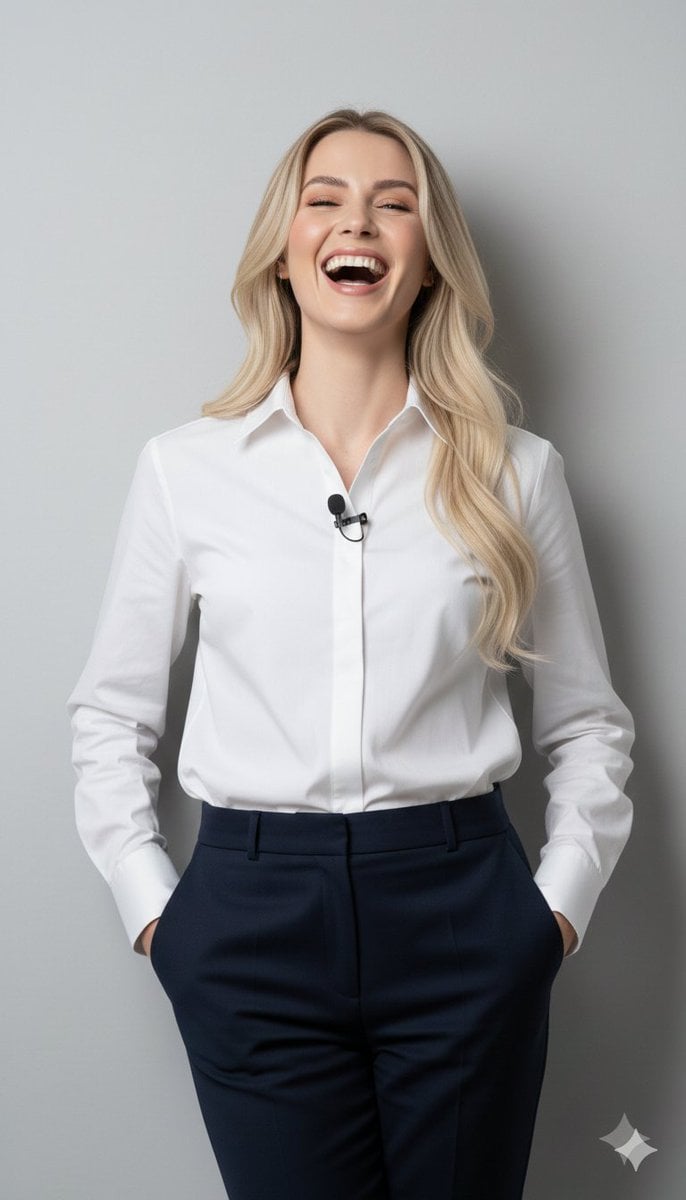
8K Close-Up Portrait of Joyful Laughter
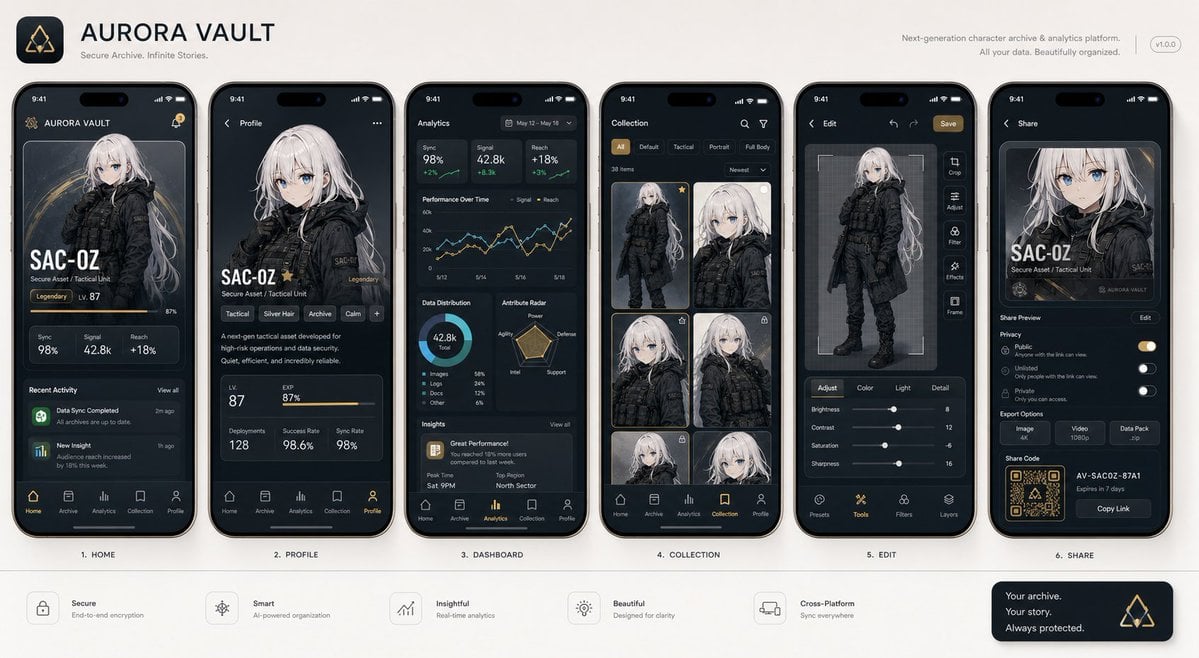
Next-Gen Mobile App UI Showcase
Ultra Photorealistic Glamorous Portrait in Classical Interior
Browse template categories
Cinematic Blue Hour Street Portrait Prompt for Nano Banana Pro questions
How do I use the Cinematic Blue Hour Street Portrait Prompt for Nano Banana Pro template?
Add your photo if the template asks for one, edit the prompt if you like — the template's model and format are already selected — and press Generate. Your version opens in PicX Studio.
Can I customize the Cinematic Blue Hour Street Portrait Prompt for Nano Banana Pro template?
Yes. You can change the subject, setting, lighting, mood, format, and available model controls before creating your image.
Is the Cinematic Blue Hour Street Portrait Prompt for Nano Banana Pro template free?
Opening and editing this template is free. Generating uses credits, shown on the Generate button when you are signed in.
Which AI model should I use?
Start with Nano Banana 2, which is the model associated with this template. You can compare another compatible model for a different finish.
Looking for something else? Browse all templates.

Your photo, any look
Thousands of ready templates for every top image and video model, from one credit balance.