How do I use the Ultra-Hyper-Detailed Origami Sculpture Prompt template?
Choose the primary action to open PicX Studio with the available template settings. Review the model and format, personalize the creative direction, and generate when ready.
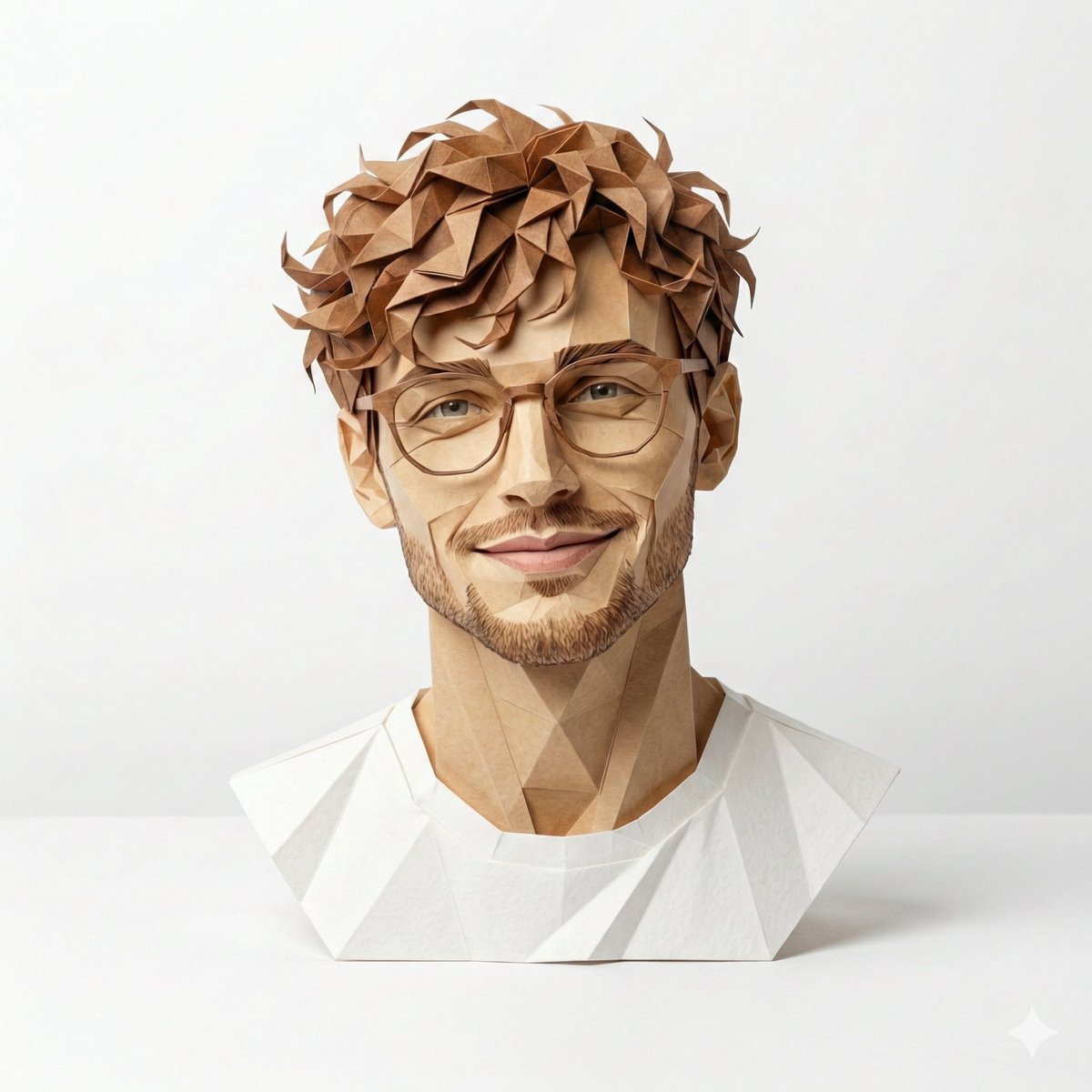
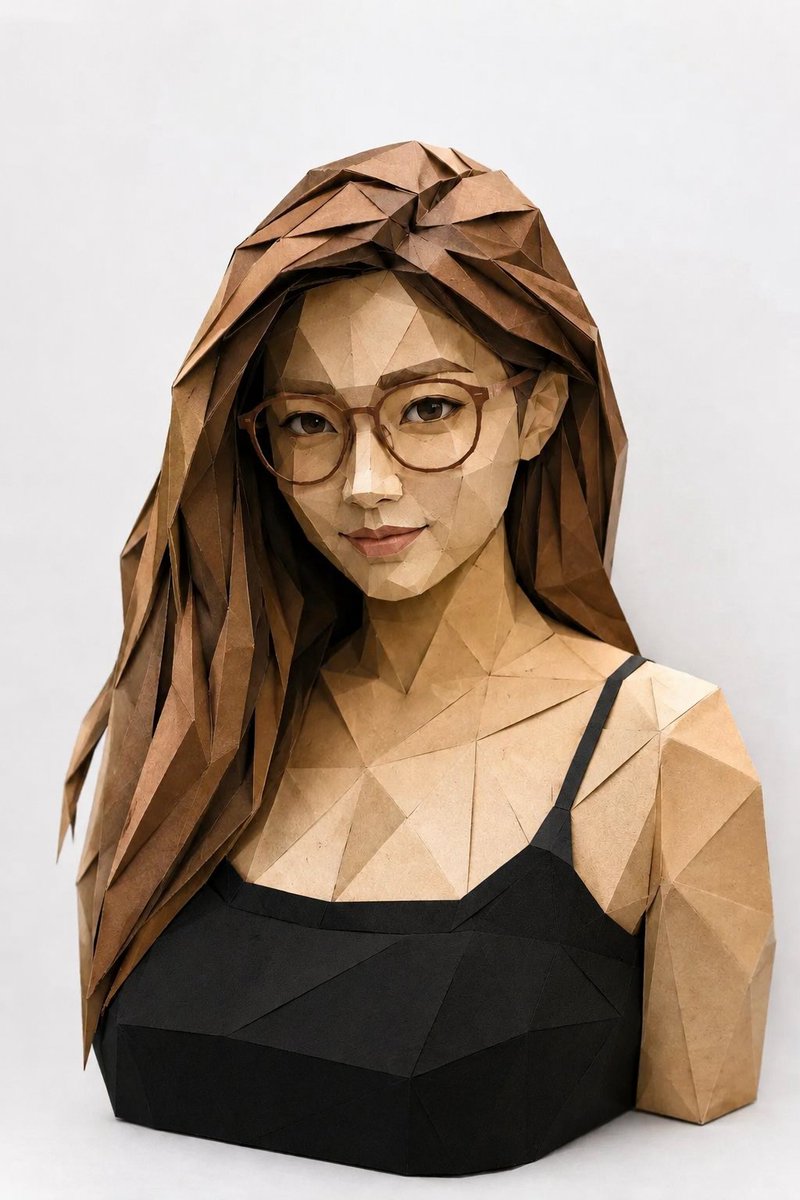
A highly detailed prompt for generating an ultra-photorealistic image of an origami sculpture of a human character, emphasizing crisp creases, geometric precision, specific paper texture, and luxury product photography aesthetics with cinematic lighting. Change the subject, setting, or lighting one variable at a time.

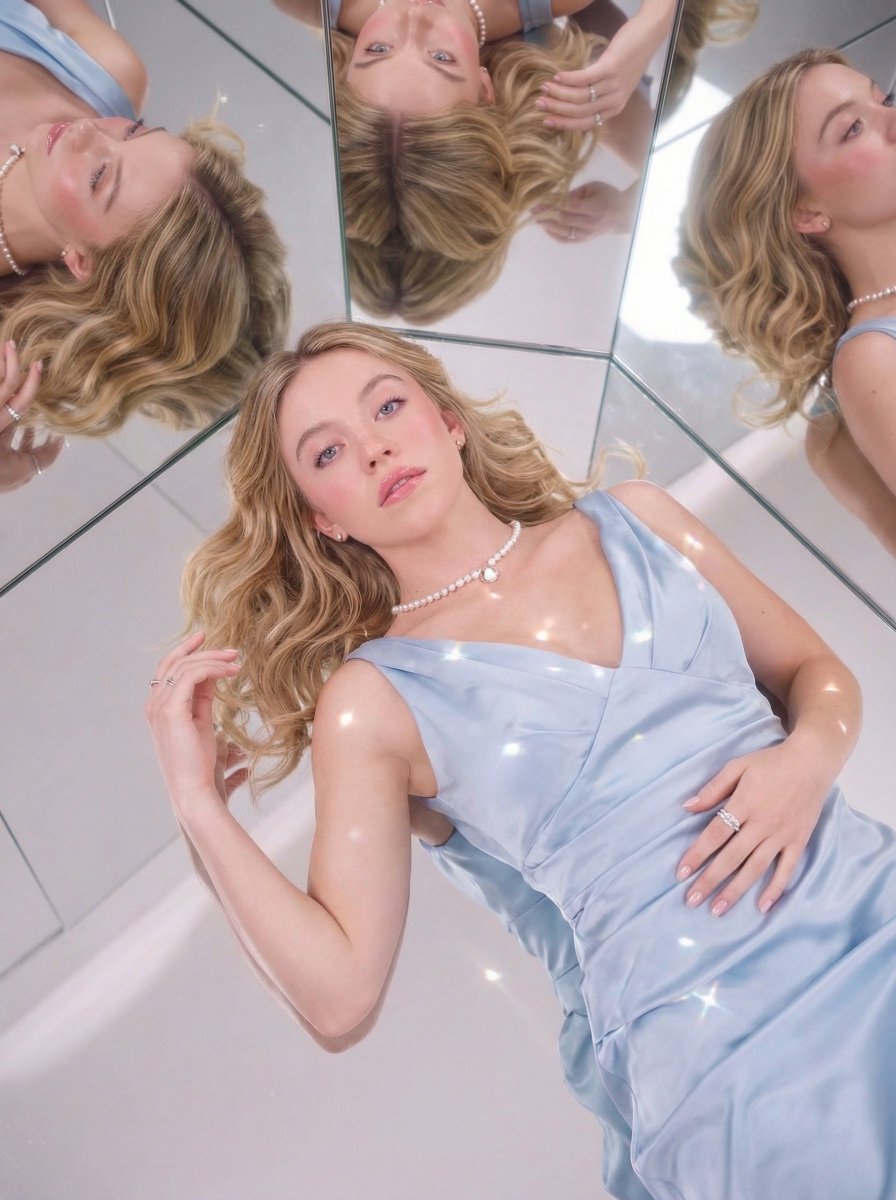
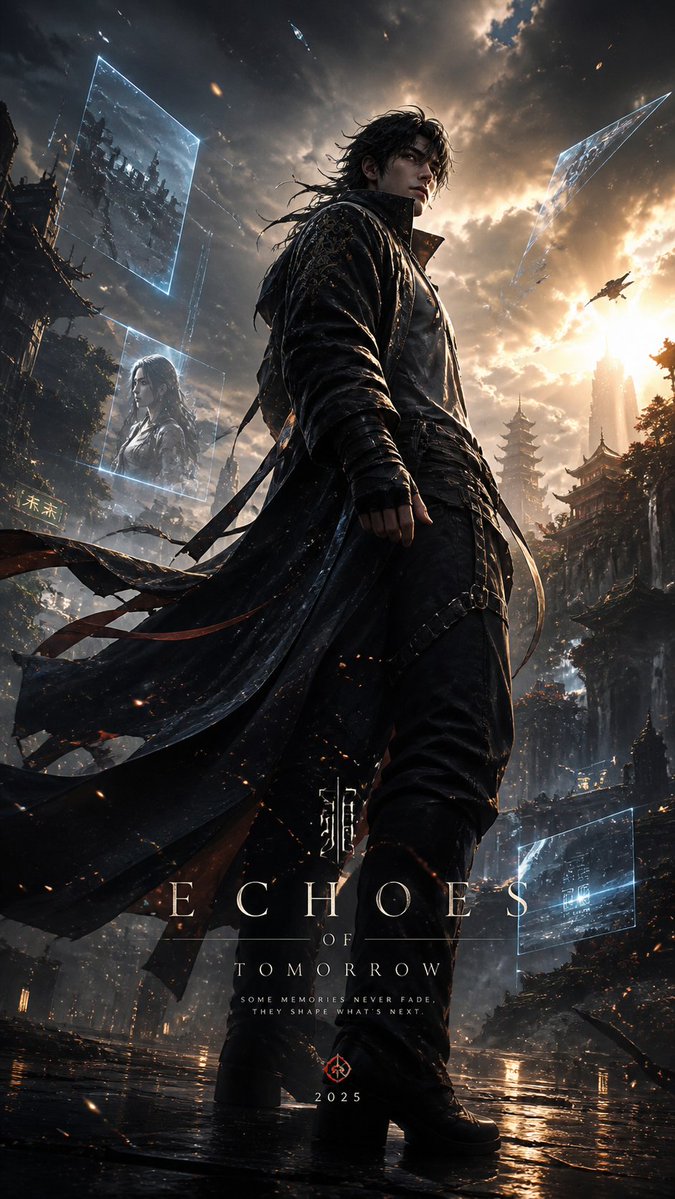
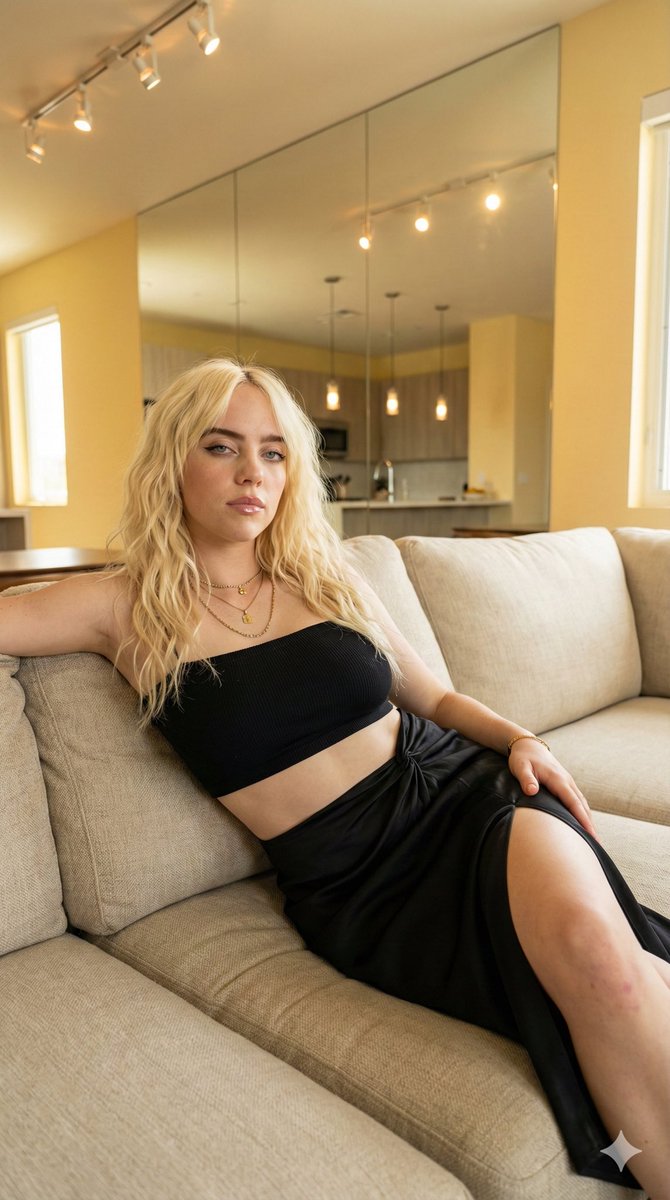
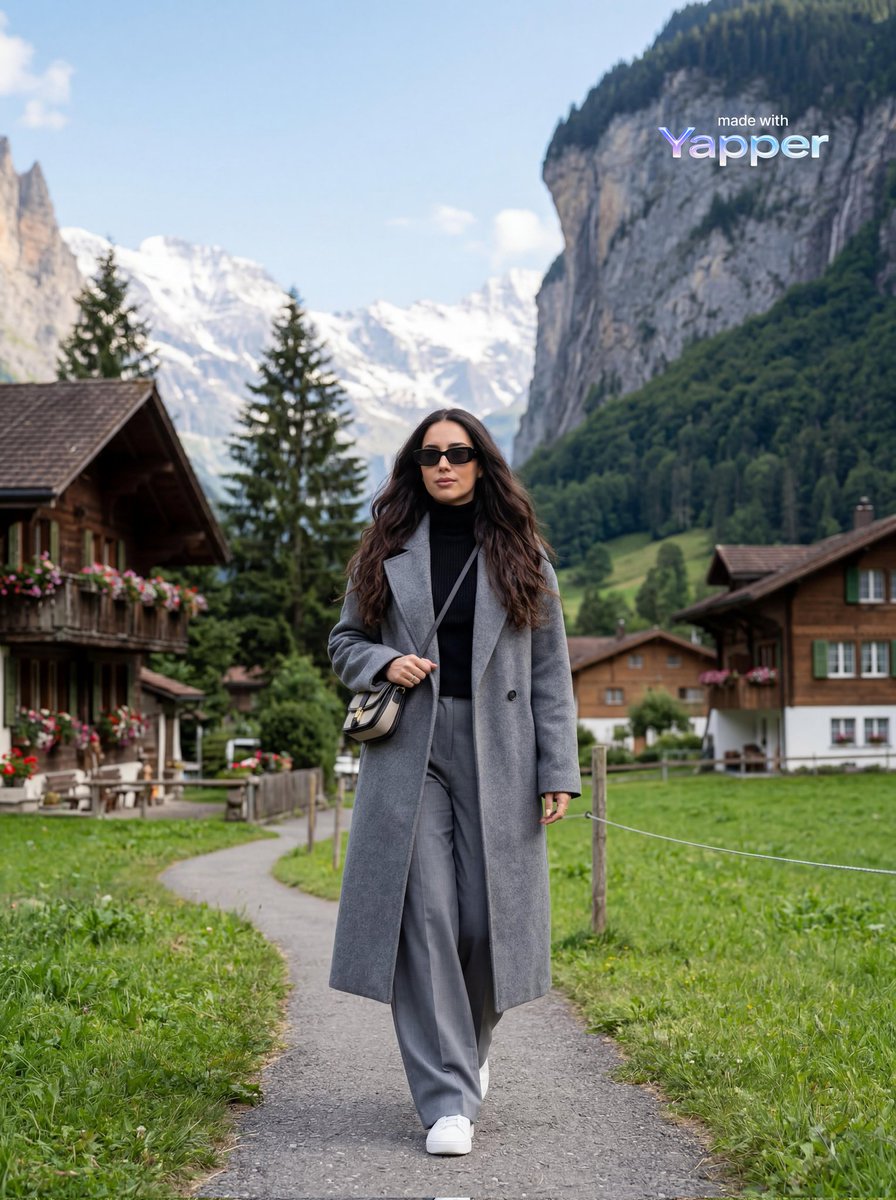
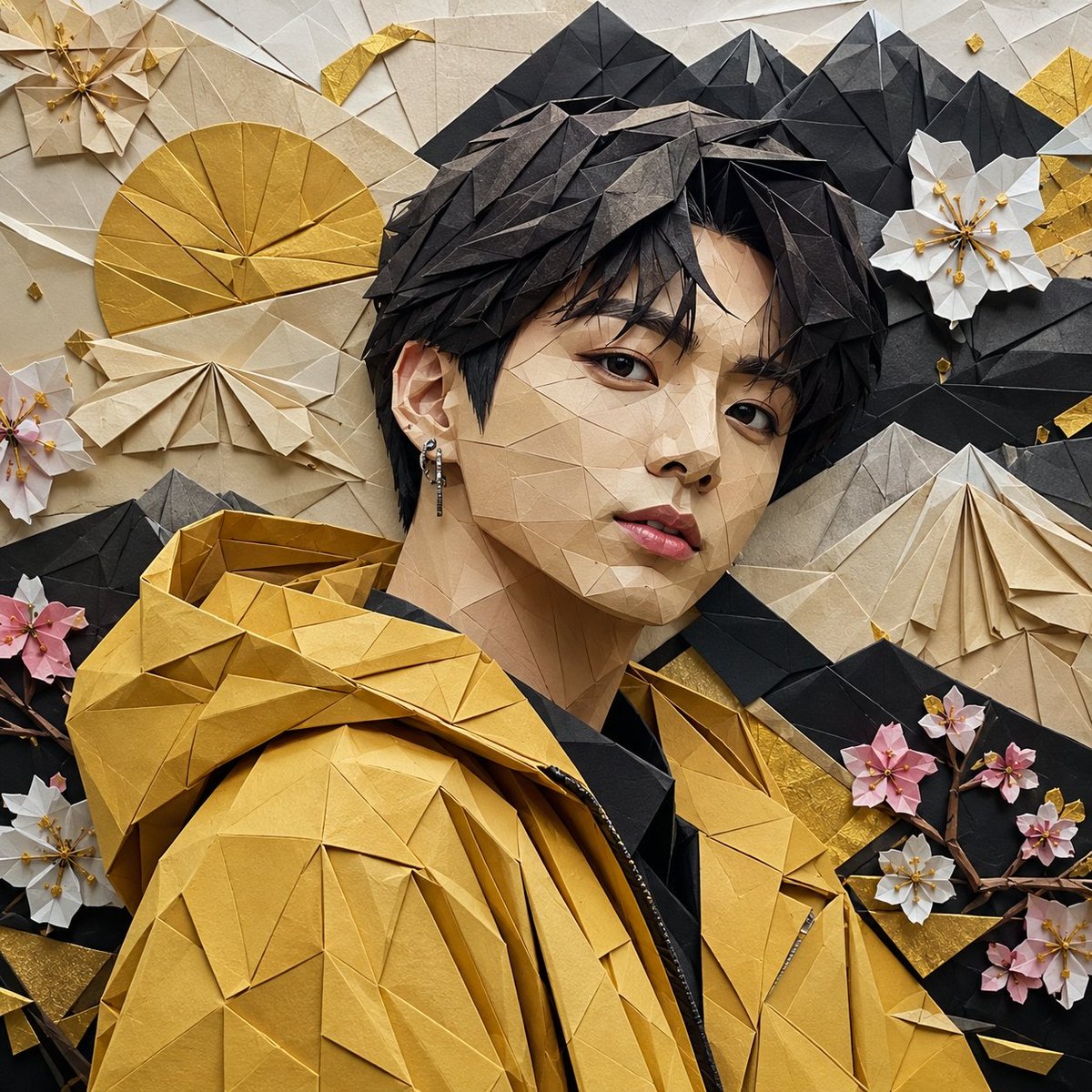
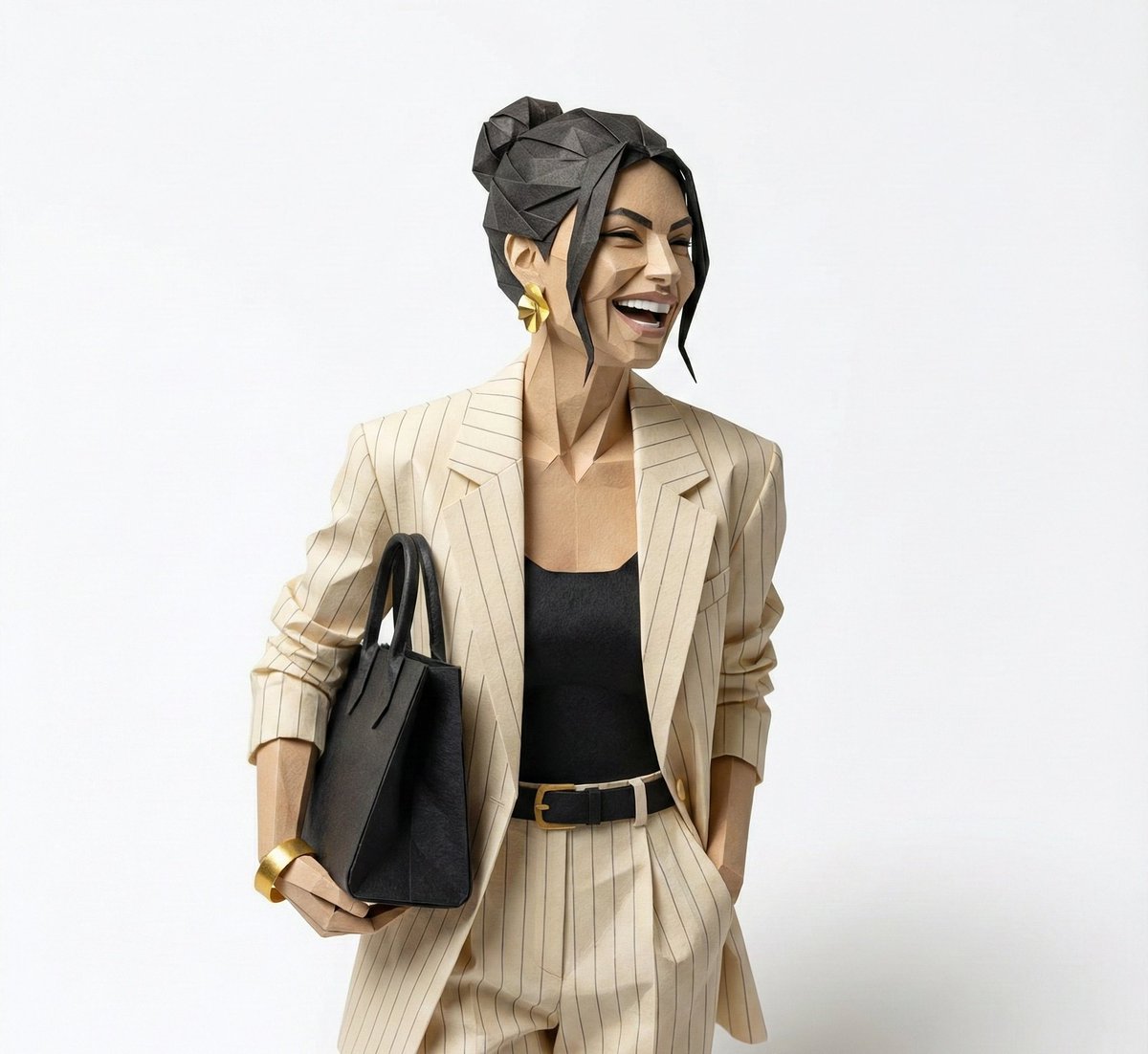
Ultra-hyper-detailed origami sculpture of a human character, meticulously hand-folded from premium artisan paper with ultra-crisp razor-sharp creases and visible fiber grain texture. Every fold forms precise geometric planes that sculpt the facial structure, posture, and emotional expression with mathematical symmetry. Complex layered tessellations and micro-fold patterns subtly define contours and depth. Paper surface features soft matte finish with delicate light diffusion — no black tones, strictly using the exact color palette of the reference photo, translated into layered paper gradients. Edges are clean and sharply defined, with subtle paper thickness visible along folds. Placed on a minimalist high-end studio pedestal with a smooth neutral surface. Soft directional daylight from one side creates realistic falloff shadows and gentle ambient bounce light. Slight depth of field for premium product photography feel. Luxury designer collectible aesthetic — museum display quality, conceptual paper art installation, ultra-photorealistic macro detail, sharp focus, 8K resolution, 1080×1080 square composition, high dynamic range, cinematic lighting, global illumination, professional studio render.
Choose the primary action to open PicX Studio with the available template settings. Review the model and format, personalize the creative direction, and generate when ready.
Yes. You can change the subject, setting, lighting, mood, format, and available model controls before creating your image.
This template is free to open and customize. Generation usage is shown in PicX Studio before you create.
Start with Nano Banana 2, which is the model associated with this template. You can compare another compatible model for a different finish.
© 2026 PicX Studio. All rights reserved.

Follow a topic to a crawlable collection of related PicX Studio templates.
43,474 public templates available. Verified via the PicX Studio public templates API; refreshed hourly.


![Origami Manga Paper Craft Style — [scene_material_translation_engine]
vector_g (scene geometry) = "{argument name="scene" default="[in…](https://pbs.twimg.com/media/HH_Z-7qW4AAYVaw.jpg)
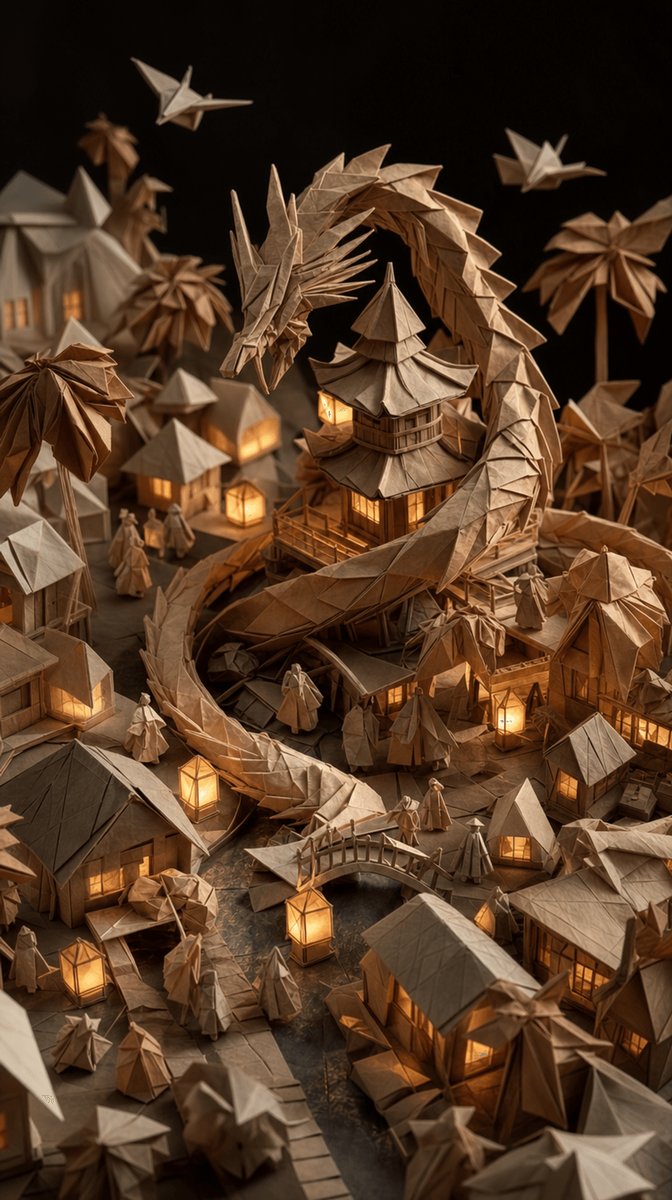
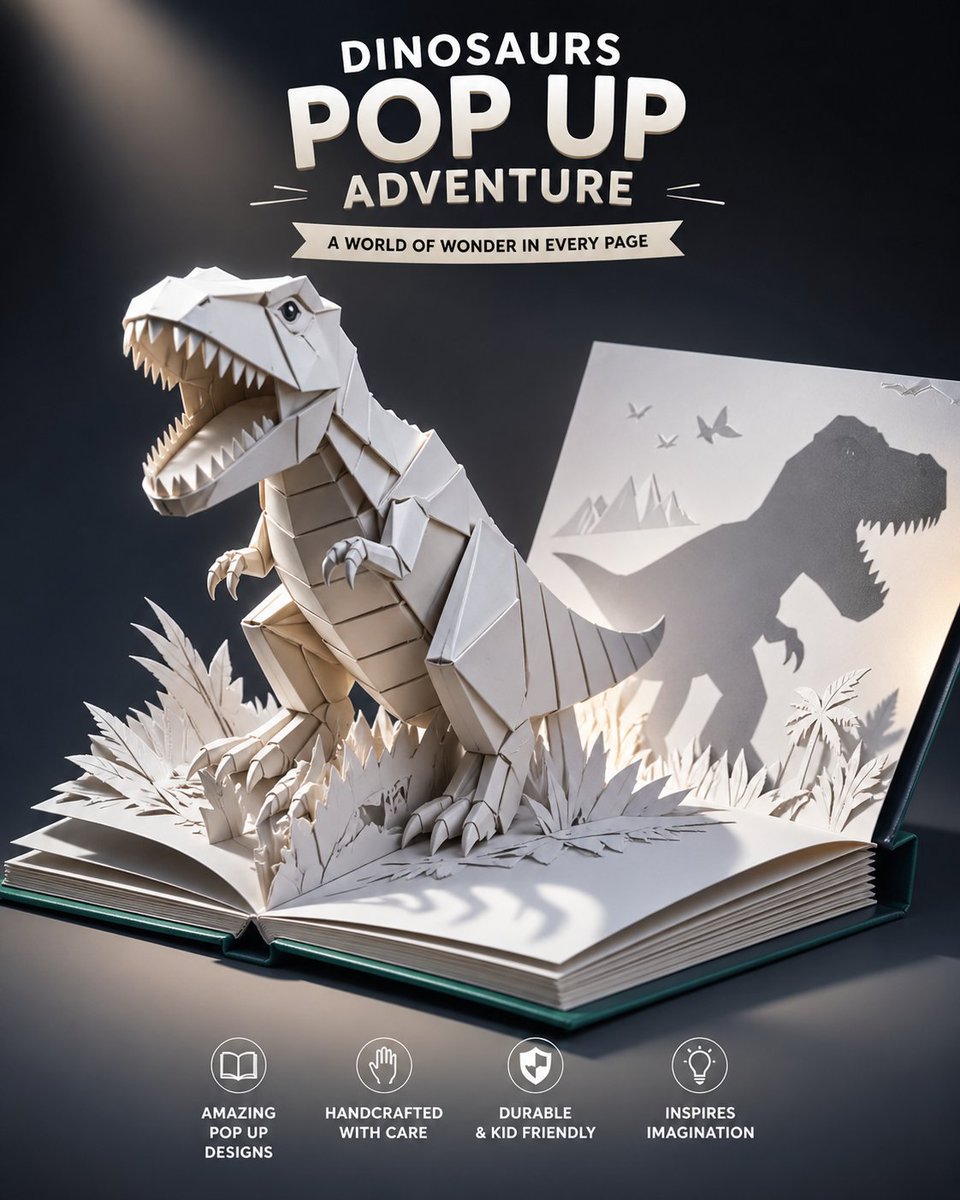
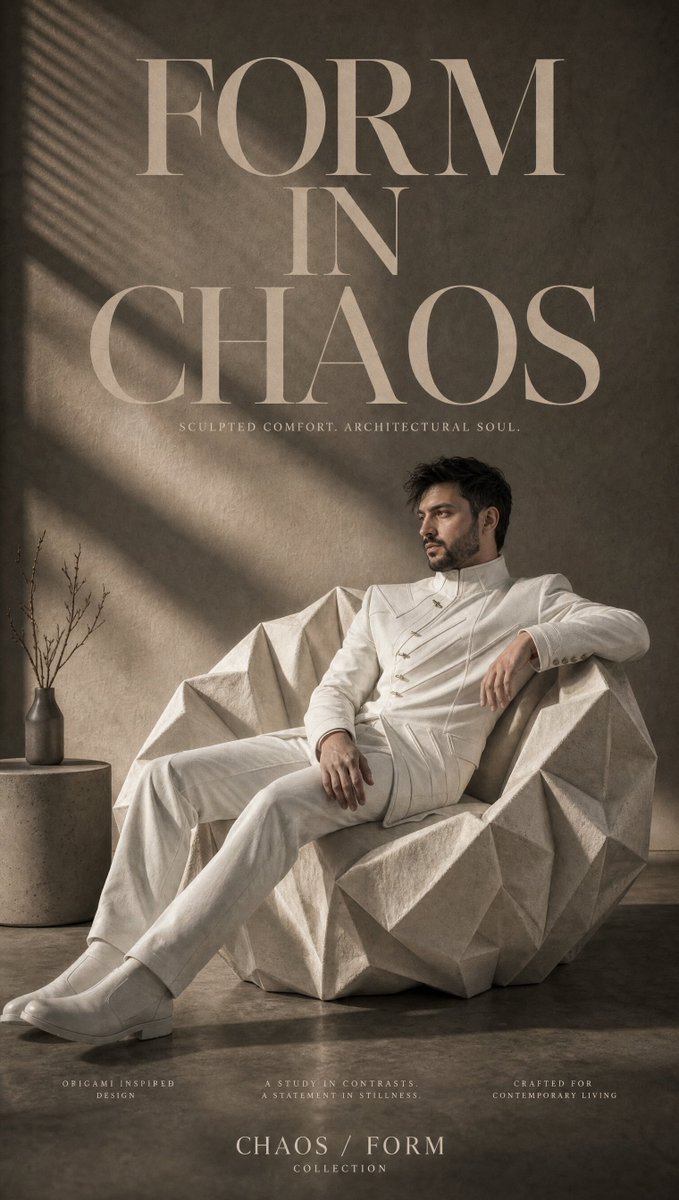

![A hyper-detailed origami folded from realistic colored paper — A hyper-detailed origami [FOOD ITEM] folded from realistic colored paper with visible creases and](https://images.meigen.ai/tweets/2007809696334479420/0.jpg)
![Master Origami Food Art — Hyper-Detailed Paper Folding Cuisine — A hyper-detailed origami [FOOD ITEM] folded from realistic colored paper with visible creases a](/_next/image?url=https%3A%2F%2Fcdn.picxstudio.com%2Fuploads%2Forigami_food_dad590d5-b791-4455-82d7-7fa6987bdf3f.jpg&w=828&q=100)





![Naive doodle-style subject illustration — A doodle-style {argument name="subject" default="[subject]"}, naive lines, humorous shape exaggeration](https://pbs.twimg.com/media/G6Wl2YxbsAARB2b.jpg)

















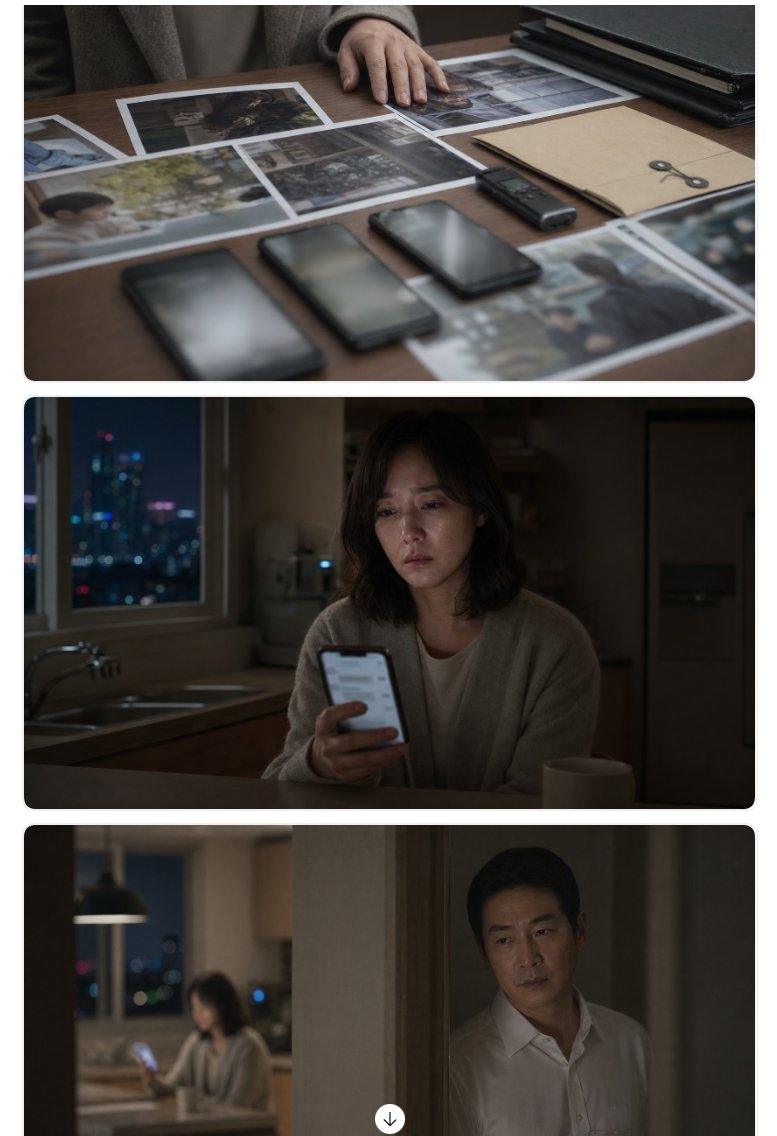
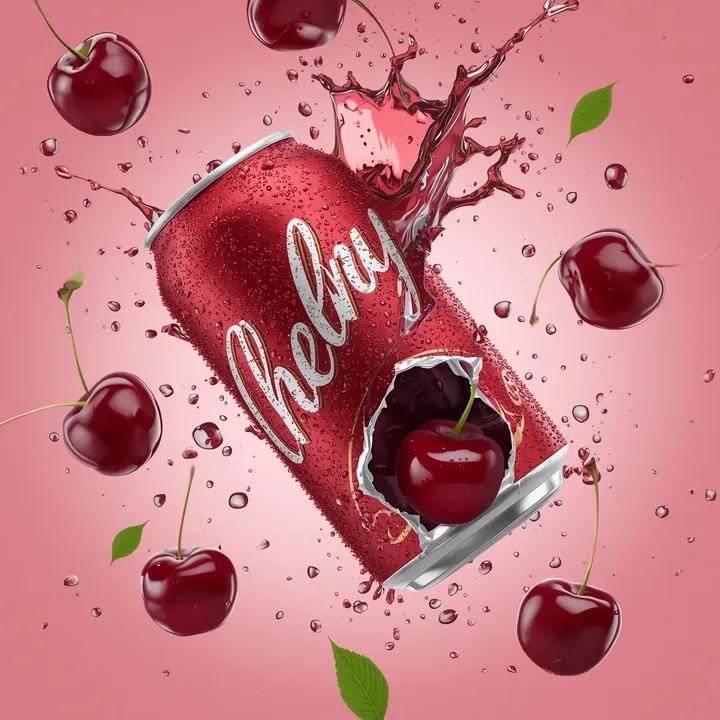


![Detective Evidence Board Generation — "A detective's evidence board investigating \\{argument name="subject/mystery" default="[SUBJECT/MYSTERY]"}\\\. Cork surfa](https://pbs.twimg.com/media/G9UejSfa0AAtmYj.jpg)
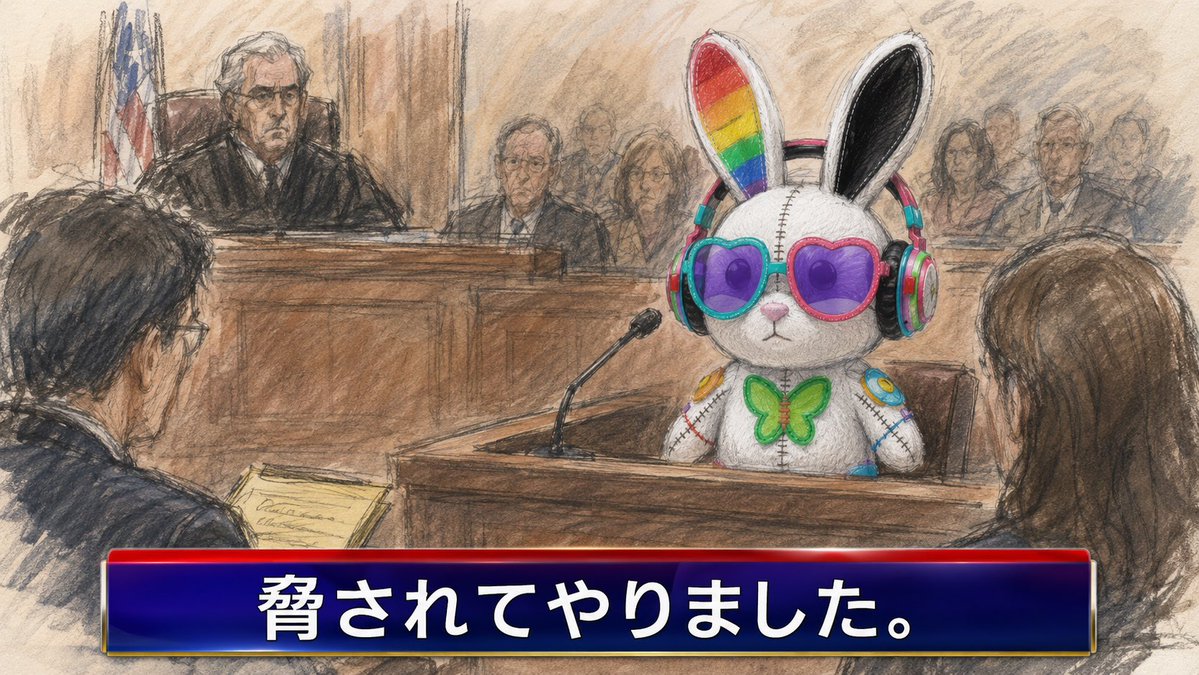

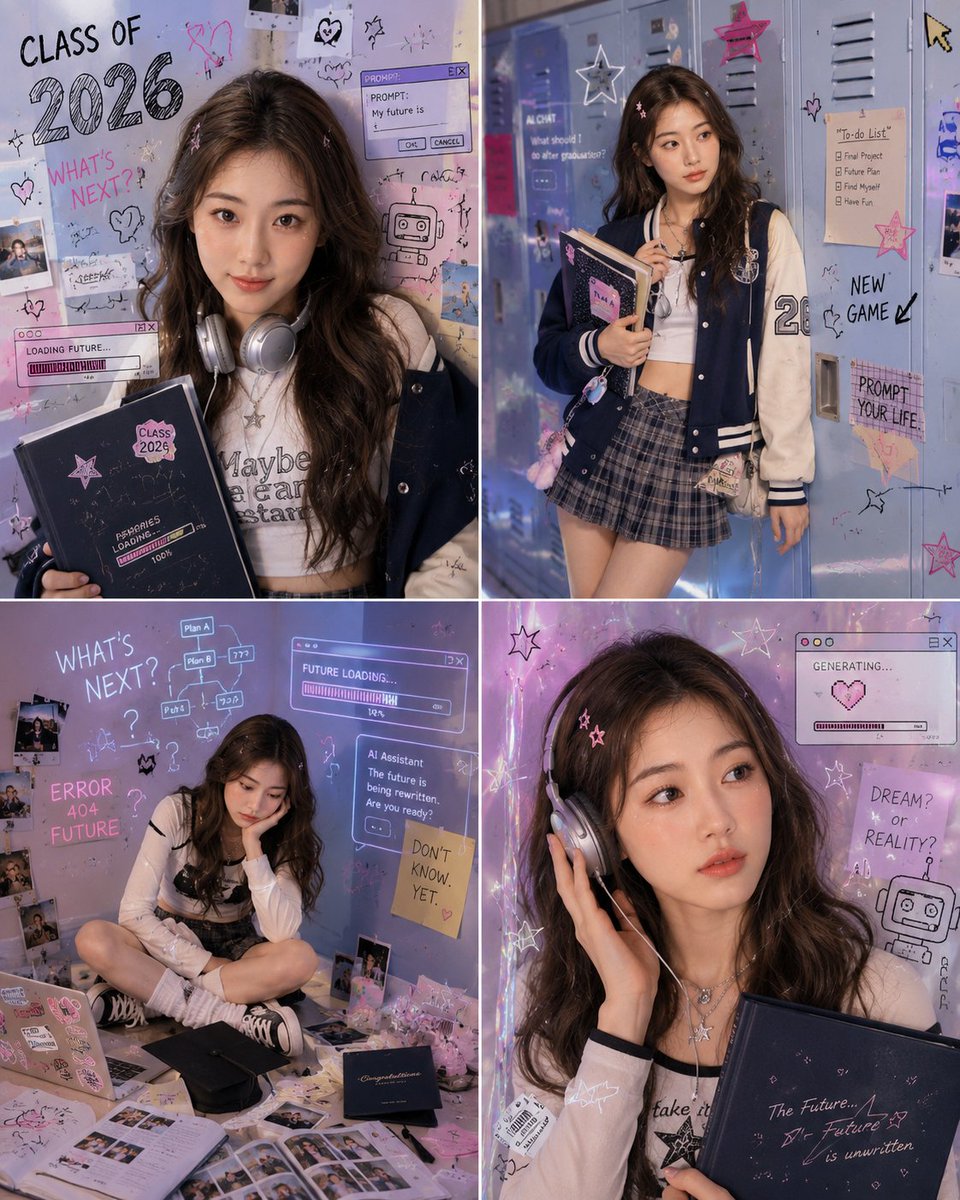

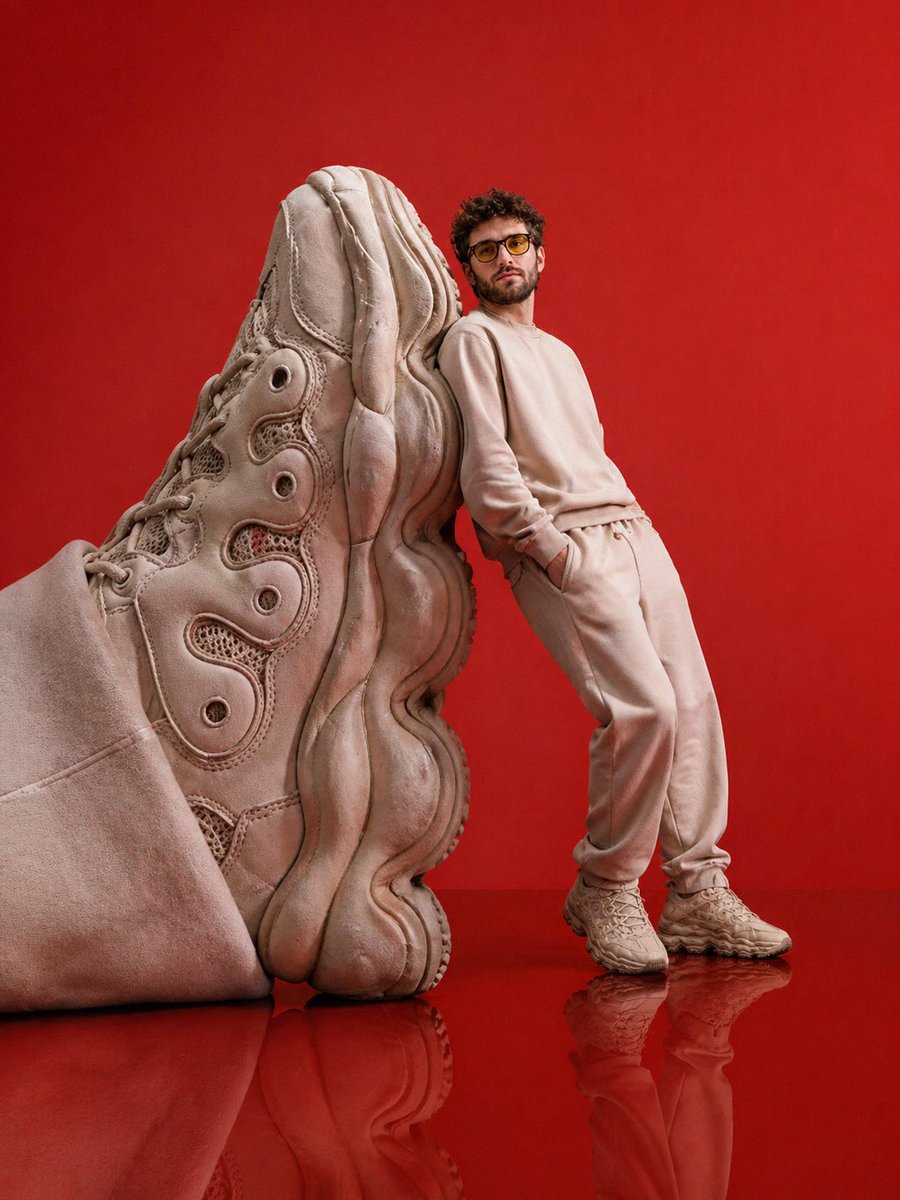

![Laser-Cut Paper City Sculpture — <papercraft_paradox> ^ / \ <-- [ AI_INFER: The tallest skyscrapers of {argument name="city" default="[CITY_NAME]"} folded fro](https://cms-assets.youmind.com/media/1780391969662_34mnti_HJiYLGZXYAEW_m-.jpg)