
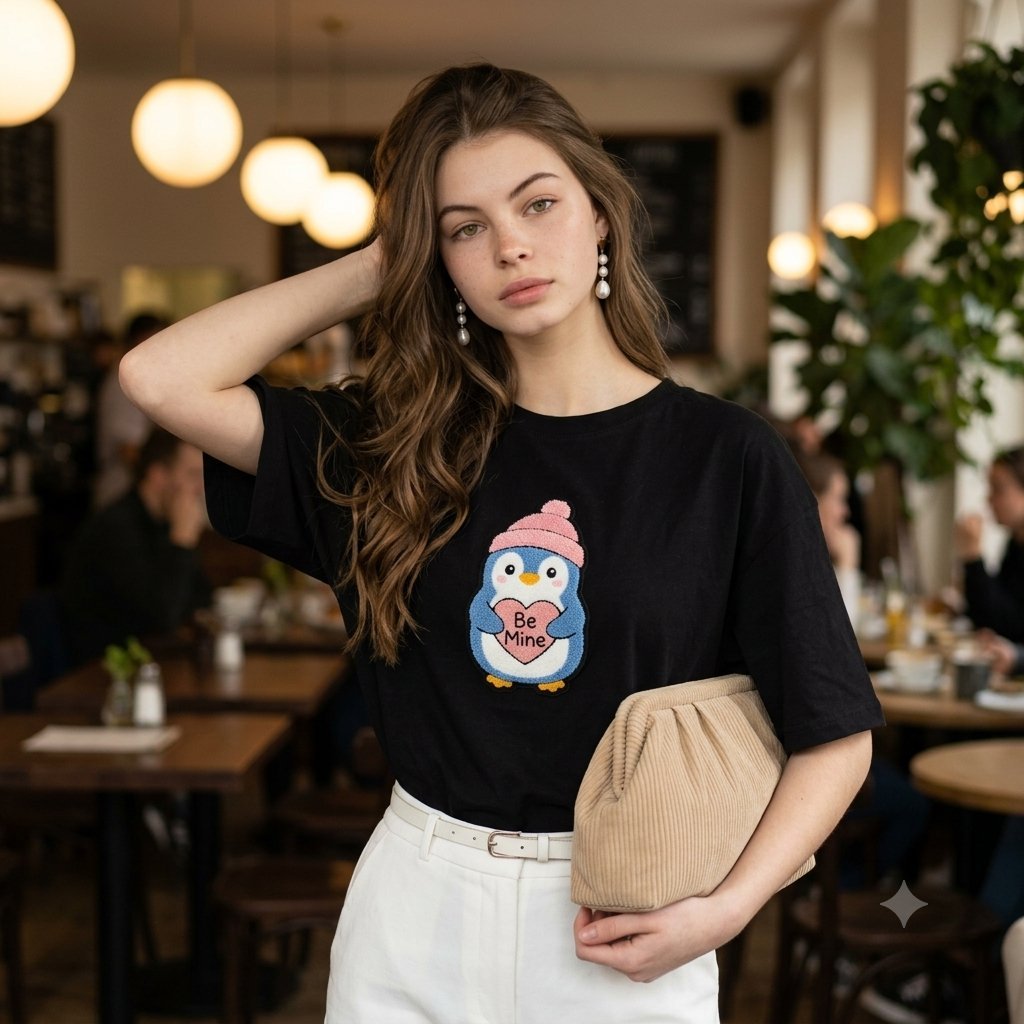
Fashion Editorial Portrait in Cafe
A photorealistic prompt for generating a candid fashion editorial portrait of a woman in a cafe, focusing on specific clothing textures and ambient lighting.
- Prompt included
- Model and format preset
- Premium template
The prompt behind this image
Copy the exact prompt behind Fashion Editorial Portrait in Cafe, or open it in the studio and make it yours.
A candid, waist-up portrait of a young South Asian woman posing gracefully in a chic, warm-toned cafe interior. She has {argument name="hair style" default="long, wavy dark brown hair"} cascading over one shoulder, with one hand gently tucked behind her head. She is wearing a oversized black cotton t-shirt featuring a highly detailed, textured embroidered patch on the chest depicting a {argument name="t-shirt patch" default="cute blue penguin wearing a pink beanie and holding a heart that reads \"Be Mine\""}. She pairs the top with high-waisted white trousers accented by a thin white belt, and she holds a {argument name="bag style" default="beige pleated corduroy clutch bag"} under her arm. Elegant drop pearl earrings catch the light. Technical Details: Shot on a 85mm lens, f/1.8 aperture for a shallow depth of field with a soft, blurred background showing cozy ambient cafe lighting, warm globe pendant lights, dark wooden tables, and subtle greenery. Natural soft fill lighting on her face, hyper-realistic skin texture, realistic fabric folds, 8k resolution, photorealistic fashion editorial aesthetic.
How to use Fashion Editorial Portrait in Cafe in 3 steps
- 1
Open
The prompt is already in the box next to the preview, with the template's model and format selected.
- 2…a portrait of your subject in softgolden-hour light, 85mm…
Personalize
Edit the subject and creative details for your destination.
- 3Generate
Generate
Press Generate — your image is created in PicX Studio, so you can compare it with the original and refine one variable at a time.
More like this
Templates with the same subject, style or setup. Open one to see its prompt.

Caution Tape Fashion — Industrial Editorial

Nano Banana - Paris Cafe Editorial

Couture Fashion Editorial Woman and Drag

Nano Banana 2 Editorial Fashion Portrait

untitled

Nano Banana 2 High Fashion Sports Campai

Ive Yujin Fashion Portrait in Blue

21 Glass Floor Skyscraper — California Series

19 Luxury Helicopter Travel — California Series

08 Rodeo Drive Luxury Exit — California Series

03 Beverly Hills Convertible — California Series

Luxury Fashion Editorial Portrait
Make it yours
Fashion Editorial Portrait in Cafe works as-is. These are the safest ways to change it without losing the look.
Change one field
Copy a single group, rewrite it, and generate again so you can see what that field is doing.
Keep the frame, change the subject
Hold the composition and light of Fashion Editorial Portrait in Cafe, then swap wardrobe, props or the person for a new take.
| If the result… | Why | Fix |
|---|---|---|
| The result drifts from the preview | Too many fields changed at once. | Reuse Fashion Editorial Portrait in Cafe as-is first, then change one group — subject, light, or setting. |
| The model over-stylizes the scene | The prose prompt leaves finish and camera underspecified. | Add one camera or lighting sentence and stay on Gemini 3 Pro Image Preview. |
More Gemini 3 Pro Image Preview templates
Other prompts made for Gemini 3 Pro Image Preview.

Creative Character in Pink Office

Avant-Garde Asian Fashion Model

Underwater Macro Face Portrait

Water-level Bridge Modification

Noir Punk Street Portrait

High Contrast Cinematic Face Portrait

Monochrome Studio Portrait with Colored Lens

Ultra-Realistic Yacht Sunset Portrait

Mushroom Still Life Composition

Whimsical Anthropomorphic Friendly Insect
More image prompts
Fresh picks from across the catalog.
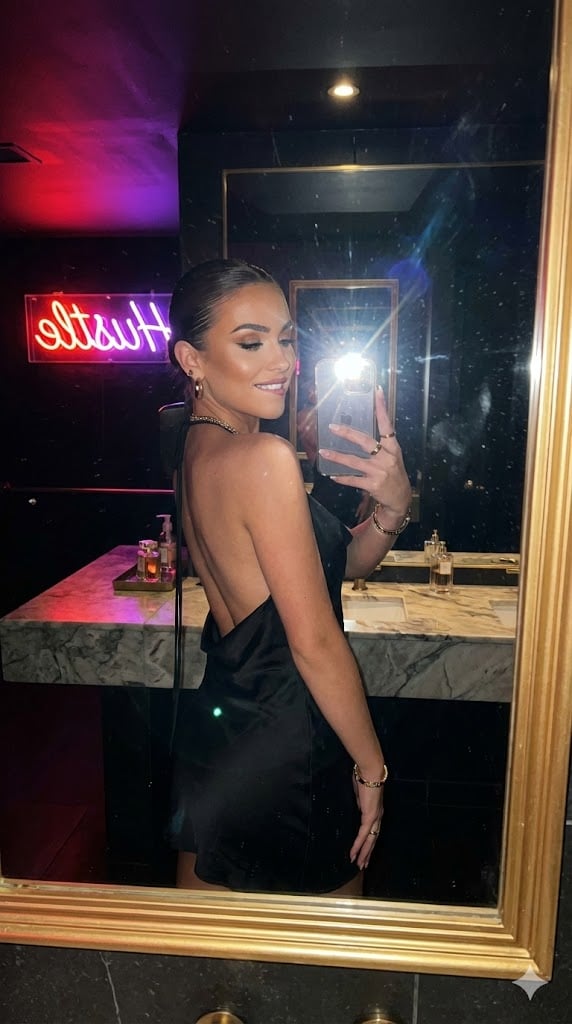
Sultry Neon Nightclub Mirror Selfie
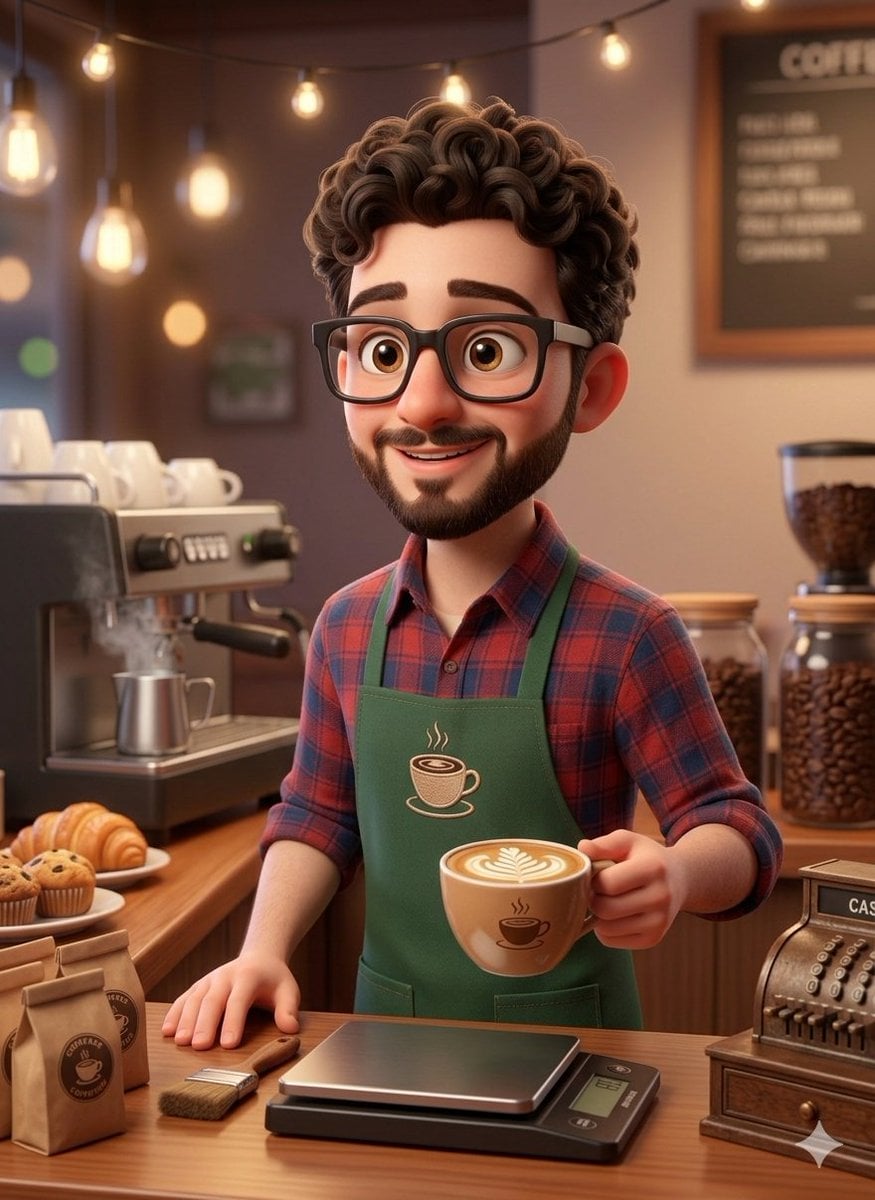
3D Rendered Barista Character in Pixar Style
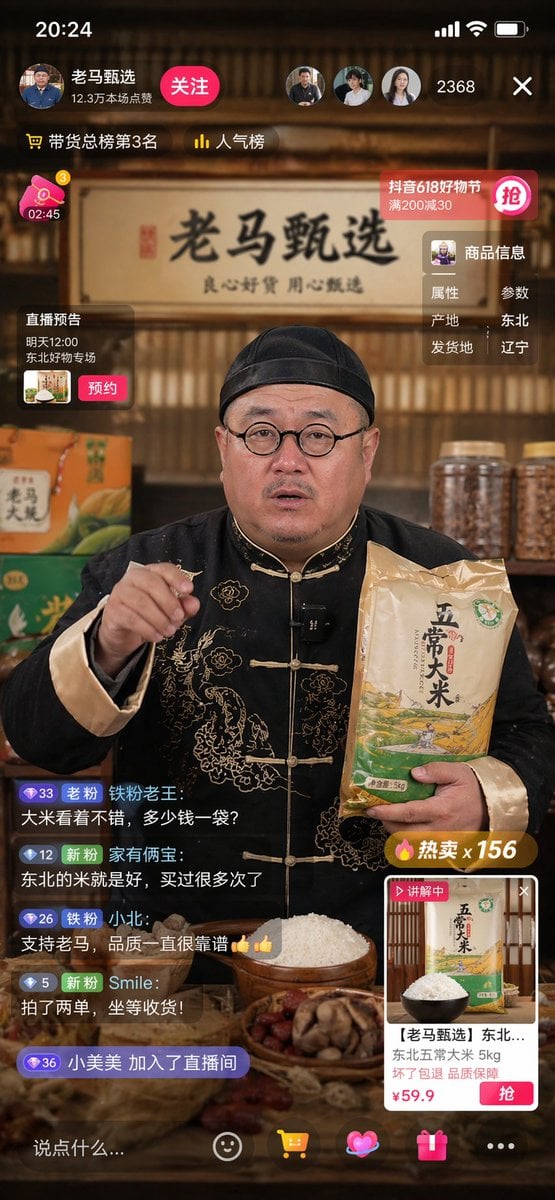
Livestreaming Character Prompt
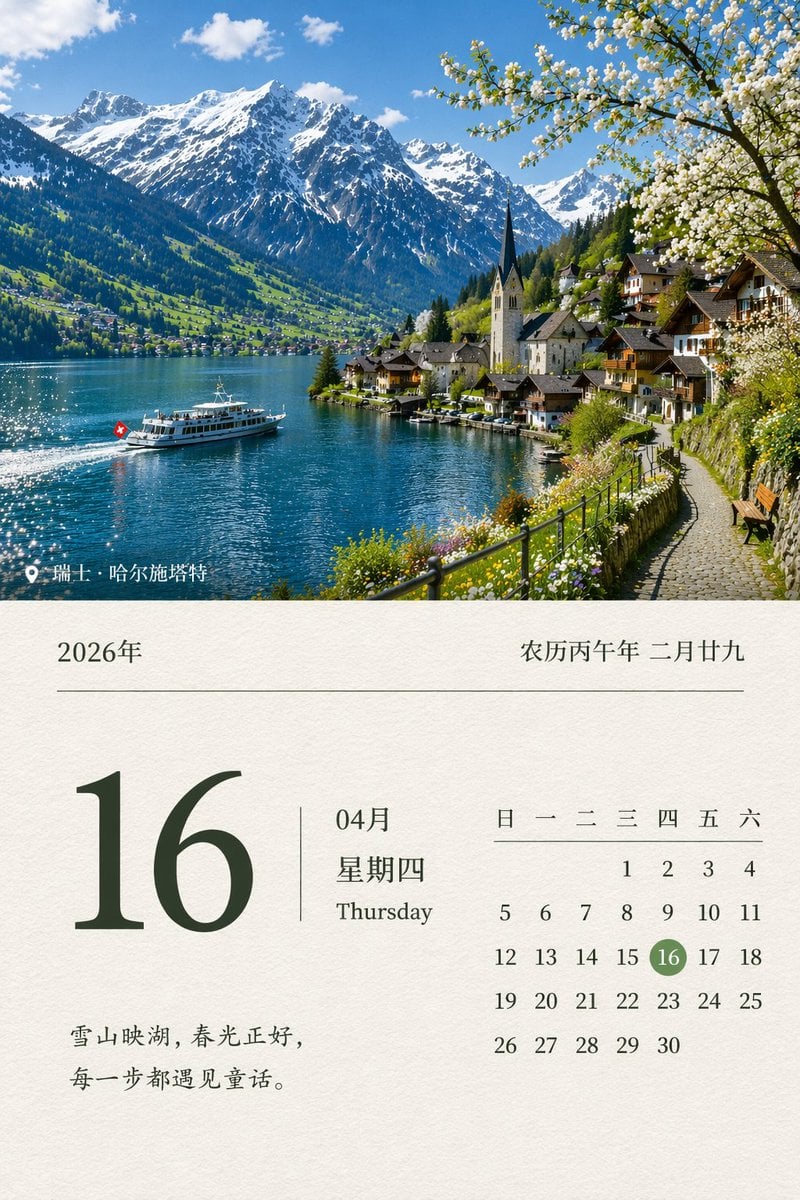
Scenic Landscape Calendar
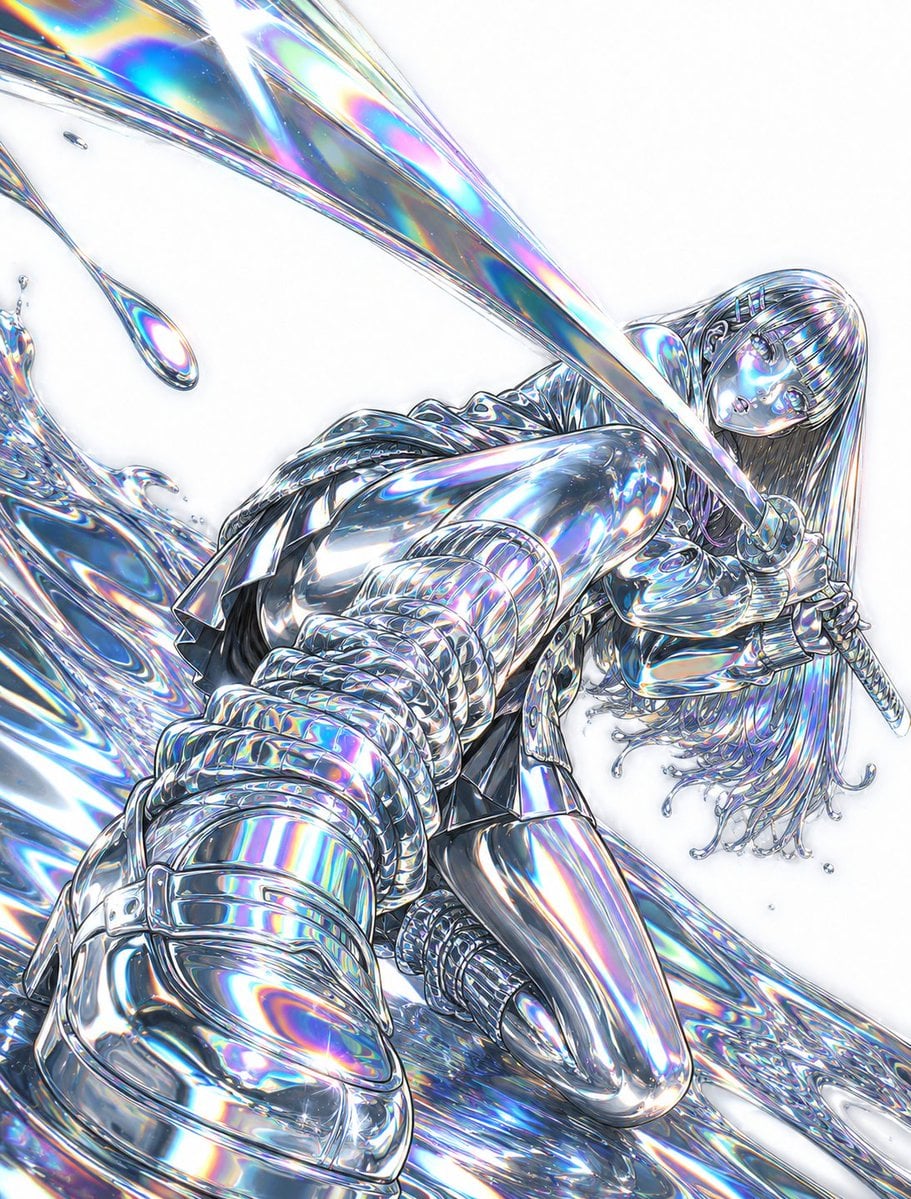
Liquid Chrome and Holographic Transformation
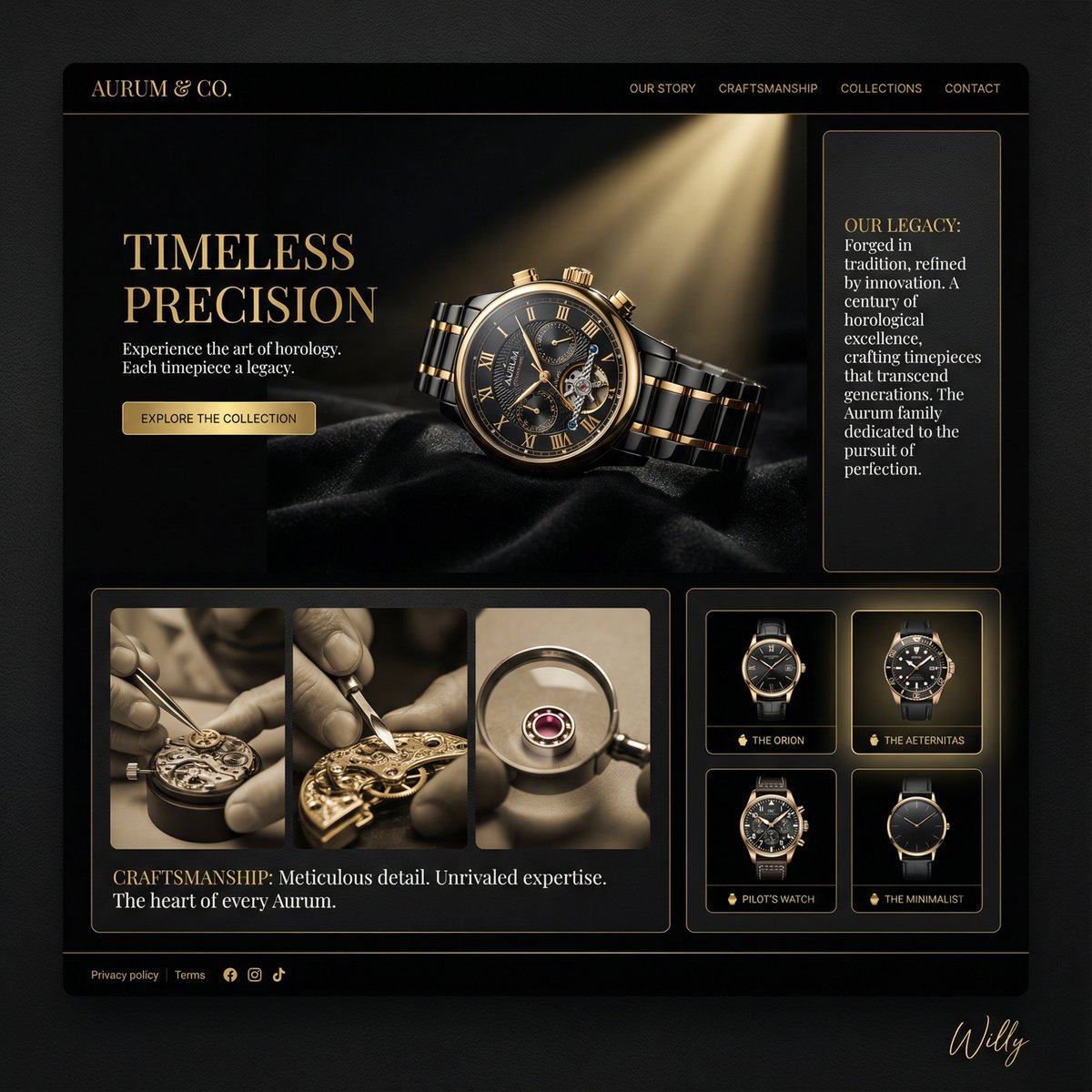
Luxury Watch Brand Landing Page Design Prompt
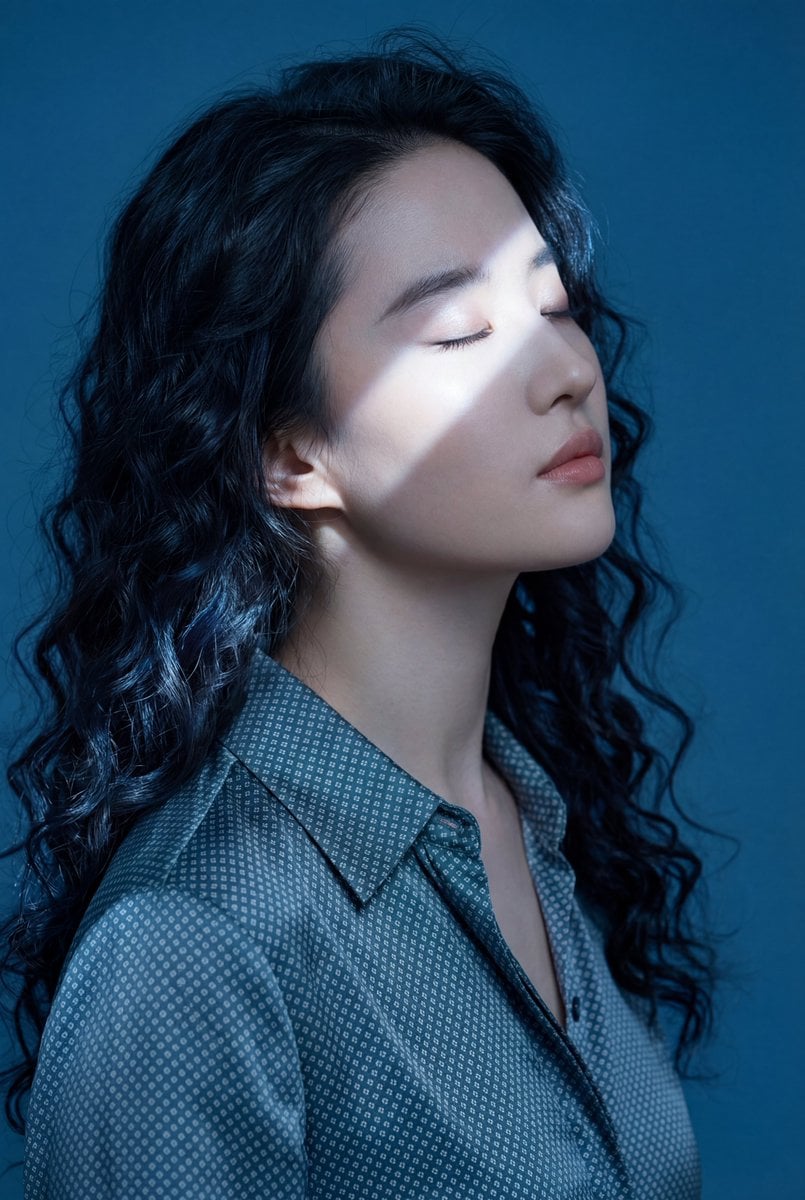
Ethereal Blue Light Editorial Portrait (Chinese Context)
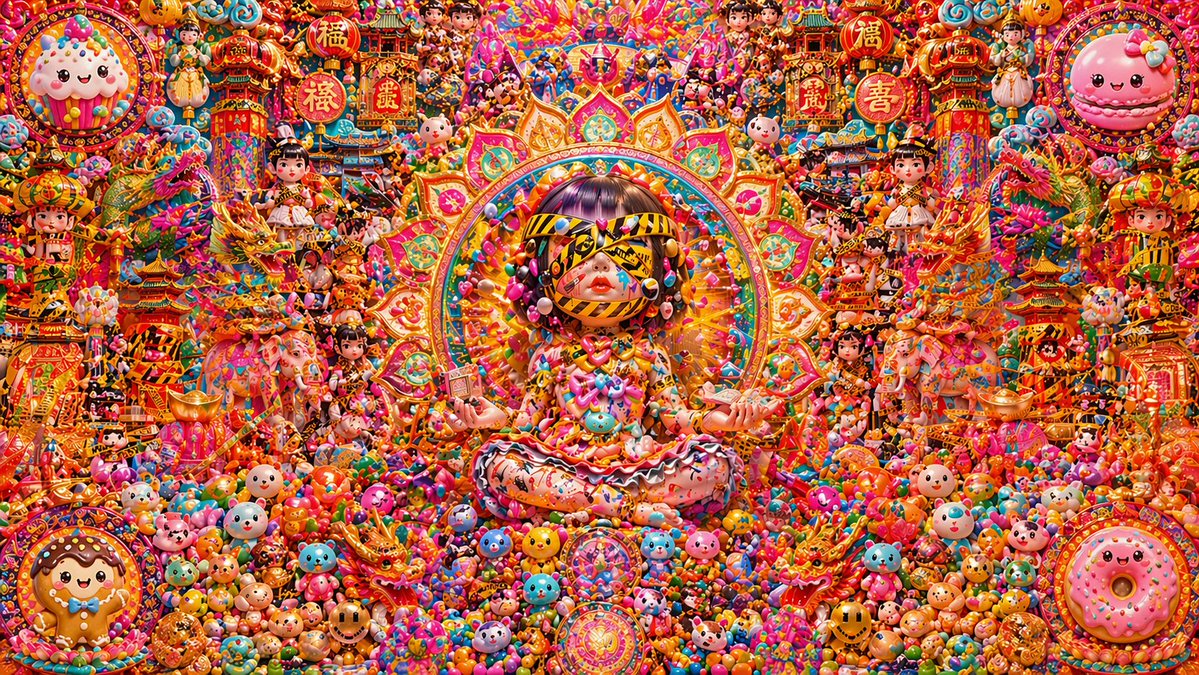
Candy Lunar New Year Shrine
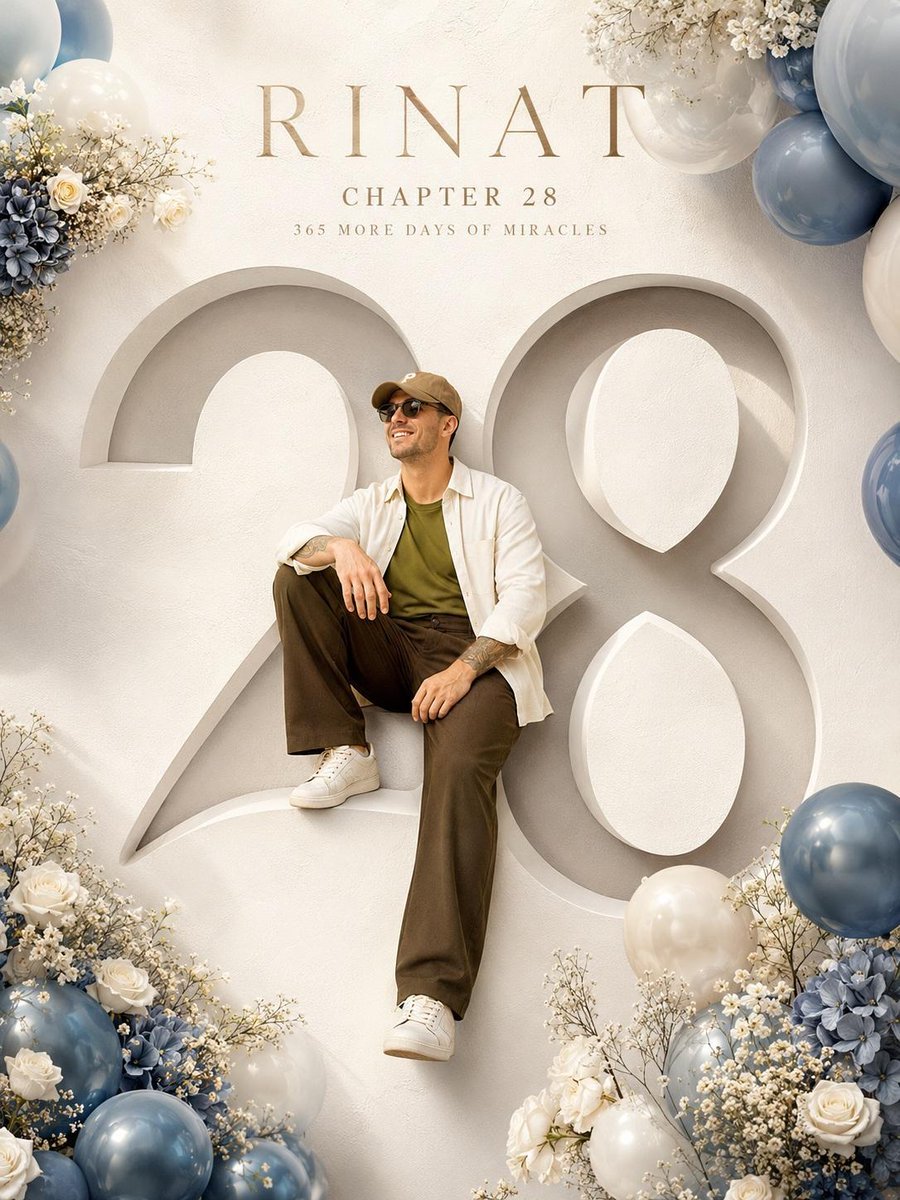
Luxury Birthday Milestone Poster
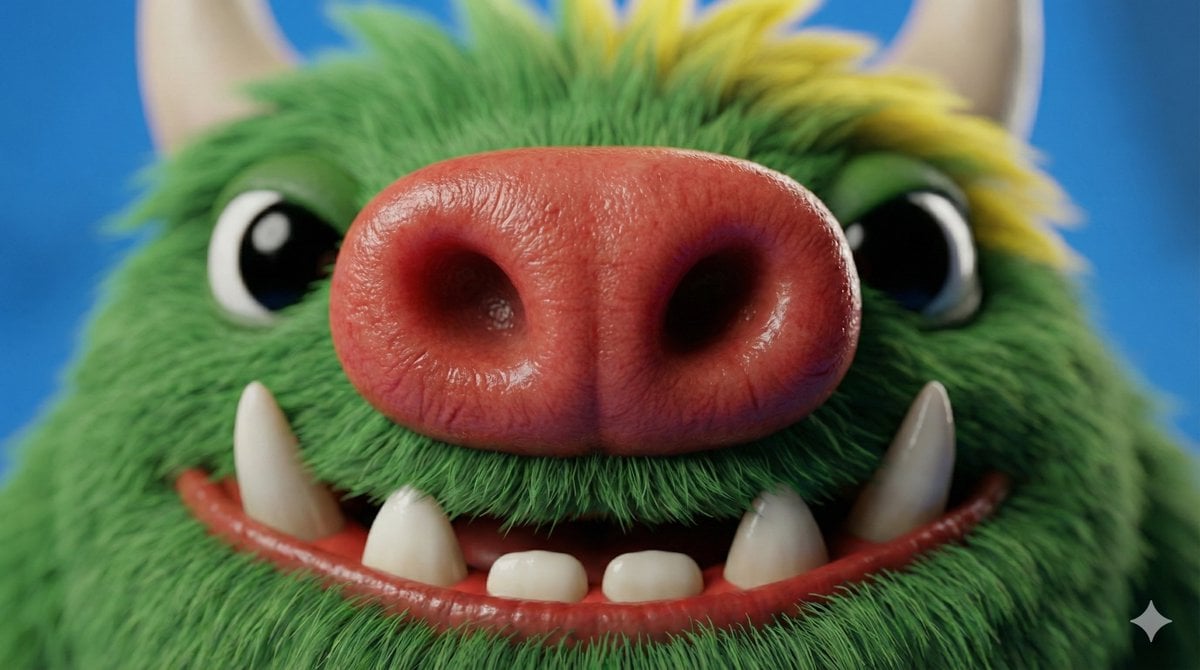
Close-up Character Nose Prompt
Browse template categories
Fashion Editorial Portrait in Cafe questions
How do I use the Fashion Editorial Portrait in Cafe template?
Add your photo if the template asks for one, edit the prompt if you like — the template's model and format are already selected — and press Generate. Your version opens in PicX Studio.
Can I customize the Fashion Editorial Portrait in Cafe template?
Yes. You can change the subject, setting, lighting, mood, format, and available model controls before creating your image.
Is the Fashion Editorial Portrait in Cafe template free?
Opening and editing this template is free. Generating uses credits, shown on the Generate button when you are signed in.
Which AI model should I use?
Start with Gemini 3 Pro Image Preview, which is the model associated with this template. You can compare another compatible model for a different finish.
Looking for something else? Browse all templates.

Your photo, any look
Thousands of ready templates for every top image and video model, from one credit balance.