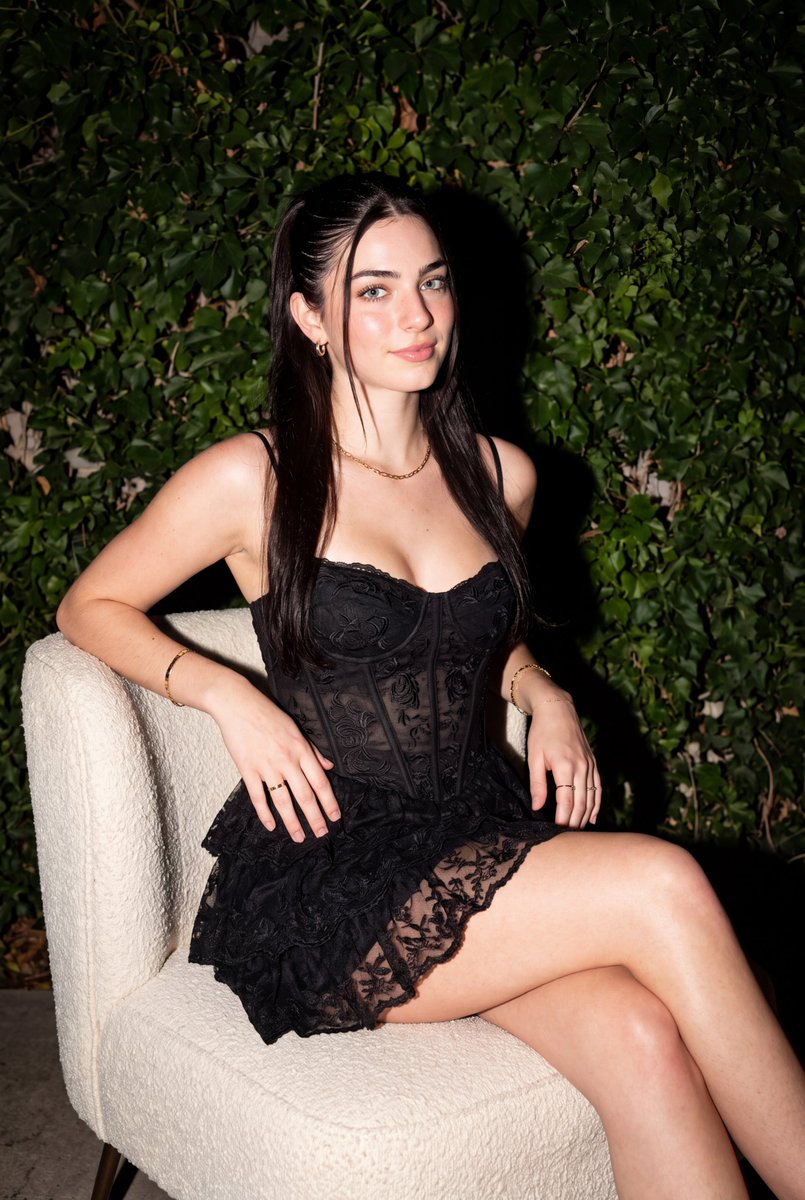
How do I use the Outdoor Direct Flash Lace Dress Portrait template?
Choose the primary action to open PicX Studio with the available template settings. Review the model and format, personalize the creative direction, and generate when ready.
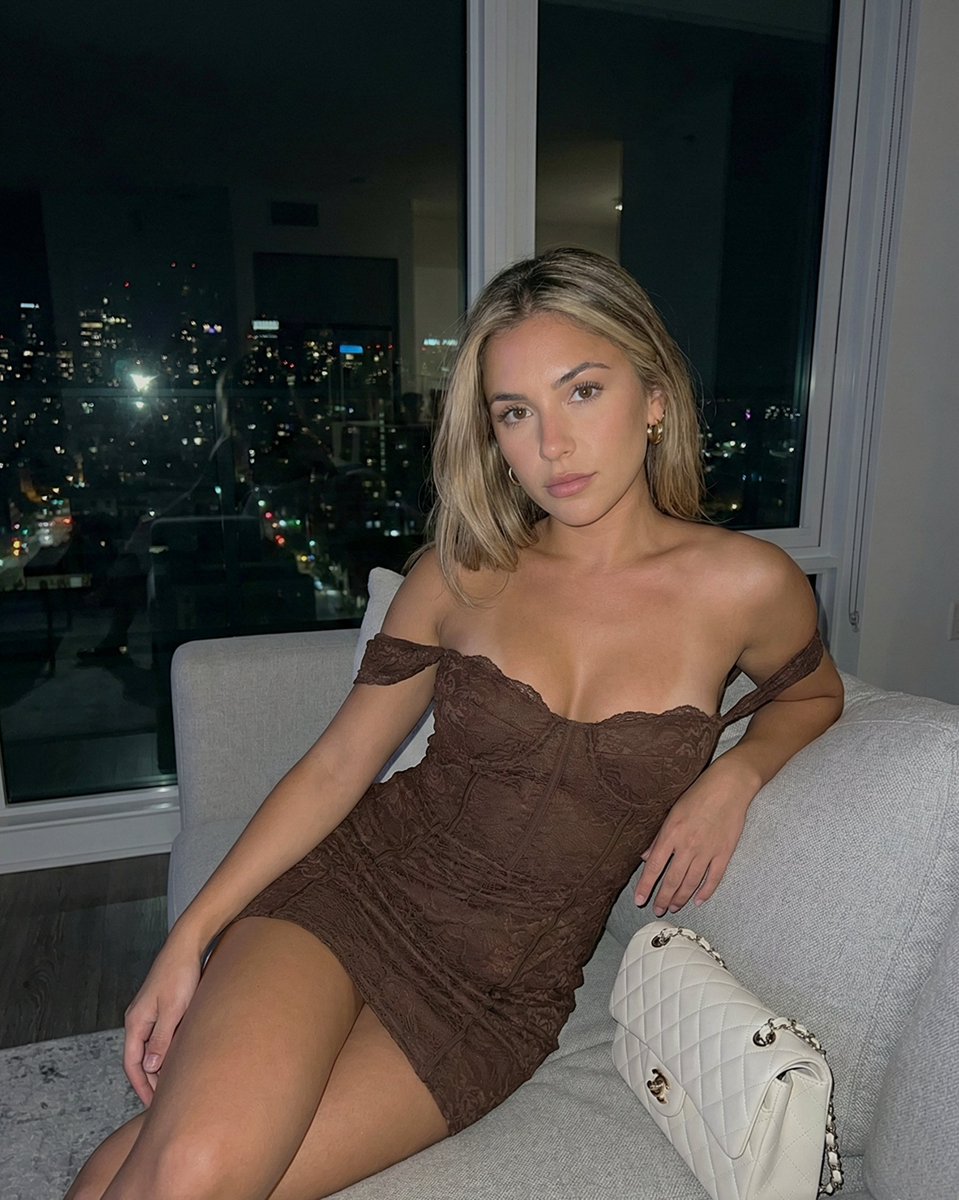
A prompt focused on high-contrast night photography using a direct flash effect, featuring a subject in a detailed lace corset dress. Change the subject, setting, or lighting one variable at a time.

Using my picture can you create a woman with long, dark hair styled in a half-up ponytail with face-framing strands sits angled in a modern textured armchair. She leans forward slightly, looking off-camera to her left with a subtle, closed-mouth smile. She wears a {argument name="dress style" default="black sleeveless mini dress featuring spaghetti straps, a fitted corset-style bodice with subtle lace embroidery, and a ruffled, layered lace skirt"}. Her accessories include {argument name="accessories" default="a delicate gold chain necklace, small hoop earrings, thin bracelets on both wrists, and simple rings"}. Lighting & Composition Shot Style: Medium full-length portrait shot outdoors at night using direct flash. Lighting: Direct camera flash, casting bold, high-contrast light on the subject while creating deep dark shadows in the foliage directly behind her. Color Palette: Dominated by deep greens and rich blacks, with warm skin tones highlighted by the flash. Setting & Background Foreground/Seating: A contemporary cream or off-white upholstered accent chair with a textured fabric finish. Background: {argument name="background" default="A dense wall of lush green climbing ivy leaves covering a white fence or wall behind her"}. Don’t change the face
Outdoor Direct Flash Lace Dress Portrait needs input media to work. Open it in the studio and these load alongside the prompt — pick whichever ones your chosen model can take.
Choose the primary action to open PicX Studio with the available template settings. Review the model and format, personalize the creative direction, and generate when ready.
Yes. You can change the subject, setting, lighting, mood, format, and available model controls before creating your image.
This template is free to open and customize. Generation usage is shown in PicX Studio before you create.
Start with gemini-3-pro-image-preview, which is the model associated with this template. You can compare another compatible model for a different finish.
Follow a topic to a crawlable collection of related PicX Studio templates.
43,449 public templates available. Verified via the PicX Studio public templates API; refreshed hourly.

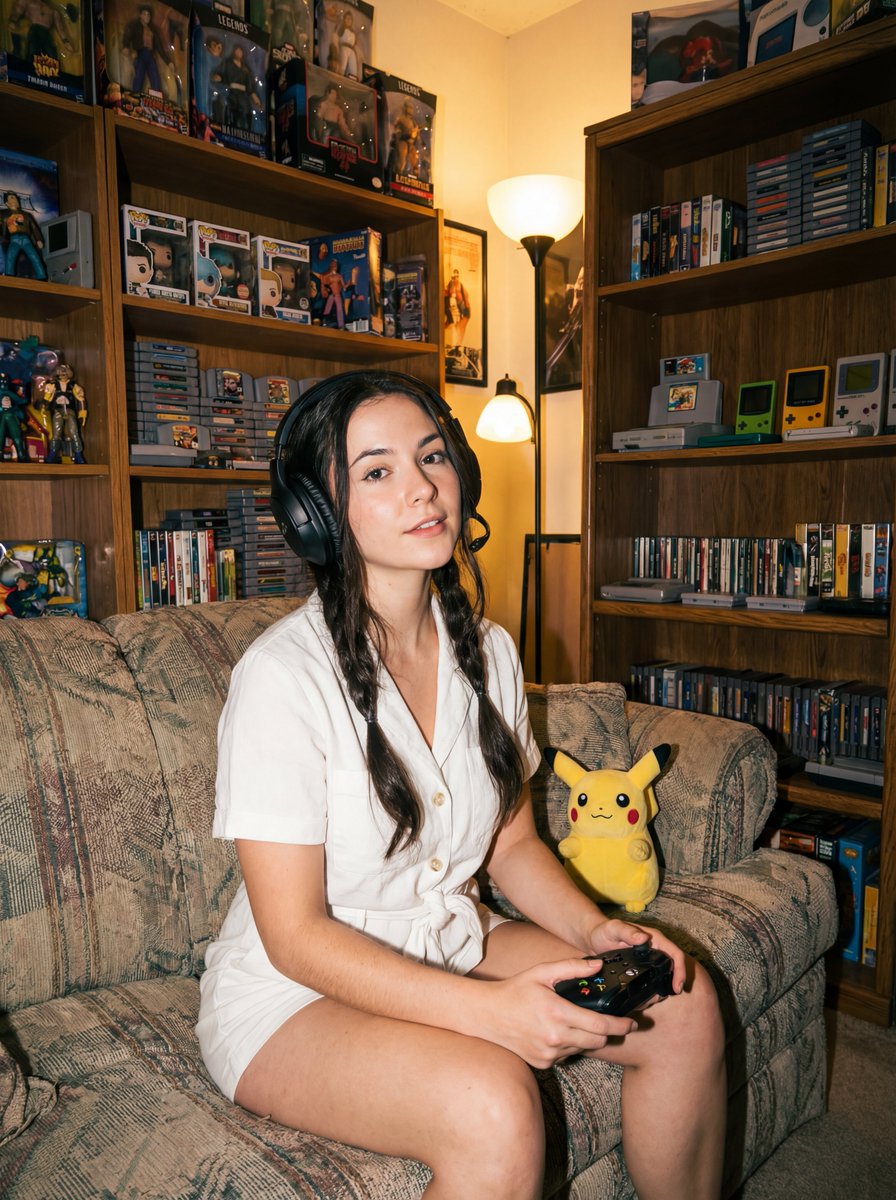
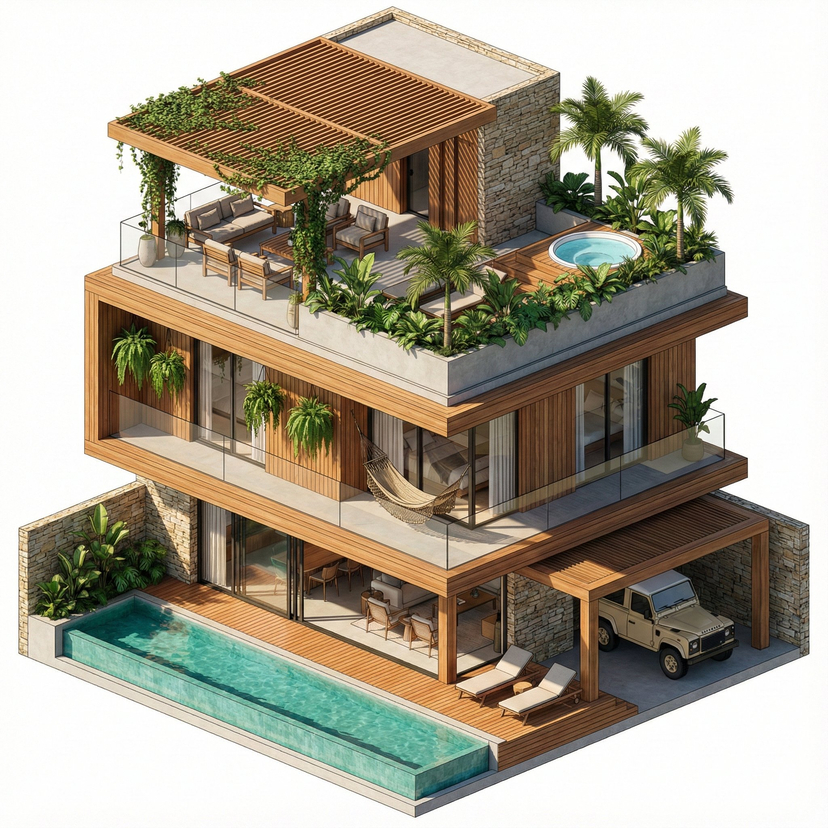

![Mediterranean Resort Lace Dress Portrait — [인물의 포즈 및 표정] 야외 레스토랑의 테이블에 앉아 몸을 돌린 채, 한쪽 어깨 너머로 카메라를 정면으로 응시하고 있습니다. 인물의 완벽한 측면모입니다. 왼팔을 테이블 위에 올려 가볍게 지탱하고 있으며, 차분](https://cms-assets.youmind.com/media/1780911035335_h8xpe0_HKAifP9bsAAmtvq.jpg)

![Graphic Eyeliner and Lace Nails Portrait — Use the face from the uploaded photo, preserve her appearance. Close-up, eye-level portrait [3:4]. Poised expression,](https://cms-assets.youmind.com/media/1785137830325_ehyuj4_HN-RtMGbsAAMr26-300x400.jpg)

![118-google-nano-banana-pro-skincare-product- — A professional skincare shot of a [product container] with [cap/lid], labeled [brand, product, descriptor, volume](/_next/image?url=https%3A%2F%2Fcdn.picxstudio.com%2Fuploads%2Fpost118_img0_332898b8-29ea-42a9-87ab-9ed746a3f944.jpg&w=828&q=100)
![Overhead Direct-Flash Bedroom Portrait — Create an [overhead direct-flash editorial portrait] style fashion image of an adult woman, aspect ratio [aspect ratio]](https://cms-assets.youmind.com/media/1779959528513_nraq1s_HJT6kJdbMAA_We3.jpg)







![Urban Street Mixed Media Portrait — Transform this image [Upload Your Image] into a 64K DSLR shot resolution of A creative urban street portrait featuring a you](https://cms-assets.youmind.com/media/1785137834120_1a6fgj_HOH_vMobUAAAZf1-300x224.jpg)




![Tilt-Shift City Map Travel Scene — Create a highly detailed cinematic miniature tilt-shift travel scene of {argument name="city" default="[CITY NAME]"} featurin](https://cms-assets.youmind.com/media/1780735246888_ea2wzm_HKBO8ReaoAA_hkz.jpg)








![Mixed-Reality Street Portrait (Real Person with Cartoon Twin) — Transform this image [Upload Your Image] into a 64K DSLR shot resolution of A creative mixed-rea](https://pbs.twimg.com/media/G-WbFqya4AAMu5V.jpg)