How do I use the Cinematic Muslim Woman Portrait in Mosque Prompt template?
Choose the primary action to open PicX Studio with the available template settings. Review the model and format, personalize the creative direction, and generate when ready.
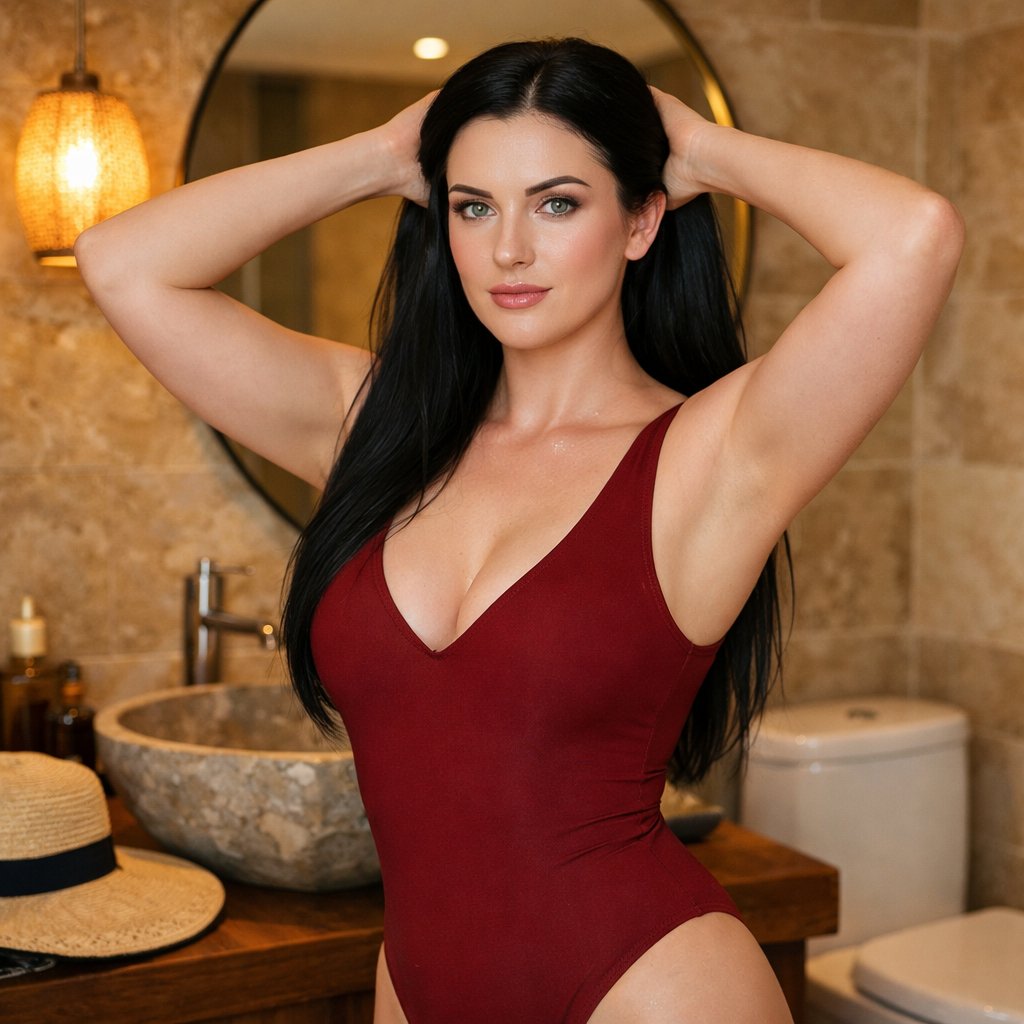
A highly detailed prompt for generating an ultra-realistic, cinematic close-up portrait of a young Muslim woman inside a mosque during Tarawih prayers. The prompt specifies flawless skin texture, natural makeup, specific attire (white satin mukenah), pose (hand supporting face), and lighting (soft camera flash) to achieve an editorial, spiritual, and photogenic aesthetic. (free to use) — Free AI image template on PicX Studio.
High-resolution, masterpiece, best quality, perfect lighting, dramatic shadows, detailed textures, vertical 9:16. Close-up photo of a young Muslim woman inside a mosque, seated in the women’s prayer row during Tarawih prayers in Ramadan. She has flawless, smooth, very bright fair skin, a subtle, natural smile, bareface look with visible pores, naturally curled eyelashes, and clear hazel eyes—no blush, no porcelain finish. Natural ombré lips: inner lips soft pink, fading to light pink nude with a soft, blurred edge, non-full-coverage. She wears a white satin mukenah with delicate lace framing the face and front. Accessories: gold chain bracelet with a flower charm on one hand. Pose: one hand gently supporting her face, a folded prayer mat resting on her head. Lighting: soft camera flash highlights her face, giving a gentle glow. Background: interior of a mosque with other congregants praying, warm and spiritual Ramadan atmosphere. Photographic style: Muslimah portrait, positive and photogenic vibes, Instagram dump aesthetic, ultra-realistic, professional iPhone capture, cinematic, 8K resolution, editorial portrait quality, sharp focus, detailed skin texture. DO NOT ALTER THE FACE.
Use Cinematic Muslim Woman Portrait in Mosque Prompt to plan an AI image around nano-banana-2 generation. Match the preview's composition first, then personalize the subject, setting, and mood for your own project.
Use the primary action to load the template settings in PicX Studio.
Adjust the subject and creative details for your destination.
Create the image, compare the result with the preview, and refine one variable at a time.
A continuous mix — similar concepts first, woven with same-model prompts and fresh picks from the catalog.
Choose the primary action to open PicX Studio with the available template settings. Review the model and format, personalize the creative direction, and generate when ready.
Yes. You can change the subject, setting, lighting, mood, format, and available model controls before creating your image.
This template is free to open and customize. Generation usage is shown in PicX Studio before you create.
Start with nano-banana-2, which is the model associated with this template. You can compare another compatible model for a different finish.
Follow a topic to a crawlable collection of related PicX Studio templates.
39,155 public templates available. Verified via the PicX Studio public templates API; refreshed hourly.
A continuous mix — similar concepts first, woven with same-model prompts and fresh picks from the catalog.