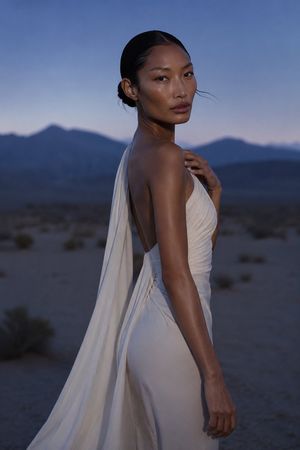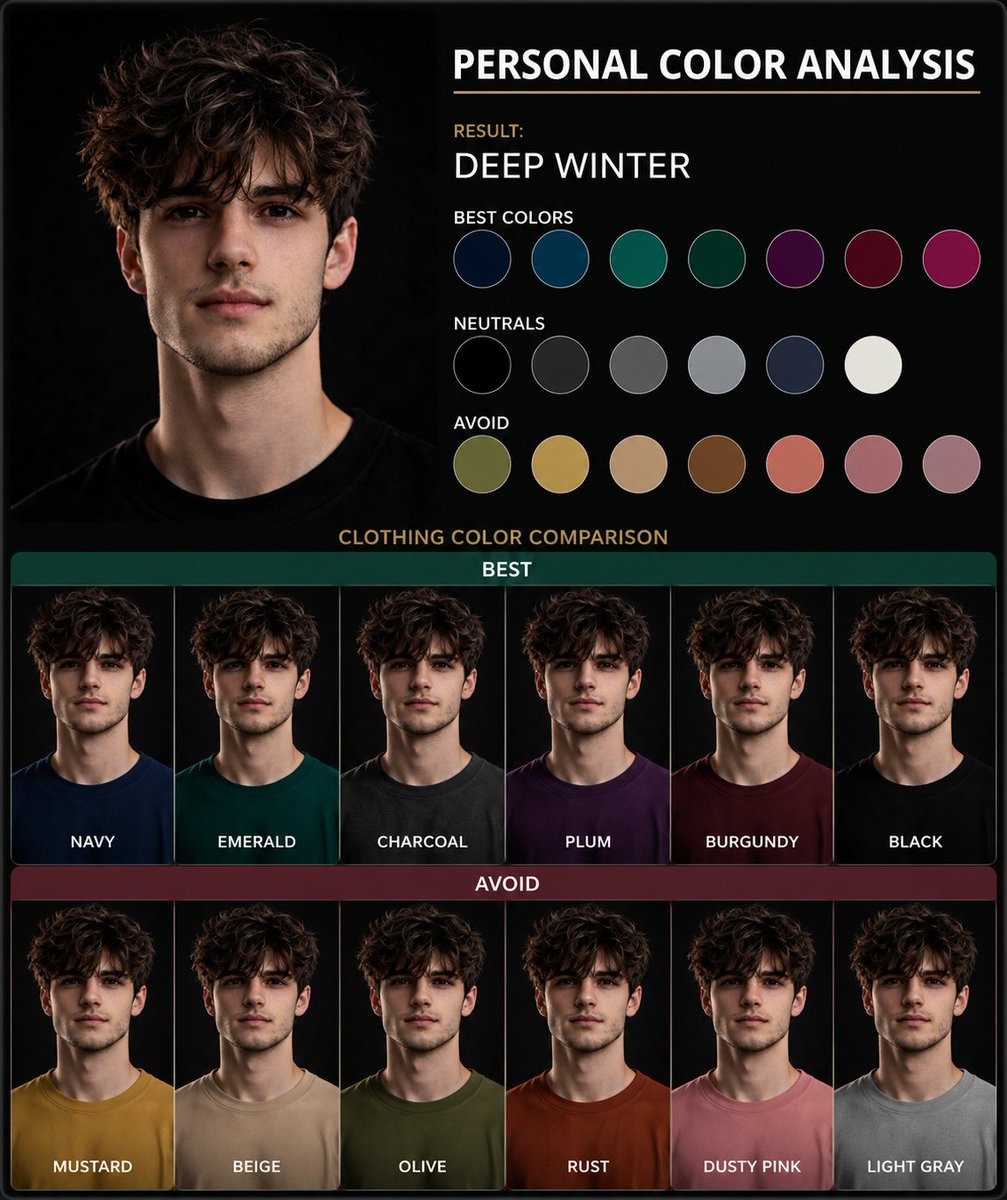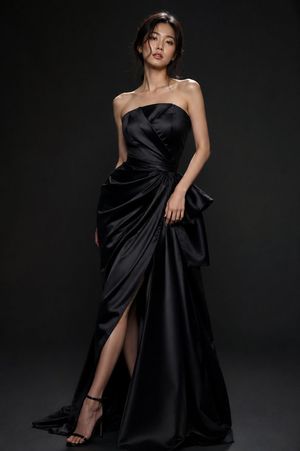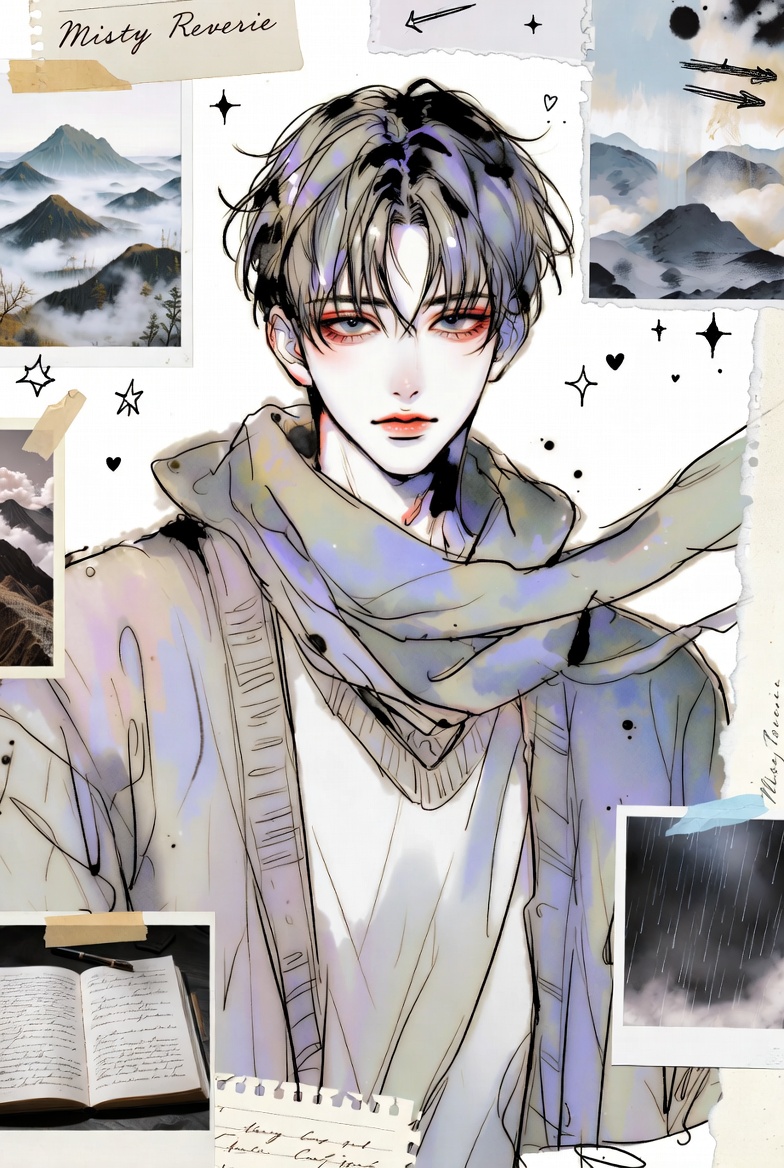

How do I use the 3x3 Model Comp Card Grid template?
Choose the primary action to open PicX Studio with the available template settings. Review the model and format, personalize the creative direction, and generate when ready.
A complex JSON prompt designed to generate a photorealistic 3x3 tiled grid (contact sheet) of the same swimsuit model in nine standard poses/angles, emphasizing consistency, neutral studio lighting, and a catalog-like aesthetic, while strictly avoiding sexualized content. (free to use) — Free AI image template on PicX Studio.
{ "Objective": "Create a clean, studio-style composite image (3x3 grid) showing the same swimsuit model in multiple standard poses/angles against a plain white backdrop, matching the reference layout and lighting.", "Reference_Image": { "file_path": "/mnt/data/9ef77768-1de8-46d2-8581-9fdede334950.png", "key_elements_detected": [ "3x3 tiled grid (nine panels) with thin white borders", "Same adult female model repeated across panels", "White bikini (triangle top, high-cut bottoms)", "Neutral white/cream seamless background", "Even soft studio lighting with minimal shadows", "Standard pose set: front, 3/4, side, back variations", "Hair pulled back into a tight bun", "Centered full-body framing in each tile, consistent camera height" ], "composition_notes": { "layout": "Symmetrical contact-sheet / model comp-card style grid", "camera": "Mid-distance full-body, straight-on and rotated angles", "aesthetic": "Minimal, clinical, catalog-like presentation" } }, "Persona_Details": { "role": "Fashion/editorial prompt engineer", "style_focus": [ "photorealistic studio", "catalog comp sheet", "consistent framing across tiles", "neutral background" ], "avoid": [ "explicit nudity", "sexualized posing", "lingerie glamorization", "brand logos", "text or watermarks" ] }, "Prompt_Template": { "Main_Prompt": "Photorealistic studio contact sheet, 3x3 grid of the same adult female model wearing a plain white bikini (triangle top, high-cut bottoms), hair in a sleek bun, neutral expression, standing in standard modeling angles across the nine tiles (front, 3/4, side, back variations). Clean white seamless background, soft even studio lighting, minimal shadows, consistent camera height and distance, full-body framing centered in each tile, crisp high-resolution editorial catalog look, thin white borders separating each panel.", "Negative_Prompt": "nudity, nipples, explicit content, erotic posing, lingerie boudoir style, pornographic, bedroom, cluttered background, heavy shadows, dramatic cinematic lighting, low-res, blur, warped anatomy, extra limbs, duplicated faces, text, watermark, logo", "Optional_Variations": [ "Same 3x3 grid but with slightly warmer white balance and a subtle film grain, still clean studio lighting", "Same layout but change bikini color to black, keeping everything else identical and minimal", "Same contact sheet but use a light gray seamless background instead of pure white for more separation" ] }, "Suggested_Generation_Settings": { "aspect_ratio": "3:4 (to fit a 3x3 grid comfortably in a vertical frame)", "style": "photorealistic / studio catalog", "quality_notes": [ "Keep poses neutral and non-sexualized", "Maintain consistent scale and alignment across " ] } }
Use 3x3 Model Comp Card Grid to plan an AI image around nano-banana-2 generation. Match the preview's composition first, then personalize the subject, setting, and mood for your own project.
Use the primary action to load the template settings in PicX Studio.
Adjust the subject and creative details for your destination.
Create the image, compare the result with the preview, and refine one variable at a time.
A continuous mix — similar concepts first, woven with same-model prompts and fresh picks from the catalog.
Choose the primary action to open PicX Studio with the available template settings. Review the model and format, personalize the creative direction, and generate when ready.
Yes. You can change the subject, setting, lighting, mood, format, and available model controls before creating your image.
This template is free to open and customize. Generation usage is shown in PicX Studio before you create.
Start with nano-banana-2, which is the model associated with this template. You can compare another compatible model for a different finish.
Follow a topic to a crawlable collection of related PicX Studio templates.
39,155 public templates available. Verified via the PicX Studio public templates API; refreshed hourly.
A continuous mix — similar concepts first, woven with same-model prompts and fresh picks from the catalog.