
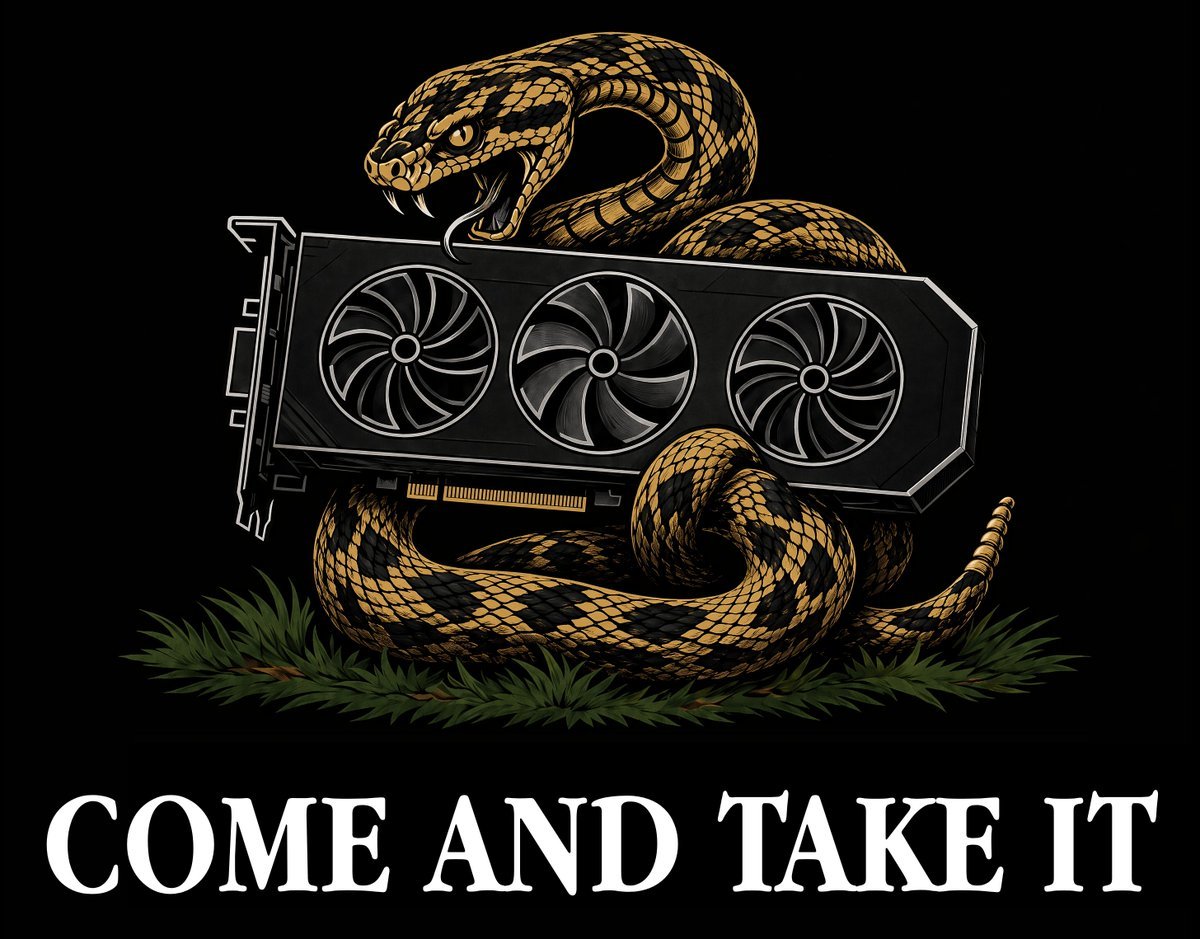
Rattlesnake GPU Come and Take It Graphic
A high-contrast vintage flag-style illustration of a rattlesnake coiled around a triple-fan graphics card with a bold slogan, suitable for apparel or poster art.
- Prompt included
- Model and format preset
- Free template
The prompt behind this image
Copy the exact prompt behind Rattlesnake GPU Come and Take It Graphic, or open it in the studio and make it yours.
Create a bold black-background graphic in the style of a vintage political flag / screen-printed T-shirt design. Center a large coiled rattlesnake in gold, tan, and black, with detailed diamond scales, raised head, open mouth, visible fangs, and an aggressive expression. The snake is wrapped around and behind a modern black desktop graphics card, replacing the usual historical weapon motif with a GPU. The graphics card should be horizontal across the center, slightly angled flat-on, with exactly 3 large circular cooling fans, a visible PCI connector along the bottom edge, angular shroud edges, and thin white/gray line highlights. The snake’s body forms multiple coils: one raised loop behind the GPU near the head, one thick lower coil beneath it, one front coil curling on the right, and a tail extending to the far right with small rattles. Add a low bed of dark green pine needles or grass beneath the snake. At the bottom, place large white all-caps serif text reading {argument name="slogan text" default="COME AND TAKE IT"}, spanning nearly the full width, with distressed colonial-style letterforms. Keep the composition symmetrical and emblem-like, high contrast, crisp vector-illustration look with subtle engraved texture, no extra text, no border, no watermark.
How to use Rattlesnake GPU Come and Take It Graphic in 3 steps
- 1Upload ImagePNG, JPG or paste
Add your photo
Upload the photo the template builds on. The prompt, model and format are already set.
- 2…a portrait of your subject in softgolden-hour light, 85mm…
Personalize
Edit the subject and creative details for your destination.
- 3Generate
Generate
Press Generate — your image is created in PicX Studio, so you can compare it with the original and refine one variable at a time.
More like this
Templates with the same subject, style or setup. Open one to see its prompt.

Travel Poster Graphic Collage
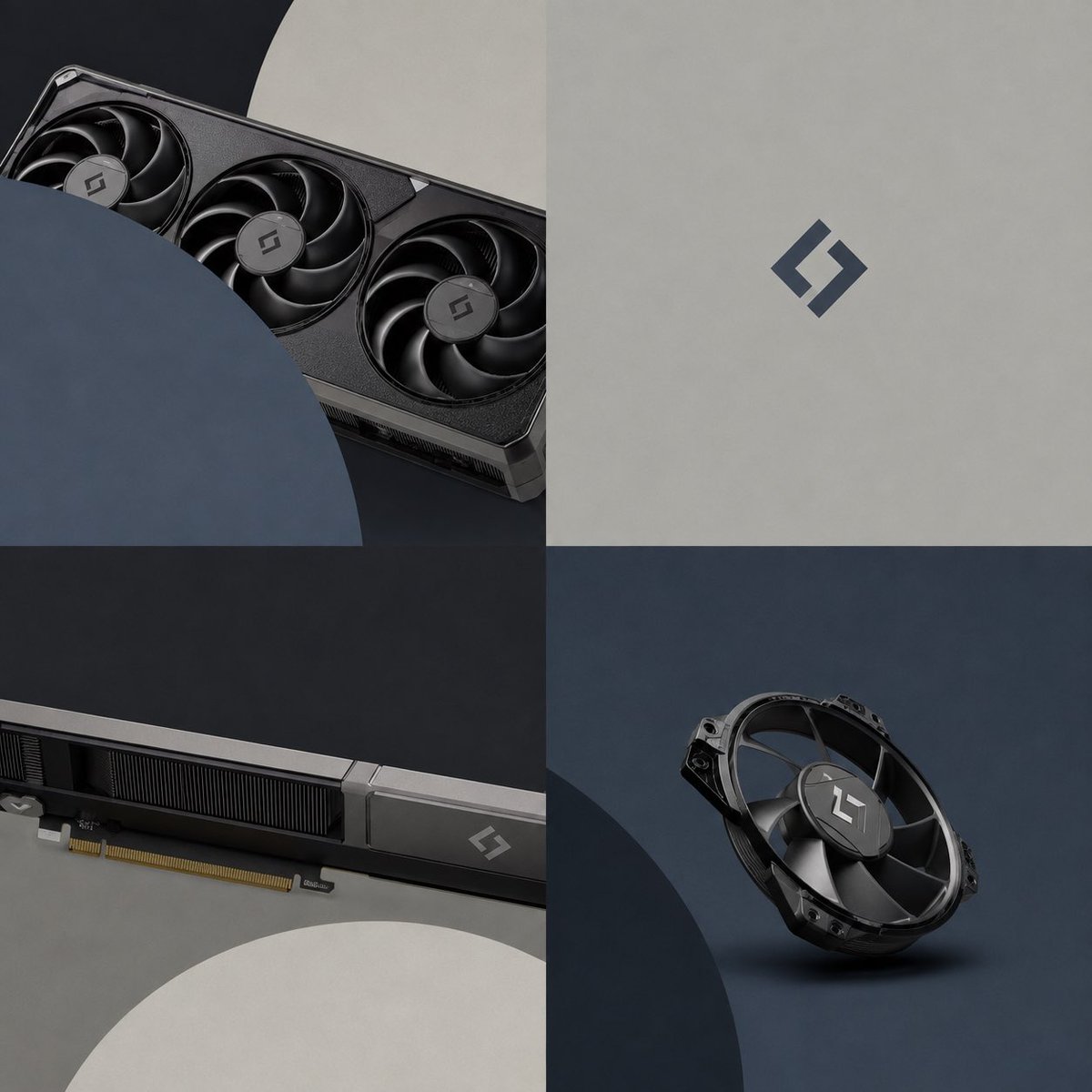
Premium GPU Branding Collage

Unfinished Sketch Comes Alive Portrait

Funny GPU Search Comic Page

China Southern A380 Takeoff at Pudong
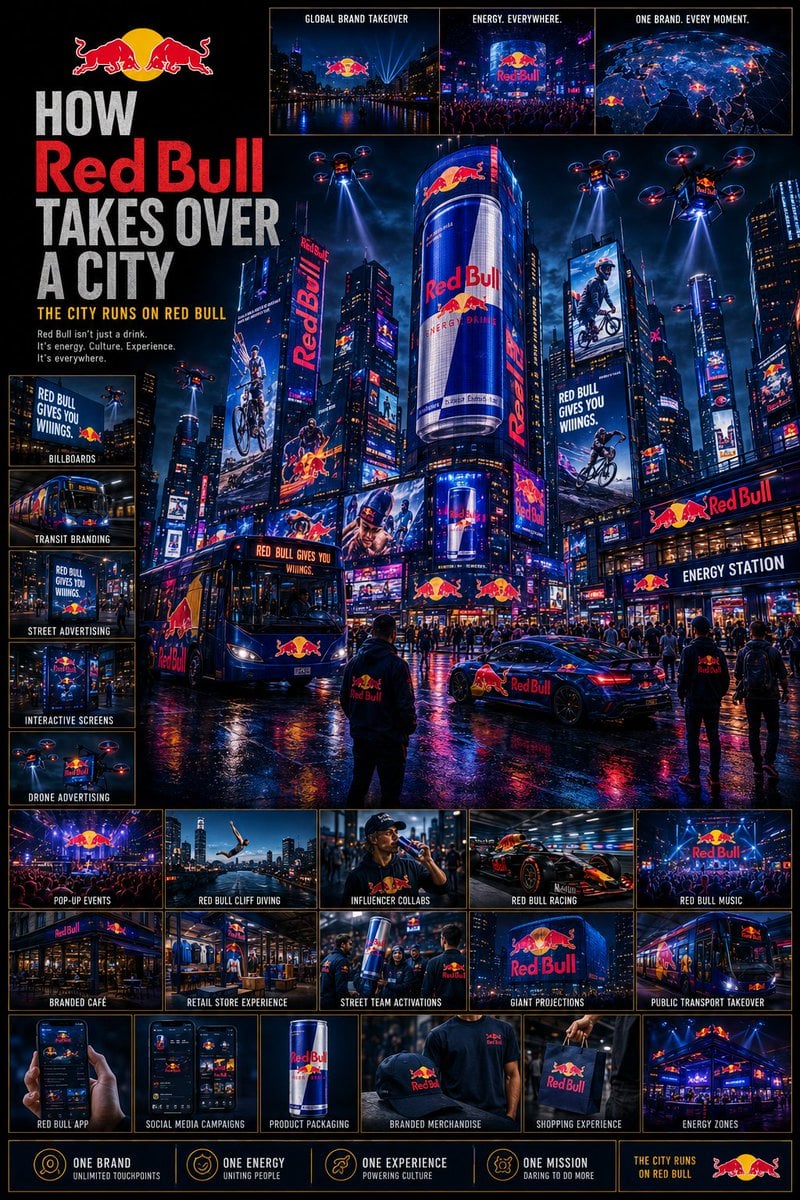
Cinematic Brand City Takeover Poster
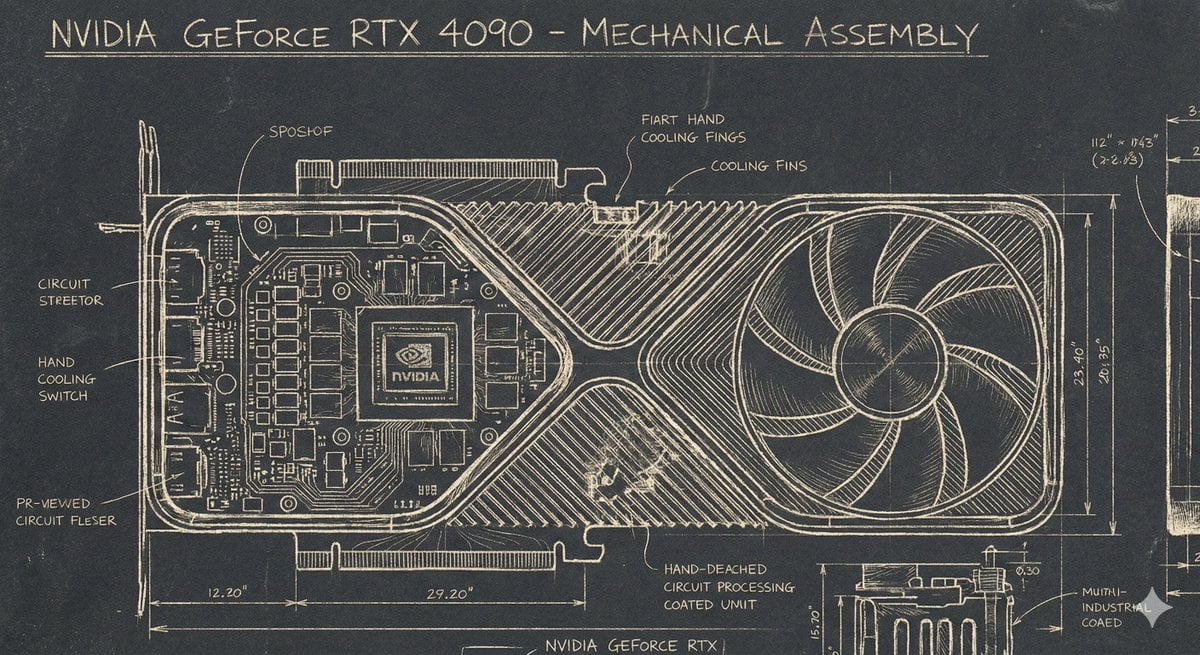
Sgraffito Mechanical Blueprint of NVIDIA 4090 GPU
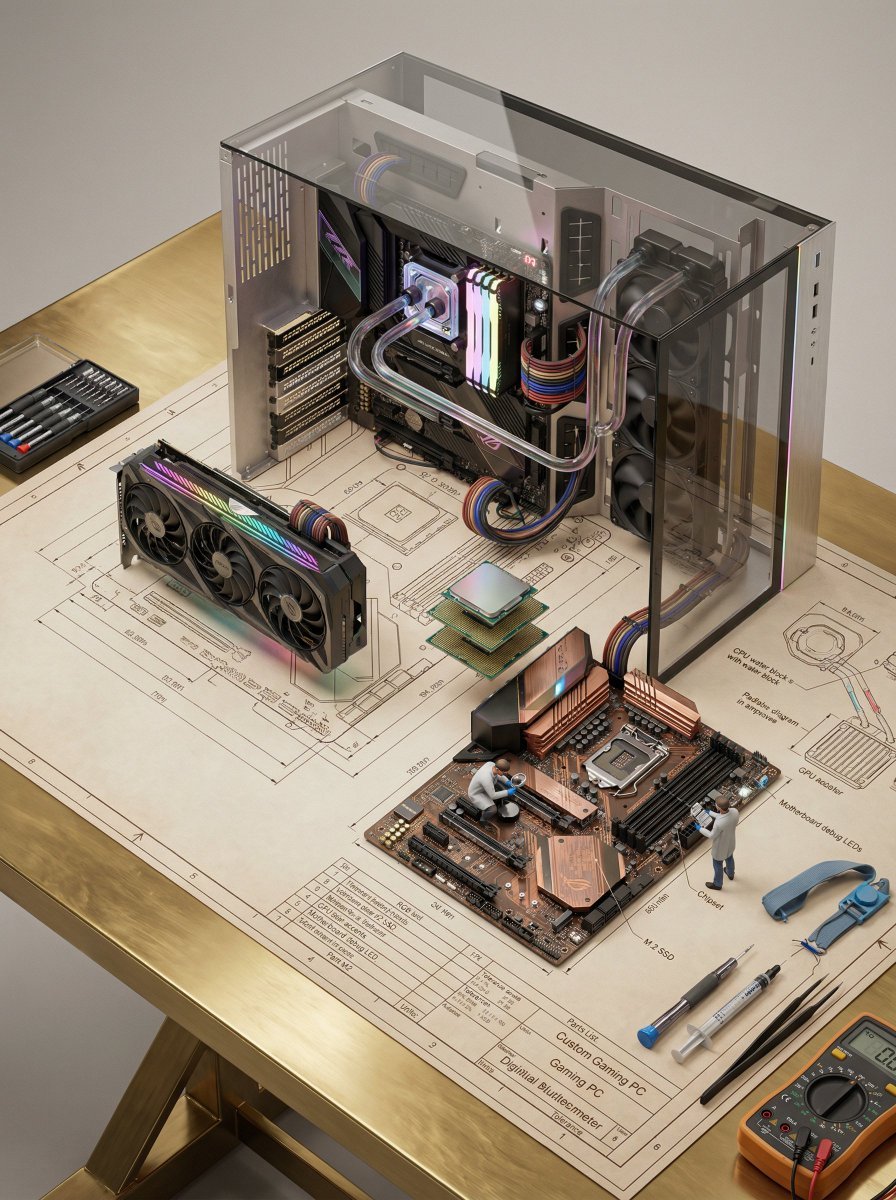
Technical Blueprint of an AI GPU Cluster
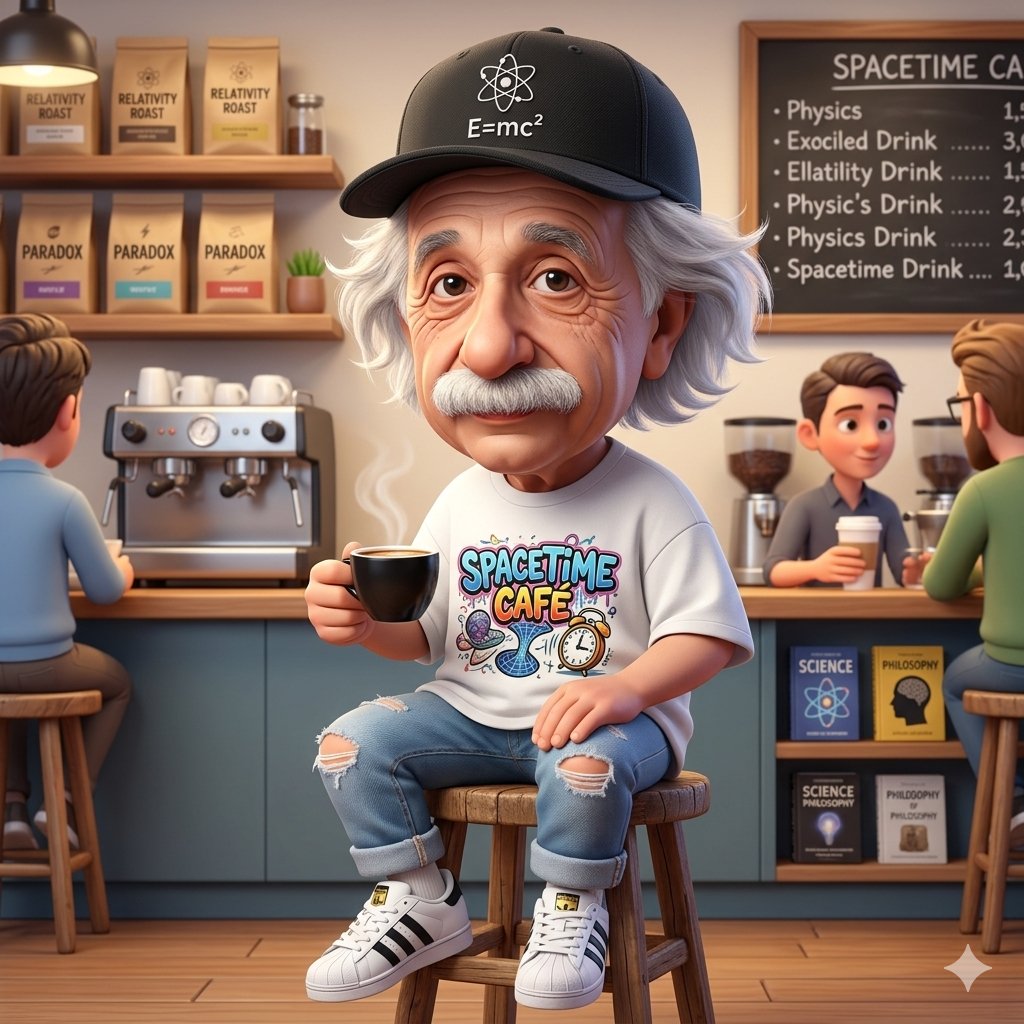
A Cartoonish Take on the Master of Mars
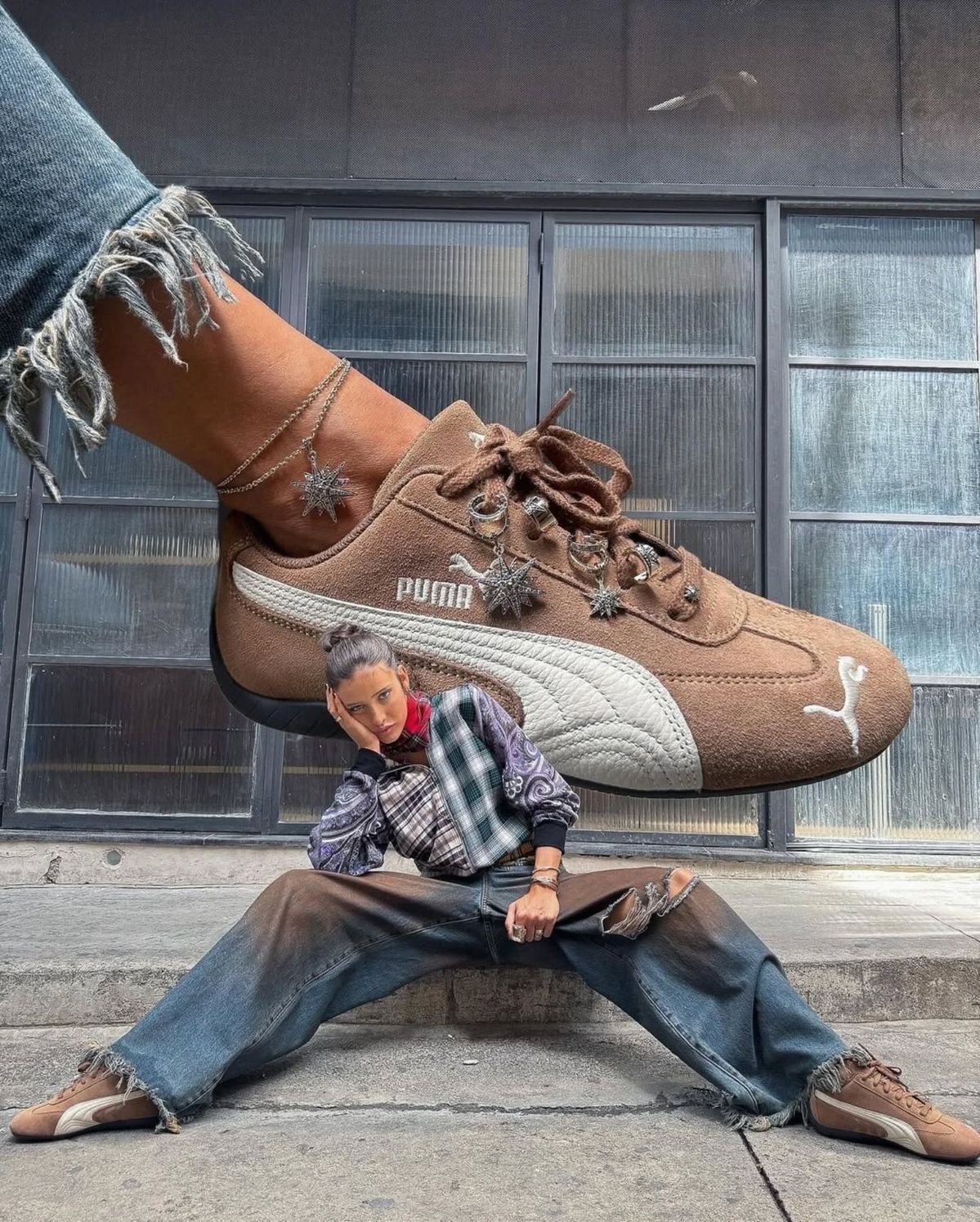
When Sneakers Take Over
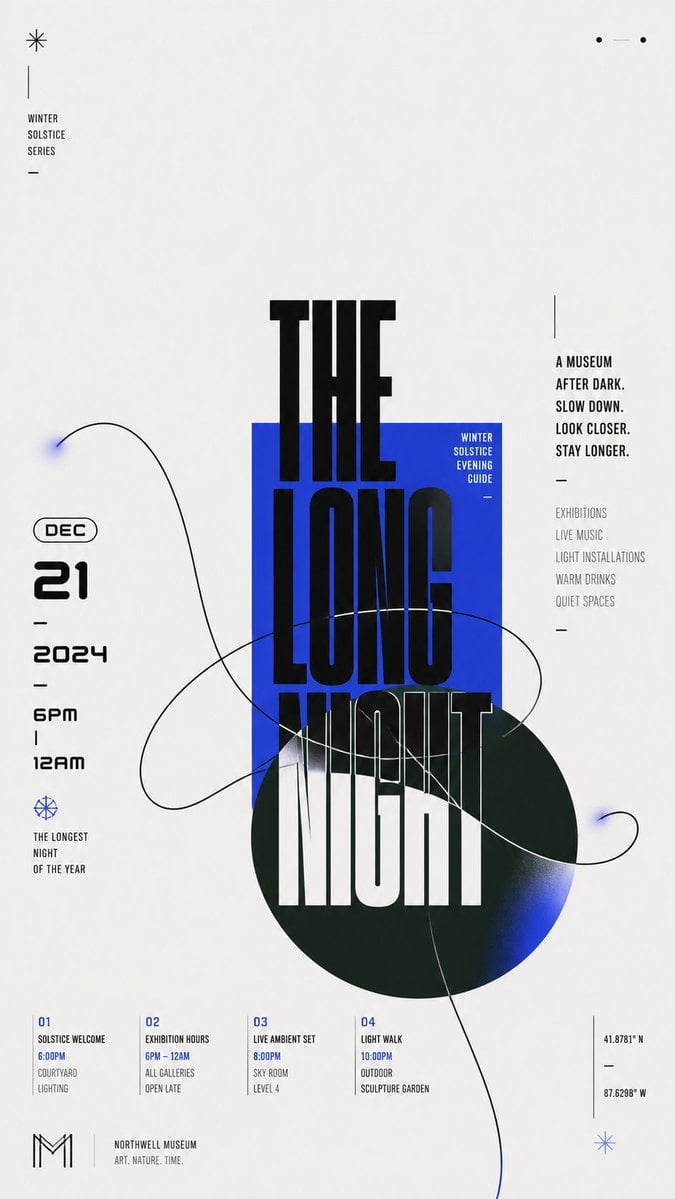
Modern Chinese Graphic Design
Architectural Typographic Portrait Fusion
Make it yours
Rattlesnake GPU Come and Take It Graphic works as-is. These are the safest ways to change it without losing the look.
Change one field
Copy a single group, rewrite it, and generate again so you can see what that field is doing.
Keep the frame, change the subject
Hold the composition and light of Rattlesnake GPU Come and Take It Graphic, then swap wardrobe, props or the person for a new take.
| If the result… | Why | Fix |
|---|---|---|
| The result drifts from the preview | Too many fields changed at once. | Reuse Rattlesnake GPU Come and Take It Graphic as-is first, then change one group — subject, light, or setting. |
| The model over-stylizes the scene | The prose prompt leaves finish and camera underspecified. | Add one camera or lighting sentence and stay on GPT Image 2. |
More GPT Image 2 templates
Other prompts made for GPT Image 2.

Six VTuber Japanese Logo Sheet

Realistic Portrait of Woman and Deer

The Vista Modular Condo Poster

AI Model Routing Comparison Infographic

2.5D Anime Art Board

Isometric Productivity Desk Scene

New York Double Exposure Poster

Four-Panel AI Landscape Comparison

Japanese Tatami Lifestyle Magazine Cover

NESCAFÉ Coffee Map Poster
More image prompts
Fresh picks from across the catalog.
Photorealistic Mirror Selfie Portrait Prompt (Gymnastics Leotard)
Deep Sea Jellyfish Couture Board
Kawaii-Inspired Cozy Bedroom Portrait
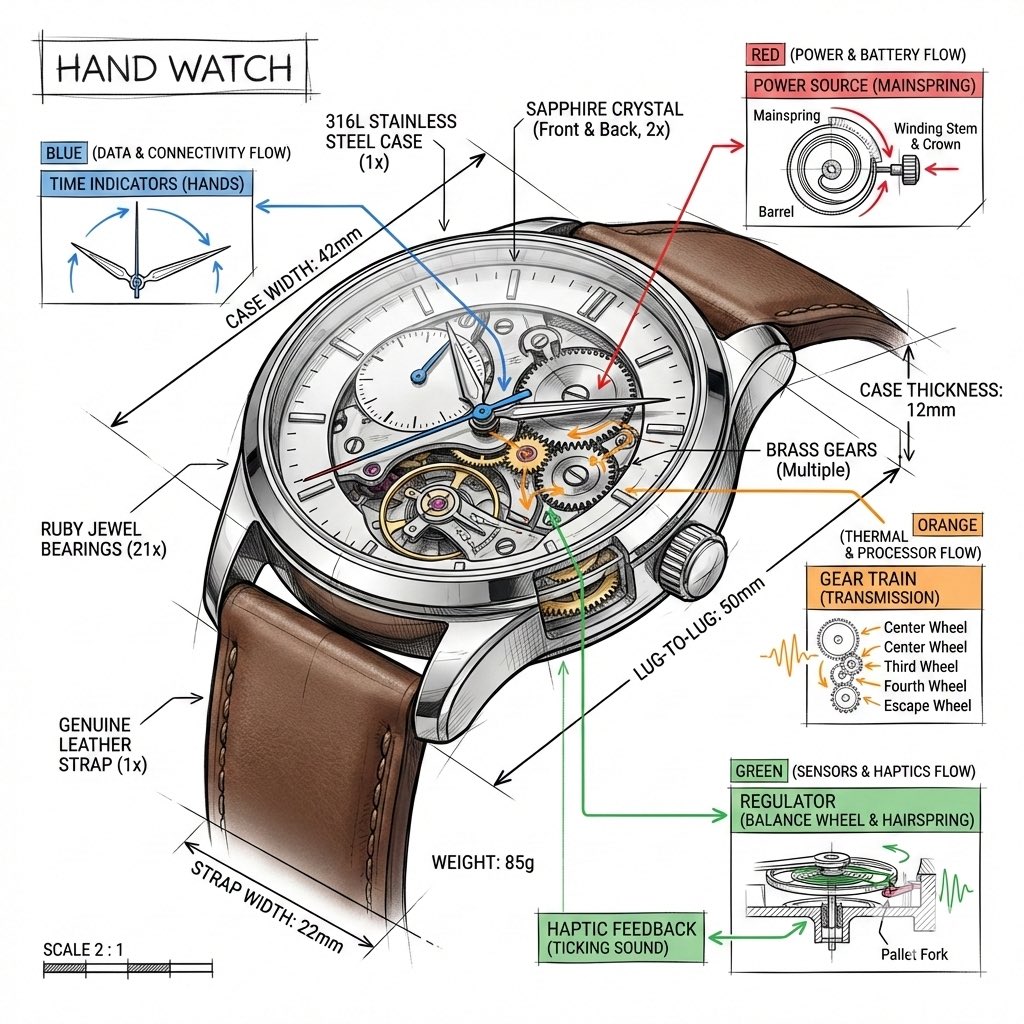
Technical Infographic Template for Objects
Dua Lipa Editorial Portrait (Brutalist Concrete Setting)
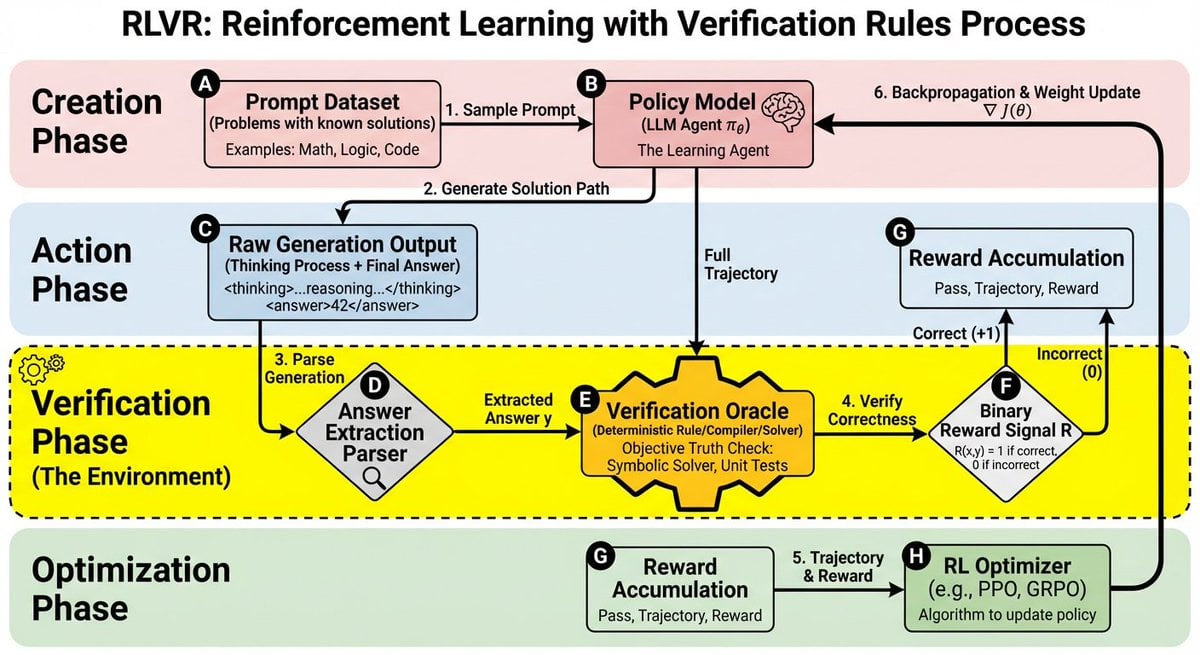
RLVR block diagram
X Aiwithkhan Gpt Image 2 on Chatgpt
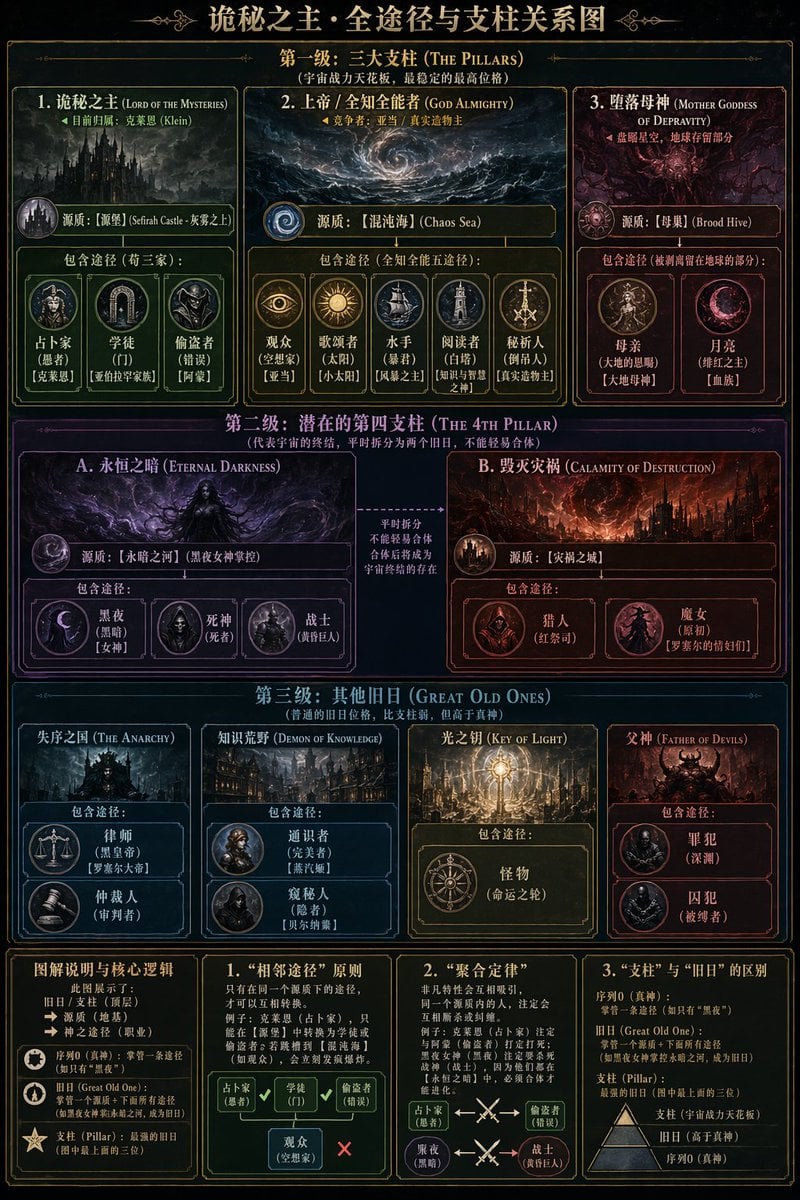
Dark Fantasy Lore Infographic Chart
Noir Woman With Red Halo Poster

Cosmetic Product Shot with Water Splash
Browse template categories
Rattlesnake GPU Come and Take It Graphic questions
How do I use the Rattlesnake GPU Come and Take It Graphic template?
Add your photo if the template asks for one, edit the prompt if you like — the template's model and format are already selected — and press Generate. Your version opens in PicX Studio.
Can I customize the Rattlesnake GPU Come and Take It Graphic template?
Yes. You can change the subject, setting, lighting, mood, format, and available model controls before creating your image.
Is the Rattlesnake GPU Come and Take It Graphic template free?
Opening and editing this template is free. Generating uses credits, shown on the Generate button when you are signed in.
Which AI model should I use?
Start with GPT Image 2, which is the model associated with this template. You can compare another compatible model for a different finish.
Looking for something else? Browse all templates.

Your photo, any look
Thousands of ready templates for every top image and video model, from one credit balance.