
When Sneakers Take Over
When Sneakers Take Over is a ready photo look.
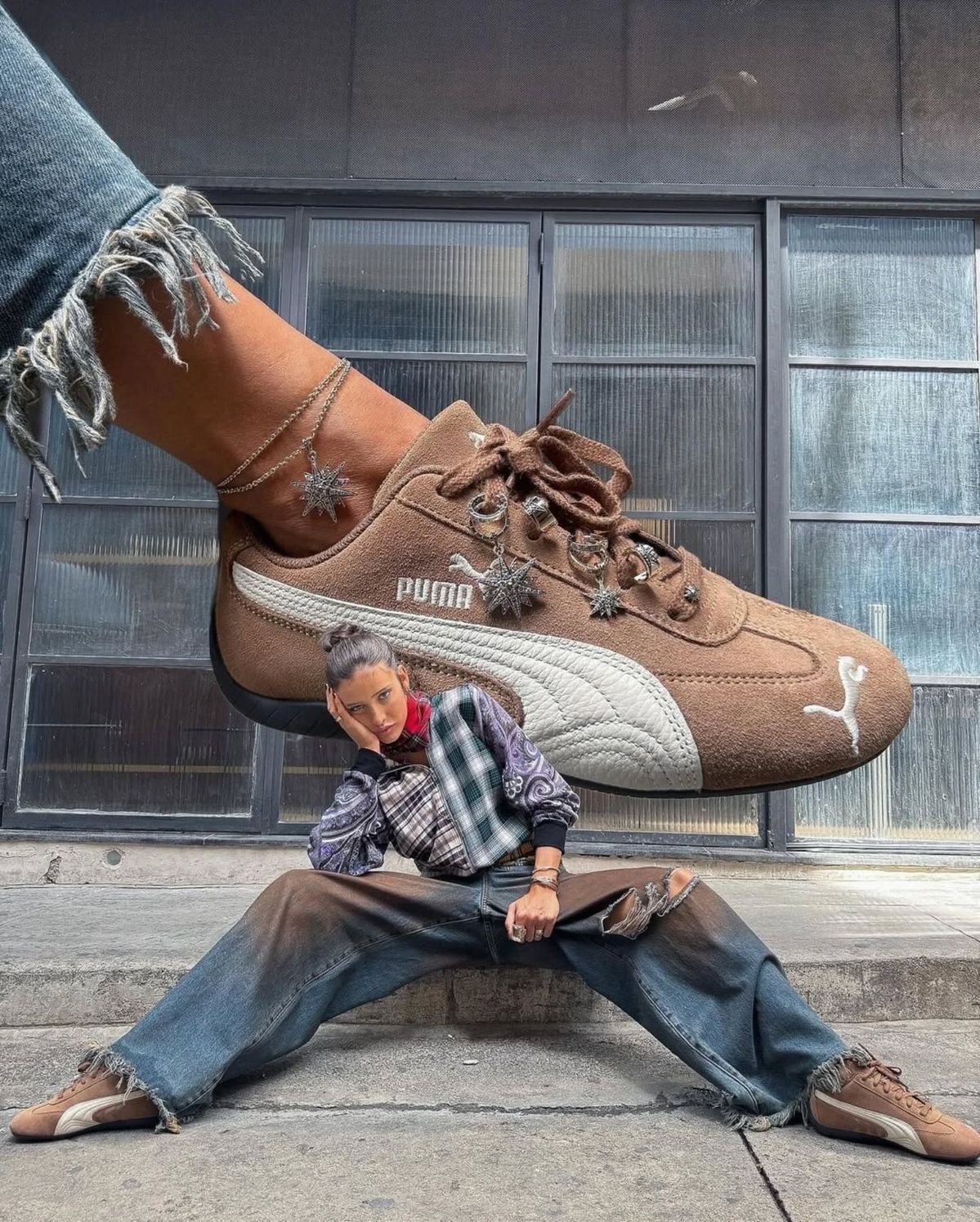
- Prompt included
- Model and format preset
- Free template
The prompt behind this image
Copy the exact prompt behind When Sneakers Take Over, or open it in the studio and make it yours.
{ "prompt": "A bold surreal streetwear fashion editorial featuring an oversized sneaker dominating the frame, appearing dramatically larger than life above a seated model. The sneaker is a brown suede athletic shoe with detailed stitching, metallic lace charms, and a textured sole. Below it, a fashion-forward model sits on concrete steps in a wide-leg distressed denim outfit, legs stretched wide, wearing matching sneakers. The model poses confidently with an attitude-driven expression, creating a strong contrast between human scale and the exaggerated shoe. The setting is an urban industrial backdrop with large glass windows and concrete textures. Natural diffused daylight lighting emphasizes realism while maintaining a surreal scale illusion. Modern streetwear campaign aesthetic, fashion-meets-art visual storytelling.", "negative_prompt": "cartoon style, fantasy creatures, glossy studio background, luxury runway look, blurry subject, distorted anatomy, low resolution, overexposed lighting", "style": "surreal streetwear fashion editorial", "lighting": "natural diffused daylight, soft shadows", "camera": { "angle": "low angle with forced perspective", "lens": "35mm", "aperture": "f/8", "focus": "sharp focus on both sneaker and model" }, "composition": "oversized foreground object, strong scale contrast, centered subject, urban sy
How to use When Sneakers Take Over in 3 steps
- 1
Open
The prompt is already in the box next to the preview, with the template's model and format selected.
- 2…a portrait of your subject in softgolden-hour light, 85mm…
Personalize
Edit the subject and creative details for your destination.
- 3Generate
Generate
Press Generate — your image is created in PicX Studio, so you can compare it with the original and refine one variable at a time.
More like this
Templates with the same subject, style or setup. Open one to see its prompt.
These PNG Don’t Exist

Minimalist Fashion Editorial Split Layout

Delicate Japanese Café Lifestyle Illustration

Minimalist Golden Hour Selfie

Mirror Selfie Chibi Characters Pixar Style

A k.pop idol on the stage with mic
Minimal Modern Bedroom Lifestyle Photography

Monochrome Hypebeast Street Fashion Editorial Motion

Japanese Architectural Concrete Studio Fashion Campaign

Quiet Luxury Black and White Fashion Editorial Portrait

Premium Editorial Branding Poster Charcoal Green
Warm Window Side Café Studio Portrait
Make it yours
When Sneakers Take Over works as-is. These are the safest ways to change it without losing the look.
Change one field
Copy a single group, rewrite it, and generate again so you can see what that field is doing.
Keep the frame, change the subject
Hold the composition and light of When Sneakers Take Over, then swap wardrobe, props or the person for a new take.
| If the result… | Why | Fix |
|---|---|---|
| The result drifts from the preview | Too many fields changed at once. | Reuse When Sneakers Take Over as-is first, then change one group — subject, light, or setting. |
| The model over-stylizes the scene | The prose prompt leaves finish and camera underspecified. | Add one camera or lighting sentence and stay on PicX Studio. |
More image prompts
Fresh picks from across the catalog.
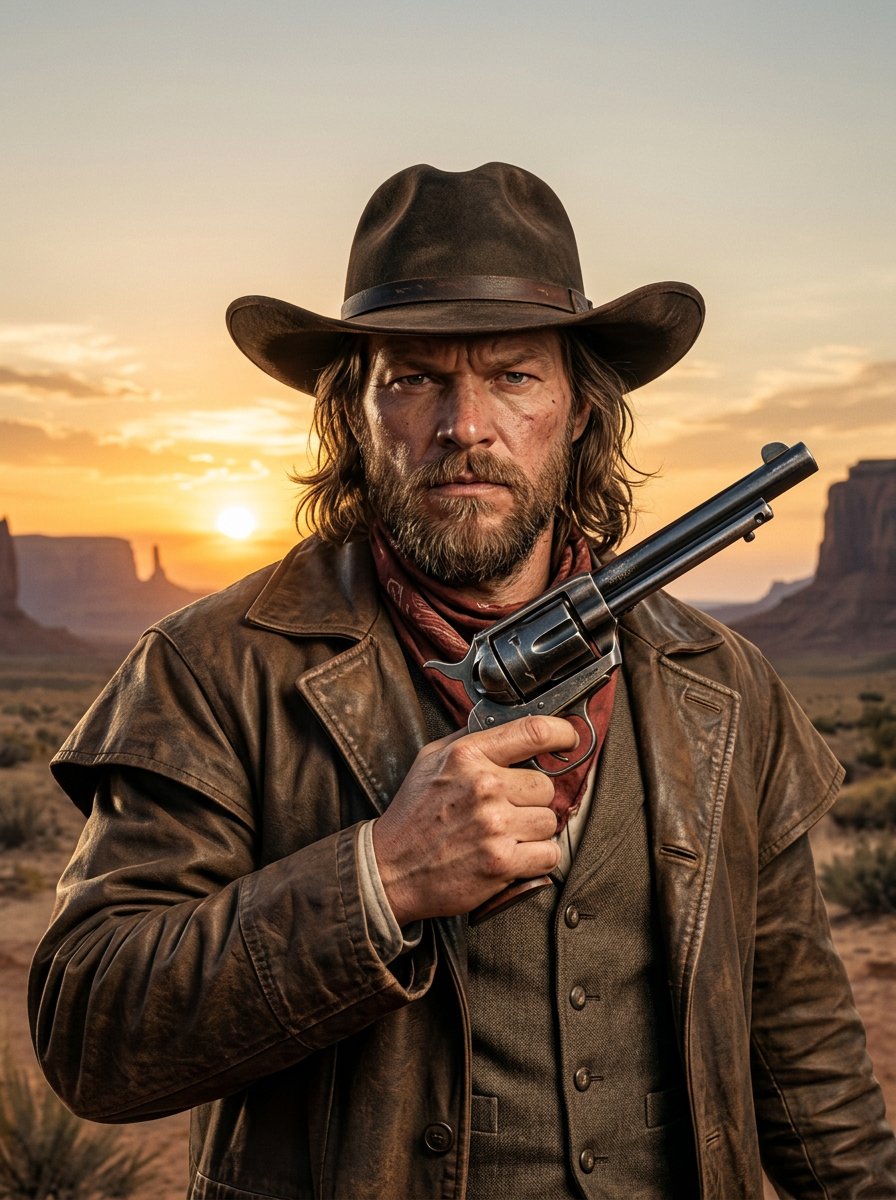
make me a cowboy poster
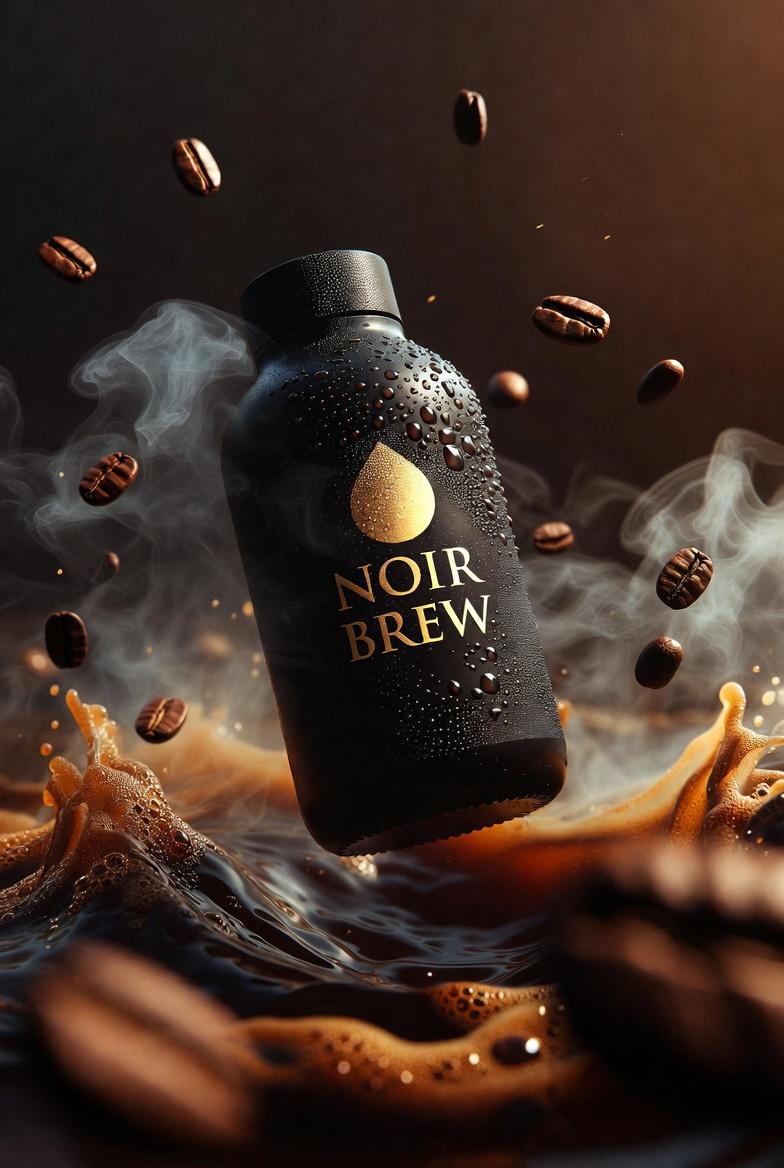
Ultra-Cinematic Product Photography of 'NOIR BREW' Coffee Bottle
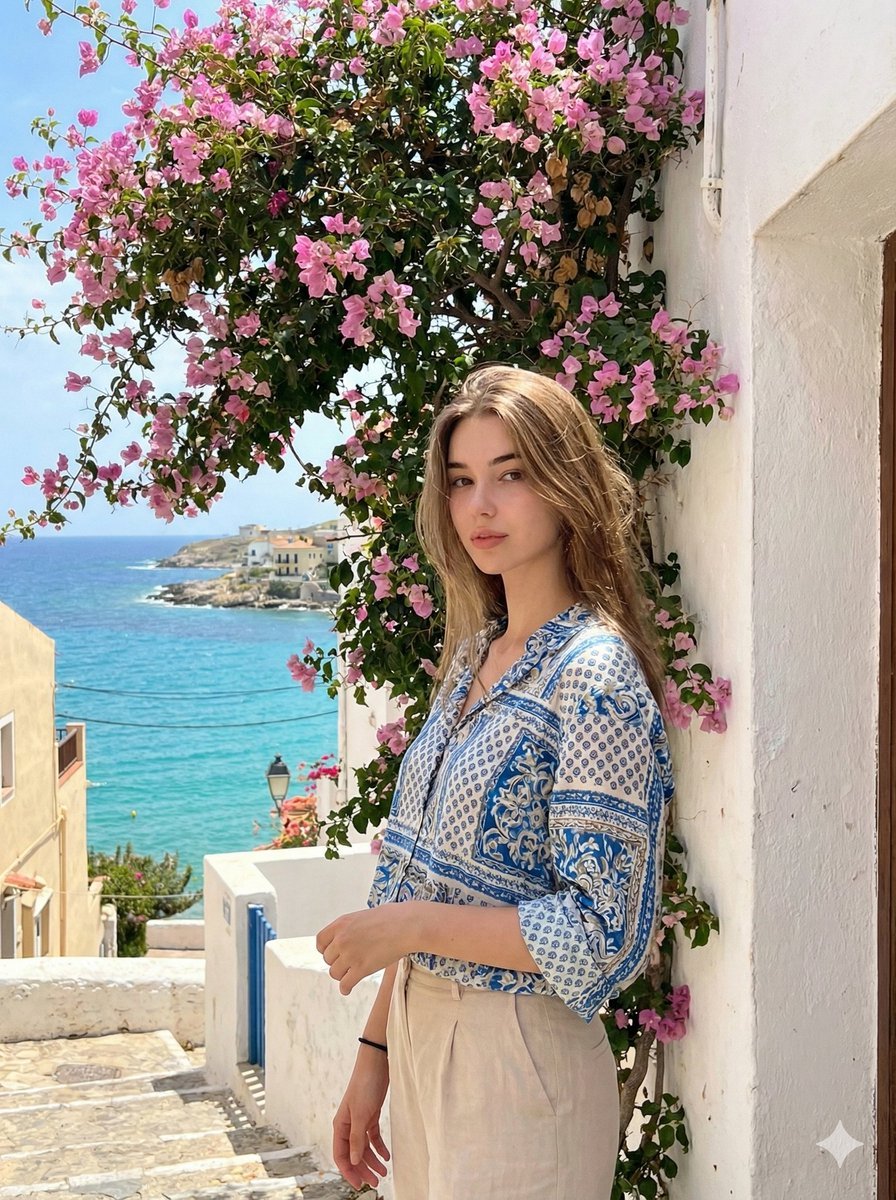
Mediterranean Identity Preservation Prompt
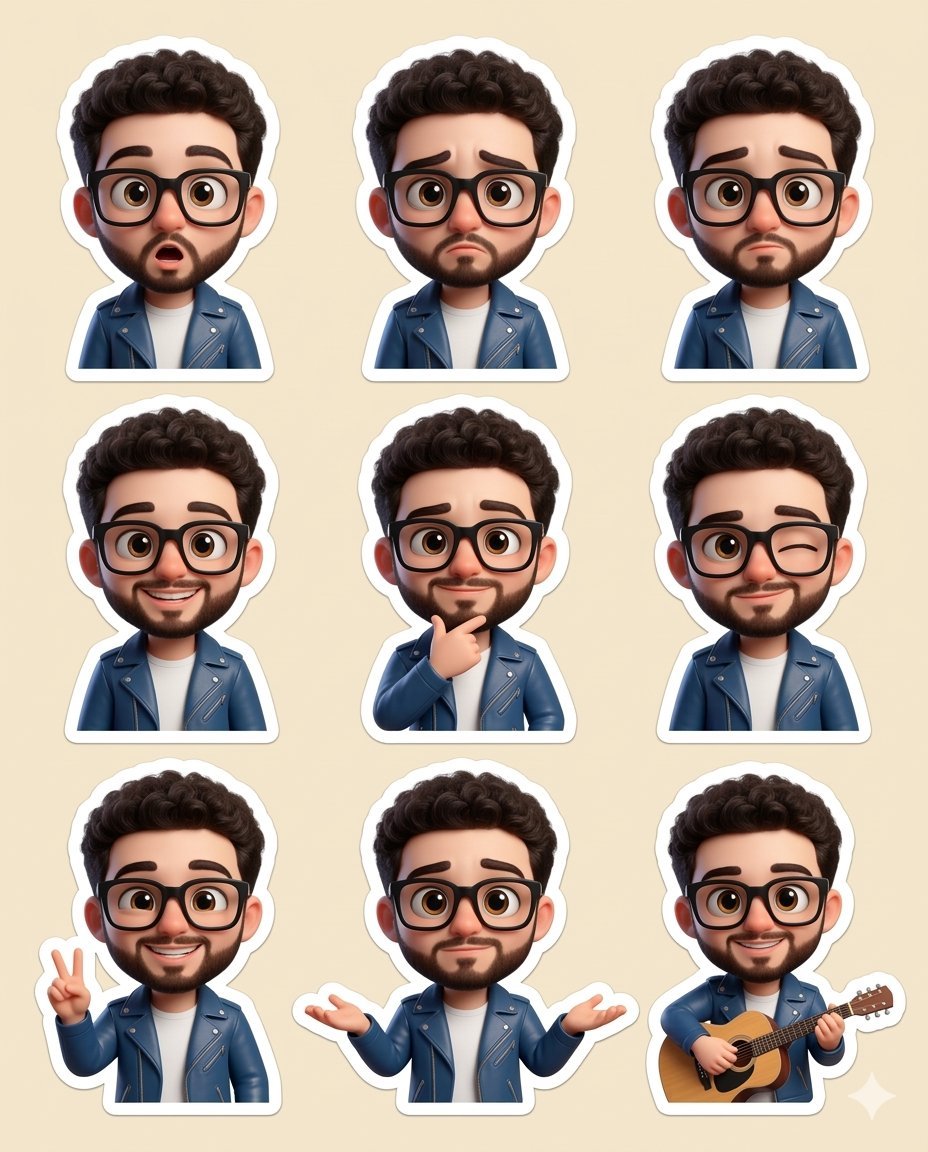
Chibi sticker set prompt for Nano Banana Pro
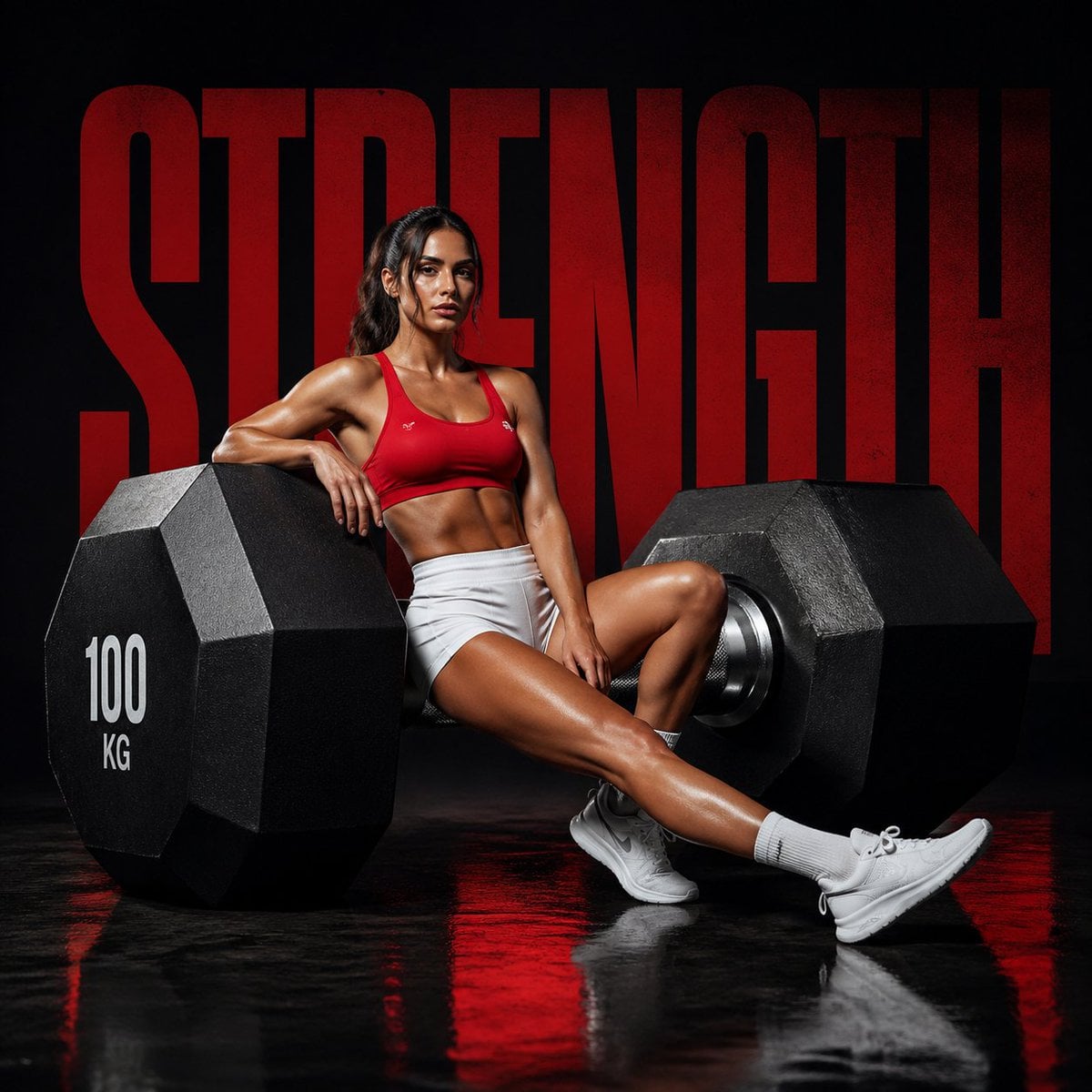
Luxury Fitness Campaign
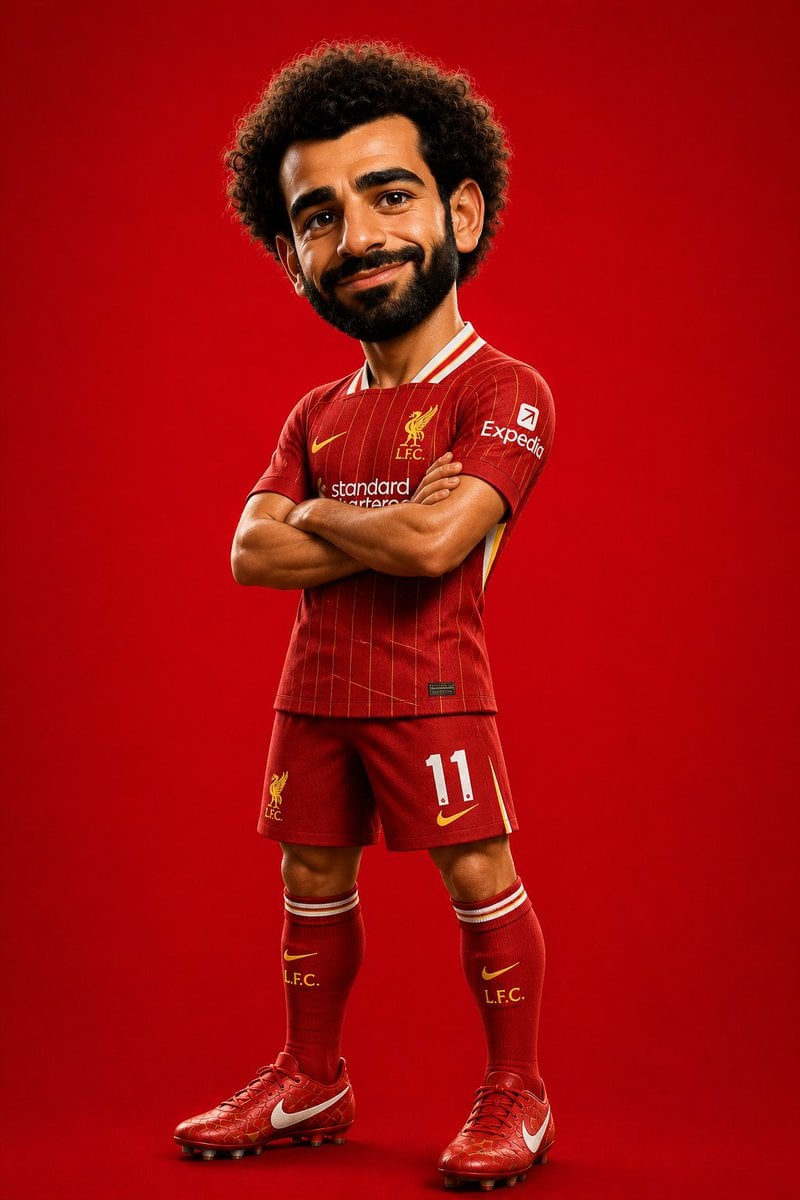
Pixar Style Soccer Player Character
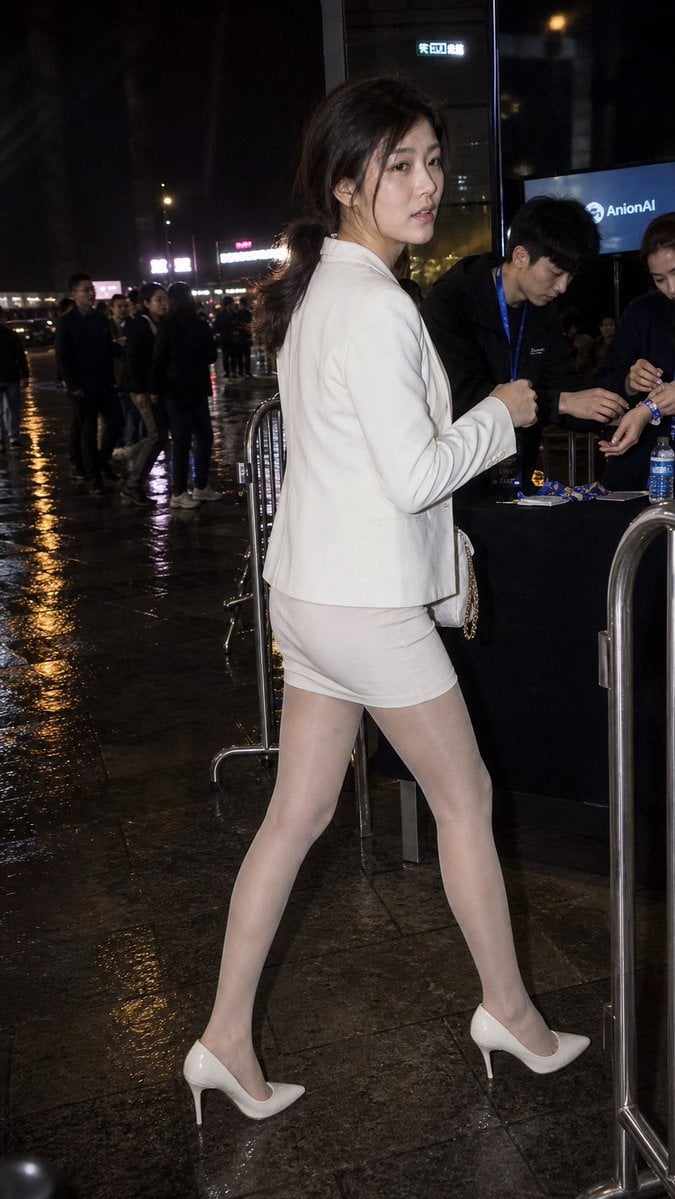
Rainy Night Event Street Fashion
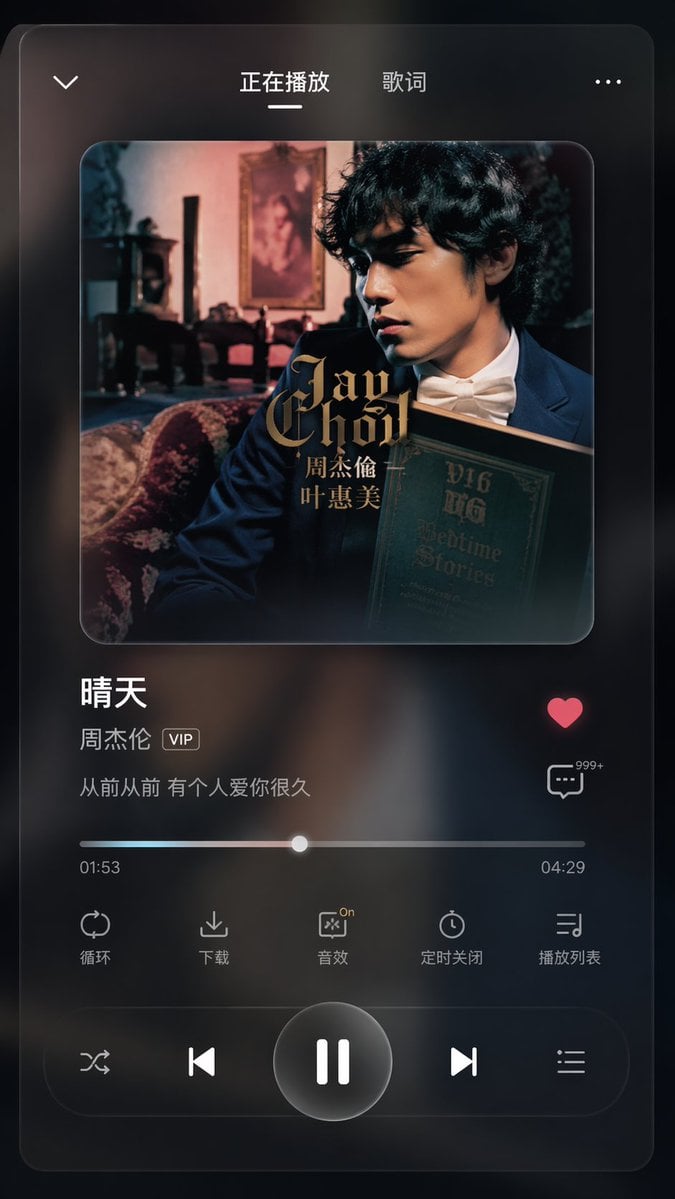
App UI Design - Music & Fitness
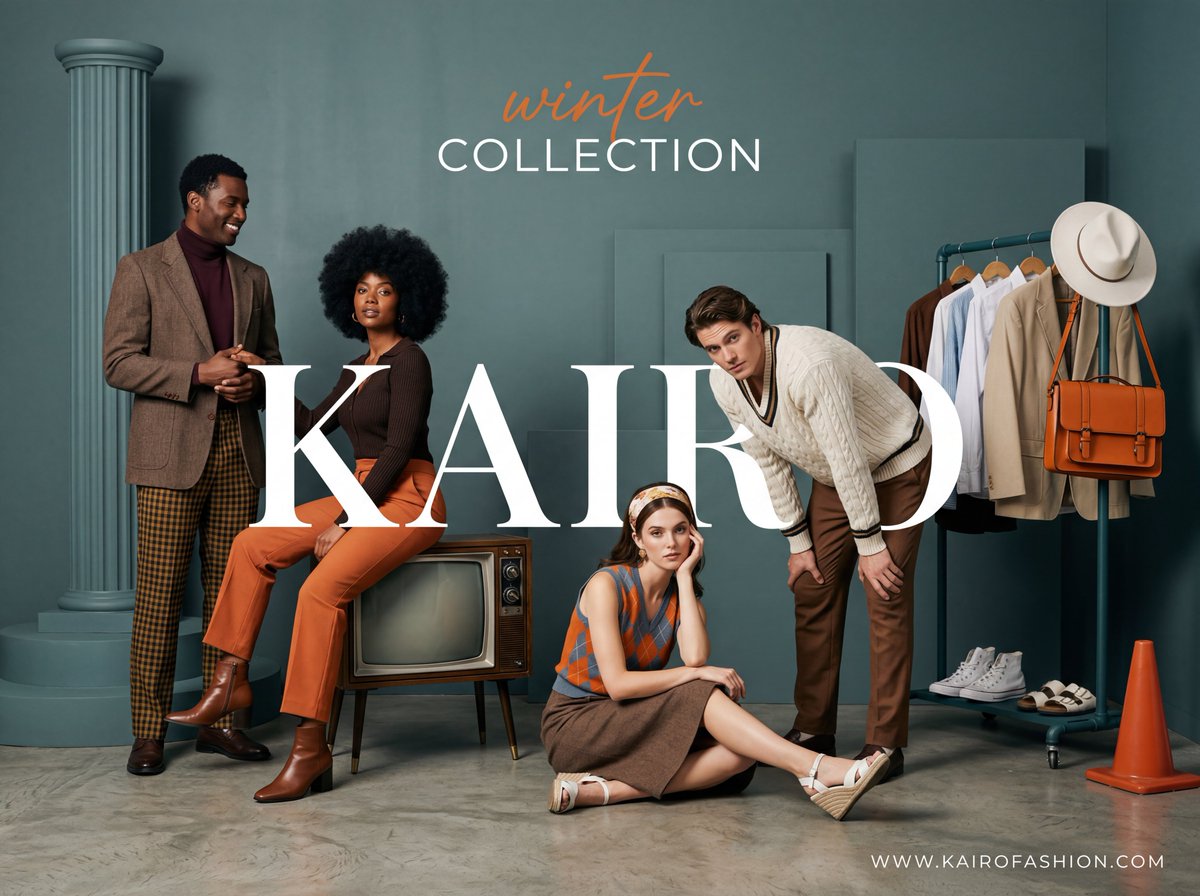
Retro-Modern Fashion Editorial Advertisement
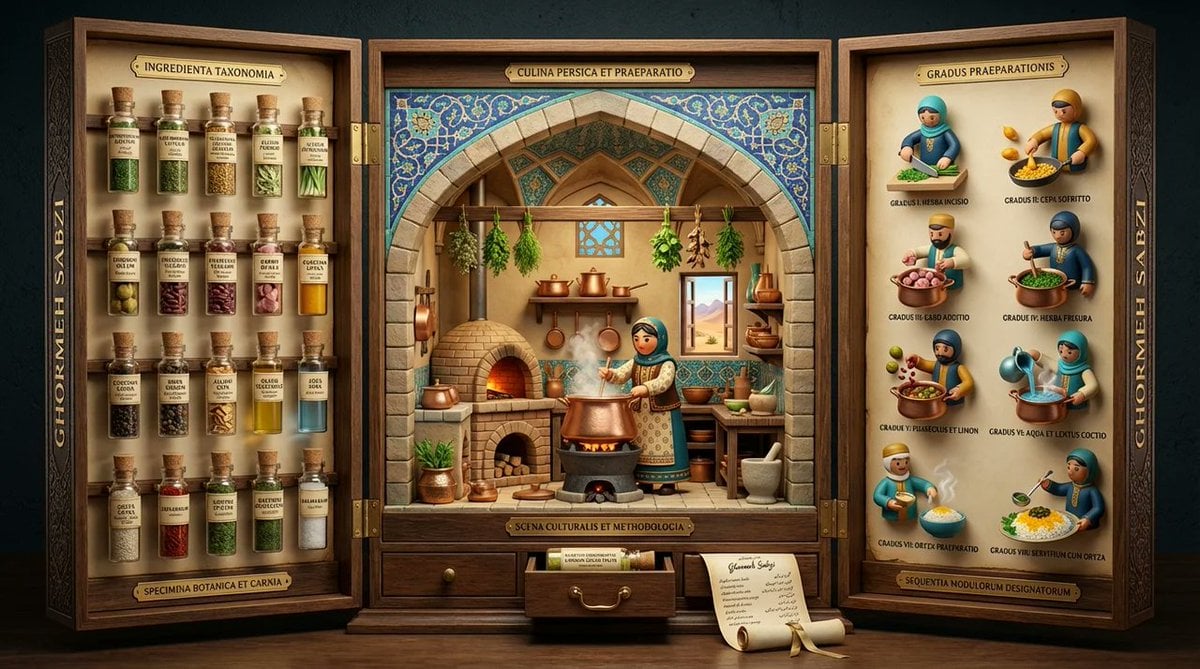
Medieval Altarpiece Display of Ghormeh Sabzi
Browse template categories
When Sneakers Take Over questions
How do I use the When Sneakers Take Over template?
Add your photo if the template asks for one, edit the prompt if you like — the template's model and format are already selected — and press Generate. Your version opens in PicX Studio.
Can I customize the When Sneakers Take Over template?
Yes. You can change the subject, setting, lighting, mood, format, and available model controls before creating your image.
Is the When Sneakers Take Over template free?
Opening and editing this template is free. Generating uses credits, shown on the Generate button when you are signed in.
Which AI model should I use?
Choose a compatible model in PicX Studio based on the style, speed, and output controls your project needs.
Looking for something else? Browse all templates.

Your photo, any look
Thousands of ready templates for every top image and video model, from one credit balance.