
Premium GPU Branding Collage
A structured prompt for generating a sleek four-panel product branding collage featuring a graphics card, cooling fans, and a minimalist logo.
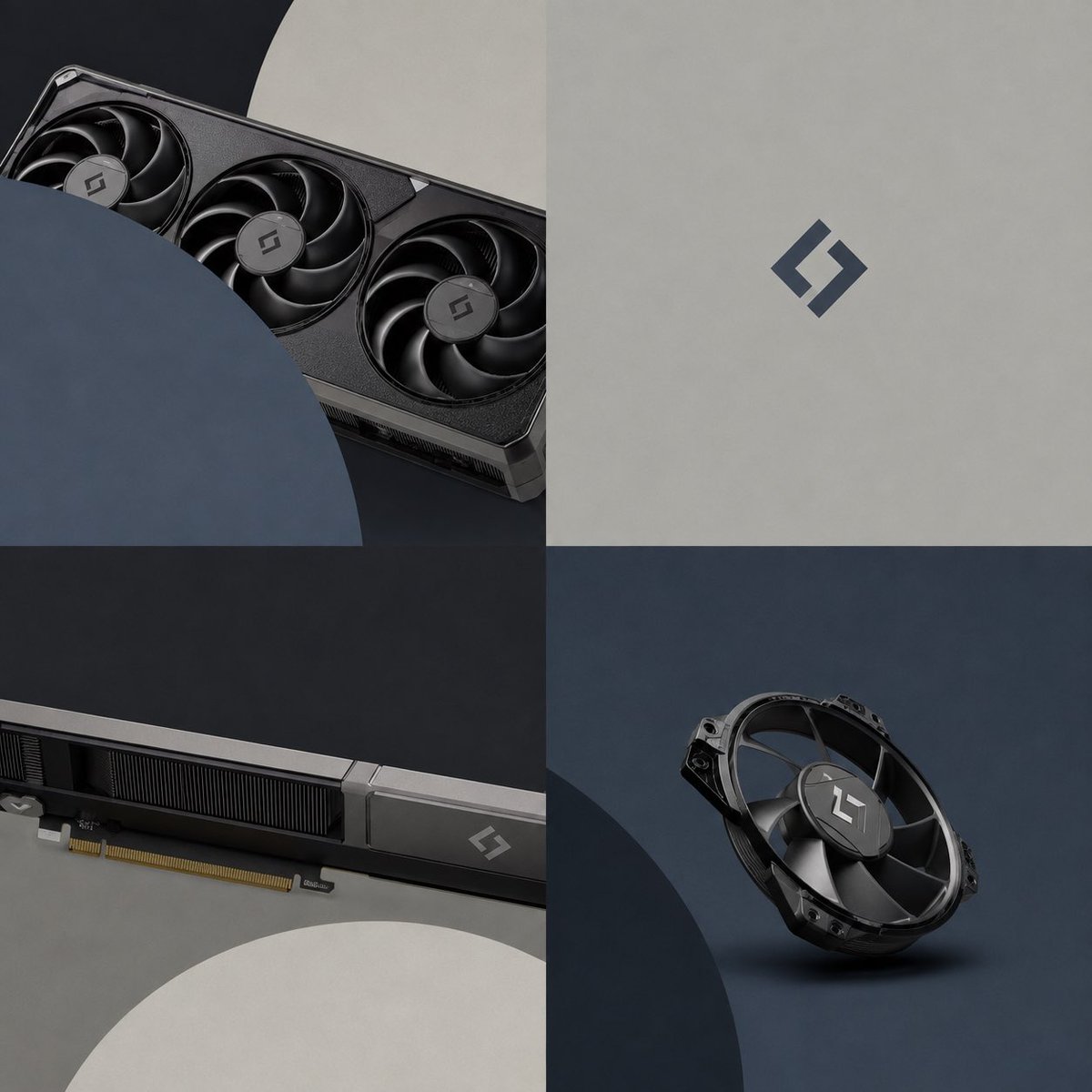
- Prompt included
- Model and format preset
- Free template
The prompt behind this image
Copy the exact prompt behind Premium GPU Branding Collage, or open it in the studio and make it yours.
Goal: Create a premium product-branding collage for a high-end computer graphics card and cooling fan, using {argument name="brand logo" default="a minimalist angular S-shaped monogram"} as the only visible logo mark. Canvas: Square 1:1 image, divided into exactly 4 equal quadrants in a clean 2x2 grid with no gutters. Use a dark, modern studio aesthetic with matte textures and soft directional lighting. Layout and visible elements: Top-left quadrant shows a close-up diagonal view of a black triple-fan graphics card partially cropped by large overlapping circular foreground shapes; include exactly 3 visible cooling fans on the card, with the logo centered on each fan hub. Top-right quadrant is a minimalist light gray matte background with a single centered dark blue-gray brand logo, no other objects or text. Bottom-left quadrant shows a long side/detail close-up of the graphics card running horizontally, including the PCIe gold connector along the lower edge, black heatsink fins, a metallic silver edge strip, and one small logo near the right end; a large pale circular shape is cropped into the lower foreground. Bottom-right quadrant shows exactly 1 standalone black cooling fan module floating or resting at a slight angle on a dark blue-gray studio surface, with the logo on its central hub and a soft shadow beneath it. Visual style: Photorealistic 3D product render, premium tech hardware advertising, matte black metal, graphite gray, deep navy, soft beige-gray, subtle brushed and molded plastic textures, shallow shadows, crisp edges, restrained contrast, no clutter. Use geometric circular overlays as design elements: one large navy circle cropping into the top-left panel, one large pale gray circle cropping into the bottom-left panel, and one large dark circle cropping into the bottom-right panel. Color palette: {argument name="primary hardware color" default="matte black and graphite"}, {argument name="accent color" default="dark blue-gray"}, {argument name="background color" default="warm light gray and deep charcoal"}. Constraints: No readable text, no labels, no watermark, no people, no RGB lighting, no extra components beyond the graphics card, the single fan module, circular overlays, and the logo marks. Keep the composition minimal, balanced, and suitable for a sleek GPU launch campaign.
How to use Premium GPU Branding Collage in 3 steps
- 1Upload ImagePNG, JPG or paste
Add your photo
Upload the photo the template builds on. The prompt, model and format are already set.
- 2…a portrait of your subject in softgolden-hour light, 85mm…
Personalize
Edit the subject and creative details for your destination.
- 3Generate
Generate
Press Generate — your image is created in PicX Studio, so you can compare it with the original and refine one variable at a time.
More like this
Templates with the same subject, style or setup. Open one to see its prompt.












Make it yours
Premium GPU Branding Collage works as-is. These are the safest ways to change it without losing the look.
Change one field
Copy a single group, rewrite it, and generate again so you can see what that field is doing.
Keep the frame, change the subject
Hold the composition and light of Premium GPU Branding Collage, then swap wardrobe, props or the person for a new take.
| If the result… | Why | Fix |
|---|---|---|
| The result drifts from the preview | Too many fields changed at once. | Reuse Premium GPU Branding Collage as-is first, then change one group — subject, light, or setting. |
| The model over-stylizes the scene | The prose prompt leaves finish and camera underspecified. | Add one camera or lighting sentence and stay on GPT Image 2. |
More GPT Image 2 templates
Other prompts made for GPT Image 2.

Six VTuber Japanese Logo Sheet

Realistic Portrait of Woman and Deer

The Vista Modular Condo Poster

AI Model Routing Comparison Infographic

2.5D Anime Art Board

Isometric Productivity Desk Scene

New York Double Exposure Poster

Four-Panel AI Landscape Comparison

Japanese Tatami Lifestyle Magazine Cover

NESCAFÉ Coffee Map Poster
More image prompts
Fresh picks from across the catalog.
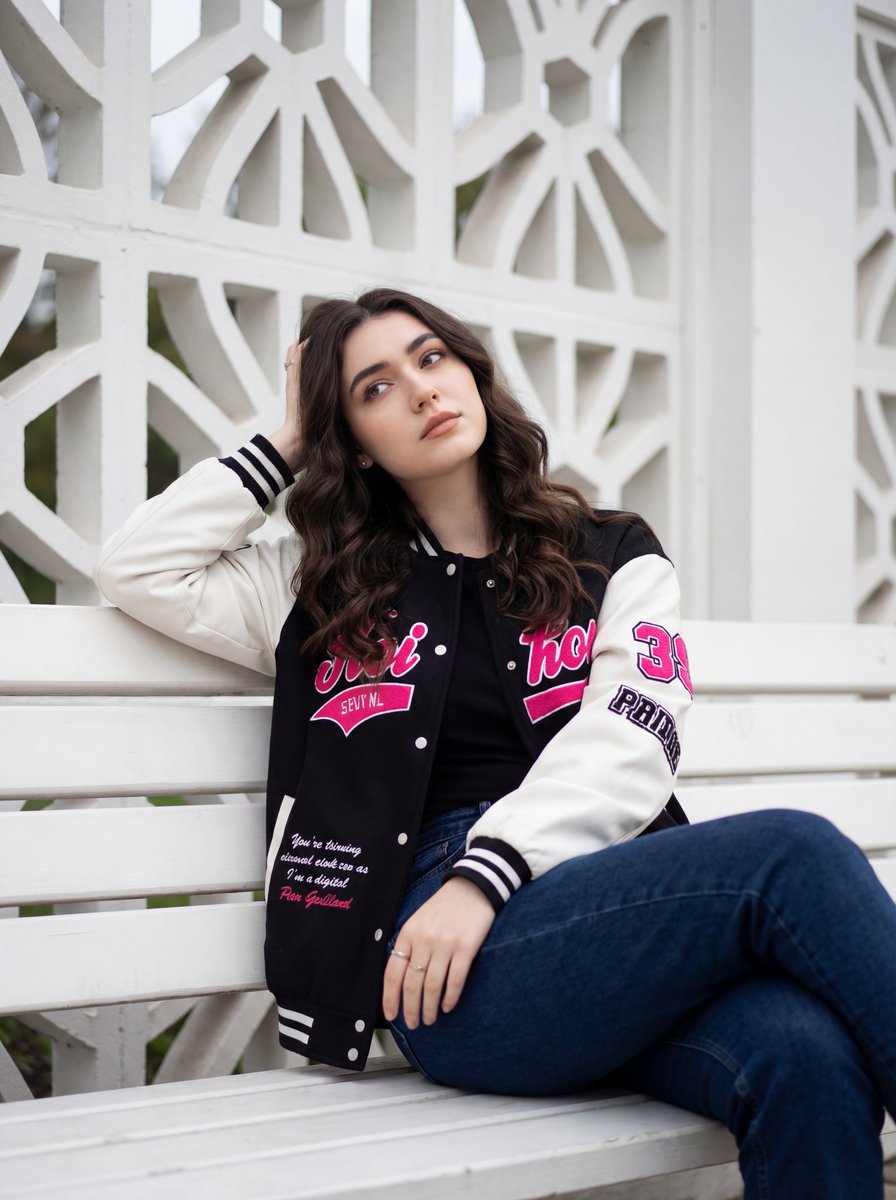
Candid Urban Portrait with Identity Preservation
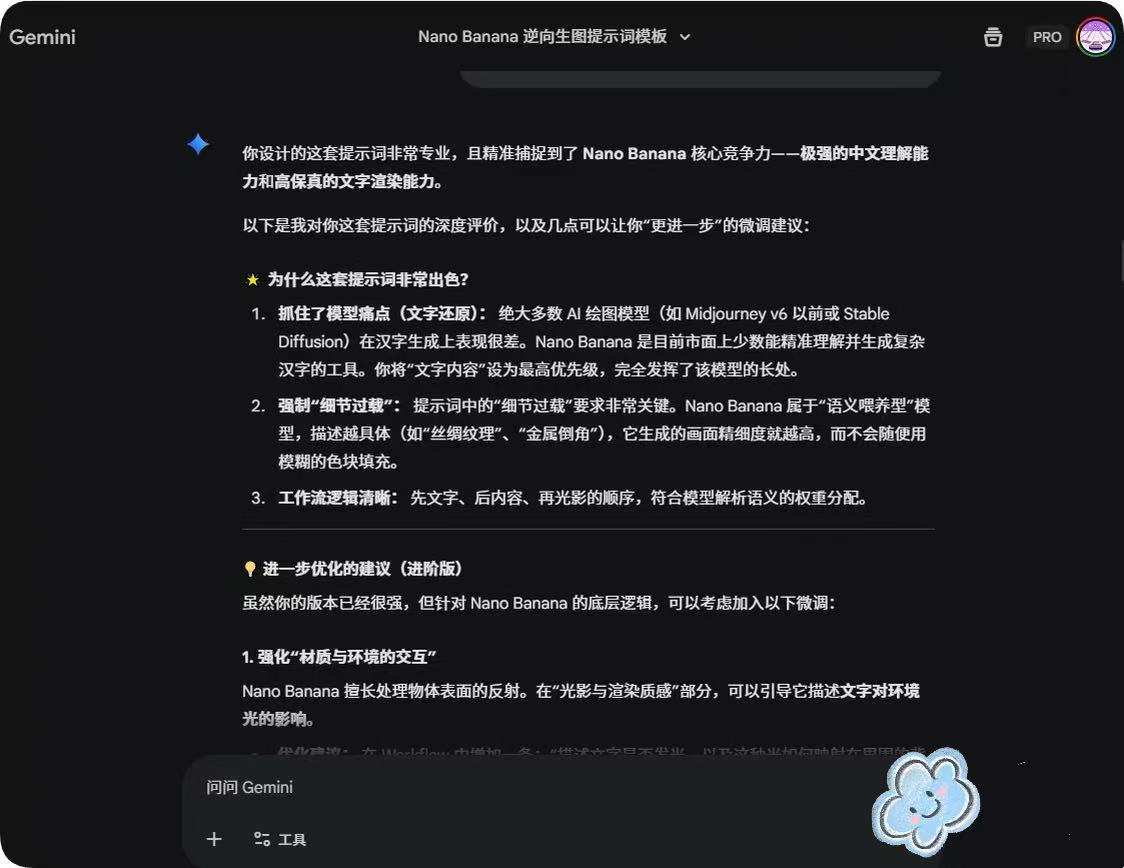
System Prompt for Nano Banana Pro Image Prompt Deconstruction
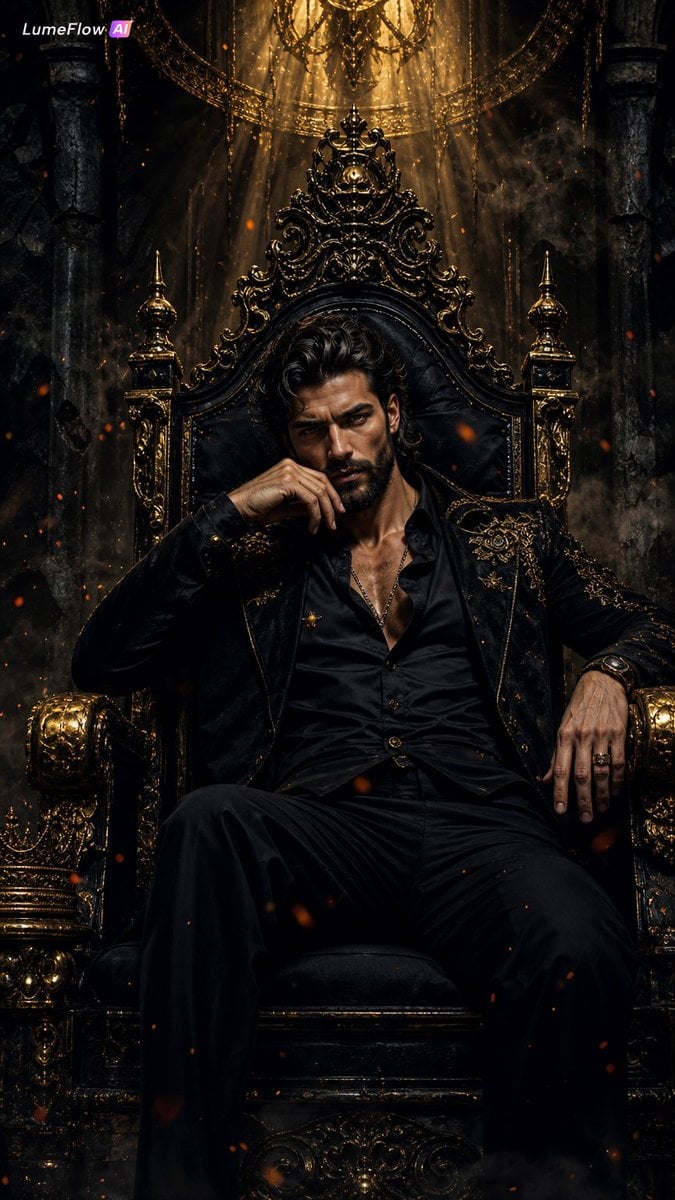
Dark Fantasy King Throne Portrait

Shibuya Scramble Crossing New Year's Eve Scene
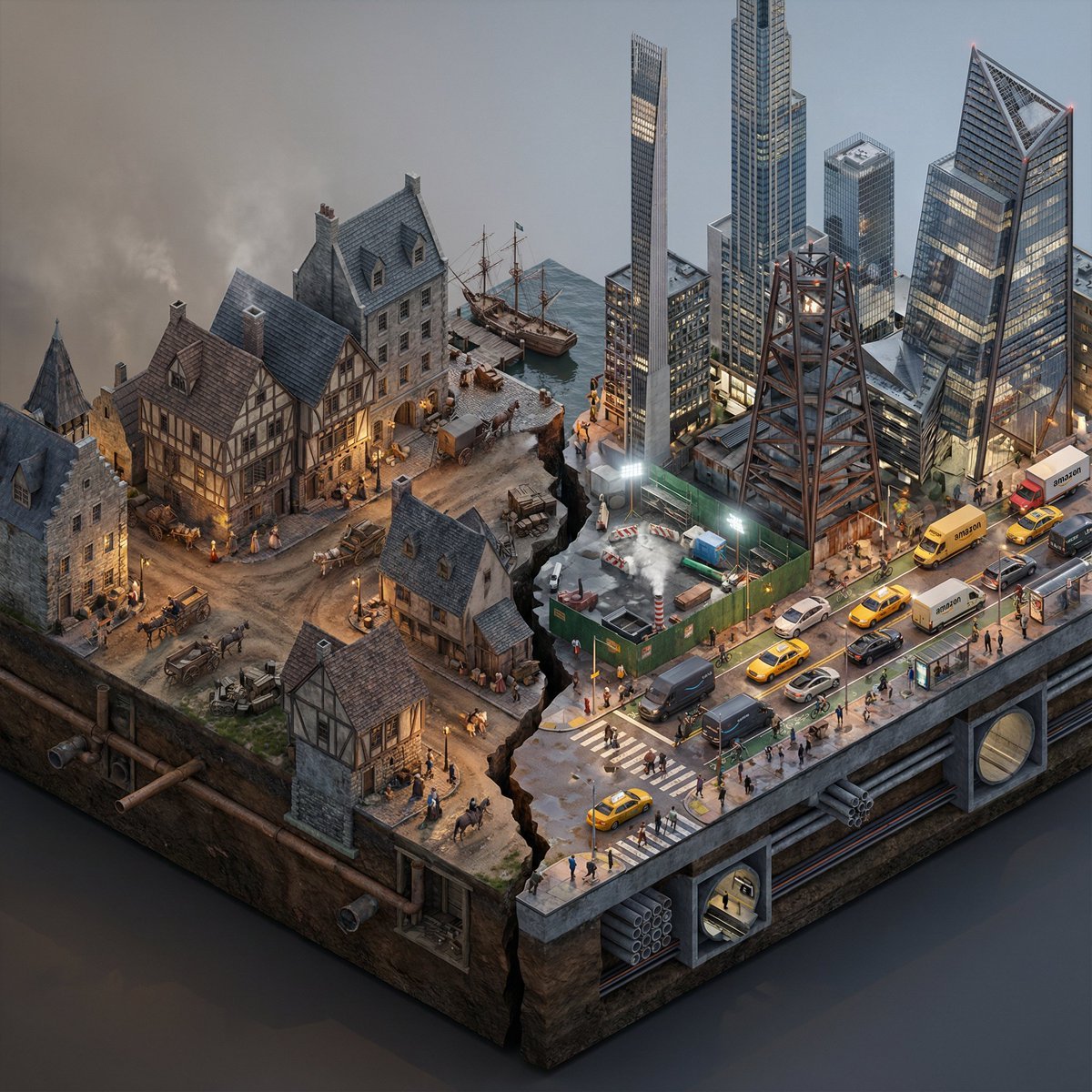
Split-Era Urban Diorama Generation Prompt for Nano Banana Pro
Detailed Flash-Lit Bedroom Photo Prompt for Nano Banana 3.1 Pro
Minimalist Black and White Portrait Photography

Yoichi Takahashi in Final Fantasy Style
Realistic Mac Webcam Photo Edit

敦煌纸雕飞天 — 3D Layered Paper Cutout
Browse template categories
Premium GPU Branding Collage questions
How do I use the Premium GPU Branding Collage template?
Add your photo if the template asks for one, edit the prompt if you like — the template's model and format are already selected — and press Generate. Your version opens in PicX Studio.
Can I customize the Premium GPU Branding Collage template?
Yes. You can change the subject, setting, lighting, mood, format, and available model controls before creating your image.
Is the Premium GPU Branding Collage template free?
Opening and editing this template is free. Generating uses credits, shown on the Generate button when you are signed in.
Which AI model should I use?
Start with GPT Image 2, which is the model associated with this template. You can compare another compatible model for a different finish.
Looking for something else? Browse all templates.

Your photo, any look
Thousands of ready templates for every top image and video model, from one credit balance.