
Yellow Mixed-Media Portrait Poster
Generates a stylish beige-and-yellow collage portrait poster with a centered woman, botanical graphics, geometric accents, and a face-covering privacy block.
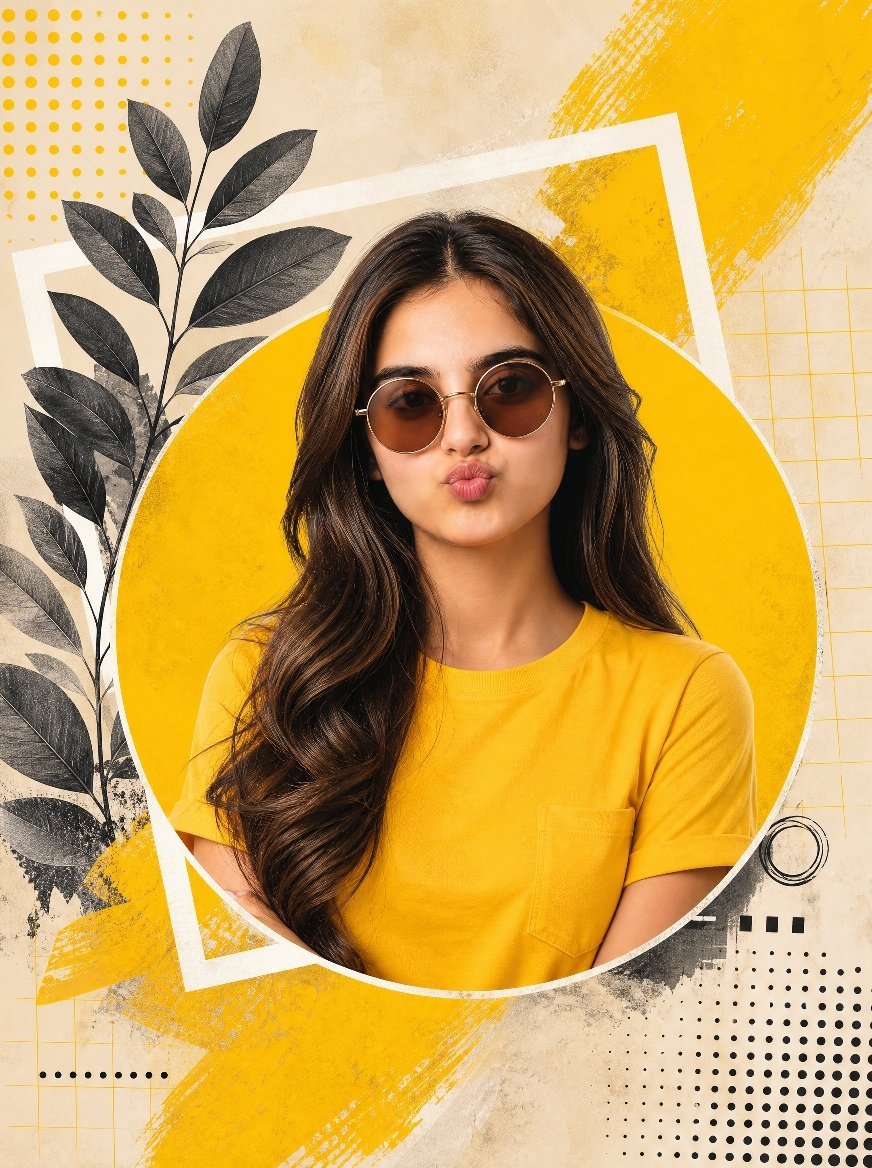
- Prompt included
- Model and format preset
- Free template
The prompt behind this image
Copy the exact prompt behind Yellow Mixed-Media Portrait Poster, or open it in the studio and make it yours.
Create a modern mixed-media editorial poster portrait of a {argument name="subject" default="young South Asian woman"} from the waist up, centered and facing forward, with long voluminous wavy dark brown hair over both shoulders, wearing a bright {argument name="shirt color" default="mustard yellow"} short-sleeve pocket T-shirt. Obscure the entire face with a centered solid rectangular privacy block in medium warm brown, covering from forehead to chin while leaving hair, neck, and clothing visible. Place the portrait inside a large mustard-yellow circular cutout with a thin white rim. Behind it, use a warm beige paper-texture background with layered graphic collage elements: one tilted white rectangular frame behind the circle, broad rough yellow paint-brush strokes sweeping diagonally from the upper right and lower left, a black botanical branch with exactly 14 visible dark leaves along the left side, a yellow dotted halftone grid in the upper left, a black dotted halftone field in the lower right, a faint yellow square grid on the right, small black circular line art near the lower right edge of the circle, and subtle gray ink splatter textures. Keep the composition vertical, high contrast, stylish, clean, and poster-like, with no readable text and no watermark.
How to use Yellow Mixed-Media Portrait Poster in 3 steps
- 1Upload ImagePNG, JPG or paste
Add your photo
Upload the photo the template builds on. The prompt, model and format are already set.
- 2…a portrait of your subject in softgolden-hour light, 85mm…
Personalize
Edit the subject and creative details for your destination.
- 3Generate
Generate
Press Generate — your image is created in PicX Studio, so you can compare it with the original and refine one variable at a time.
More like this
Templates with the same subject, style or setup. Open one to see its prompt.
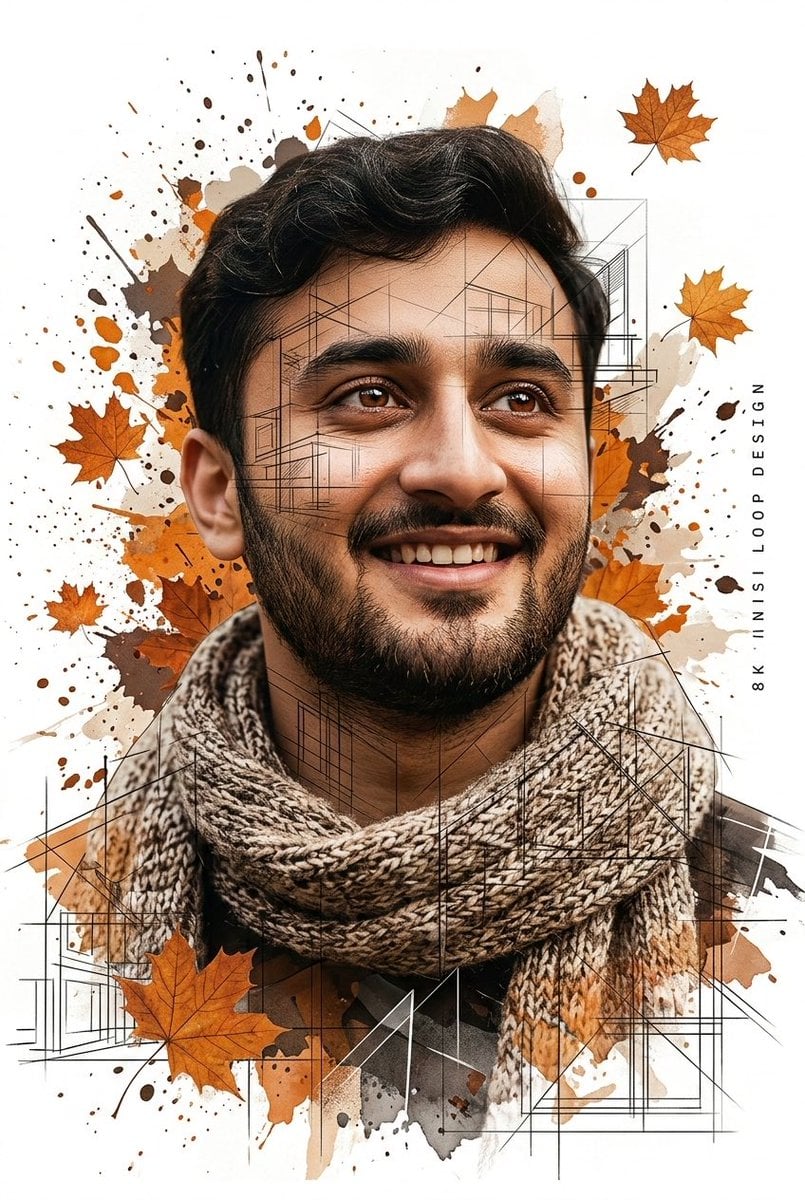
Gentle Autumn Mood Mixed-Media Portrait Poster Prompt
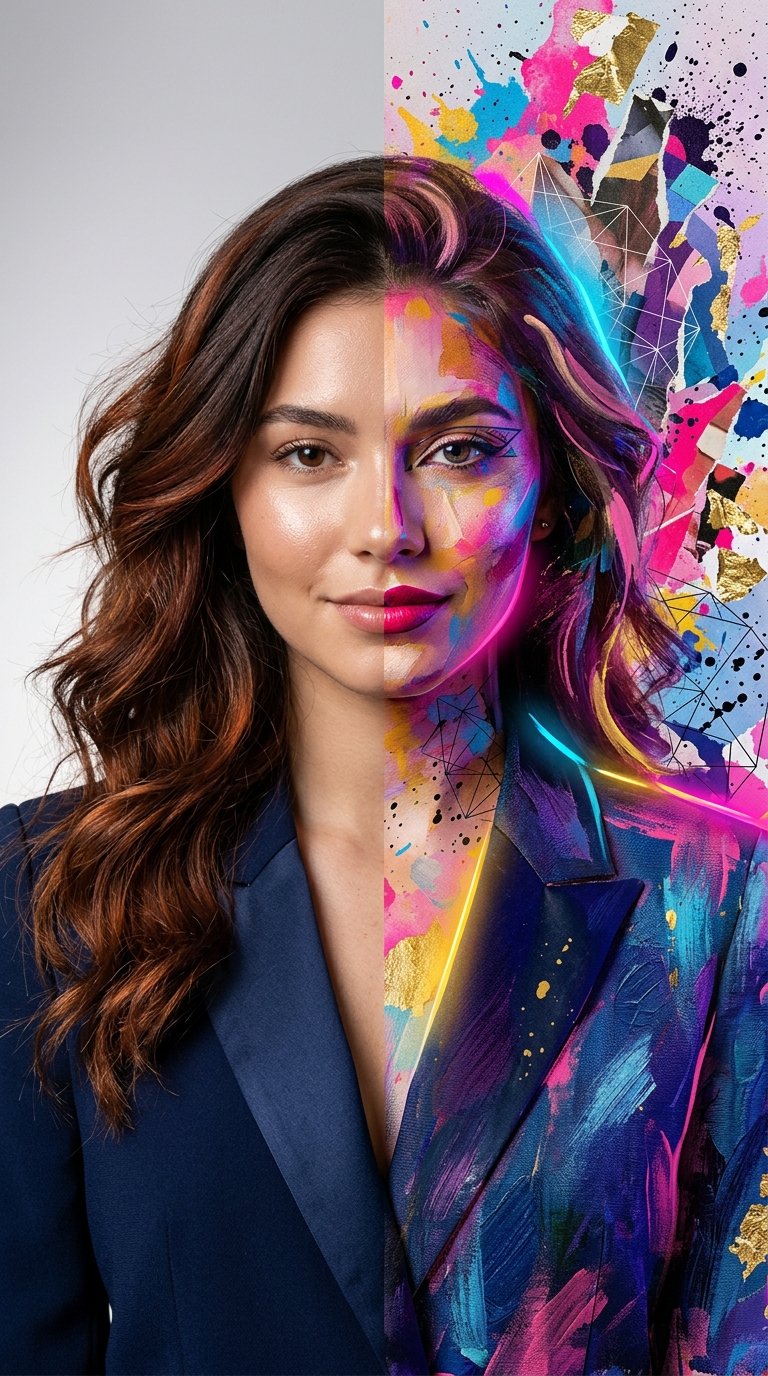
Split Portrait - Mixed Media
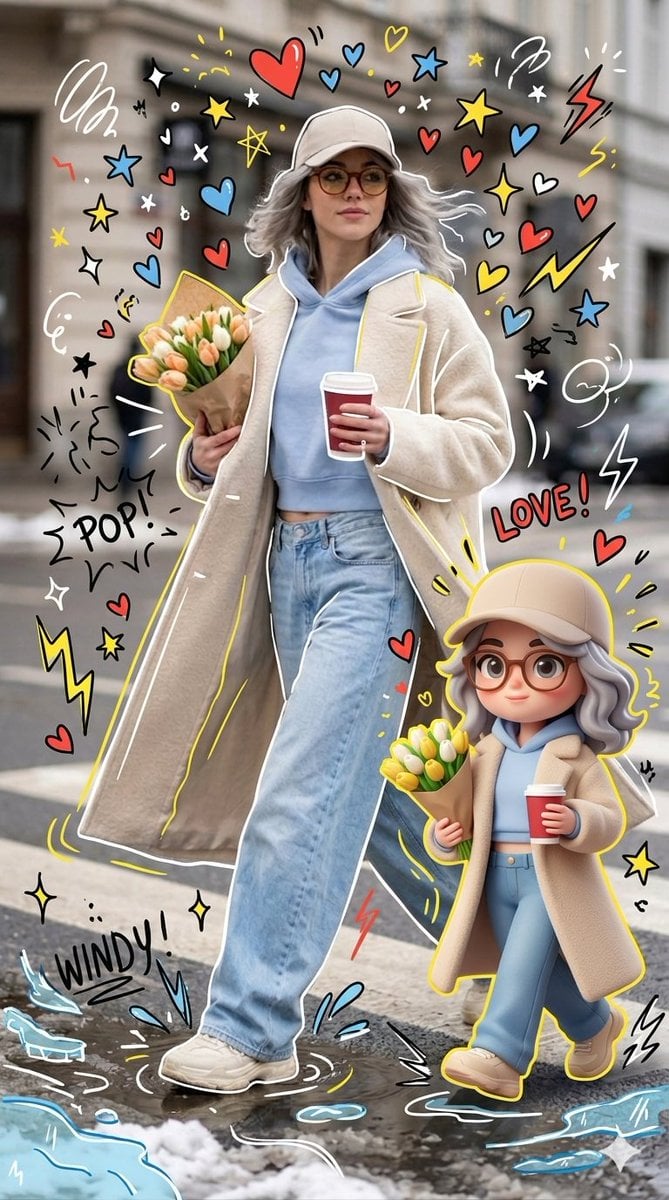
Mixed-media Chibi portrait
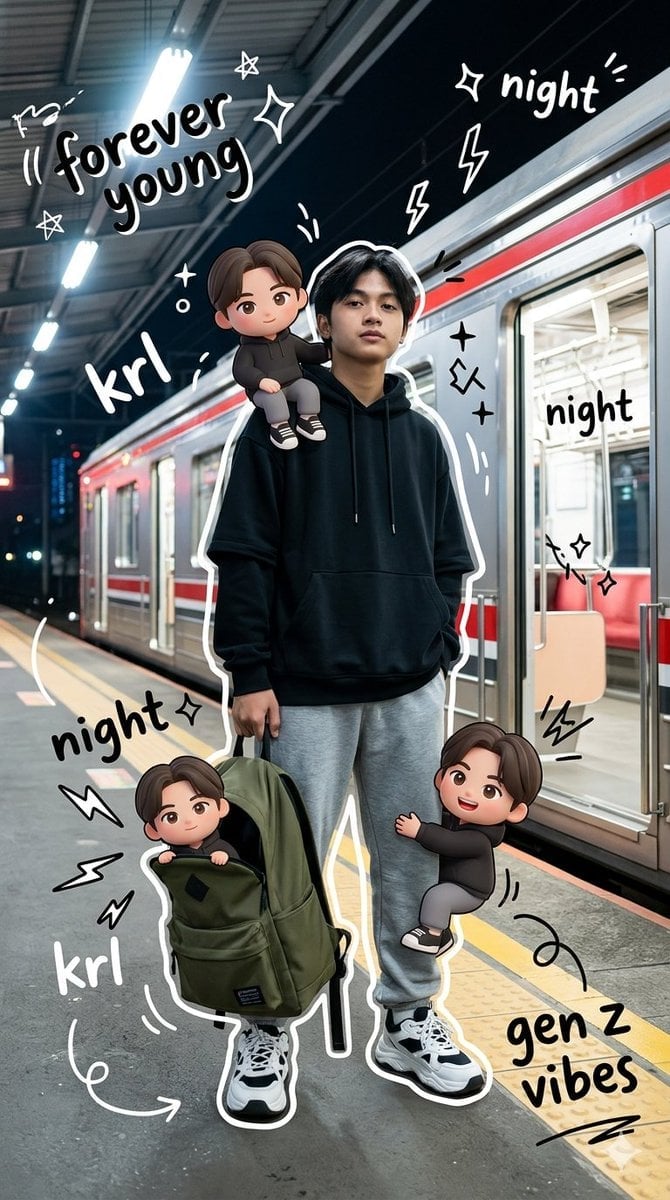
Gen Z Mixed-Media Portrait with Chibi Effects
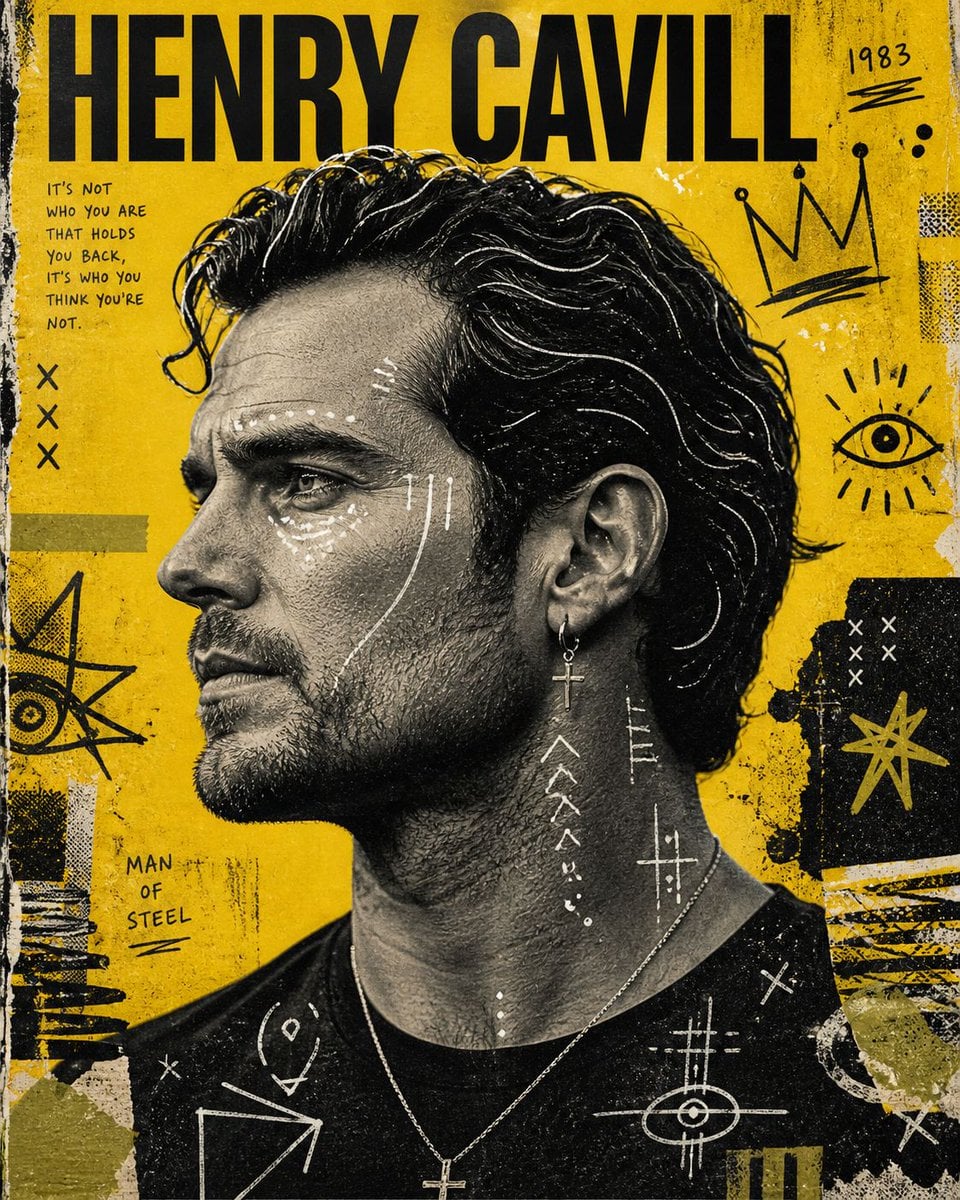
Raw Mixed-Media Street Art Poster
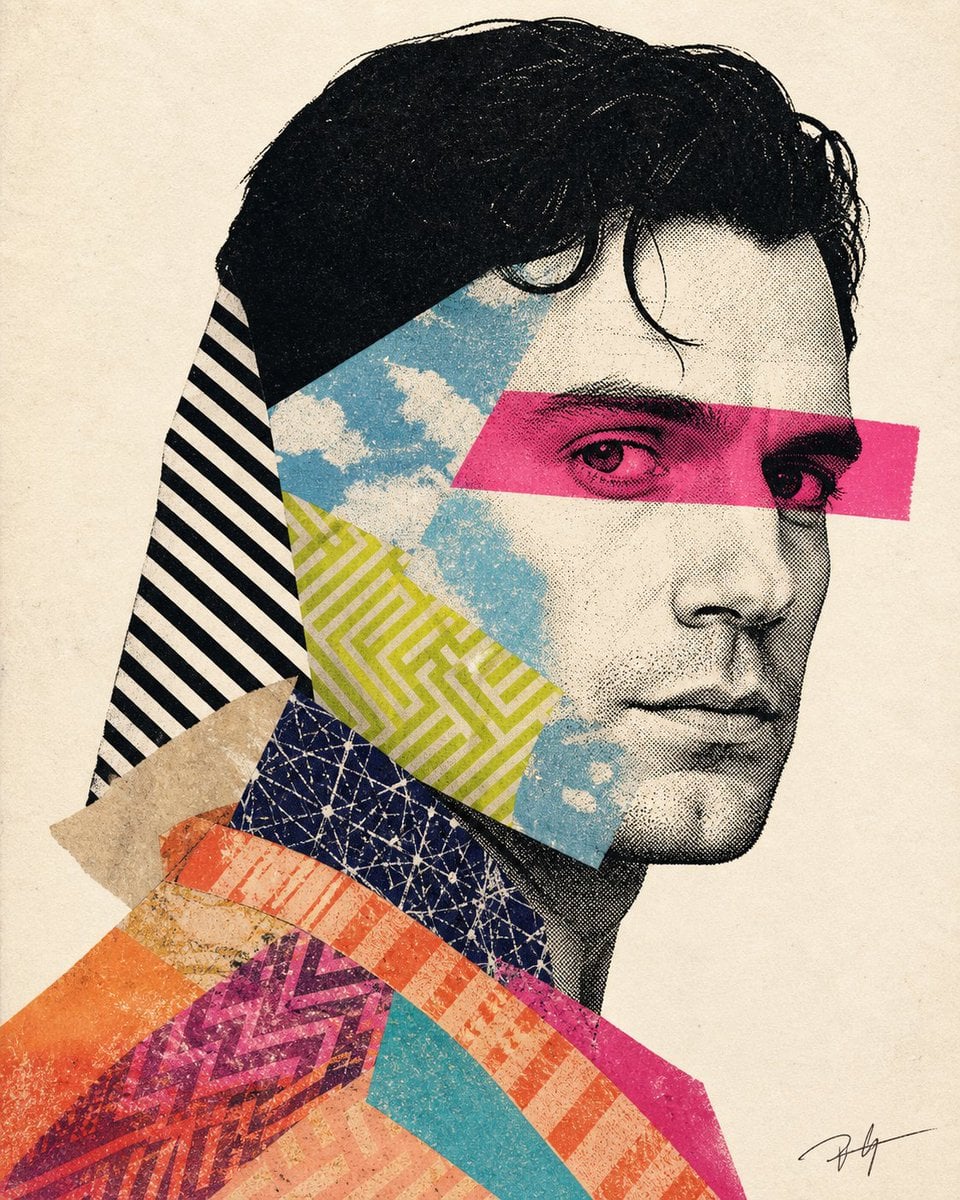
Mixed-media collage portrait illustration
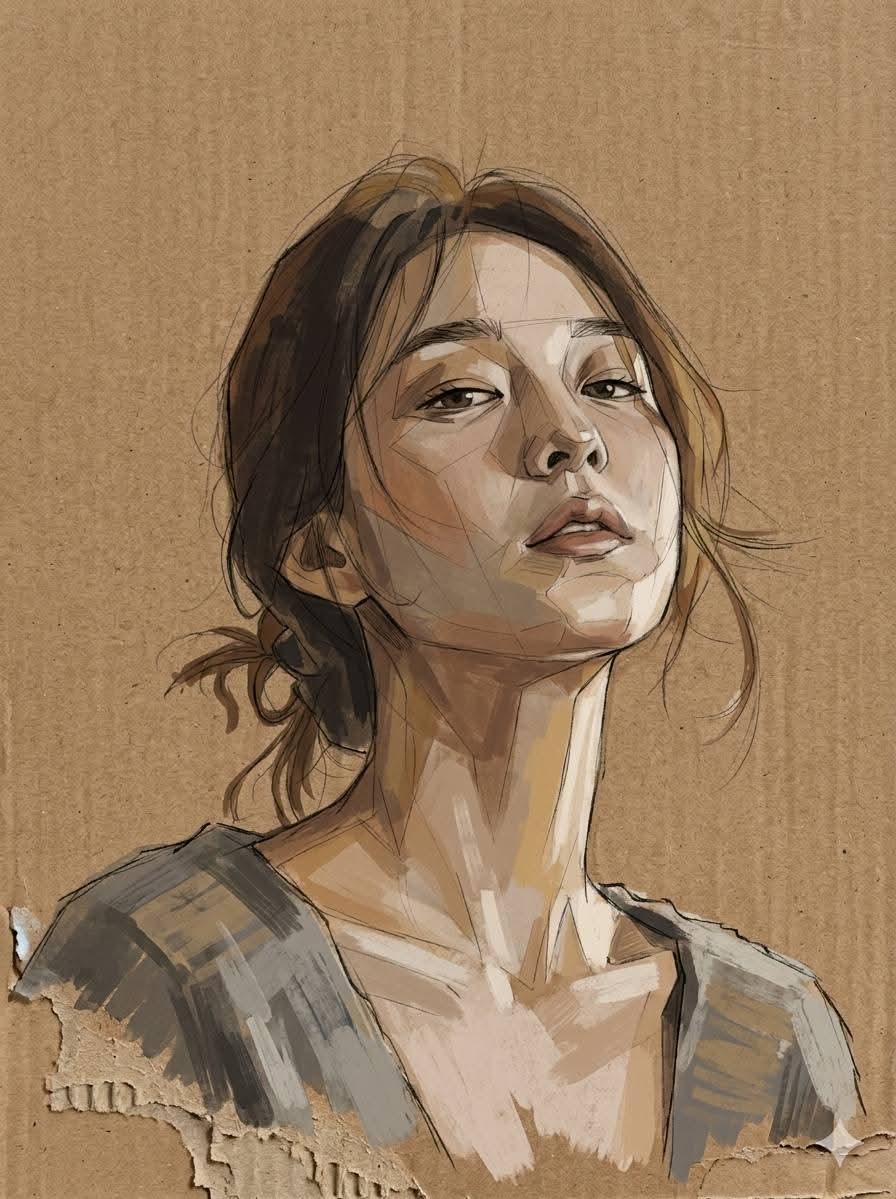
Cardboard Mixed Media Portrait
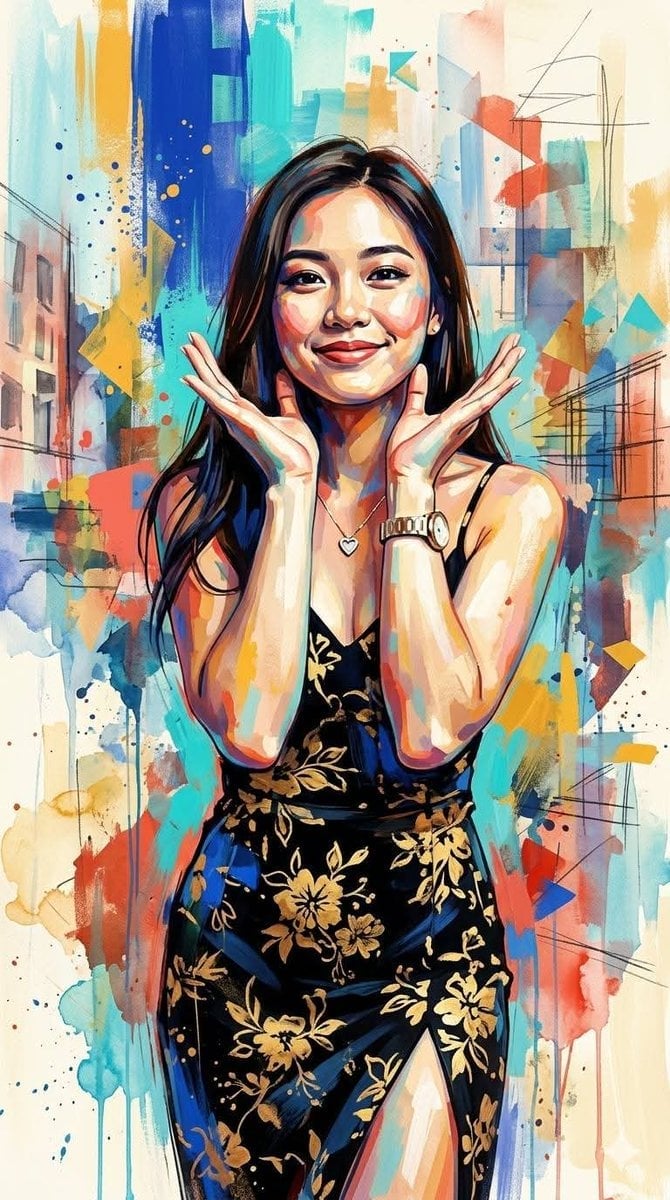
Contemporary Mixed-Media Abstract Portrait
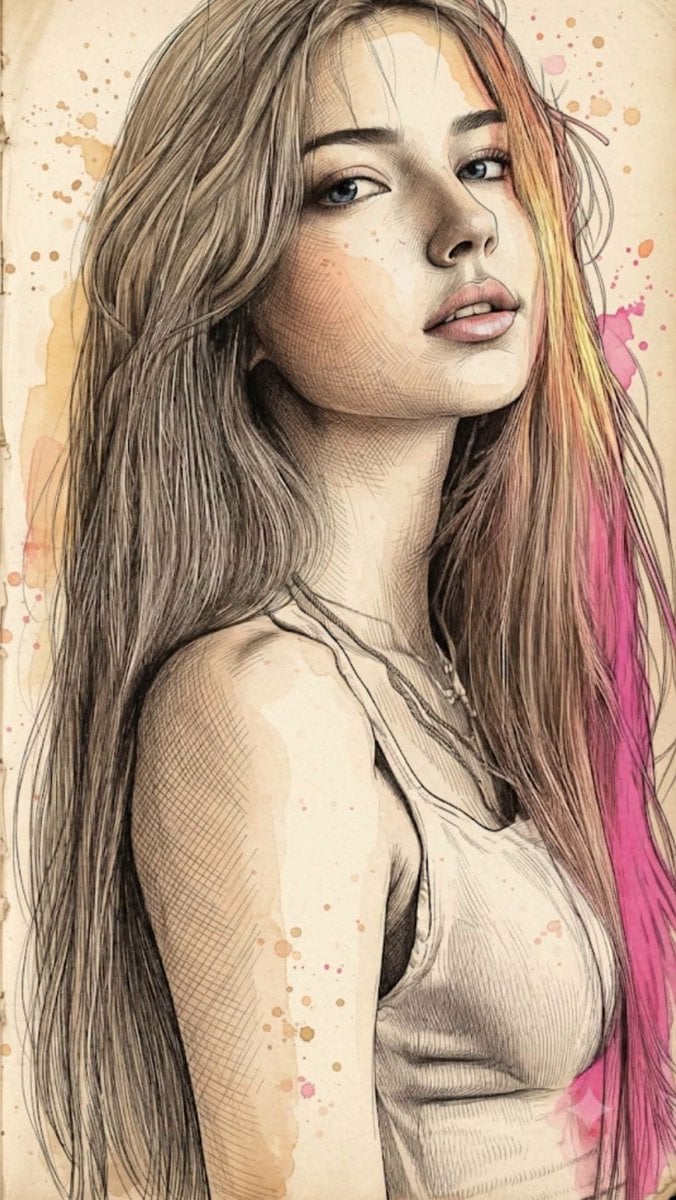
Fine Art Mixed-Media Portrait Illustration
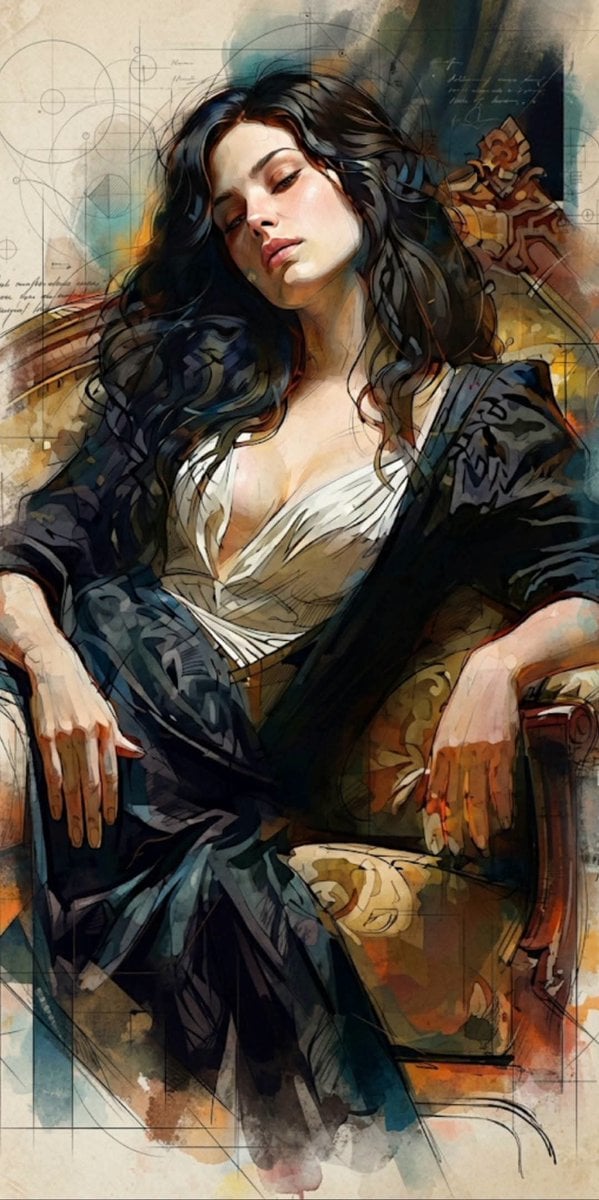
Mixed Media Cinematic Portrait Illustration
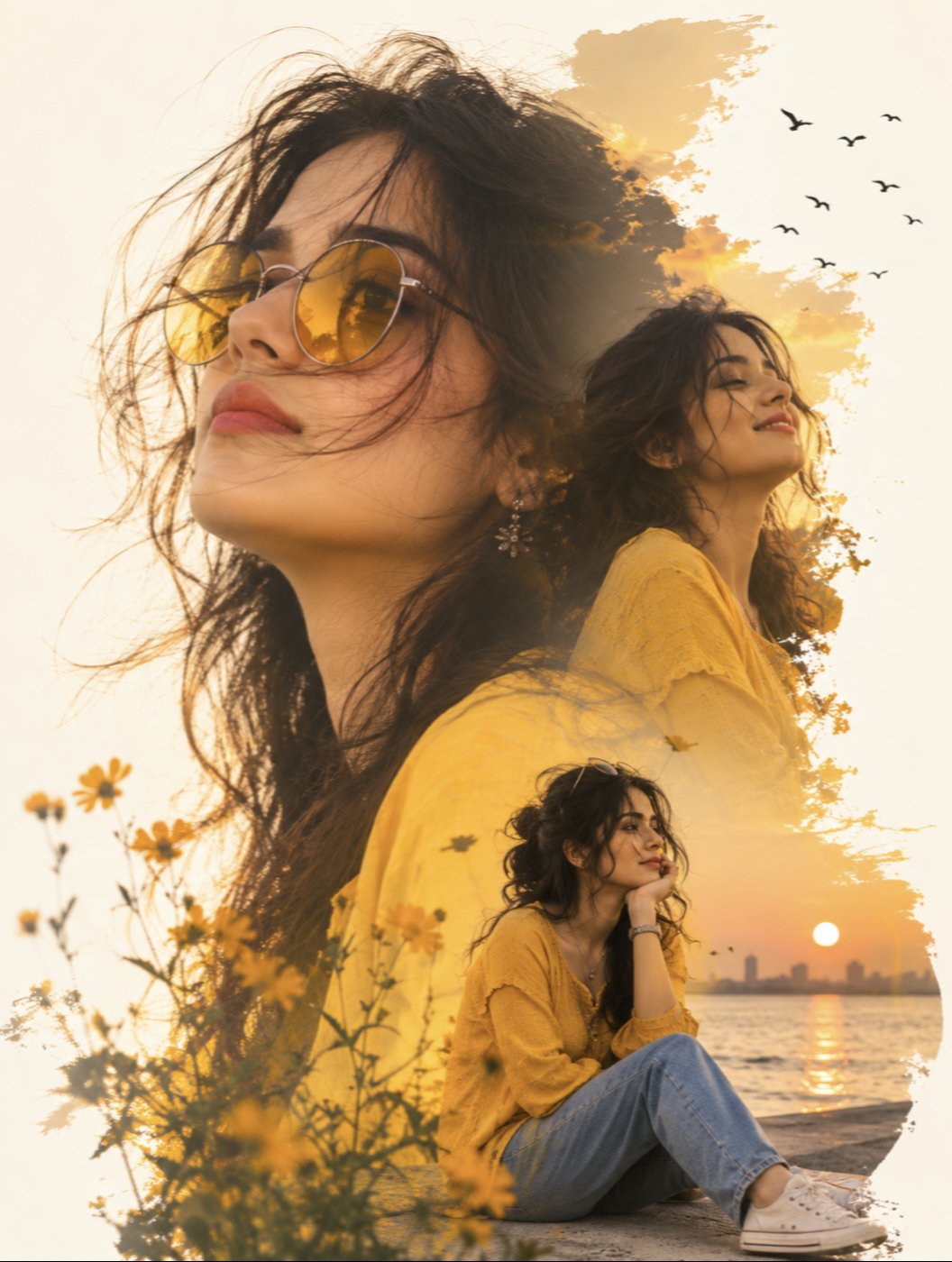
Yellow Sunglasses Double Exposure Sunset
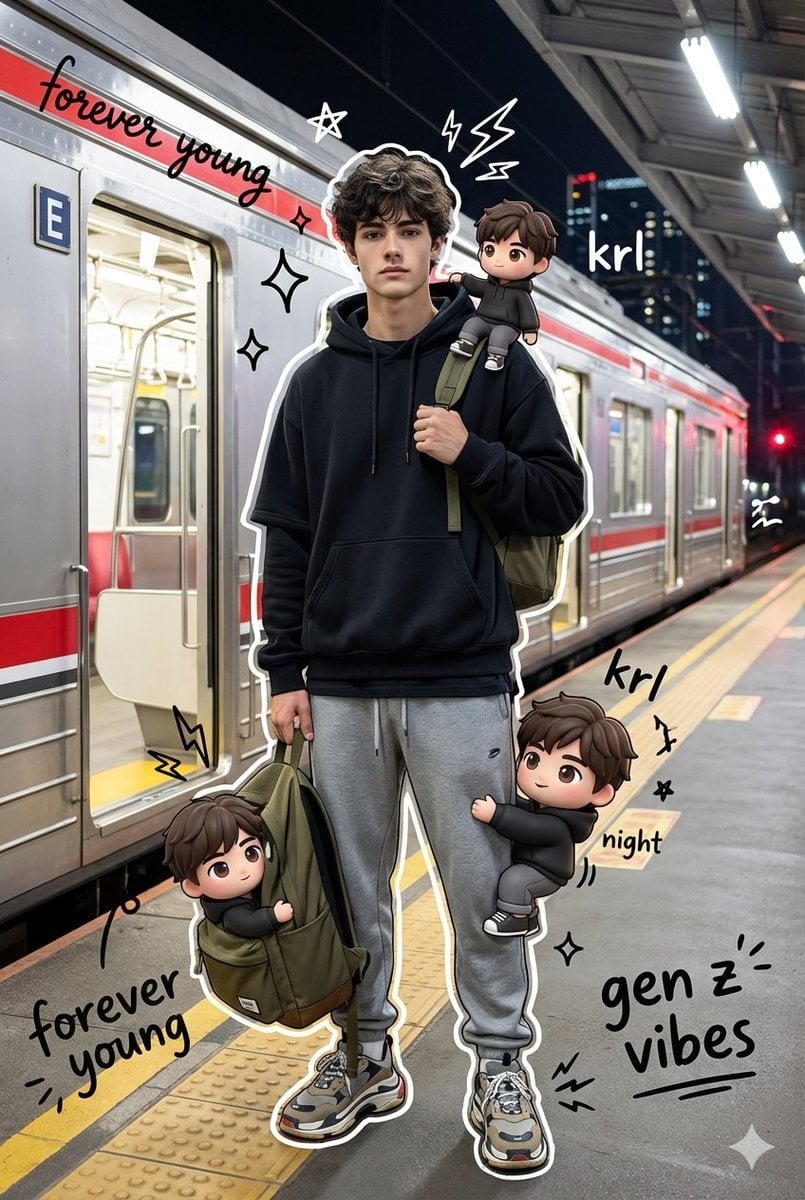
Mixed Media Chibi Streetwear Portrait
Make it yours
Yellow Mixed-Media Portrait Poster works as-is. These are the safest ways to change it without losing the look.
Change one field
Copy a single group, rewrite it, and generate again so you can see what that field is doing.
Keep the frame, change the subject
Hold the composition and light of Yellow Mixed-Media Portrait Poster, then swap wardrobe, props or the person for a new take.
| If the result… | Why | Fix |
|---|---|---|
| The result drifts from the preview | Too many fields changed at once. | Reuse Yellow Mixed-Media Portrait Poster as-is first, then change one group — subject, light, or setting. |
| The model over-stylizes the scene | The prose prompt leaves finish and camera underspecified. | Add one camera or lighting sentence and stay on GPT Image 2. |
More GPT Image 2 templates
Other prompts made for GPT Image 2.

Six VTuber Japanese Logo Sheet

Realistic Portrait of Woman and Deer

The Vista Modular Condo Poster

AI Model Routing Comparison Infographic

2.5D Anime Art Board

Isometric Productivity Desk Scene

New York Double Exposure Poster

Four-Panel AI Landscape Comparison

Japanese Tatami Lifestyle Magazine Cover

NESCAFÉ Coffee Map Poster
More image prompts
Fresh picks from across the catalog.
Cinematic Editorial Style Portrait in a
Cinematic Man in Tailored Suit
Cinematic Close-Up Portrait of Alice in Wonderland
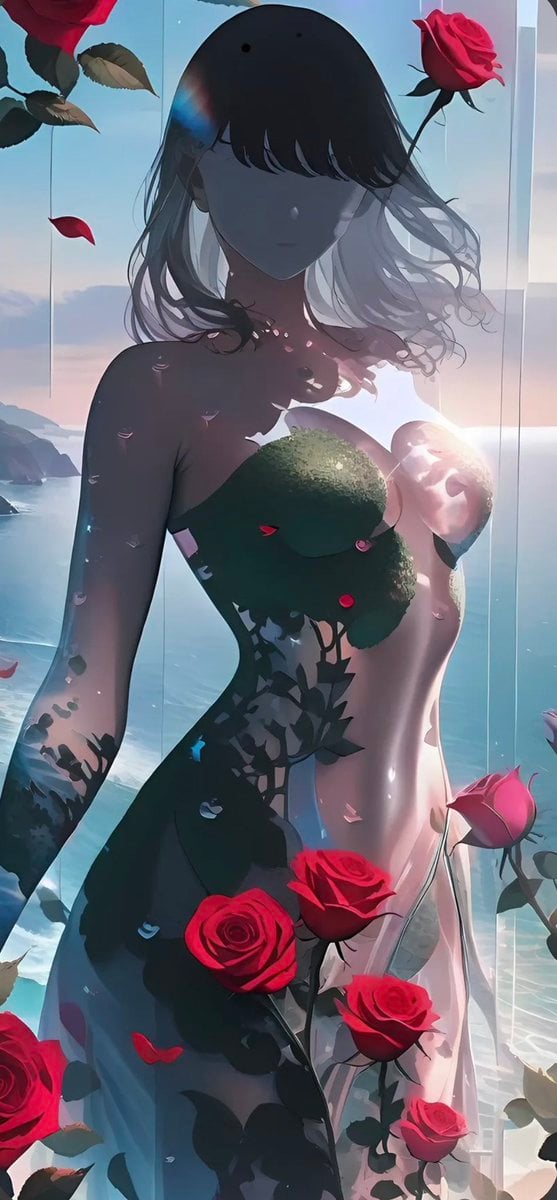
Rose Spirit Ocean Manhwa Portrait
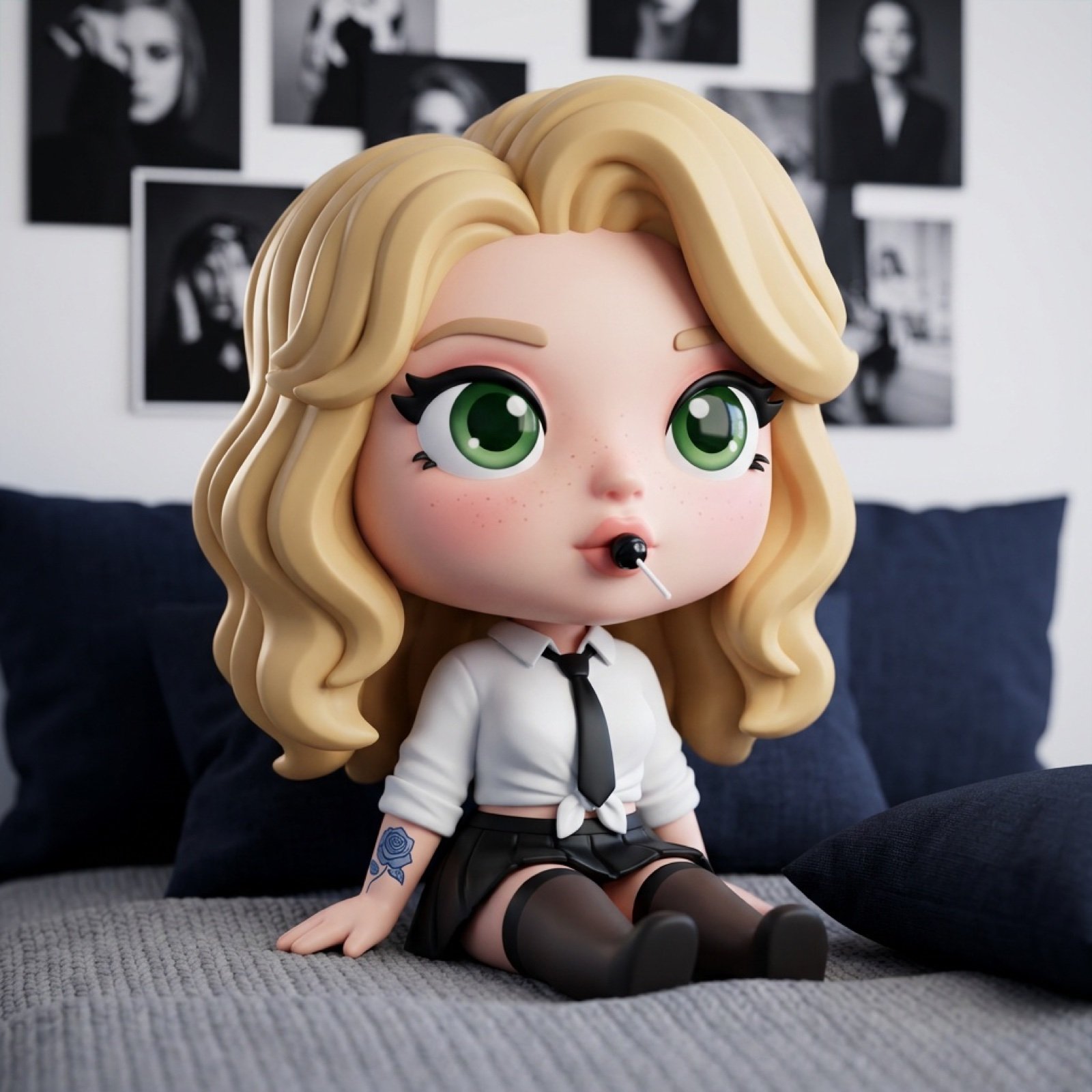
3D Chibi Vinyl Toy Aesthetic Portrait
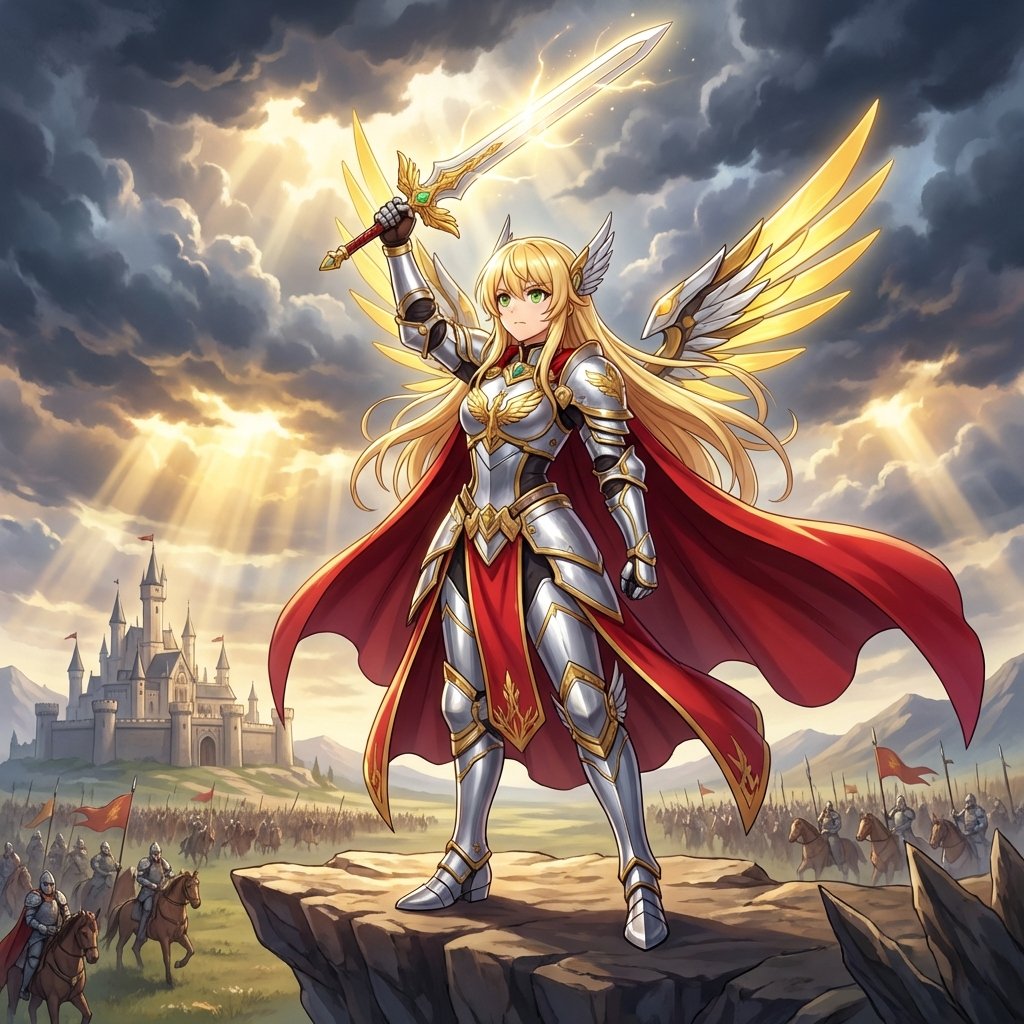
Fantasy Movie Poster Style Conversion
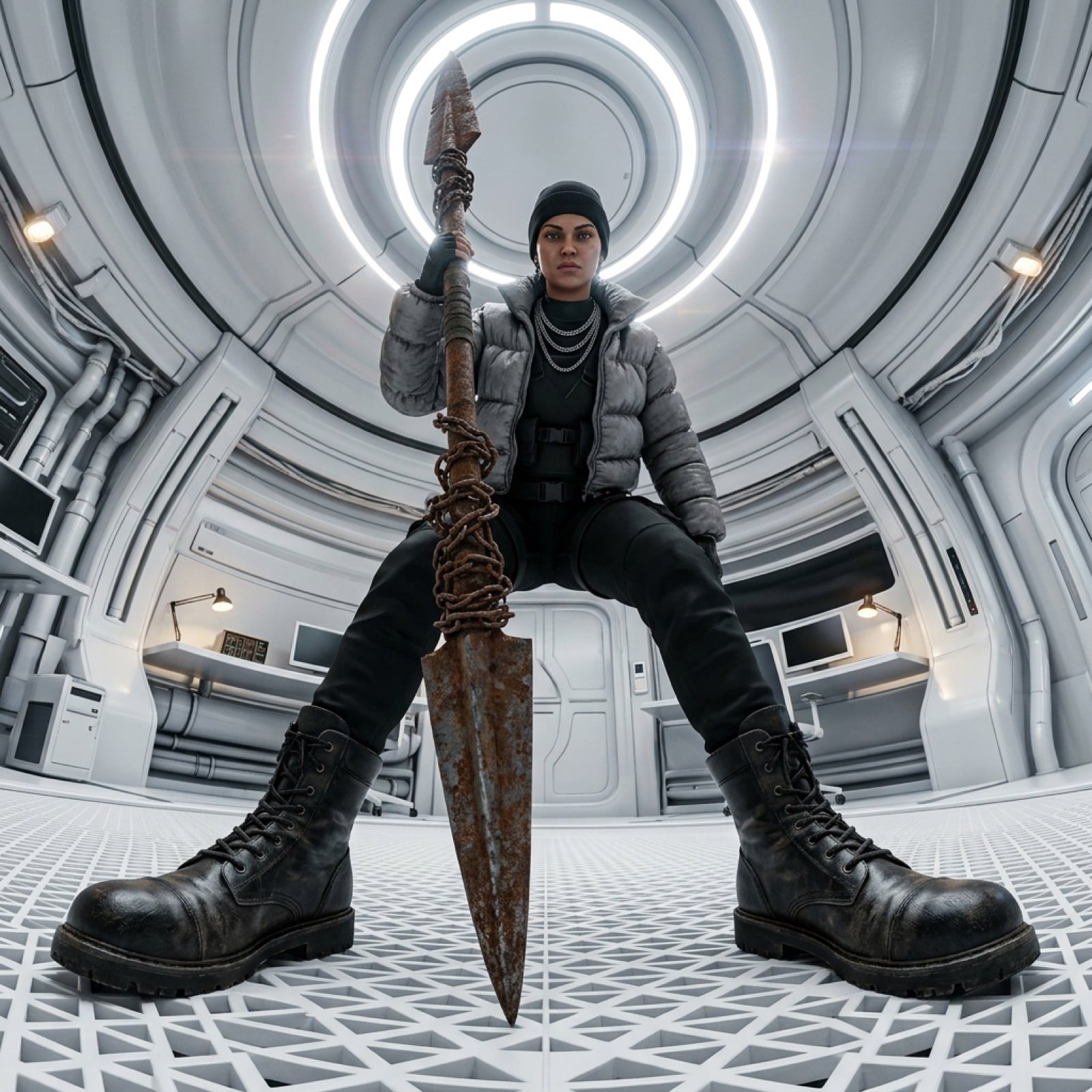
Cinematic 360-Degree Orbital Tracking Shot Video Prompt
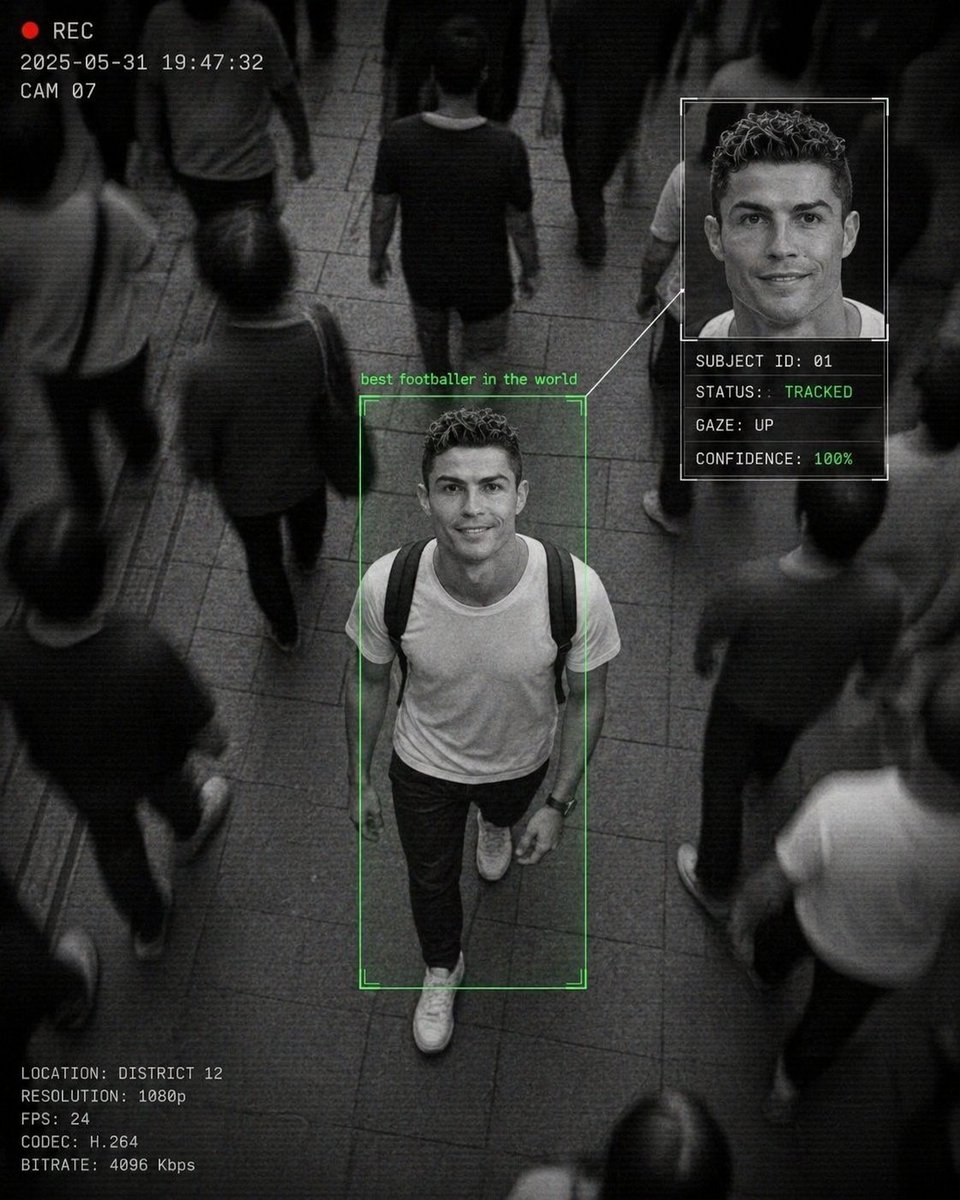
Cinematic Surveillance Interface Aesthetic
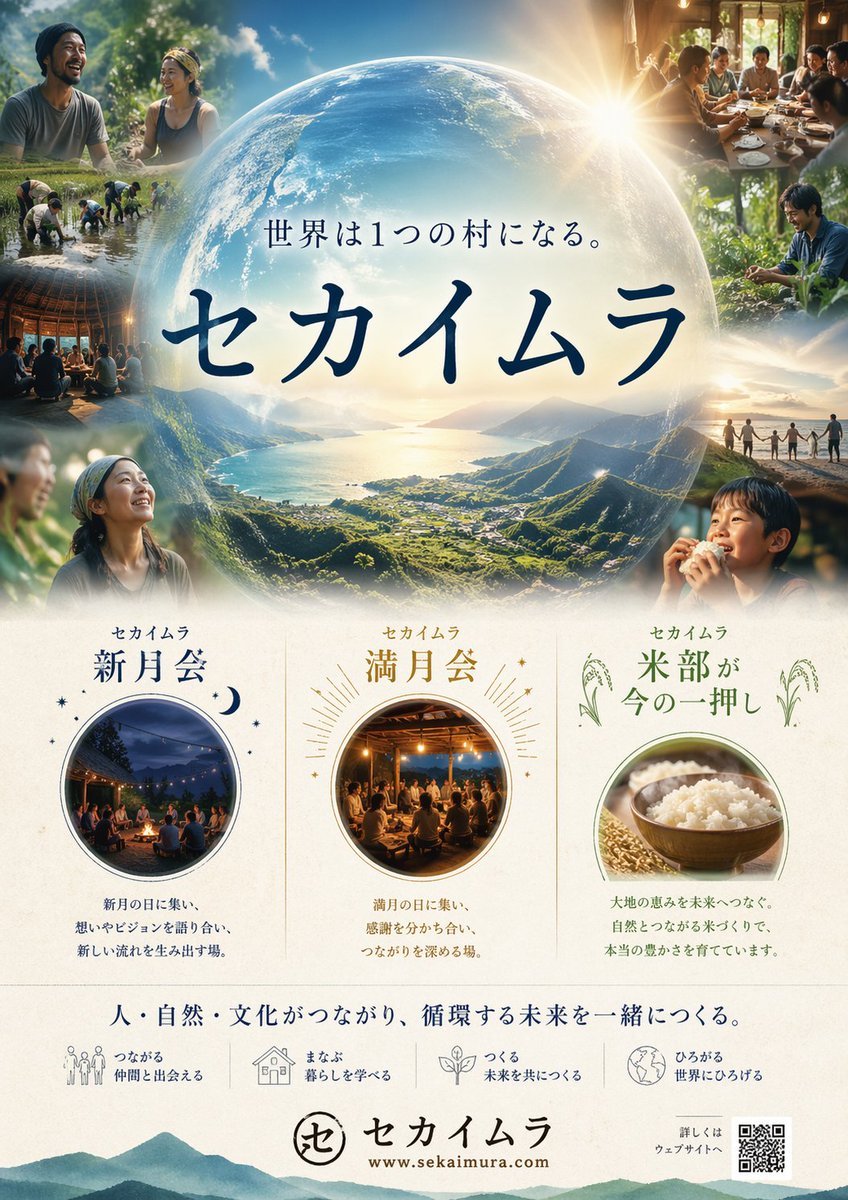
Japanese Eco-Community Promo Poster
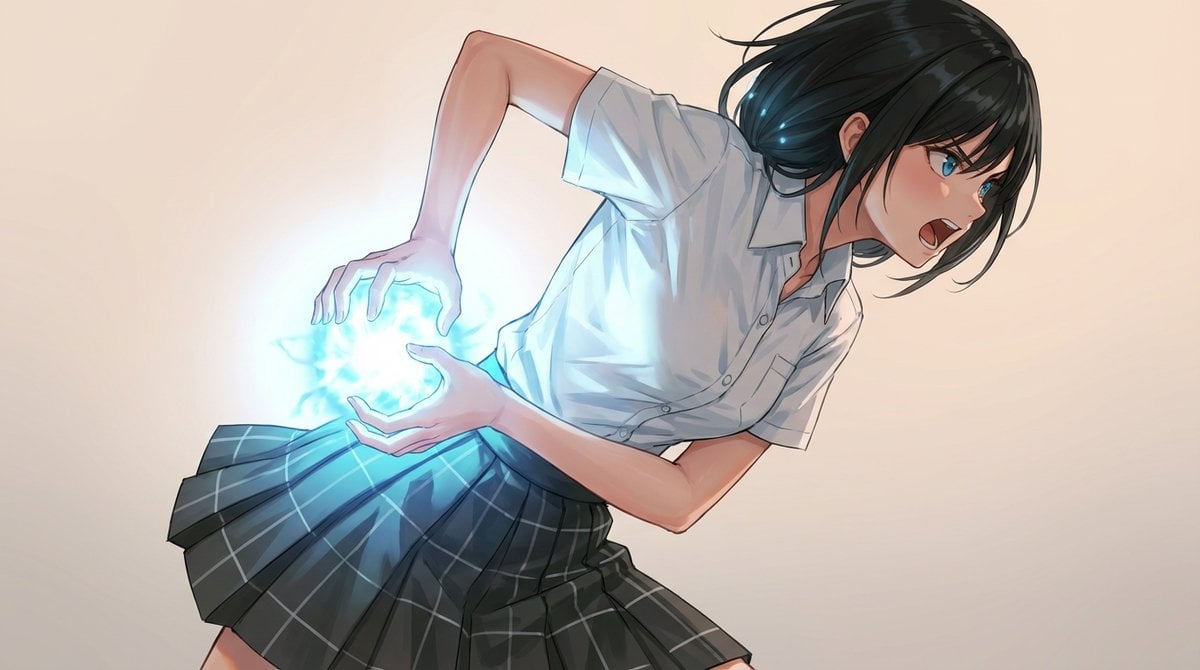
Kamehameha-Style Energy Wave Generation Prompts (Charge and Release)
Browse template categories
Yellow Mixed-Media Portrait Poster questions
How do I use the Yellow Mixed-Media Portrait Poster template?
Add your photo if the template asks for one, edit the prompt if you like — the template's model and format are already selected — and press Generate. Your version opens in PicX Studio.
Can I customize the Yellow Mixed-Media Portrait Poster template?
Yes. You can change the subject, setting, lighting, mood, format, and available model controls before creating your image.
Is the Yellow Mixed-Media Portrait Poster template free?
Opening and editing this template is free. Generating uses credits, shown on the Generate button when you are signed in.
Which AI model should I use?
Start with GPT Image 2, which is the model associated with this template. You can compare another compatible model for a different finish.
Looking for something else? Browse all templates.

Your photo, any look
Thousands of ready templates for every top image and video model, from one credit balance.