
Luxury Menswear Campaign
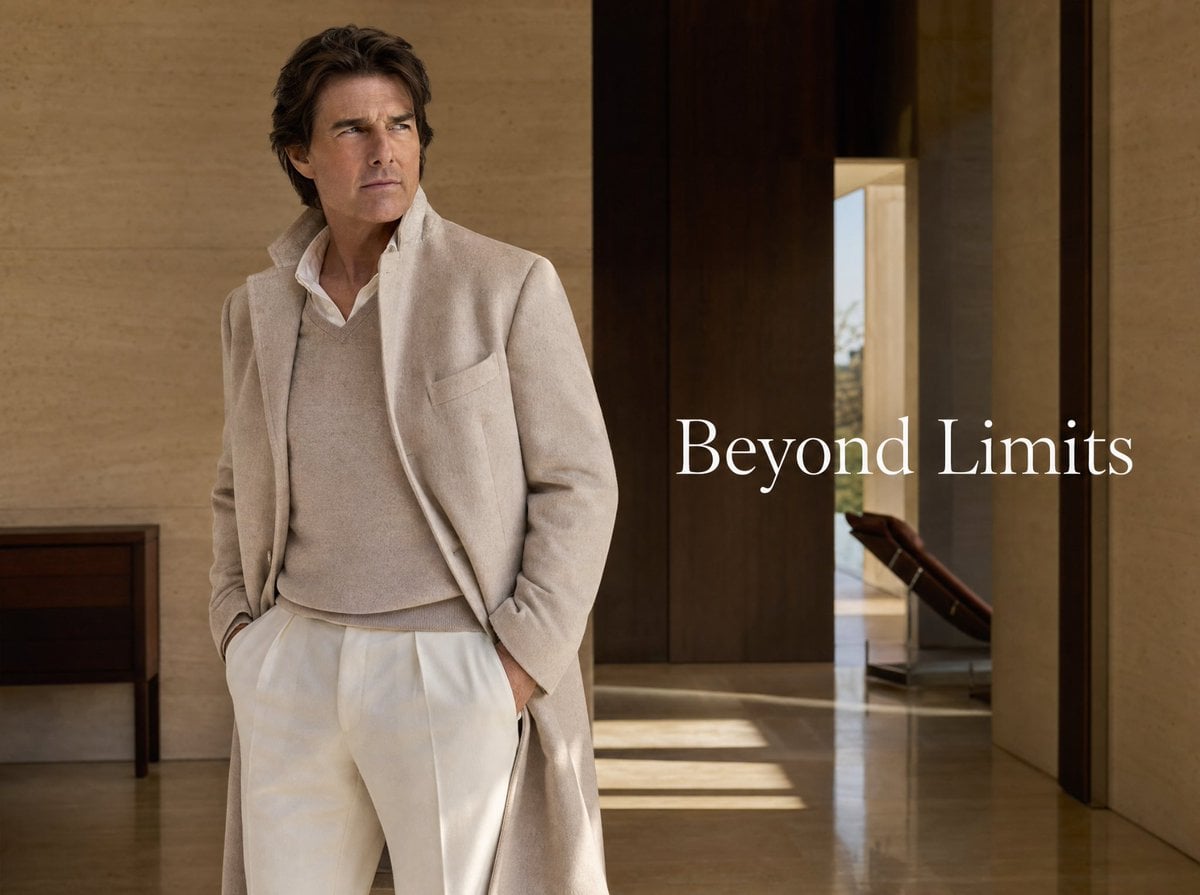
A photorealistic luxury fashion ad featuring an elegant man in cream tailoring inside a warm modern villa interior.
- Prompt included
- Model and format preset
- Free template
The prompt behind this image
Copy the exact prompt behind Luxury Menswear Campaign, or open it in the studio and make it yours.
Create a refined luxury fashion advertising image in a cinematic editorial photography style. Show a mature, handsome man resembling a high-end menswear model standing slightly left of center in a minimalist modern villa interior, full body cropped near the lower legs, hands tucked into trouser pockets, posture relaxed but confident, looking off to the left with a serious contemplative expression. He wears an elegant monochrome cream outfit: a long soft wool overcoat with an open front and popped collar, a beige cashmere V-neck sweater over a crisp white collared shirt, and high-waisted ivory pleated trousers. Use warm natural light, polished stone floors with subtle reflections, beige travertine walls, dark wood vertical wall panels and doorway, a small dark console table on the far left, and a glimpse of a lounge chair and outdoor brightness through an opening on the right. Add large white serif campaign text reading {argument name="headline text" default="Beyond Limits"} positioned mid-right over the darker wood area, elegant and spacious with no other copy. Color palette: cream, ivory, taupe, warm beige, dark walnut brown, soft sunlight. Composition should feel like a premium magazine spread or luxury menswear brand campaign, photorealistic, sharp fabric texture, tasteful depth of field, no logos, no watermark.
How to use Luxury Menswear Campaign in 3 steps
- 1Upload ImagePNG, JPG or paste
Add your photo
Upload the photo the template builds on. The prompt, model and format are already set.
- 2…a portrait of your subject in softgolden-hour light, 85mm…
Personalize
Edit the subject and creative details for your destination.
- 3Generate
Generate
Press Generate — your image is created in PicX Studio, so you can compare it with the original and refine one variable at a time.
More like this
Templates with the same subject, style or setup. Open one to see its prompt.

Polo Ralph Lauren Luxury American Heritage Fashion Campaign

Blue Backdrop Luxury Fashion Portrait Campaign
Luxury Menswear Chessboard Campaign
Luxury Penthouse Menswear Editorial
Chanel Perfume 2x2 Grid Luxury Campaign
Luxury Black Menswear Portrait
Luxury Menswear Gallery Collage
Luxury Brand Campaign Portrait
Luxury Indoor Menswear Lookbook
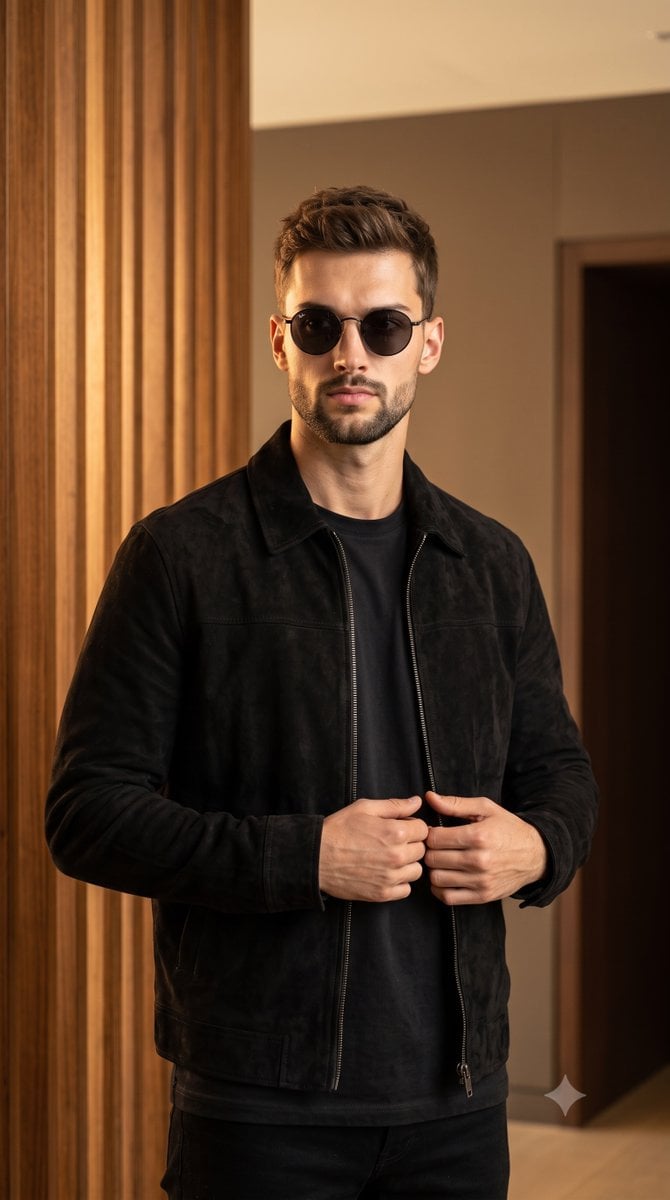
Luxury Menswear Suede Jacket Editorial

Sealing Wax Letter Desk

Ballroom Floor Reflections
Make it yours
Luxury Menswear Campaign works as-is. These are the safest ways to change it without losing the look.
Change one field
Copy a single group, rewrite it, and generate again so you can see what that field is doing.
Keep the frame, change the subject
Hold the composition and light of Luxury Menswear Campaign, then swap wardrobe, props or the person for a new take.
| If the result… | Why | Fix |
|---|---|---|
| The result drifts from the preview | Too many fields changed at once. | Reuse Luxury Menswear Campaign as-is first, then change one group — subject, light, or setting. |
| The model over-stylizes the scene | The prose prompt leaves finish and camera underspecified. | Add one camera or lighting sentence and stay on GPT Image 2. |
More GPT Image 2 templates
Other prompts made for GPT Image 2.

Six VTuber Japanese Logo Sheet

Realistic Portrait of Woman and Deer

The Vista Modular Condo Poster

AI Model Routing Comparison Infographic

2.5D Anime Art Board

Isometric Productivity Desk Scene

New York Double Exposure Poster

Four-Panel AI Landscape Comparison

Japanese Tatami Lifestyle Magazine Cover

NESCAFÉ Coffee Map Poster
More image prompts
Fresh picks from across the catalog.
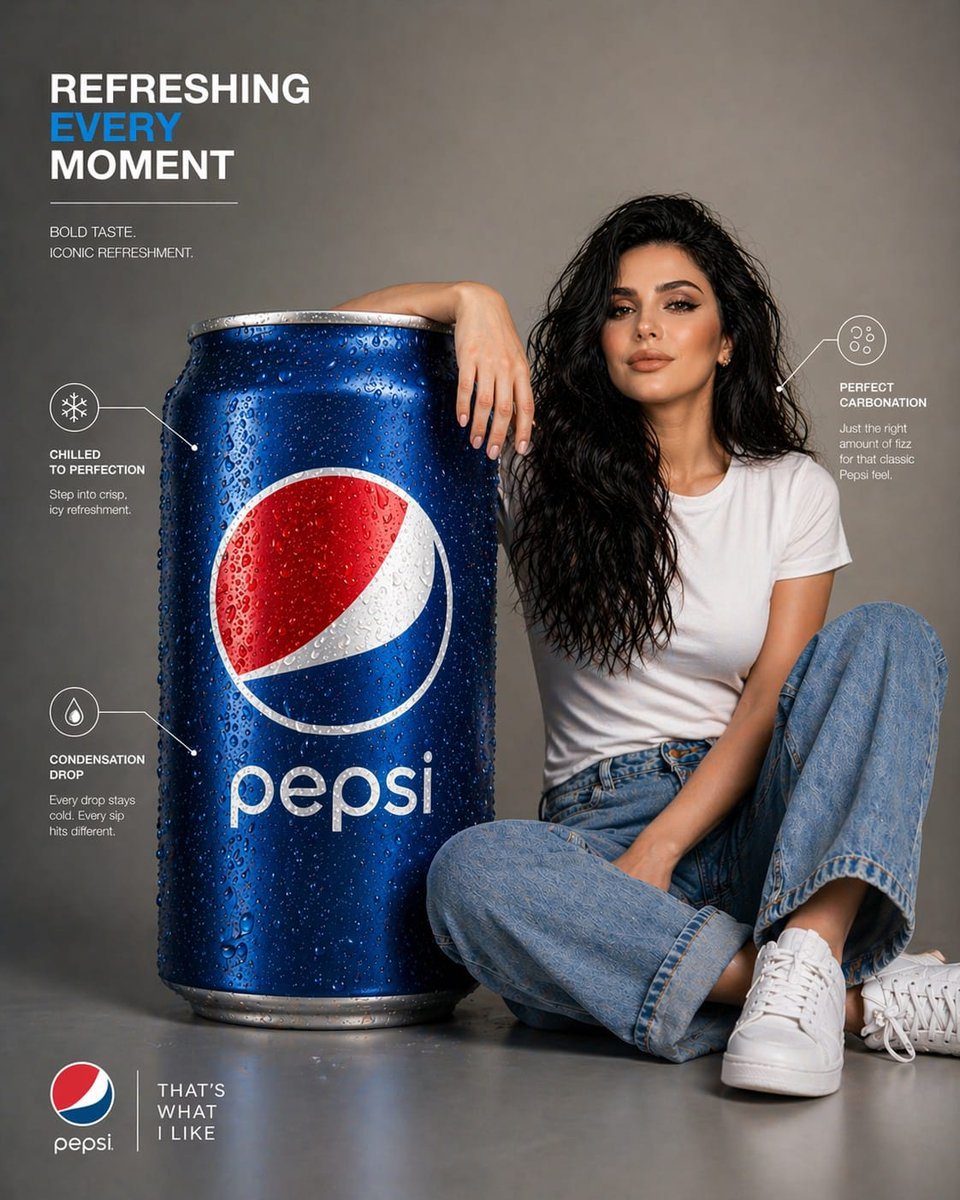
Pepsi Infographic Advertisement
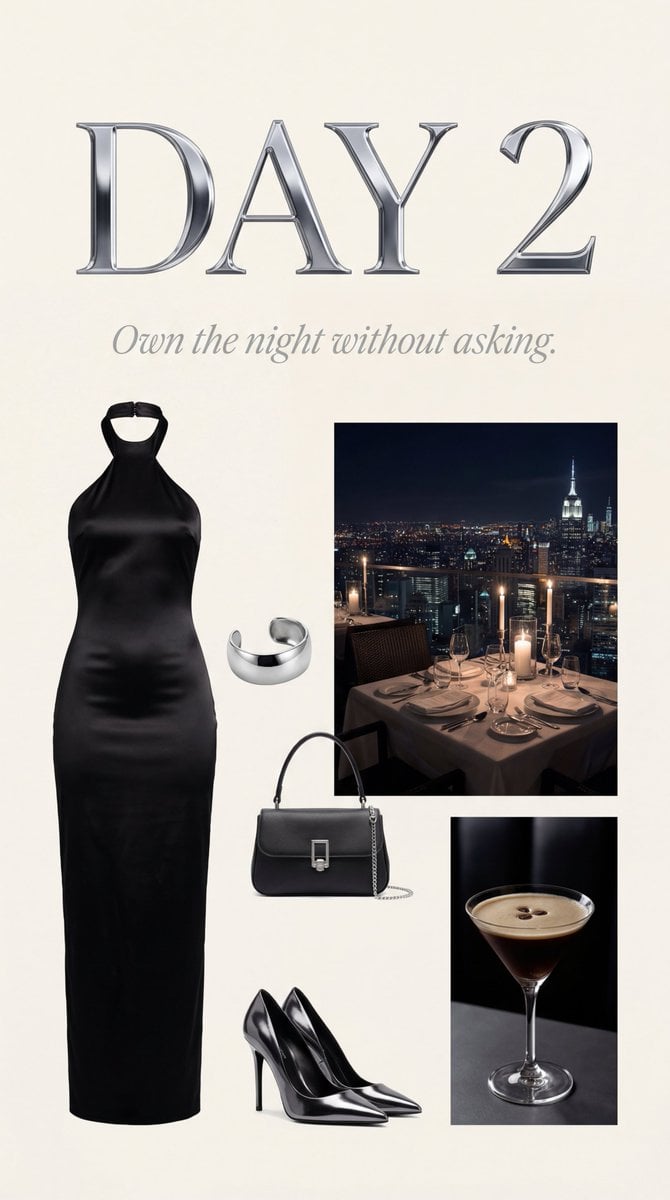
Luxury Night Fashion Moodboard (Day 2)
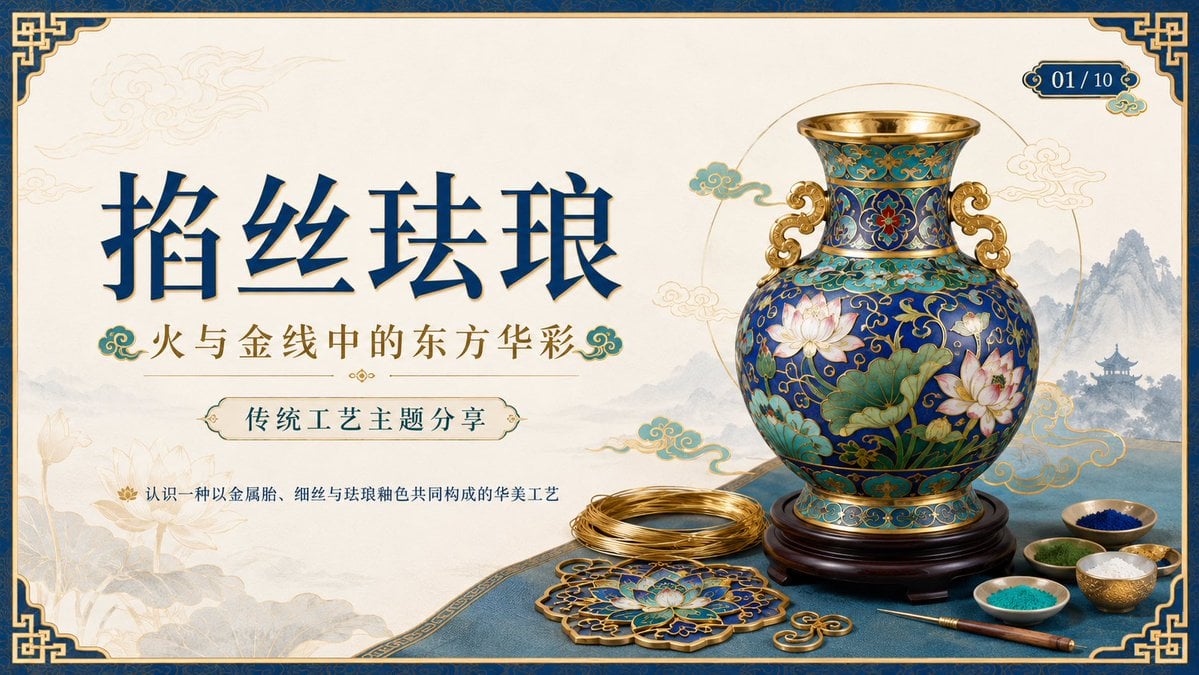
Cloisonné Craft PPT Cover
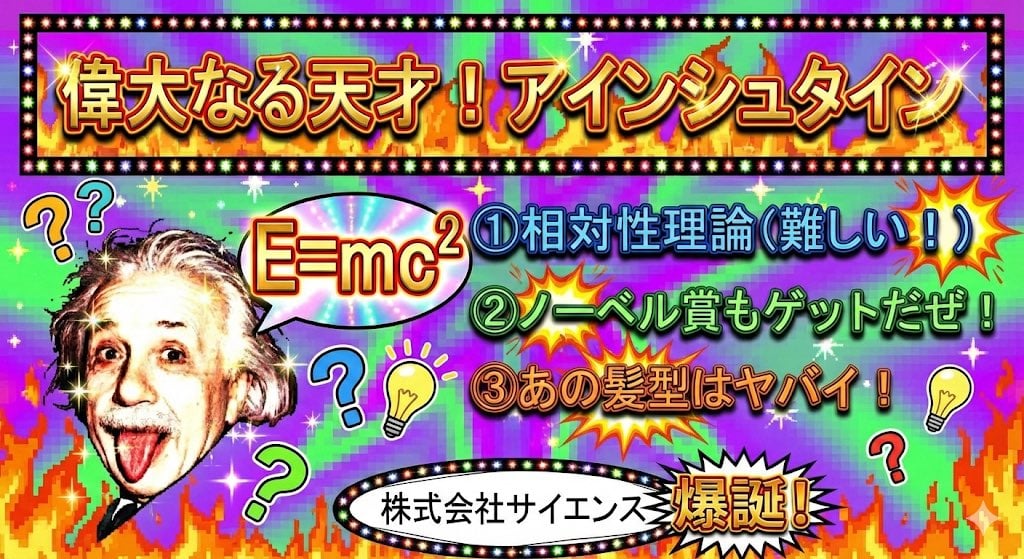
Ugly slide introducing Einstein
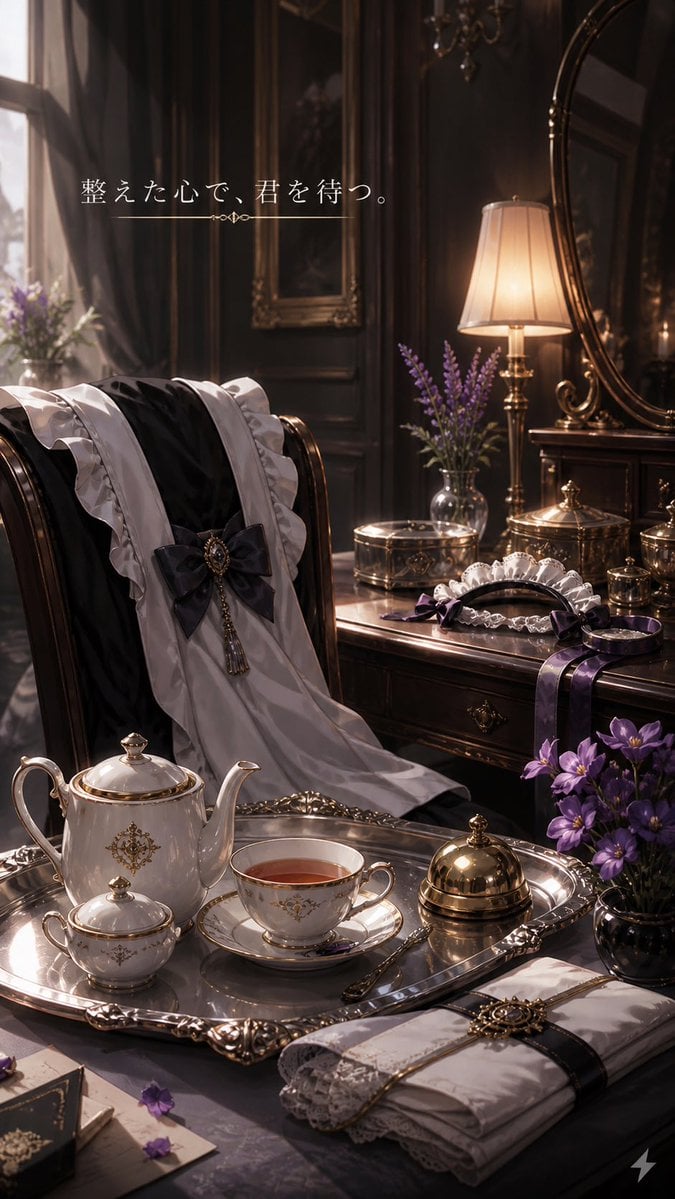
Victorian Tea Room Waiting Wallpaper
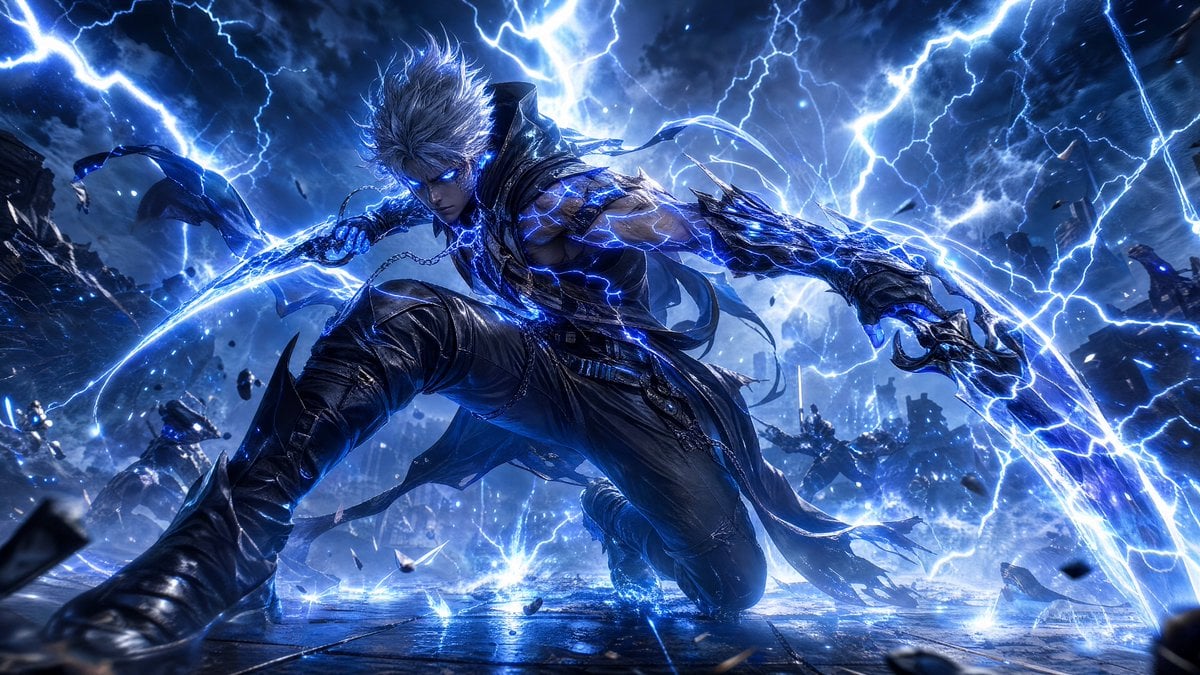
Storm-Born Lightning Rogue Character
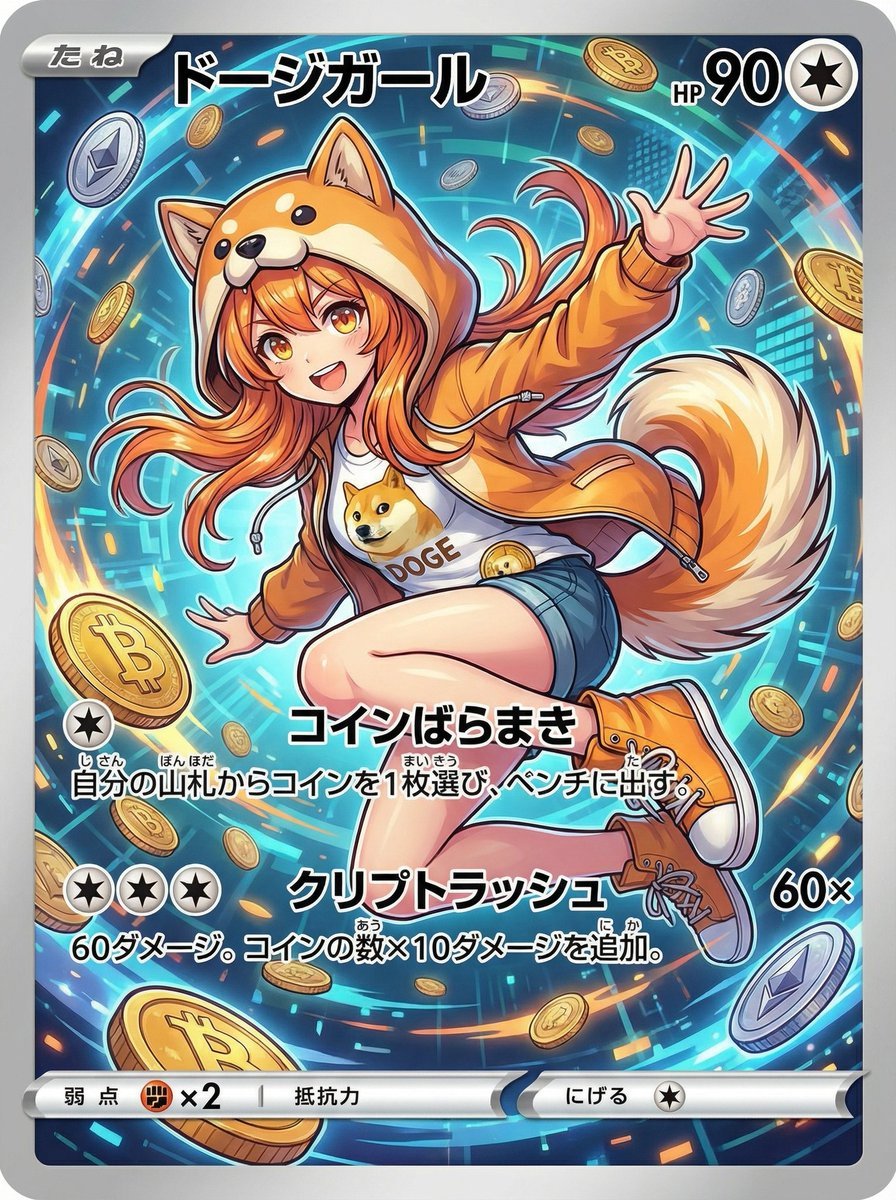
Yu-Gi-Oh magic card from text theme
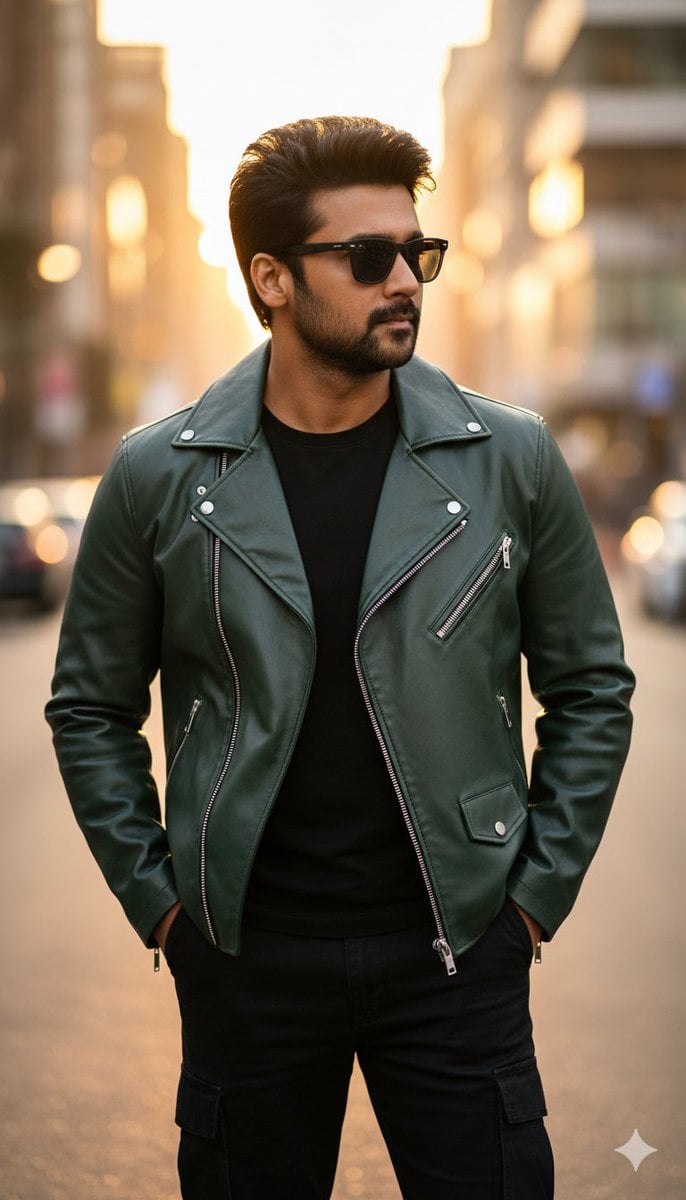
Ultra-Realistic Golden Hour City Street Portrait (Face Lock)
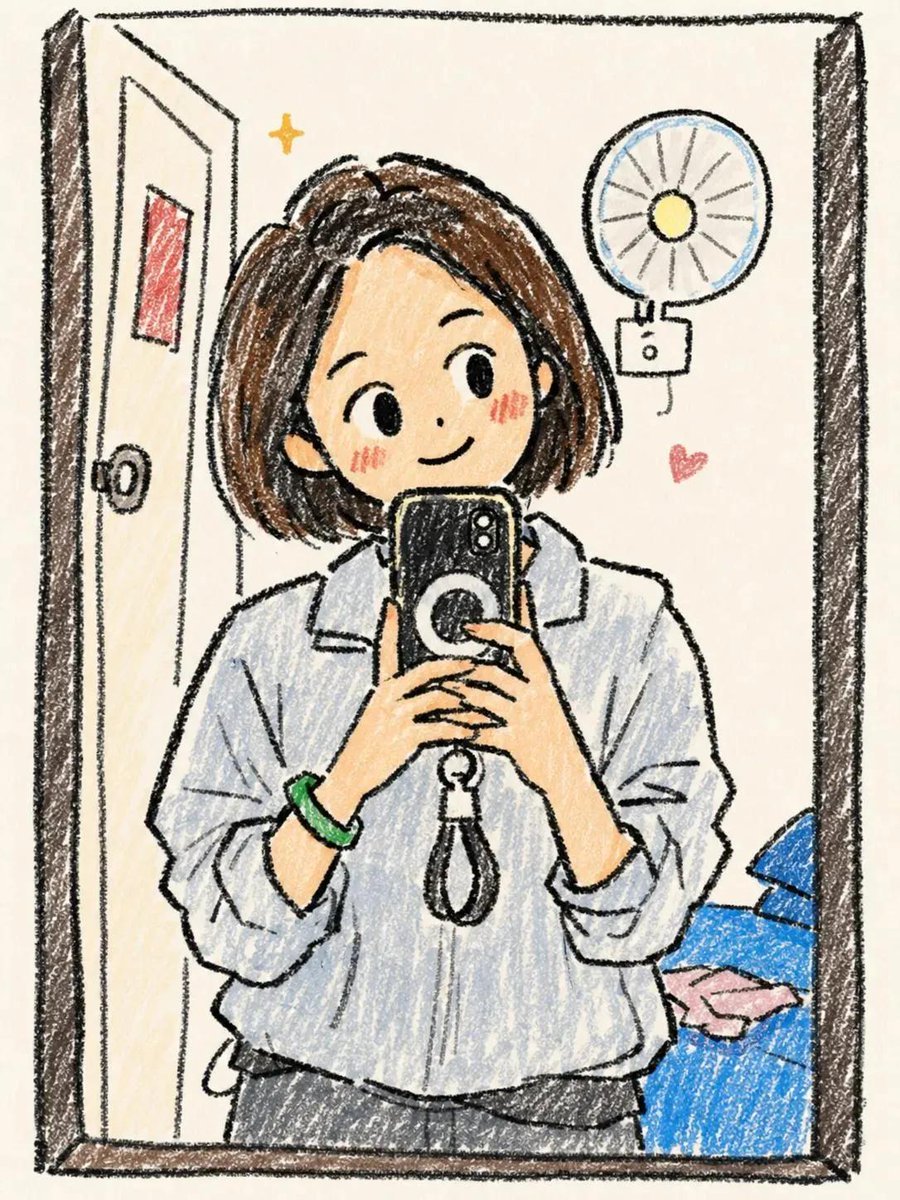
Hand-Drawn Chibi Girl Illustration
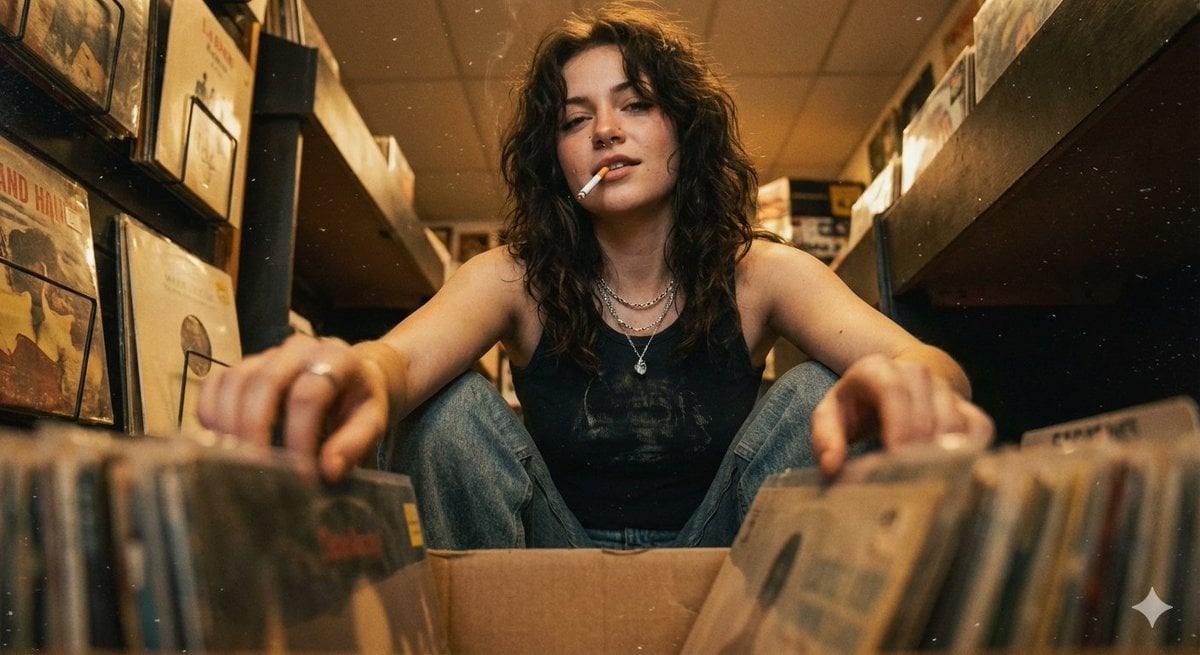
90s Grunge Record Store POV
Browse template categories
Luxury Menswear Campaign questions
How do I use the Luxury Menswear Campaign template?
Add your photo if the template asks for one, edit the prompt if you like — the template's model and format are already selected — and press Generate. Your version opens in PicX Studio.
Can I customize the Luxury Menswear Campaign template?
Yes. You can change the subject, setting, lighting, mood, format, and available model controls before creating your image.
Is the Luxury Menswear Campaign template free?
Opening and editing this template is free. Generating uses credits, shown on the Generate button when you are signed in.
Which AI model should I use?
Start with GPT Image 2, which is the model associated with this template. You can compare another compatible model for a different finish.
Looking for something else? Browse all templates.

Your photo, any look
Thousands of ready templates for every top image and video model, from one credit balance.