How do I use the Luxury Skincare Commercial Video Prompt template?
Choose the primary action to open PicX Studio with the available template settings. Review the model and format, personalize the creative direction, and generate when ready.
A detailed prompt designed for video generation (Kling 3.0 + Nano Banana Pro) to create a luxury skincare commercial. Change the subject, setting, or lighting one variable at a time.

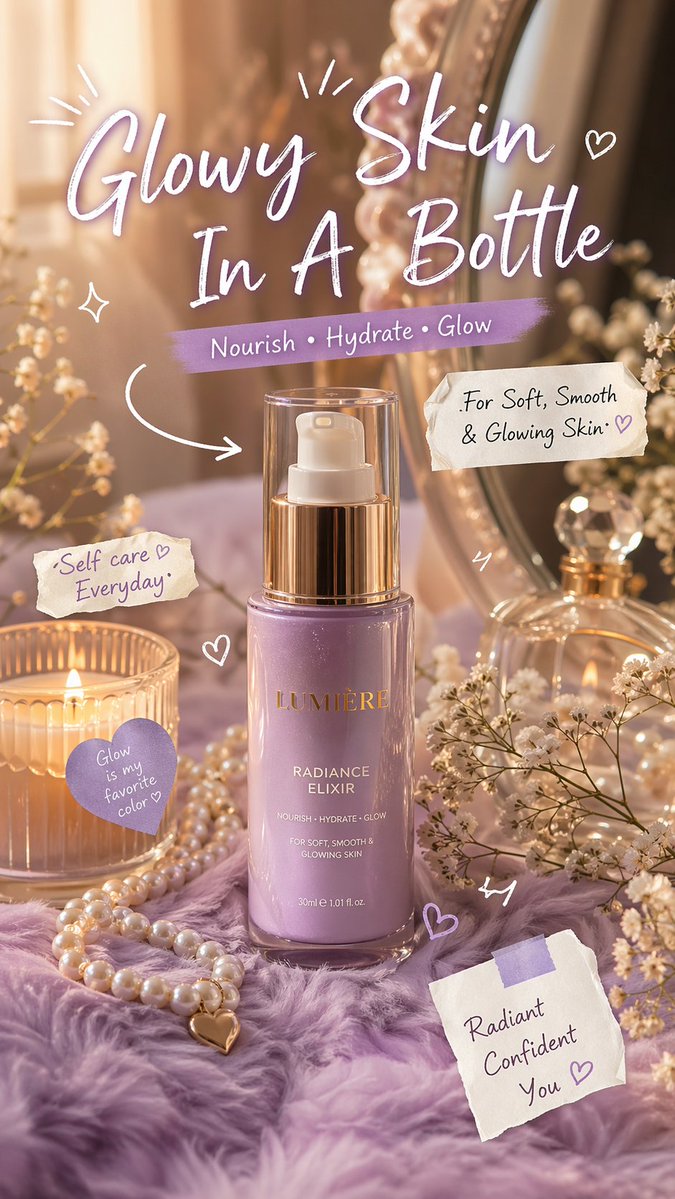
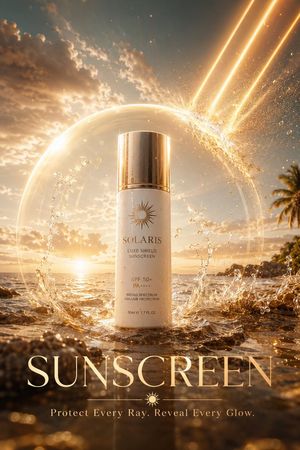
Luxury skincare commercial, ultra-premium aesthetic. Use the provided product image as the exact reference for bottle shape, label design, liquid tone, reflections, and overall styling. The bottle stands perfectly upright at the center of the frame, surrounded by a glossy liquid surface with smooth, elegant ripples. Soft fluid splashes form a graceful crown around the base, catching light like crystal. Background is a dreamy pastel aqua-to-soft lavender gradient with a silky, creamy atmosphere and subtle mist particles floating in the air. Camera motion: Slow, continuous 360-degree cinematic orbit around the product. Movement is smooth, controlled, and hypnotic. Constant speed throughout. No shaking, no zooming, no speed changes. The product remains perfectly centered and stable at all times. Framing: Mid close-up beauty shot. Bottle remains vertical and motionless, hero focus. Lighting: High-end studio lighting, soft diffused glow with gentle highlights and glossy reflections. Subtle rim light to outline the bottle. Liquid and glass look luminous, hydrated, and silky. Mood & style: Sensual, elegant, and premium beauty campaign. Smooth motion, glossy textures, soft reflections, cinematic depth of field, slow-motion feel, luxury skincare advertisement, 4K photorealistic, polished commercial look.
Choose the primary action to open PicX Studio with the available template settings. Review the model and format, personalize the creative direction, and generate when ready.
Yes. You can change the subject, setting, lighting, mood, format, and available model controls before creating your image.
This template is free to open and customize. Generation usage is shown in PicX Studio before you create.
Start with Nano Banana 2, which is the model associated with this template. You can compare another compatible model for a different finish.
© 2026 PicX Studio. All rights reserved.

Follow a topic to a crawlable collection of related PicX Studio templates.
43,474 public templates available. Verified via the PicX Studio public templates API; refreshed hourly.










![Naive doodle-style subject illustration — A doodle-style {argument name="subject" default="[subject]"}, naive lines, humorous shape exaggeration](https://pbs.twimg.com/media/G6Wl2YxbsAARB2b.jpg)













![Photorealistic Hong Kong Retro Portrait Prompt — Create a Photorealistic Hong Kong retro portrait with authentic 1990s film look.
Use image[0] as face reference](https://pbs.twimg.com/media/G77bHKzagAQpCjZ.jpg)