
Red Circle Luxury Skincare Fashion Ad
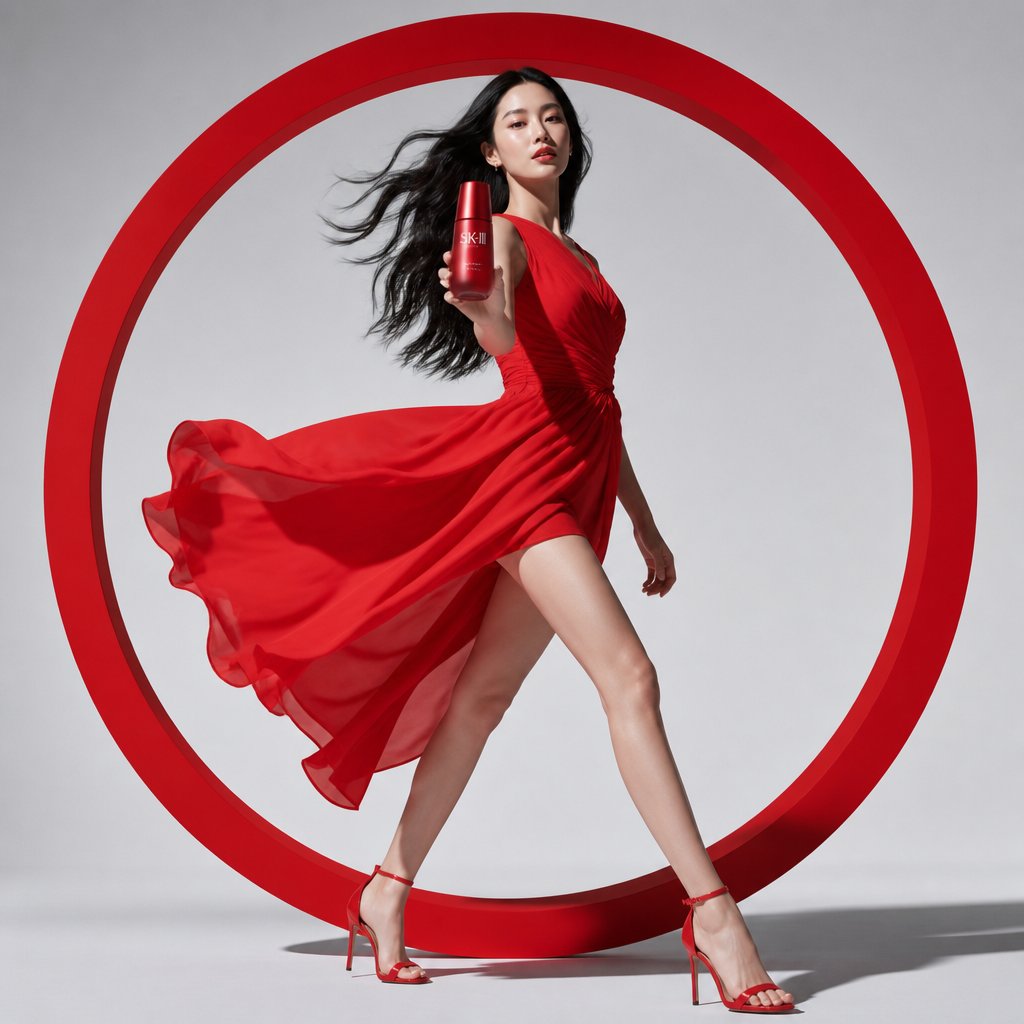
A photorealistic high-fashion beauty advertisement featuring an Asian model in a red dress striding through a giant red circular frame while presenting a skincare bottle.
- Prompt included
- Model and format preset
- Free template
The prompt behind this image
Copy the exact prompt behind Red Circle Luxury Skincare Fashion Ad, or open it in the studio and make it yours.
Create a high-fashion luxury skincare commercial advertisement on a square studio canvas. A slim young Asian female model with long flowing black hair walks confidently out of a giant minimalist red circular frame positioned behind her, centered like a bold graphic halo. She is frozen in a dynamic runway stride with one leg extended forward and the other behind, creating a strong elegant silhouette. She wears a vibrant flowing red one-shoulder chiffon dress with a high slit, ruched bodice, translucent fabric layers, and wind-swept skirt billowing dramatically to the left, paired with red ankle-strap stiletto sandals. Her right arm reaches toward the viewer holding a red cylindrical luxury skincare bottle labeled {argument name="product label" default="SK-II"}, making the bottle prominent in the foreground; her left arm trails naturally behind. Use a clean light gray studio background, glossy floor contact shadows, crisp commercial lighting, subtle shadows from the circular frame, premium beauty-ad styling, red-on-gray minimalist palette, photorealistic editorial fashion photography, sharp focus, elegant confidence, no extra text, no logo except the bottle label.
How to use Red Circle Luxury Skincare Fashion Ad in 3 steps
- 1Upload ImagePNG, JPG or paste
Add your photo
Upload the photo the template builds on. The prompt, model and format are already set.
- 2…a portrait of your subject in softgolden-hour light, 85mm…
Personalize
Edit the subject and creative details for your destination.
- 3Generate
Generate
Press Generate — your image is created in PicX Studio, so you can compare it with the original and refine one variable at a time.
More like this
Templates with the same subject, style or setup. Open one to see its prompt.

01 Skincare Split Portrait — Nano Banana 2

Opera Curtain Red Gold
Credit Card Levitation

19 Luxury Helicopter Travel — California Series

08 Rodeo Drive Luxury Exit — California Series

80s College Gate

1988 Mall Style

80s Polka Dot Saree
Luxury Skincare Product Advertisement
Luxury Skincare Product Ad

Luxury Fashion Editorial Portrait
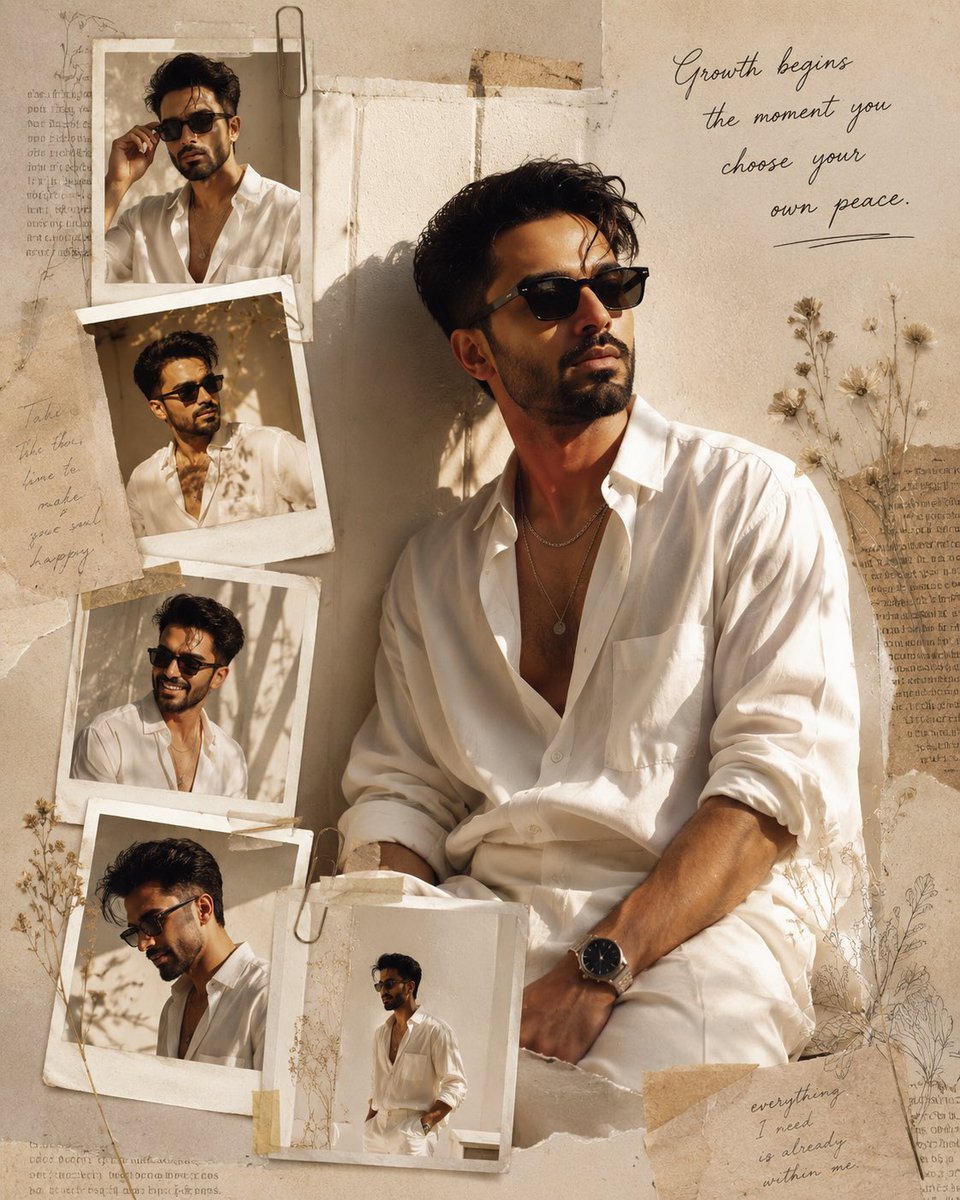
Luxury Fashion Editorial Scrapbook
Make it yours
Red Circle Luxury Skincare Fashion Ad works as-is. These are the safest ways to change it without losing the look.
Change one field
Copy a single group, rewrite it, and generate again so you can see what that field is doing.
Keep the frame, change the subject
Hold the composition and light of Red Circle Luxury Skincare Fashion Ad, then swap wardrobe, props or the person for a new take.
| If the result… | Why | Fix |
|---|---|---|
| The result drifts from the preview | Too many fields changed at once. | Reuse Red Circle Luxury Skincare Fashion Ad as-is first, then change one group — subject, light, or setting. |
| The model over-stylizes the scene | The prose prompt leaves finish and camera underspecified. | Add one camera or lighting sentence and stay on GPT Image 2. |
More GPT Image 2 templates
Other prompts made for GPT Image 2.

Six VTuber Japanese Logo Sheet

Realistic Portrait of Woman and Deer

The Vista Modular Condo Poster

AI Model Routing Comparison Infographic

2.5D Anime Art Board

Isometric Productivity Desk Scene

New York Double Exposure Poster

Four-Panel AI Landscape Comparison

Japanese Tatami Lifestyle Magazine Cover

NESCAFÉ Coffee Map Poster
More image prompts
Fresh picks from across the catalog.
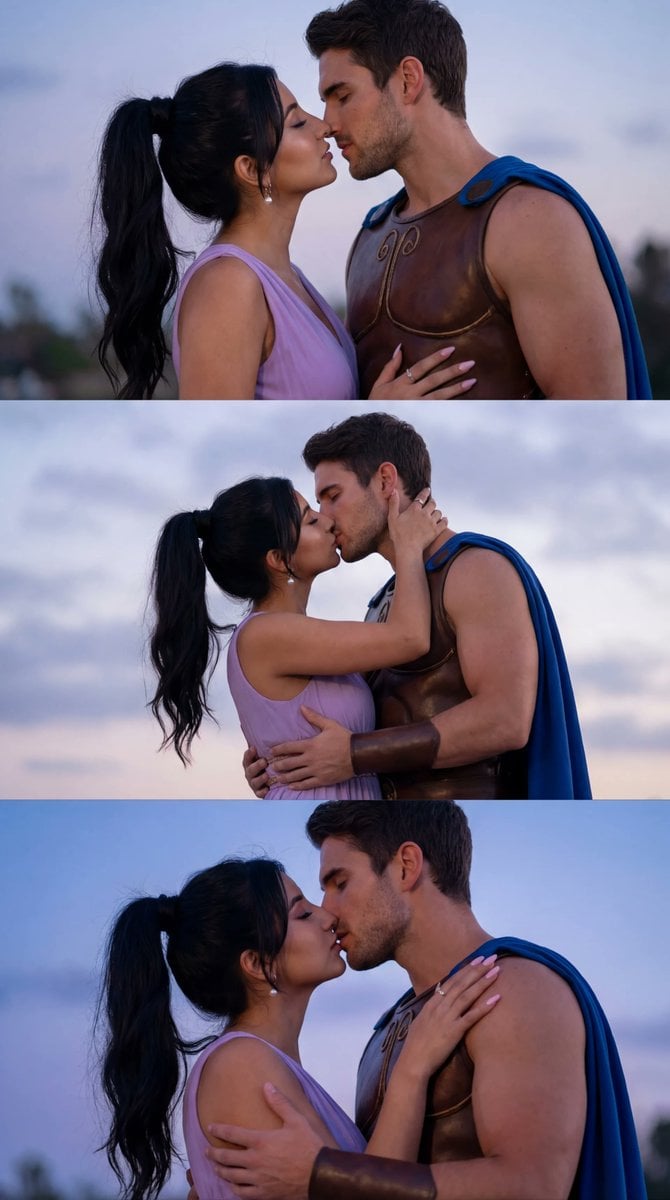
Cinematic Cosplay Romance Triptych
Magic Edit GPT Image 2 Promo Banner
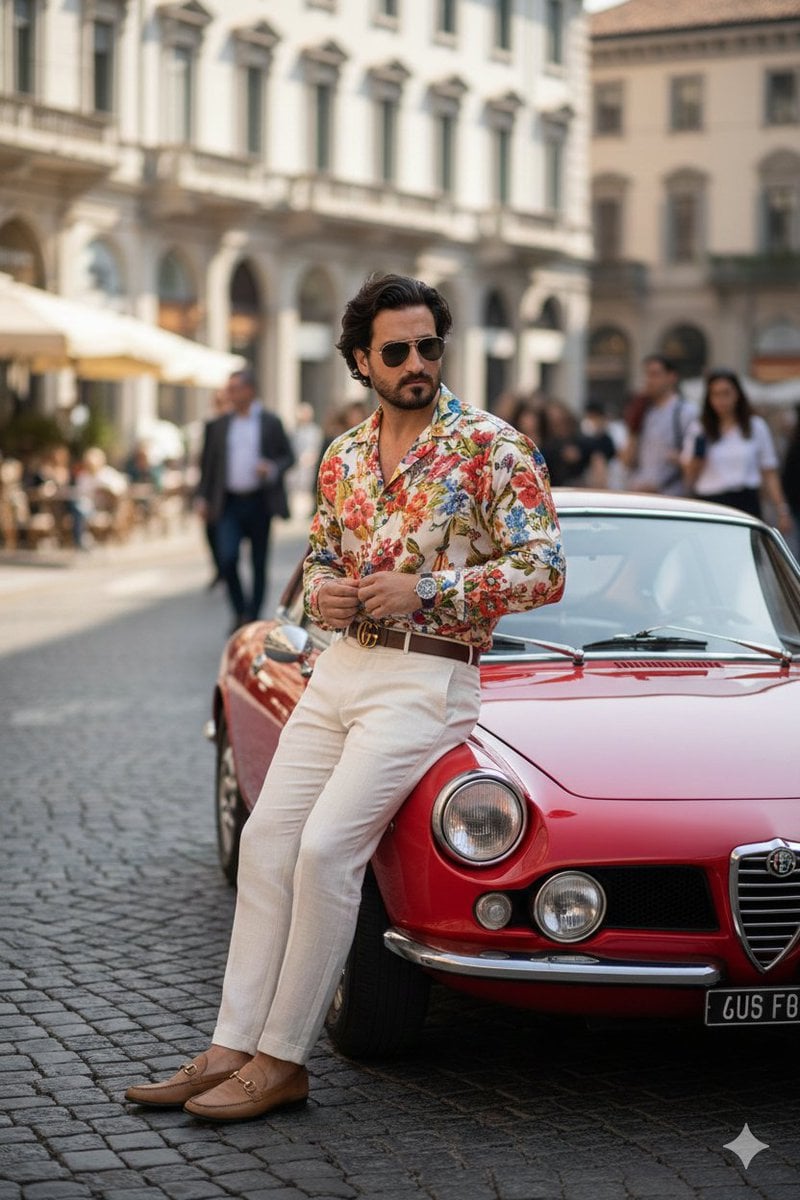
Photorealistic Gucci Editorial in Milan
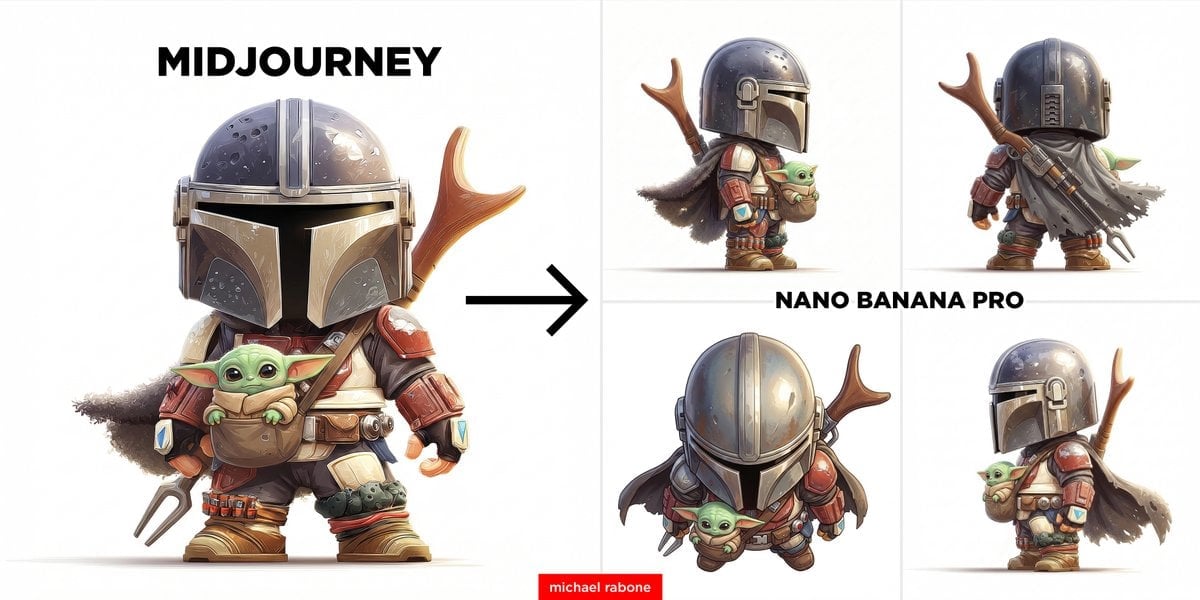
Image-to-Image View Generation Prompt
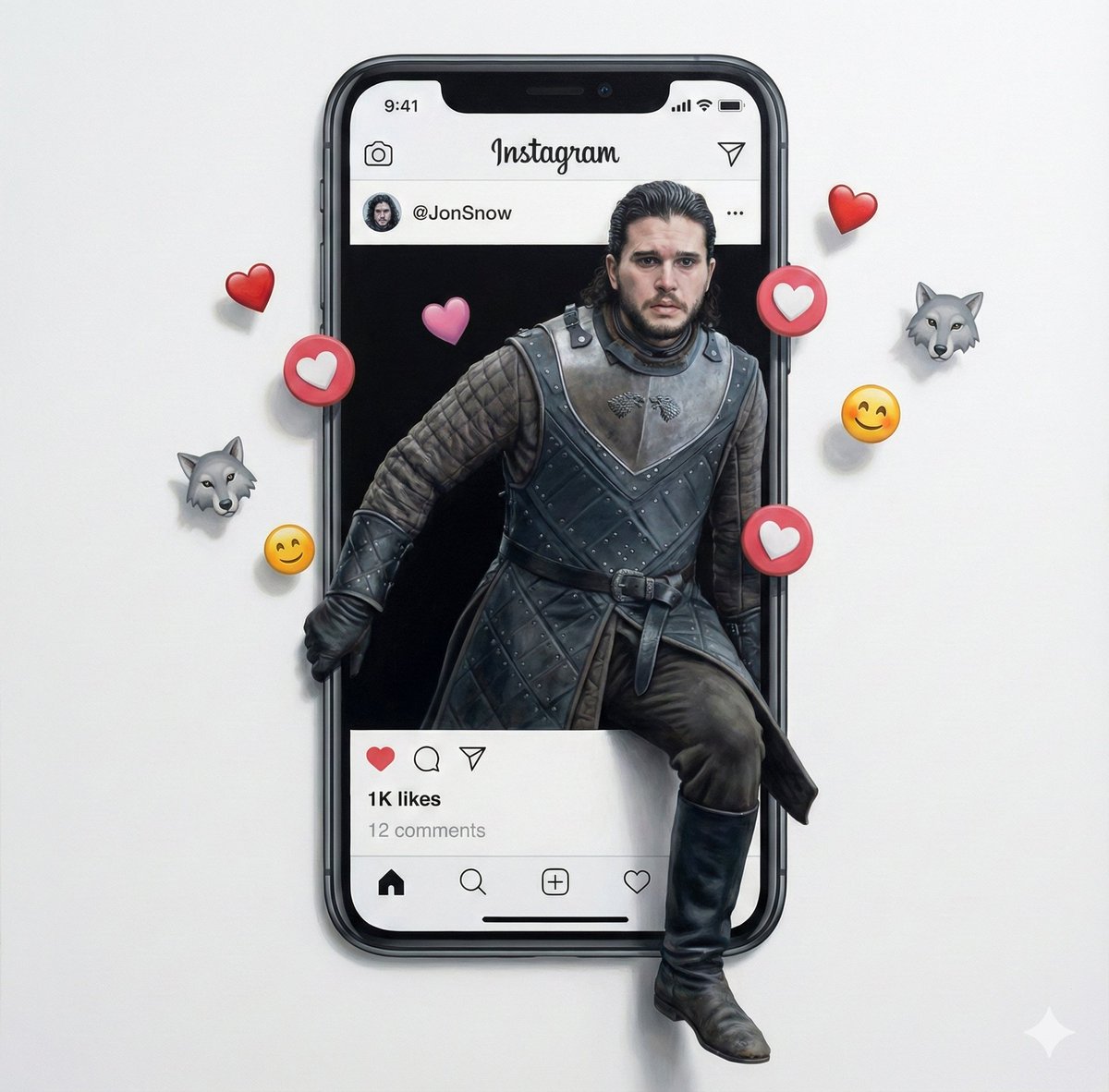
Trompe l'oeil subject stepping out of social media screen
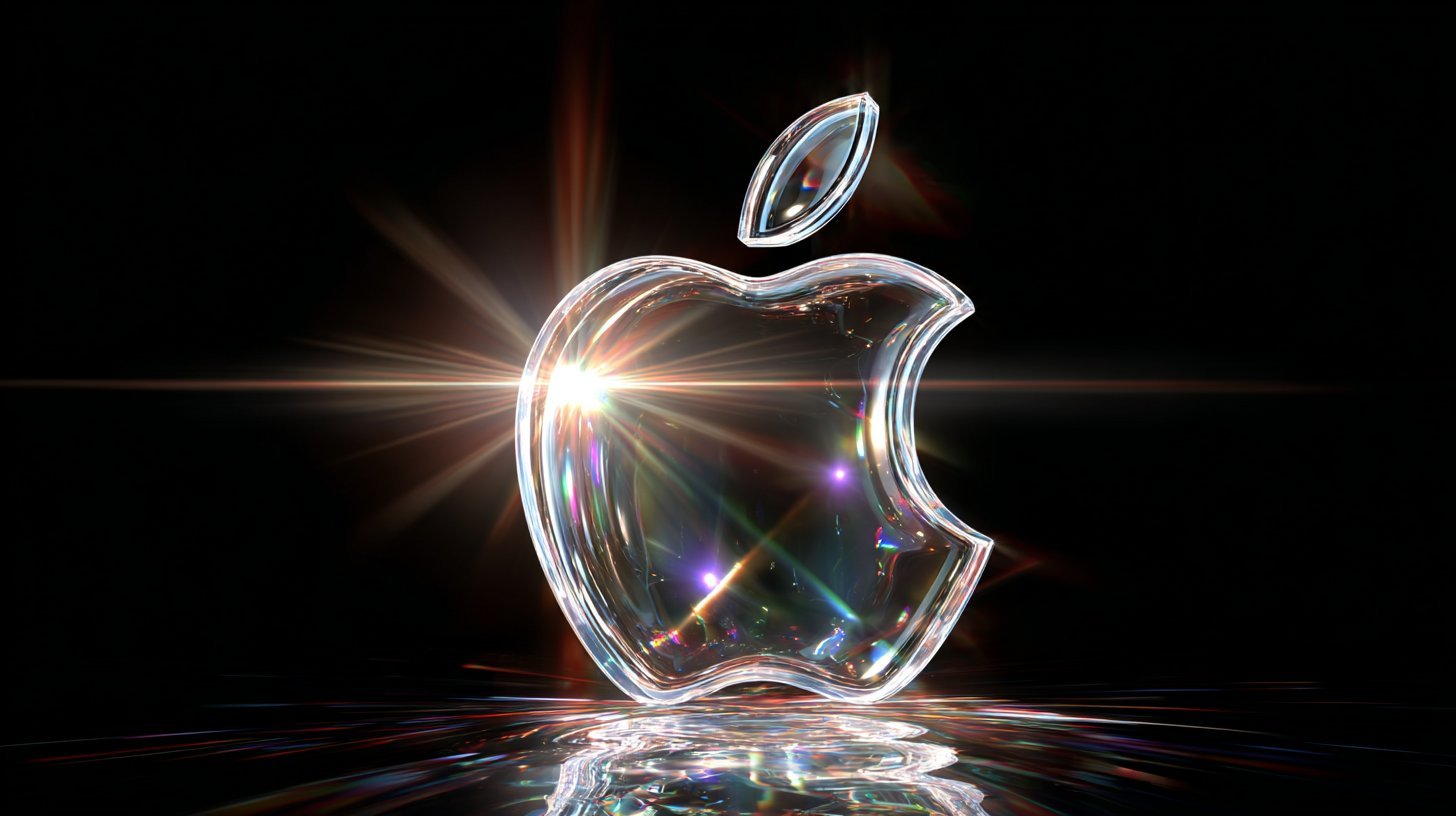
Cinematic Sport Logo Render in Midjourne
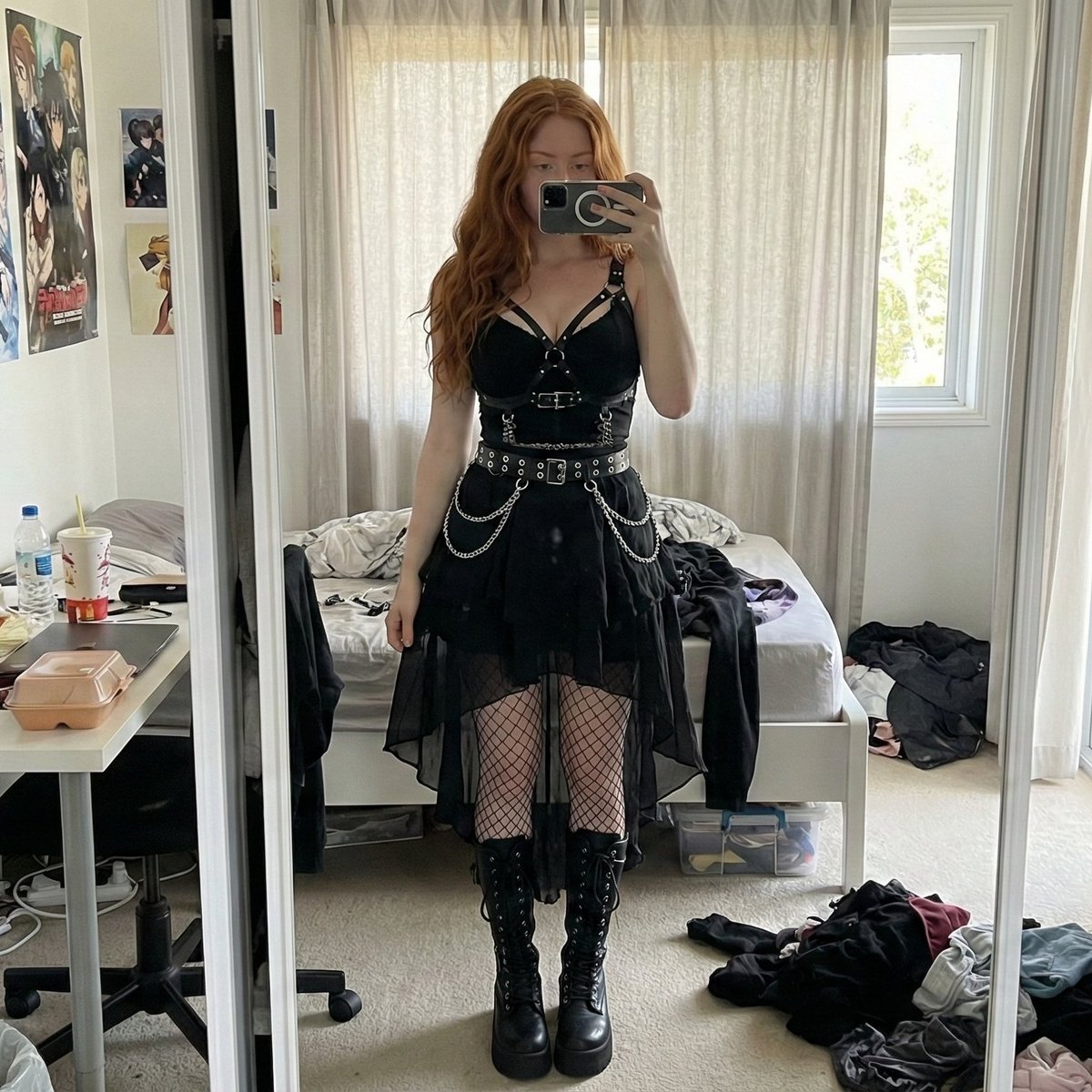
Gothic Mirror Selfie in Messy Bedroom

Dark Fantasy Wizard Podcast Poster

Luxury Paparazzi Street Photography Prompt
Fantasy Movie Poster Style Conversion
Browse template categories
Red Circle Luxury Skincare Fashion Ad questions
How do I use the Red Circle Luxury Skincare Fashion Ad template?
Add your photo if the template asks for one, edit the prompt if you like — the template's model and format are already selected — and press Generate. Your version opens in PicX Studio.
Can I customize the Red Circle Luxury Skincare Fashion Ad template?
Yes. You can change the subject, setting, lighting, mood, format, and available model controls before creating your image.
Is the Red Circle Luxury Skincare Fashion Ad template free?
Opening and editing this template is free. Generating uses credits, shown on the Generate button when you are signed in.
Which AI model should I use?
Start with GPT Image 2, which is the model associated with this template. You can compare another compatible model for a different finish.
Looking for something else? Browse all templates.

Your photo, any look
Thousands of ready templates for every top image and video model, from one credit balance.