How do I use the Zhao Lusi Red Carpet Gothic Chic Portrait template?
Choose the primary action to open PicX Studio with the available template settings. Review the model and format, personalize the creative direction, and generate when ready.
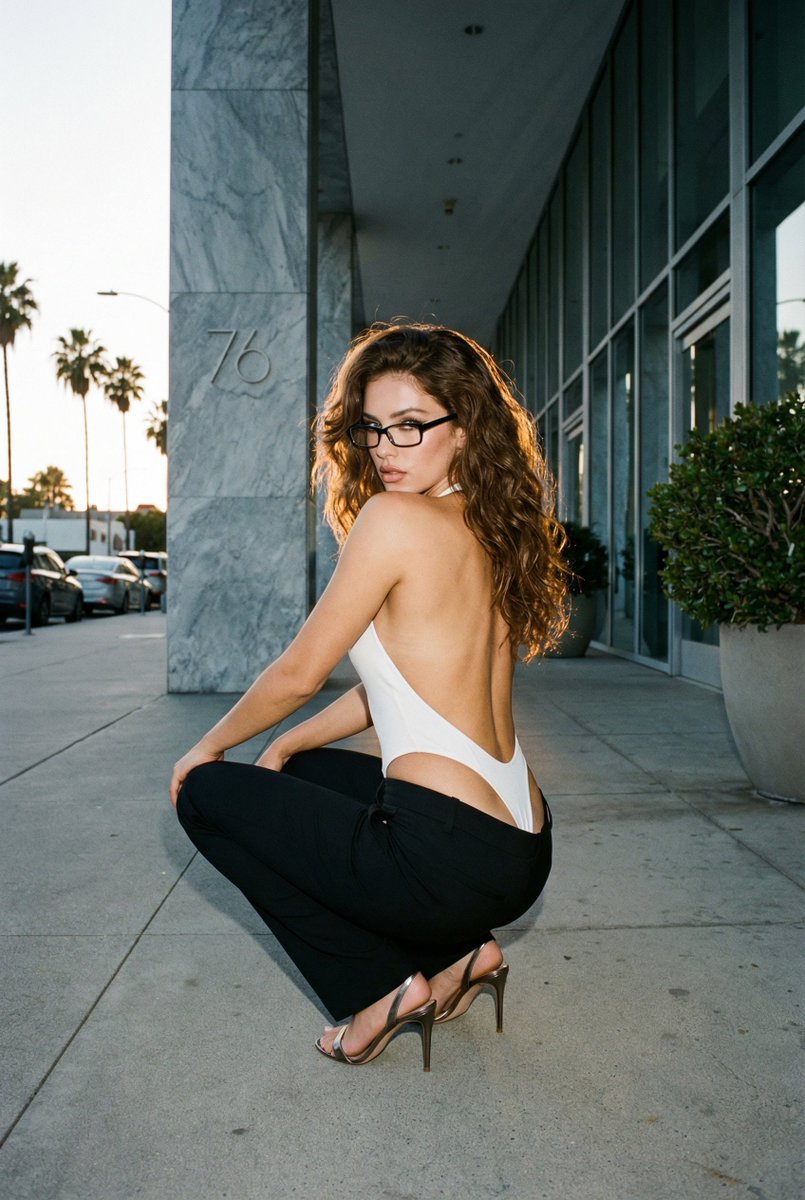
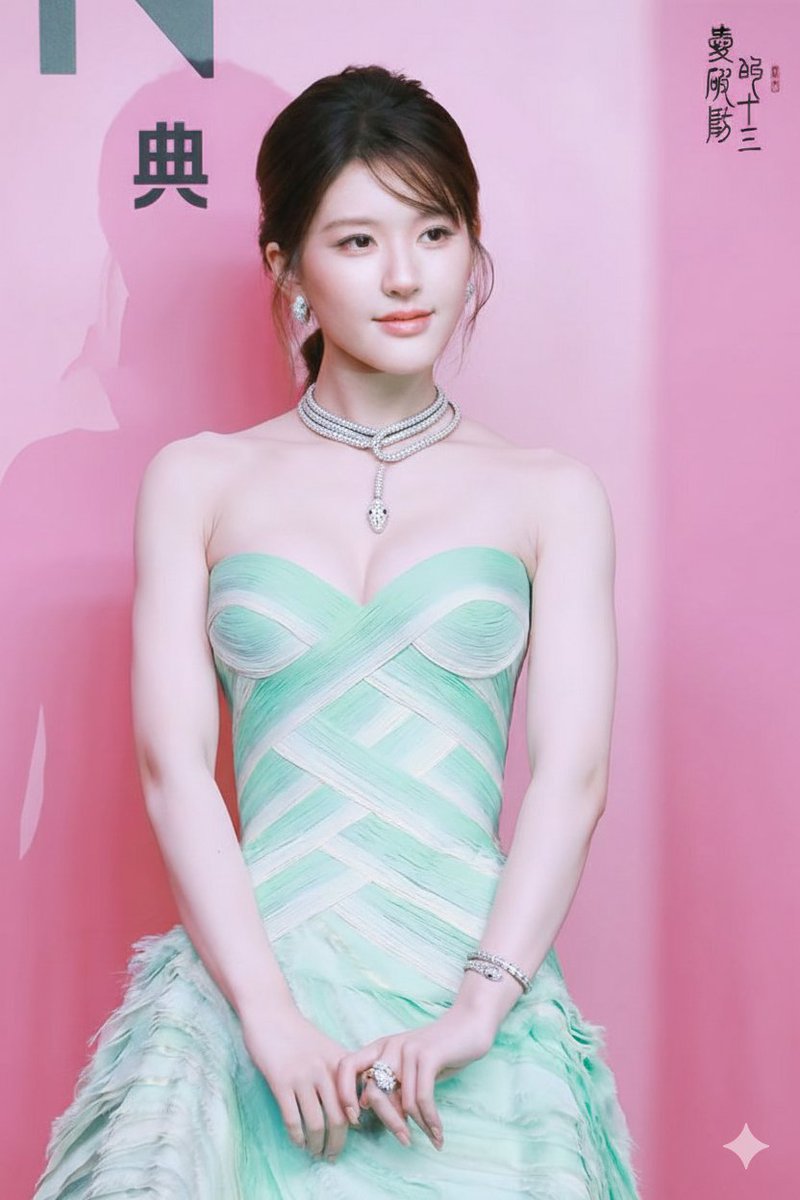
A structured prompt for generating a photorealistic image of Chinese actress Zhao Lusi (Rosy Zhao) on a high-profile red carpet, emphasizing a gothic chic style, a dramatic black lace gown, and hyper-detailed skin texture with subtle moisture highlights. Change the subject, setting, or lighting one variable at a time.

{ "subject": { "name": "{argument name="celebrity name" default="Zhao Lusi"}", "aliases": ["Rosy Zhao"], "profession": "Chinese actress", "pose": "graceful, waving both hands", "expression": "gentle, confident smile", "style": ["gothic chic", "youthful elegance"] }, "appearance": { "hair": { "color": "dark", "style": "voluminous waves framing face" }, "makeup": { "eyes": "defined", "lips": "soft color", "skin": { "tone": "luminous white", "details": "realistic sweat sheen, subtle moisture highlights on collarbones, shoulders, and cheekbones, natural skin texture visible, pores and micro-detail intact", "lighting": "reacts dynamically to cinematic lighting" } }, "jewelry": [ "chunky diamond-encrusted necklace", "matching bracelet" ] }, "outfit": { "gown": { "color": "black", "bodice": "corset-style, very thin spaghetti straps, central bow detail, sheer midriff paneling", "skirt": "multi-layered ruffled lace, dramatic flowing silhouette" }, "footwear": "high-platform black satin sandals" }, "setting": { "event_type": "high-profile red carpet", "backdrop": "formal media wall typical of Chinese awards ceremonies or fashion galas", "sponsors": ["Weibo", "iQIYI", "Mango TV", "Qeelin", "Volvo"], "signatures": "golden scrawls of attending celebrities" }, "image_properties": { "width": 504, "height": 1002, "orientation": "vertical" } }
Choose the primary action to open PicX Studio with the available template settings. Review the model and format, personalize the creative direction, and generate when ready.
Yes. You can change the subject, setting, lighting, mood, format, and available model controls before creating your image.
This template is free to open and customize. Generation usage is shown in PicX Studio before you create.
Start with Nano Banana 2, which is the model associated with this template. You can compare another compatible model for a different finish.
Follow a topic to a crawlable collection of related PicX Studio templates.
43,474 public templates available. Verified via the PicX Studio public templates API; refreshed hourly.



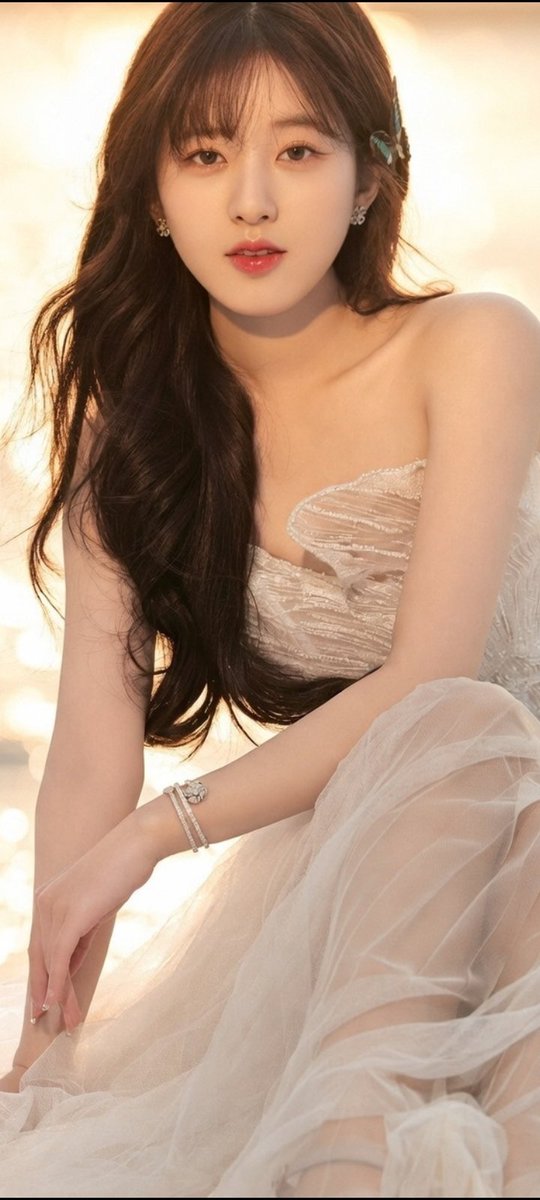

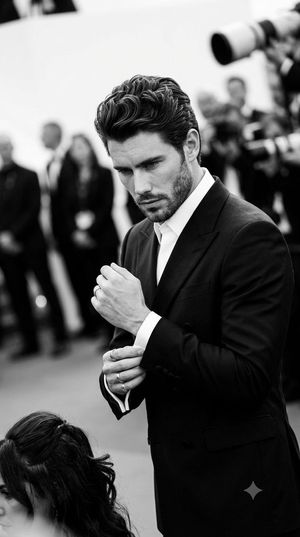
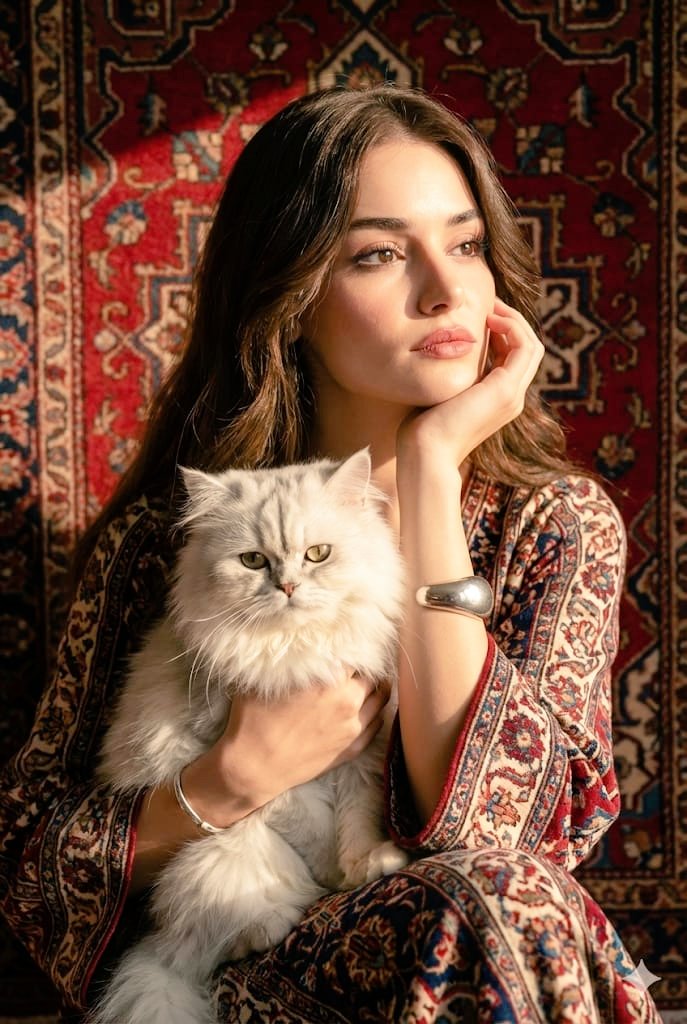


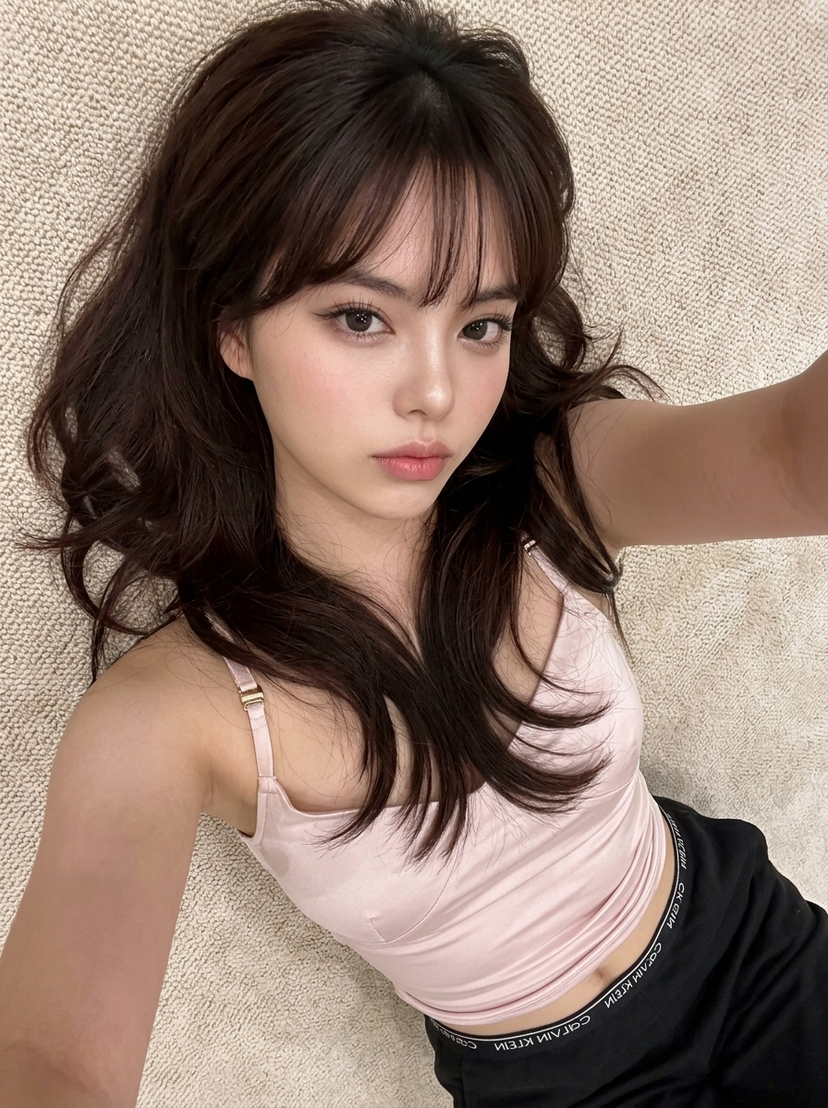

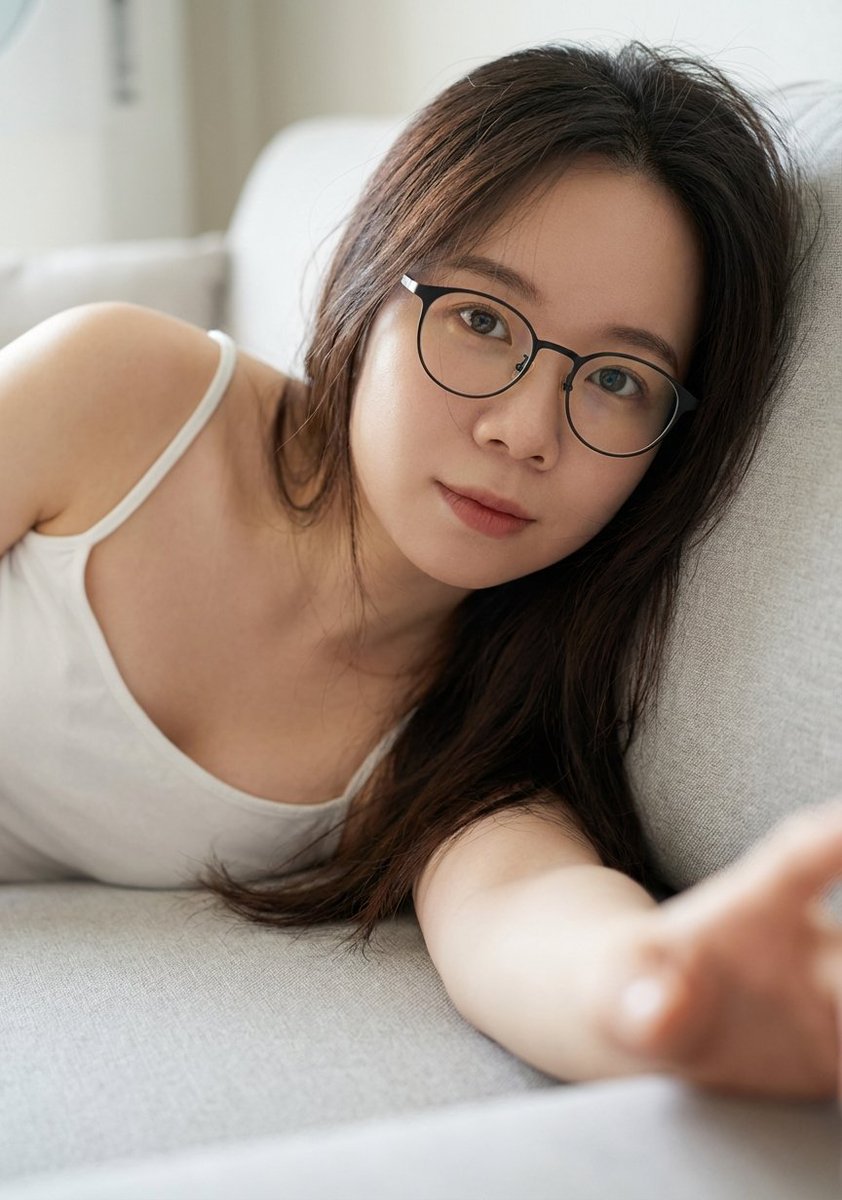
![Ultra-Detailed New Chinese Aesthetic Portrait Prompt (Zhao Lusi Style) — 作为世界级时尚摄影师(融合Steven Meisel的电影质感 + Paolo Roversi的柔光美学 + Harley Weir的情感捕捉),为[参考图1女性角色]创作定](https://pbs.twimg.com/media/G-XByHMWwAAxF4D.jpg)



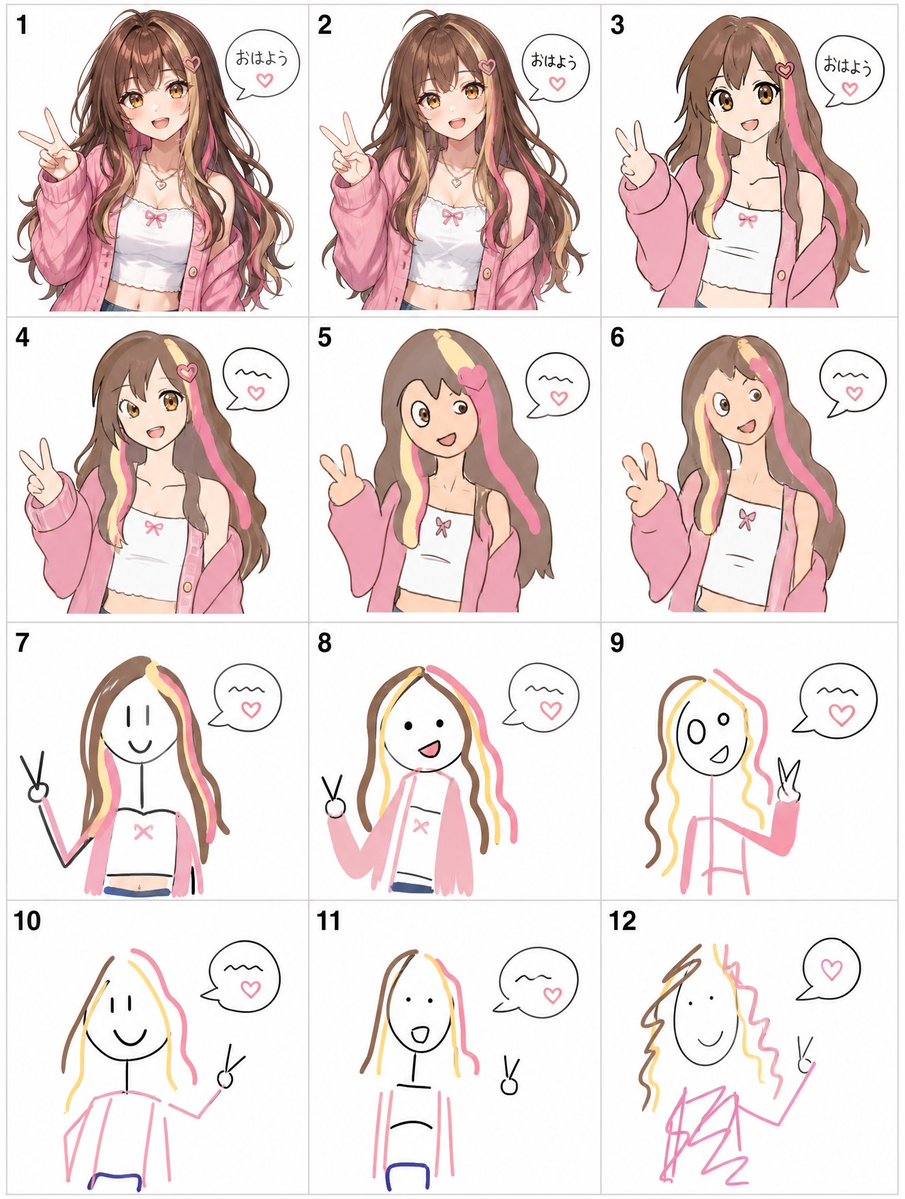
![Naive doodle-style subject illustration — A doodle-style {argument name="subject" default="[subject]"}, naive lines, humorous shape exaggeration](https://pbs.twimg.com/media/G6Wl2YxbsAARB2b.jpg)