
Character Café Sakura Promotion
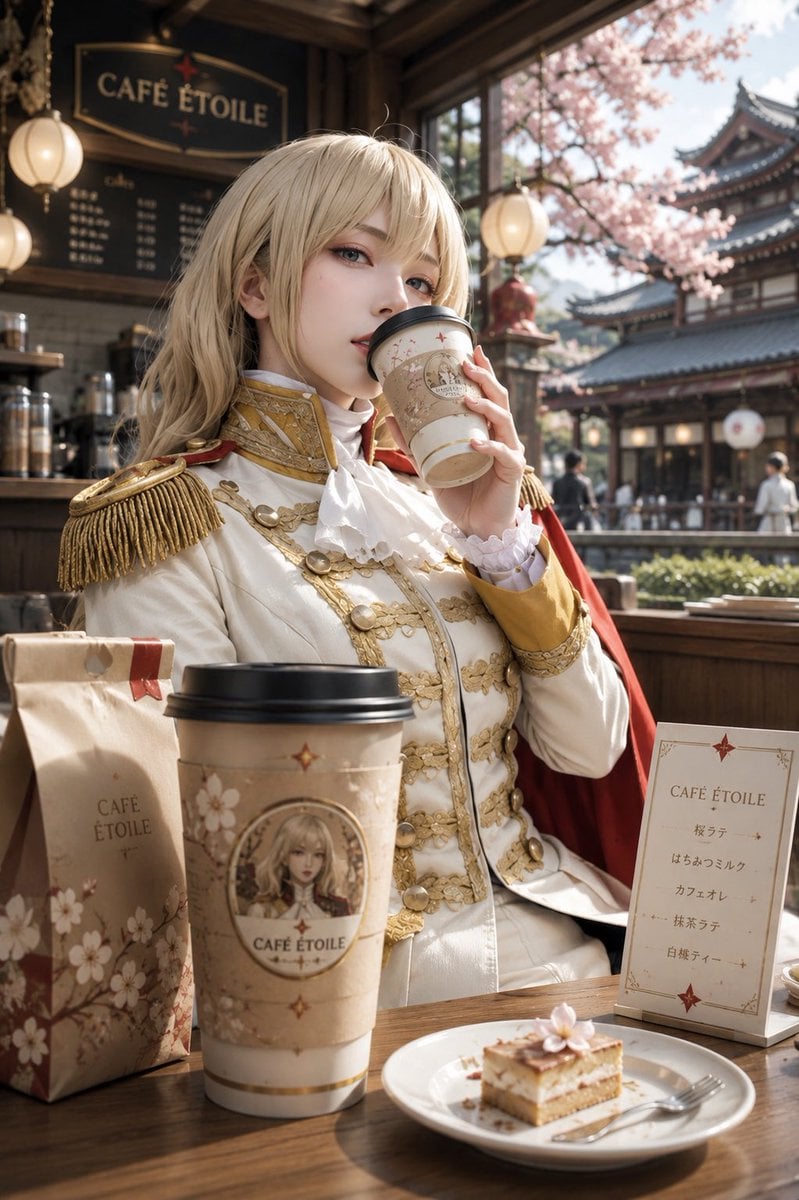
A vertical café merchandise scene showing an ornate fantasy character in a cherry-blossom themed branded café, useful for character café concept art or promotional visuals.
- Prompt included
- Model and format preset
- Free template
The prompt behind this image
Copy the exact prompt behind Character Café Sakura Promotion, or open it in the studio and make it yours.
Create a polished vertical promotional illustration of an elegant character-themed café scene, blending realistic photography with high-end anime/fantasy cosplay aesthetics. A young noble-looking character with {argument name="hair color" default="long pale blonde hair"} sits at a wooden café table, face intentionally obscured by a plain rectangular skin-tone block, holding a branded takeaway cup near their mouth. The character wears an ornate white military-prince uniform with gold embroidery, gold buttons, braided trim, large fringed epaulettes, a white ruffled cravat, gold cuffs, and a red cape draped over one shoulder. The setting is a warm wooden café named {argument name="cafe name" default="CAFÉ ÉTOILE"}, with a dark hanging café sign in the upper left, softly glowing round lanterns, shelves and a menu board in the background, and large open windows looking out onto cherry blossom trees and traditional Japanese temple-style architecture in spring daylight. Foreground table items: exactly 4 branded café products and table props: 1 tall takeaway coffee cup with black lid and beige floral label featuring a small framed character portrait and the text “CAFÉ ÉTOILE”, 1 upright kraft paper coffee bag with cherry blossom graphics and “CAFÉ ÉTOILE” printed on it, 1 small standing menu card with the heading “CAFÉ ÉTOILE” and exactly 5 drink lines written in Japanese-style text, and 1 white plate holding a small layered cake slice topped with a pink cherry blossom, with a fork beside it. Use a soft cinematic depth of field, realistic sunlight, warm highlights, delicate sakura petals, cream/gold/brown/pink color palette, premium merchandise-café atmosphere, highly detailed textures, shallow focus on the character and table products, vertical 2:3 composition. Keep all branding consistent with {argument name="cafe name" default="CAFÉ ÉTOILE"}; no extra logos, no watermark, no modern clutter.
How to use Character Café Sakura Promotion in 3 steps
- 1Upload ImagePNG, JPG or paste
Add your photo
Upload the photo the template builds on. The prompt, model and format are already set.
- 2…a portrait of your subject in softgolden-hour light, 85mm…
Personalize
Edit the subject and creative details for your destination.
- 3Generate
Generate
Press Generate — your image is created in PicX Studio, so you can compare it with the original and refine one variable at a time.
More like this
Templates with the same subject, style or setup. Open one to see its prompt.
Cyberpunk Hoshi-Sakura Cafe
Realistic Room Promotion Render from Sketch
Japanese Supermarket Promotional Flyer
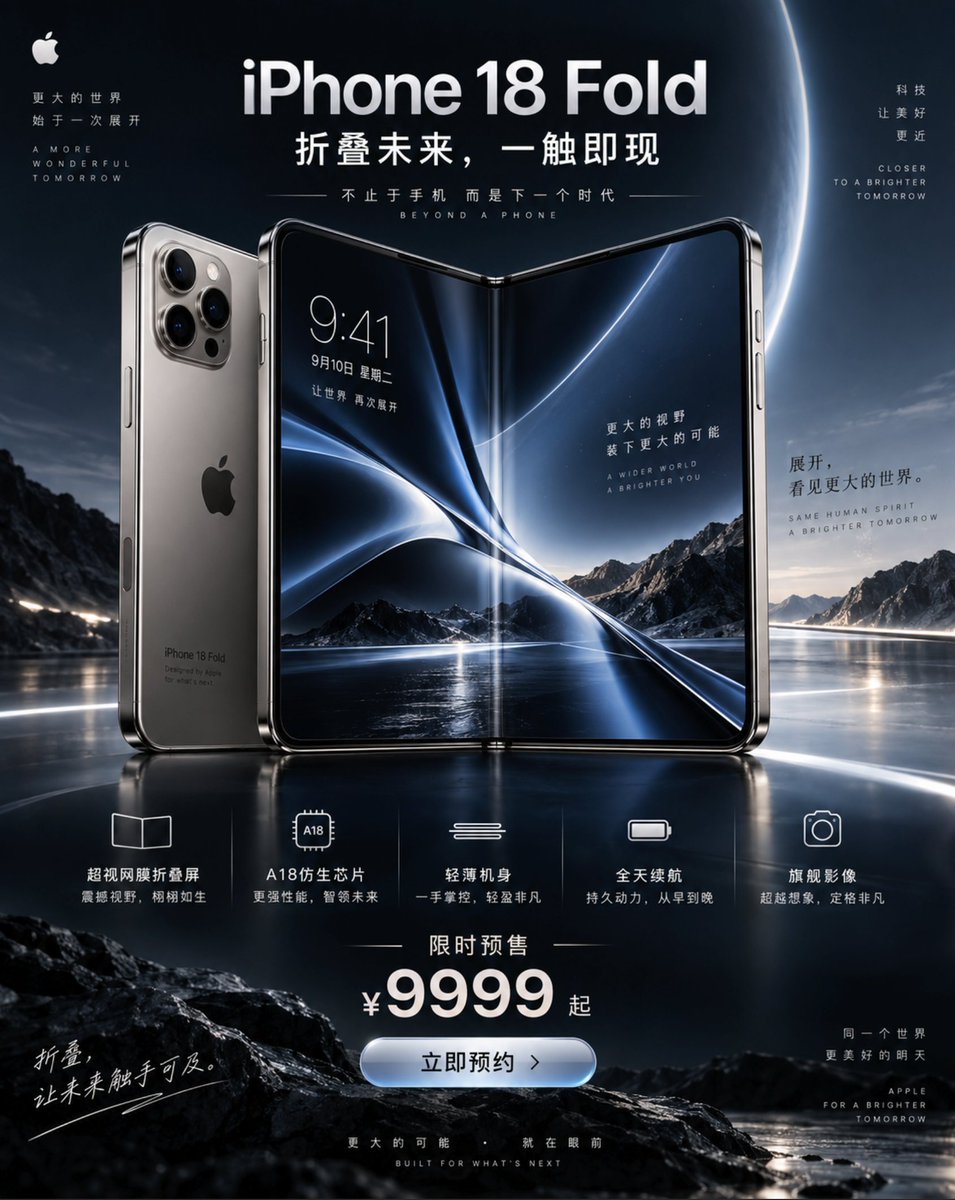
iPhone 18 Promotional Poster

Celestial Sakura Kimono Maiden

Airline Crew Promotional Poster
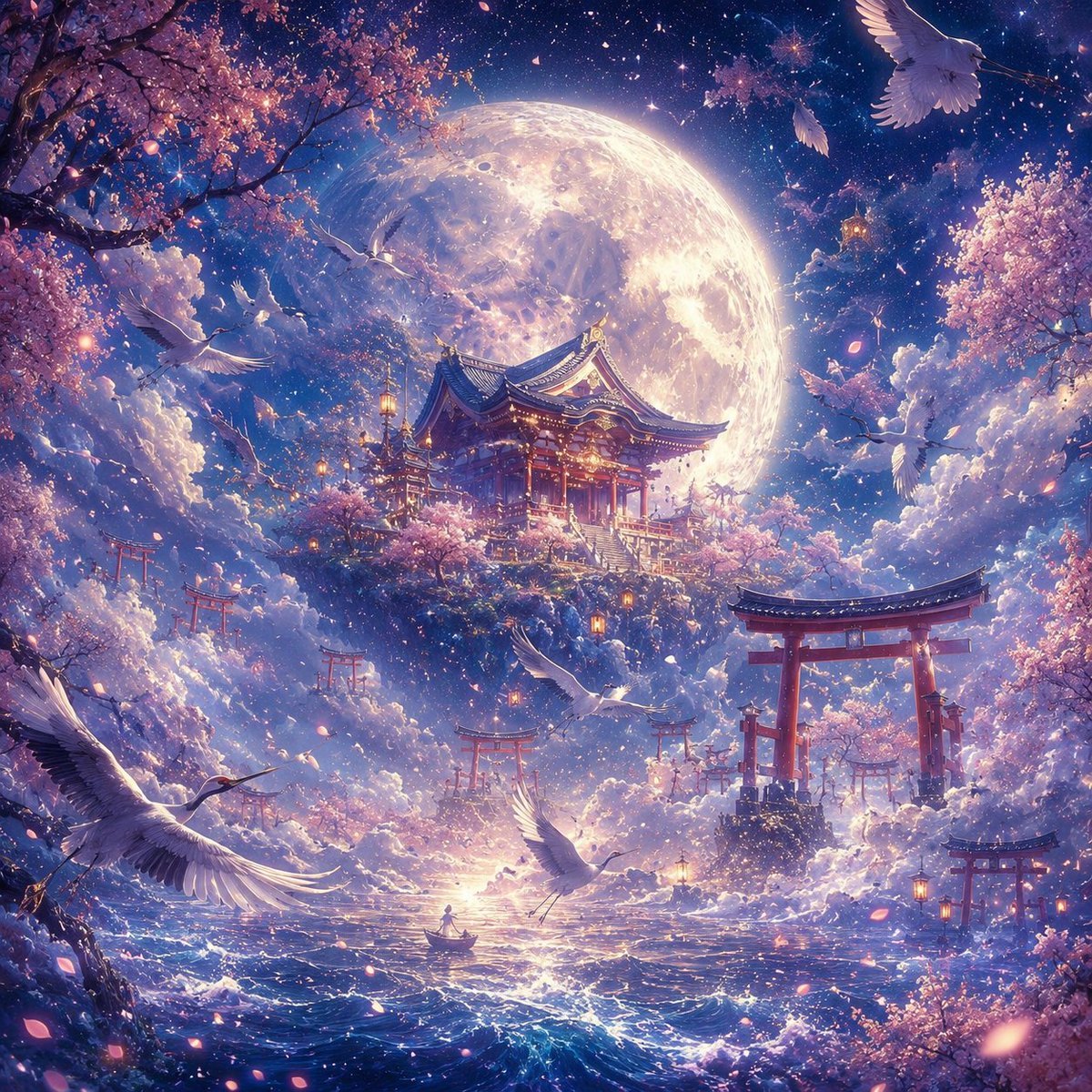
Moonlit Sakura Shrine Fantasy
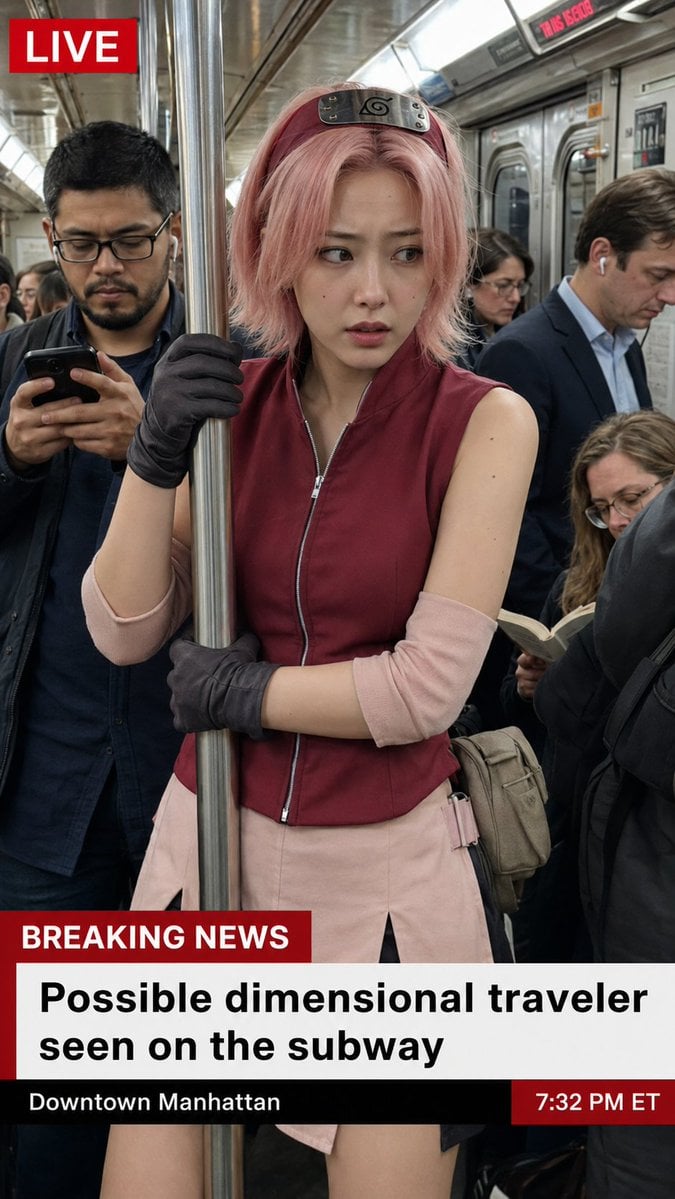
Live News Subway Sakura
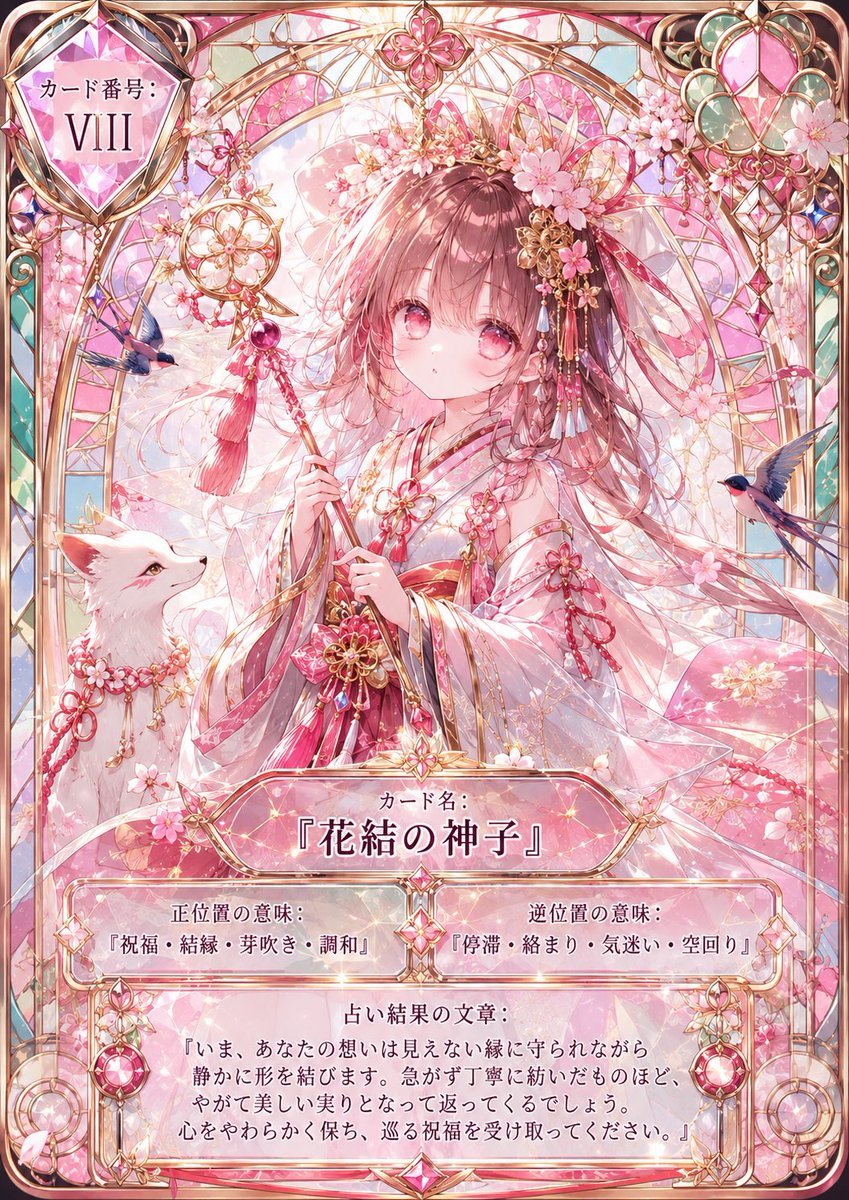
Sakura Divinity Tarot Card
Luxury Handbag Promotional Infographic
Anime Promotional Poster Diptych
Sakura Ninja at Sunset Temple
Make it yours
Character Café Sakura Promotion works as-is. These are the safest ways to change it without losing the look.
Change one field
Copy a single group, rewrite it, and generate again so you can see what that field is doing.
Keep the frame, change the subject
Hold the composition and light of Character Café Sakura Promotion, then swap wardrobe, props or the person for a new take.
| If the result… | Why | Fix |
|---|---|---|
| The result drifts from the preview | Too many fields changed at once. | Reuse Character Café Sakura Promotion as-is first, then change one group — subject, light, or setting. |
| The model over-stylizes the scene | The prose prompt leaves finish and camera underspecified. | Add one camera or lighting sentence and stay on GPT Image 2. |
More GPT Image 2 templates
Other prompts made for GPT Image 2.

Six VTuber Japanese Logo Sheet

Realistic Portrait of Woman and Deer

The Vista Modular Condo Poster

AI Model Routing Comparison Infographic

2.5D Anime Art Board

Isometric Productivity Desk Scene

New York Double Exposure Poster

Four-Panel AI Landscape Comparison

Japanese Tatami Lifestyle Magazine Cover

NESCAFÉ Coffee Map Poster
More image prompts
Fresh picks from across the catalog.
Premium Lavender Balm Product Shot
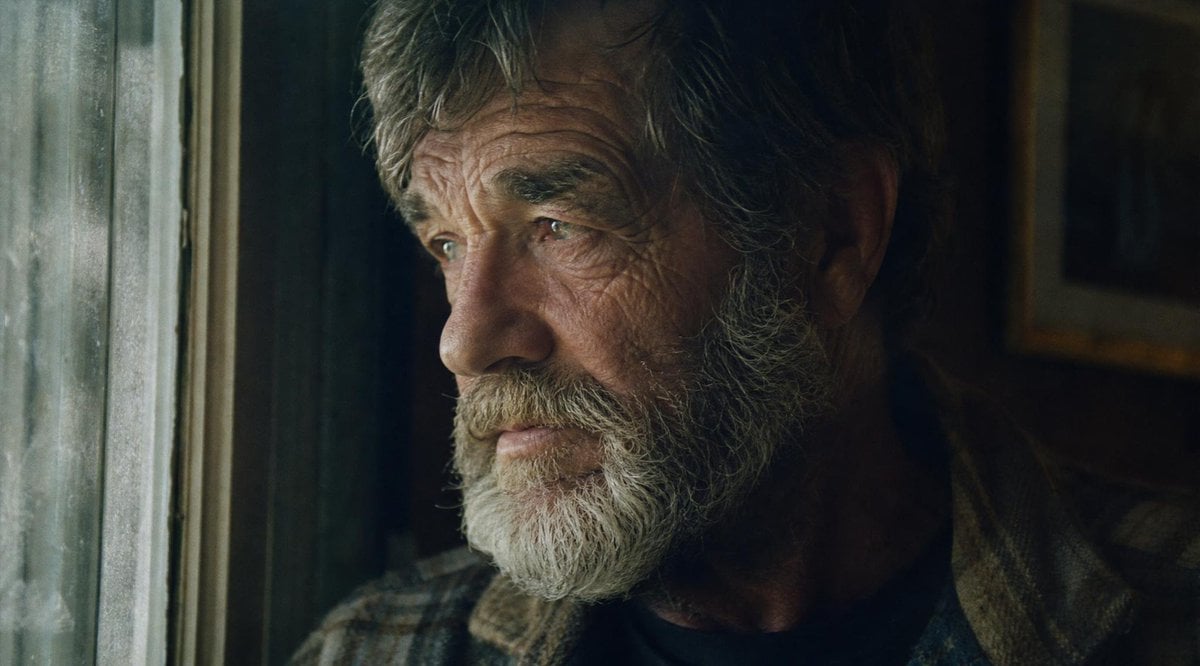
Moody Censored Film Still
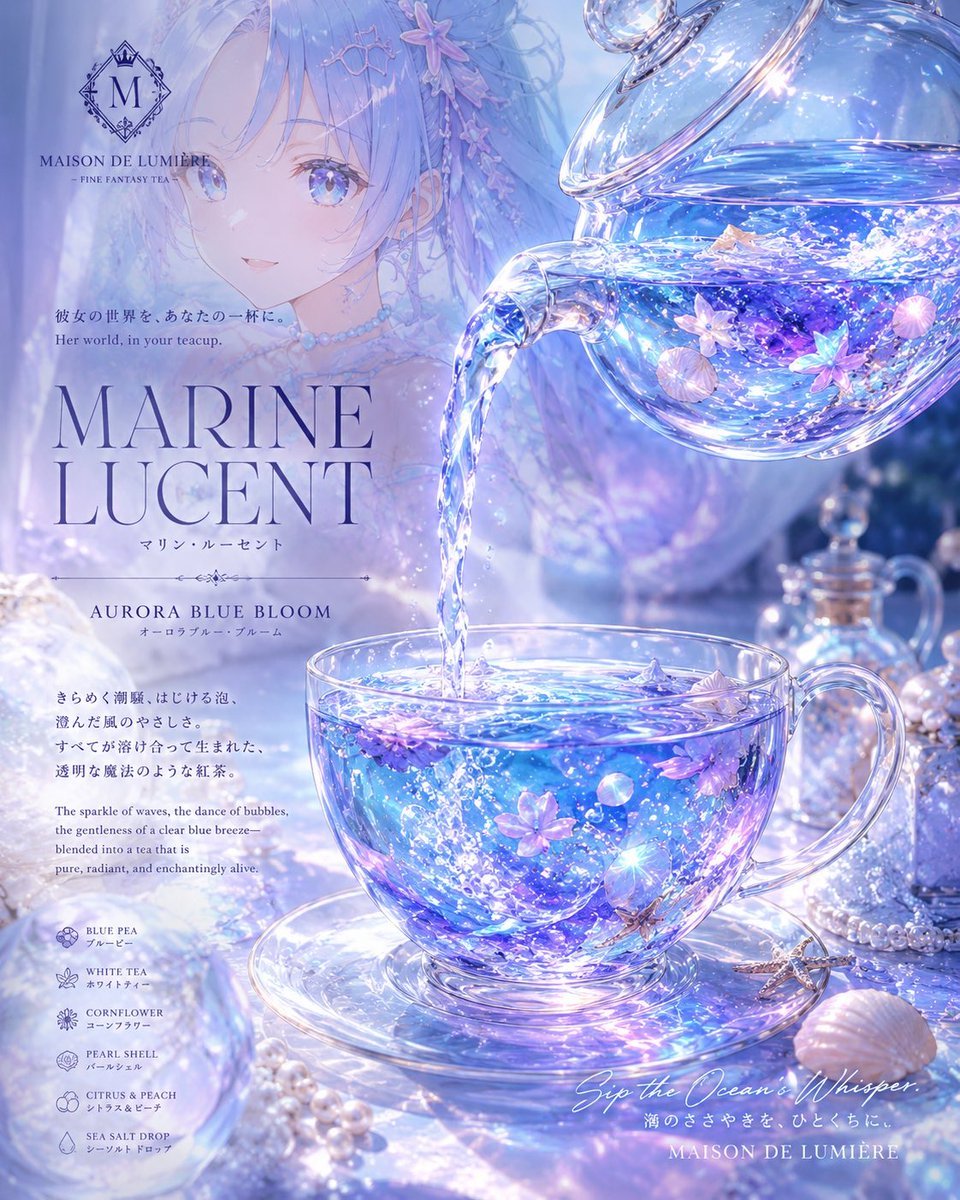
Marine Lucent Fantasy Tea Poster
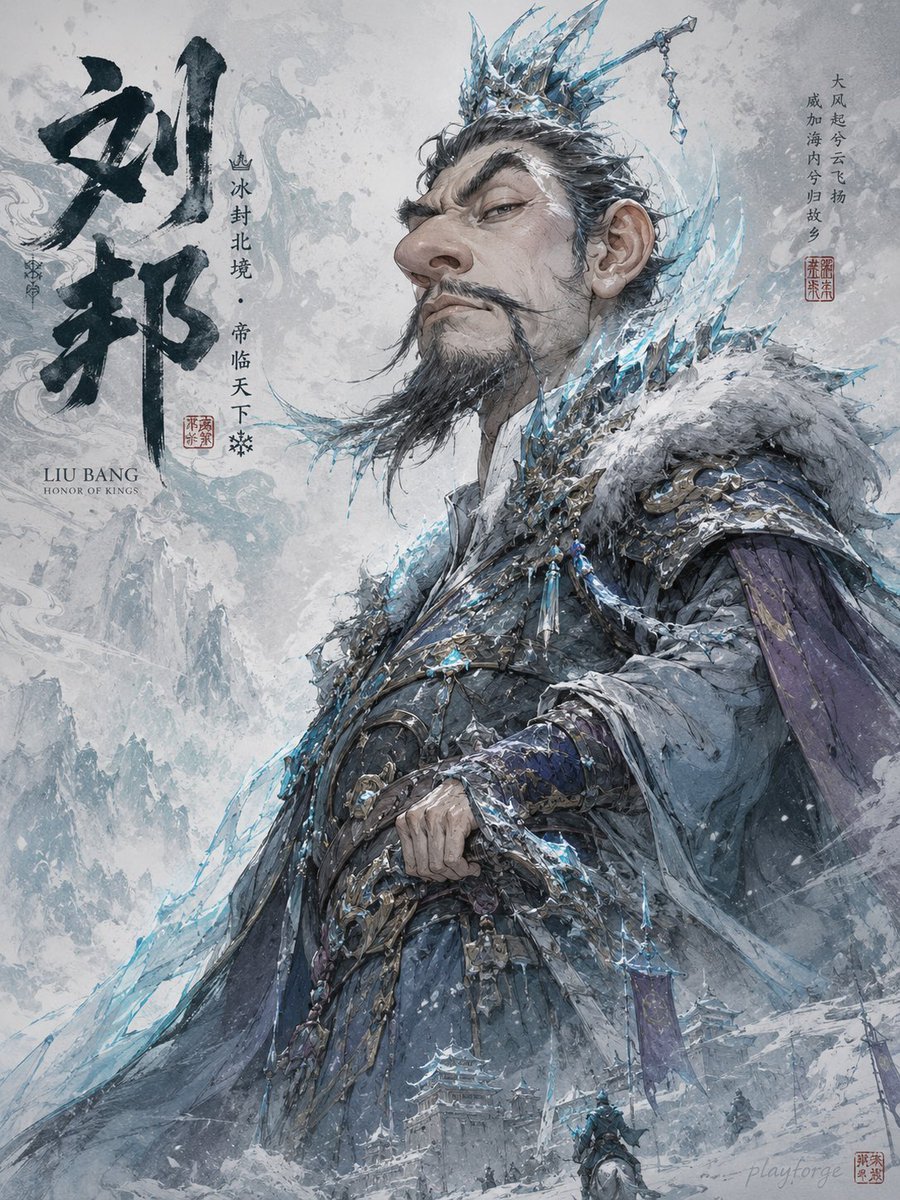
Humorous Game Character Caricature
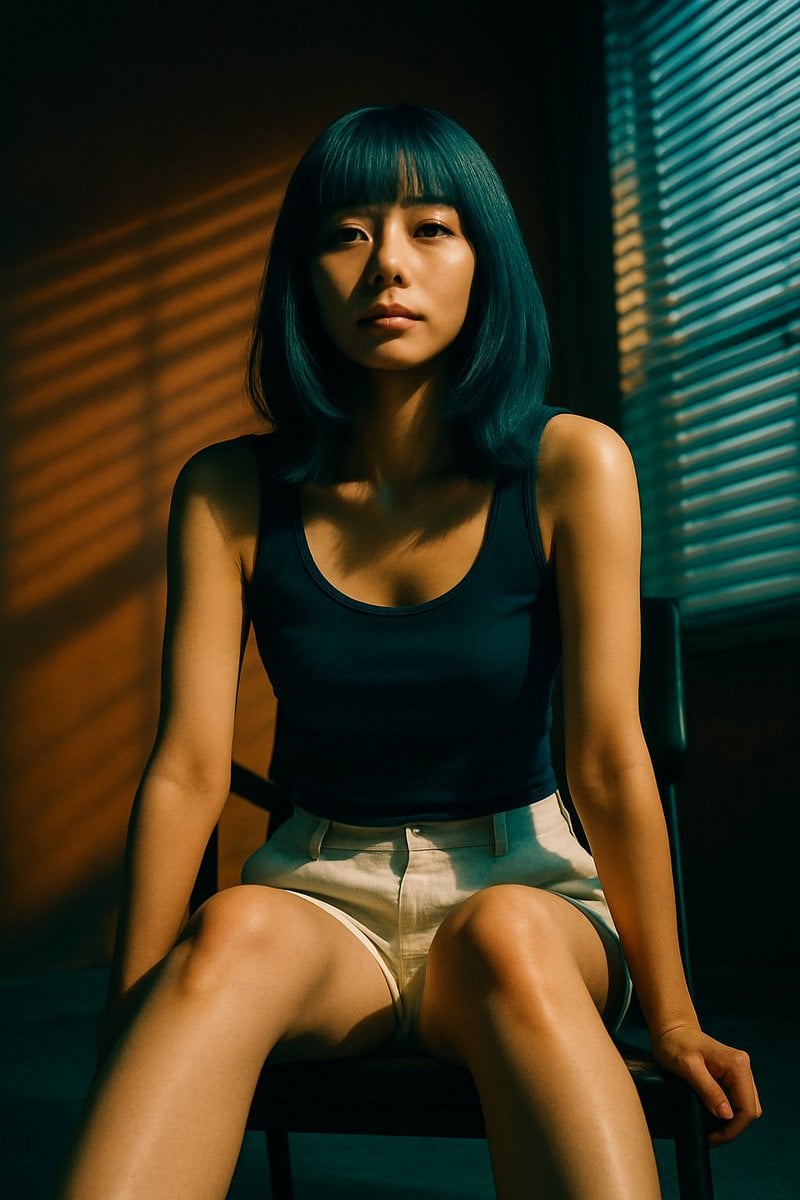
Cinematic Portrait with Blind Shadows
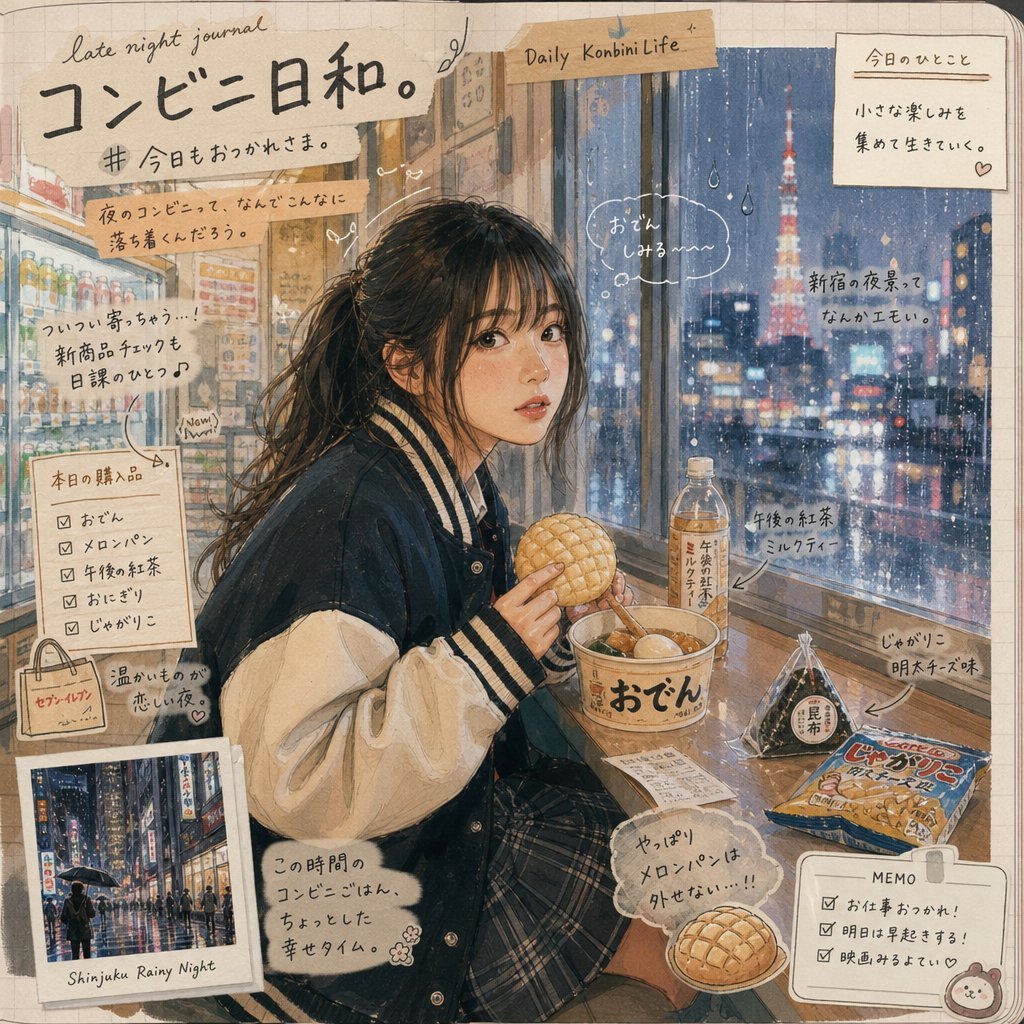
Japanese Konbini Journal Illustration

Urban Lifestyle Portrait on Vintage Muscle Car Prompt
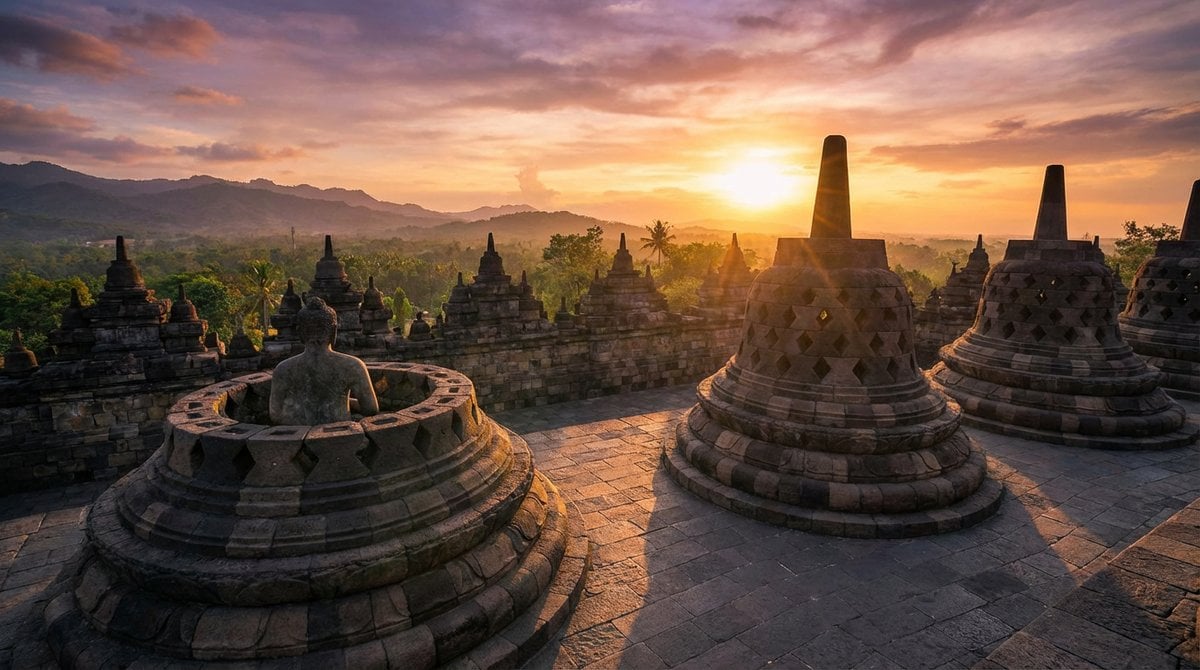
Geolocation sunset scene at specific coordinates
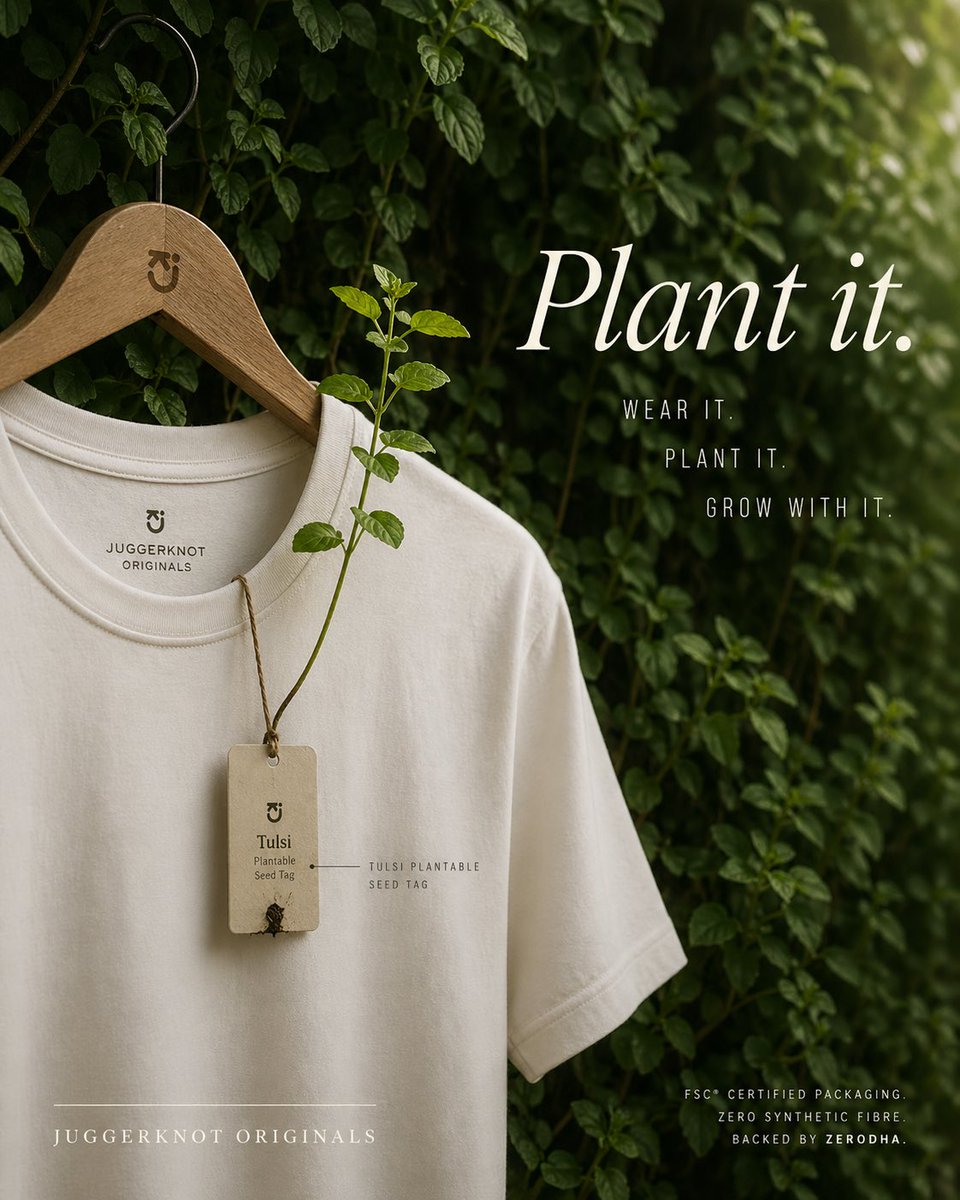
Gpt2 E Commerce Main Image Sustainable T Shirt Plantable Tag Ad
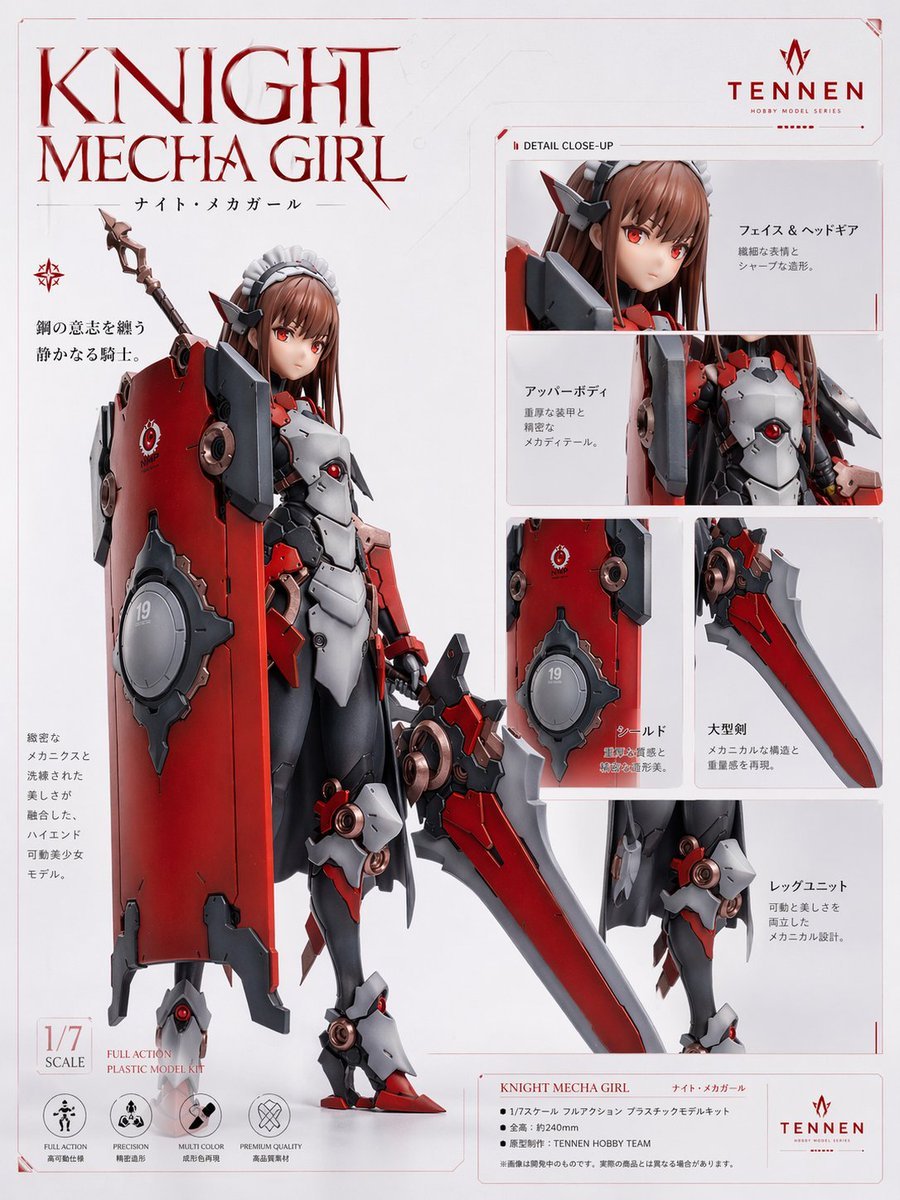
Knight Mecha Girl Model Kit Poster
Browse template categories
Character Café Sakura Promotion questions
How do I use the Character Café Sakura Promotion template?
Add your photo if the template asks for one, edit the prompt if you like — the template's model and format are already selected — and press Generate. Your version opens in PicX Studio.
Can I customize the Character Café Sakura Promotion template?
Yes. You can change the subject, setting, lighting, mood, format, and available model controls before creating your image.
Is the Character Café Sakura Promotion template free?
Opening and editing this template is free. Generating uses credits, shown on the Generate button when you are signed in.
Which AI model should I use?
Start with GPT Image 2, which is the model associated with this template. You can compare another compatible model for a different finish.
Looking for something else? Browse all templates.

Your photo, any look
Thousands of ready templates for every top image and video model, from one credit balance.