
Realistic Room Promotion Render from Sketch
A comprehensive prompt that uses a hand-drawn room layout as a structural guide to generate a realistic real estate promotional photo with natural lighting.
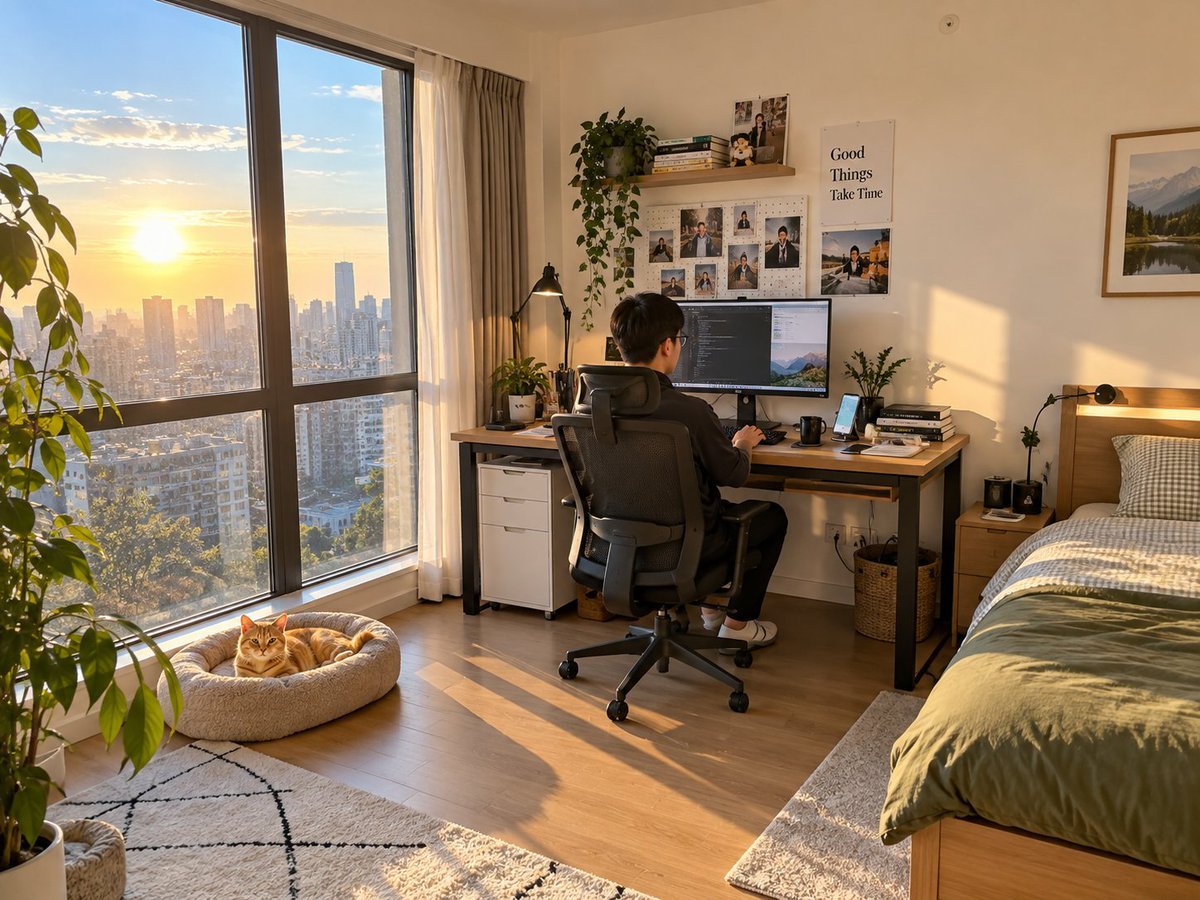
- Prompt included
- Model and format preset
- Free template
The prompt behind this image
Copy the exact prompt behind Realistic Room Promotion Render from Sketch, or open it in the studio and make it yours.
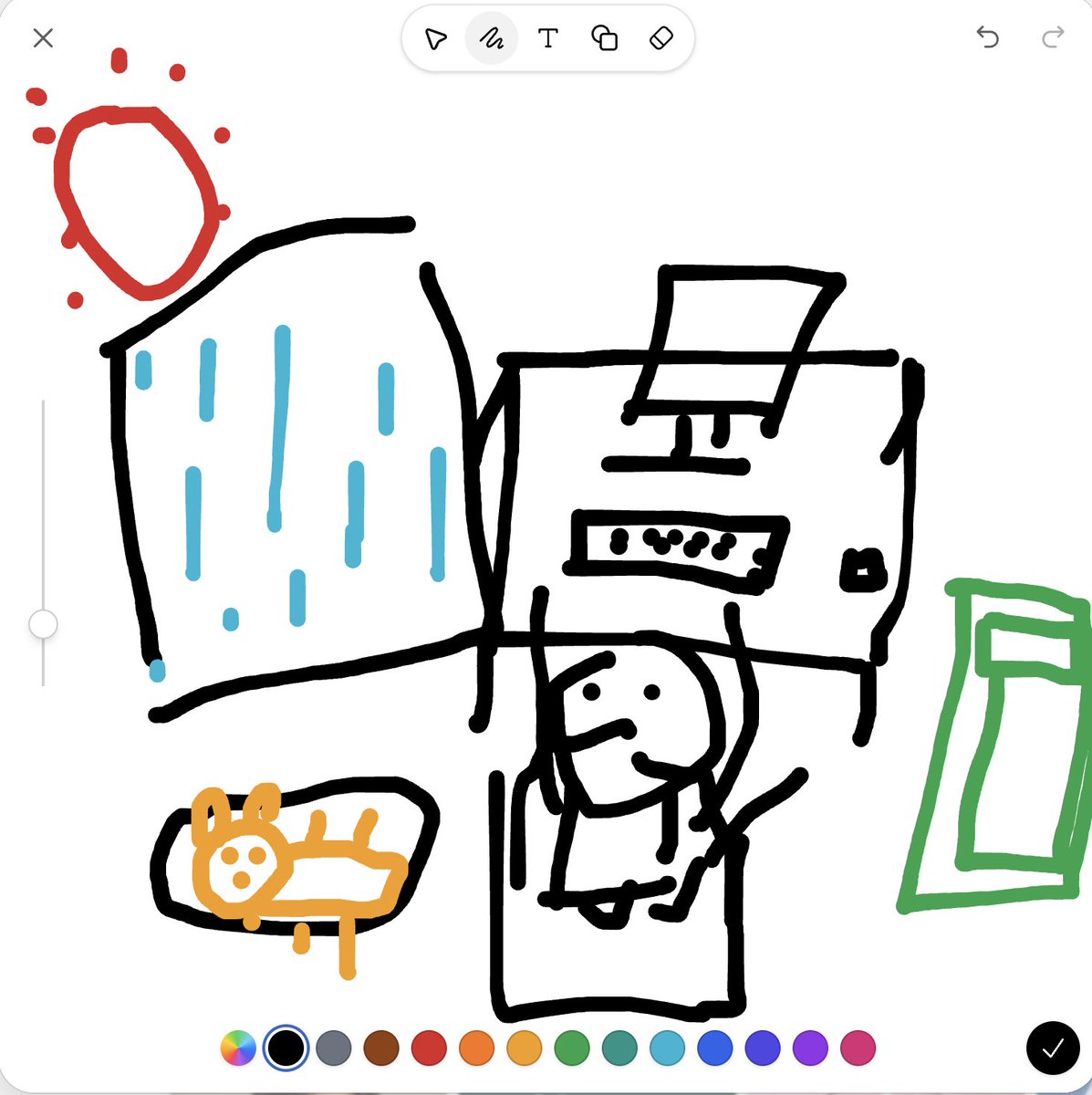
做一张房间实景宣传图片,用来向我的租户进行宣传我的房间,主题是房间布局,左边大落地窗,很好的太阳和采光,落地窗旁边有猫窝,上面躺着一只{argument name="宠物" default="橘猫"},卧室房间内有一张很大的办公桌面,桌面放置着电脑键盘鼠标手机等日常使用的事物,有一名中国年轻男性坐在一个人体工学椅上进行操作电脑。电脑桌右边有一张单人床。整体位置关系如草图所示,光线与材质像用手机实拍的卧室画面。硬要求:必须出现草图内画的所有物品,包括窗外的太阳。需要避免的问题:不要出现任何违背真实日常生活的元素和现象。其余比例,房间内其他事物,以及图片其他要求由你自行决定,以达到自然真实而不过于刻意的效果
Reference images included
Realistic Room Promotion Render from Sketch needs input media to work. They load alongside the prompt when you open it in the studio.
How to use Realistic Room Promotion Render from Sketch in 3 steps
- 1Upload ImagePNG, JPG or paste
Add your photo
Upload the photo the template builds on. The prompt, model and format are already set.
- 2…a portrait of your subject in softgolden-hour light, 85mm…
Personalize
Edit the subject and creative details for your destination.
- 3Generate
Generate
Press Generate — your image is created in PicX Studio, so you can compare it with the original and refine one variable at a time.
More like this
Templates with the same subject, style or setup. Open one to see its prompt.

Japanese Café Sketch Duo Illustration

Delicate Japanese Café Lifestyle Illustration
Real-Scene Inset Sketch Poster
Japanese Supermarket Promotional Flyer
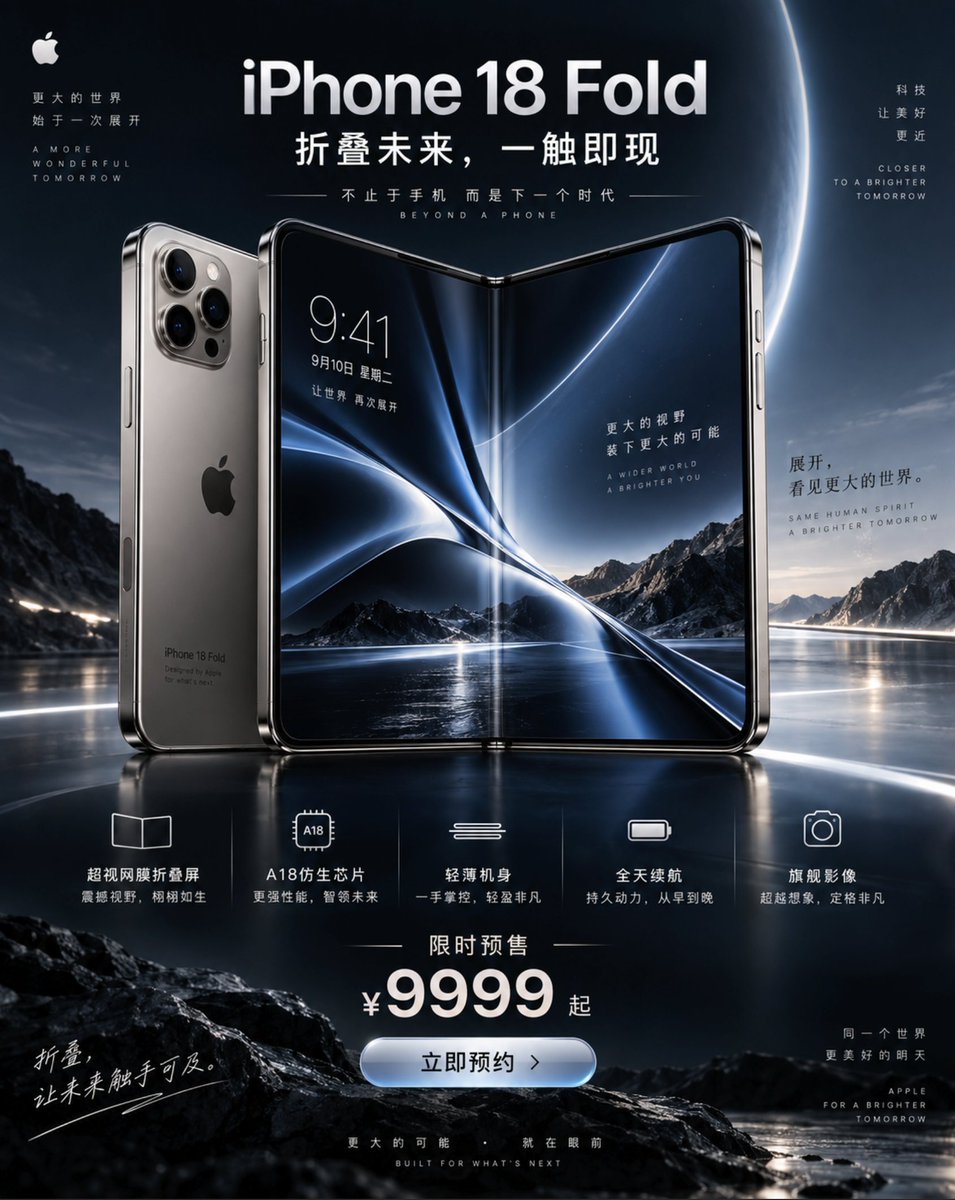
iPhone 18 Promotional Poster

White Wing Nurse Break Room Portrait
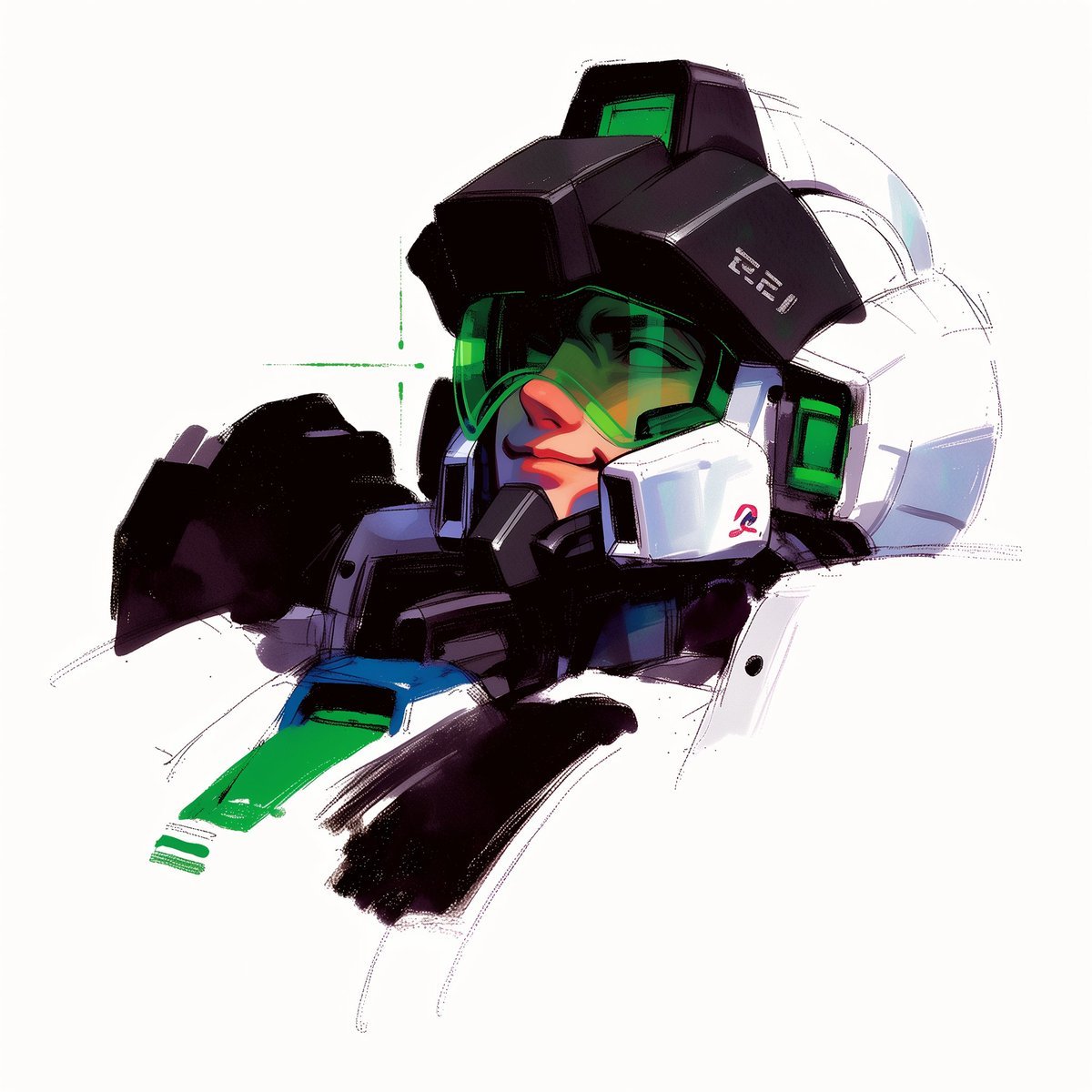
To hyper-realistic 3D CGI collectible figurine render
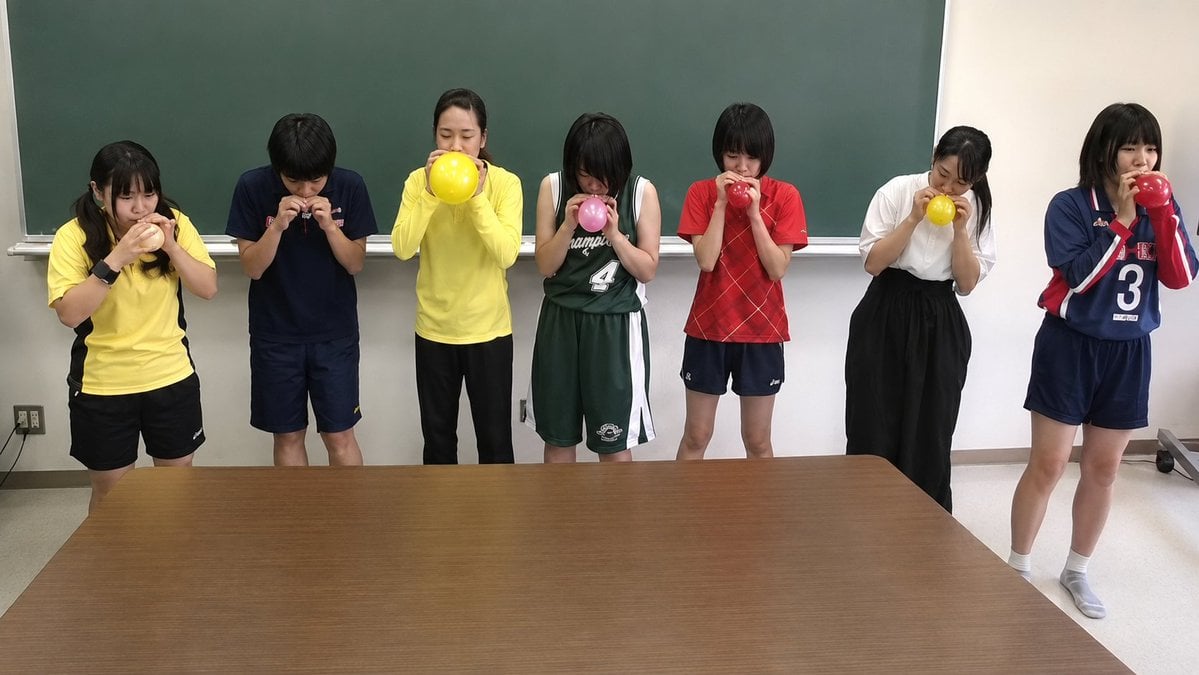
Classroom Balloon Photo Upscale

Airline Crew Promotional Poster
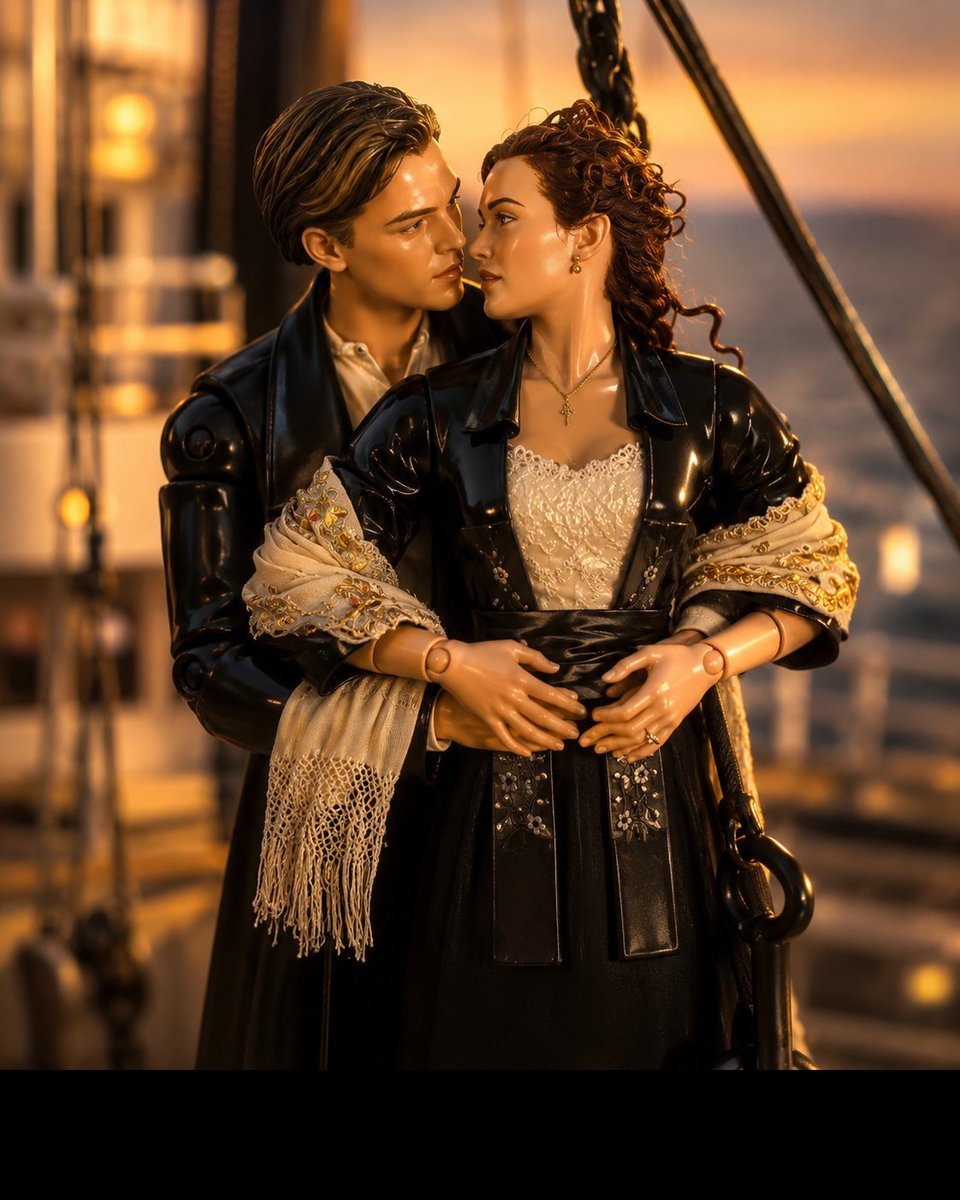
3D Collectible Toy Ocean Liner Render
Dynamic Anime Hero Figure Render
Model With Manga Wall Sketch
Make it yours
Realistic Room Promotion Render from Sketch works as-is. These are the safest ways to change it without losing the look.
Change one field
Copy a single group, rewrite it, and generate again so you can see what that field is doing.
Keep the frame, change the subject
Hold the composition and light of Realistic Room Promotion Render from Sketch, then swap wardrobe, props or the person for a new take.
| If the result… | Why | Fix |
|---|---|---|
| The result drifts from the preview | Too many fields changed at once. | Reuse Realistic Room Promotion Render from Sketch as-is first, then change one group — subject, light, or setting. |
| The model over-stylizes the scene | The prose prompt leaves finish and camera underspecified. | Add one camera or lighting sentence and stay on GPT Image 2. |
More GPT Image 2 templates
Other prompts made for GPT Image 2.

Six VTuber Japanese Logo Sheet

Realistic Portrait of Woman and Deer

The Vista Modular Condo Poster

AI Model Routing Comparison Infographic

2.5D Anime Art Board

Isometric Productivity Desk Scene

New York Double Exposure Poster

Four-Panel AI Landscape Comparison

Japanese Tatami Lifestyle Magazine Cover

NESCAFÉ Coffee Map Poster
More image prompts
Fresh picks from across the catalog.

untitled

Minimalist Educational Infographic Template
Candid Morning Bedroom Portrait

Generating Images from Song Titles: Japanese Constitution
Cinematic Fashion Shoot in Rocky Landscape
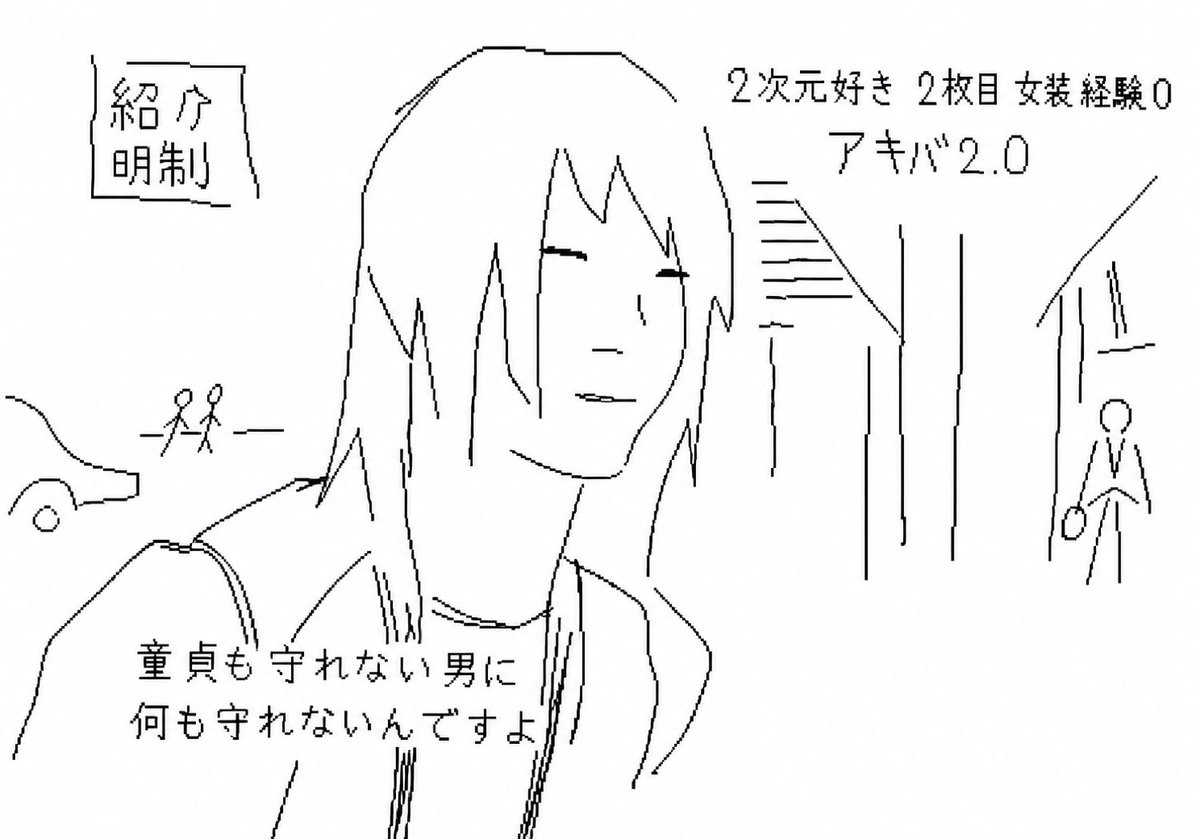
Purposefully Bad MS Paint Redraw
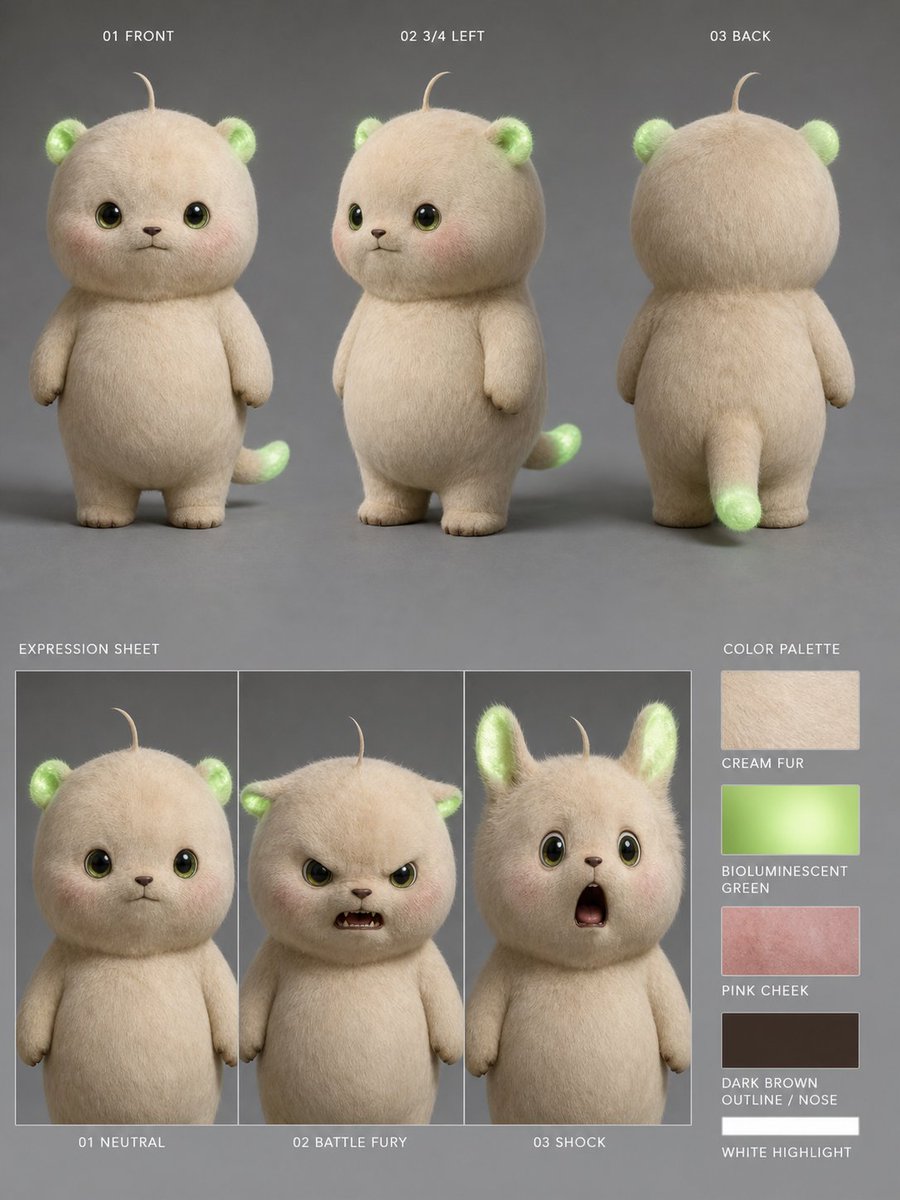
Bioluminescent Plush Creature Sheet
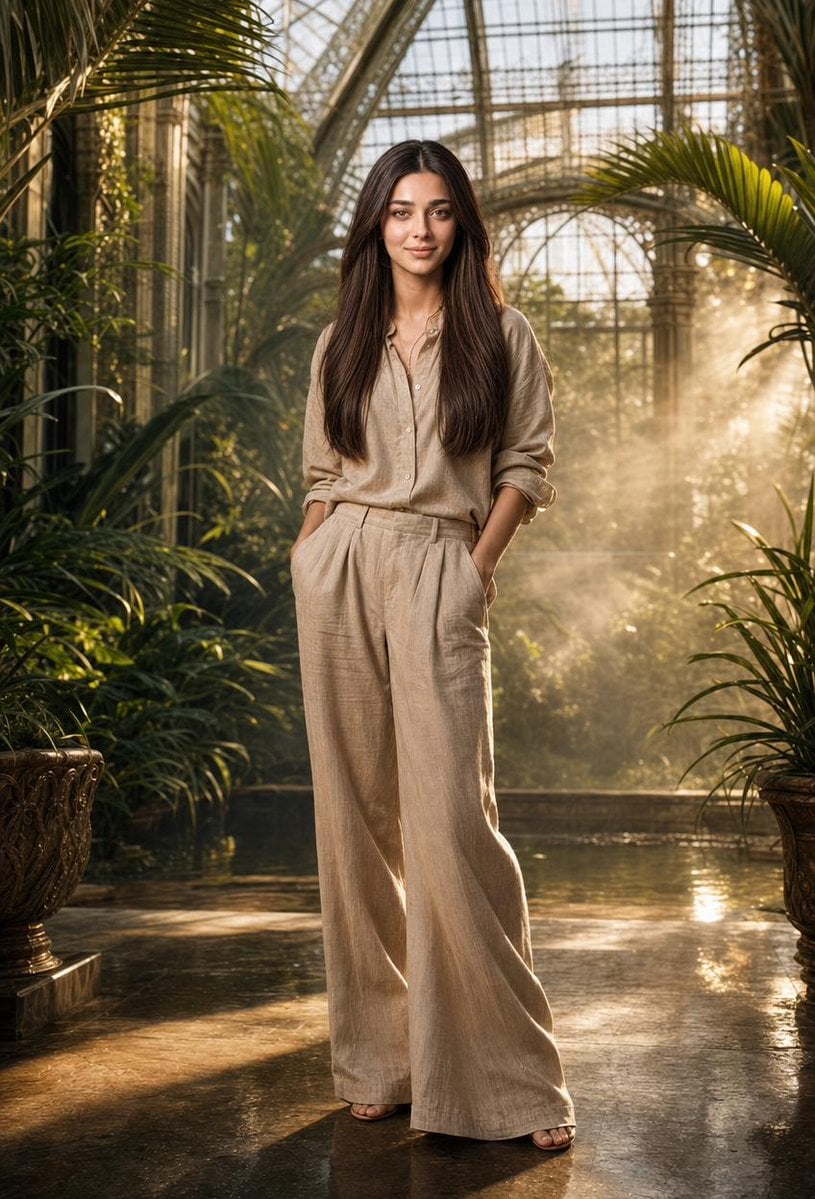
Tropical Greenhouse Editorial Portrait
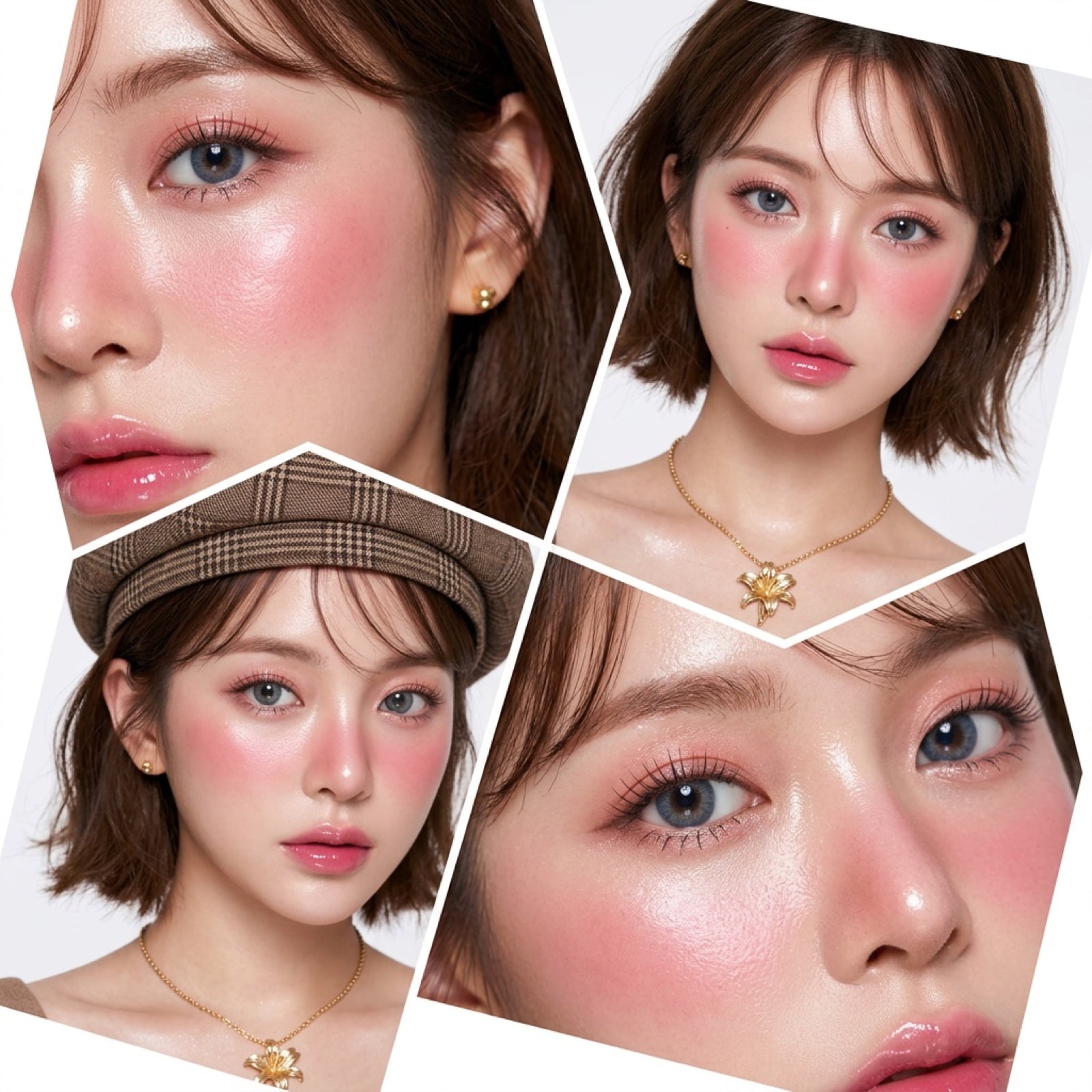
Panel Korean Beauty Editorial Collage Prompt (Glass Skin)

Anime Schoolgirl Scarecrow in Rural Field
Browse template categories
Realistic Room Promotion Render from Sketch questions
How do I use the Realistic Room Promotion Render from Sketch template?
Add your photo if the template asks for one, edit the prompt if you like — the template's model and format are already selected — and press Generate. Your version opens in PicX Studio.
Can I customize the Realistic Room Promotion Render from Sketch template?
Yes. You can change the subject, setting, lighting, mood, format, and available model controls before creating your image.
Is the Realistic Room Promotion Render from Sketch template free?
Opening and editing this template is free. Generating uses credits, shown on the Generate button when you are signed in.
Which AI model should I use?
Start with GPT Image 2, which is the model associated with this template. You can compare another compatible model for a different finish.
Looking for something else? Browse all templates.

Your photo, any look
Thousands of ready templates for every top image and video model, from one credit balance.