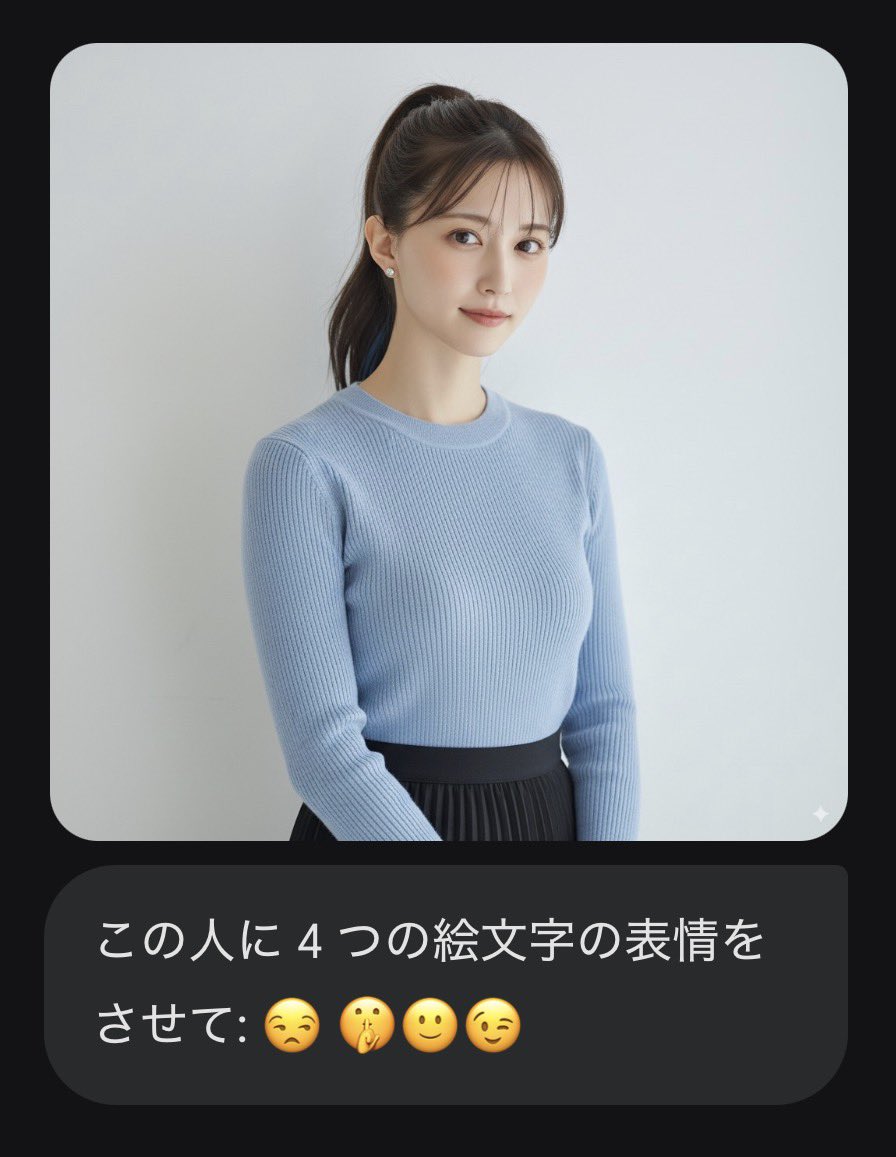
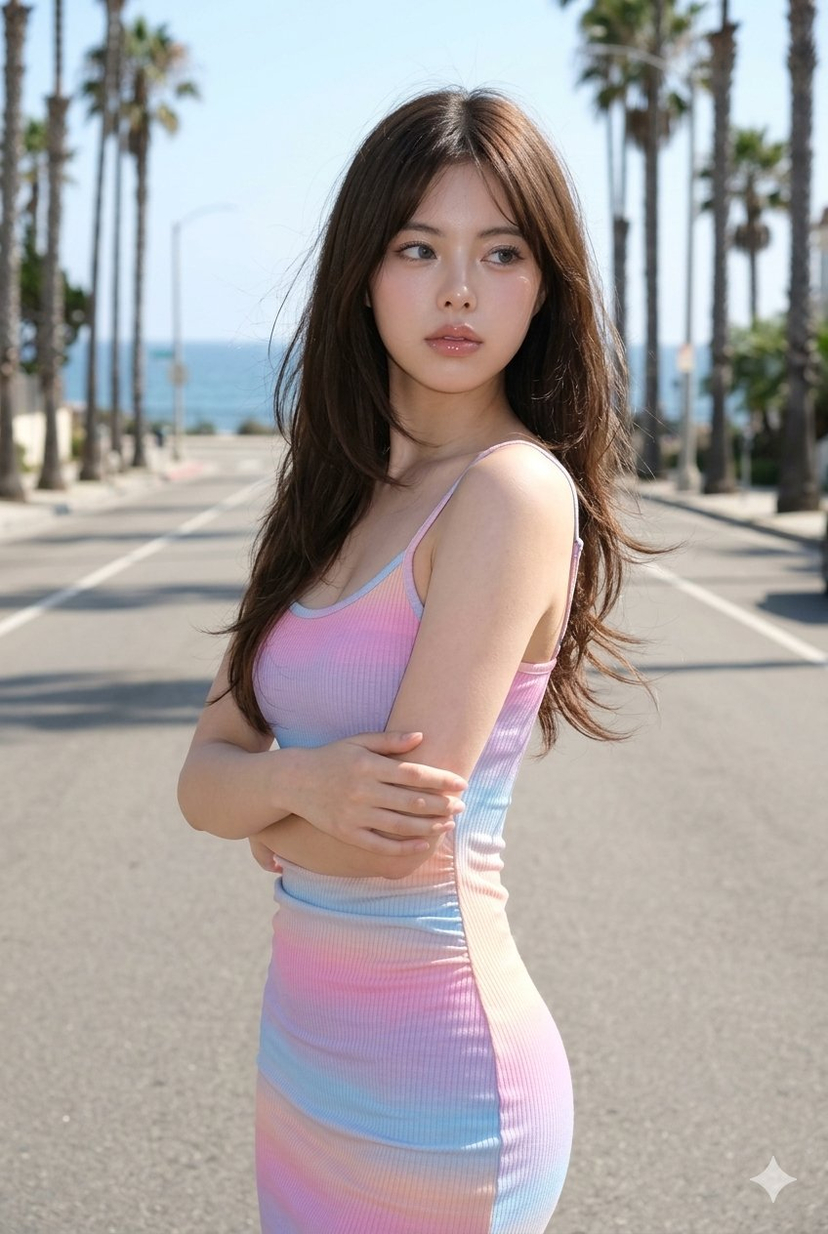
How do I use the Cinematic Studio Portrait Reconstruction template?
Choose the primary action to open PicX Studio with the available template settings. Review the model and format, personalize the creative direction, and generate when ready.
A technical prompt for reconstructing a studio portrait with crimson cinematic lighting and photorealistic textures based on a reference. (free to use) — Free AI image template on PicX Studio.
Detailed studio portrait of the {argument name="subject" default="young man"} from the given image. Maintain his exact facial structure, skin texture, subtle smile, and identity ground truth (this is critical). He must retain his precise {argument name="accessories" default="black round glasses"} and the specific low-angle perspective (slight up-shot). Replicate the sophisticated, cinematic red lighting from image_0.png: a deep crimson background, with strong orange/red key light from the left and clean rim light defining his right jawline. He is wearing the same {argument name="clothing" default="black wool overcoat"} and crew-neck shirt. Composition is identical. 8K resolution, photorealistic, cinematic grain. Shot on a Sony A1, 50mm f/1.4 lens.
Cinematic Studio Portrait Reconstruction needs input media to work. Open it in the studio and these load alongside the prompt — pick whichever ones your chosen model can take.

Use Cinematic Studio Portrait Reconstruction to plan an AI image around gpt-image-2 generation, themes such as en and gpt-image-2. Match the preview's composition first, then personalize the subject, setting, and mood for your own project.
Use the primary action to load the template settings in PicX Studio.
Adjust the subject and creative details for your destination.
Create the image, compare the result with the preview, and refine one variable at a time.
A continuous mix — similar concepts first, woven with same-model prompts and fresh picks from the catalog.
Choose the primary action to open PicX Studio with the available template settings. Review the model and format, personalize the creative direction, and generate when ready.
Yes. You can change the subject, setting, lighting, mood, format, and available model controls before creating your image.
This template is free to open and customize. Generation usage is shown in PicX Studio before you create.
Start with gpt-image-2, which is the model associated with this template. You can compare another compatible model for a different finish.
Follow a topic to a crawlable collection of related PicX Studio templates.
39,157 public templates available. Verified via the PicX Studio public templates API; refreshed hourly.
A continuous mix — similar concepts first, woven with same-model prompts and fresh picks from the catalog.