How do I use the Rear-Side Bikini Portrait in Tropical Overcast template?
Choose the primary action to open PicX Studio with the available template settings. Review the model and format, personalize the creative direction, and generate when ready.
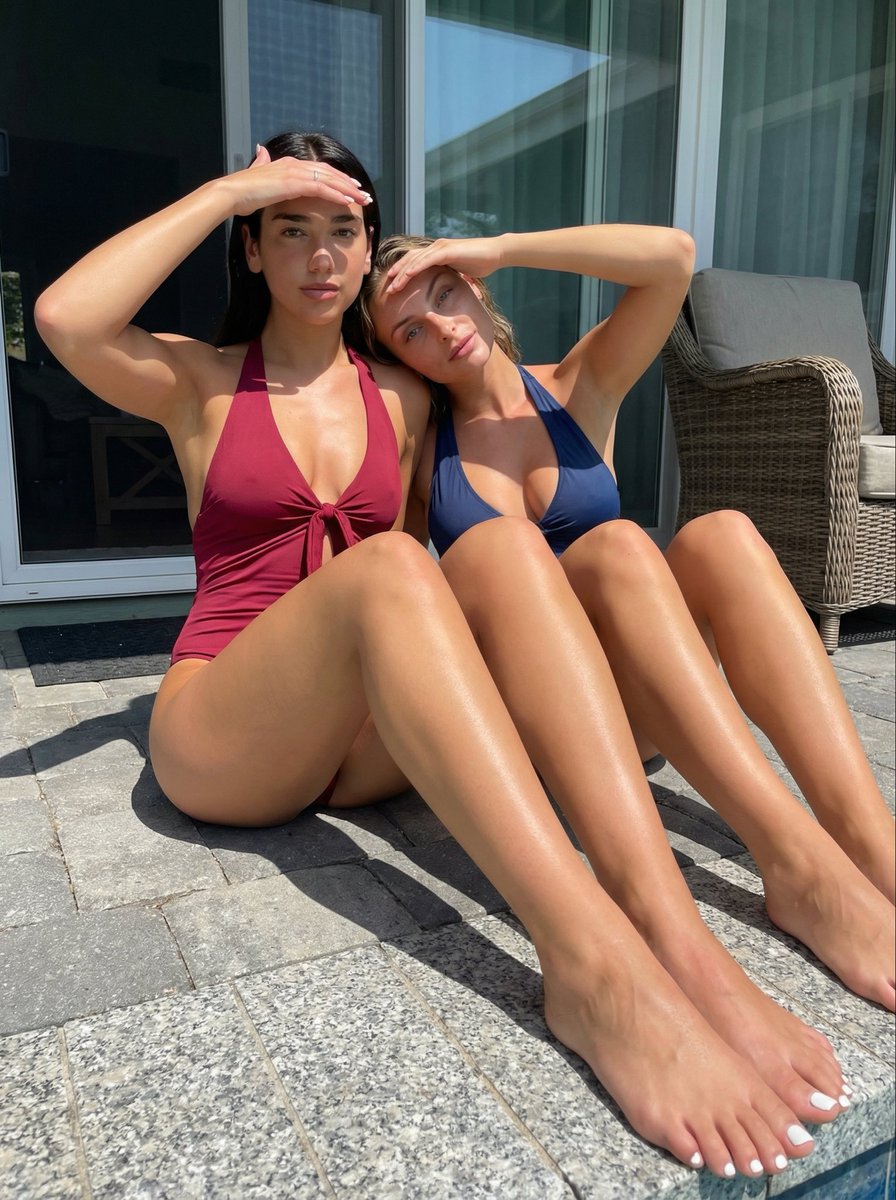
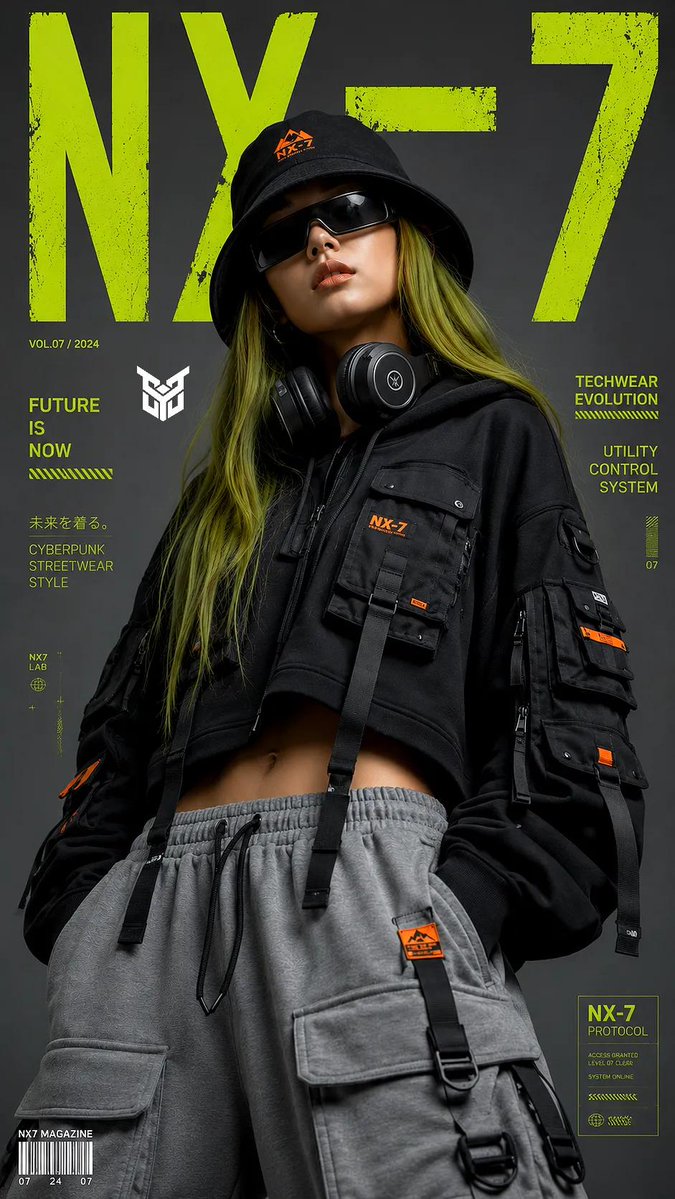
A highly detailed JSON prompt for generating a photorealistic, candid portrait of a woman in a navy bikini, viewed from the rear-side (7 o'clock angle). The prompt focuses on anatomical constraints (natural curves, gravity-affected volume), realistic skin texture (moles, imperfections), and soft, diffuse natural lighting in a tropical garden setting. (free to use) — Free AI image template on PicX Studio.
{ "subject": { "description": "Young woman with a fit, curvaceous physique and tanned skin tone.", "hair": "Long, dark chocolate brown hair, parted in the middle, falling in loose, natural waves down the back and over the left shoulder.", "face": "Defined jawline, high cheekbones, full lips, neutral-to-soft expression, looking directly at the viewer over the left shoulder. Natural makeup look.", "outfit": { "garment": "Navy blue two-piece bikini.", "top": "Spaghetti strap bikini top, structured fit, navy blue color.", "bottom": "High-cut, cheeky bikini bottom in navy blue with a small white cross logo centered on the upper back.", "accessories": "Pearl drop earrings with silver hardware, dark beaded bracelet on the right wrist." }, "anatomy_constraints": { "body_type": "Fit, hourglass figure with natural curves.", "bust_volume": "Natural, gravity-affected volume, visible projection in profile/semi-profile.", "skin_texture": "Realistic skin texture with natural imperfections, moles, and shading; no plastic smoothing." } }, "pose": { "type": "Standing rear-side view (approx. 7 o'clock angle).", "details": "Subject is standing with back angled towards the camera, turning head completely over the left shoulder to make direct eye contact. Body weight settled on the left leg, creating a subtle hip tilt. Right arm is relaxed straight down by the side; left arm is partially obscured by the torso. Posture is upright but relaxed.", "orientation": "Back-to-camera, face turned to viewer." }, "environment": { "setting": "Outdoor tropical garden or beach edge.", "ground": "White/beige sand with scattered dry leaves and debris.", "background_elements": "Lush green tropical vegetation, palm fronds, ferns, and trees with hanging Spanish moss. A light brown wicker/rattan chair is visible in the background on the right side.", "sky": "Overcast, bright white sky visible through the tree canopy." }, "camera": { "shot_type": "Medium shot (from mid-thigh/knees up).", "perspective": "Eye-level, slightly low angle emphasizing stature.", "focal_length": "50mm to 85mm equivalent (portrait lens).", "depth_of_field": "Shallow depth of field; subject is sharp, background is softly blurred (bokeh) but distinguishable." }, "lighting": { "type": "Natural overcast daylight.", "quality": "Soft, diffuse, even illumination. No harsh shadows.", "direction": "Global diffuse light, minimal directional contrast.", "shadows": "Soft ambient occlusion under the hair and around garment edges." }, "mood_and_expression": { "mood": "Relaxed, alluring, natural.", "expression": "Calm confidence, direct gaze, slightly parted lips." }, "style_and_realism": { "style": "High-fidelity photorealism, candid portraiture.", "rendering": "Unprocessed raw photo aesthetic, accurate texture rendering (fabric, skin, sand, foliage)." }, "colors_and_tone": { "palette": "Navy blue (swimwear), lush greens (foliage), warm tan (skin), sandy beige (ground)"}
Use Rear-Side Bikini Portrait in Tropical Overcast to plan an AI image around nano-banana-2 generation. Match the preview's composition first, then personalize the subject, setting, and mood for your own project.
Use the primary action to load the template settings in PicX Studio.
Adjust the subject and creative details for your destination.
Create the image, compare the result with the preview, and refine one variable at a time.
A continuous mix — similar concepts first, woven with same-model prompts and fresh picks from the catalog.
Choose the primary action to open PicX Studio with the available template settings. Review the model and format, personalize the creative direction, and generate when ready.
Yes. You can change the subject, setting, lighting, mood, format, and available model controls before creating your image.
This template is free to open and customize. Generation usage is shown in PicX Studio before you create.
Start with nano-banana-2, which is the model associated with this template. You can compare another compatible model for a different finish.
Follow a topic to a crawlable collection of related PicX Studio templates.
39,155 public templates available. Verified via the PicX Studio public templates API; refreshed hourly.
A continuous mix — similar concepts first, woven with same-model prompts and fresh picks from the catalog.