
Style Anime Photo Collage
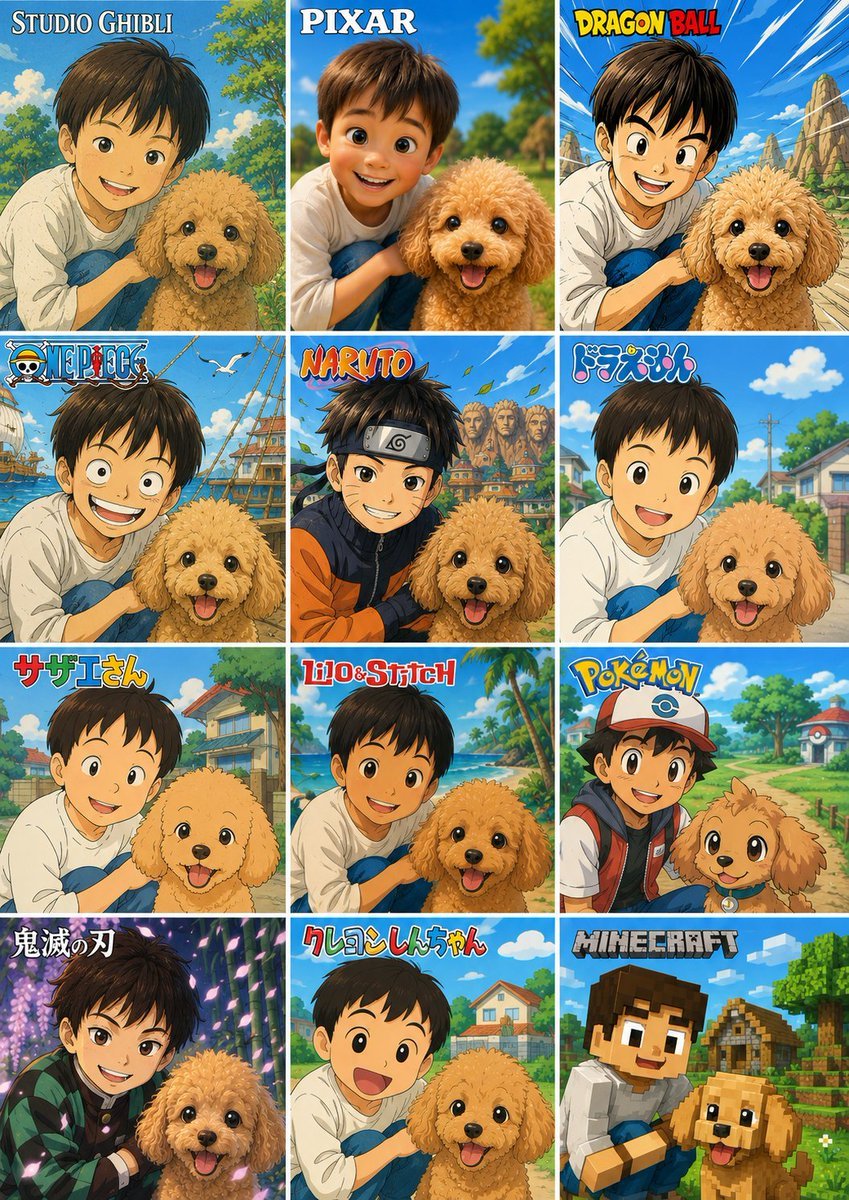
Creates a 12-panel social media collage converting one child-and-pet photo into multiple popular animation and game-inspired styles.
- Prompt included
- Model and format preset
- Premium template
The prompt behind this image
Copy the exact prompt behind Style Anime Photo Collage, or open it in the studio and make it yours.
Using the provided reference photo as the subject base, create a vertical 3-column by 4-row comparison collage that transforms the same child-and-dog scene into exactly 12 popular animation/game-inspired visual styles. Keep the child and dog recognizable in pose, relative placement, clothing, and outdoor park feeling, and preserve any existing face anonymization/privacy masking from the reference rather than inventing facial details. Add a bold style-title logo at the top of each panel. Canvas and layout: Use a tall poster layout with 12 equal rectangular panels separated by thin white grid lines, arranged as 3 columns x 4 rows. Each panel should show the same subject pairing from the reference but redrawn in a different style, with bright saturated colors and clean promotional collage composition. Panels, in order from top-left to bottom-right, exactly 12: 1. “STUDIO GHIBLI” — soft hand-painted fantasy countryside look. 2. “PIXAR” — polished 3D animated movie look. 3. “DRAGON BALL” — dynamic action-anime look with speed lines and rocky landscape. 4. “ONE PIECE” — adventurous nautical anime look with ship/sea elements. 5. “NARUTO” — ninja-anime look with village background and orange/black outfit influence. 6. “ドラえもん” — cheerful rounded Japanese cartoon suburb style. 7. “サザエさん” — classic family-anime neighborhood style. 8. “Lilo&Stitch” — tropical island cartoon look with beach and palm trees. 9. “POKÉMON” — bright monster-adventure world look; add a cap/backpack vibe to the child and a cute creature-like treatment for the dog. 10. “鬼滅の刃” — dramatic sword-anime look with purple lighting and patterned haori influence. 11. “クレヨンしんちゃん” — simple cute children’s cartoon style with big expressive shapes. 12. “MINECRAFT” — blocky voxel game style with cubic characters and environment. Customizable text: Use {argument name="collage title style" default="anime style comparison poster"} as the overall design intent, and keep the panel labels exactly as listed unless replaced by {argument name="panel label set" default="STUDIO GHIBLI, PIXAR, DRAGON BALL, ONE PIECE, NARUTO, ドラえもん, サザエさん, Lilo&Stitch, POKÉMON, 鬼滅の刃, クレヨンしんちゃん, MINECRAFT"}. Constraints: Do not add extra panels, extra people, or extra pets. Keep the dog’s happy expression and fluffy tan appearance consistent across panels. Keep the child close to the dog in every panel. Maintain visible privacy blocks/anonymization over faces if present in the reference. Make the final image look like a shareable social media collage showcasing one photo converted into many animation styles.
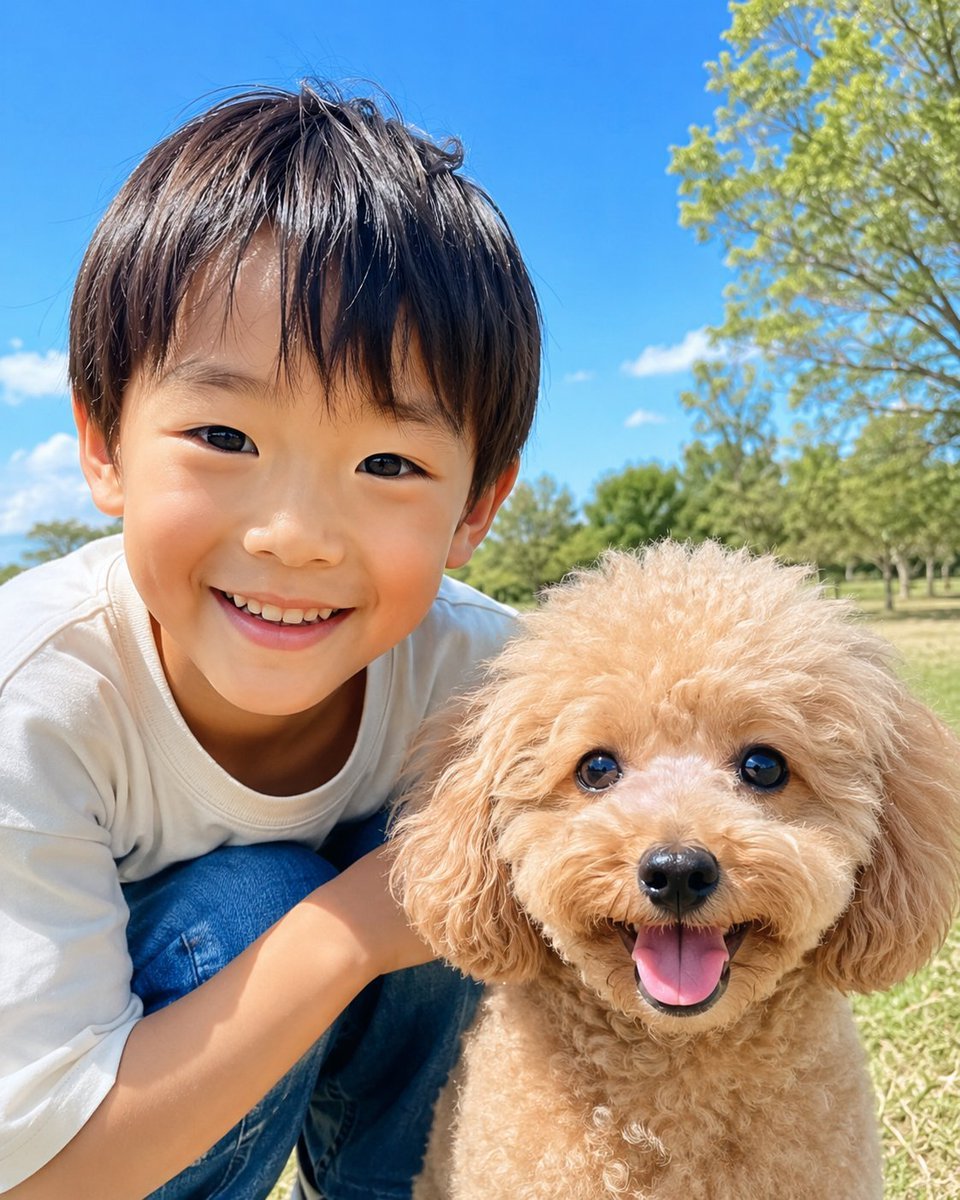
Reference images included
Style Anime Photo Collage needs input media to work. They load alongside the prompt when you open it in the studio.
How to use Style Anime Photo Collage in 3 steps
- 1Upload ImagePNG, JPG or paste
Add your photo
Upload the photo the template builds on. The prompt, model and format are already set.
- 2…a portrait of your subject in softgolden-hour light, 85mm…
Personalize
Edit the subject and creative details for your destination.
- 3Generate
Generate
Press Generate — your image is created in PicX Studio, so you can compare it with the original and refine one variable at a time.
More like this
Templates with the same subject, style or setup. Open one to see its prompt.












Make it yours
Style Anime Photo Collage works as-is. These are the safest ways to change it without losing the look.
Change one field
Copy a single group, rewrite it, and generate again so you can see what that field is doing.
Keep the frame, change the subject
Hold the composition and light of 12-Style Anime Photo Collage, then swap wardrobe, props or the person for a new take.
| If the result… | Why | Fix |
|---|---|---|
| The result drifts from the preview | Too many fields changed at once. | Reuse 12-Style Anime Photo Collage as-is first, then change one group — subject, light, or setting. |
| The model over-stylizes the scene | The prose prompt leaves finish and camera underspecified. | Add one camera or lighting sentence and stay on GPT Image 2. |
More GPT Image 2 templates
Other prompts made for GPT Image 2.

Six VTuber Japanese Logo Sheet

Realistic Portrait of Woman and Deer

The Vista Modular Condo Poster

AI Model Routing Comparison Infographic

2.5D Anime Art Board

Isometric Productivity Desk Scene

New York Double Exposure Poster

Four-Panel AI Landscape Comparison

Japanese Tatami Lifestyle Magazine Cover

NESCAFÉ Coffee Map Poster
More image prompts
Fresh picks from across the catalog.
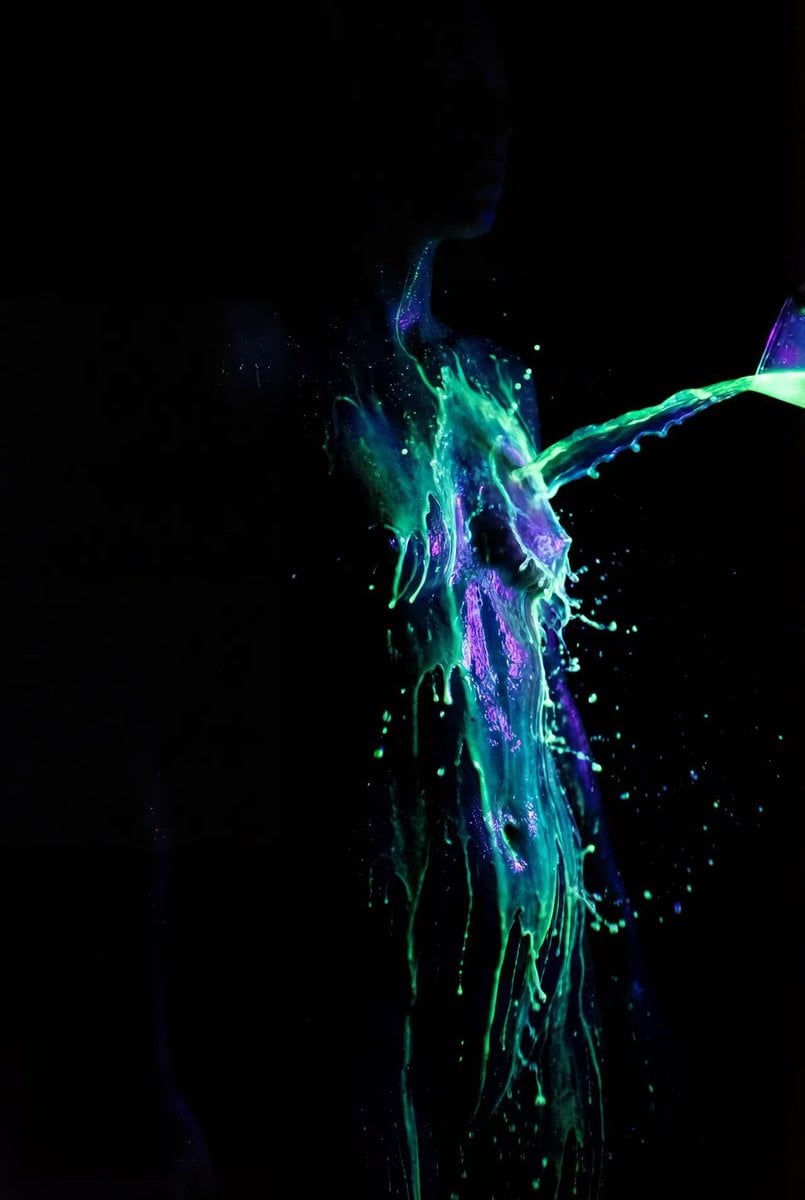
Fluorescent Paint on Silhouette Prompt
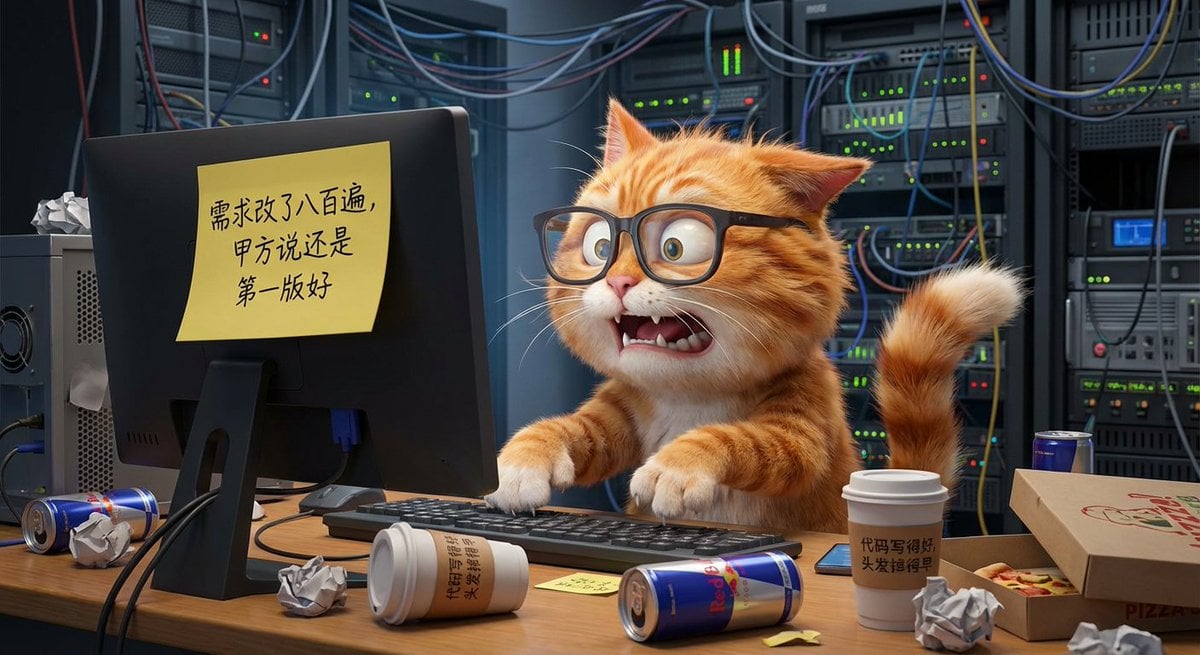
Illustration based on long classical Chinese poem
Catgirl Dojo Bubble Sparring
Anime Prize Figure Photography
Sheep Good-Luck Charm Poster
Cloud Silhouette Drop-in Prompt Template
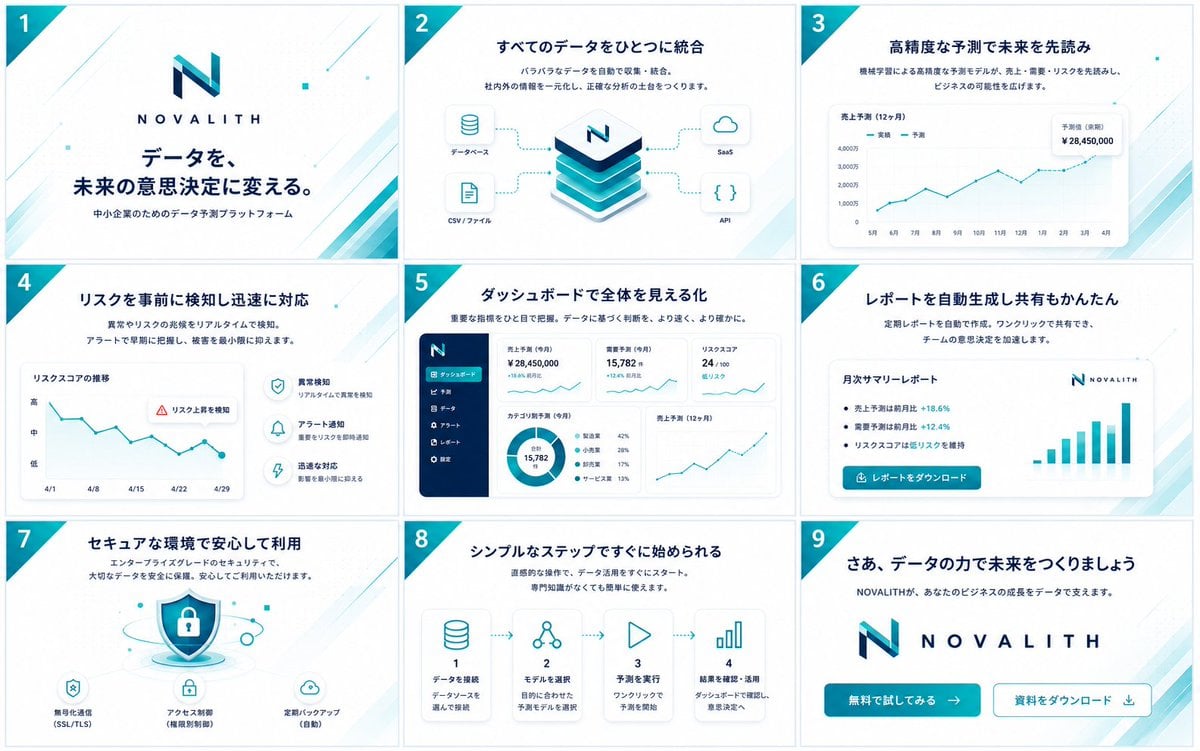
NOVALITH SaaS Pitch Deck Grid
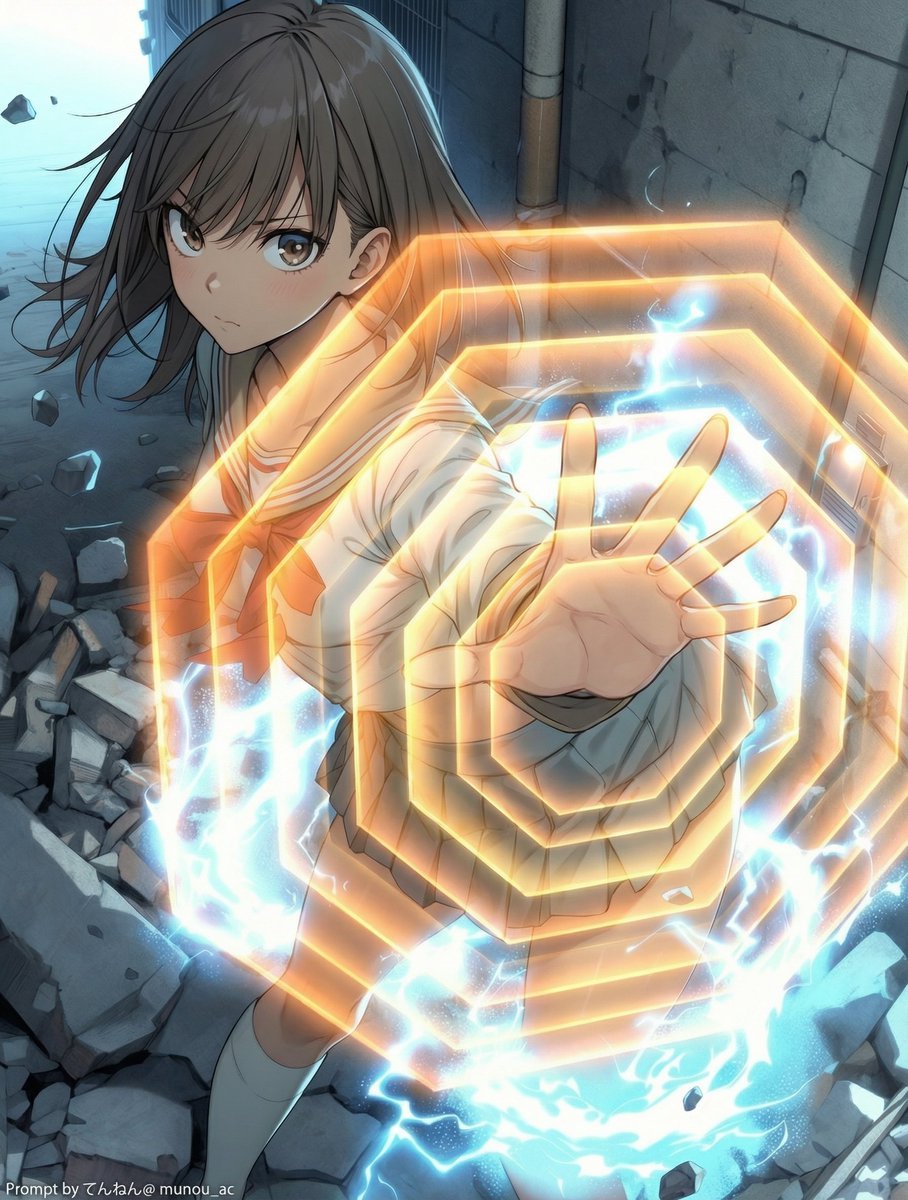
Field Expansion Prompt: Lost Love Girls
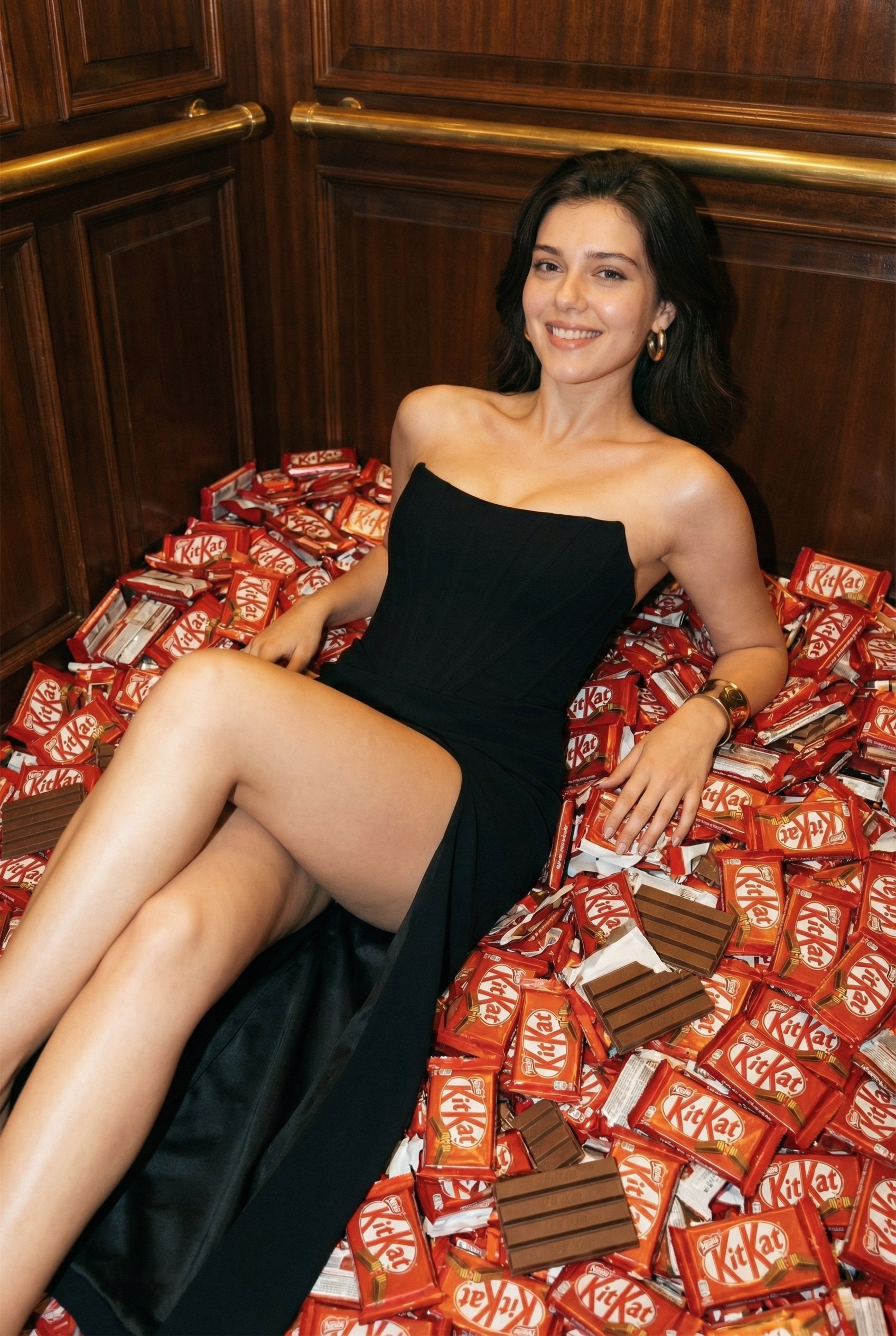
Luxurious KitKat Sweet Retreat
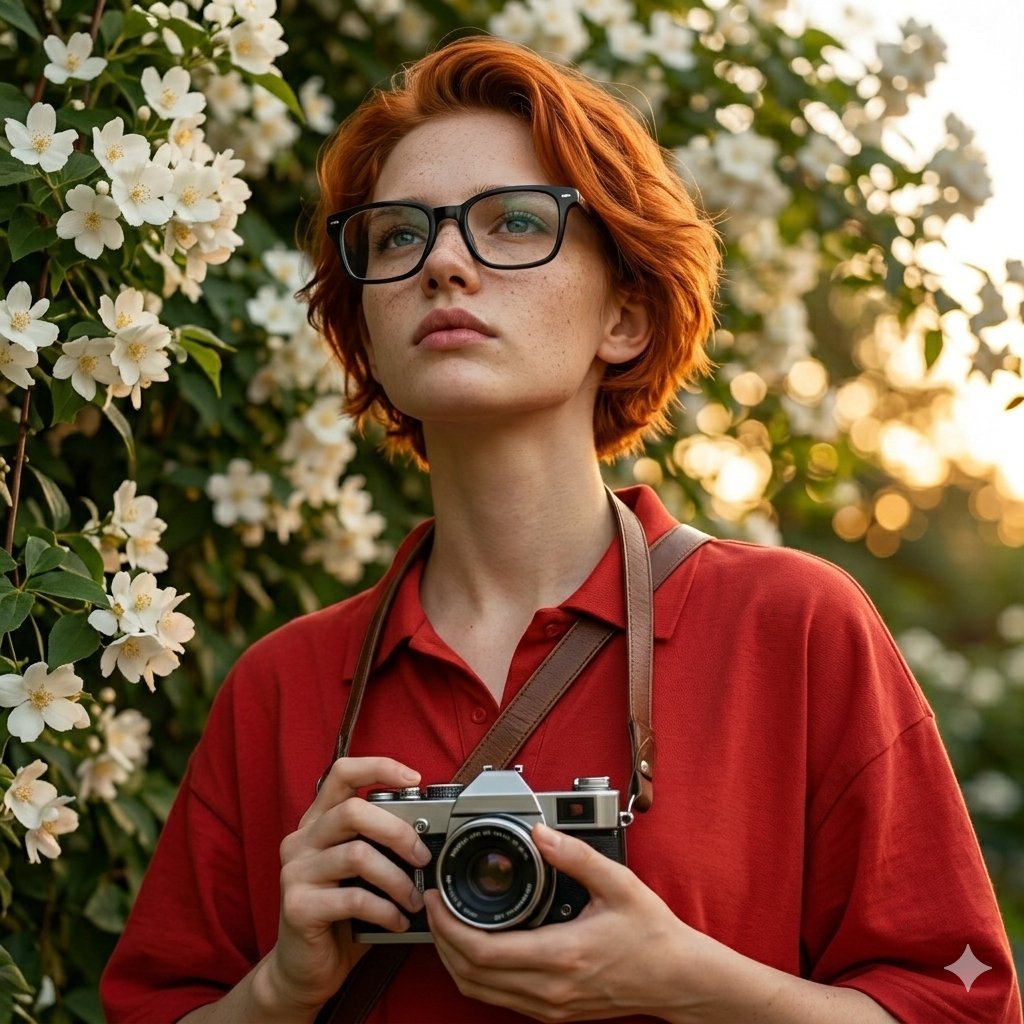
Ultra-Realistic Portrait with Vintage Camera Prompt
Browse template categories
Style Anime Photo Collage questions
How do I use the 12-Style Anime Photo Collage template?
Add your photo if the template asks for one, edit the prompt if you like — the template's model and format are already selected — and press Generate. Your version opens in PicX Studio.
Can I customize the 12-Style Anime Photo Collage template?
Yes. You can change the subject, setting, lighting, mood, format, and available model controls before creating your image.
Is the 12-Style Anime Photo Collage template free?
Opening and editing this template is free. Generating uses credits, shown on the Generate button when you are signed in.
Which AI model should I use?
Start with GPT Image 2, which is the model associated with this template. You can compare another compatible model for a different finish.
Looking for something else? Browse all templates.

Your photo, any look
Thousands of ready templates for every top image and video model, from one credit balance.