How do I use the Zendaya Crimson Archive Fashion Editorial Prompt template?
Choose the primary action to open PicX Studio with the available template settings. Review the model and format, personalize the creative direction, and generate when ready.
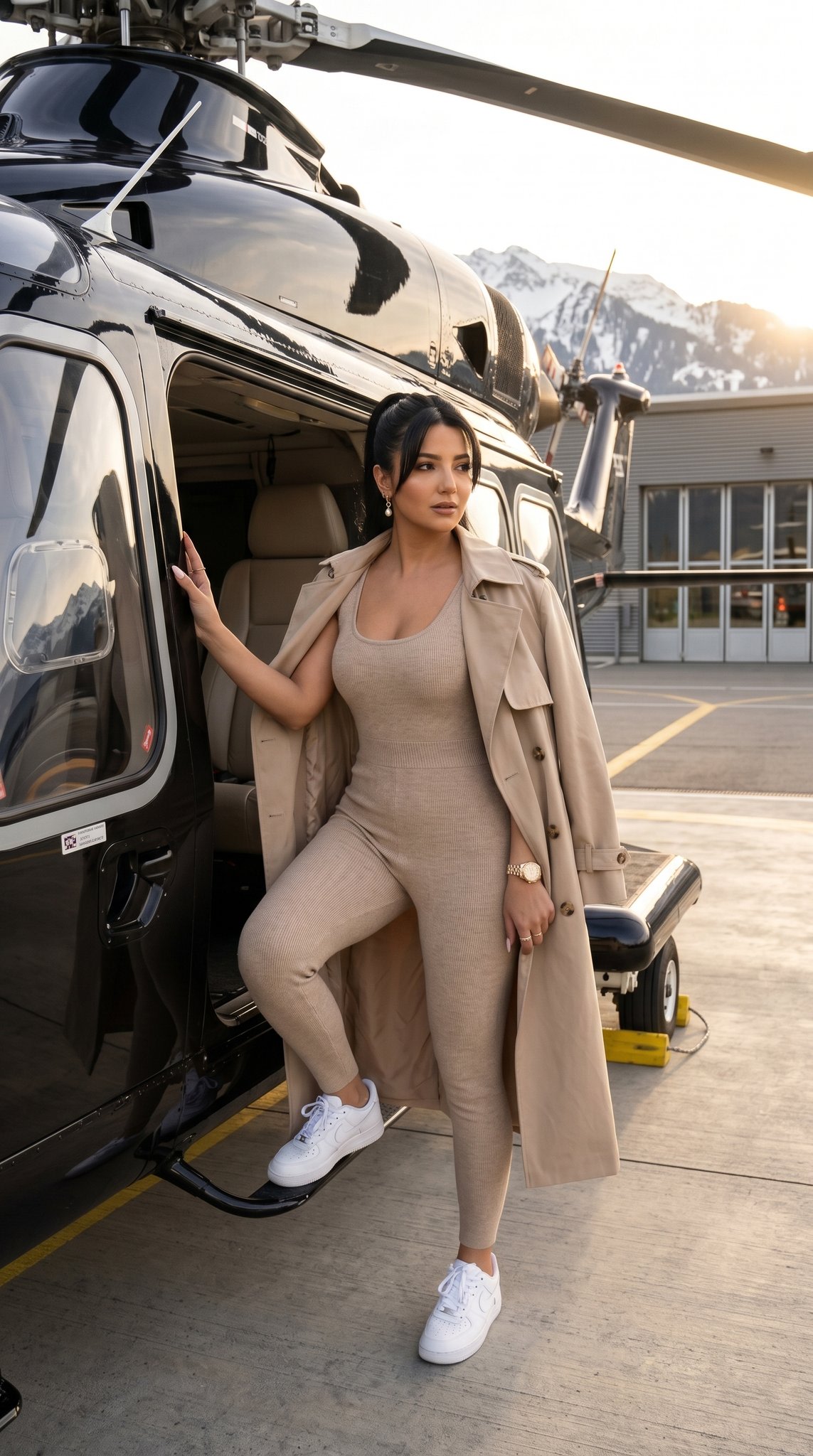
A complex, cinematic editorial prompt for generating a high-fashion image of a subject resembling Zendaya in a structural crimson suit and oversized hat. The scene is a chaotic, vintage milliner's workshop, featuring a surreal element where the red suit fabric 'bleeds' into the room like veins, suspending objects. The prompt specifies Hasselblad camera settings and Rembrandt lighting. (free to use) — Free AI image template on PicX Studio.
{ "vibe_title_en": "The Crimson Archive", "master_prompt": "A hyper-realistic cinematic editorial shot of The Protagonist seated elegantly on a distressed white wooden chair in the center of a chaotic, claustrophobic vintage milliner's workshop. The subject is wearing a structural, oversized crimson sun hat and a sharply tailored scarlet suit with a white silk bow blouse. The environment is incredibly dense and busy: floor-to-ceiling wooden shelves overflowing with dusty hat boxes, spools of unraveling thread, antique mannequin heads, scattered sewing needles, and rolls of decaying velvet fabric. SURREAL ELEMENT: The fabric of the subject's red suit appears to be physically 'bleeding' into the room, with long red silk ribbons extending from the blazer's hem and weaving through the surrounding clutter like living veins, suspending scissors and thimbles in mid-air. Lighting is dramatic Rembrandt style, with a single shaft of dusty light cutting through the haze to illuminate the subject's face and the vibrant red texture. Shot on a Hasselblad H6D-100c with an 80mm f/2.8 lens, creating a shallow depth of field that keeps the subject razor-sharp while the cluttered foreground blurs into textured bokeh. Kodak Ektar 100 film simulation for punchy, deep reds and organic grain. Tactile textures of dust, silk, and splintered wood.", "meta": { "intent": "Editorial Fashion meets Magical Realism", "priorities": "Texture Contrast, Color Saturation, Environmental Density", "device_profile": "High-End Medium Format Photography" }, "frame": { "aspect": "4:5", "composition": "Centralized Seated Figure amidst Chaos", "layout": "Golden Triangle", "camera_angle": "Eye-Level, slightly low to emphasize the hat", "tilt_roll_degrees": "0" }, "subject": { "gender": "Female", "identity": "{argument name="subject identity" default="The Protagonist"}", "demographics": "Adult, High-Fashion Model Archetype", "face": "Neutral, piercing gaze directly at lens, hyper-realistic skin texture", "hair": "Hidden beneath hat or styled in soft waves", "body": "Elegant seated posture, legs crossed, hand on hip", "expression": "Stoic, confident, unbothered by the chaos", "pose": "Seated on a chair, regal and composed" }, "wardrobe_accessories": { "garments": [ { "item": "Oversized Sun Hat", "material": "Straw/Felt Structure", "color": "Vibrant {argument name="hat color" default="Crimson"}", "fit": "Dramatic, Wide-Brimmed" }, { "item": "Tailored Blazer", "material": "High-quality Wool or Silk Blend", "color": "Scarlet Red", "fit": "Structured, Sharp Shoulders" }, { "item": "Bow Blouse", "material": "Silk Satin", "color": "Pearl White", "fit": "Flowing, High Neck" }, { "item": "Trousers", "material": "Matching Suit Fabric", "color": "Scarlet Red", "fit": "Slim/Tailored" } }
Use Zendaya Crimson Archive Fashion Editorial Prompt to plan an AI image around nano-banana-2 generation. Match the preview's composition first, then personalize the subject, setting, and mood for your own project.
Use the primary action to load the template settings in PicX Studio.
Adjust the subject and creative details for your destination.
Create the image, compare the result with the preview, and refine one variable at a time.
A continuous mix — similar concepts first, woven with same-model prompts and fresh picks from the catalog.
Choose the primary action to open PicX Studio with the available template settings. Review the model and format, personalize the creative direction, and generate when ready.
Yes. You can change the subject, setting, lighting, mood, format, and available model controls before creating your image.
This template is free to open and customize. Generation usage is shown in PicX Studio before you create.
Start with nano-banana-2, which is the model associated with this template. You can compare another compatible model for a different finish.
A continuous mix — similar concepts first, woven with same-model prompts and fresh picks from the catalog.
Follow a topic to a crawlable collection of related PicX Studio templates.
32,032 public templates available. Verified via the PicX Studio public templates API; refreshed hourly.