How do I use the Ana de Armas 90s/2000s Vintage Editorial Prompt template?
Choose the primary action to open PicX Studio with the available template settings. Review the model and format, personalize the creative direction, and generate when ready.
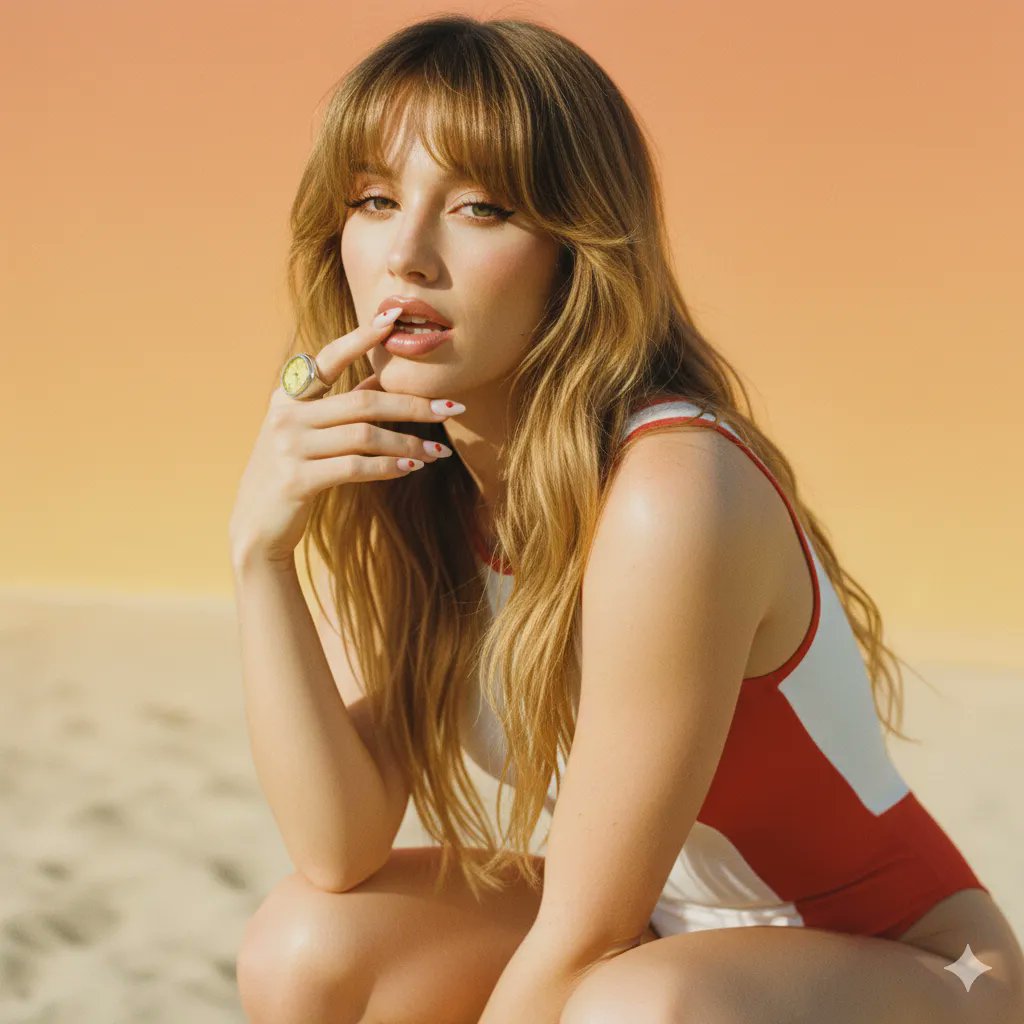
A detailed JSON prompt for generating a vintage 90s/early 2000s fashion editorial photograph featuring a subject with the likeness of Ana de Armas. Change the subject, setting, or lighting one variable at a time.

{ "type": "image_generation_prompt", "subject": { "identity": "{argument name="subject identity" default="Ana de Armas"}", "likeness": "highly realistic, facial features closely matching Ana de Armas", "expression": "subtle smile", "pose": "glancing over shoulder toward camera", "body_emphasis": "upper and lower body appear fuller and statuesque while remaining natural" }, "era_and_style": { "inspiration": ["late 1990s", "early 2000s"], "aesthetic": "vintage fashion editorial", "mood": "soft glamour, candid yet polished" }, "appearance": { "skin": "smooth, radiant, naturally glowing under flash", "makeup": { "eyes": "light smoky eyes", "eyeliner": "thin and subtle", "lips": "glossy, natural tone", "overall": "soft, natural glamour" }, "hair": { "length": "long", "style": "loose and sleek", "authenticity": "original natural hair" }, "nails": "short, sharp, shiny" }, "wardrobe": { "dress": { "material": "{argument name="dress material" default="leopard-print spandex"}", "fit": "form-fitting, body-clinging", "design": "long sleeves, backless, deeply open down to the waist", "focus": "emphasizes lower back and curves" }, "accessories": { "necklace": "long gold necklace cascading down the back", "bracelets": "multiple gold bracelets", "bag": "small black leather shoulder bag" } }, "environment": { "background": "neutral-colored stone wall with architectural structure", "lighting_effect_on_background": "slightly dull and dark due to flash" }, "photography": { "camera_style": "fashion editorial photography", "lens": "85mm portrait lens", "lighting": "direct on-camera flash", "composition": "over-the-shoulder framing, emphasizing curves and silhouette" }, "technical_specs": { "resolution": "16K", "quality": "UHD, ultra-detailed, realistic textures", "aspect_ratio": "3:4" }, "style_keywords": [ "realistic", "vintage 90s", "early 2000s", "editorial fashion", "soft glamour" ], "negative_prompt": [ "cartoon", "illustration", "CGI", "over-retouched skin", "harsh makeup", "anatomical distortion", "blur", "noise", "watermark", "text", "logo" ] }
Choose the primary action to open PicX Studio with the available template settings. Review the model and format, personalize the creative direction, and generate when ready.
Yes. You can change the subject, setting, lighting, mood, format, and available model controls before creating your image.
This template is free to open and customize. Generation usage is shown in PicX Studio before you create.
Start with Nano Banana 2, which is the model associated with this template. You can compare another compatible model for a different finish.
Follow a topic to a crawlable collection of related PicX Studio templates.
43,474 public templates available. Verified via the PicX Studio public templates API; refreshed hourly.










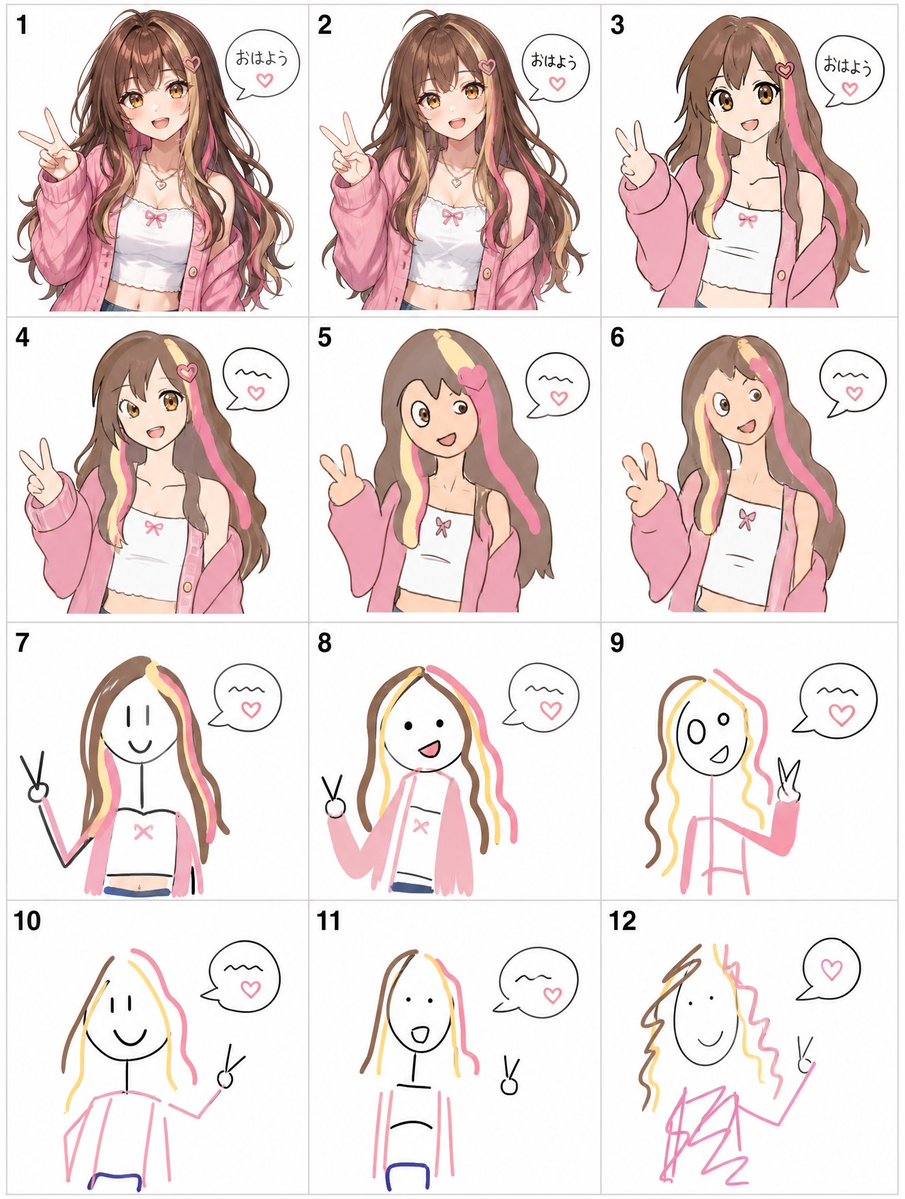
![Naive doodle-style subject illustration — A doodle-style {argument name="subject" default="[subject]"}, naive lines, humorous shape exaggeration](https://pbs.twimg.com/media/G6Wl2YxbsAARB2b.jpg)














![Dark Fantasy Movie Poster — This ultra-cinematic dark fantasy poster is automatically generated using ["{argument name="face and hairstyle" default=" "}"] (face](https://cms-assets.youmind.com/media/1778315760146_vzp5eq_HHxyiyzawAAjBbS.jpg)