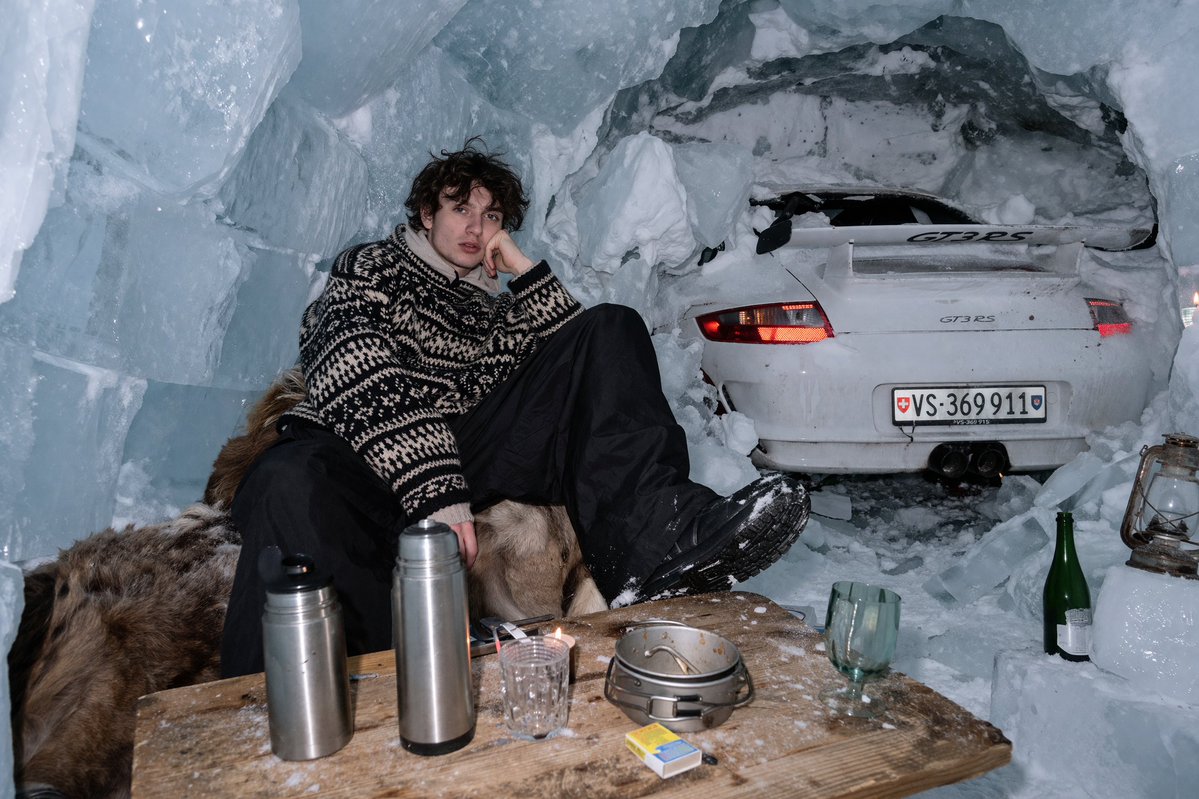
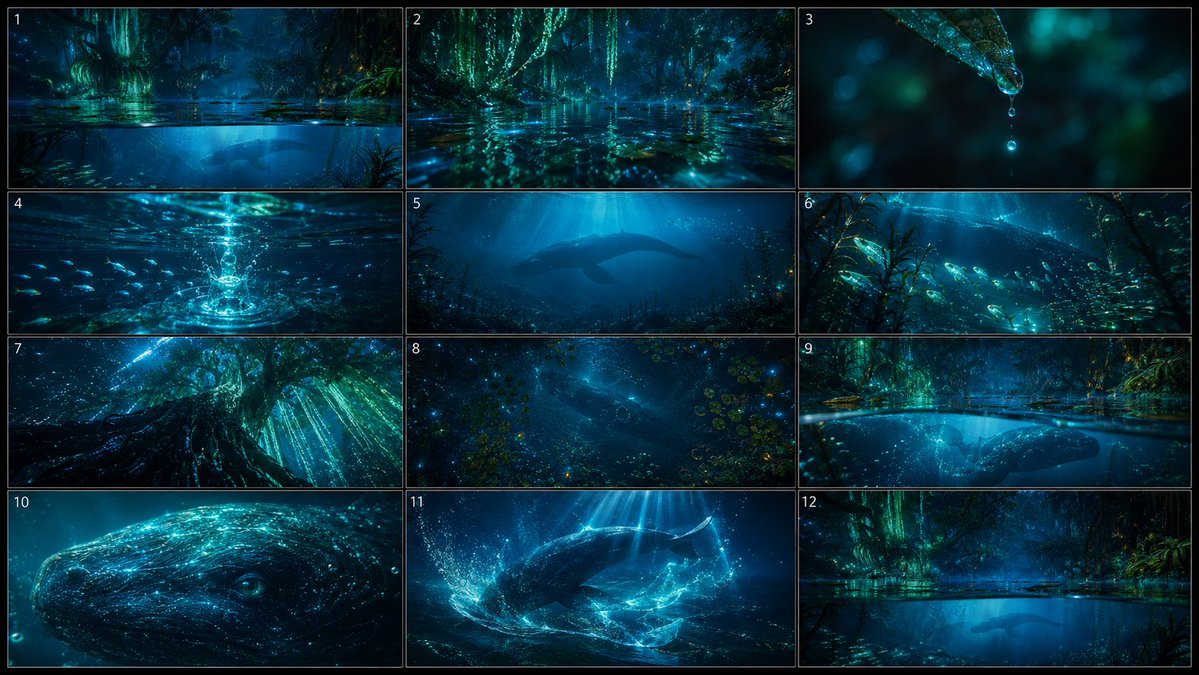
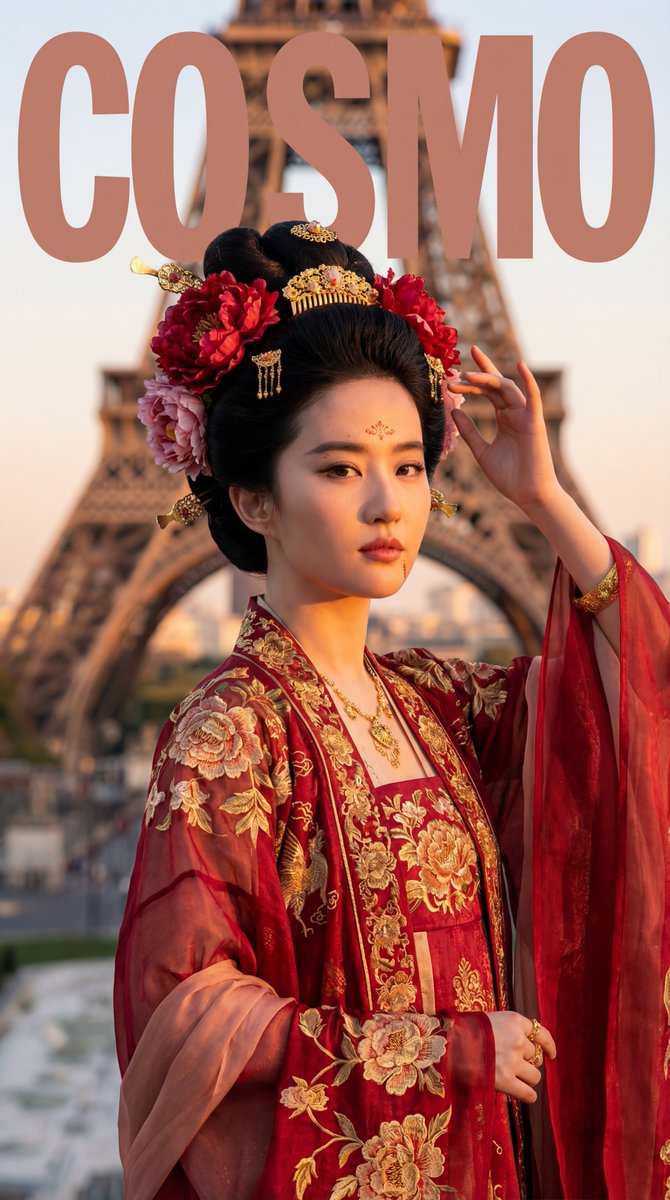
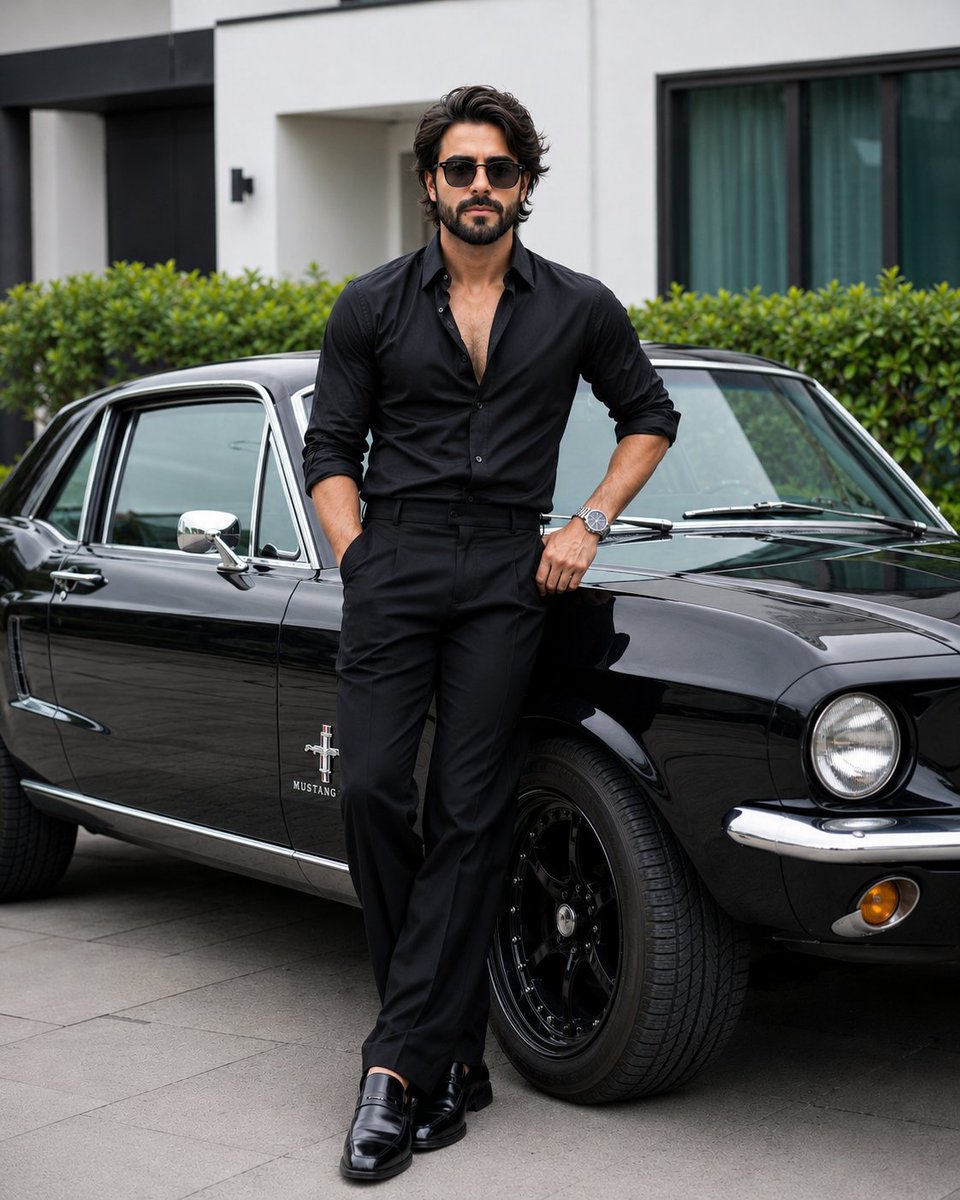
How do I use the Instagram Lifestyle Fashion Editorial Portrait template?
Choose the primary action to open PicX Studio with the available template settings. Review the model and format, personalize the creative direction, and generate when ready.
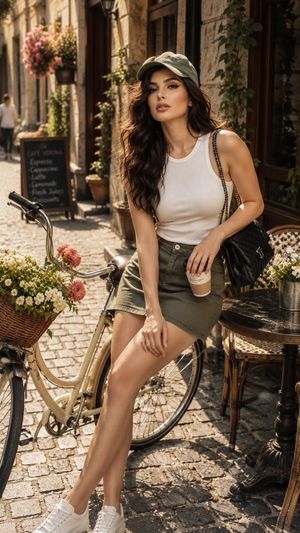
A comprehensive JSON prompt for generating a photo-realistic, full-body portrait suitable for an Instagram lifestyle or fashion editorial. Change the subject, setting, or lighting one variable at a time.

{ "prompt_type": "photo_realistic_fashion_lifestyle", "subject": { "type": "young adult woman", "pose": "standing, leaning slightly against a white wall, one leg bent forward", "expression": "soft smile, relaxed and confident", "gaze": "looking directly at the camera", "body_description": { "build": "slim with feminine curves", "skin_tone": "light to medium, warm undertone" } }, "hair": { "color": "dark brown", "length": "long", "style": "loose, natural waves", "parting": "center part" }, "face": { "makeup": "natural makeup", "features": { "eyebrows": "natural, softly shaped", "eyes": "brown", "lips": "natural pink tone" } }, "clothing": { "outfit_type": "summer dress", "dress_color": "{argument name="dress color" default="soft pastel yellow"}", "material": "lightweight cotton or linen blend", "design_details": { "neckline": "sweetheart neckline", "straps": "thin spaghetti straps", "bodice": "corset-inspired structured top", "skirt": "short, slightly flared", "detail": "small tie detail at the center of the bust" } }, "environment": { "location": "modern minimalist living room", "interior_style": "clean, bright, contemporary", "background_elements": [ "white wall", "curved beige armchair", "wooden floor", "indoor green plants in white pots" ] }, "lighting": { "type": "natural daylight", "source": "window light from the right side", "quality": "soft, diffused", "shadows": "gentle and natural" }, "color_palette": { "dominant_colors": ["pastel yellow", "white", "beige", "green"], "mood": "warm, airy, fresh" }, "camera": { "shot_type": "full body portrait", "angle": "eye level", "lens": "35mm or 50mm", "depth_of_field": "shallow to medium, subject in sharp focus" }, "style": { "aesthetic": "Instagram lifestyle, fashion editorial", "realism_level": "highly realistic", "image_quality": "ultra high resolution, sharp details" }, "negative_prompt": [ "blurry", "low resolution", "overexposed", "harsh shadows", "distorted anatomy", "extra limbs", "unnatural skin texture", "cartoon", "anime" ] }
Choose the primary action to open PicX Studio with the available template settings. Review the model and format, personalize the creative direction, and generate when ready.
Yes. You can change the subject, setting, lighting, mood, format, and available model controls before creating your image.
This template is free to open and customize. Generation usage is shown in PicX Studio before you create.
Start with Nano Banana 2, which is the model associated with this template. You can compare another compatible model for a different finish.
© 2026 PicX Studio. All rights reserved.

Follow a topic to a crawlable collection of related PicX Studio templates.
43,474 public templates available. Verified via the PicX Studio public templates API; refreshed hourly.














![Naive doodle-style subject illustration — A doodle-style {argument name="subject" default="[subject]"}, naive lines, humorous shape exaggeration](https://pbs.twimg.com/media/G6Wl2YxbsAARB2b.jpg)