How do I use the Rural Fashion Editorial Portrait template?
Choose the primary action to open PicX Studio with the available template settings. Review the model and format, personalize the creative direction, and generate when ready.
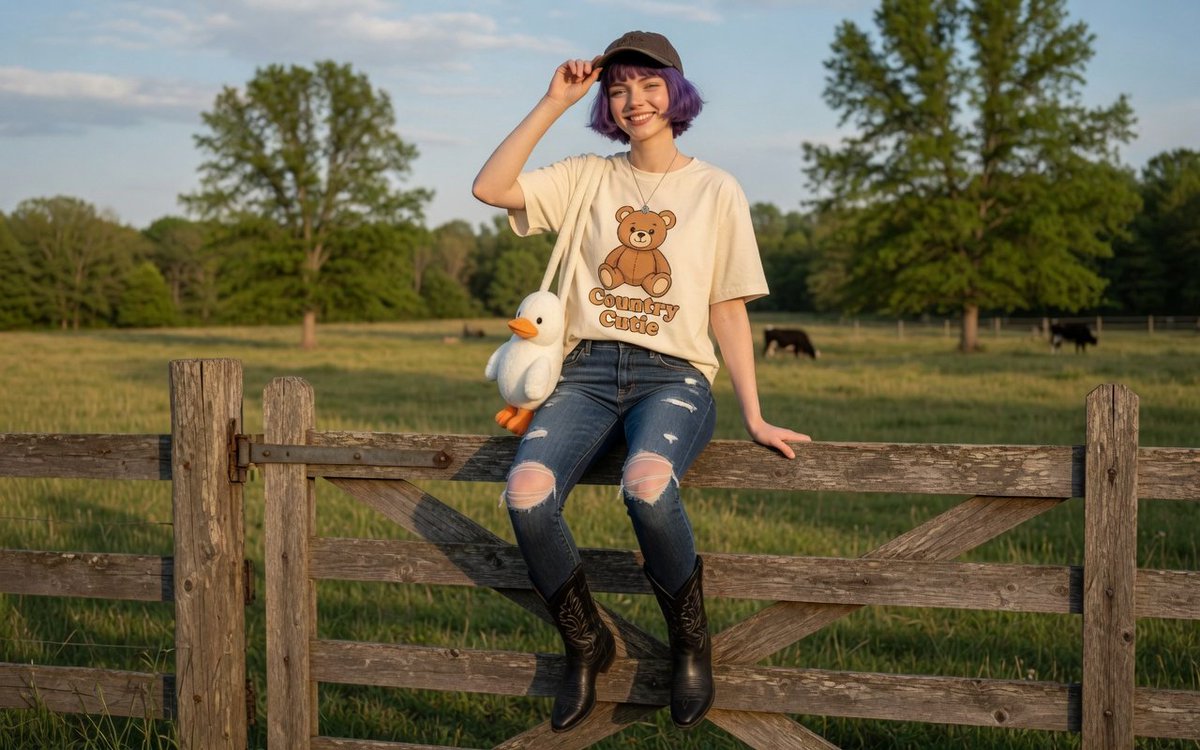
A stylish fashion editorial prompt combining high-end magazine aesthetics with a sunlit rural countryside setting. Change the subject, setting, or lighting one variable at a time.
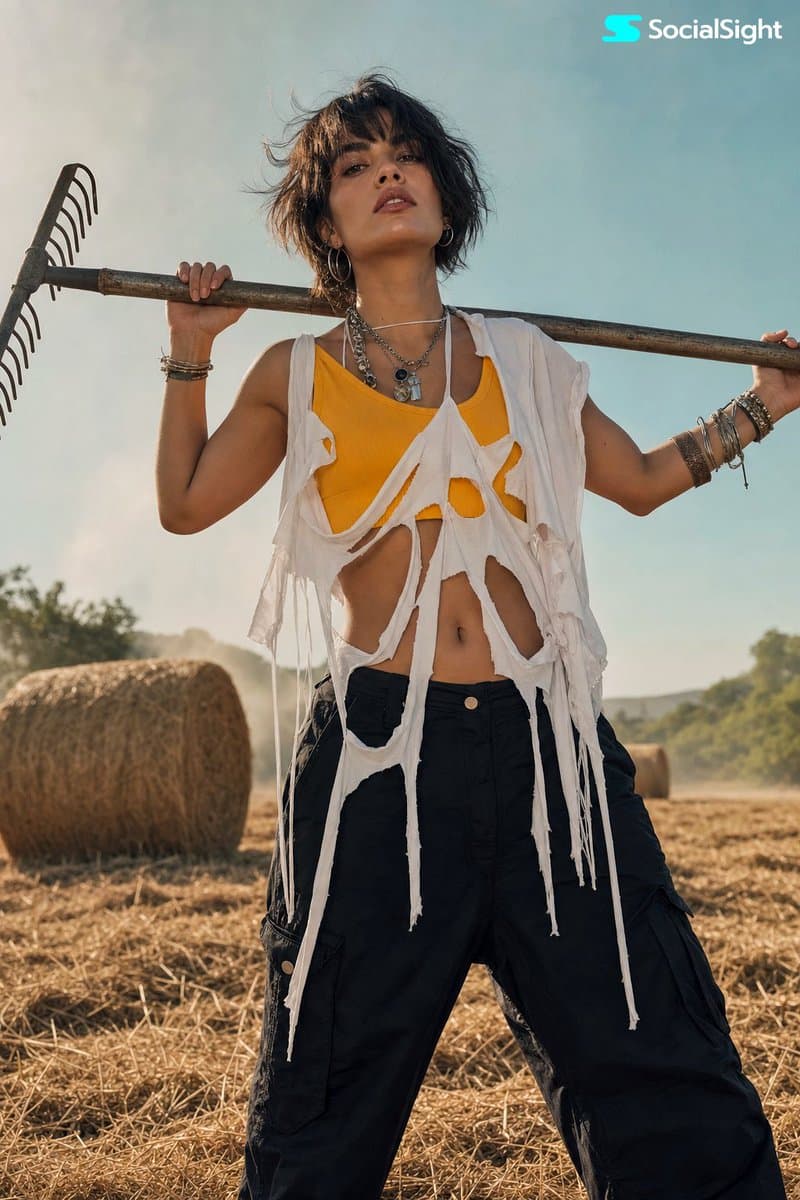
A stylish editorial fashion portrait of a {argument name="subject" default="young woman"} standing outdoors in a sunlit rural setting, holding a {argument name="prop" default="metal rake"} across her shoulders, wearing a bold yellow crop top under a torn oversized white top with shredded strips, black loose fit pants, layered accessories and bracelets, short dark tousled hair, confident attitude, hay bales in the background, soft dreamy sunlight, blue sky haze, modern fashion meets countryside mood, slightly cinematic glow, high-end magazine aesthetic, artistic composition, ultra-realistic, no text, no logo.
Choose the primary action to open PicX Studio with the available template settings. Review the model and format, personalize the creative direction, and generate when ready.
Yes. You can change the subject, setting, lighting, mood, format, and available model controls before creating your image.
This template is free to open and customize. Generation usage is shown in PicX Studio before you create.
Start with GPT Image 2, which is the model associated with this template. You can compare another compatible model for a different finish.
© 2026 PicX Studio. All rights reserved.

Follow a topic to a crawlable collection of related PicX Studio templates.
43,474 public templates available. Verified via the PicX Studio public templates API; refreshed hourly.

















![Minimalist Flat Vector Travel Poster — Premium minimalist flat-vector travel poster for {argument name="city name" default="[CITY_NAME]"}, 3:4 vertical format.](https://cms-assets.youmind.com/media/1787917359711_3ug846_HQX205cbMAA6F6S-300x400.jpg)



















![Mixed-Reality Street Portrait (Real Person with Cartoon Twin) — Transform this image [Upload Your Image] into a 64K DSLR shot resolution of A creative mixed-rea](https://pbs.twimg.com/media/G-WbFqya4AAMu5V.jpg)






![Melting Transition Product Photography Prompt — {argument name="PRODUCT" default="[PRODUCT]"} floating in empty space, edges melting into {argument name="medium](https://pbs.twimg.com/media/G9UtduqbUAAv1V3.jpg)