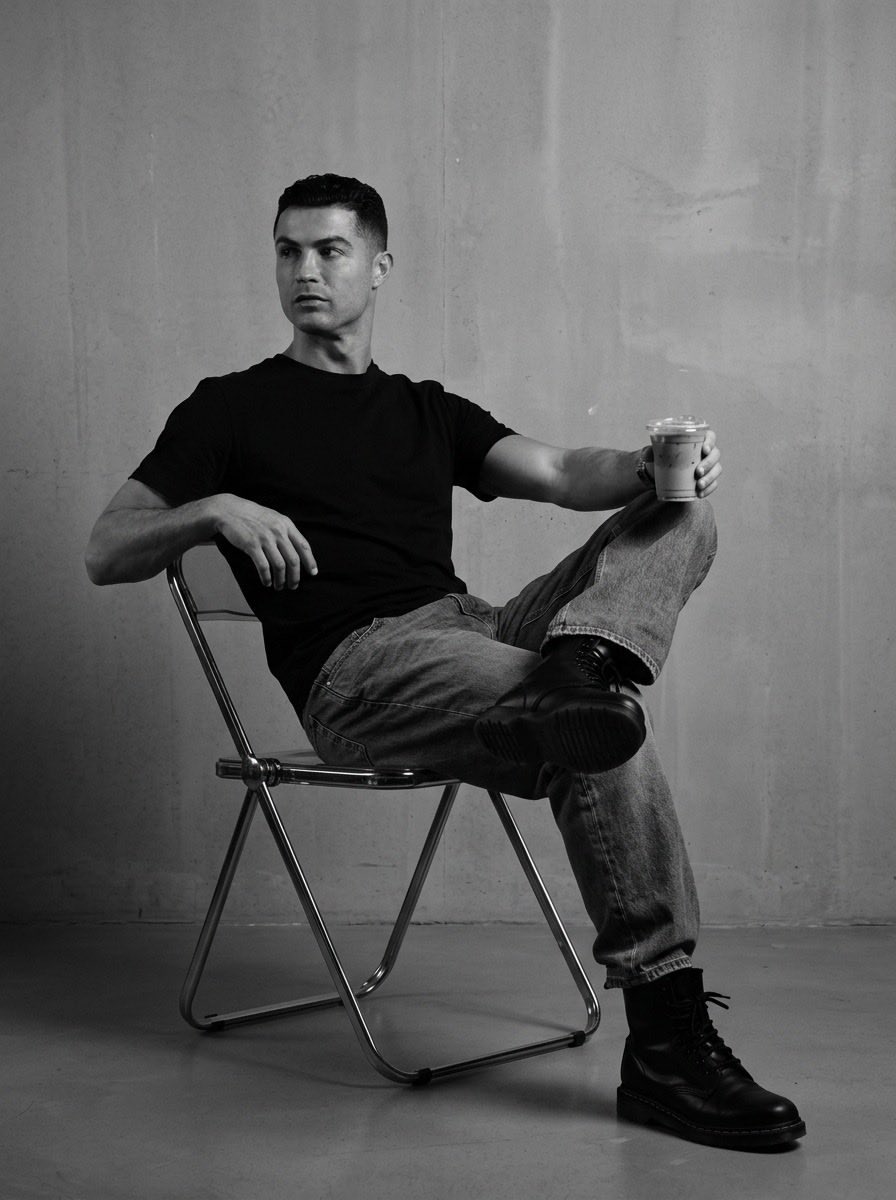
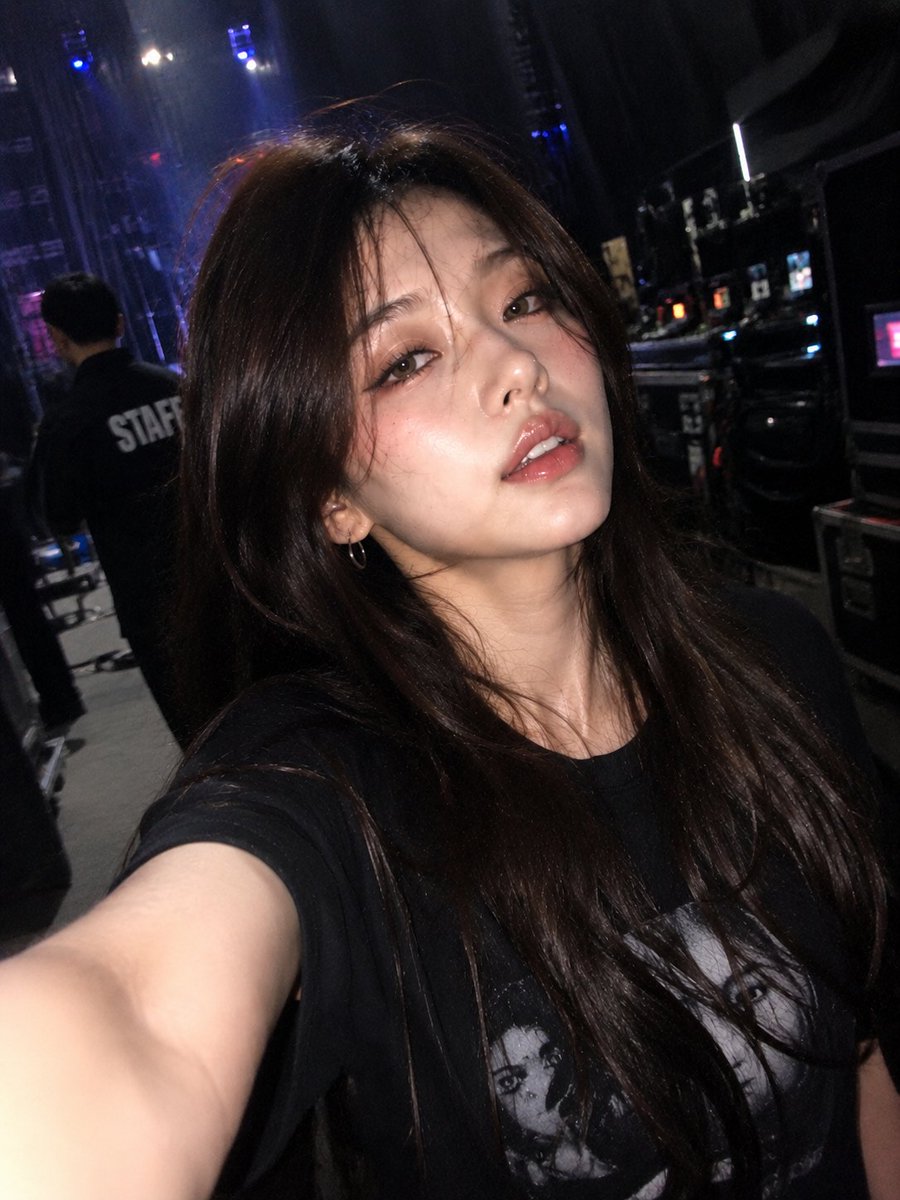
How do I use the 24-nano-banana-2-dinner-date-split-screen template?
Choose the primary action to open PicX Studio with the available template settings. Review the model and format, personalize the creative direction, and generate when ready.
From @Naiknelofar788 | Score: 58.9 Change the subject, setting, or lighting one variable at a time.

Create a split-screen composition of a dinner date. Top half: A young woman with dark hair wearing a white textured blouse, sitting at a restaurant table with white linens. She is holding a pink smartphone to her face as if taking a photo, while her other hand holds her partner's hand across the table. Bottom half: A handsome young man with dark hair in a white button-down shirt, mirroring the pose. He holds a black smartphone with an emerald ring, looking into the lens while holding his partner's hand. Warm, elegant restaurant lighting, white flowers in a vase, and dark blue plates are visible on the table. photorealistic scene with pinterest style. real vision human skin, fabric texture, and environments. identical facial feature and hairstyle as references.
Choose the primary action to open PicX Studio with the available template settings. Review the model and format, personalize the creative direction, and generate when ready.
Yes. You can change the subject, setting, lighting, mood, format, and available model controls before creating your image.
This template is free to open and customize. Generation usage is shown in PicX Studio before you create.
Start with nano-banana, which is the model associated with this template. You can compare another compatible model for a different finish.
© 2026 PicX Studio. All rights reserved.

Follow a topic to a crawlable collection of related PicX Studio templates.
43,474 public templates available. Verified via the PicX Studio public templates API; refreshed hourly.
Prompt stories that include this template.












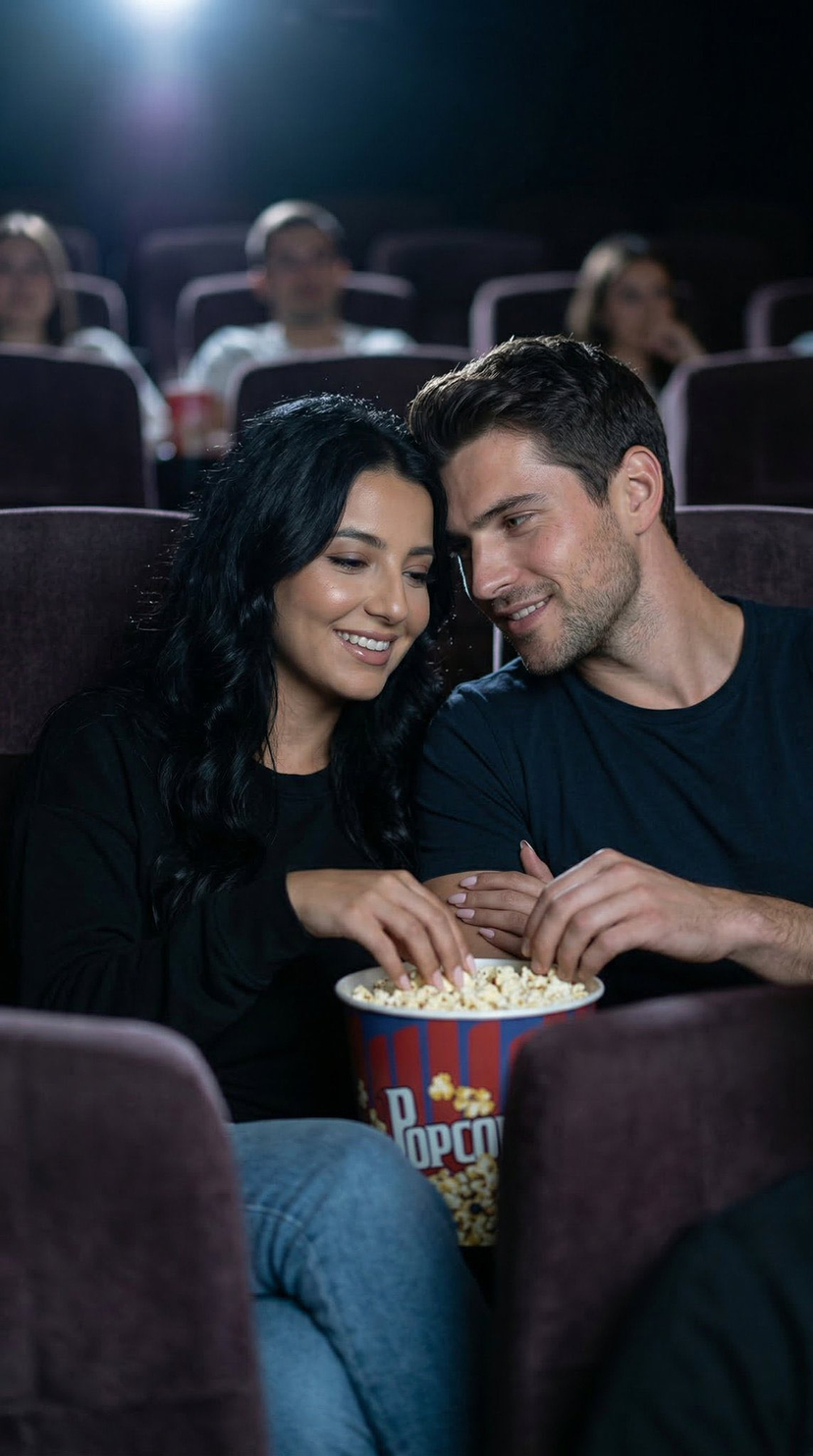

![69-untitled — FORMAT: 15s / 145 BPM / 14 SHOTS
SUBJECT: @[image1]
WARDROBE: Clean modern outfit
ENVIRONMENT: Street / indoor transitions
MOOD: Discovery → contr](/_next/image?url=https%3A%2F%2Fcdn.picxstudio.com%2Fuploads%2Fpost69_img0_d45faecf-38c3-4bcb-81a4-f6eb1cf42bb2.jpg&w=828&q=100)

![118-google-nano-banana-pro-skincare-product- — A professional skincare shot of a [product container] with [cap/lid], labeled [brand, product, descriptor, volume](/_next/image?url=https%3A%2F%2Fcdn.picxstudio.com%2Fuploads%2Fpost118_img0_332898b8-29ea-42a9-87ab-9ed746a3f944.jpg&w=828&q=100)


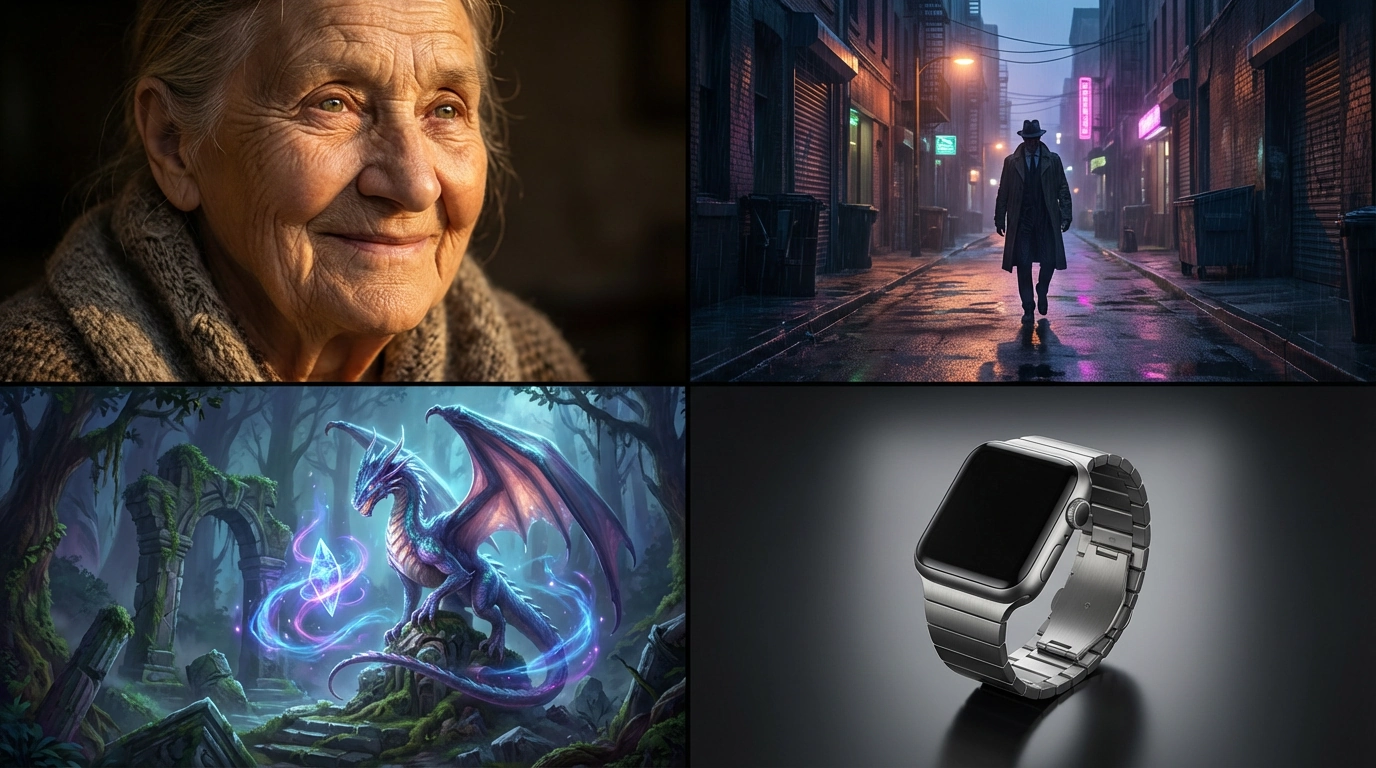







![79-cinematic-sport-logo-render-in-midjourne — 3d render of [logo name/ shape,...] made out of clear glass, glowing and sparkling with light reflections, on a bl](/_next/image?url=https%3A%2F%2Fcdn.picxstudio.com%2Fuploads%2Fpost79_img0_a5057526-9cc7-4a02-805f-4faa62dd929b.jpg&w=828&q=100)

![75-cinematic-sport-in-midjourney-v7 — [close-up] of [an athlete performing a key action] in [sport-specific environment],
with dramatic lighting, high-speed ph](/_next/image?url=https%3A%2F%2Fcdn.picxstudio.com%2Fuploads%2Fpost75_img0_29c96604-31bd-49f1-88dd-2396ed946239.jpg&w=828&q=100)




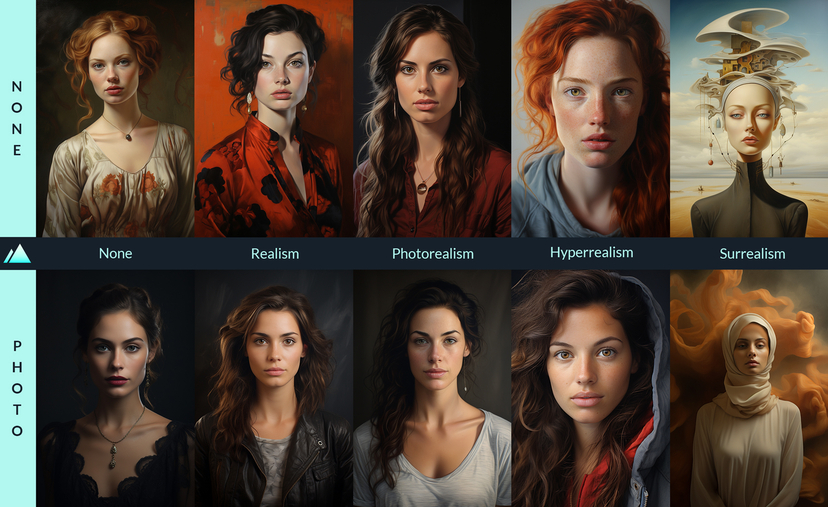







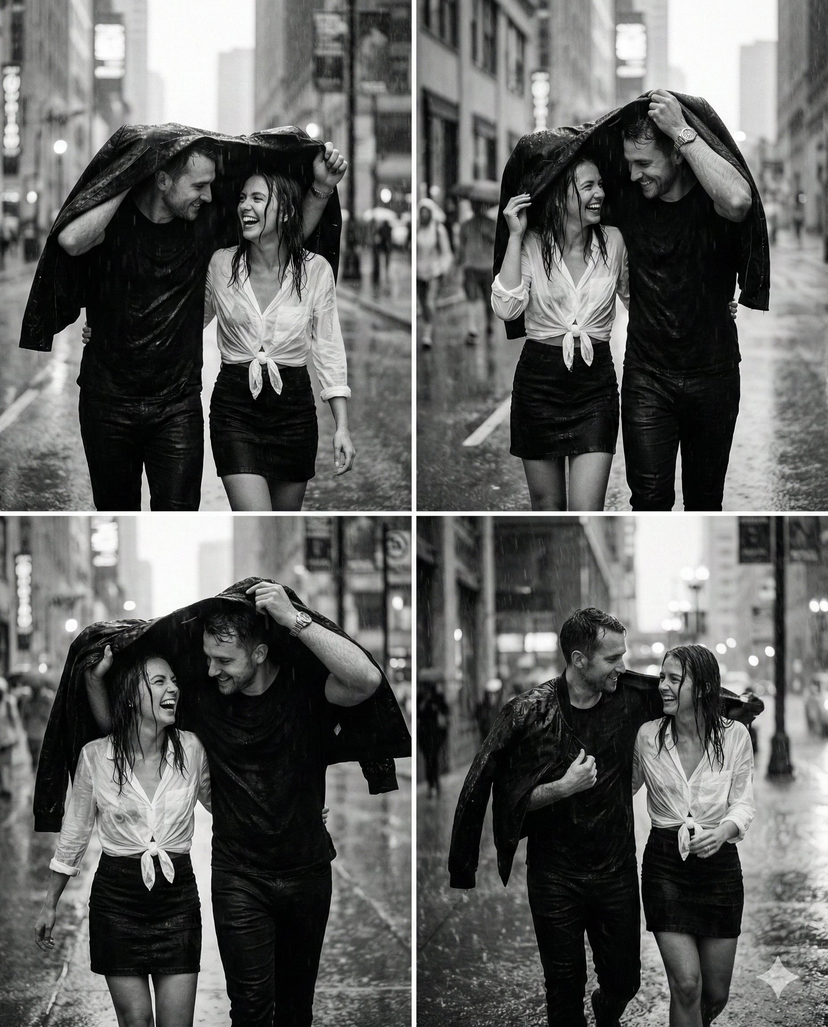
![86-hyper-realistic-ai-selfie-prompt-generat — Raw iPhone [model] photo, [shot type] of [character details: age, ethnicity, specific features], [hair with imperf](/_next/image?url=https%3A%2F%2Fcdn.picxstudio.com%2Fuploads%2Fpost86_img0_c444d40d-a07d-4013-8b75-e692799481c0.jpg&w=828&q=100)






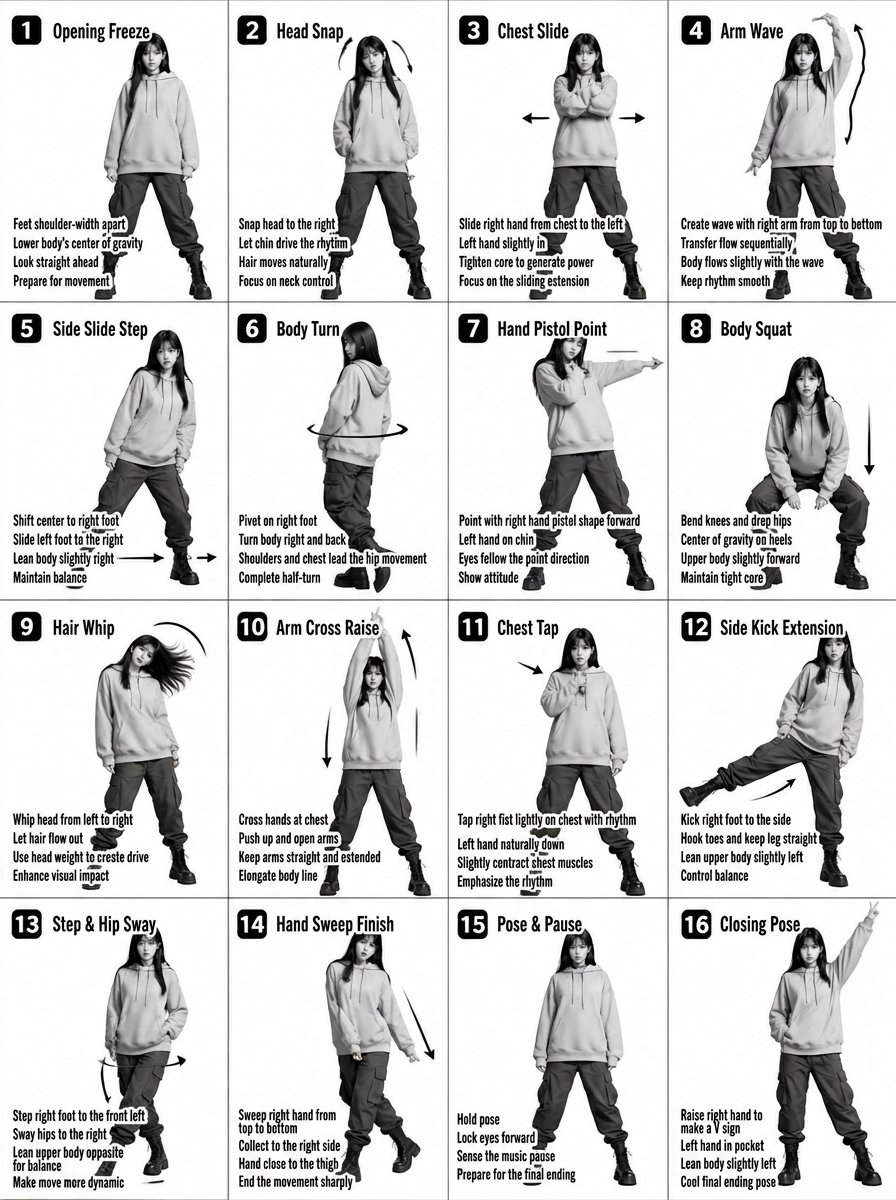






![3D Clay Style Year-End Summary Poster Generator — 任务目标:
基于用户同时上传的年终总结截图中的数据和信息,设计一张风格鲜明、极具视觉冲击力的 3D 年终总结海报,用户名 {argument name="用户名" default="[guizang]"}
整体风格与情](https://pbs.twimg.com/media/G803VYoWEAAMilR.jpg)