How do I use the Tropical Resort Bikini Editorial Prompt template?
Choose the primary action to open PicX Studio with the available template settings. Review the model and format, personalize the creative direction, and generate when ready.
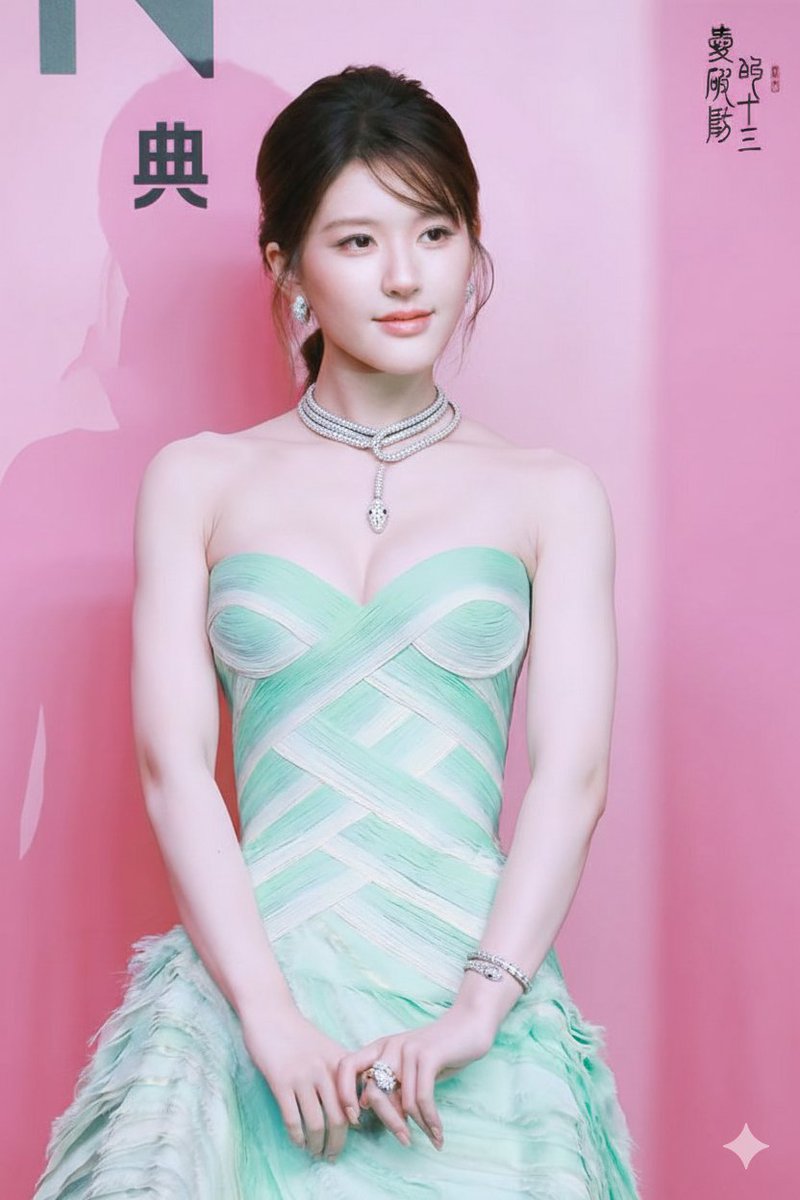
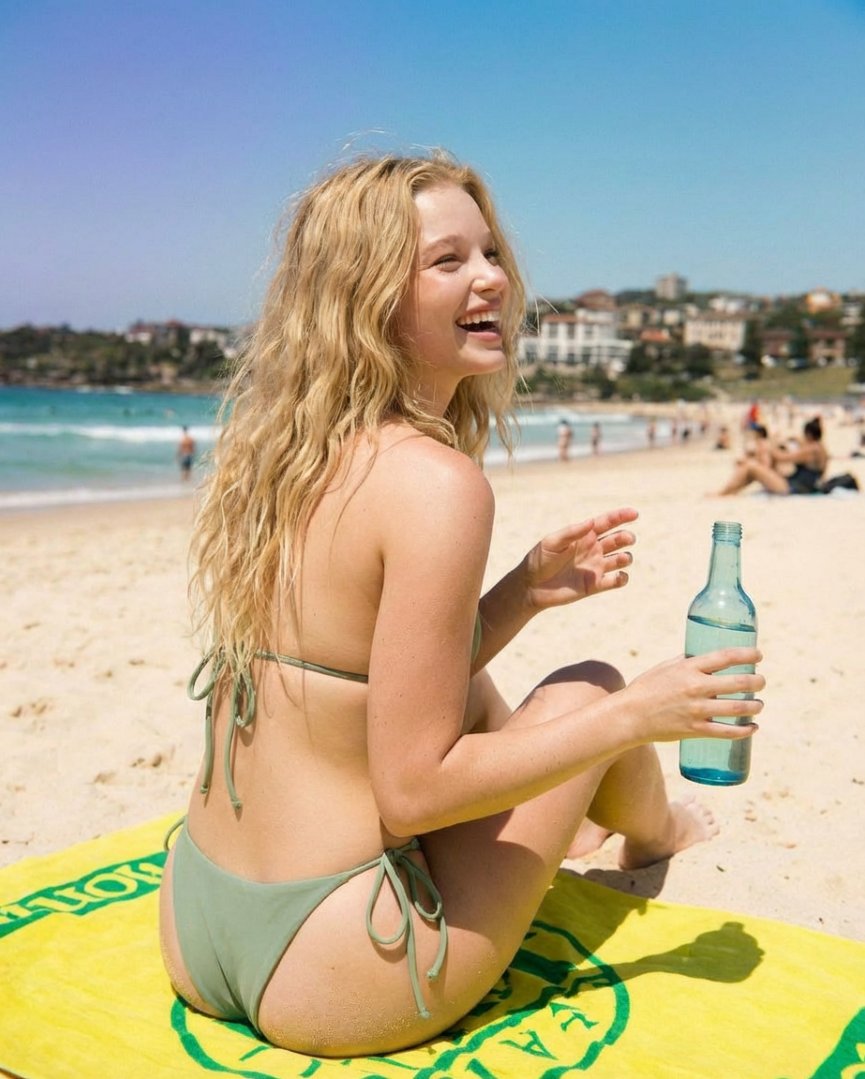
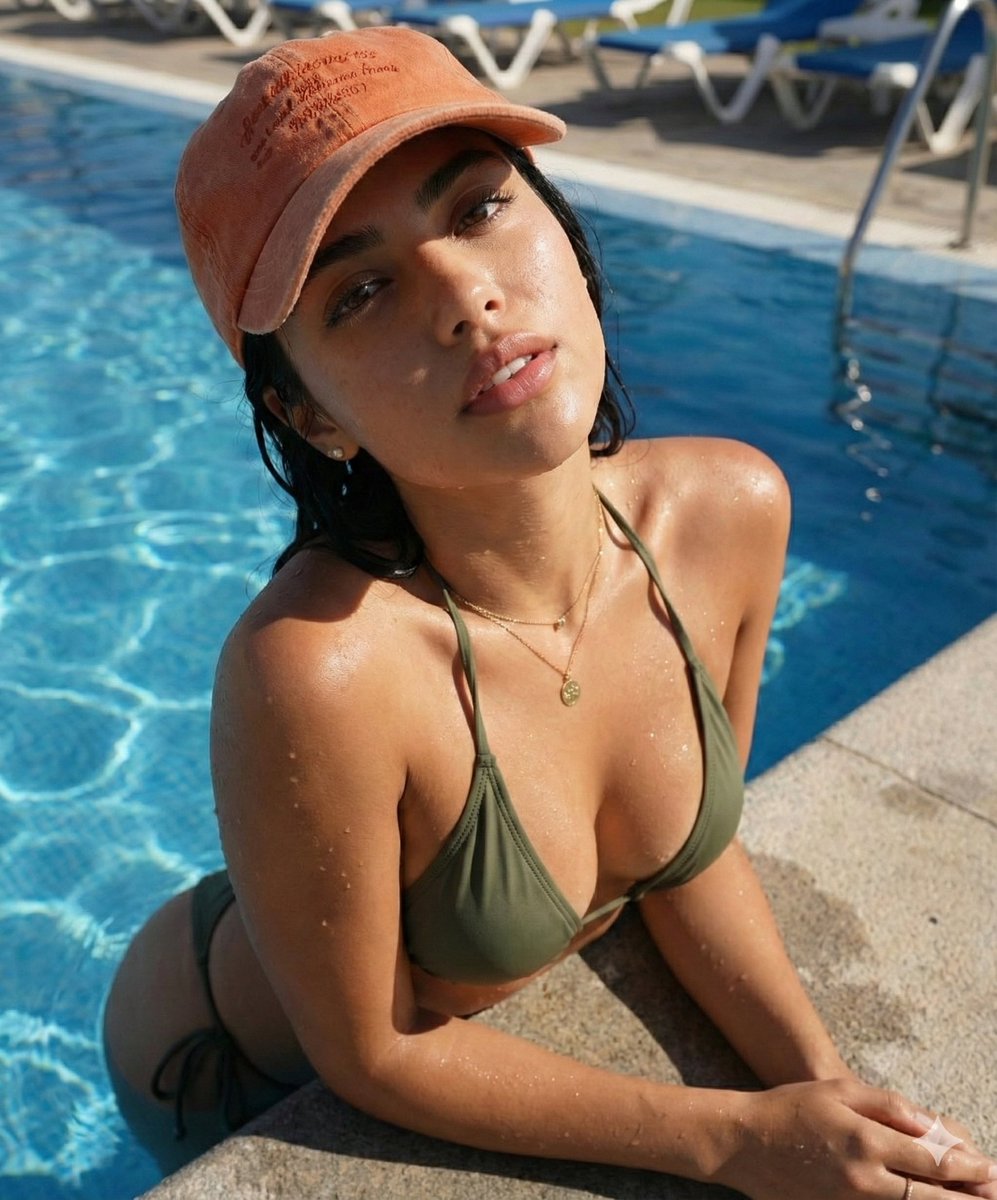
A highly detailed, structured prompt for generating a photorealistic, high-fashion editorial image of a woman at a luxury tropical resort infinity pool during golden hour. It focuses on texture realism (wet skin, shimmer fabric), specific accessories, and a glamorous vacation aesthetic. (free to use) — Free AI image template on PicX Studio.
{ "main_prompt": "stunning young woman in her mid-20s, luxurious tropical resort poolside, sitting cross-legged on a light beige linen towel on the edge of an infinity pool, drinking fresh coconut water through a straw directly from a real green coconut with mint leaf garnish, playful seductive expression with slight pout and direct eye contact with camera, full natural lips, glossy nude-pink lipstick, long voluminous beachy blonde wavy hair with golden highlights cascading over shoulders, sun-kissed tanned olive skin with natural glow, wearing skimpy metallic {argument name="bikini color" default="bronze/gold shimmer"} triangle bikini top and matching side-tie bottoms, high-cut Brazilian style, subtle cleavage and toned abs visible, multiple silver rings on fingers, black glossy nail polish, statement silver bracelet with large green gemstone (emerald or malachite), thin silver anklet, luxury watch with green face visible on wrist, blue ribbon tied somewhere on outfit, luxury resort background: large modern white and beige buildings with glass railings, multiple tall palm trees, thatched umbrellas, wooden deck loungers with beige cushions, clay pots with plants, people lounging in background blurred, bright sunny day, turquoise clear pool water with gentle ripples, golden hour warm sunlight, strong rim light and soft fill light, lens flare subtle, cinematic color grading with warm golden tones and cool blue water contrast, photorealistic, ultra-detailed skin texture with visible pores and sun-kissed freckles, realistic wet skin sheen from pool water, film grain, shot on Sony A1 with 85mm f/1.4 lens, shallow depth of field, sharp focus on face and coconut, dreamy vacation luxury vibe, high fashion editorial style", "negative_prompt": "blurry, lowres, deformed hands, extra fingers, bad anatomy, fused fingers, poorly drawn face, bad proportions, extra limbs, mutated hands, ugly, disfigured, tiling, out of frame, jpeg artifacts, signature, watermark, text, error, cropped, worst quality, low quality, cartoon, 3d render, plastic skin, doll-like, airbrushed, overexposed, underexposed, flat lighting, harsh midday shadows, pale skin, no tan, winter clothing, indoor setting, messy room, cigarettes, alcohol bottles, heavy makeup, clown makeup, exaggerated filters, instagram face, duck lips, visible stretch marks unless natural, obese, elderly, child, male, group shot focus, cluttered foreground, ugly resort, cheap plastic furniture, cloudy day, night time, cold color palette, desaturated, monochrome", "style_tags": [ "photorealistic", "luxury fashion photography", "tropical resort editorial", "high-end vacation vibe", "golden hour glamour", "beach luxury aesthetic", "sun-drenched", "cinematic portrait", "film photography look", "35mm film grain", "Vogue / Harper's Bazaar style" ], "technical": { "aspect_ratio": "4:5 (vertical portrait, Instagram / mobile photo style)", "lighting": "bright golden hour sunlight from" }
Use Tropical Resort Bikini Editorial Prompt to plan an AI image around nano-banana-2 generation. Match the preview's composition first, then personalize the subject, setting, and mood for your own project.
Use the primary action to load the template settings in PicX Studio.
Adjust the subject and creative details for your destination.
Create the image, compare the result with the preview, and refine one variable at a time.
A continuous mix — similar concepts first, woven with same-model prompts and fresh picks from the catalog.
Choose the primary action to open PicX Studio with the available template settings. Review the model and format, personalize the creative direction, and generate when ready.
Yes. You can change the subject, setting, lighting, mood, format, and available model controls before creating your image.
This template is free to open and customize. Generation usage is shown in PicX Studio before you create.
Start with nano-banana-2, which is the model associated with this template. You can compare another compatible model for a different finish.
Follow a topic to a crawlable collection of related PicX Studio templates.
39,155 public templates available. Verified via the PicX Studio public templates API; refreshed hourly.
A continuous mix — similar concepts first, woven with same-model prompts and fresh picks from the catalog.