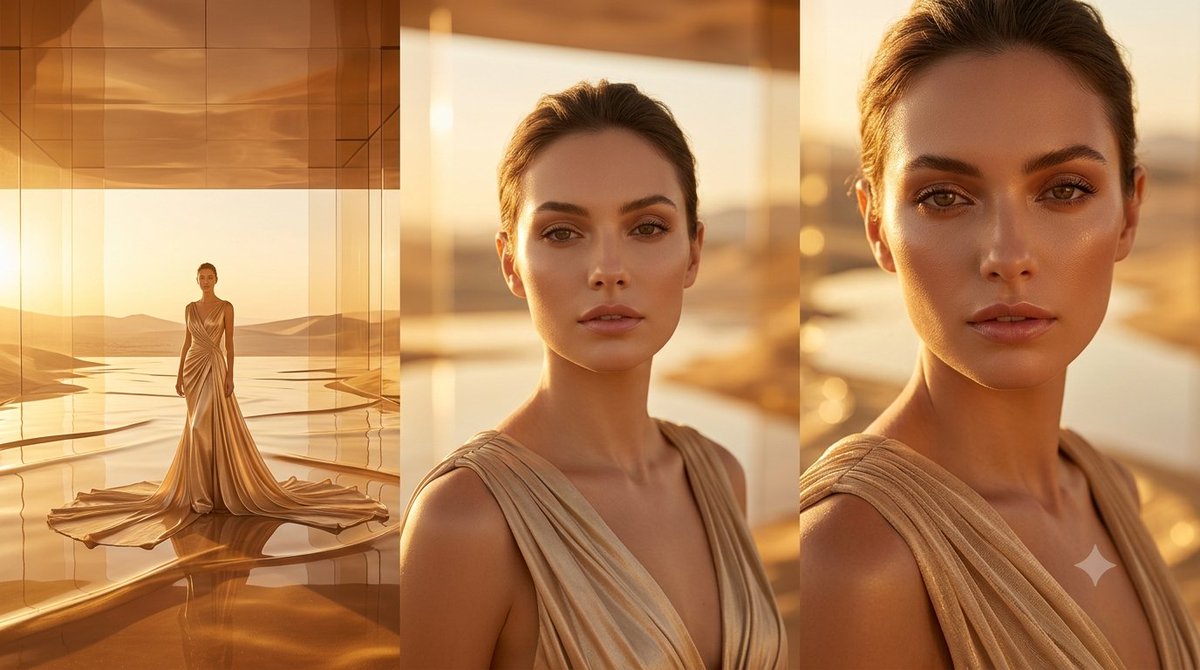
Strawberry Field High Fashion Editorial Portrait Prompt
{
"meta": {
"project": "Strawberry_Field_Editorial_Bold",
"model_intent": "photoreal_high_fashion",
"language": "en",
"notes": "Romantic countryside fashion portrait with subtle strawberry juice detail on lips. Sensual yet elegant summer editorial."
},
"prompt": {
"logline": "A beautiful woman in a pink spaghetti-strap dress with tiny strawberry prints stands in a sunlit strawberry field, holding a basket of fresh berries, with subtle strawberry juice glossing her lips in a bold yet elegant fashion editorial style.",
"subject": {
"gender": "female",
"pose": "holding woven basket at waist level, slightly tilting head",
"expression": "soft but confident, lips slightly parted",
"wardrobe": [
"light pink spaghetti-strap summer dress",
"mini strawberry print pattern",
"flowing cotton fabric",
"soft pink headscarf tied delicately"
],
"beauty_style": [
"natural freckles",
"glowy sun-kissed skin",
"subtle flushed cheeks",
"strawberry juice gloss lightly staining lips",
"barely smudged natural red tint"
],
"hair": "long dark hair softly flowing beneath scarf"
},
"detail_focus": {
"lip_detail": "natural strawberry juice sheen with subtle deep red tint",
"effect": "fresh, glossy, organic, not exaggerated",
"texture": "realistic moisture reflection under sunlight"
},
"environment": {
"location": "lush strawberry field rows",
"background": [
"green leaves with ripe red berries",
"soft countryside horizon",
"gentle breeze movement"
],
"atmosphere": "warm early summer harvest glow"
},
"composition": {
"orientation": "vertical portrait",
"framing": "medium close-up",
"focus": "sharp on lips and strawberries",
"background_blur": "soft creamy bokeh"
},
"camera": {
"shot_type": "editorial fashion portrait",
"movement": "steady handheld realism",
"angle": "slightly below eye level for subtle power presence"
},
"lens": {
"focal_length_mm": 85,
"aperture": "f/1.8",
"sensor": "full-frame",
"depth_of_field": "shallow with creamy background separation"
},
"lighting": {
"style": "golden hour natural sunlight",
"key_light": "warm side sunlight creating soft glow",
"fill": "gentle bounce from greenery",
"highlight_control": "controlled gloss reflection on lips",
"shadow_quality": "soft cinematic shadows"
},
"color_palette": {
"primary": [
"soft blush pink",
"deep strawberry red",
"fresh leafy green"
],
"grade": {
"white_balance": "warm daylight (~5500K)",
"saturation": "enhanced reds, balanced skin tones",
"tone_curve": "soft cinematic contrast with lifted mids"
}
},
"texture_details": [
"visible strawberry seeds",
"woven basket texture",
"fabric movement in breeze",
"natural skin pores",
"subtle lip moisture detail"
],
"quality_tags": [
"photorealistic",
"high fashion editorial",
"romantic countryside",
"bold lip detail",
"cinematic natural light",
"luxury summer campaign"
]
},
"negative_prompt": [
"overly glossy lipstick",
"h















![Naive doodle-style subject illustration — A doodle-style {argument name="subject" default="[subject]"}, naive lines, humorous shape exaggeration](https://pbs.twimg.com/media/G6Wl2YxbsAARB2b.jpg)