How do I use the Moonlit Isekai Couple Cover template?
Choose the primary action to open PicX Studio with the available template settings. Review the model and format, personalize the creative direction, and generate when ready.
A square anime-style isekai light novel cover featuring a silver-haired knight heroine and modern schoolboy in a glowing moonlit fantasy garden. Change the subject, setting, or lighting one variable at a time.
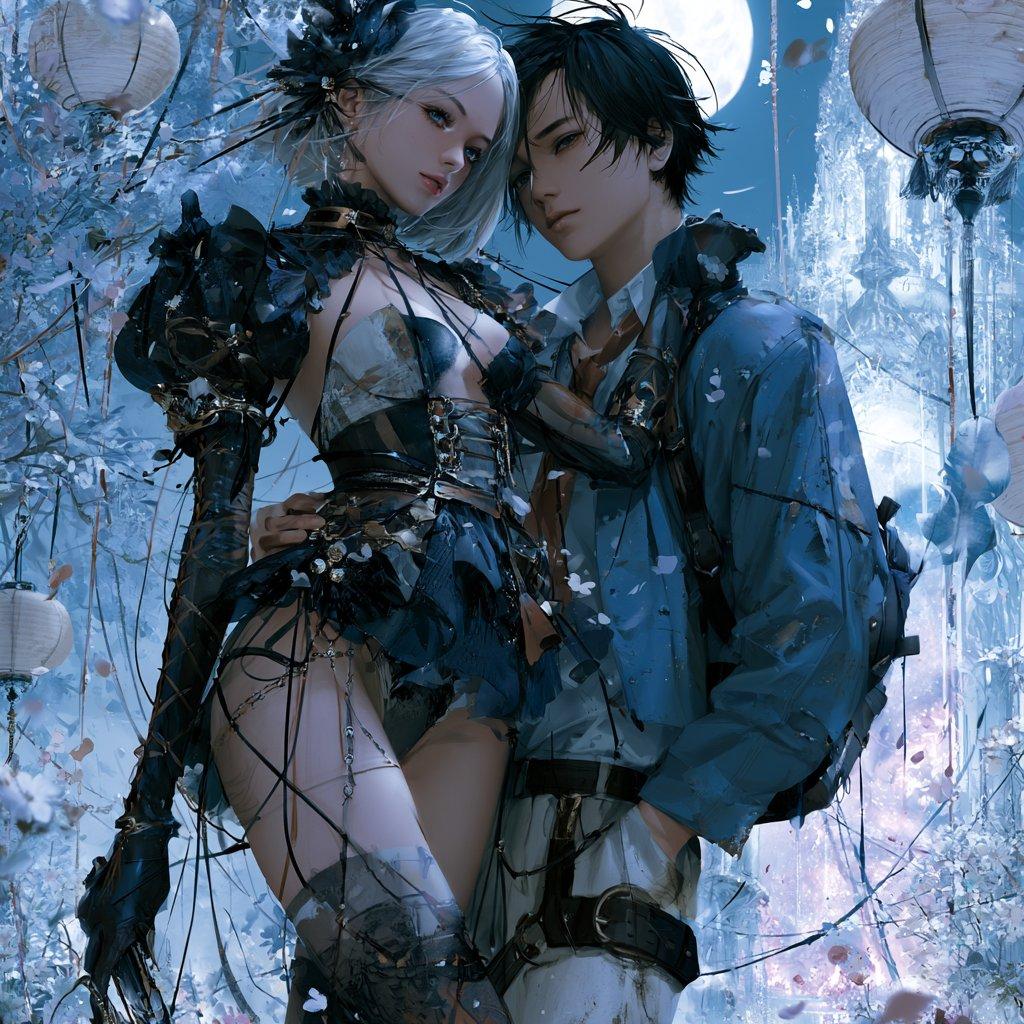
Create a square romantic Japanese isekai light novel cover illustration showing two characters standing very close together in the center of the frame: a tall silver-haired knight heroine and a modern high school boy. The heroine has {argument name="hair color" default="silver-white"} hair styled in an elaborate fantasy updo with dark floral ornaments, pale skin, and an ornate dark fantasy knight outfit with black armor pieces, leather straps, corset-like bodice, asymmetrical skirt details, thigh-high elements, gloves, chains, ribbons, and delicate magical accessories. The boy has messy black hair, wears a modern blue school-style jacket over a white shirt with loosened collar, dark straps and belt details, and a backpack-like silhouette, looking protective and shy as he stands shoulder-to-shoulder with her. Their faces are intentionally obscured by soft square censor-like blur blocks over the upper center, while their bodies and clothing remain highly detailed. Set them in a moonlit fantasy garden filled with icy blue foliage, hanging paper lanterns, drifting petals, glowing mist, crystal palace architecture in the background, and a large full moon behind them. Use a cool blue, silver, black, and lavender palette with luminous rim lighting, soft magical atmosphere, intricate anime-fantasy detail, dramatic painterly rendering, romantic light novel cover composition, and no visible title text, leaving subtle empty space near the top for a future title. Aspect ratio 1:1, highly polished, elegant, cinematic, ethereal, slightly chaotic decorative detail, no watermark.
Choose the primary action to open PicX Studio with the available template settings. Review the model and format, personalize the creative direction, and generate when ready.
Yes. You can change the subject, setting, lighting, mood, format, and available model controls before creating your image.
This template is free to open and customize. Generation usage is shown in PicX Studio before you create.
Start with GPT Image 2, which is the model associated with this template. You can compare another compatible model for a different finish.
© 2026 PicX Studio. All rights reserved.

Follow a topic to a crawlable collection of related PicX Studio templates.
43,474 public templates available. Verified via the PicX Studio public templates API; refreshed hourly.









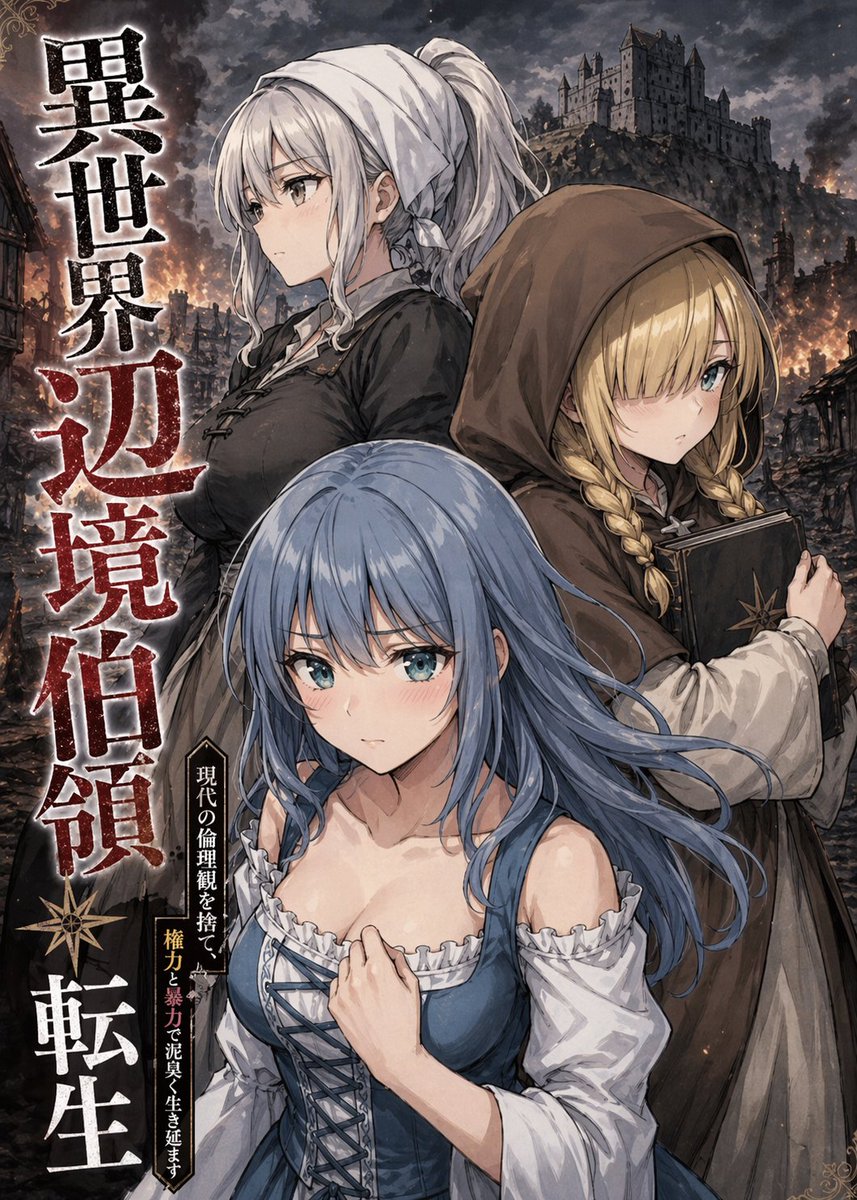




![Minimalist Flat Vector Travel Poster — Premium minimalist flat-vector travel poster for {argument name="city name" default="[CITY_NAME]"}, 3:4 vertical format.](https://cms-assets.youmind.com/media/1787917359711_3ug846_HQX205cbMAA6F6S-300x400.jpg)



















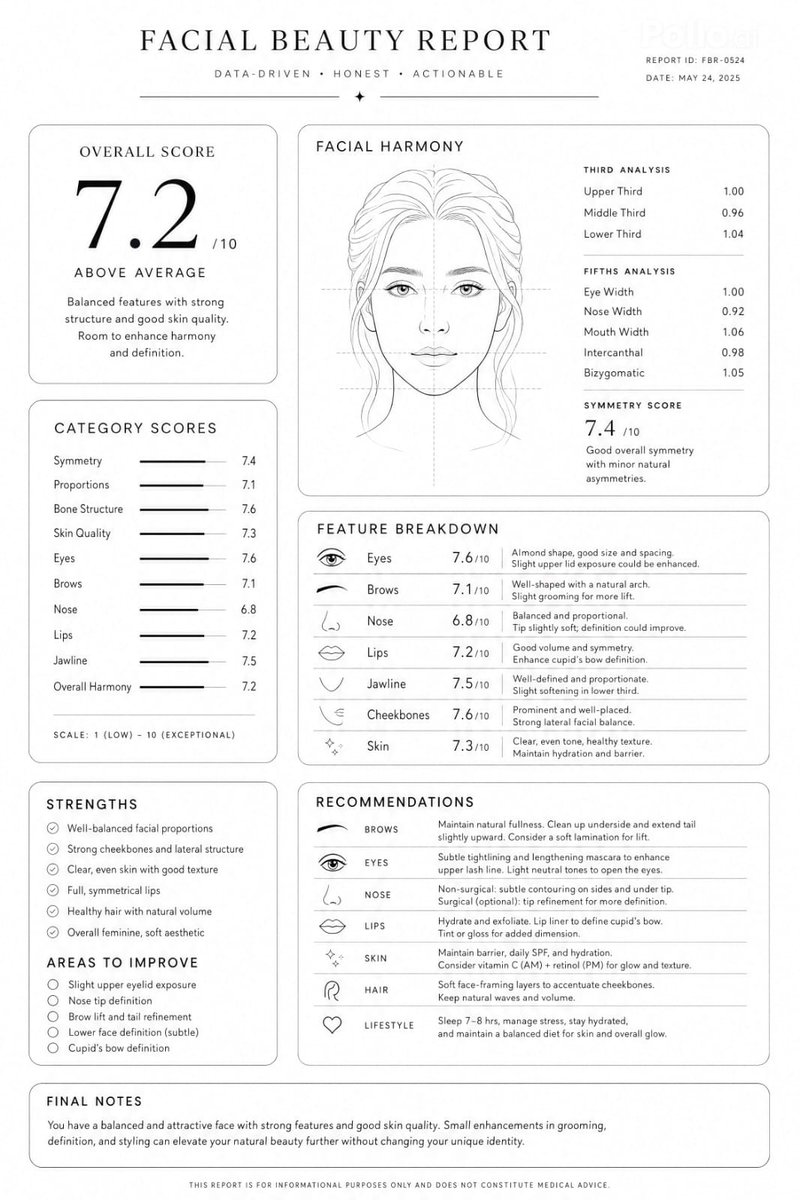




![Plastic Model Kit Generation Prompt — [キャラクター設定部分]
1. キャラクターの外見詳細:
(ここに元となるキャラクターの特徴を入力してください。例:長い金髪に青いドレスを着た魔法使いの少女)
{argument name="character details" default](https://pbs.twimg.com/media/G-OKw0zaQAEVCCb.jpg)
![Generating Pokémon Zukan (Illustrated Guide) Style Art — このキャラクターを参照して、ポケモン図鑑風のイラストを生成。図鑑No.は{argument name="図鑑ナンバー" default="[図鑑No.を記載]"}。背景は白。図鑑の解説文は{argument](https://pbs.twimg.com/media/HCOoVFubEAAoja7.jpg)