How do I use the Self-Portrait Mural Painting Prompt template?
Choose the primary action to open PicX Studio with the available template settings. Review the model and format, personalize the creative direction, and generate when ready.
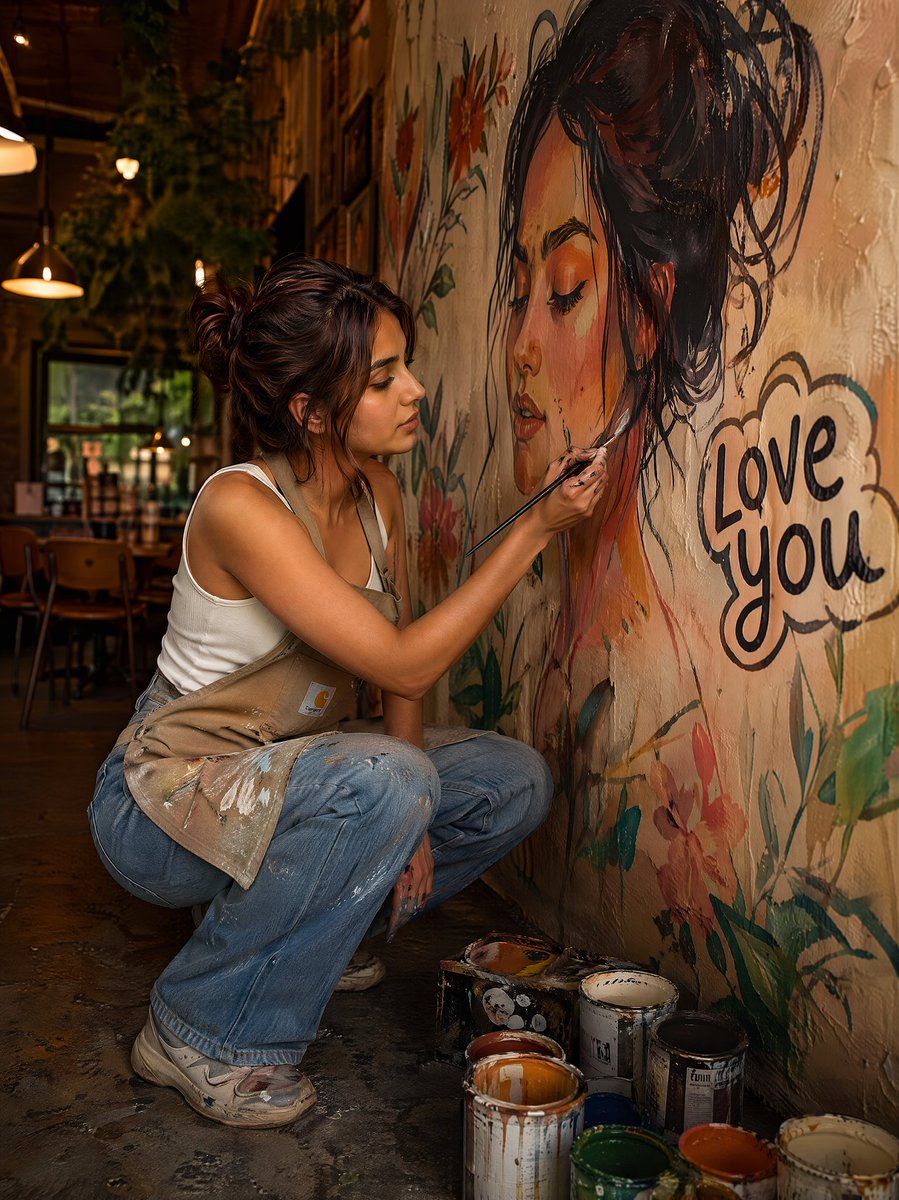
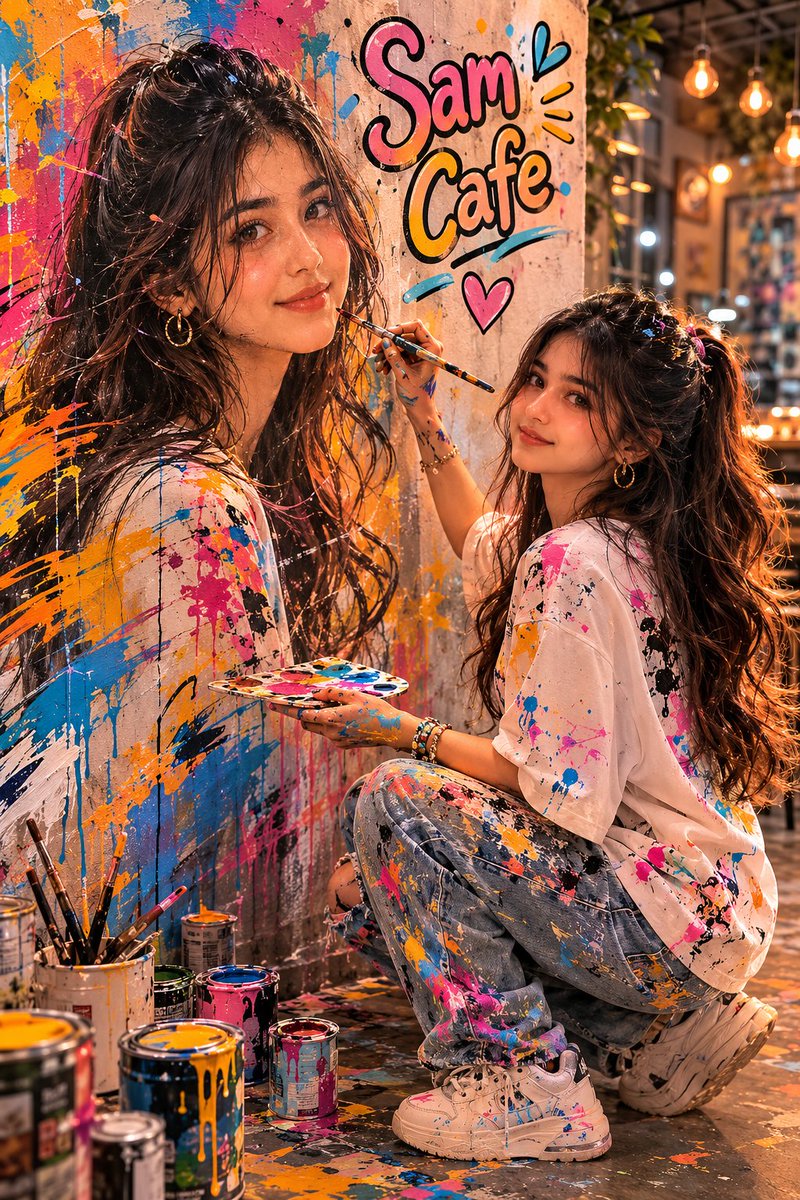
A prompt for generating a realistic 8K vertical portrait where the subject is painting a large mural of their own face on a cafe wall, emphasizing natural texture, soft lighting, and surrounding floral decorations. Change the subject, setting, or lighting one variable at a time.

Don't chang my facial features Create a realistic vertical portrait 8K The person in the uploaded photo is painting a large mural on the wall of a Cafe,and the mural features a realistic artistic version of his own face,with the same expression and features,as if painting a reflection of himself.The wall has a natural texture surrounded by decorative White pots with various colors of roses,there are vines and climbing plants.The lighting is soft natural lightnot too war
Choose the primary action to open PicX Studio with the available template settings. Review the model and format, personalize the creative direction, and generate when ready.
Yes. You can change the subject, setting, lighting, mood, format, and available model controls before creating your image.
This template is free to open and customize. Generation usage is shown in PicX Studio before you create.
Start with Nano Banana 2, which is the model associated with this template. You can compare another compatible model for a different finish.
Follow a topic to a crawlable collection of related PicX Studio templates.
43,474 public templates available. Verified via the PicX Studio public templates API; refreshed hourly.

![69-untitled — FORMAT: 15s / 145 BPM / 14 SHOTS
SUBJECT: @[image1]
WARDROBE: Clean modern outfit
ENVIRONMENT: Street / indoor transitions
MOOD: Discovery → contr](/_next/image?url=https%3A%2F%2Fcdn.picxstudio.com%2Fuploads%2Fpost69_img0_d45faecf-38c3-4bcb-81a4-f6eb1cf42bb2.jpg&w=828&q=100)




![86-hyper-realistic-ai-selfie-prompt-generat — Raw iPhone [model] photo, [shot type] of [character details: age, ethnicity, specific features], [hair with imperf](/_next/image?url=https%3A%2F%2Fcdn.picxstudio.com%2Fuploads%2Fpost86_img0_c444d40d-a07d-4013-8b75-e692799481c0.jpg&w=828&q=100)










![118-google-nano-banana-pro-skincare-product- — A professional skincare shot of a [product container] with [cap/lid], labeled [brand, product, descriptor, volume](/_next/image?url=https%3A%2F%2Fcdn.picxstudio.com%2Fuploads%2Fpost118_img0_332898b8-29ea-42a9-87ab-9ed746a3f944.jpg&w=828&q=100)


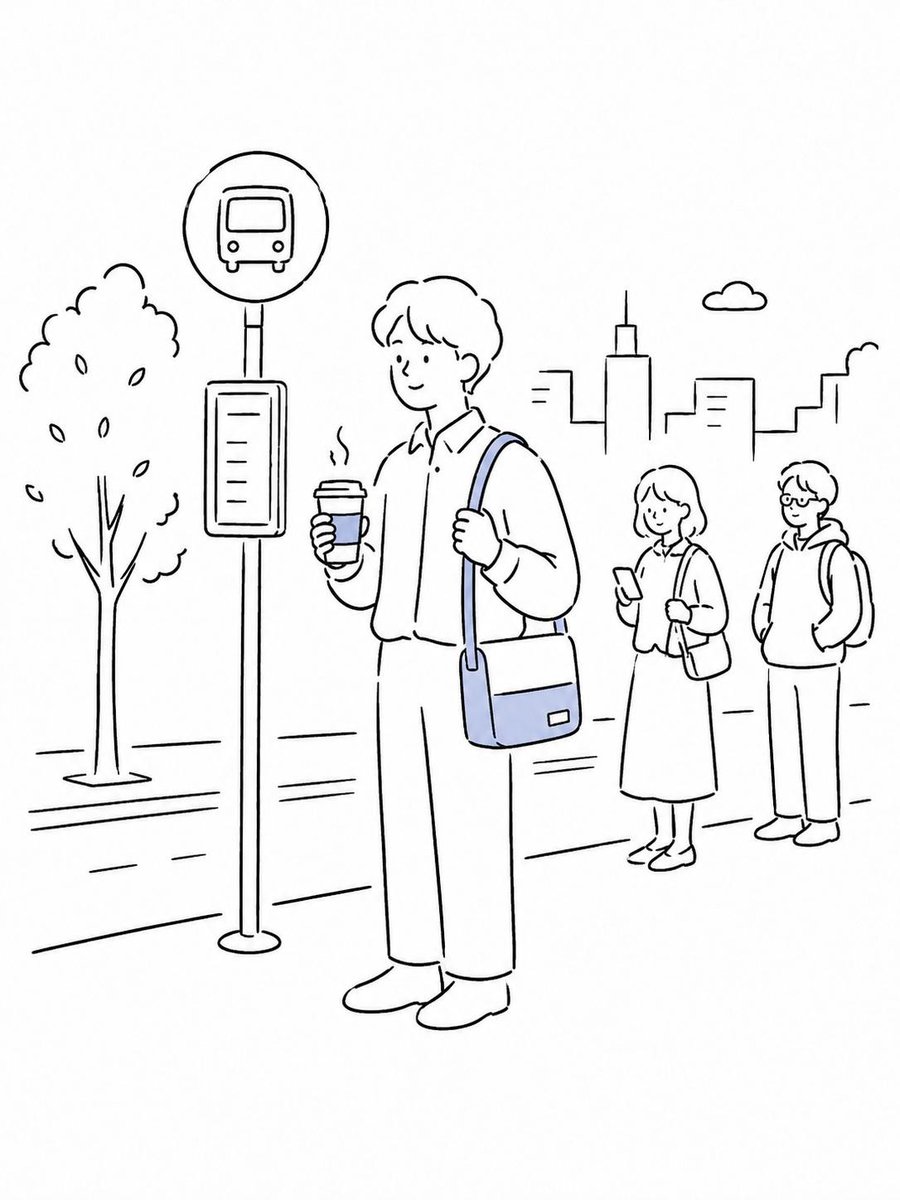
![Naive doodle-style subject illustration — A doodle-style {argument name="subject" default="[subject]"}, naive lines, humorous shape exaggeration](https://pbs.twimg.com/media/G6Wl2YxbsAARB2b.jpg)











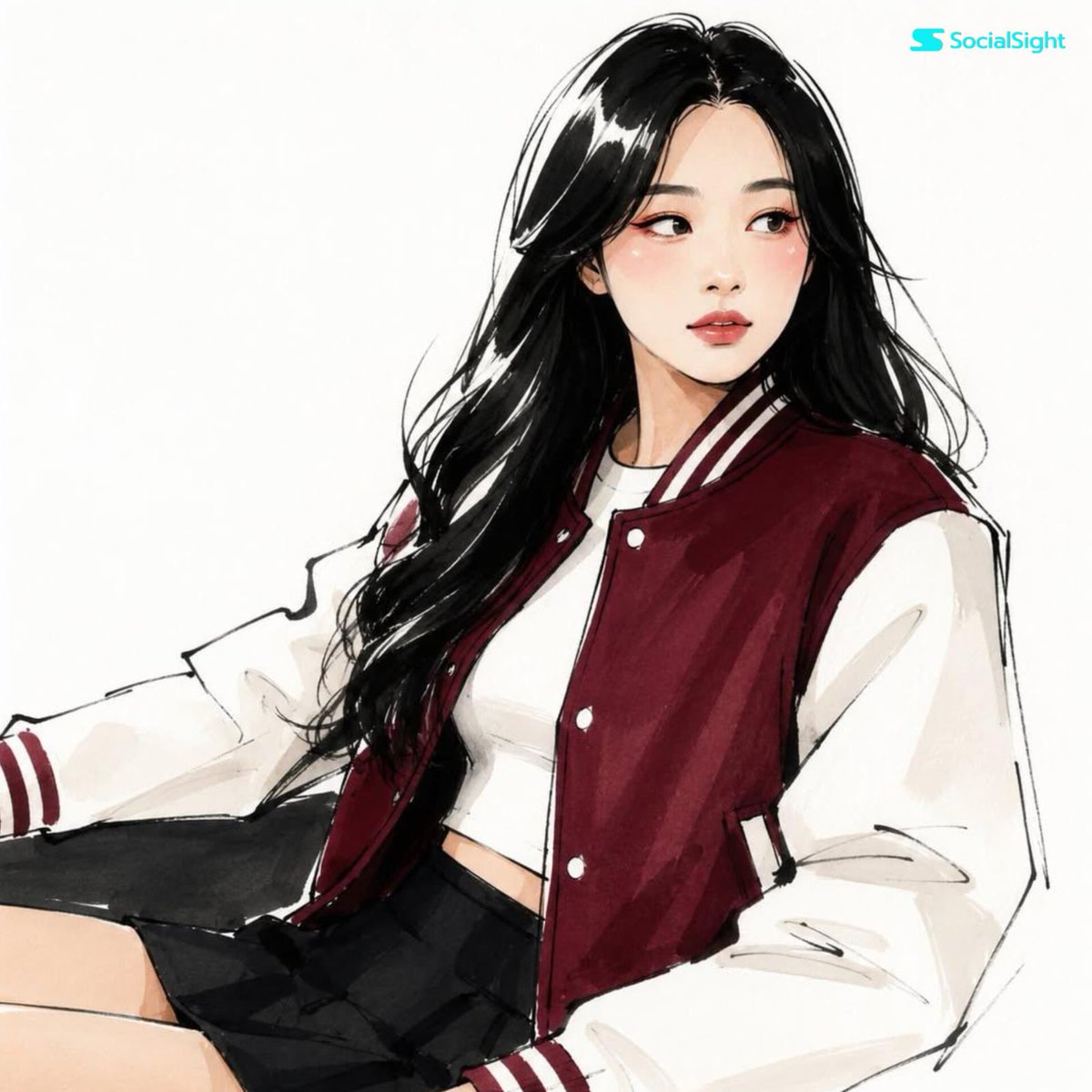


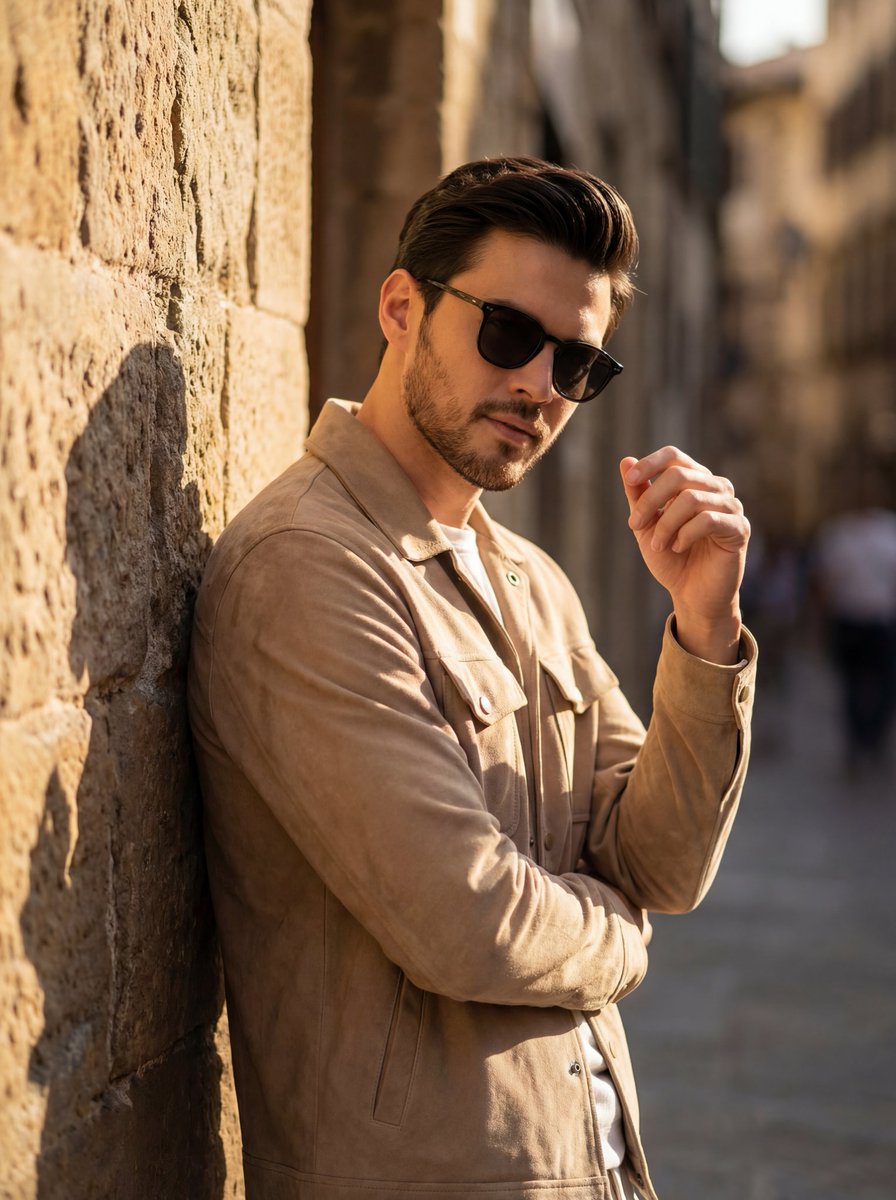




![Elegant Digital Illustration with Vintage Realism — Digital illustration of a beautiful cute woman [ Use the uploaded photo as reference] with elegant f…](https://pbs.twimg.com/media/HDfi_qsW0AAnoqX.jpg)

![Surreal Mixed-Media Glitch Portrait Prompt — A surreal mixed-media portrait of {argument name="person" default="[PERSON]"}, set against a clean, plain white bac](https://pbs.twimg.com/media/G9MzFxGW0AAfDrh.jpg)