
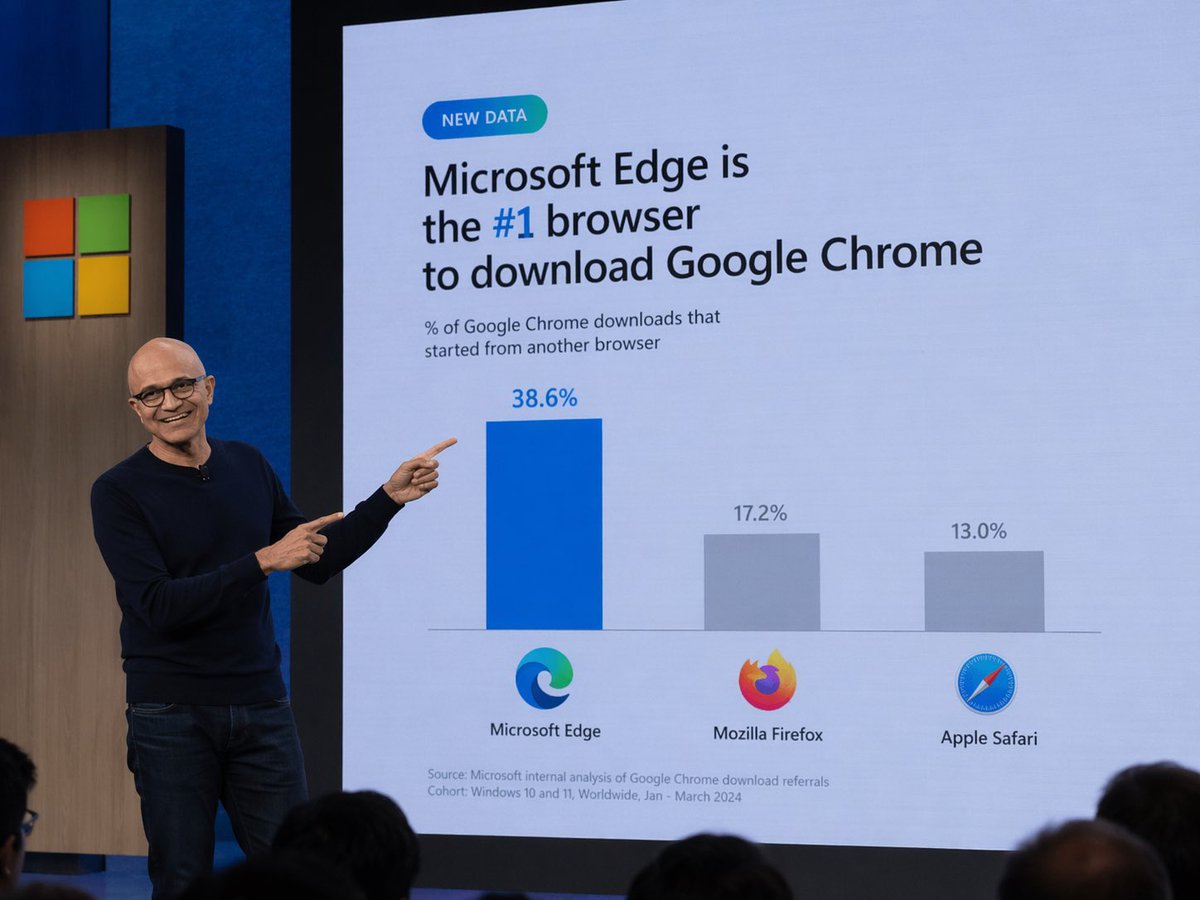
Tech Keynote Presentation Slide
Generates a realistic photo of a tech executive presenting a humorous or customized data slide during a keynote.
- Prompt included
- Model and format preset
- Free template
The prompt behind this image
Copy the exact prompt behind Tech Keynote Presentation Slide, or open it in the studio and make it yours.
A photograph of a tech keynote presentation. A bald man with glasses, wearing a dark blue sweater and jeans, stands on a stage to the left, smiling and pointing with both index fingers at a large presentation screen behind him. The screen displays a slide with a light blue background. At the top left is a small teal pill-shaped badge reading "NEW DATA". Below it, the main headline reads "{argument name="headline" default="Microsoft Edge is the #1 browser to download Google Chrome"}", with "#1" highlighted in blue. A subheadline reads "% of Google Chrome downloads that started from another browser". Below this is a bar chart with three bars. The first bar is tall and blue, labeled "38.6%" above it, with the Microsoft Edge logo and text "Microsoft Edge" below it. The second bar is shorter and gray, labeled "17.2%" above it, with the Mozilla Firefox logo and text "Mozilla Firefox" below it. The third bar is the shortest and gray, labeled "13.0%" above it, with the Apple Safari logo and text "Apple Safari" below it. At the bottom left of the slide, small text reads "Source: Microsoft internal analysis of Google Chrome download referrals Cohort: Windows 10 and 11, Worldwide, Jan - March 2024". To the left of the screen, a wooden panel features the Microsoft logo (four colored squares). The backs of audience members' heads are visible in the foreground at the bottom.
How to use Tech Keynote Presentation Slide in 3 steps
- 1Upload ImagePNG, JPG or paste
Add your photo
Upload the photo the template builds on. The prompt, model and format are already set.
- 2…a portrait of your subject in softgolden-hour light, 85mm…
Personalize
Edit the subject and creative details for your destination.
- 3Generate
Generate
Press Generate — your image is created in PicX Studio, so you can compare it with the original and refine one variable at a time.
More like this
Templates with the same subject, style or setup. Open one to see its prompt.

High-Tech Corporate KPI Presentation Slide

Premium 4 3 presentation cover slide introducing Chronicle

Dark Tech Marketing Slide Collage

Ink-Wash Style Presentation Slides
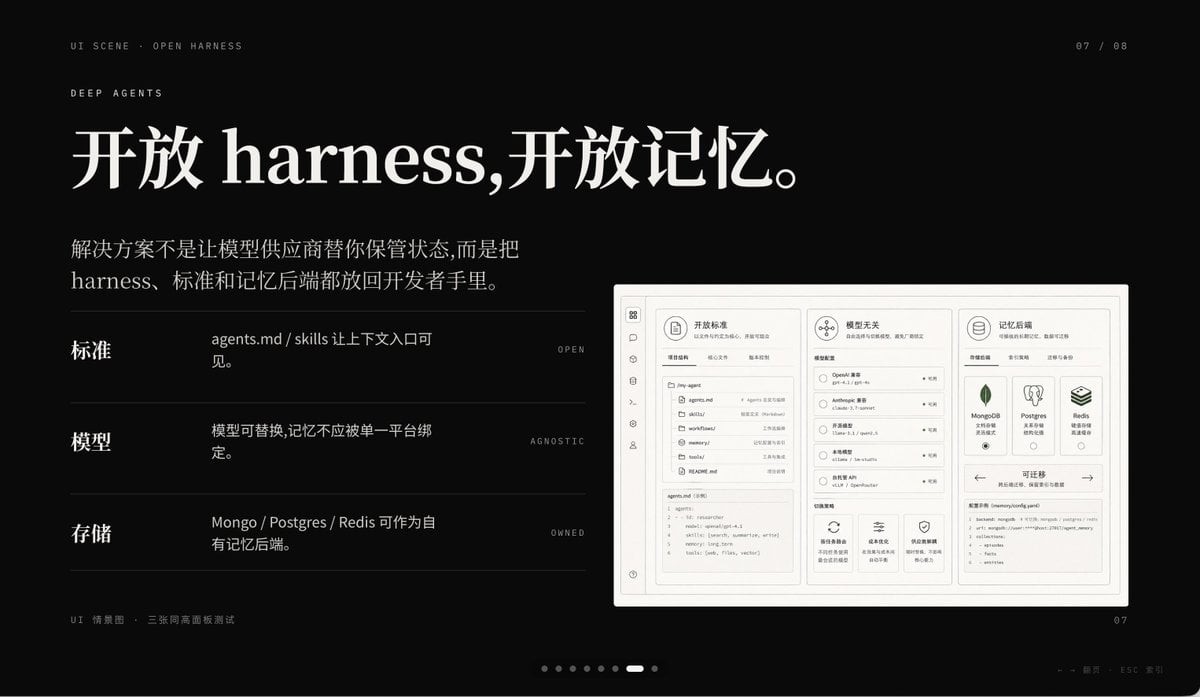
Dark AI Product Keynote Slide
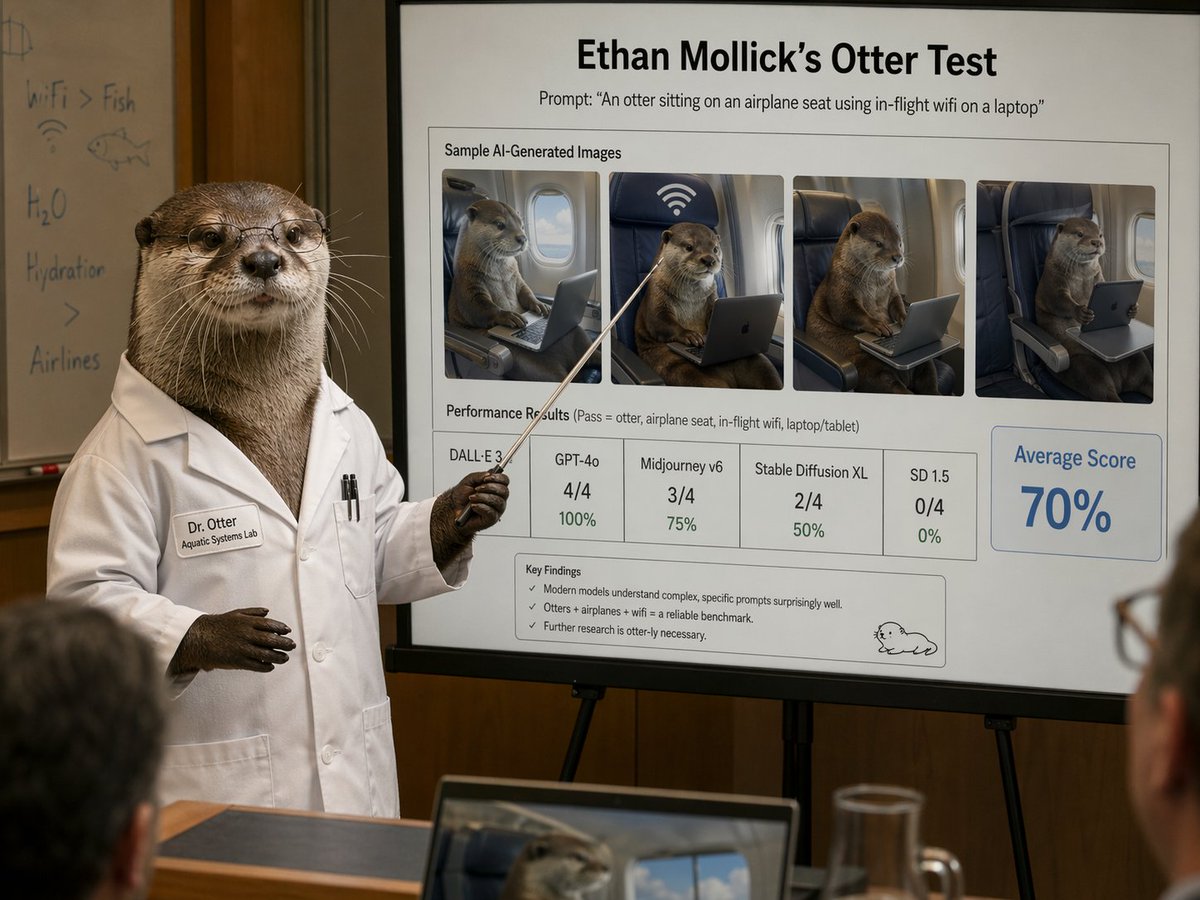
Otter Scientist Presentation Slide
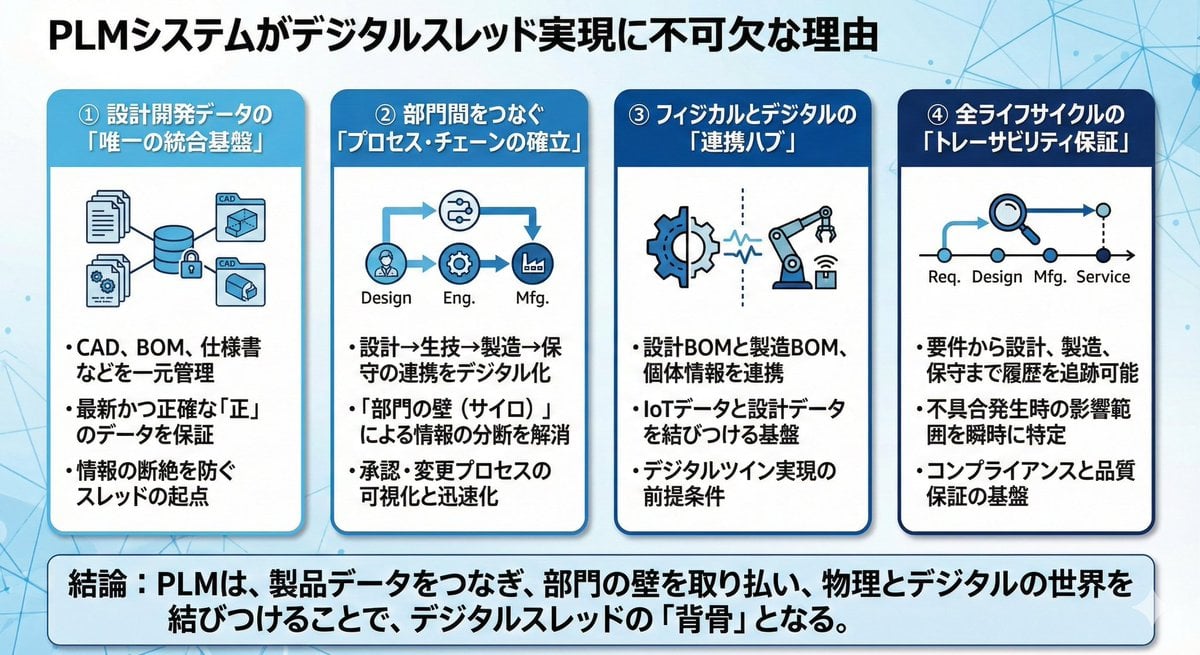
Presentation slide about PLM and digital thread
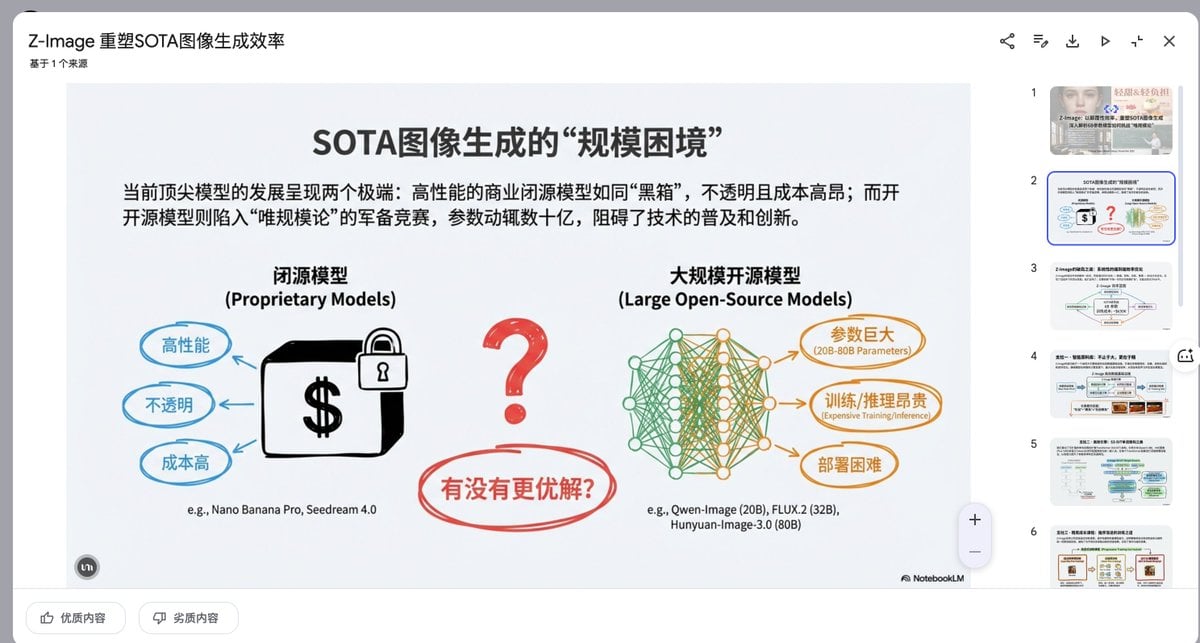
Presentation Slide Generation Prompt
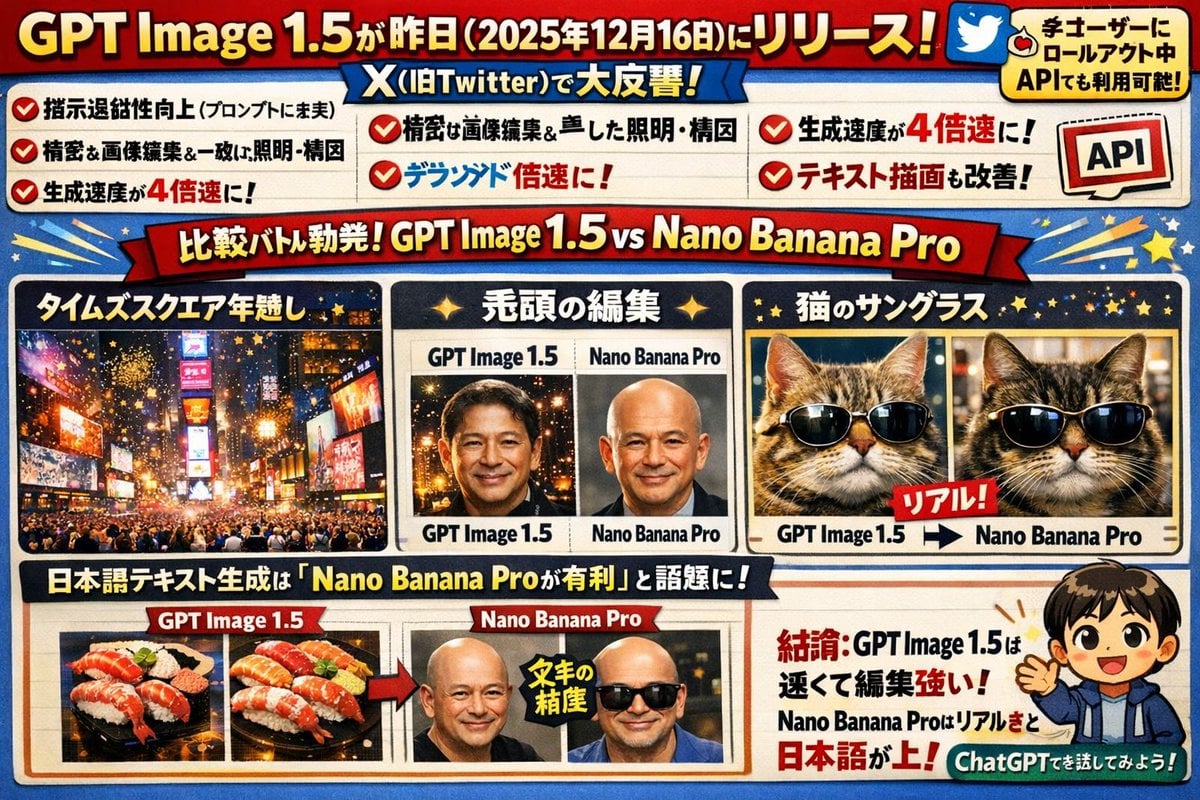
Text-Heavy Presentation Slide Generation
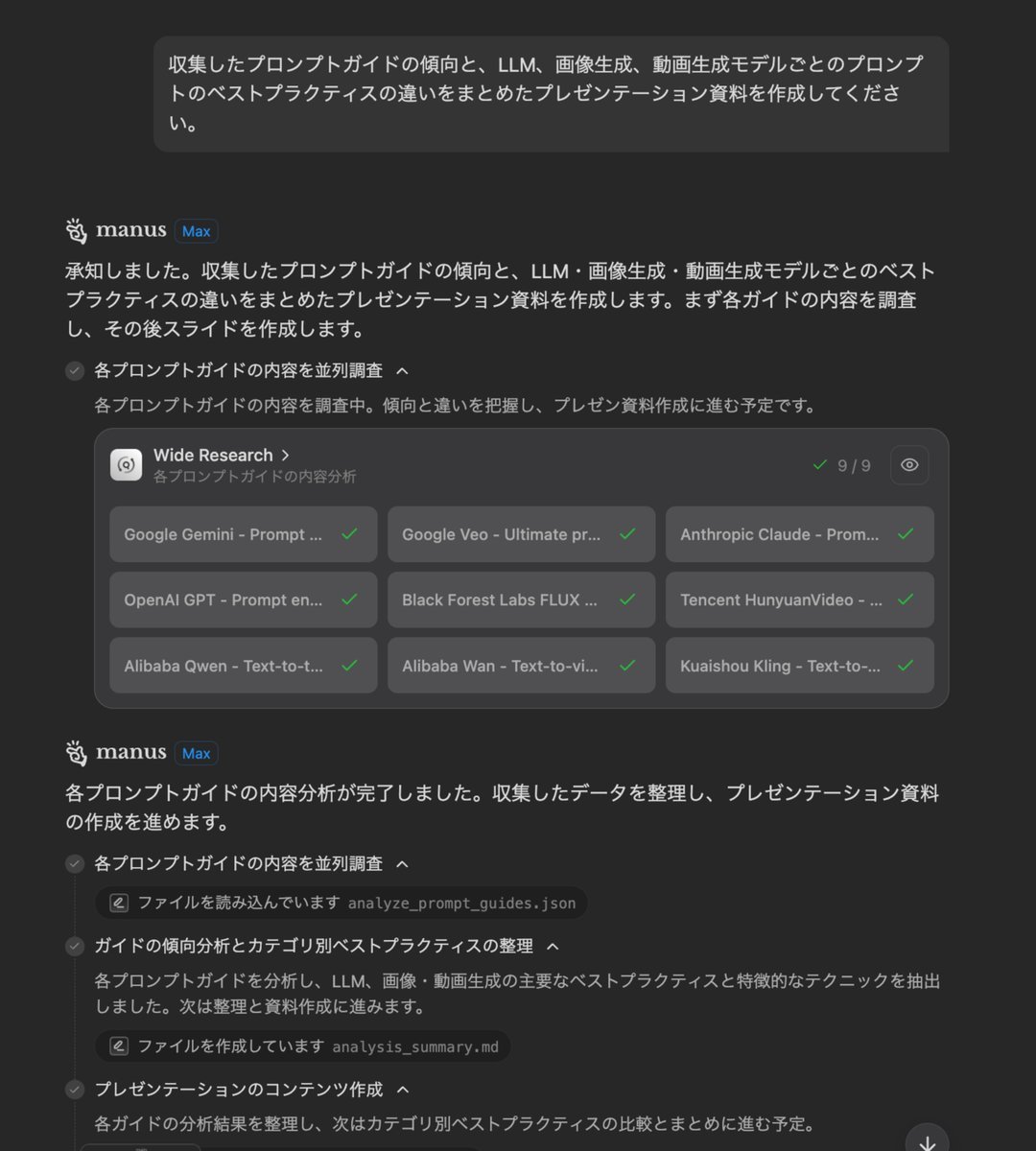
Presentation Slide Generation Prompt
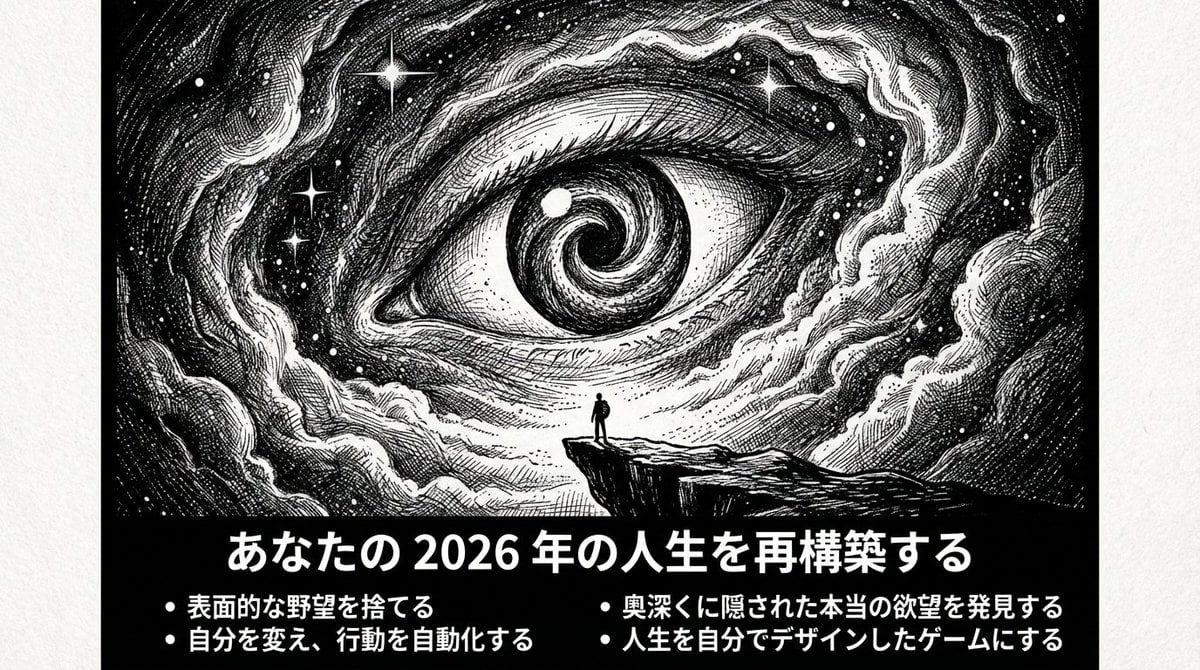
Ultimate Prompt for Dan Koe Style Presentation Slides (PPT) using Nano Banana Pro

Presentation Slide Generation Template using Nano Banana Pro
Make it yours
Tech Keynote Presentation Slide works as-is. These are the safest ways to change it without losing the look.
Change one field
Copy a single group, rewrite it, and generate again so you can see what that field is doing.
Keep the frame, change the subject
Hold the composition and light of Tech Keynote Presentation Slide, then swap wardrobe, props or the person for a new take.
| If the result… | Why | Fix |
|---|---|---|
| The result drifts from the preview | Too many fields changed at once. | Reuse Tech Keynote Presentation Slide as-is first, then change one group — subject, light, or setting. |
| The model over-stylizes the scene | The prose prompt leaves finish and camera underspecified. | Add one camera or lighting sentence and stay on GPT Image 2. |
More GPT Image 2 templates
Other prompts made for GPT Image 2.

Six VTuber Japanese Logo Sheet

Realistic Portrait of Woman and Deer

The Vista Modular Condo Poster

AI Model Routing Comparison Infographic

2.5D Anime Art Board

Isometric Productivity Desk Scene

New York Double Exposure Poster

Four-Panel AI Landscape Comparison

Japanese Tatami Lifestyle Magazine Cover

NESCAFÉ Coffee Map Poster
More image prompts
Fresh picks from across the catalog.
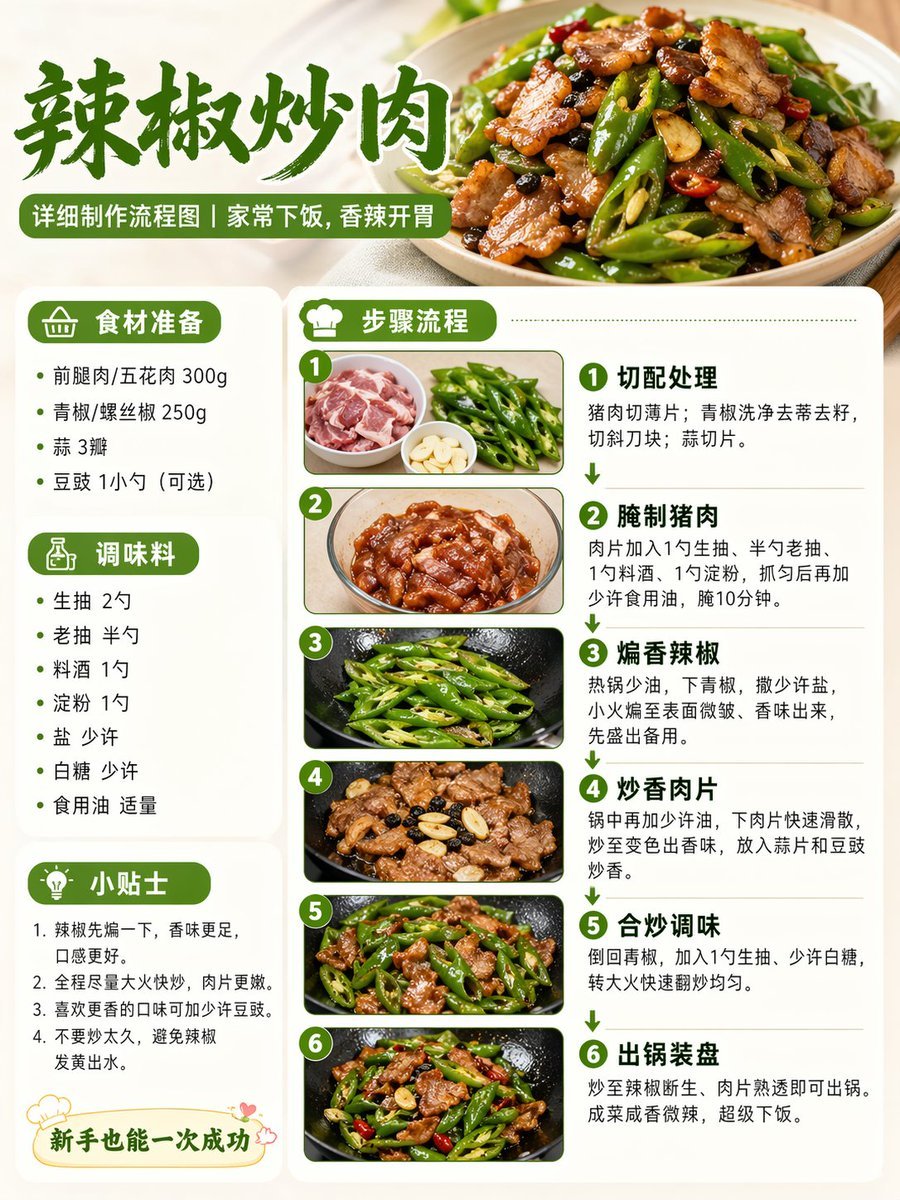
Food Recipe Flowchart Prompt

AI Relationship Visualization Prompt

Cinematic Wedding First Look Prompt

Exaggerated Curvy Figure at Gas Station
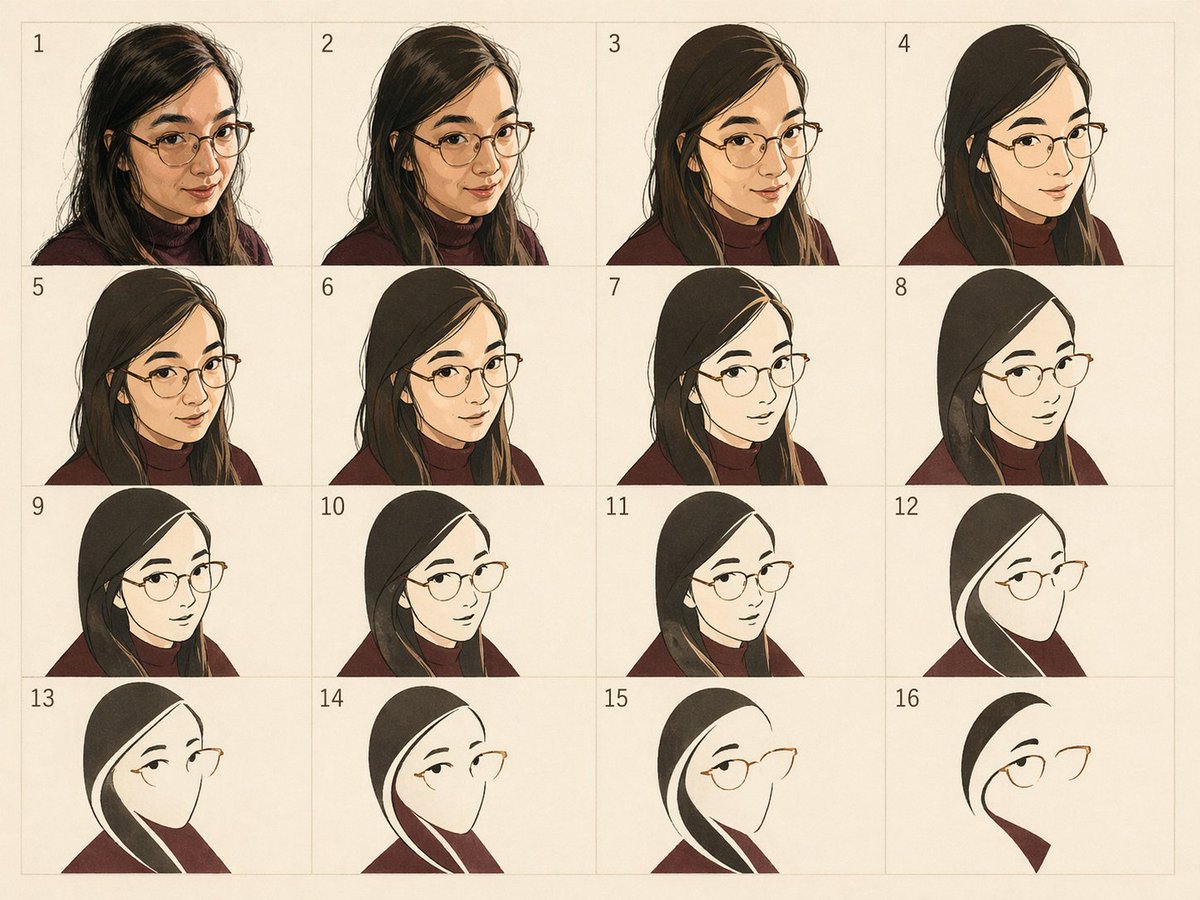
Panel Portrait Abstraction Study

Children's Book Style Colored Pencil and Watercolor Illustration

Retro-Chic Party Vibe Portrait in a Neon Restroom

Japanese Pest Lifecycle Infographic

Ultra-Realistic Mirror Selfie with Akatsuki Phone Case

Photorealistic Convenience Store Cashier
Featured in prompt roundups
Hand-picked collections that include this template.
Browse template categories
Tech Keynote Presentation Slide questions
How do I use the Tech Keynote Presentation Slide template?
Add your photo if the template asks for one, edit the prompt if you like — the template's model and format are already selected — and press Generate. Your version opens in PicX Studio.
Can I customize the Tech Keynote Presentation Slide template?
Yes. You can change the subject, setting, lighting, mood, format, and available model controls before creating your image.
Is the Tech Keynote Presentation Slide template free?
Opening and editing this template is free. Generating uses credits, shown on the Generate button when you are signed in.
Which AI model should I use?
Start with GPT Image 2, which is the model associated with this template. You can compare another compatible model for a different finish.
Looking for something else? Browse all templates.

Your photo, any look
Thousands of ready templates for every top image and video model, from one credit balance.