✨ 10 Diwali AI Photo Prompts for 2026
10 copy-paste Diwali AI photo prompts — diyas, rangoli, Lakshmi Puja, lanterns, sweets, sparklers and fireworks, made from your own photo in PicX.
 PicX Studio Team4 min read10 prompts
Diwali 2026 falls on Sunday, 8 November, with Dhanteras on 6 November and Bhai Dooj on 10 November. If you want a Diwali photo for your status, a greeting card or a family group chat, these ten Diwali AI photo prompts turn an ordinary photo of you into a festive one: lighting diyas, making rangoli, Lakshmi Puja, hanging kandils, making sweets and celebrating with sparklers and fireworks.
Each prompt is short and starts with "Use the uploaded image of the person", so it works for anyone — men, women or the whole family. Every example image shows the same person; your result will have your face and the outfit you choose.
Every prompt below links to the PicX template it came from. Open the template to see the full example and press Use template, or copy the prompt and paste it into the generator. When a prompt asks for a reference photo, add a clear, front-facing photo of yourself before you generate. Sign-up is free and your first image is on us; after that, plans start at $11.99/month or one-time credit packs start at $5, and credits never expire.
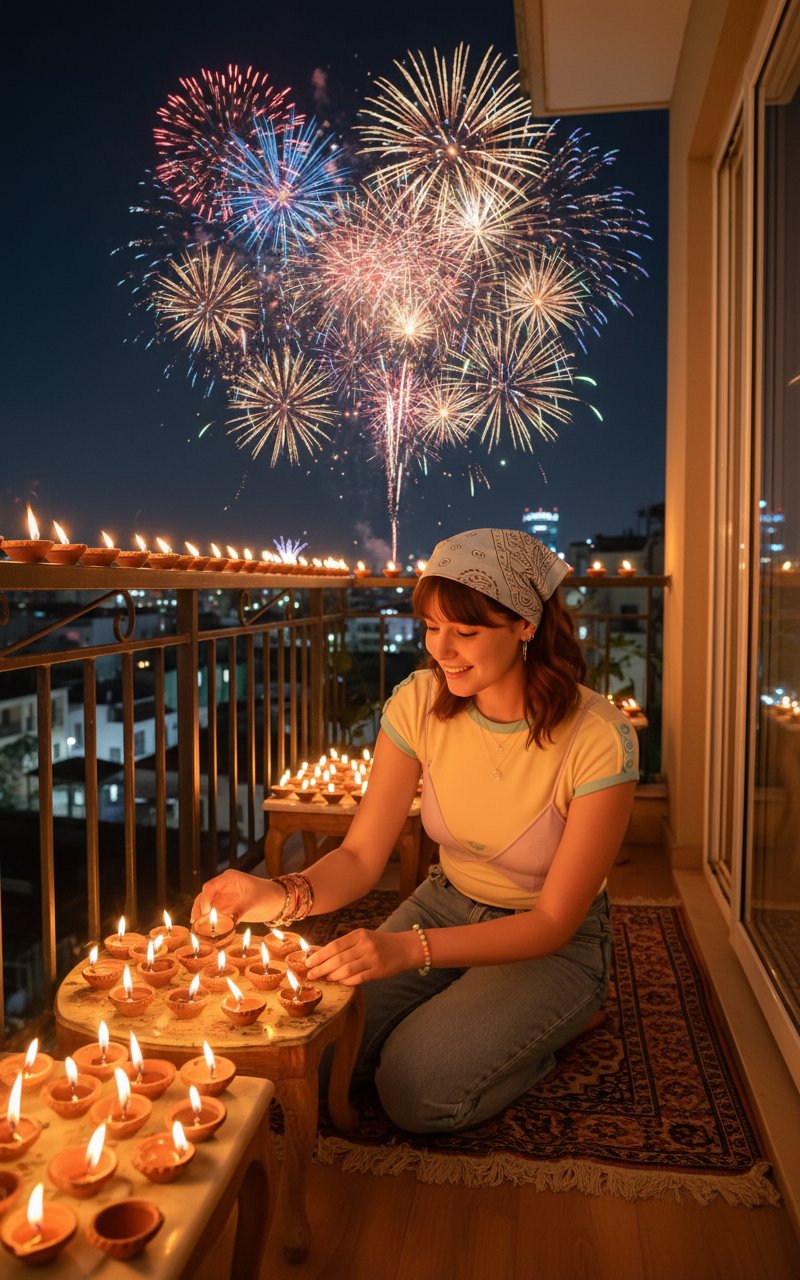
Prompt 1: Balcony Diyas and Fireworks
Lighting diyas on a balcony as fireworks fill the sky — the Diwali template people find most often in Google.
Prompt 2: Close-Up with a Glowing Diya
Holding a lit diya in traditional wear, surrounded by fairy lights and rangoli — a ready-made greeting photo.
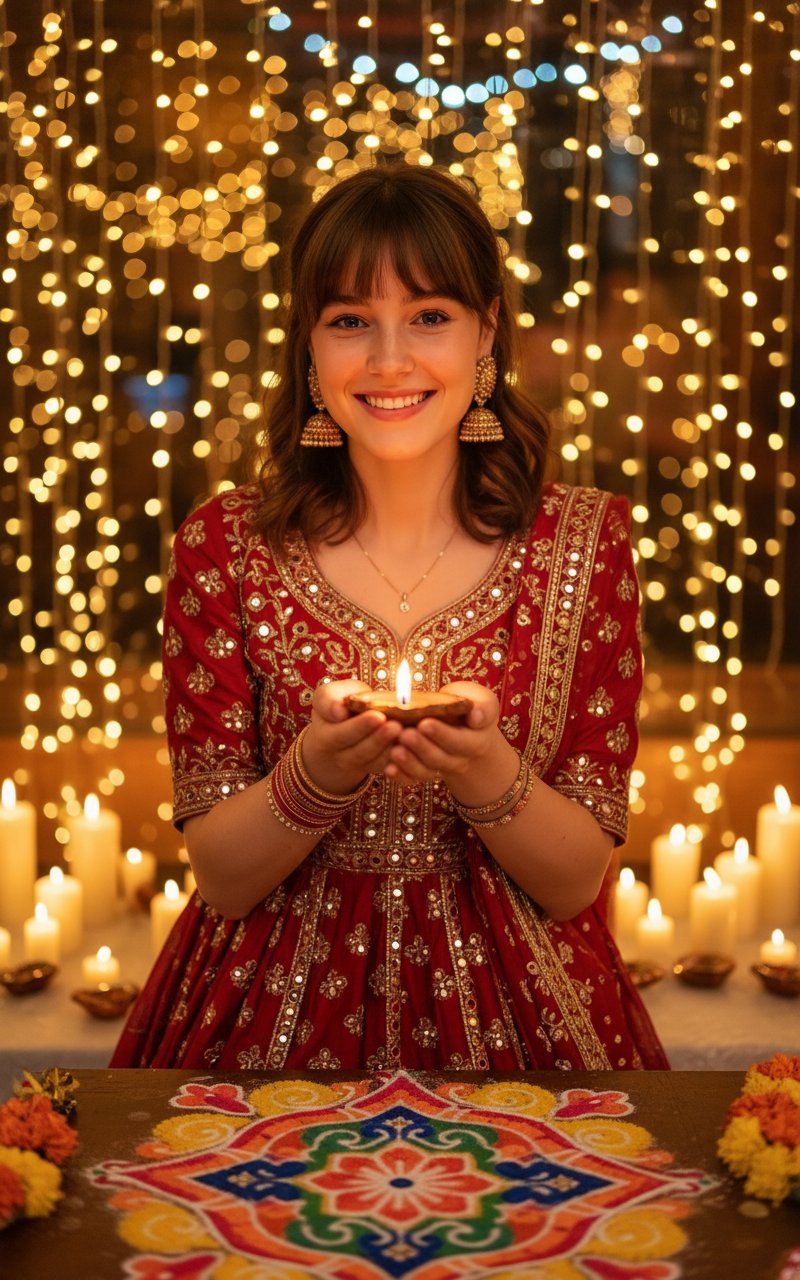
Use the uploaded image of the person. Create a warm, festive Diwali portrait where the person is dressed in a traditional Indian outfit, holding a glowing diya, surrounded by golden fairy lights, candles, and colorful rangoli. Background softly illuminated with festive bokeh lights and a joyful Diwali atmosphere — realistic photo style.
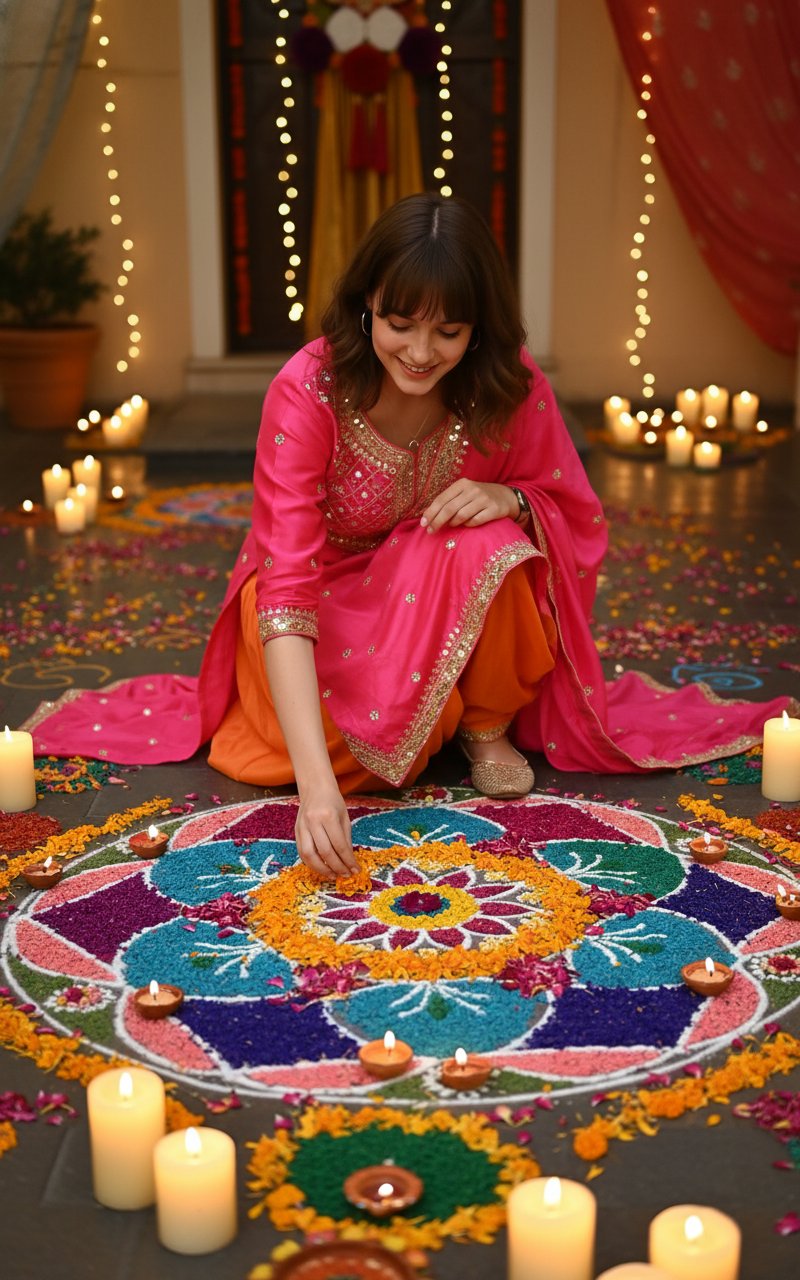
Prompt 3: Making a Flower Rangoli
Kneeling over a big flower-and-colour rangoli — Diwali as something you do, not just a pose.
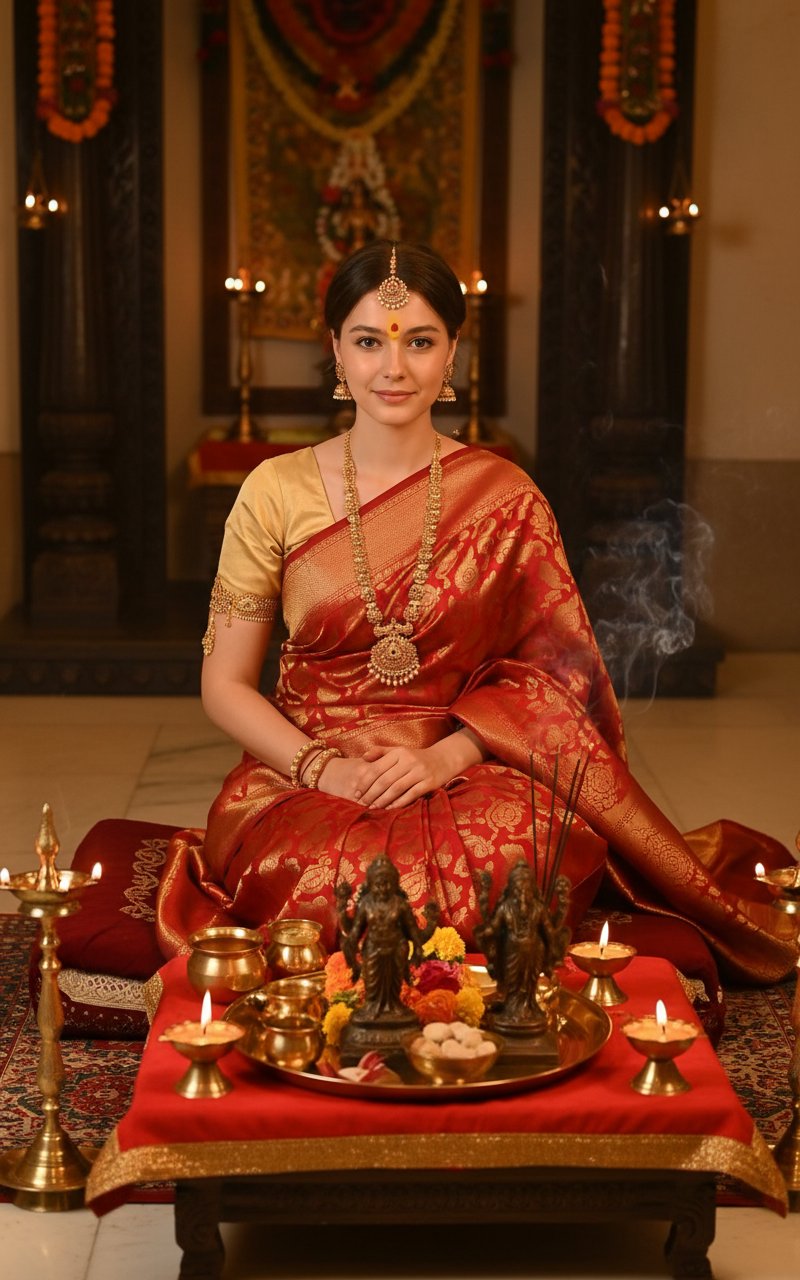
Prompt 4: Lakshmi Puja
Silk outfit, tilak, puja thali and Lakshmi and Ganesha idols — for the main evening of the festival.
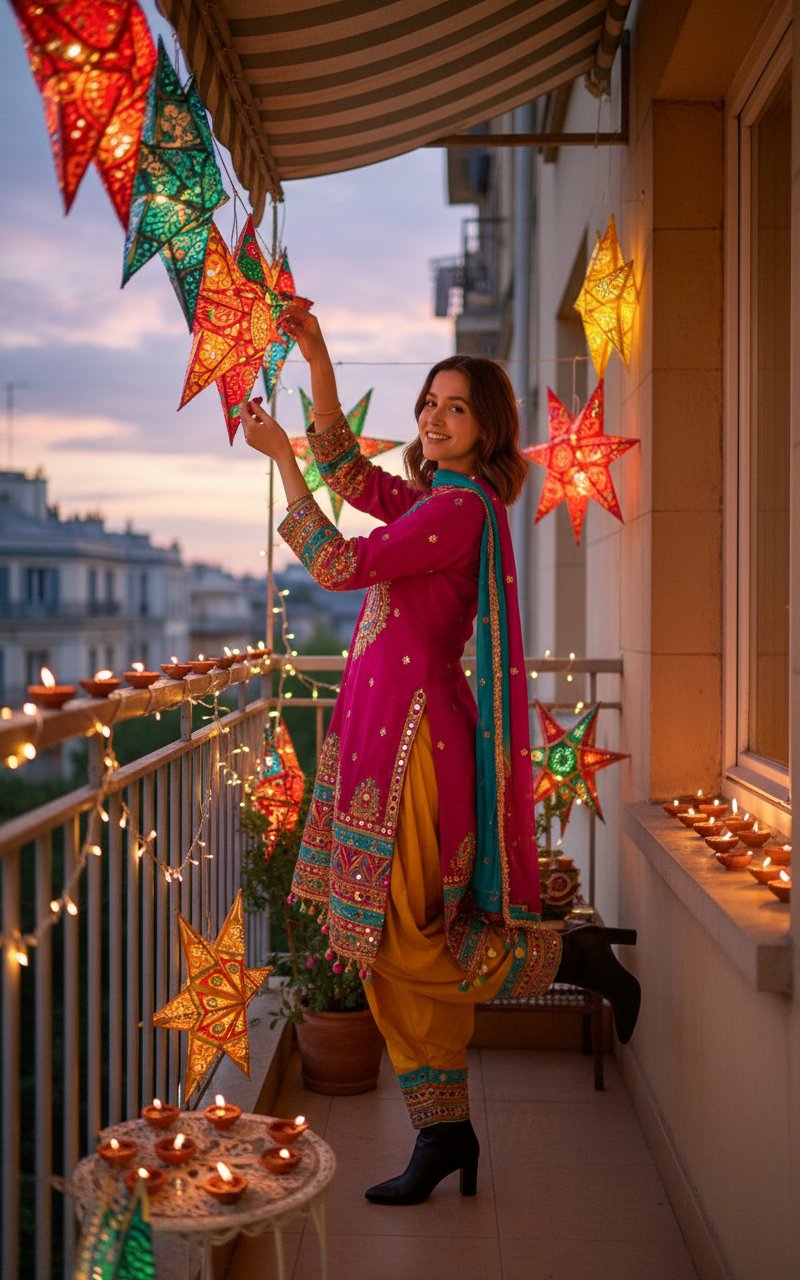
Prompt 5: Hanging Kandils on the Balcony
Colourful paper lanterns at dusk — a homely evening scene that is not about fireworks.
Prompt 6: Making Diwali Sweets
Apron over festive clothes, trays of chakli and gujiya — the kitchen side of Diwali.
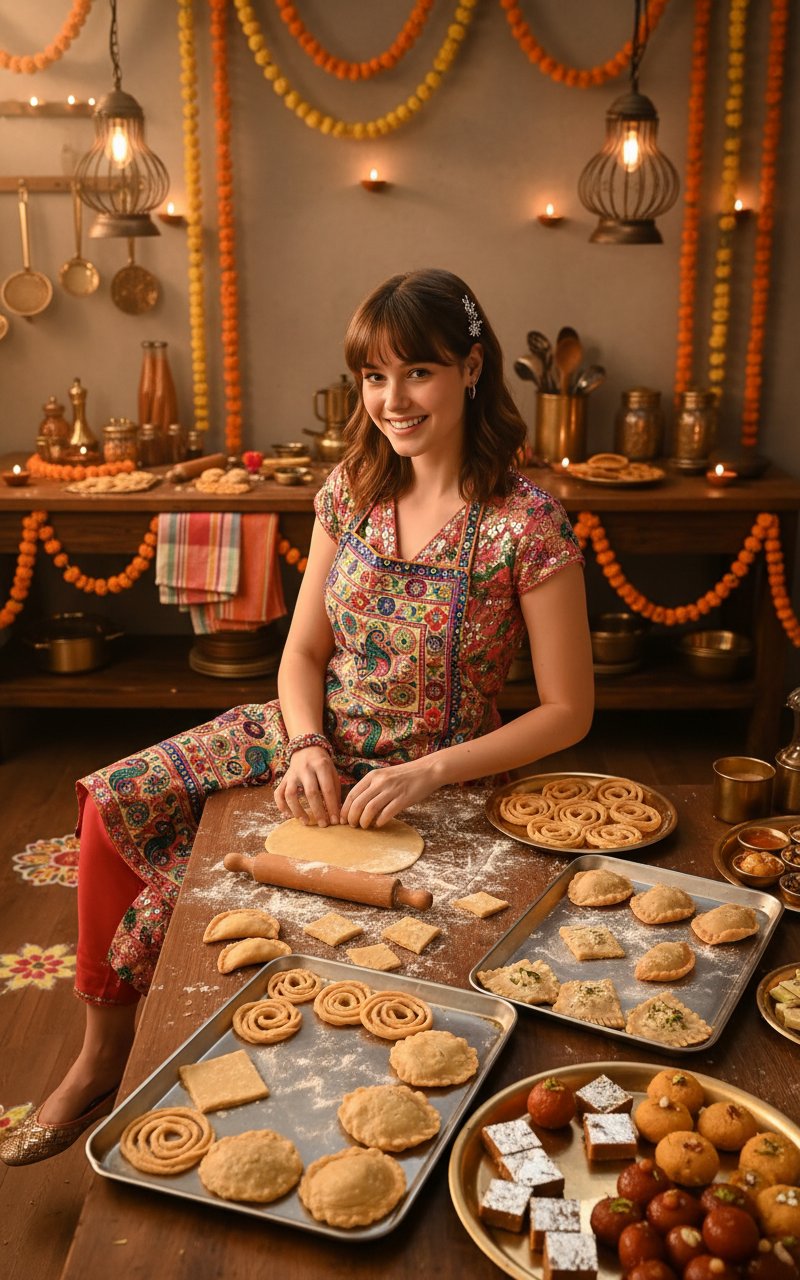
Prompt 7: Sparklers with Family
Holding sparklers with family or friends behind you — energetic and full of motion.
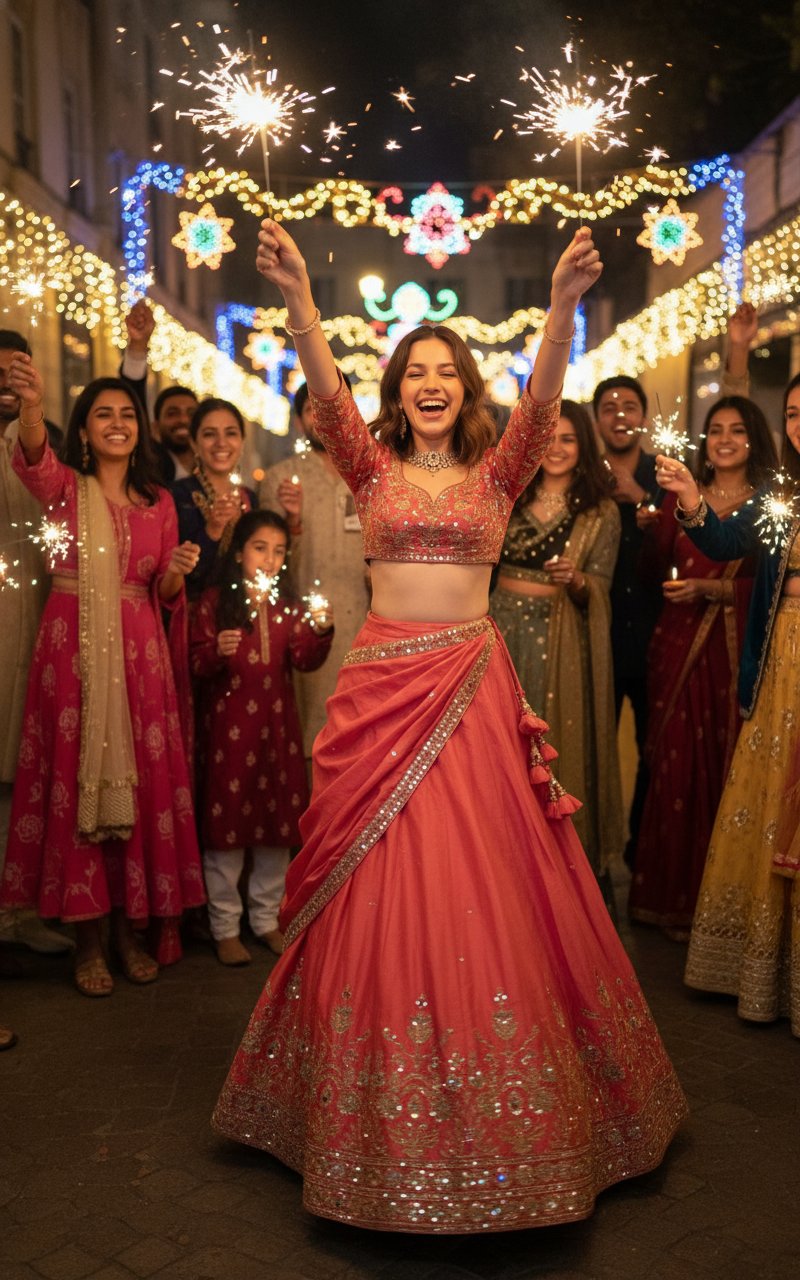
Prompt 8: Sharing Diwali Gifts
Handing over a wrapped gift among diyas and flowers — a natural fit for a Diwali wishes post.
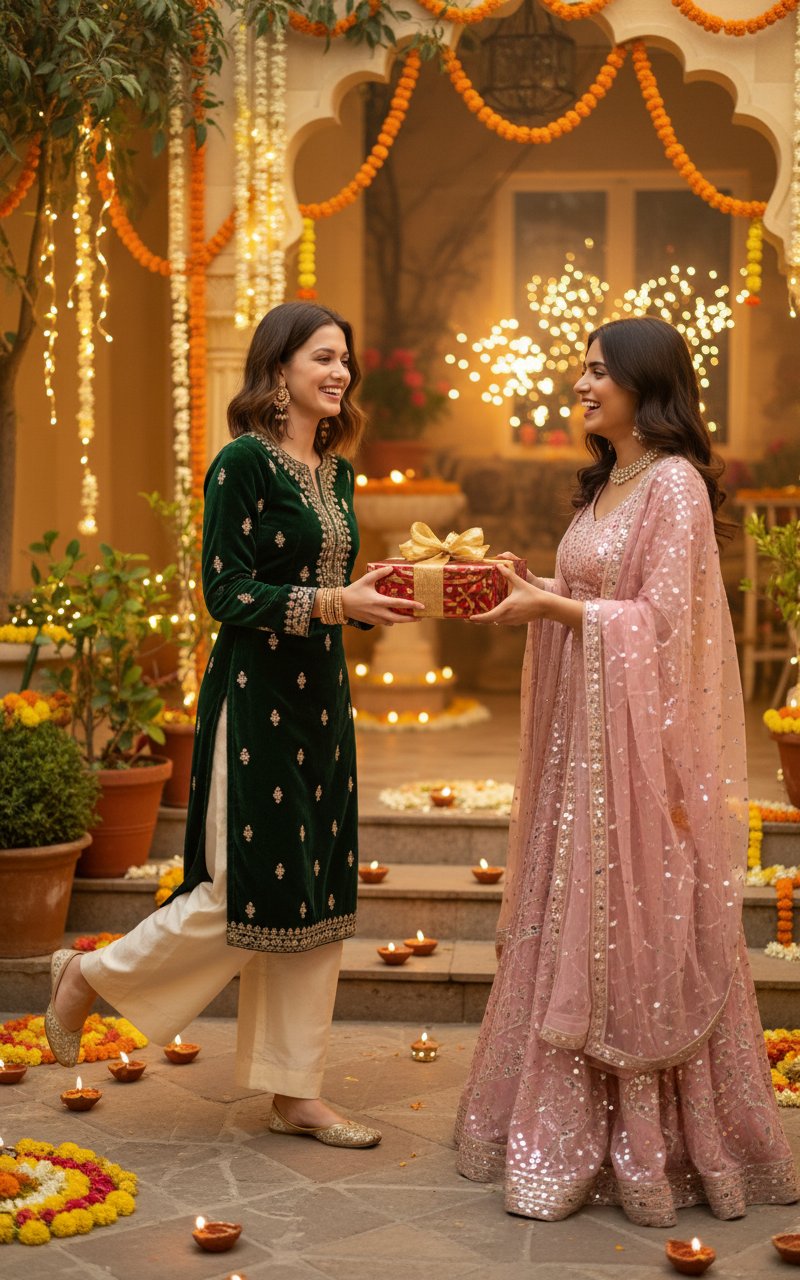
Prompt 9: Royal Palace Courtyard
Maroon and gold sherwani or lehenga in a lit palace courtyard under fireworks — the grandest look here.
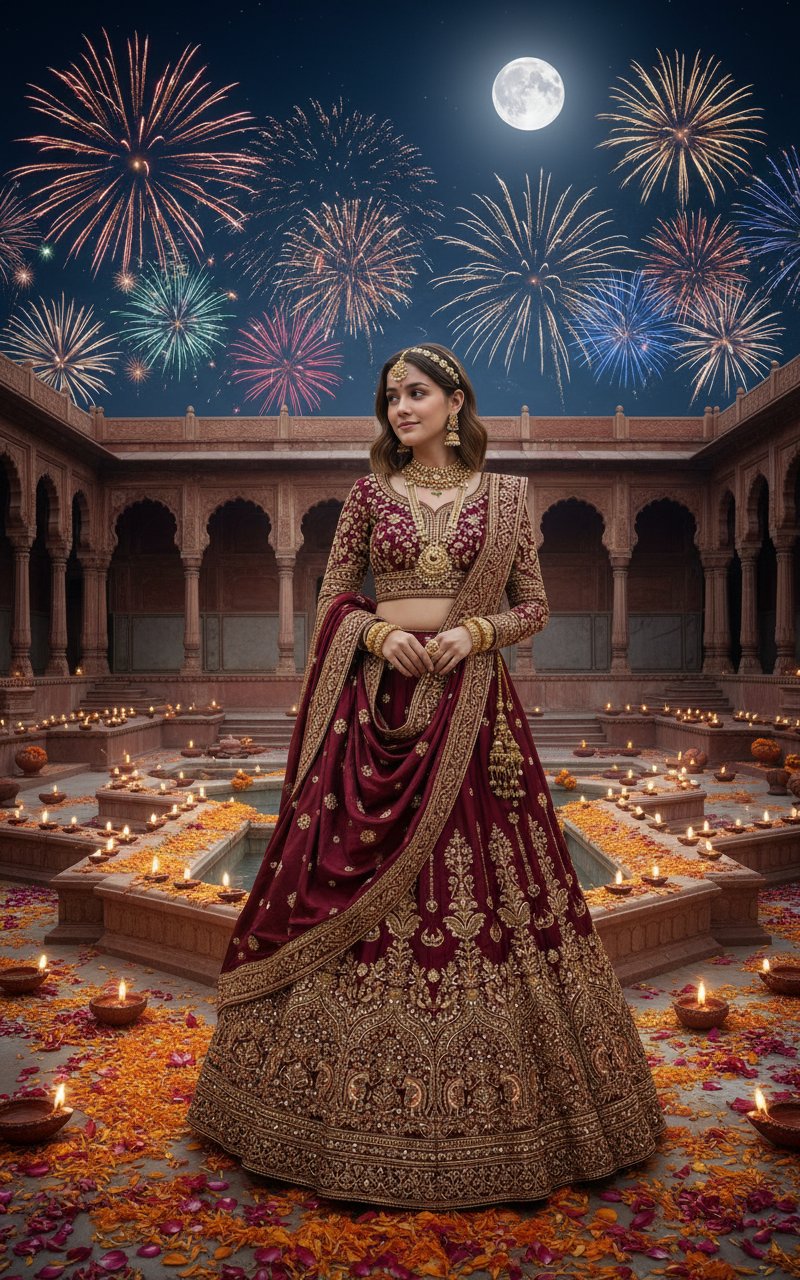
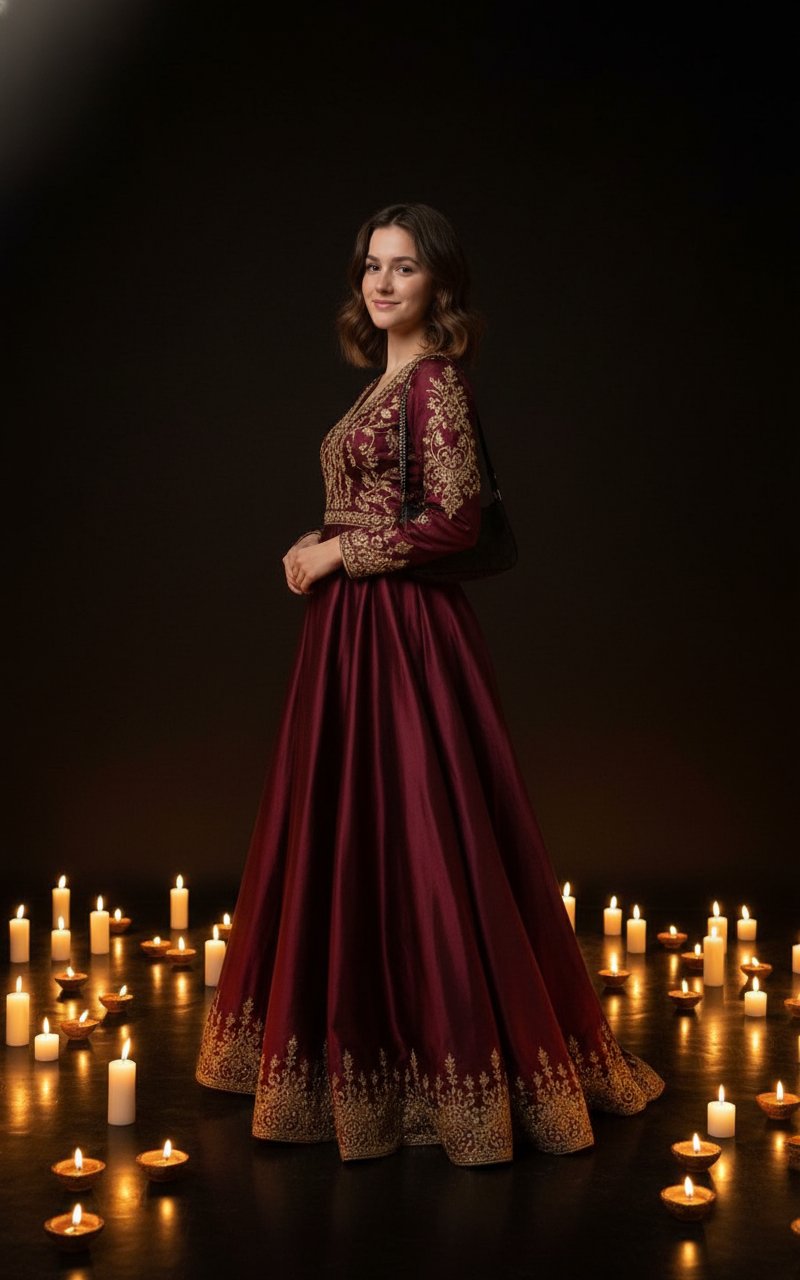
Prompt 10: Candlelit Dark-Room Portrait
Elegant attire, candles and reflections in a dark room — a calm, artistic festive portrait.
Tips for Diwali AI photos
- Name the outfit. Saree, lehenga, sherwani or kurta, plus a colour — "maroon and gold silk kurta" gives a far better result than "traditional wear".
- Light the face with the diyas. Ask for warm light from the diyas on your face; it ties you into the scene instead of looking pasted in.
- Pick one main activity. Rangoli, puja, sweets or fireworks — one per image keeps the frame clean.
- Add your greeting afterwards. If you need "Happy Diwali" text, ask for it in quotes and check the spelling, or add it in your own editor.
- Make them before the rush. Generate in the week before 6 November so your photos are ready for Dhanteras.
More festive prompts
See holiday season prompts and birthday photo prompts, or browse all templates.