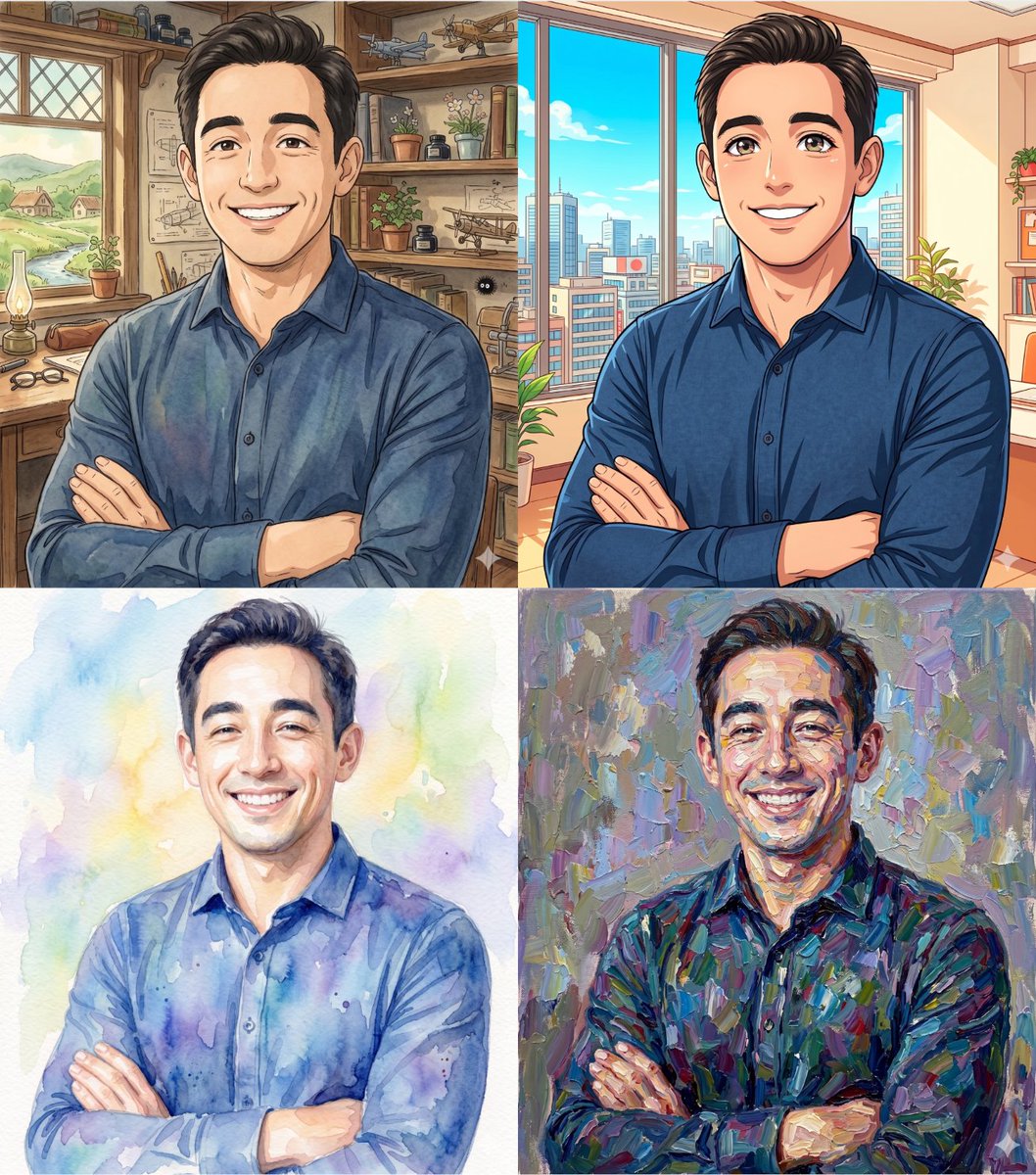
How do I use the Outdoor Garden Portrait with Soft Sunlight Glow template?
Choose the primary action to open PicX Studio with the available template settings. Review the model and format, personalize the creative direction, and generate when ready.
A detailed Nano Banana Pro prompt for generating an ultra-realistic medium shot portrait of a female subject in an outdoor garden setting, emphasizing strong natural sunlight, warm highlights, and the use of a reference image for exact facial identity. Change the subject, setting, or lighting one variable at a time.

{ "scene": { "setting": "outdoor garden pathway in a landscaped park", "background": "green manicured lawn with trimmed bushes, tall trees, and a fountain in the distance, clear blue sky with bright daylight", "lighting": "strong natural sunlight, high clarity with crisp shadows, warm highlights on skin, balanced exposure with realistic contrast" }, "subject": { "type": "female", "pose": "standing on pathway, one arm raised with hand touching hair, other hand slightly extended forward, torso facing camera with slight angle", "expression": "soft confident expression with subtle smile, direct eye contact with camera, relaxed and poised mood", "face": "Use uploaded reference image, keep identity exact, oval face shape, soft defined cheekbones, natural skin texture with visible pores and minor imperfections, full lips, straight nose, balanced facial proportions", "hair": "Use uploaded reference image, keep identity exact", "eyes": "Use uploaded reference image, keep identity exact, almond-shaped eyes, natural brows with soft arch", "skin": "light to medium skin tone with natural sunlight glow, realistic texture, subtle highlights and shadows" }, "clothing": { "top": "{argument name="top garment" default="black fitted corset-style top"} with structured seams and strapless design", "bottom": "{argument name="bottom garment" default="blue denim jeans"} with natural texture", "footwear": "not visible", "accessories": "necklace, rings, bracelet" }, "environment_details": { "pathway": "light gravel or stone pathway with natural texture", "garden": "symmetrical landscaping with trimmed bushes and greenery", "fountain": "water fountain in background adding depth and elegance" }, "camera": { "angle": "eye-level angle", "framing": "medium shot focused on upper body", "focus": "sharp focus on subject, background softly blurred", "lens": "portrait lens with shallow depth of field" }, "style": { "realism": "ultra realistic", "color_tone": "natural vibrant tones with enhanced greens and warm skin highlights", "details": "high detail skin texture, fabric definition, realistic lighting and shadows, no over-smoothing" } }
Choose the primary action to open PicX Studio with the available template settings. Review the model and format, personalize the creative direction, and generate when ready.
Yes. You can change the subject, setting, lighting, mood, format, and available model controls before creating your image.
This template is free to open and customize. Generation usage is shown in PicX Studio before you create.
Start with Nano Banana 2, which is the model associated with this template. You can compare another compatible model for a different finish.
Follow a topic to a crawlable collection of related PicX Studio templates.
43,474 public templates available. Verified via the PicX Studio public templates API; refreshed hourly.





![69-untitled — FORMAT: 15s / 145 BPM / 14 SHOTS
SUBJECT: @[image1]
WARDROBE: Clean modern outfit
ENVIRONMENT: Street / indoor transitions
MOOD: Discovery → contr](/_next/image?url=https%3A%2F%2Fcdn.picxstudio.com%2Fuploads%2Fpost69_img0_d45faecf-38c3-4bcb-81a4-f6eb1cf42bb2.jpg&w=828&q=100)












![118-google-nano-banana-pro-skincare-product- — A professional skincare shot of a [product container] with [cap/lid], labeled [brand, product, descriptor, volume](/_next/image?url=https%3A%2F%2Fcdn.picxstudio.com%2Fuploads%2Fpost118_img0_332898b8-29ea-42a9-87ab-9ed746a3f944.jpg&w=828&q=100)
![Naive doodle-style subject illustration — A doodle-style {argument name="subject" default="[subject]"}, naive lines, humorous shape exaggeration](https://pbs.twimg.com/media/G6Wl2YxbsAARB2b.jpg)













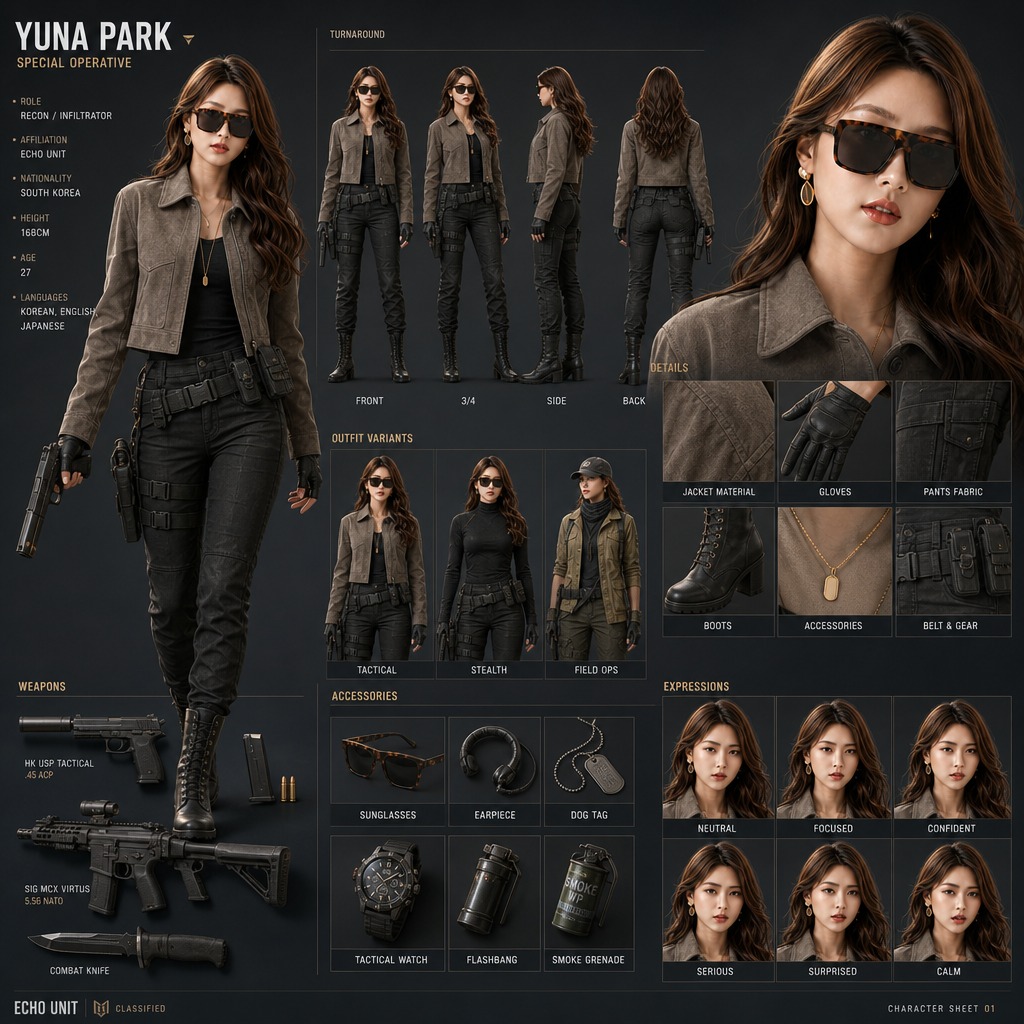
![130-nano-banana-2 — use the character turnaround format from [img1] to create [character name / image] in the same style](/_next/image?url=https%3A%2F%2Fcdn.picxstudio.com%2Fuploads%2Fpost130_img0_0e694b48-cf6e-4b8f-95c2-9349e63ed697.jpg&w=828&q=100)