How do I use the Rosé (BLACKPINK) Frosted Glass Poster Prompt template?
Choose the primary action to open PicX Studio with the available template settings. Review the model and format, personalize the creative direction, and generate when ready.
A complex, layered prompt for creating a realistic close-up portrait poster of Rosé (BLACKPINK). Change the subject, setting, or lighting one variable at a time.

{ "subject": { "description": "A realistic close-up portrait poster composed of two overlaid image layers. The first layer features a clean, solid red background with Rosé (BLACKPINK) photographed under hard direct sunlight, raising an open hand close to the camera. A single eyeglass lens frame is centered as a 'lens window' concept, precisely revealing the woman's face. The second layer sits above the first, applying a frosted-glass effect, while the area inside the eyeglass lens remains clearer.", "mirror_rules": null, "age": "approximately late 20s", "expression": { "eyes": { "look": "direct eye contact", "energy": "focused and calm", "direction": "toward the camera" }, "mouth": { "position": "closed", "energy": "neutral to slightly cool" }, "overall": "calm, serious editorial poster expression" }, "face": { "preserve_original": true, "makeup": "natural makeup, subtle eyeliner, natural lip color" }, "hair": { "color": "blonde / platinum blonde", "style": "long layered hair with soft waves", "effect": "soft golden waves catching sunlight with a warm sheen" }, "body": { "frame": "slim", "waist": null, "chest": null, "legs": null, "skin": { "visible_areas": [ "face", "neck", "hand" ], "tone": "light to medium skin tone", "texture": "natural skin texture with realistic pores", "lighting_effect": "hard direct sunlight with crisp shadow edges" } }, "pose": { "position": "front-facing close-up", "base": "one hand raised close to the lens with fingers spread", "overall": "the hand forms a strong shape and partially obscures the face" }, "clothing": { "top": { "type": "simple T-shirt or minimalist top", "color": "off-white / light beige", "details": "clean neckline, no visible logo", "effect": "soft fabric texture under harsh sunlight" }, "bottom": { "type": null, "color": null, "details": null } } }, "accessories": { "headwear": null, "jewelry": { "description": "small hoop earring (at least one side visible) and a thin ring on one finger" }, "device": null, "prop": { "description": "a single eyeglass lens frame centered in the composition; the lens area functions as a 'clarity window'" } }, "photography": { "camera_style": "realistic portrait base image combined with modern graphic poster overlay", "angle": "slightly high to eye-level close-up angle", "shot_type": "tight close-up (head and hand dominate the frame)", "aspect_ratio": "2:3 vertical poster", "texture": "sharp facial details on the base image, clean edges, high contrast", "lighting": "hard direct sunlight with warm highlights and strong shadows", "depth_of_field": "two-layer effect: the first layer remains fully clear; the second layer applies global frosted-glass diffusion, blur, and vintage grain, while the eyeglass lens area is inversely masked to remain sharper and clearer" }, "background": { "setting": "poster layout desig" }
Choose the primary action to open PicX Studio with the available template settings. Review the model and format, personalize the creative direction, and generate when ready.
Yes. You can change the subject, setting, lighting, mood, format, and available model controls before creating your image.
This template is free to open and customize. Generation usage is shown in PicX Studio before you create.
Start with Nano Banana 2, which is the model associated with this template. You can compare another compatible model for a different finish.
Follow a topic to a crawlable collection of related PicX Studio templates.
43,474 public templates available. Verified via the PicX Studio public templates API; refreshed hourly.
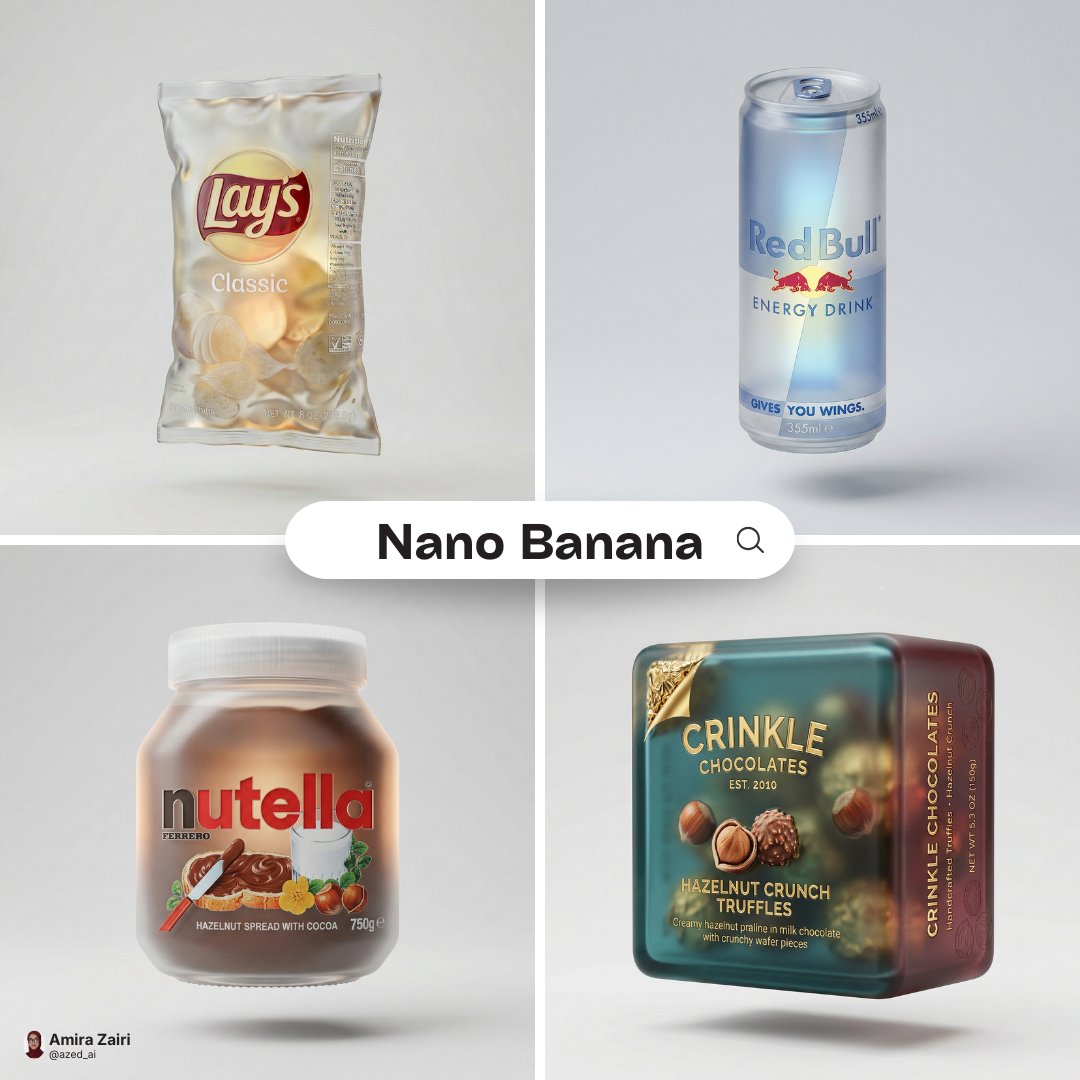
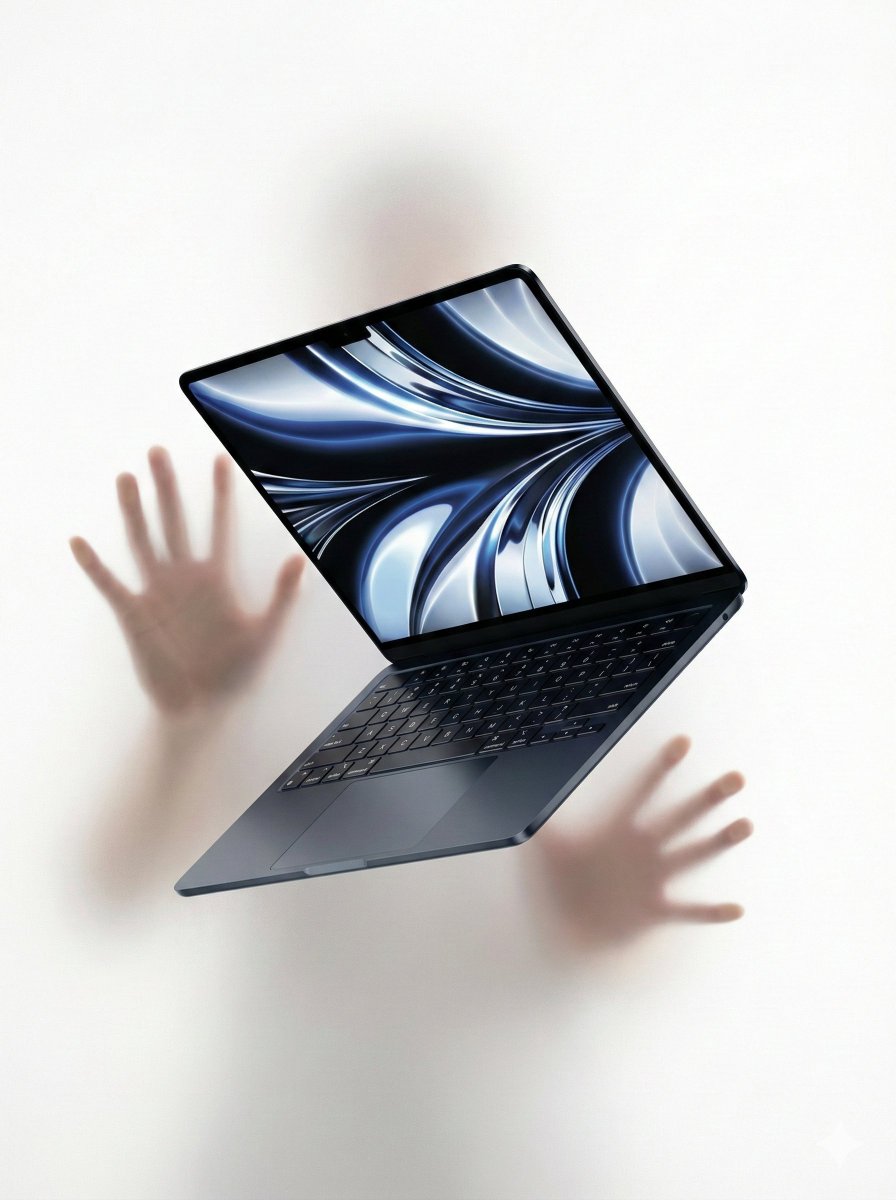





![A hyper-realistic 3D anatomical human made from semi-translucent frosted — A hyper-realistic 3D anatomical human [organ] made from semi-translucent frosted poly](https://images.meigen.ai/tweets/2033543326444720272/0.jpg)





![Japan Travel Brochure Poster — Create a vertical vintage travel-brochure infographic poster titled “[COUNTRY/DESTINATION]: [TAGLINE]”, using a warm parchment-pa](/_next/image?url=https%3A%2F%2Fcdn.picxstudio.com%2Fuploads%2Fp0_982bf820-bb34-4c43-8a6d-42d799d7282b.jpg&w=828&q=100)
![Cartoon TV Show Poster Pack — A bold Cartoon Network-style promotional poster for [SHOW], featuring the main characters in a flat 2D illustrated style with thic](/_next/image?url=https%3A%2F%2Fcdn.picxstudio.com%2Fuploads%2Fimg0_107064d3-b797-488a-a32e-d75dea9d3b4c.jpg&w=828&q=100)
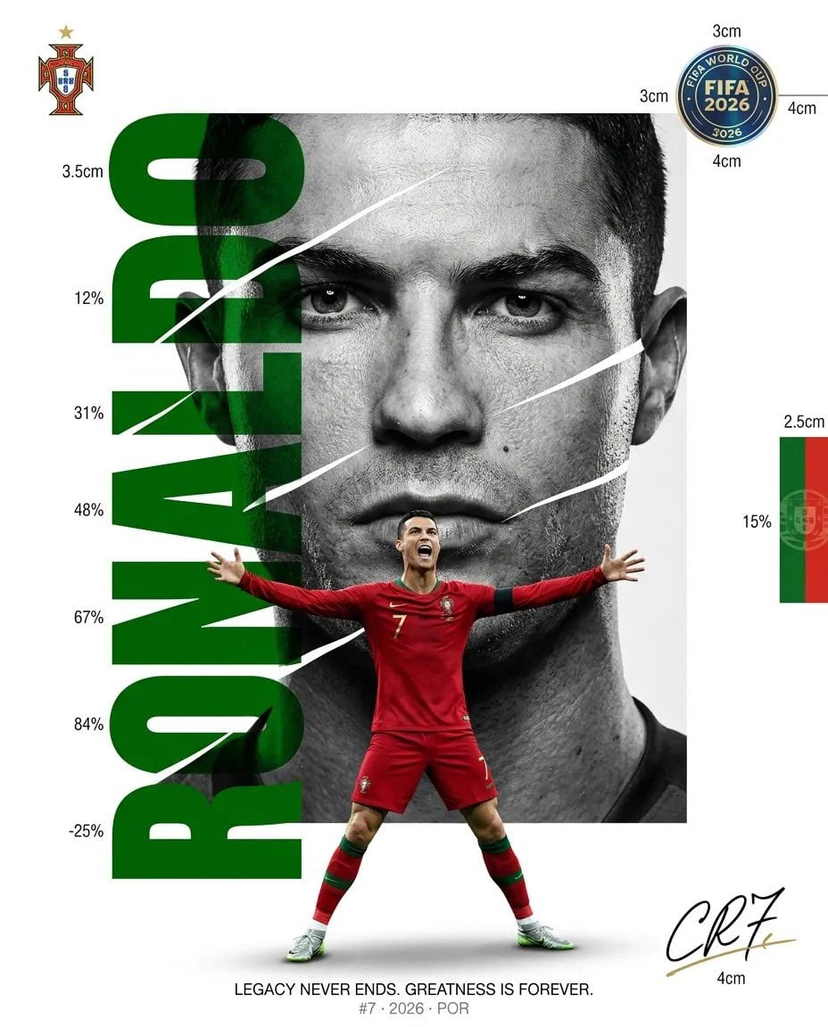
![vertical-football-star-campaign-poster — Create a vertical 9:16 high-resolution football star campaign poster.
Player: [Player Name]
Player concept: [football](/_next/image?url=https%3A%2F%2Fcdn.picxstudio.com%2Fuploads%2Fmeigen_996a192156cb_45d1d198-bb81-4272-be3f-df0eda9f0a74.jpg&w=828&q=100)



![Naive doodle-style subject illustration — A doodle-style {argument name="subject" default="[subject]"}, naive lines, humorous shape exaggeration](https://pbs.twimg.com/media/G6Wl2YxbsAARB2b.jpg)












![Claymation Luxury Magazine Cover — ROUGE VOGUE luxury beauty magazine cover
[SUBJECT]: {argument name="subject" default="A bold clayma…](https://cms-assets.youmind.com/media/1780564637402_qkh0pd_HJ3FrEIboAAQGAH.jpg)