
A moment of luxury in every shade of red
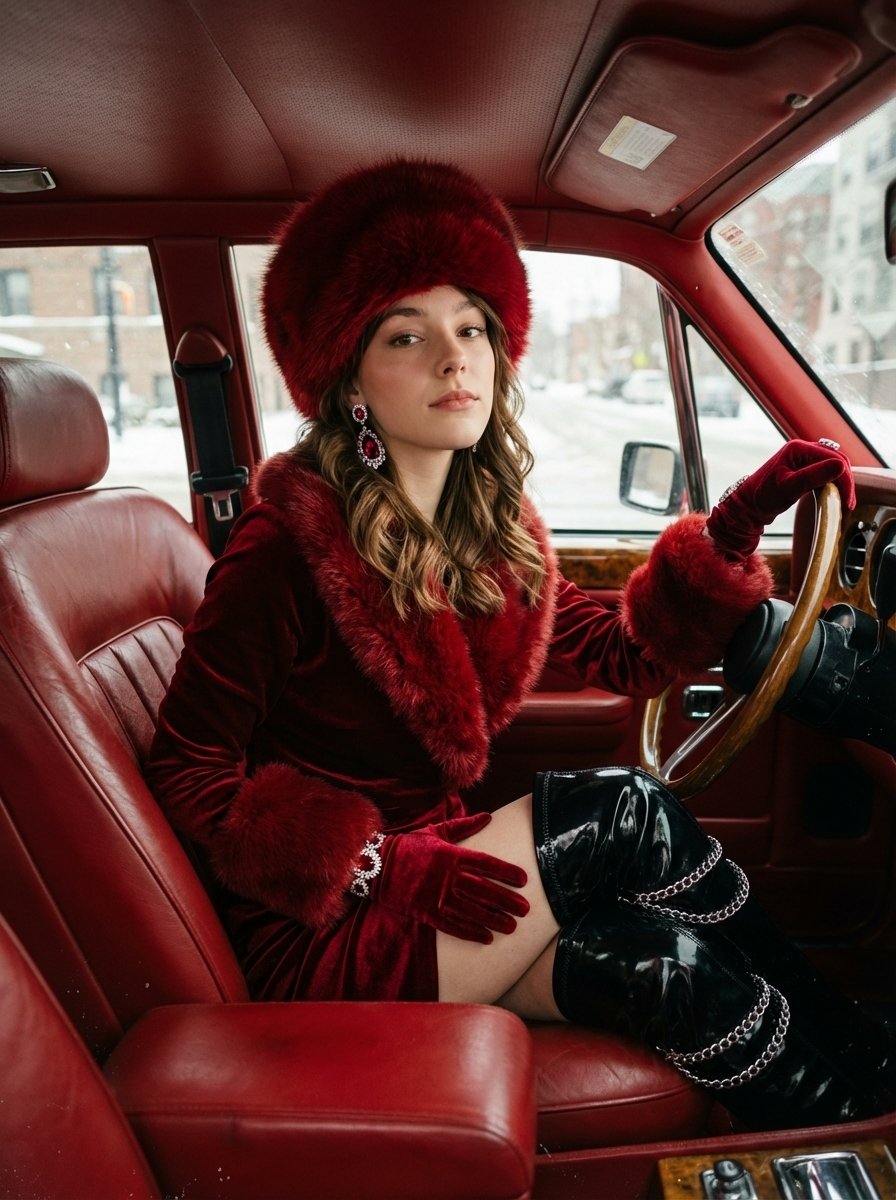
A moment of luxury in every shade of red is a ready photo look.
- Prompt included
- Model and format preset
- Free template
The prompt behind this image
Copy the exact prompt behind A moment of luxury in every shade of red, or open it in the studio and make it yours.
{ "image": { "subject": { "description": "25-year-old brunette girl, exact facial features must match reference photo, with voluminous wavy hair tucked under a fur hat.", "expression": "Regal and composed facial expression, slightly lifted chin, relaxed lips, eyes engaged with camera.", "pose": "Seated confidently in the driver’s seat, torso angled slightly forward, legs extended diagonally, one hand on thigh, the other near steering wheel." }, "attire": { "outfit": "Deep red velvet winter outfit with rich texture, long-sleeved dress with fur trim on collar and cuffs, matching red velvet gloves with ornate jeweled embellishments.", "footwear": "Black glossy thigh-high boots wrapped in silver chains.", "headwear": "Luxurious fur hat in matching red tone.", "accessories": "Large dangling earrings with silver and ruby stones." }, "setting": { "location": "Vintage red luxury car with red leather interior matching the outfit.", "background": "Snowy urban background visible through car windows." }, "lighting": { "type": "Soft diffused daylight from outside, warm bounce light from red interior.", "contrast": "High contrast between warm interior and cold exterior.", "shadows_highlights": "Warm shadows and cool highlights." }, "style": { "aesthetic": "Editorial winter fashion mood, retro photo aesthetic, shot on old analog film camera.", "texture": "Velvet texture matte, boots glossy, jewelry sparkly.", "effects": "Vintage grain, muted tones, soft vignette, authentic film imperfections, nostalgic atmosphere." }, "composition": { "crop": "Medium-full crop, cinematic composition with clear depth planes.", "angle": "Slightly low camera angle.", "resolution": "1200x1200px", "aspect_ratio": "3:4" }, "constraints": [ "no outfit changes", "no color shifts", "no different car interiors", "no different boots", "no missing chains", "no alternate hairstyles", "no smiling", "no open mouth", "no different earrings", "no casual clothing", "no studio background", "no snow inside car", "no low-quality textures", "no blur", "no alternate lighting setups", "no different angles", "no different poses", "no missing gloves", "no hatless versions", "no alternate", "no makeup changes", "no jewellery drift", "no cropped face", "no face mismatch with reference" ] } } Edit the image according to this prompt
How to use A moment of luxury in every shade of red in 3 steps
- 1Upload ImagePNG, JPG or paste
Add your photo
Upload the photo the template builds on. The prompt, model and format are already set.
- 2…a portrait of your subject in softgolden-hour light, 85mm…
Personalize
Edit the subject and creative details for your destination.
- 3Generate
Generate
Press Generate — your image is created in PicX Studio, so you can compare it with the original and refine one variable at a time.
More like this
Templates with the same subject, style or setup. Open one to see its prompt.

Opera Curtain Red Gold
Credit Card Levitation

Luxury Sliced Wordmark Player Poster
Luxury packaging reveal scene, premium unboxing moment, pristine hands

Sealing Wax Letter Desk

Ballroom Floor Reflections

Vintage Camera Leather Case

Hedge Maze Aerial Dawn

Tuxedo Cuff Adjust

Cathedral Choir Loft

Pearl Necklace Vanity

Carriage House Courtyard
Make it yours
A moment of luxury in every shade of red works as-is. These are the safest ways to change it without losing the look.
Change one field
Copy a single group, rewrite it, and generate again so you can see what that field is doing.
Keep the frame, change the subject
Hold the composition and light of A moment of luxury in every shade of red, then swap wardrobe, props or the person for a new take.
| If the result… | Why | Fix |
|---|---|---|
| The result drifts from the preview | Too many fields changed at once. | Reuse A moment of luxury in every shade of red as-is first, then change one group — subject, light, or setting. |
| The model over-stylizes the scene | The prose prompt leaves finish and camera underspecified. | Add one camera or lighting sentence and stay on PicX Studio. |
More image prompts
Fresh picks from across the catalog.
Editorial Macro Mug Design
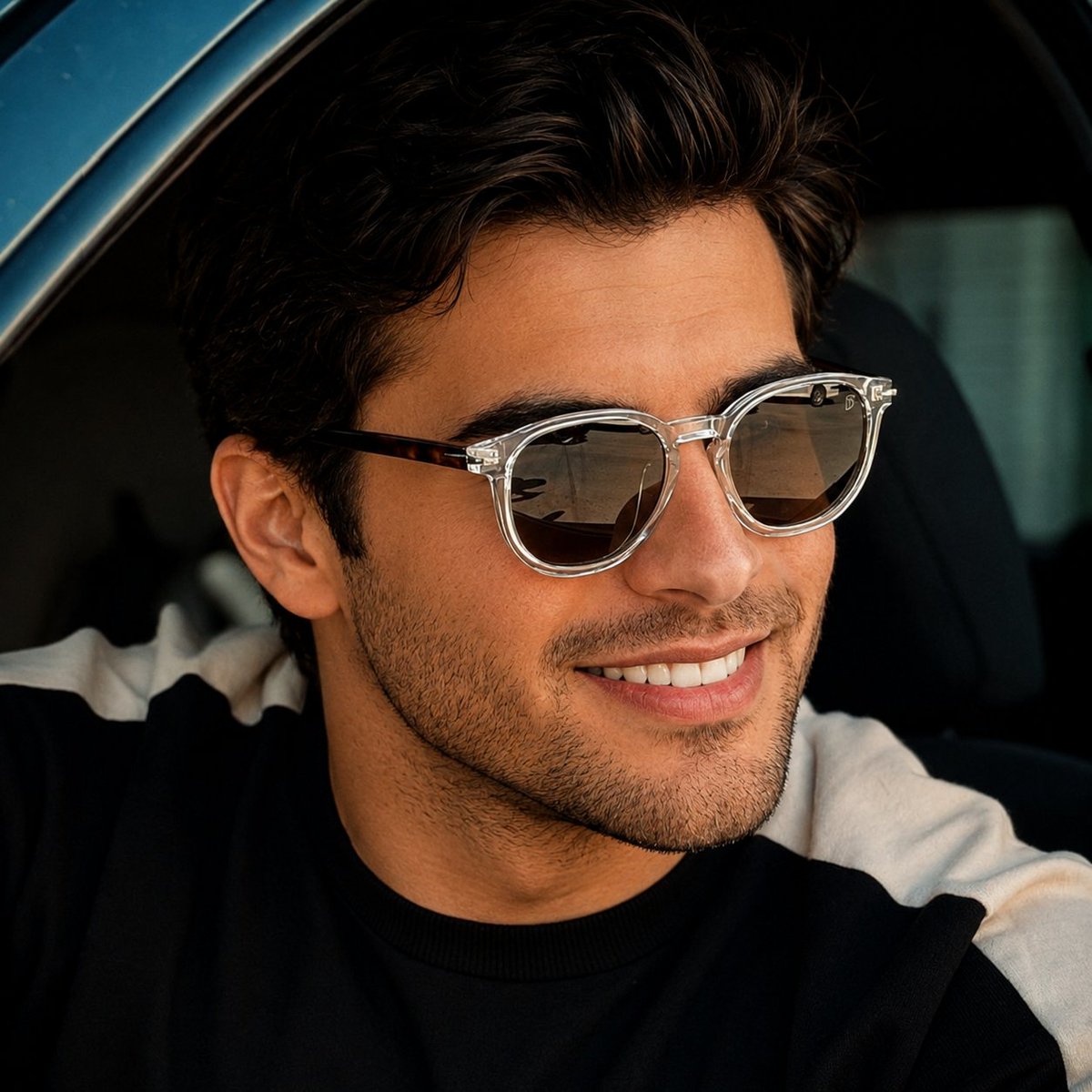
Luxury Car Lifestyle Portrait
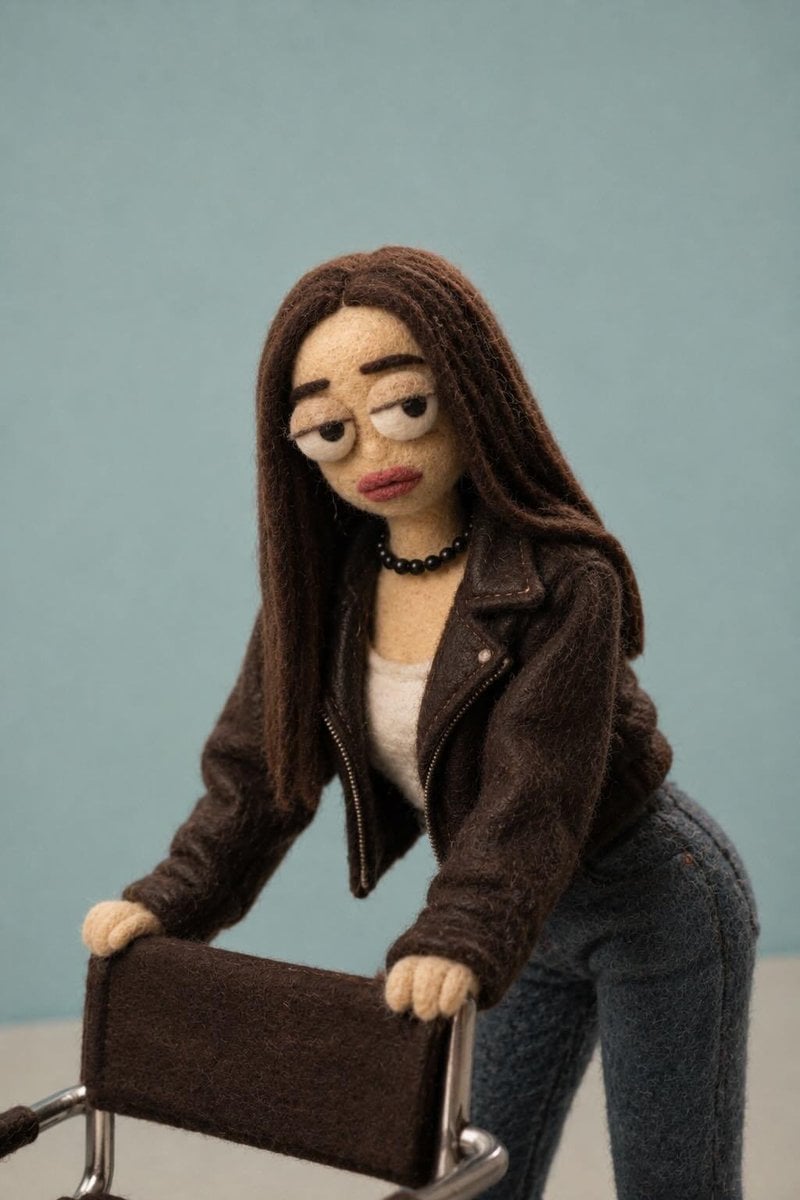
Needle-Felt Stop-Motion Transformation
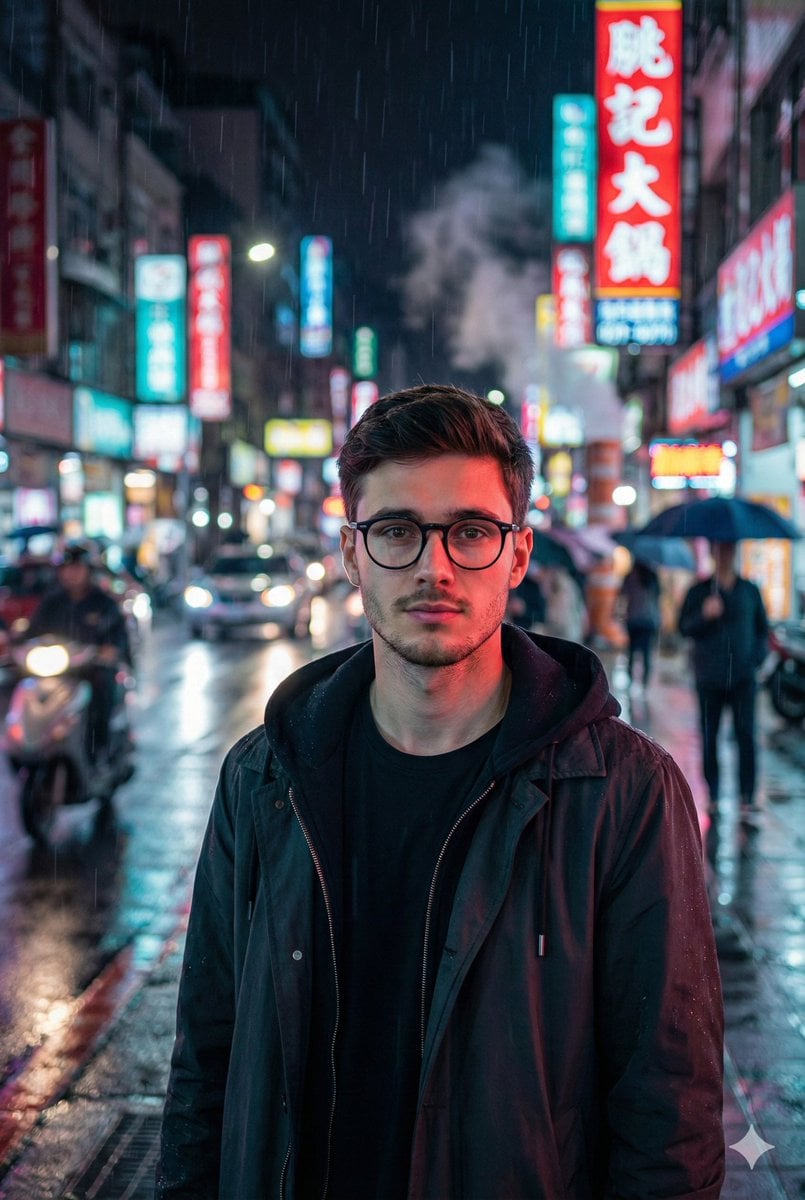
Photorealistic East-Asian Neon Night Portrait Prompt
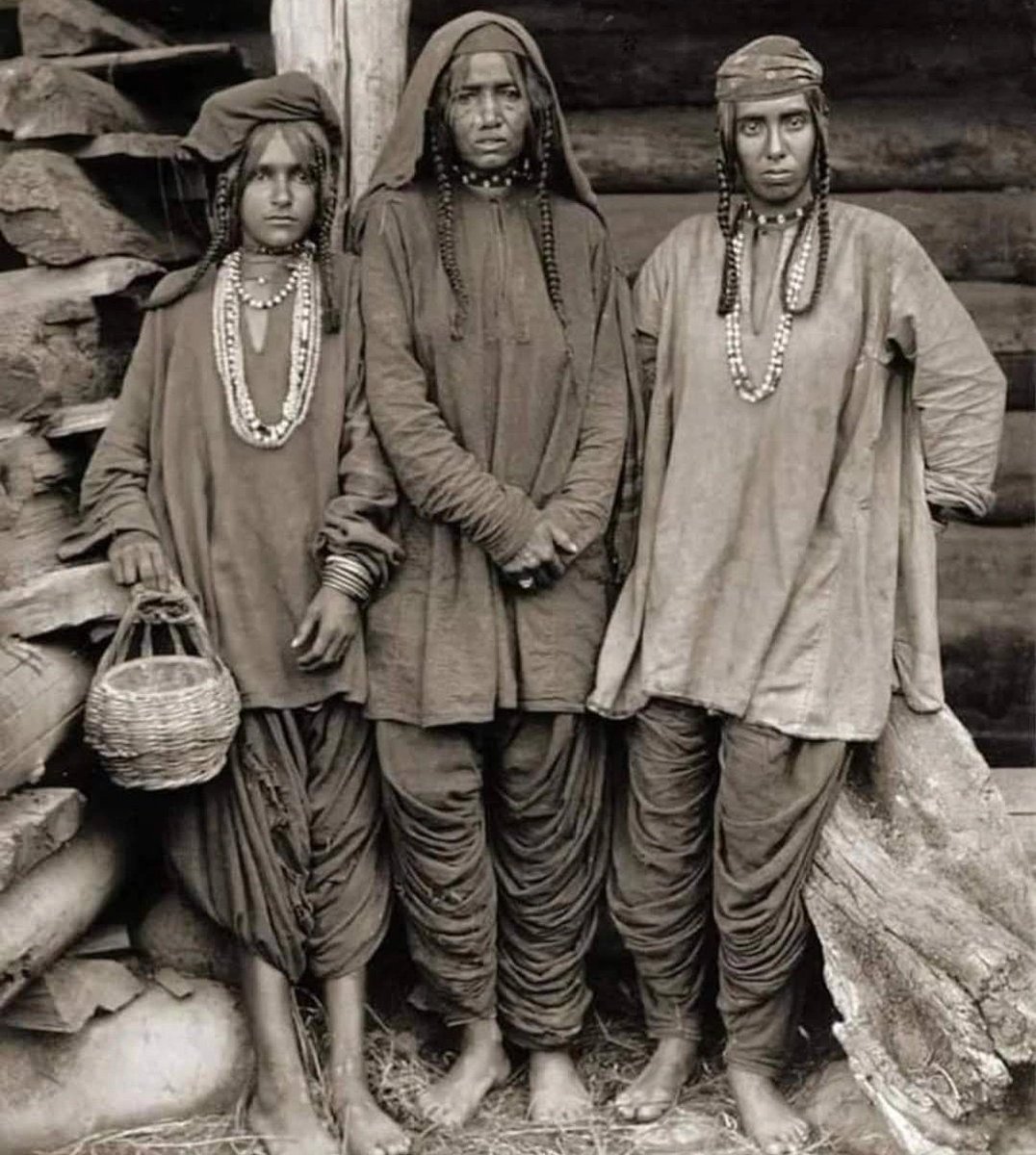
Old Photo Restoration and Enhancement
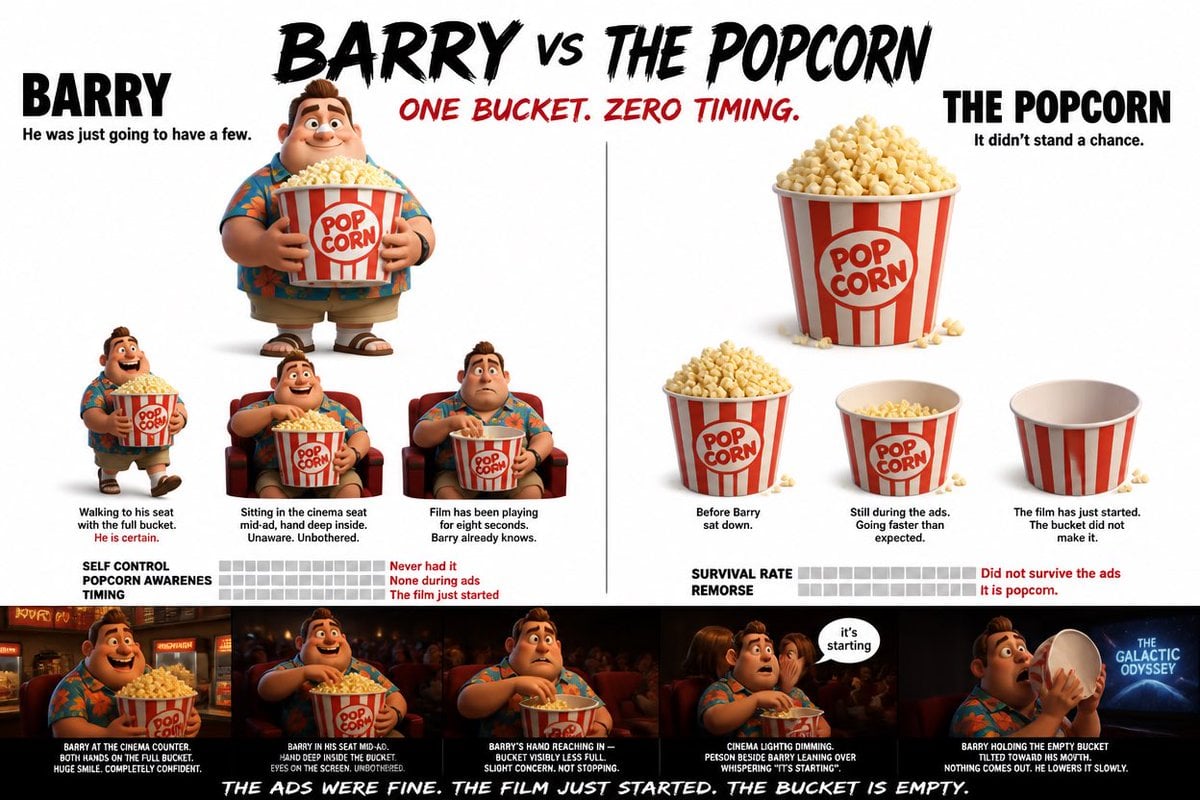
Pixar Style Character Storyboard
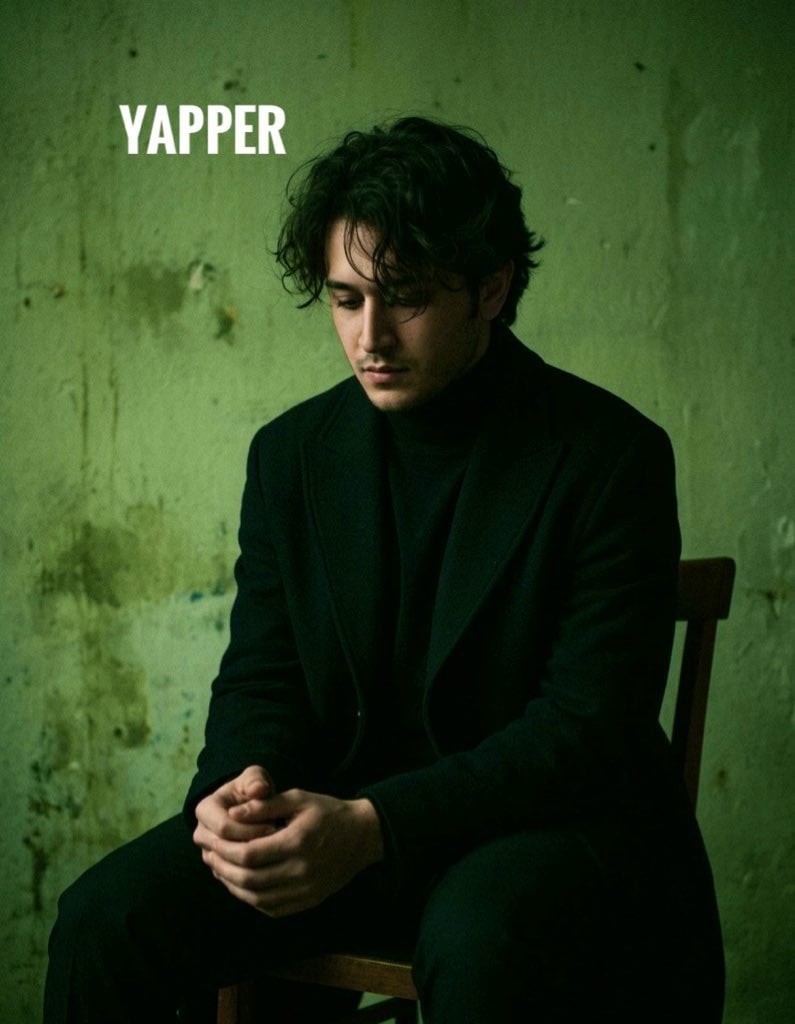
Dark, Moody, Photorealistic Portrait Prompt
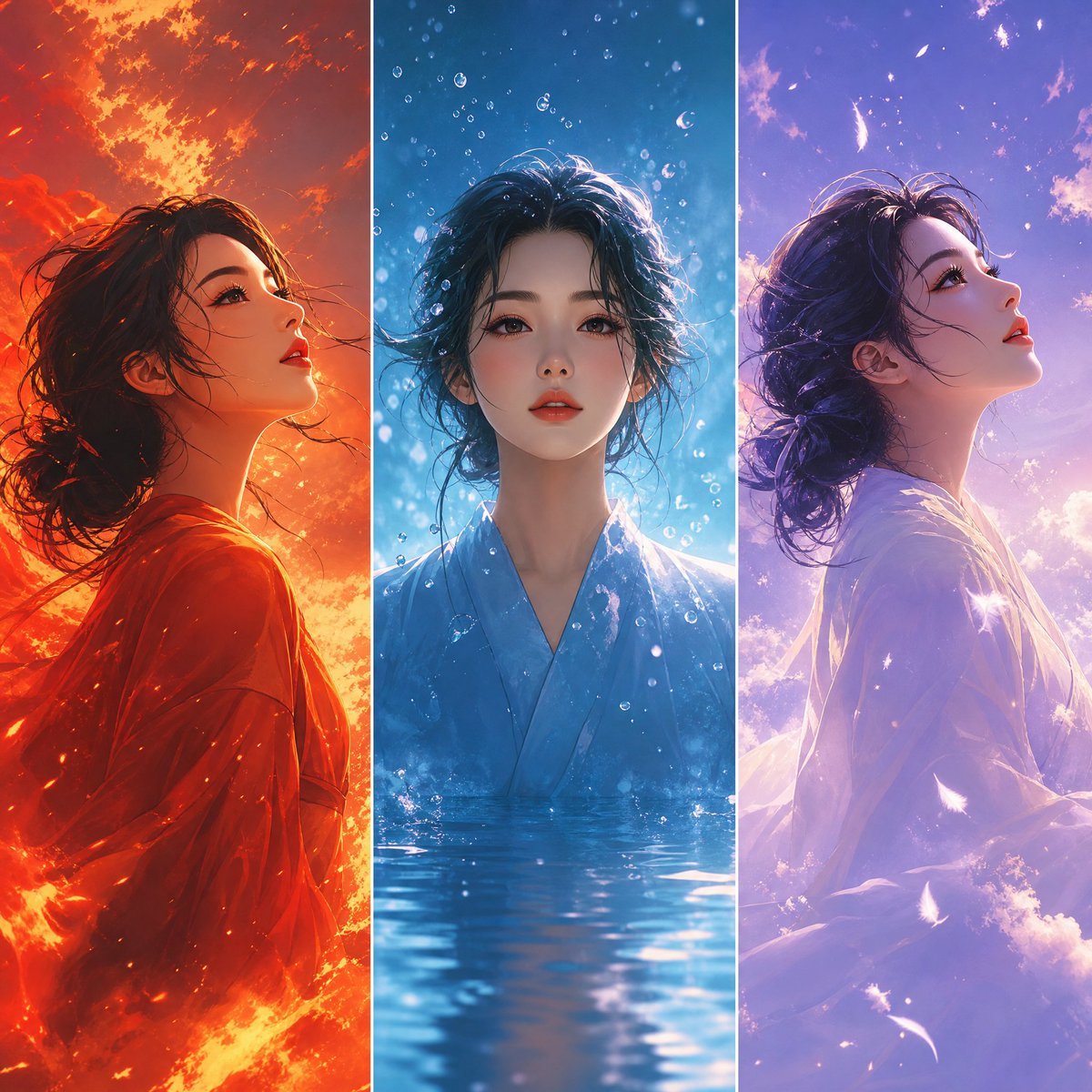
Elemental Worlds Triptych Artwork
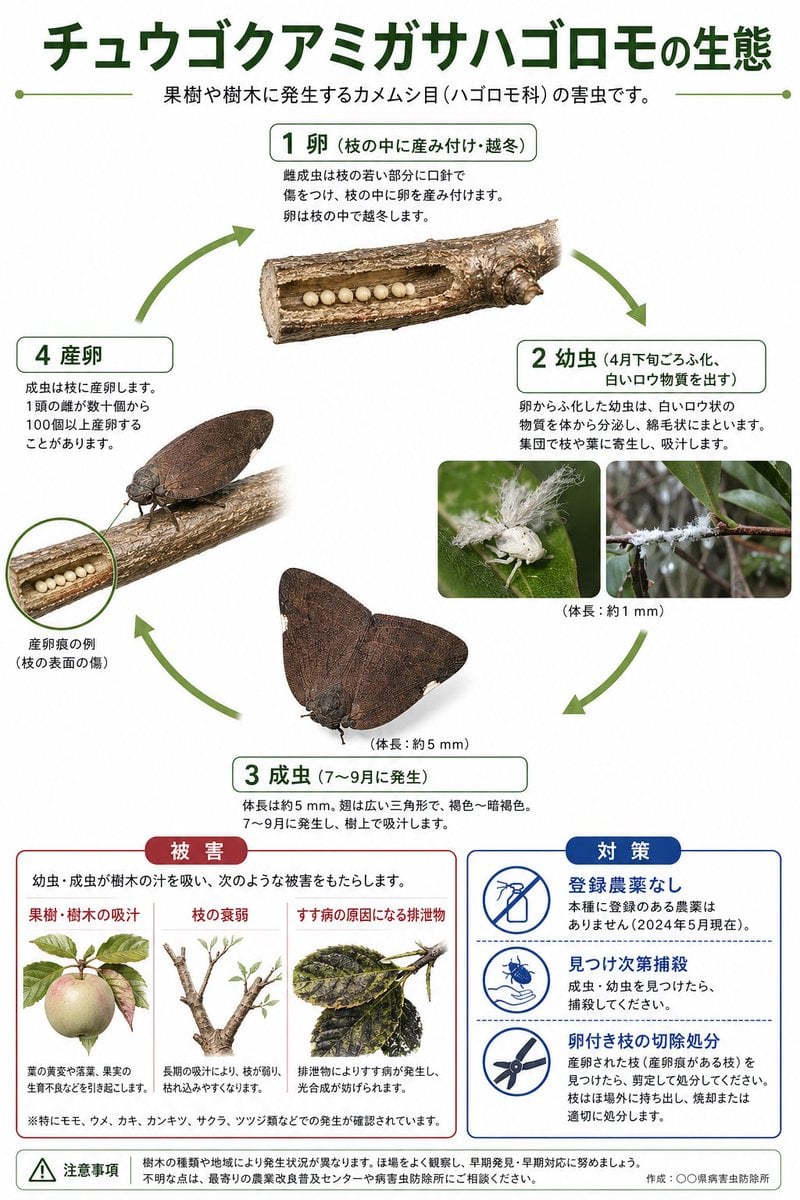
Japanese Pest Lifecycle Infographic
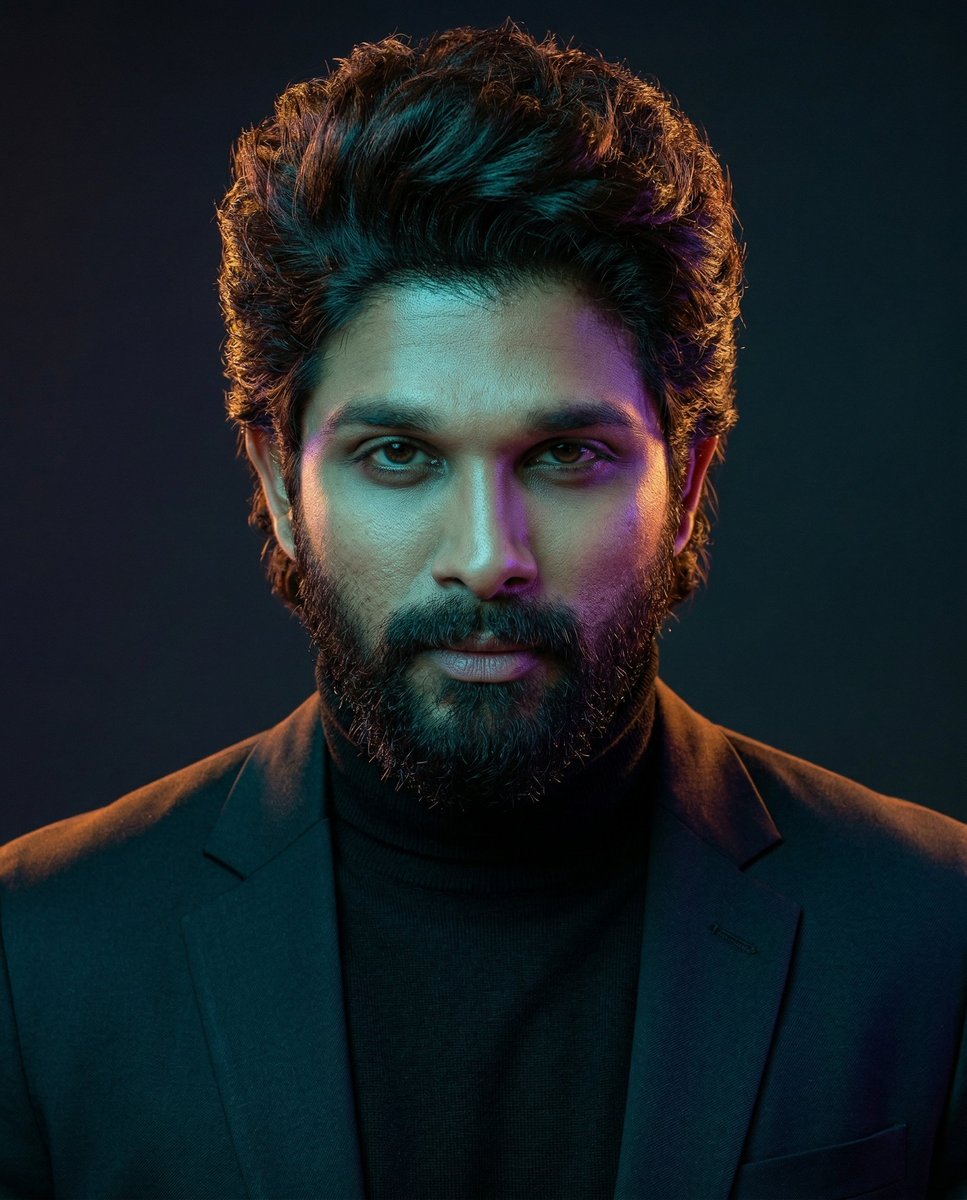
Cinematic Dual-Color Studio Portrait
Browse template categories
A moment of luxury in every shade of red questions
How do I use the A moment of luxury in every shade of red template?
Add your photo if the template asks for one, edit the prompt if you like — the template's model and format are already selected — and press Generate. Your version opens in PicX Studio.
Can I customize the A moment of luxury in every shade of red template?
Yes. You can change the subject, setting, lighting, mood, format, and available model controls before creating your image.
Is the A moment of luxury in every shade of red template free?
Opening and editing this template is free. Generating uses credits, shown on the Generate button when you are signed in.
Which AI model should I use?
Choose a compatible model in PicX Studio based on the style, speed, and output controls your project needs.
Looking for something else? Browse all templates.

Your photo, any look
Thousands of ready templates for every top image and video model, from one credit balance.