How do I use the Dark Fantasy Wolf Queen Portrait template?
Choose the primary action to open PicX Studio with the available template settings. Review the model and format, personalize the creative direction, and generate when ready.
A highly detailed photorealistic portrait of a female warrior in a dark fantasy setting, featuring messy hair, blue war paint, tribal accessories, and a giant white wolf in foggy ruins. Change the subject, setting, or lighting one variable at a time.
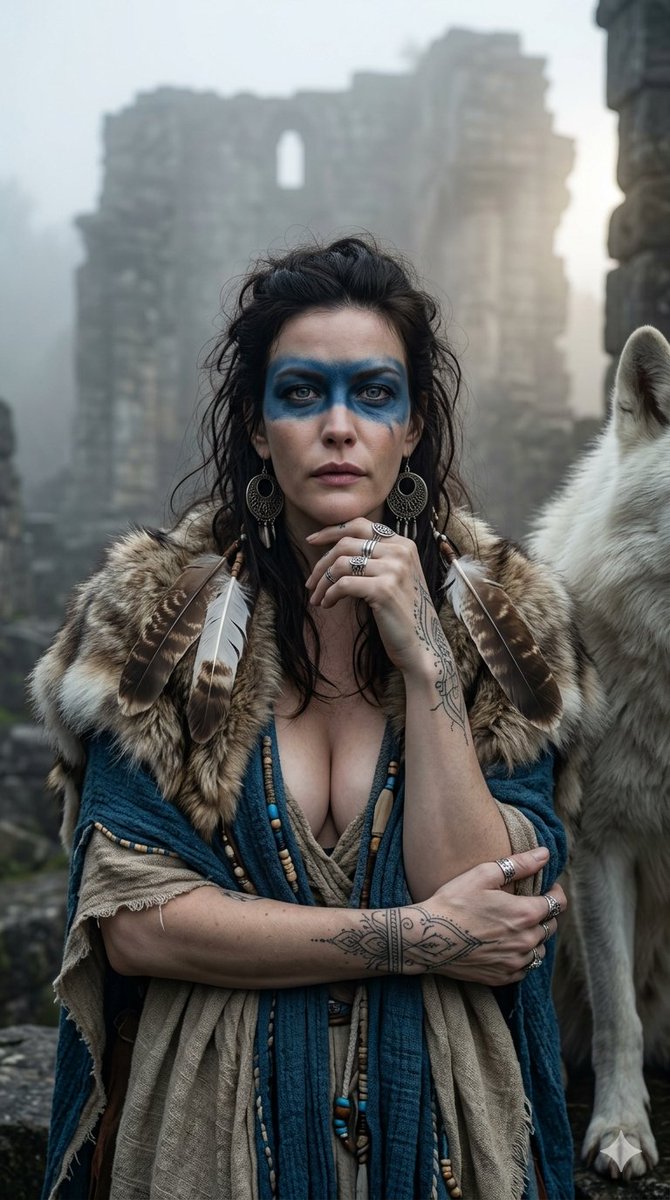
"A highly detailed, photorealistic dark fantasy portrait of {argument name="name" default="Millie Bobby Brown"}. She has messy hair, an intense, captivating expression, and bold blue war paint striking across her eyes. Shot in a medium close-up, she is looking directly at the camera, with one hand resting gently near her chin and the other holding her draped blue and beige garments. She is wearing a fur shoulder wrap adorned with large brown and white feathers and intricate beaded details. Her accessories include large circular tribal earrings and multiple silver rings, and a detailed fine-line tattoo is visible on her arm. Beside her stands a giant white wolf. The background consists of ancient stone ruins enveloped in fog, illuminated by soft lighting and a dramatic rim light piercing through the mist. The overall mood is intense and wild. Sharp focus, --ar 9:16"
Choose the primary action to open PicX Studio with the available template settings. Review the model and format, personalize the creative direction, and generate when ready.
Yes. You can change the subject, setting, lighting, mood, format, and available model controls before creating your image.
This template is free to open and customize. Generation usage is shown in PicX Studio before you create.
Start with Nano Banana 2, which is the model associated with this template. You can compare another compatible model for a different finish.
Follow a topic to a crawlable collection of related PicX Studio templates.
43,474 public templates available. Verified via the PicX Studio public templates API; refreshed hourly.














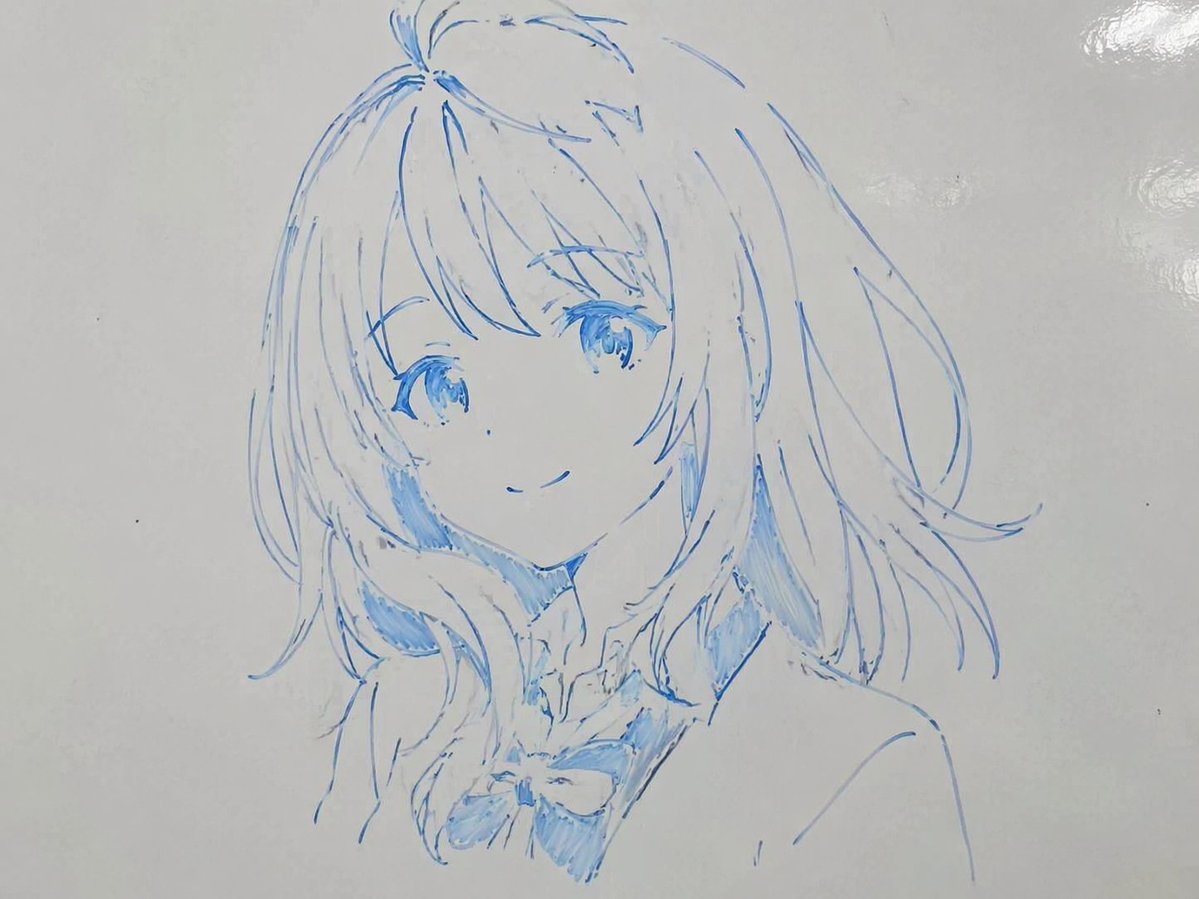
![Naive doodle-style subject illustration — A doodle-style {argument name="subject" default="[subject]"}, naive lines, humorous shape exaggeration](https://pbs.twimg.com/media/G6Wl2YxbsAARB2b.jpg)