
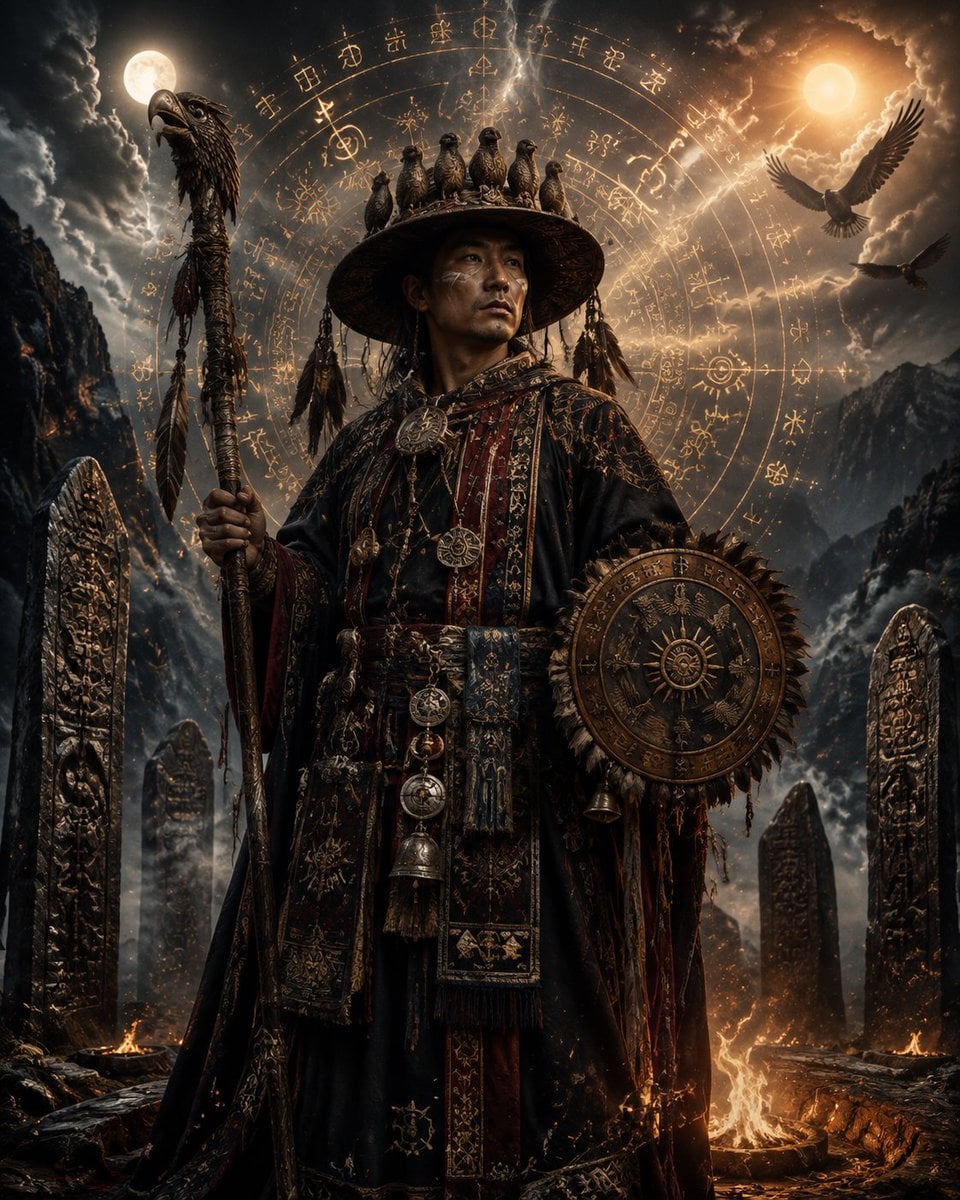
Yi Bimo High Priest Fantasy Portrait
Generates an epic cinematic fantasy portrait of a Yi ethnic Bimo high priest in a mystical mountain ritual setting.
- Prompt included
- Model and format preset
- Free template
The prompt behind this image
Copy the exact prompt behind Yi Bimo High Priest Fantasy Portrait, or open it in the studio and make it yours.
Create a dark cinematic fantasy portrait of {argument name="character name" default="a Yi ethnic Bimo high priest"} standing full-body in a stormy sacred mountain ritual site. He is a solemn middle-aged East Asian man with weathered skin, subtle white ritual face markings, intense eyes looking slightly up and to the right, wearing ornate layered black and deep burgundy ceremonial robes covered in gold embroidery, talismanic patterns, braided cords, tassels, metal medallions, bells, and a wide embroidered belt. On his head is a broad round woven shaman hat with exactly 7 small bird effigies perched along the crown rim, plus dangling feathers and charms. In his left hand he holds a tall carved ritual staff topped with a bird or eagle head, wrapped with cords, feathers, and small talismans. On his right arm he carries a round bronze ritual shield or astrolabe disk decorated with concentric rings, spikes, sun symbols, etched glyphs, and a central solar emblem. Behind him, place an enormous glowing circular magical sigil made of concentric rings, ancient Yi-inspired glyphs, runes, star marks, and compass-like lines, radiating warm gold light. The background is a dramatic alpine valley with jagged dark mountains, swirling storm clouds, mist, sparks, and sacred standing stones carved with dense vertical symbols; include exactly 6 visible carved stone pillars: 2 tall pillars in the foreground left and right, 1 smaller pillar behind left of the priest, and 3 pillars receding on the right side. The sky contains exactly 2 glowing celestial bodies, a cool full moon on the upper left and a warm sun or golden moon on the upper right, with exactly 2 flying birds on the right side, one large eagle near the upper right and one smaller bird below it. Add small ritual fires and glowing embers on the rocky ground, with one bright flame fissure behind the priest to the right. Use ultra-detailed photorealistic fantasy concept art, high contrast chiaroscuro lighting, volumetric clouds, warm gold rim light against cool blue-gray shadows, intricate fabric texture, carved metal detail, epic mythic atmosphere, vertical composition, centered heroic pose, no modern objects, no readable Latin text, no watermark.
How to use Yi Bimo High Priest Fantasy Portrait in 3 steps
- 1Upload ImagePNG, JPG or paste
Add your photo
Upload the photo the template builds on. The prompt, model and format are already set.
- 2…a portrait of your subject in softgolden-hour light, 85mm…
Personalize
Edit the subject and creative details for your destination.
- 3Generate
Generate
Press Generate — your image is created in PicX Studio, so you can compare it with the original and refine one variable at a time.
More like this
Templates with the same subject, style or setup. Open one to see its prompt.

Found Photograph: Us, 1970

80s Couple Studio Portrait

80s Bollywood Star

80s Golden Hour Cinema

Me in 1985

1985 Studio Portrait

Hyper-Realistic Minecraft POV Portrait

Rooftop Fisheye — Cat-Ear Balaclava at Golden Hour

Rainy Café Window Moody Portrait
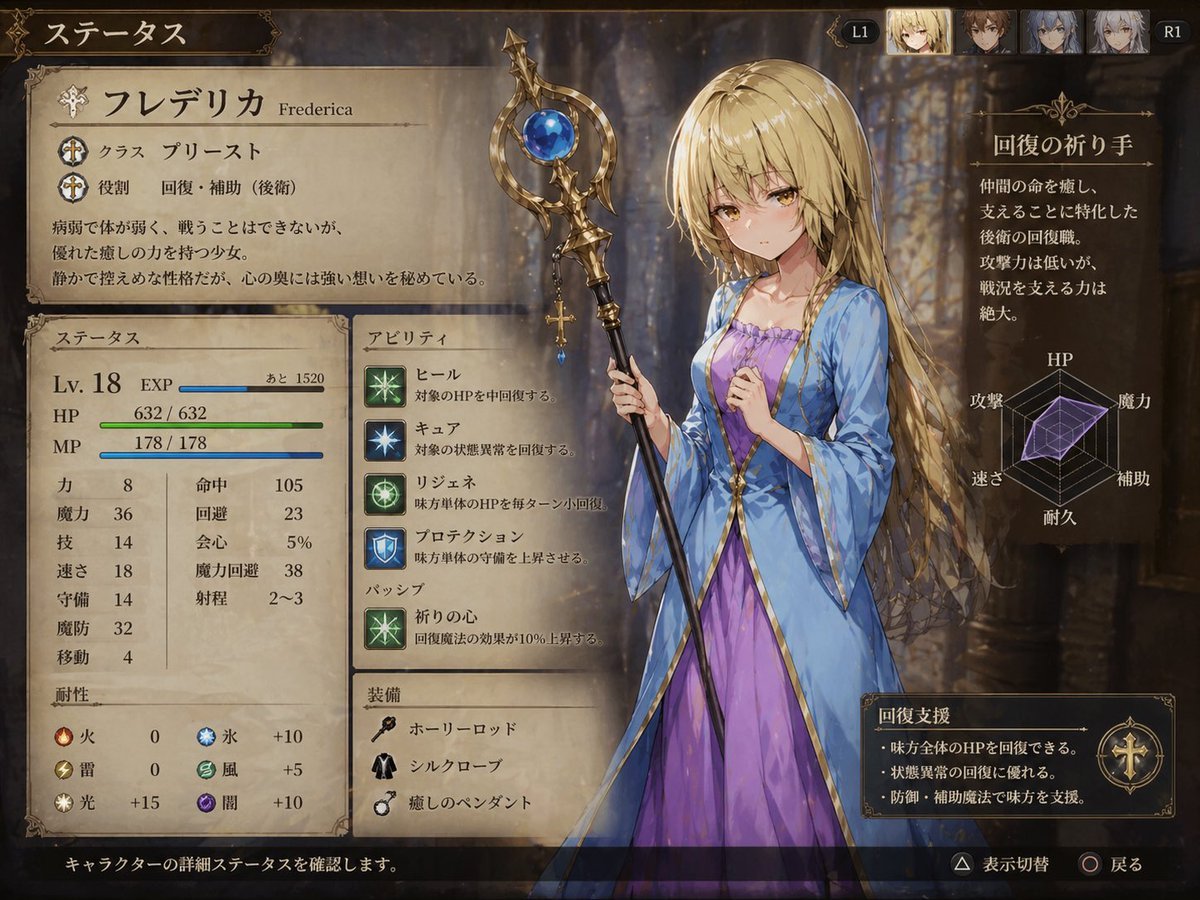
Fantasy JRPG Priest Status Screen

untitled

2025 Aesthetic Photography
Make it yours
Yi Bimo High Priest Fantasy Portrait works as-is. These are the safest ways to change it without losing the look.
Change one field
Copy a single group, rewrite it, and generate again so you can see what that field is doing.
Keep the frame, change the subject
Hold the composition and light of Yi Bimo High Priest Fantasy Portrait, then swap wardrobe, props or the person for a new take.
| If the result… | Why | Fix |
|---|---|---|
| The result drifts from the preview | Too many fields changed at once. | Reuse Yi Bimo High Priest Fantasy Portrait as-is first, then change one group — subject, light, or setting. |
| The model over-stylizes the scene | The prose prompt leaves finish and camera underspecified. | Add one camera or lighting sentence and stay on GPT Image 2. |
More GPT Image 2 templates
Other prompts made for GPT Image 2.

Six VTuber Japanese Logo Sheet

Realistic Portrait of Woman and Deer

The Vista Modular Condo Poster

AI Model Routing Comparison Infographic

2.5D Anime Art Board

Isometric Productivity Desk Scene

New York Double Exposure Poster

Four-Panel AI Landscape Comparison

Japanese Tatami Lifestyle Magazine Cover

NESCAFÉ Coffee Map Poster
More image prompts
Fresh picks from across the catalog.
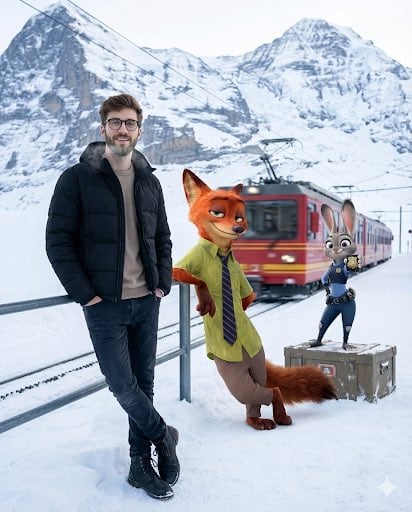
Cinematic Winter Travel Scene with Zootopia Characters
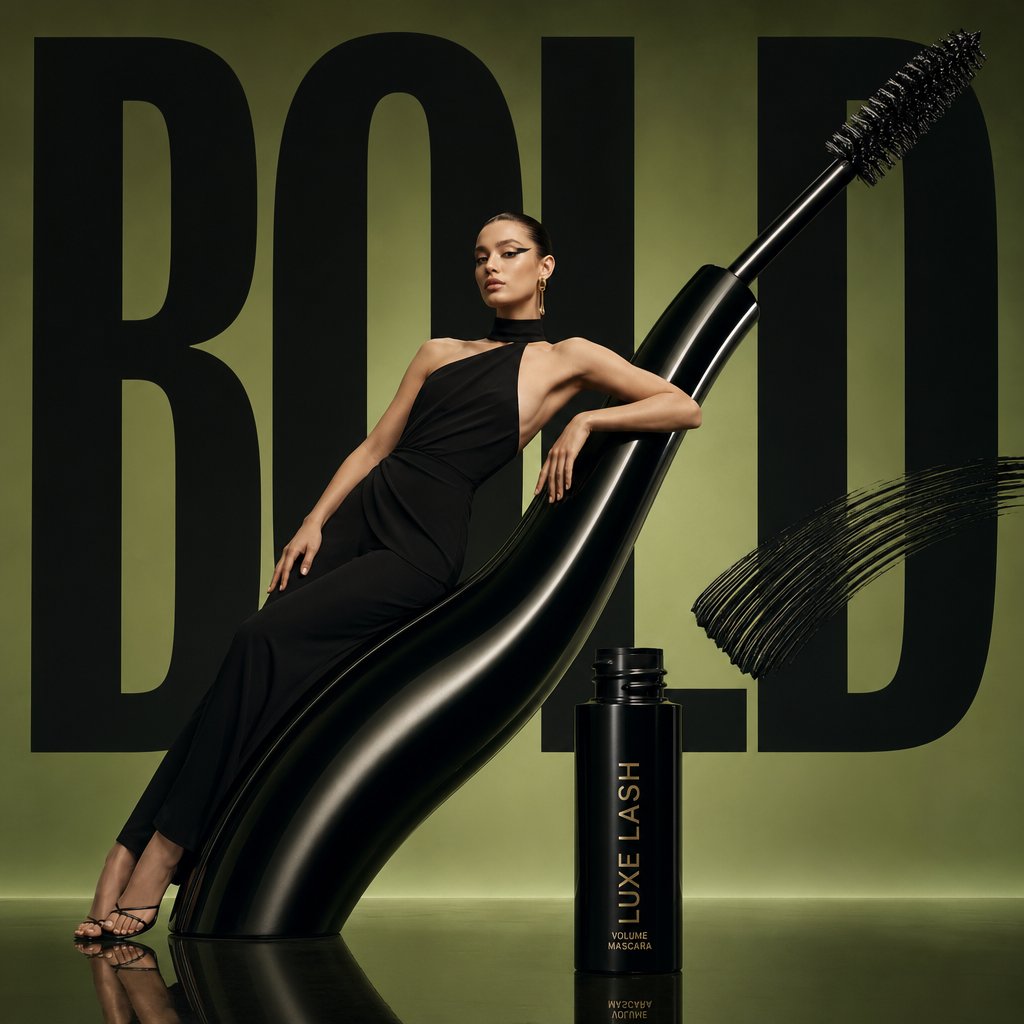
Avant-Garde Beauty Ad
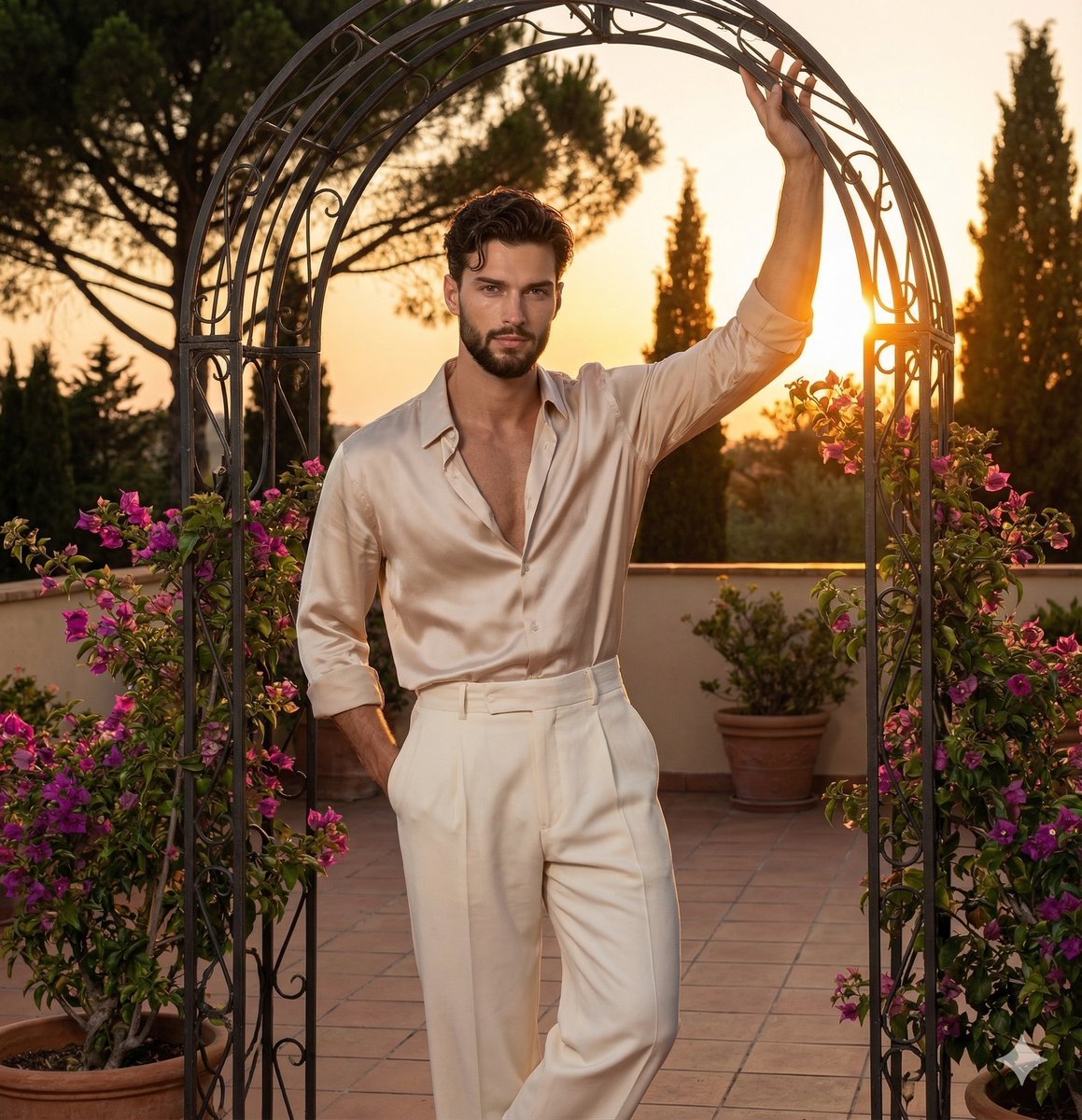
Golden Hour Editorial Portrait with Complex Lighting
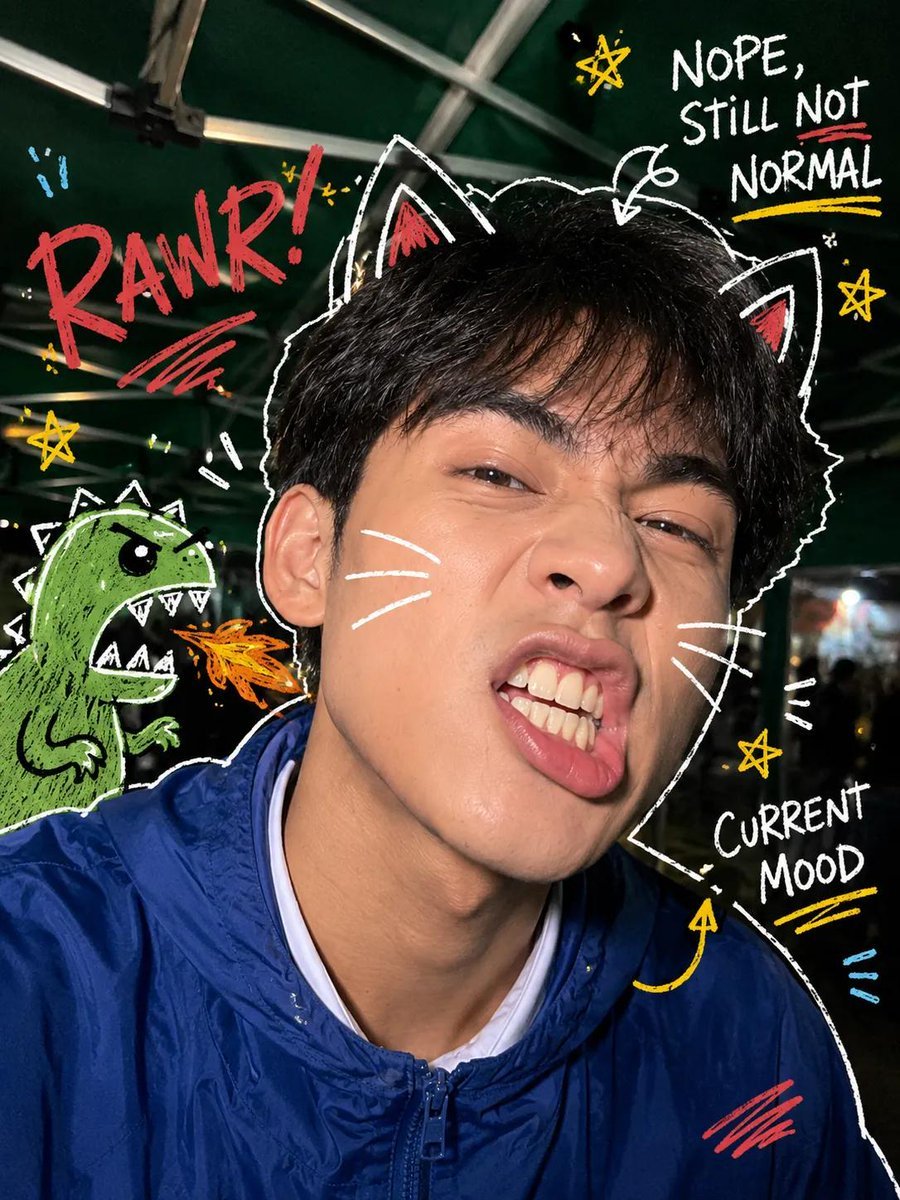
Y2K Nighttime Selfie with Doodles
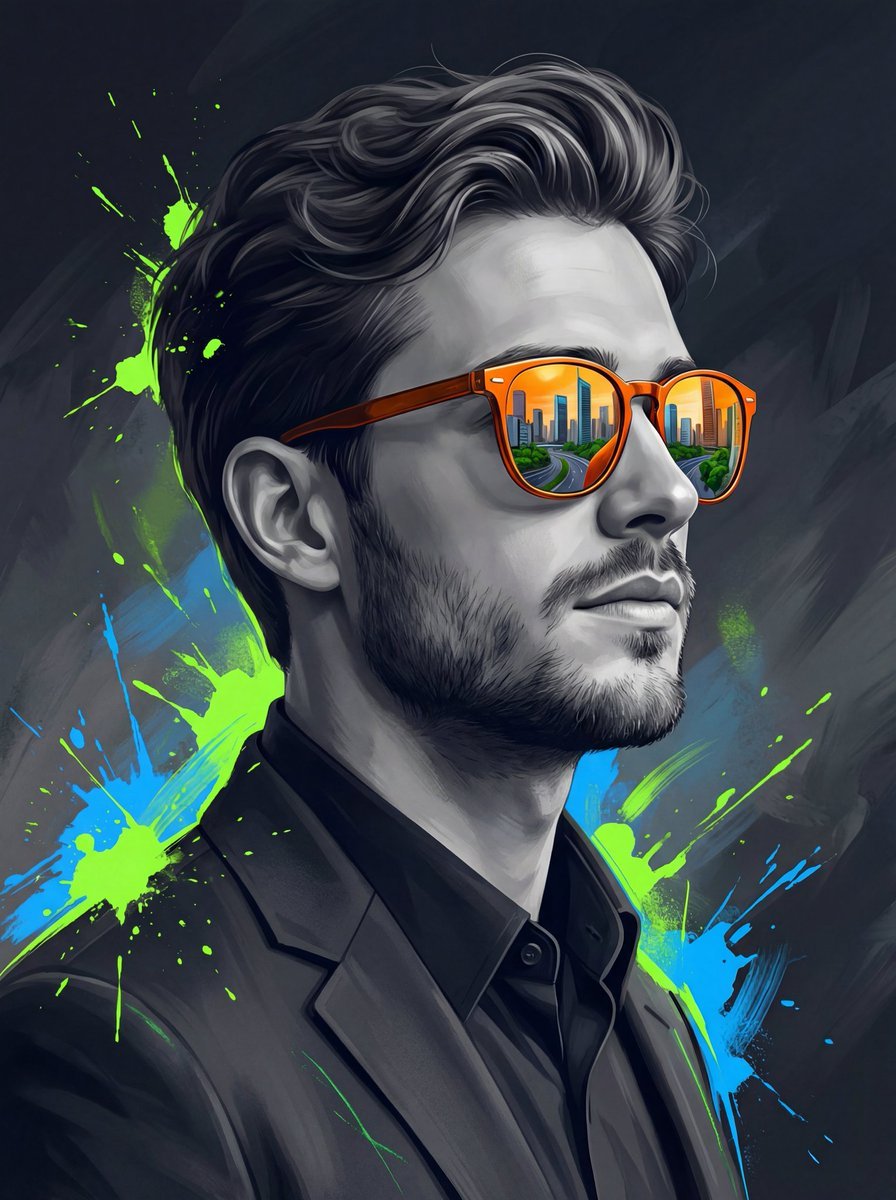
Surreal Cinematic Digital Illustration Prompt

Handmade Claymation Style i2i
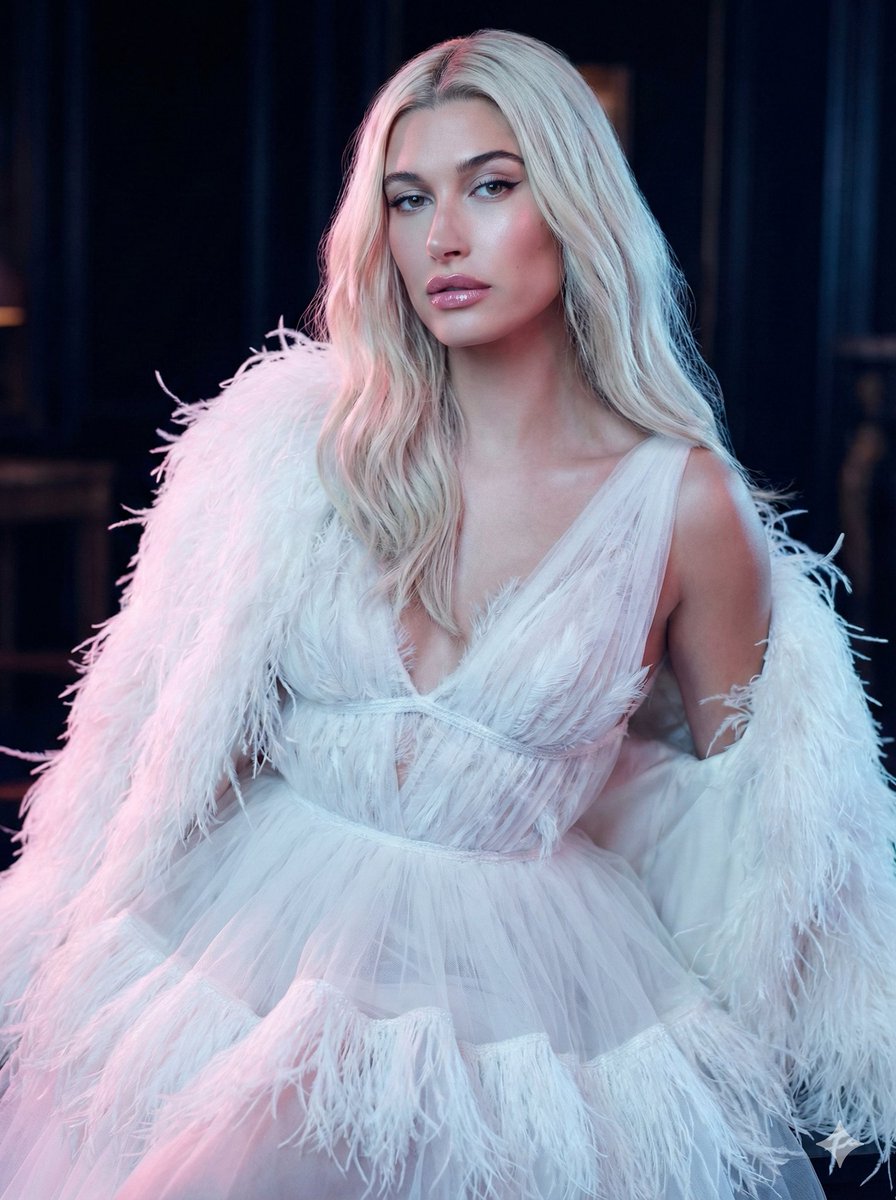
High-Fashion Feather Tulle Glamour Portrait Prompt in JSON
Grid Corporate Logo Concept Sheet
3x2 Grid Portrait of South Asian Man with Barbed Wire Rose
Luxury Editorial Street Photography Prompt
Browse template categories
Yi Bimo High Priest Fantasy Portrait questions
How do I use the Yi Bimo High Priest Fantasy Portrait template?
Add your photo if the template asks for one, edit the prompt if you like — the template's model and format are already selected — and press Generate. Your version opens in PicX Studio.
Can I customize the Yi Bimo High Priest Fantasy Portrait template?
Yes. You can change the subject, setting, lighting, mood, format, and available model controls before creating your image.
Is the Yi Bimo High Priest Fantasy Portrait template free?
Opening and editing this template is free. Generating uses credits, shown on the Generate button when you are signed in.
Which AI model should I use?
Start with GPT Image 2, which is the model associated with this template. You can compare another compatible model for a different finish.
Looking for something else? Browse all templates.

Your photo, any look
Thousands of ready templates for every top image and video model, from one credit balance.