How do I use the Dark Ethereal Raven Feather Portrait template?
Choose the primary action to open PicX Studio with the available template settings. Review the model and format, personalize the creative direction, and generate when ready.
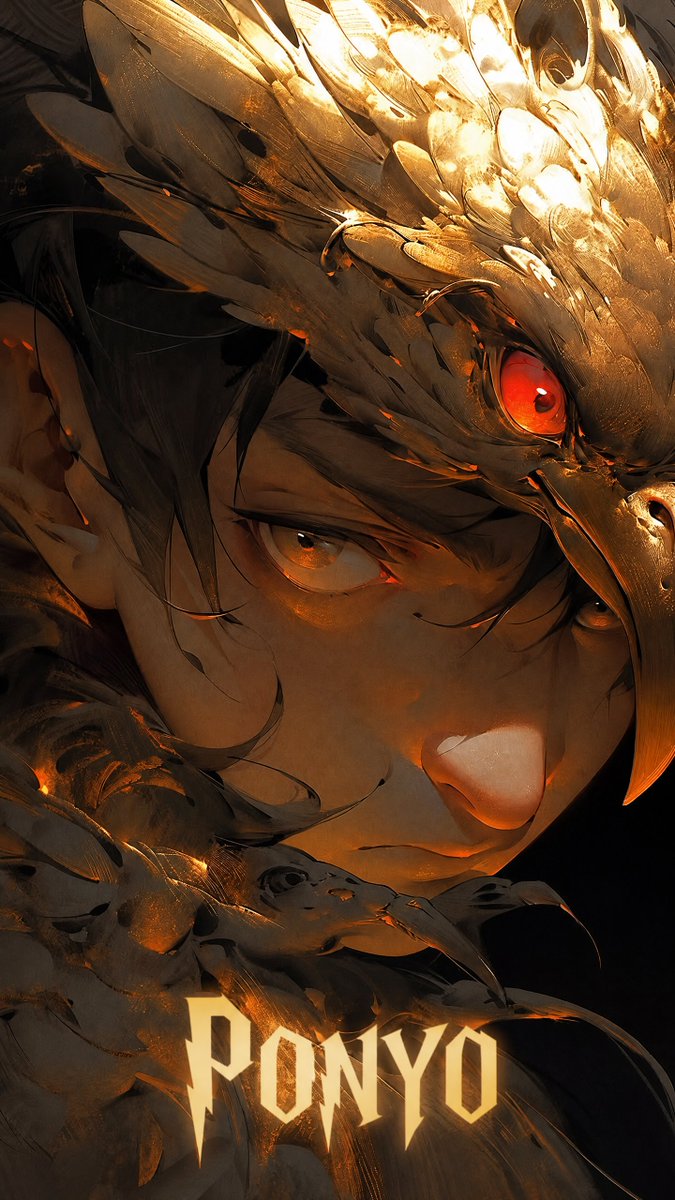
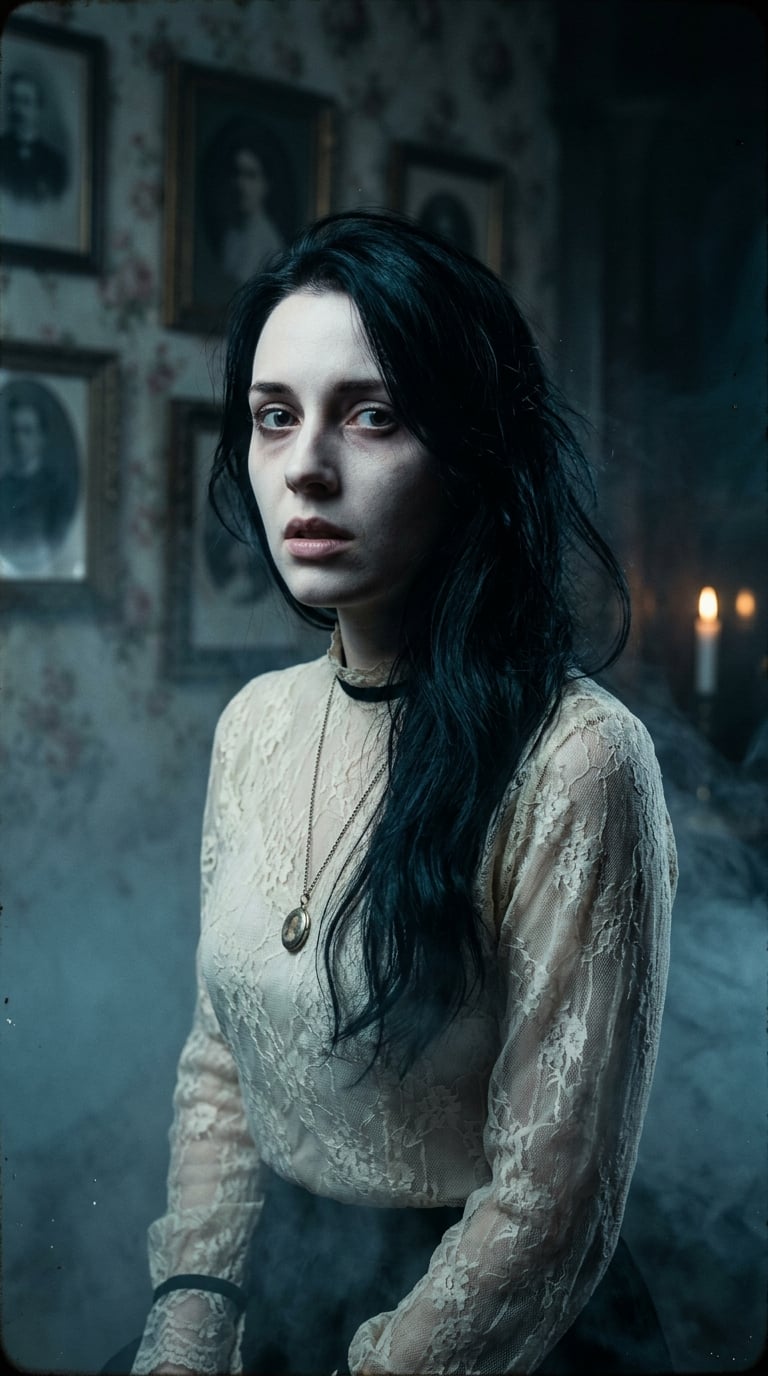
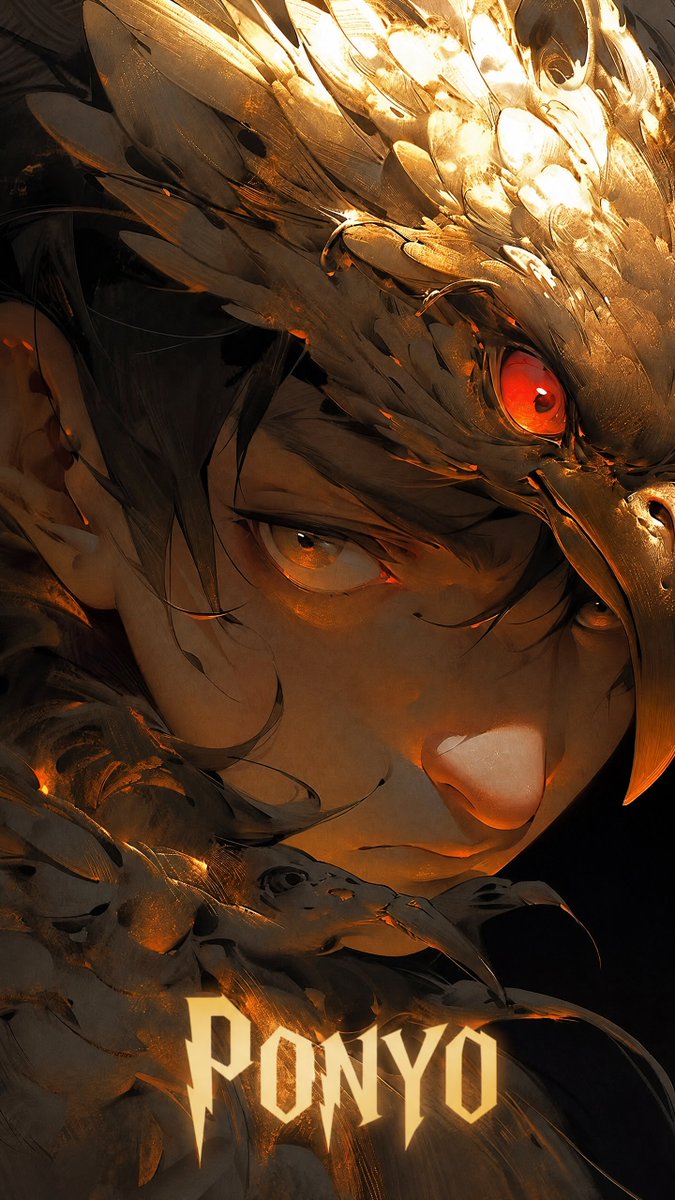
A detailed prompt for a surreal and dark cinematic portrait of a woman whose hair and clothing dissolve into raven feathers and smoke.
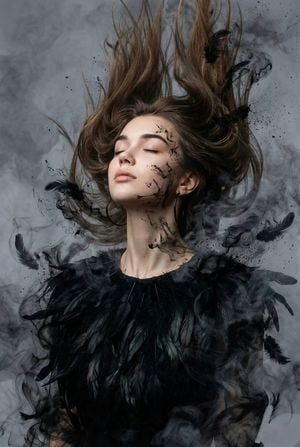
Surreal, dark cinematic, ethereal portrait. Close-up from chest upward of a woman with the features of the {argument name="subject" default="reference image"}, head tilted back, eyes closed, expression of freedom and release. She wears a {argument name="clothing" default="long-sleeve blouse made of organic, layered deep matte black raven feathers"}, with large black hoop earrings. Her hair is loose, dynamically suspended, blowing upward and forward by wind, dissolving into feathers and hair merging with black ink splatters, charcoal dust, and wisps of dark smoke. Fine black ink splatters and wisps spread across her face and neck. Background: {argument name="background" default="smoky gray moody atmosphere"}, thick dense layered smoke swirling throughout the frame. High-resolution, cinematic moody lighting diffused through smoke.
Choose the primary action to open PicX Studio with the available template settings. Review the model and format, personalize the creative direction, and generate when ready.
Yes. You can change the subject, setting, lighting, mood, format, and available model controls before creating your image.
This template is free to open and customize. Generation usage is shown in PicX Studio before you create.
Start with GPT Image 2, which is the model associated with this template. You can compare another compatible model for a different finish.
Follow a topic to a crawlable collection of related PicX Studio templates.