
Moonlit Guardian Balcony
Generates a vertical gothic fantasy background with a moonlit castle city, ornate tabletop objects, and a short vertical message for wallpaper-style art.
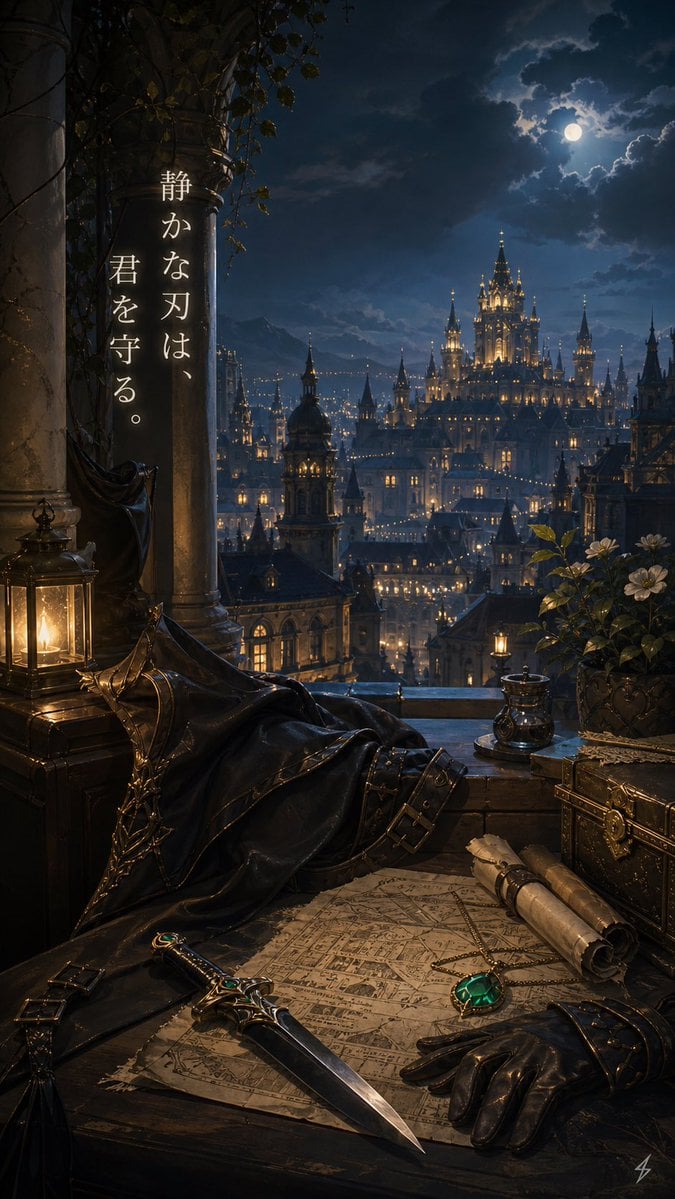
- Prompt included
- Model and format preset
- Free template
The prompt behind this image
Copy the exact prompt behind Moonlit Guardian Balcony, or open it in the studio and make it yours.
Create a vertical fantasy background illustration in a dark romantic gothic style, viewed from a high stone balcony at night. The scene overlooks a vast illuminated castle city with many spires and warm window lights beneath a cloudy deep-blue sky and a bright full moon. In the left foreground place two massive weathered stone columns wrapped with ivy and vines, a black cloak or mantle draped over a chair or railing, and one glowing brass lantern on a wooden chest. Across the lower foreground place one aged parchment map spread on a dark wooden table, one ornate dagger with emerald accents lying diagonally across it, one black leather glove beside it, two rolled scrolls tied with cord, one small metal cup or inkwell near the balcony ledge, one decorative locked treasure chest on the right, and one potted flowering plant with white blossoms. Use warm candlelight in the foreground contrasting with cool moonlight over the distant city, creating a quiet protective mood. Add a short vertical Japanese message on the left column in elegant white serif calligraphy, arranged as two vertical text columns, reading {argument name="message text" default="静かな刃は、君を守る。"}. Make the setting feel like {argument name="setting mood" default="a silent guardian's lookout over a royal capital"}, with {argument name="main foreground item" default="an emerald-inlaid dagger"} as the visual focus, {argument name="sky condition" default="moonlit clouds"}, and {argument name="city style" default="gothic fantasy castle city"}. No characters are visible.
How to use Moonlit Guardian Balcony in 3 steps
- 1Upload ImagePNG, JPG or paste
Add your photo
Upload the photo the template builds on. The prompt, model and format are already set.
- 2…a portrait of your subject in softgolden-hour light, 85mm…
Personalize
Edit the subject and creative details for your destination.
- 3Generate
Generate
Press Generate — your image is created in PicX Studio, so you can compare it with the original and refine one variable at a time.
More like this
Templates with the same subject, style or setup. Open one to see its prompt.
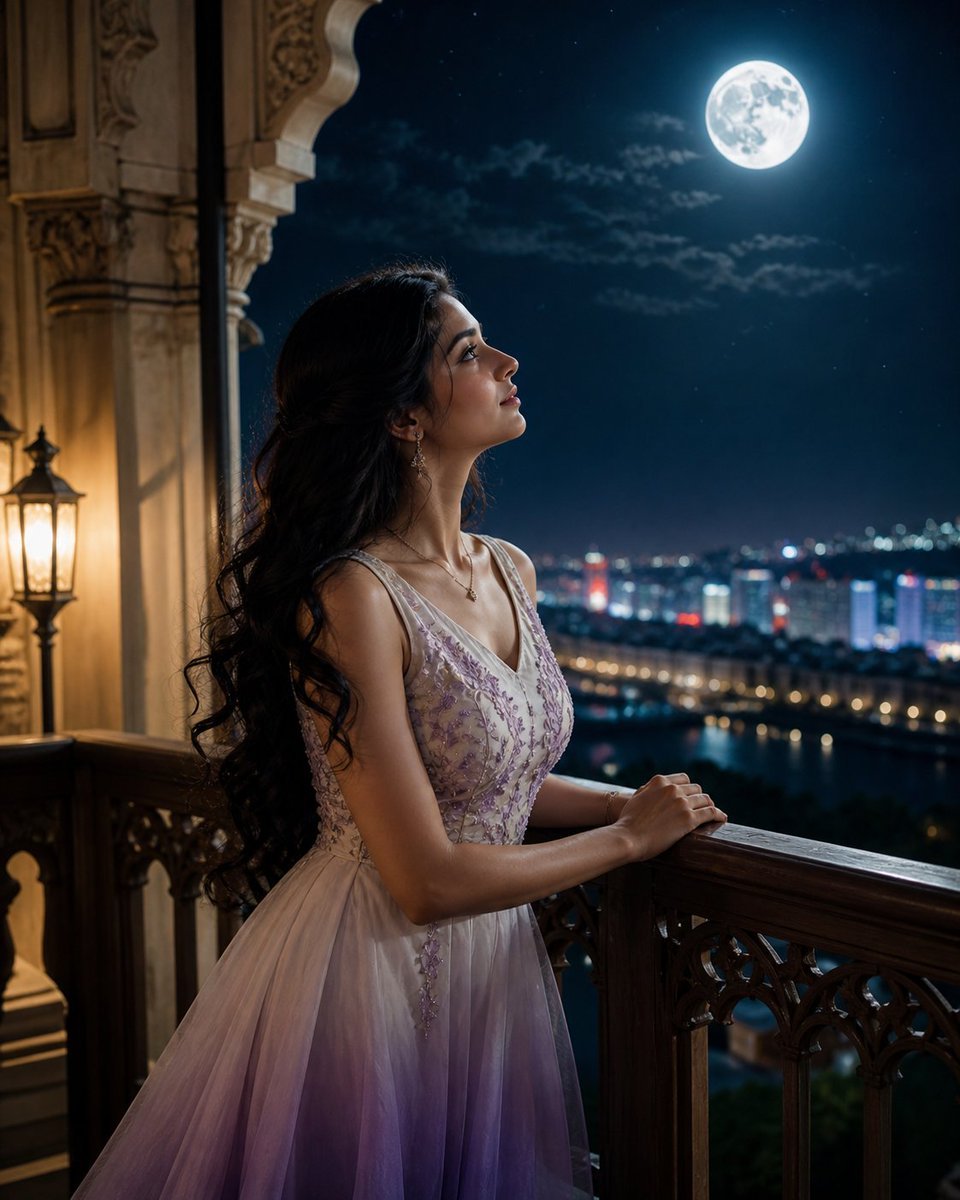
Moonlit Indian Woman Balcony Portrait
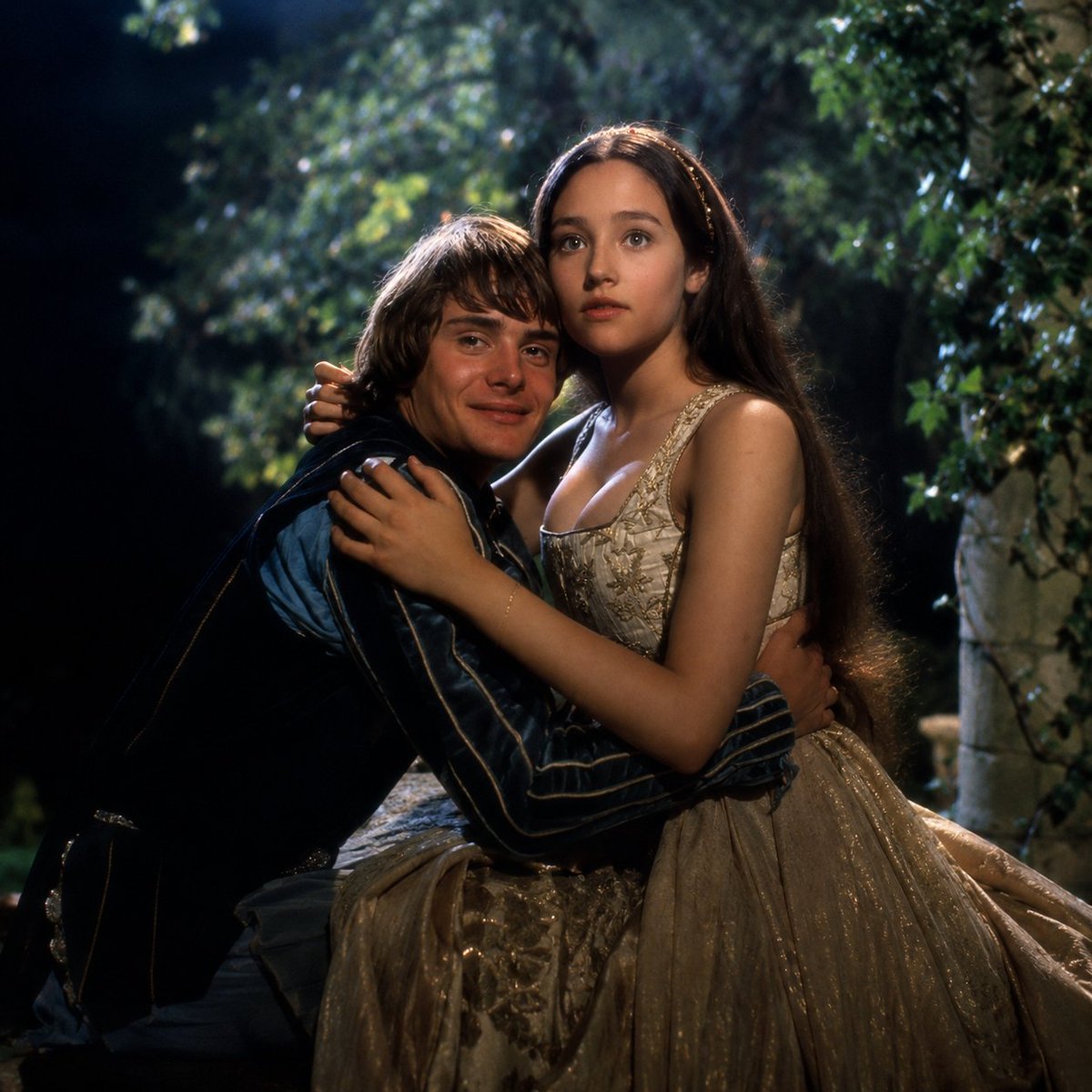
Renaissance Moonlit Balcony Romance
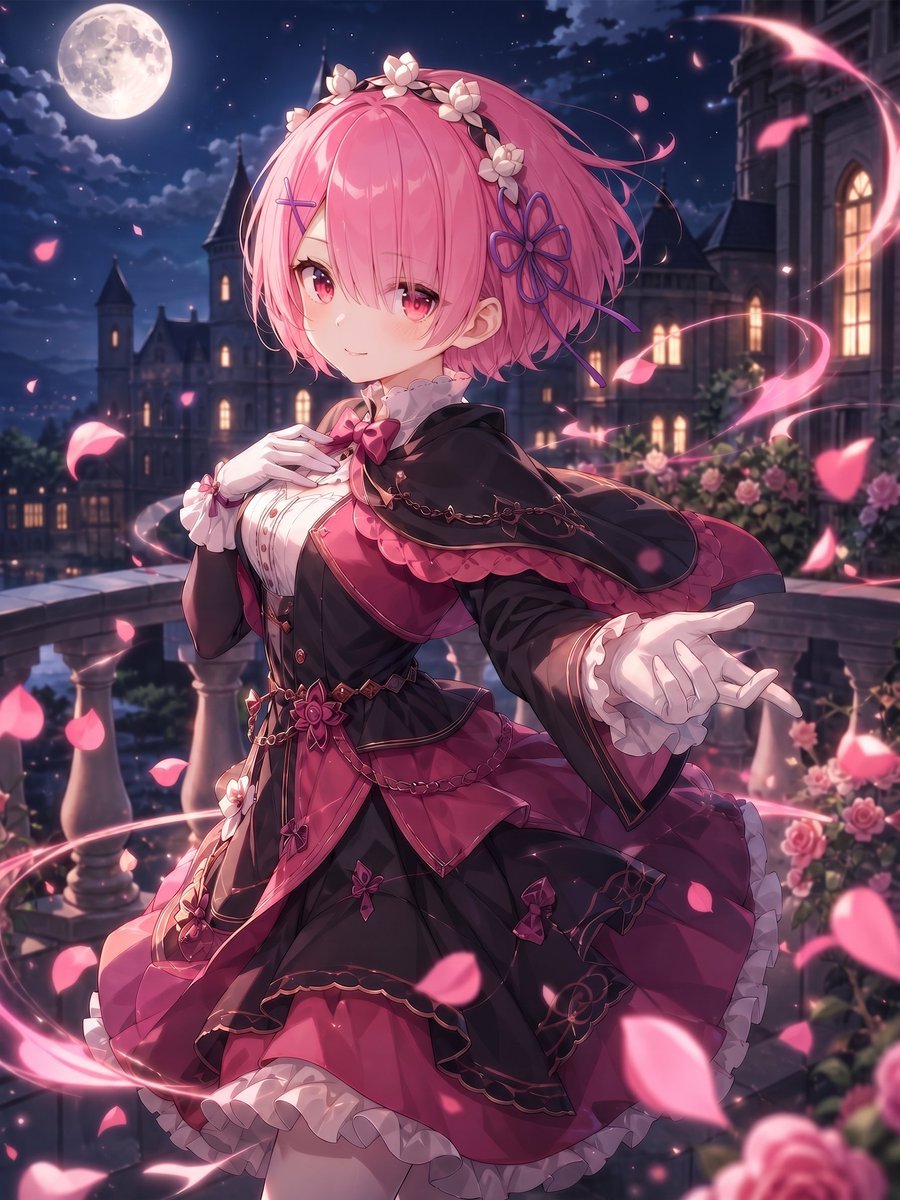
Moonlit Gothic Lolita Balcony
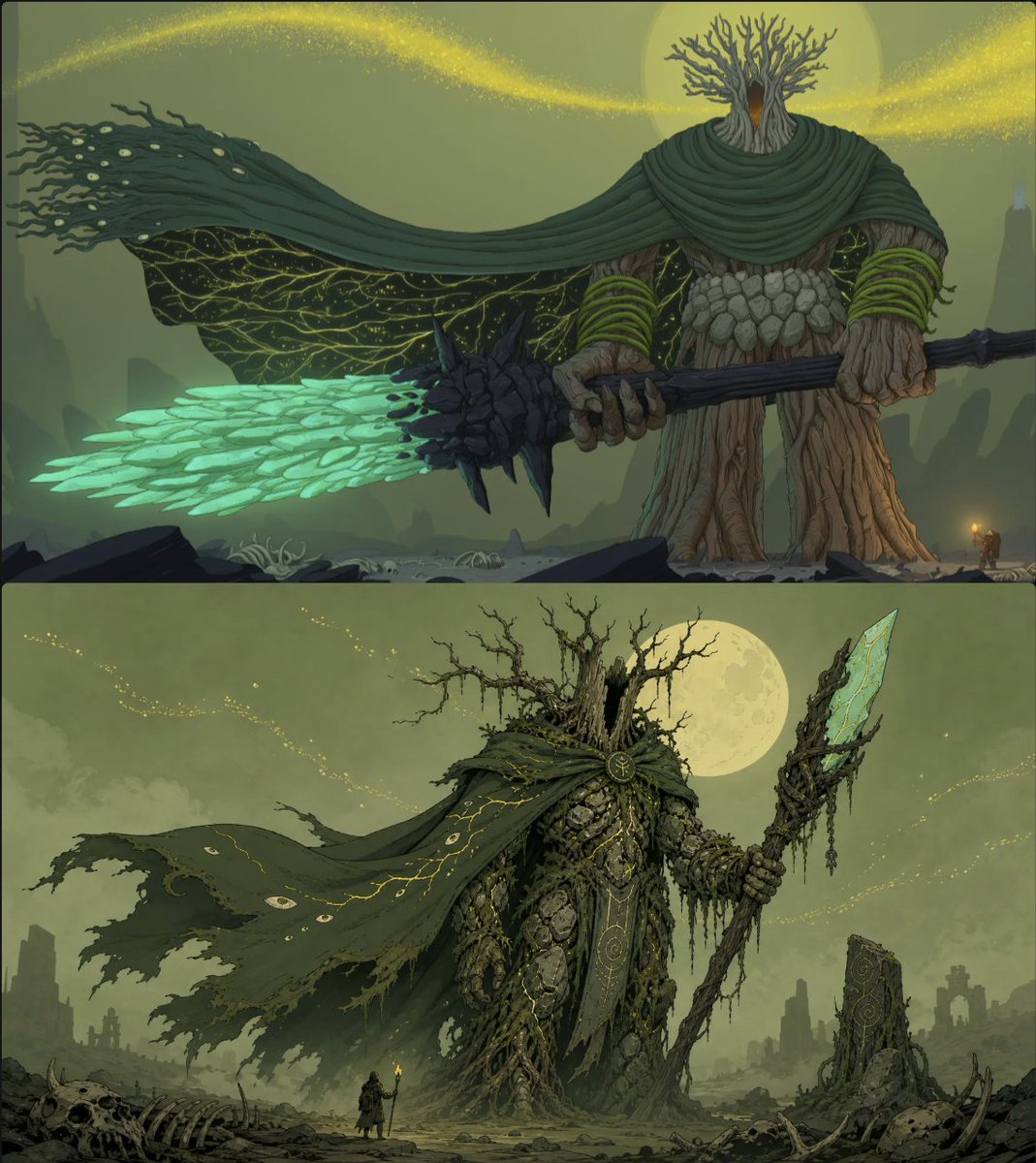
Moonlit Forest Guardian Diptych
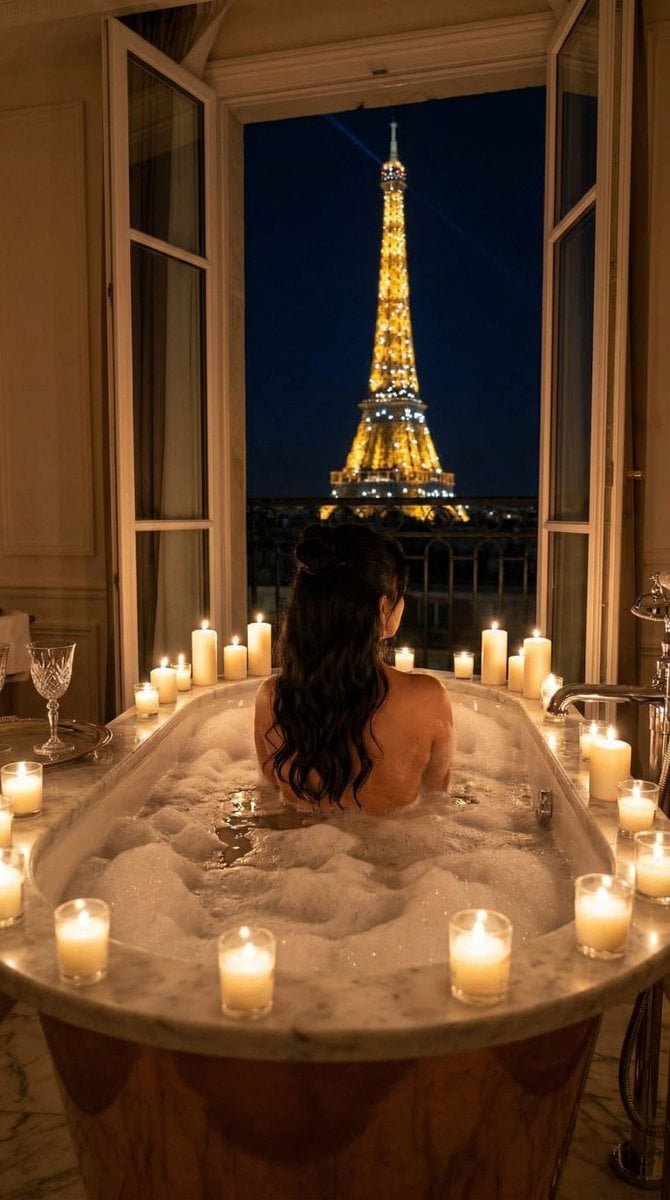
Nano Banana - Paris Balcony Night Eiffel

Moonlit Fox Mask Night Market

Lone Mountaineer in Moonlit Snow
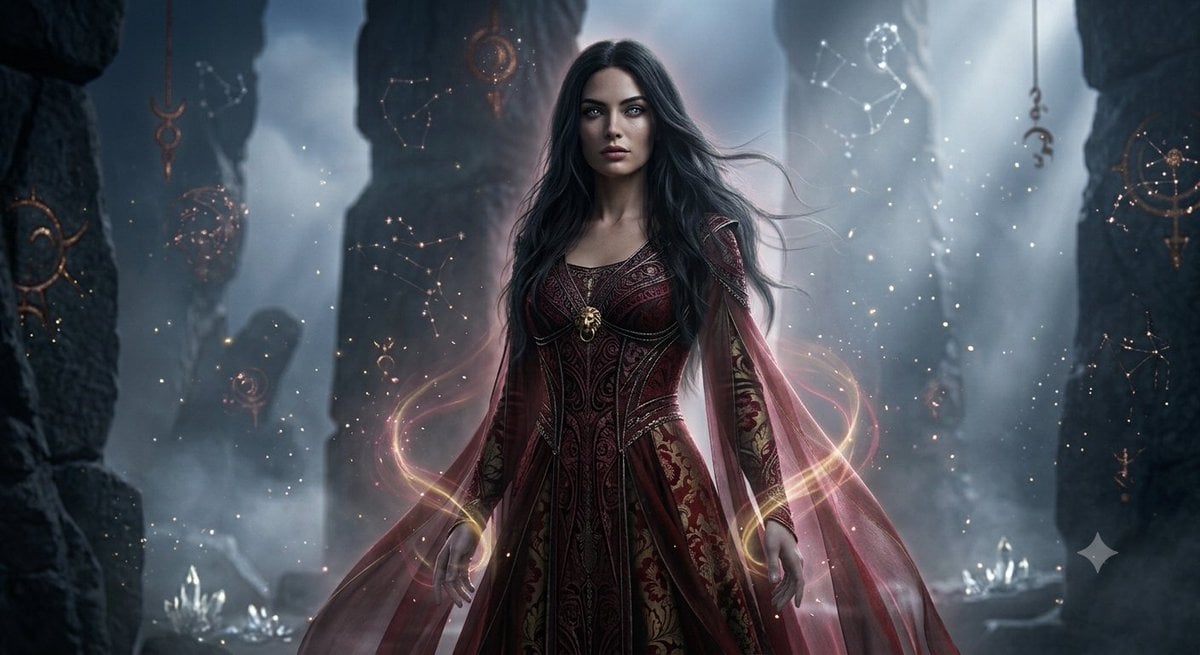
Mystical Ancient Guardian Portrait

Moonlit Ghost Lotus Anime Portrait
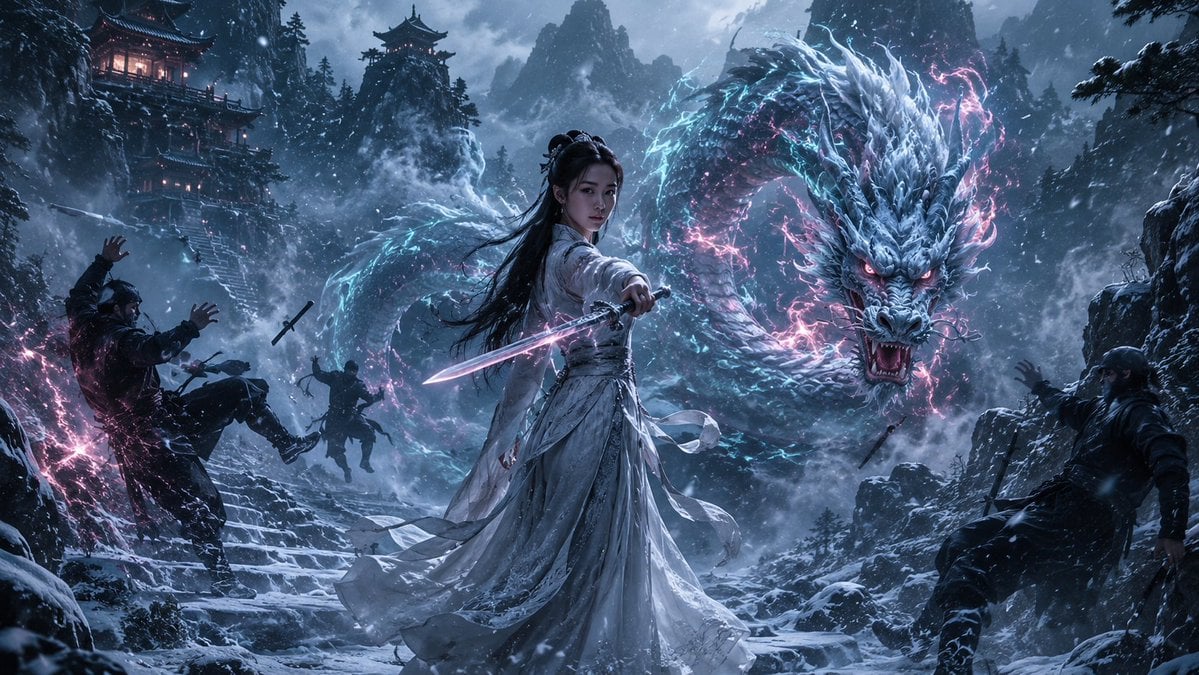
Guardian of the Snowbound Pass

Tribal Fantasy Warrior with Guardian Owl
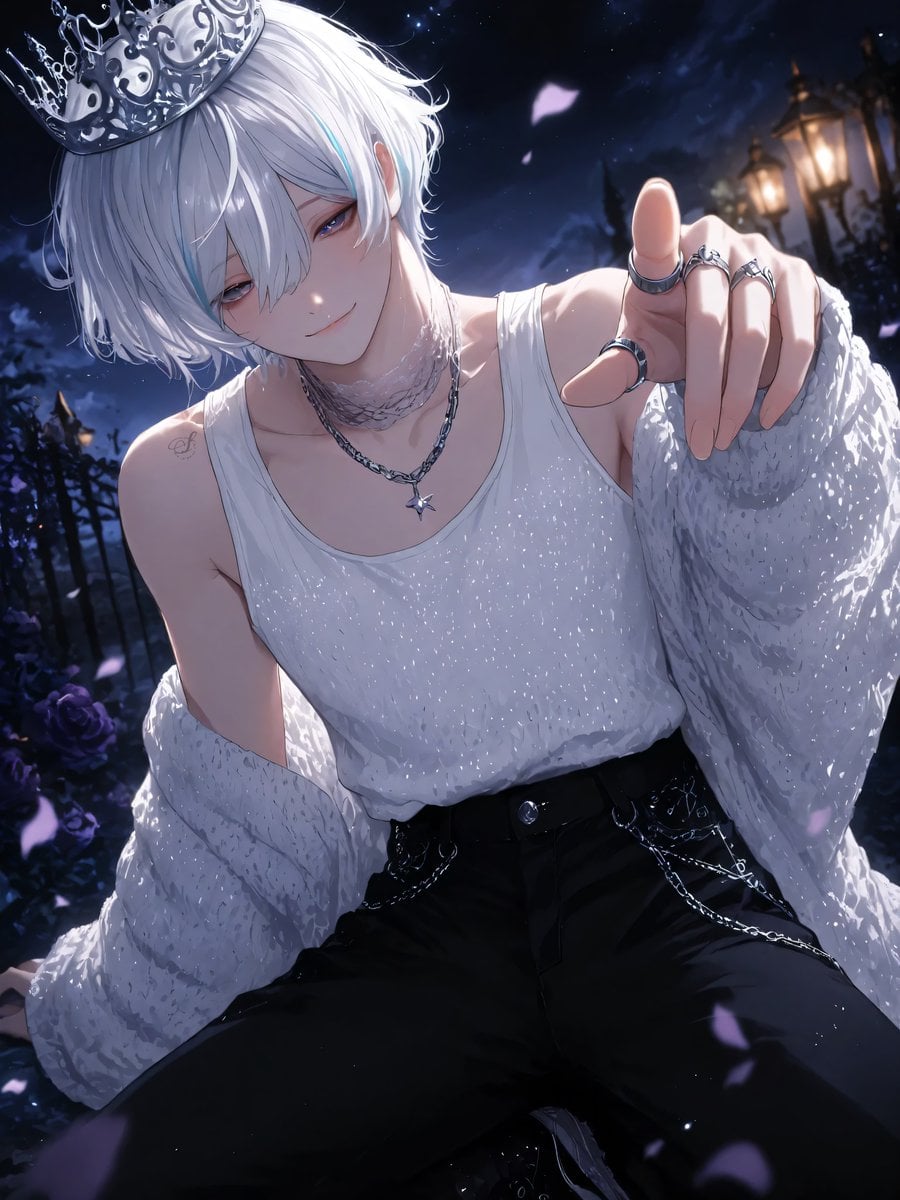
Moonlit Lace Prince Portrait
Make it yours
Moonlit Guardian Balcony works as-is. These are the safest ways to change it without losing the look.
Change one field
Copy a single group, rewrite it, and generate again so you can see what that field is doing.
Keep the frame, change the subject
Hold the composition and light of Moonlit Guardian Balcony, then swap wardrobe, props or the person for a new take.
| If the result… | Why | Fix |
|---|---|---|
| The result drifts from the preview | Too many fields changed at once. | Reuse Moonlit Guardian Balcony as-is first, then change one group — subject, light, or setting. |
| The model over-stylizes the scene | The prose prompt leaves finish and camera underspecified. | Add one camera or lighting sentence and stay on GPT Image 2. |
More GPT Image 2 templates
Other prompts made for GPT Image 2.

Six VTuber Japanese Logo Sheet

Realistic Portrait of Woman and Deer

The Vista Modular Condo Poster

AI Model Routing Comparison Infographic

2.5D Anime Art Board

Isometric Productivity Desk Scene

New York Double Exposure Poster

Four-Panel AI Landscape Comparison

Japanese Tatami Lifestyle Magazine Cover

NESCAFÉ Coffee Map Poster
More image prompts
Fresh picks from across the catalog.
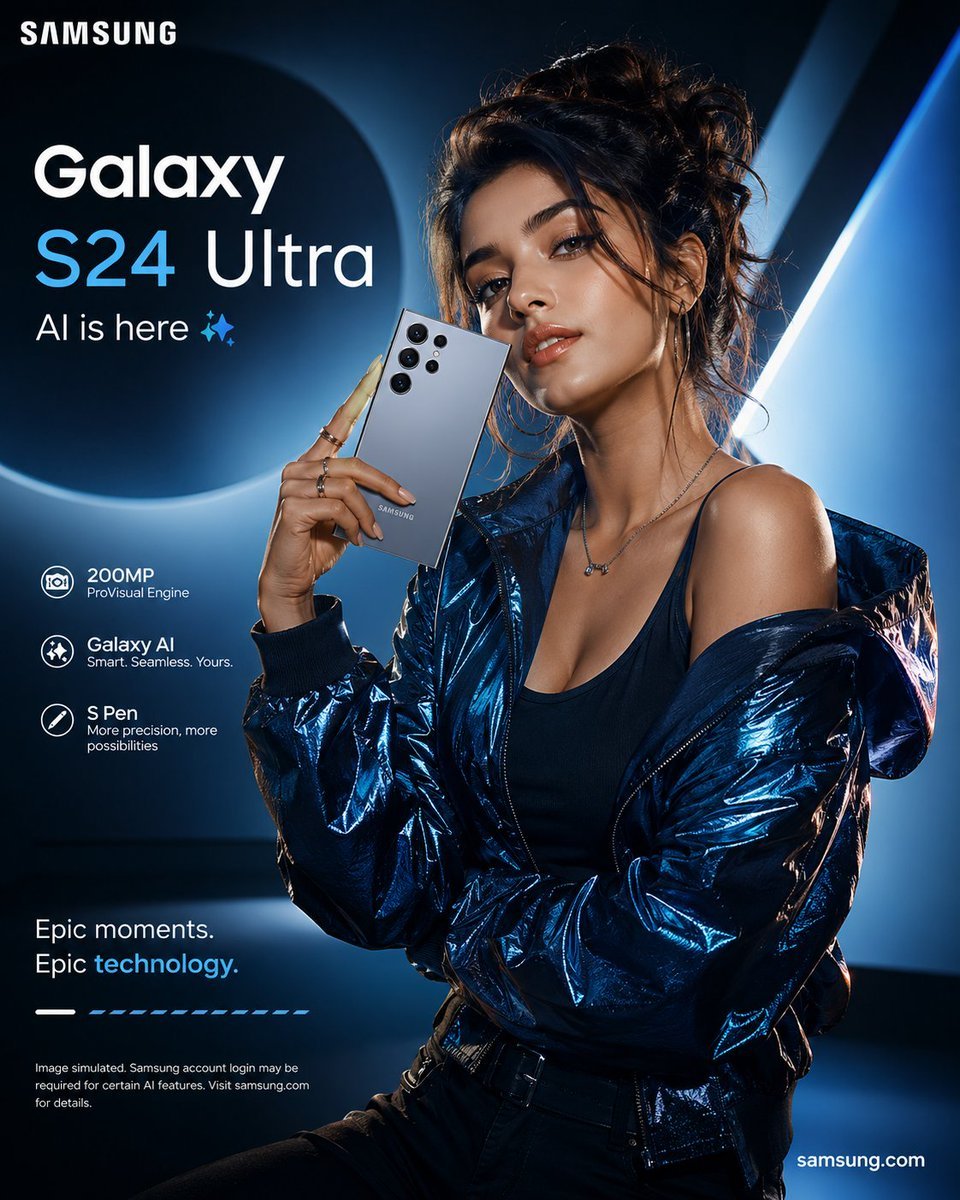
Premium Smartphone Ad Poster
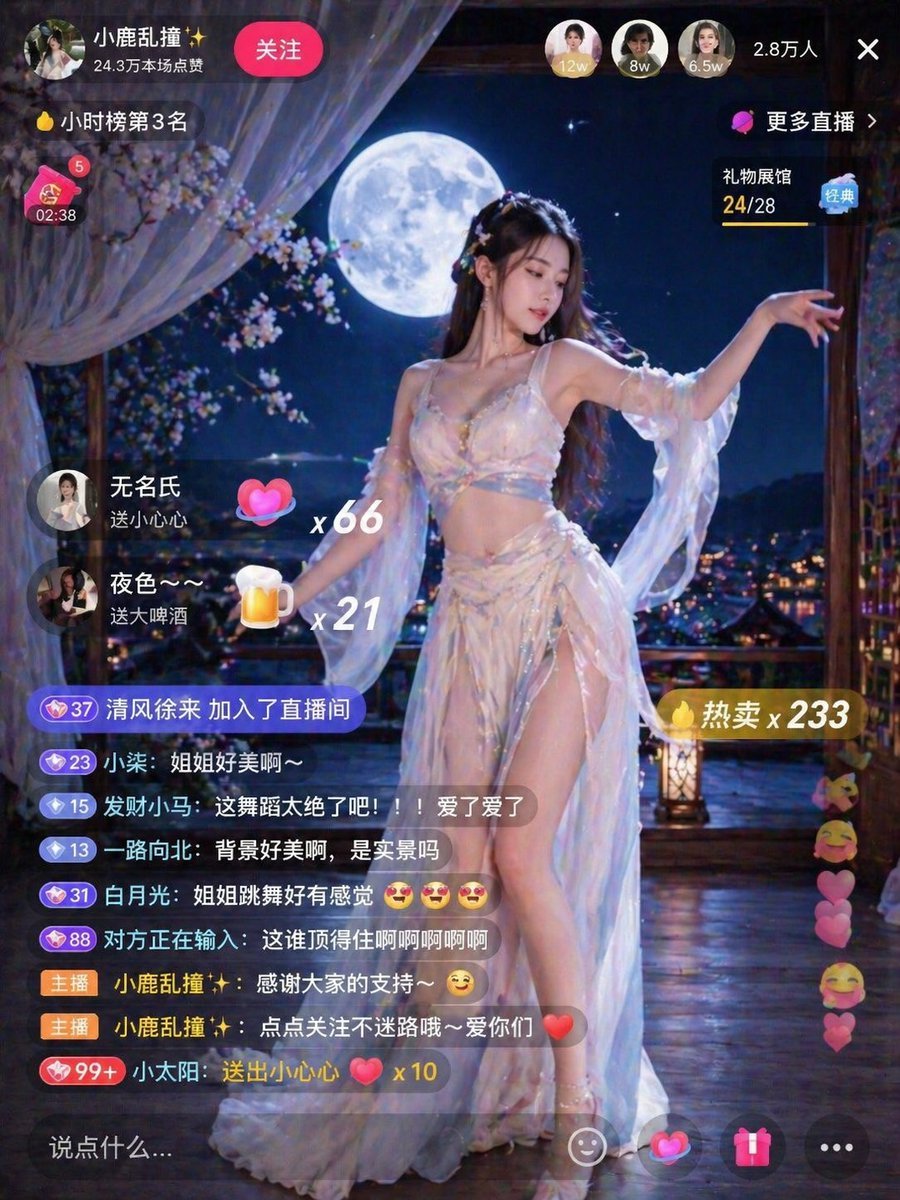
Live Stream Room Scene
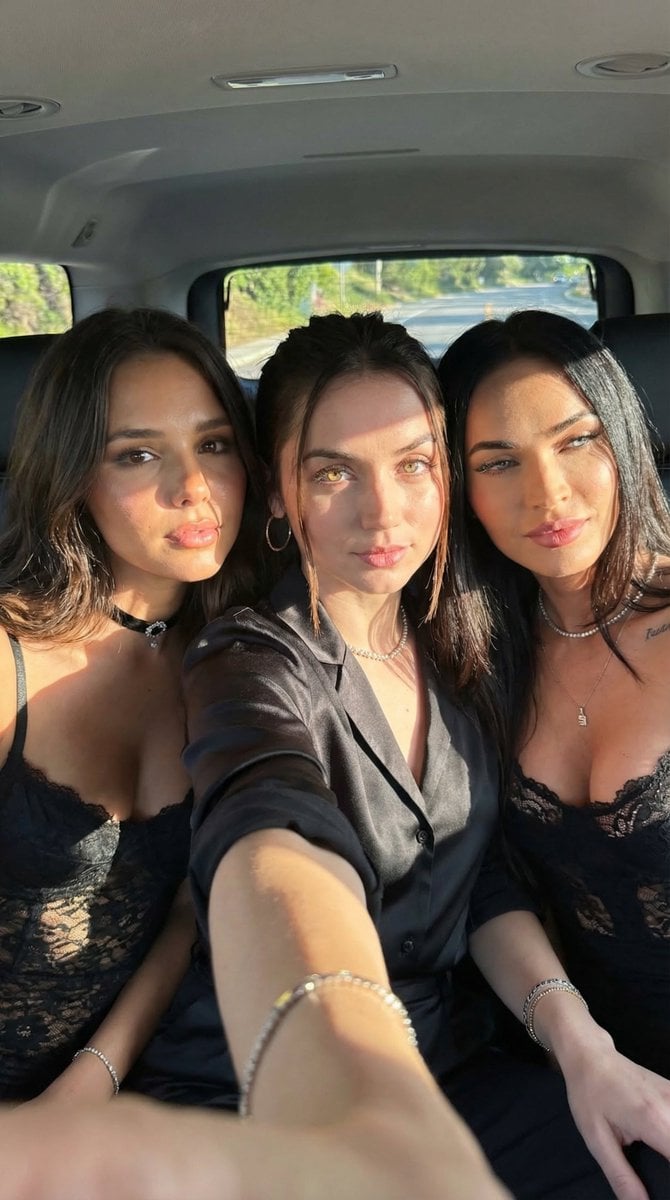
Car Selfie with Three Subjects and Identity Lock
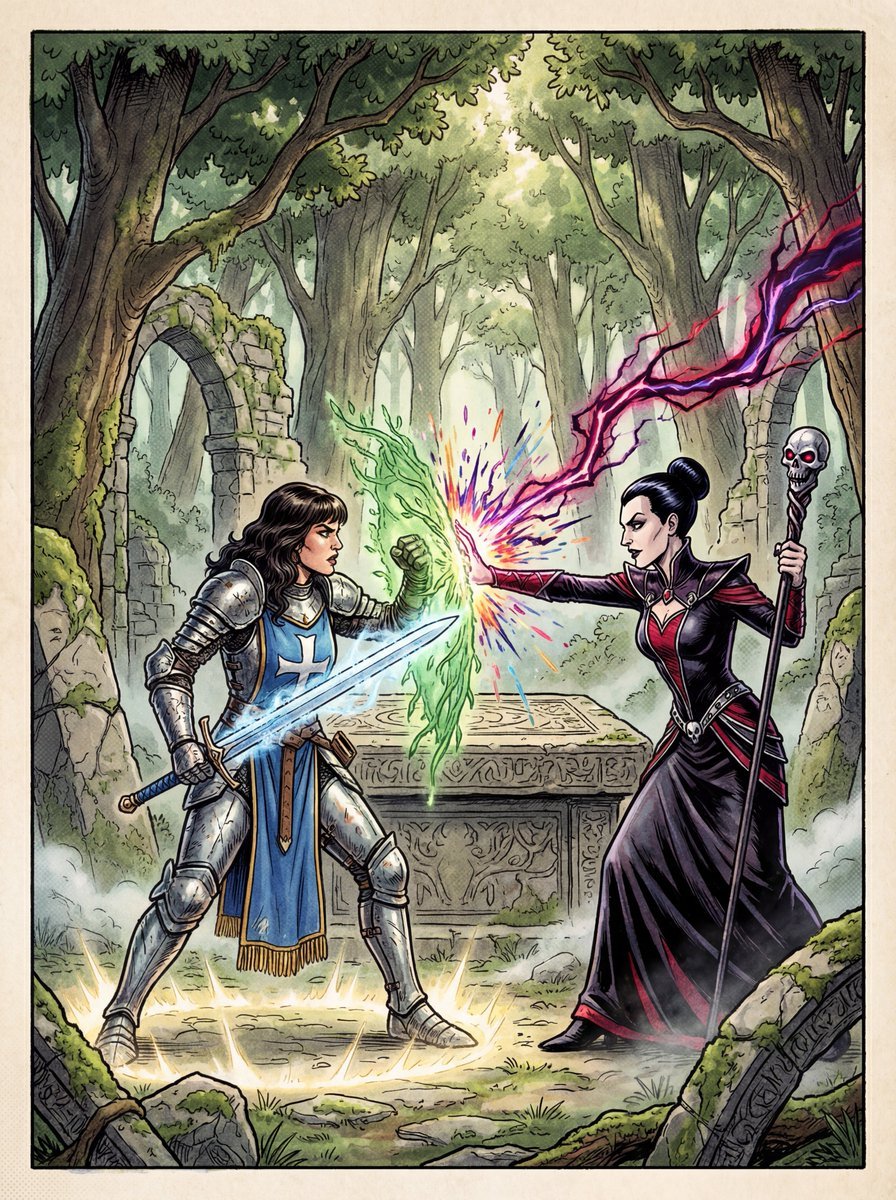
1980s RPG manual cover in 4K
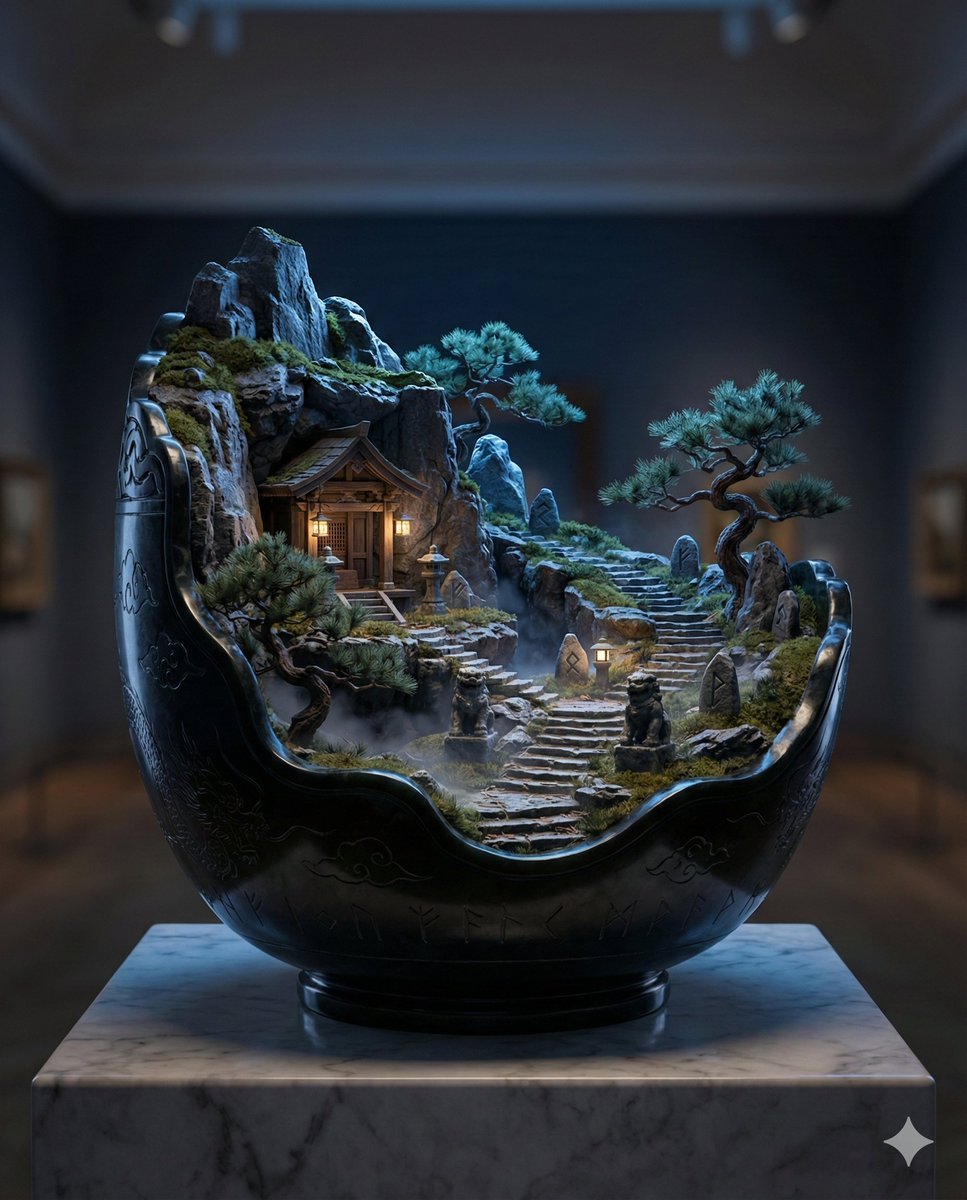
Black Jade Diorama of Night Mountain of the Ancients
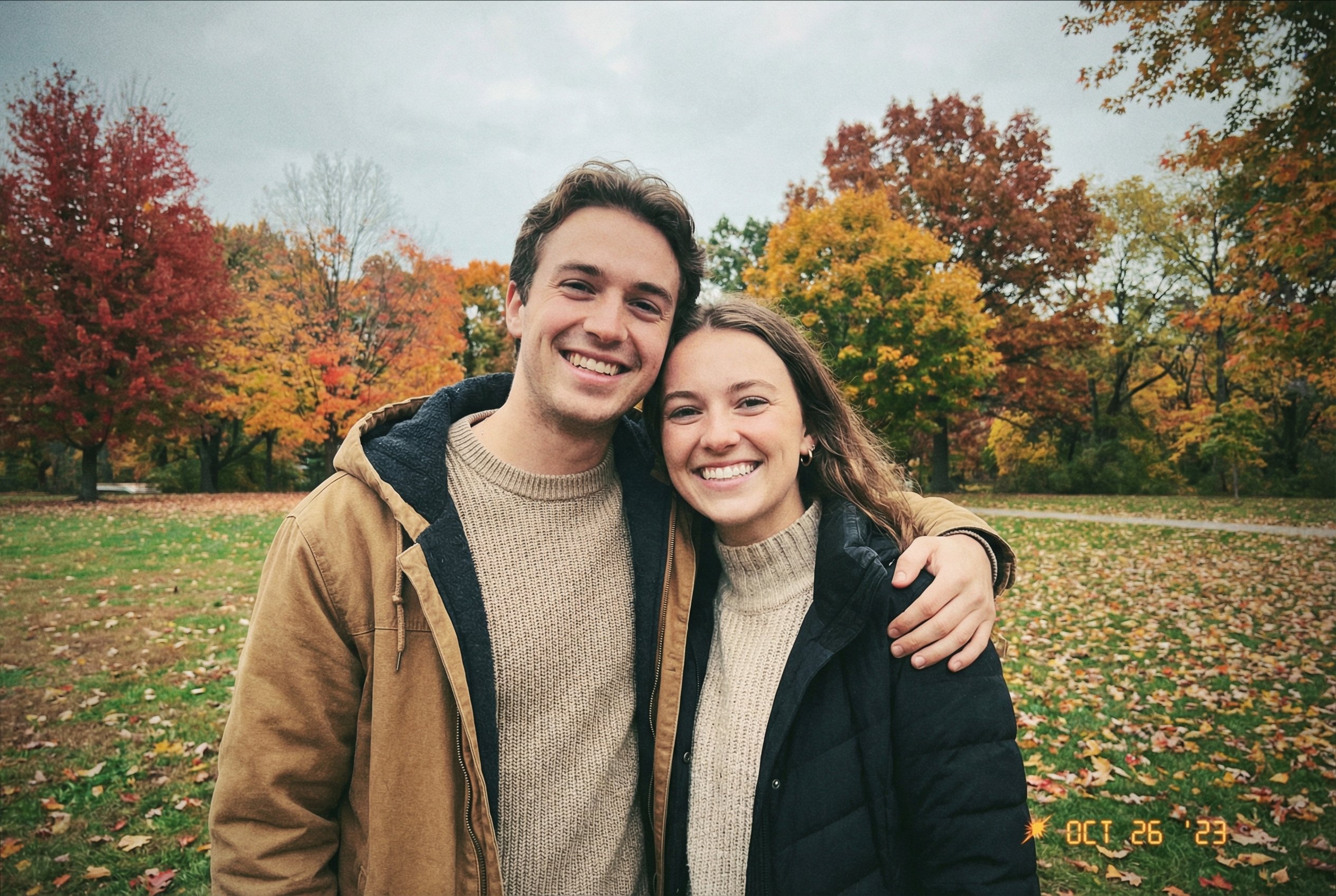
Faithfully Illustrated Christmas Card De
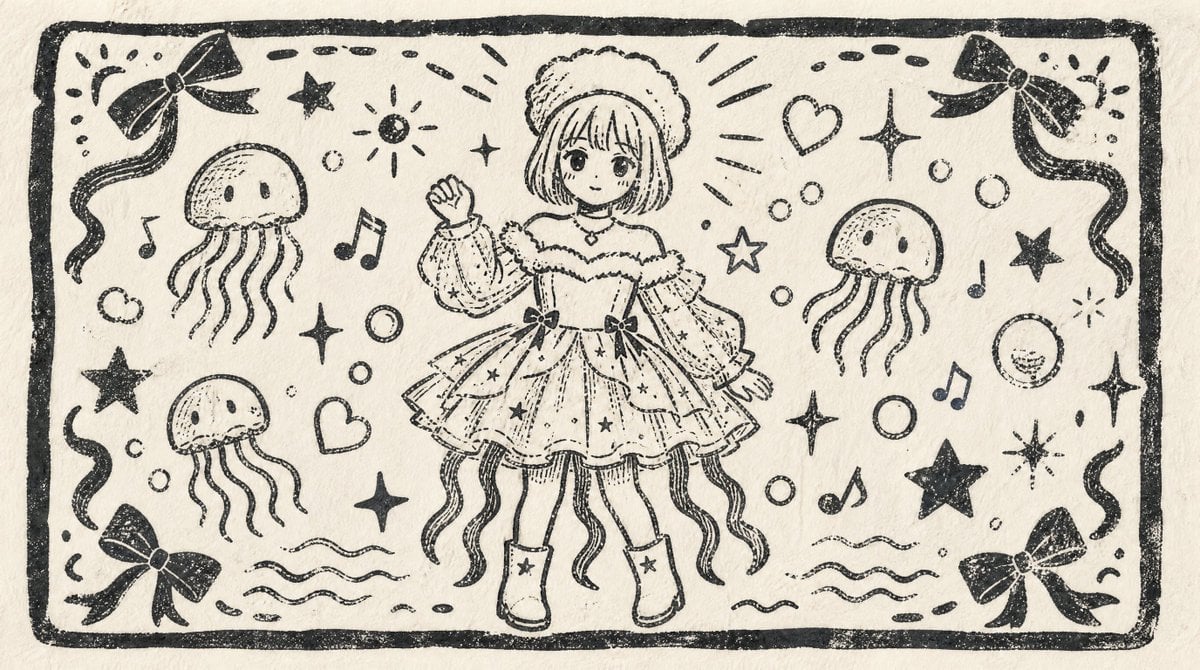
Monochrome Woodblock Character Postcard
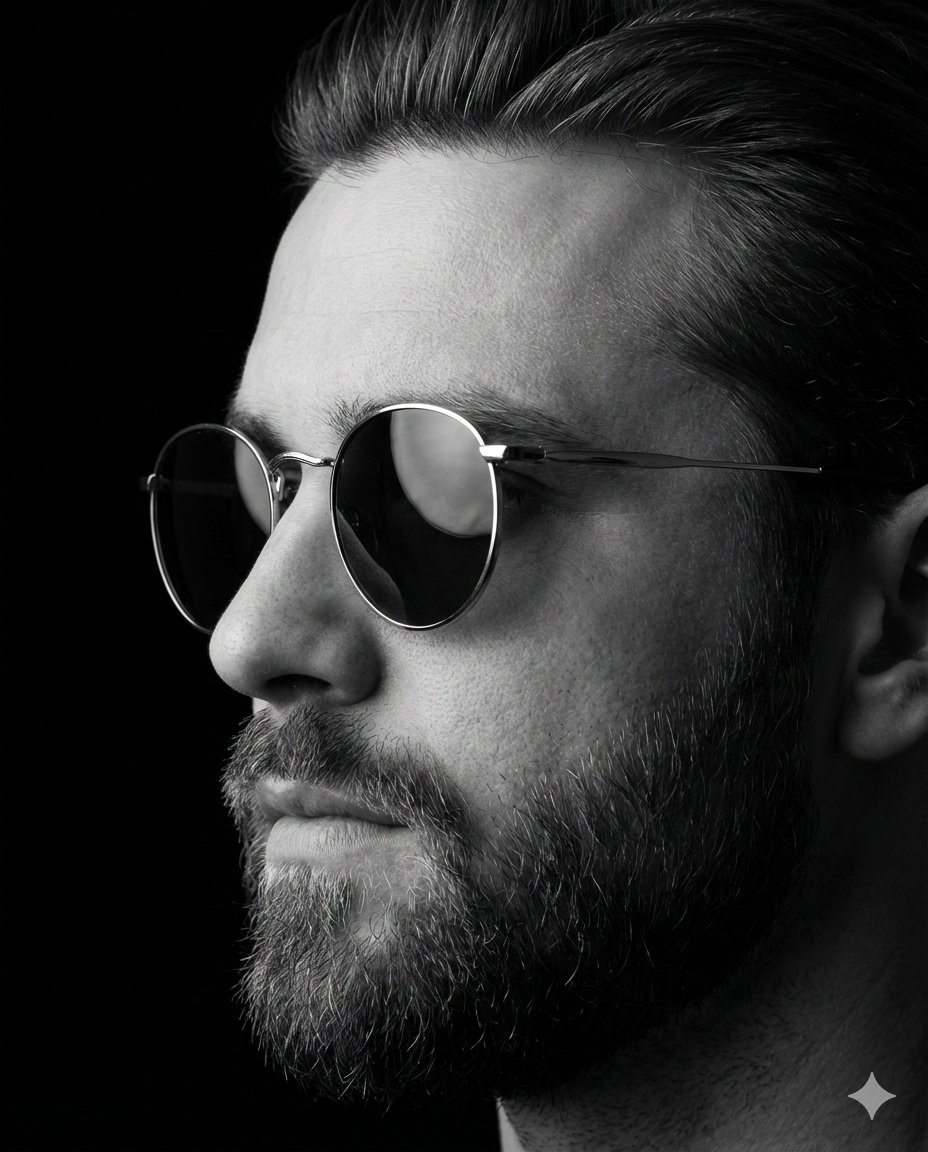
Dramatic Black-and-White Studio Portrait of a Stylish Man
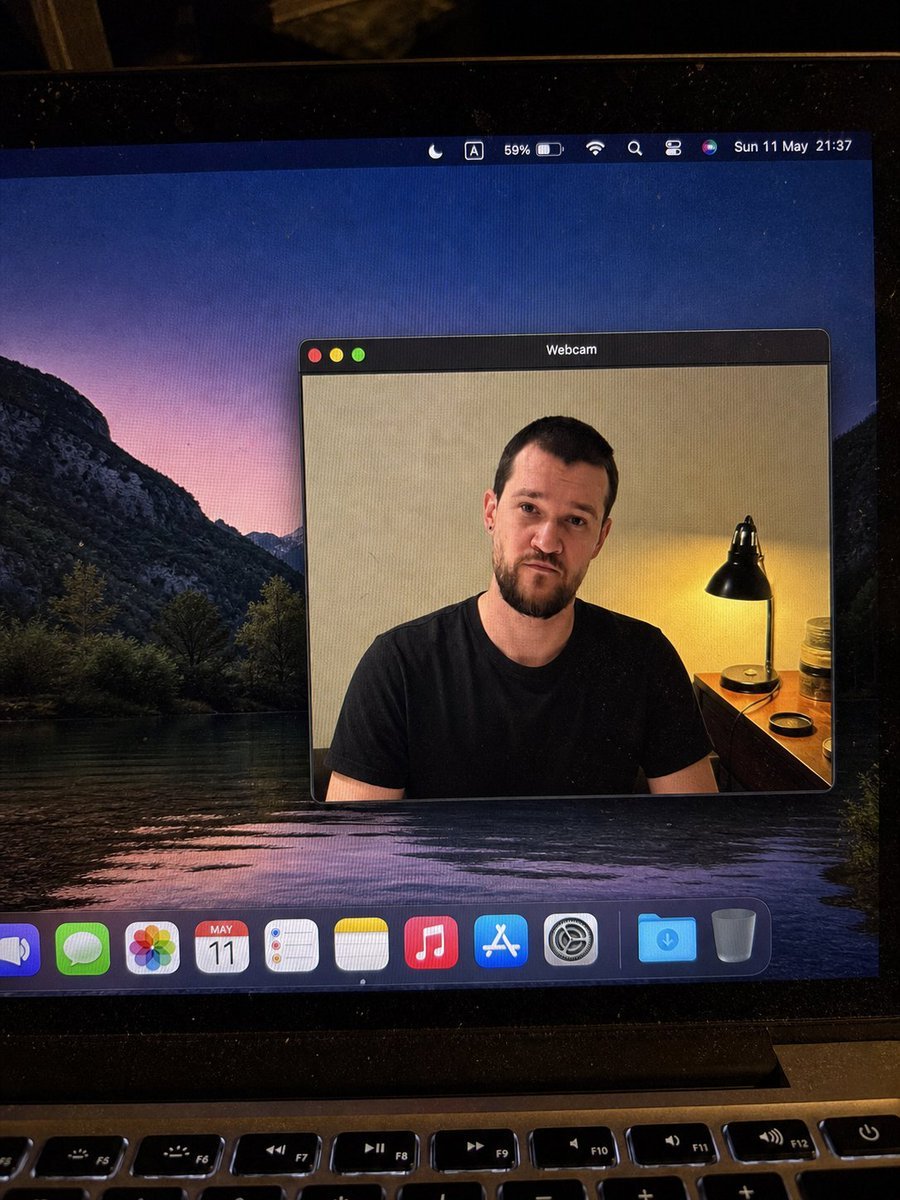
MacBook Webcam Window Photo
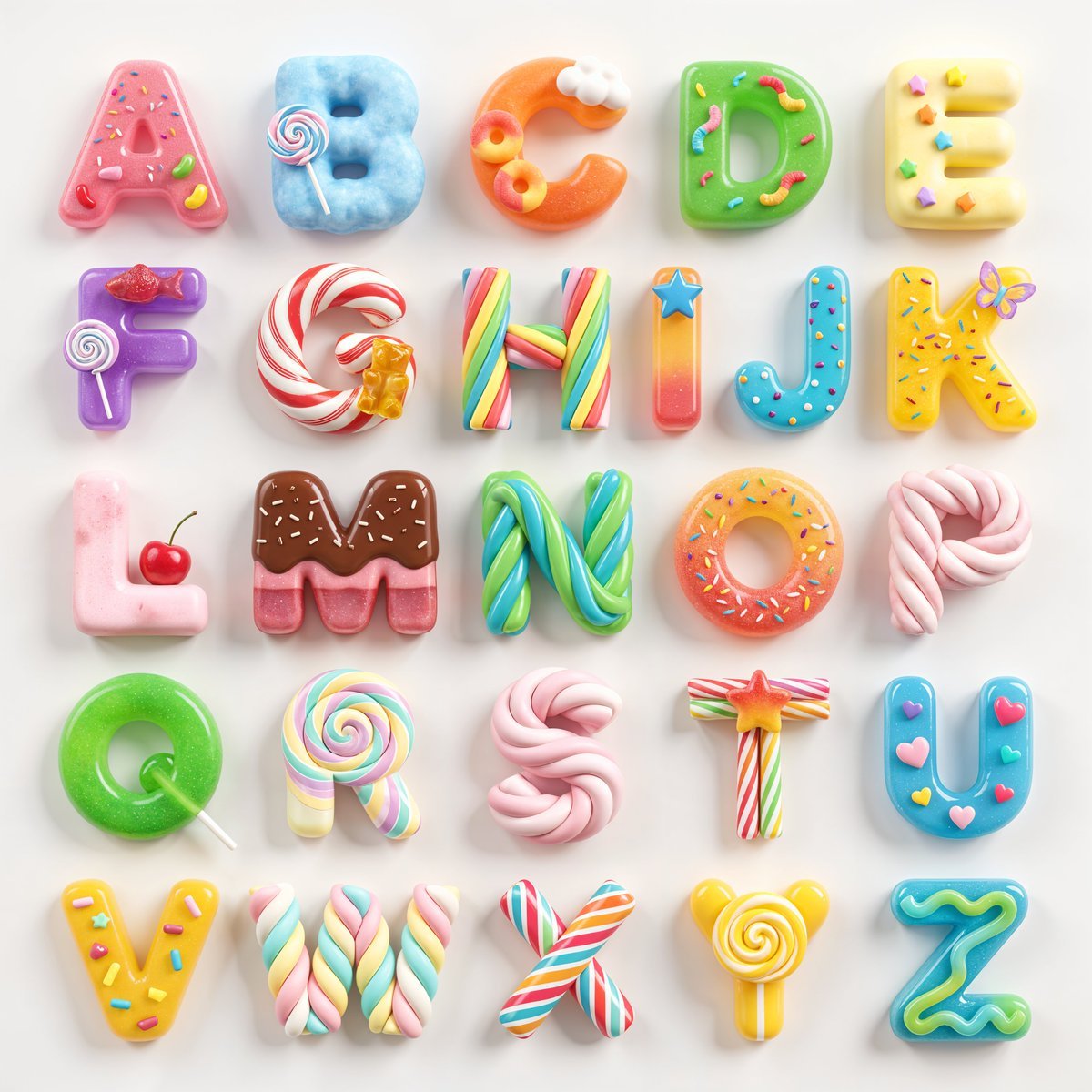
3D Squishy Candy Alphabet
Browse template categories
Moonlit Guardian Balcony questions
How do I use the Moonlit Guardian Balcony template?
Add your photo if the template asks for one, edit the prompt if you like — the template's model and format are already selected — and press Generate. Your version opens in PicX Studio.
Can I customize the Moonlit Guardian Balcony template?
Yes. You can change the subject, setting, lighting, mood, format, and available model controls before creating your image.
Is the Moonlit Guardian Balcony template free?
Opening and editing this template is free. Generating uses credits, shown on the Generate button when you are signed in.
Which AI model should I use?
Start with GPT Image 2, which is the model associated with this template. You can compare another compatible model for a different finish.
Looking for something else? Browse all templates.

Your photo, any look
Thousands of ready templates for every top image and video model, from one credit balance.