
Guardian of the Snowbound Pass
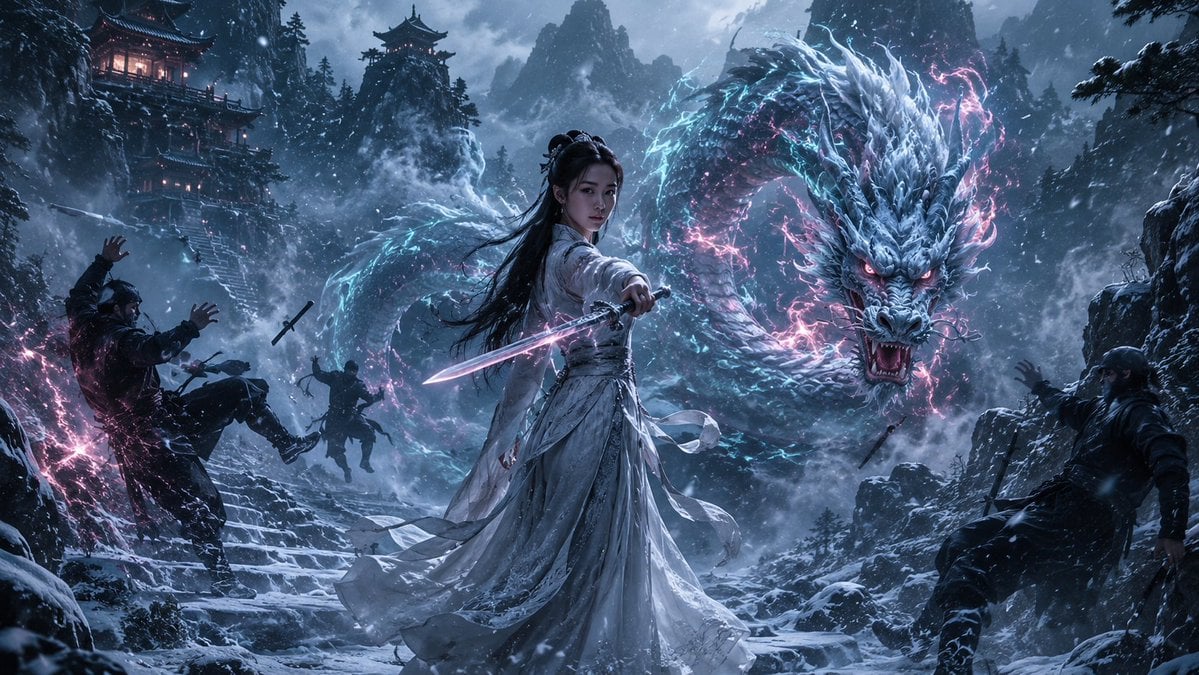
A breathtaking cinematic fantasy scene featuring a Chinese warrior woman protected by a majestic dragon in a snowy mountain landscape.
- Prompt included
- Model and format preset
- Free template
The prompt behind this image
Copy the exact prompt behind Guardian of the Snowbound Pass, or open it in the studio and make it yours.
A breathtaking cinematic fantasy scene set deep in the snowy mountains of {argument name="character origin" default="China"}. A beautiful adult {argument name="character origin" default="Chinese"} woman stands calmly at the center of an ancient snow-covered mountain path as several dark-clothed opponents attack from both sides. She wears an elegant flowing pale-white traditional Chinese-inspired warrior outfit, with realistic layered fabric moving naturally in the freezing mountain wind. Her long dark hair blows gently behind her, her expression calm, focused and fearless. Behind her, an enormous majestic {argument name="guardian creature" default="Chinese dragon"} suddenly emerges through the swirling snowfall and mist, coiling dramatically around the mountain path as it rushes forward to protect her and drive the attackers back. The dragon should feel ancient, powerful and intelligent, with highly detailed icy silver-blue scales, realistic whiskers, horns and piercing eyes. The moment should tell a clear story: the attackers believed the woman was travelling alone, only to discover that the dragon has been silently guarding her. Set the scene among towering mist-covered {argument name="environment" default="Chinese mountain peaks"}, snow-covered pine trees, dramatic rocky cliffs, ancient stone stairs and distant traditional Chinese temples built into the mountainside. Warm amber lantern lights glow softly from the temples in the background. Add restrained neon-fantasy accents rather than full cyberpunk styling: subtle cyan-blue and soft magenta energy flowing around portions of the dragon, faint pink-purple illumination along the woman’s sword, and delicate coloured reflections across the falling snow. Keep most of the environment naturally lit and realistic. Heavy but beautiful snowfall, atmospheric mountain mist, wind-blown snow particles, realistic footprints and snow accumulation, volumetric light, natural atmospheric perspective, detailed skin texture, realistic hair strands, intricate fabric texture, highly detailed dragon scales and physically believable interaction with the environment. Composition: woman dominant in the foreground-center, dragon sweeping dramatically behind and around her, attackers pushed toward the edges of the frame, ancient temple visible in the upper background, mountains creating enormous depth and scale. Camera: cinematic 24mm wide-angle lens, slightly low eye-level perspective, dynamic foreground framing, deep environmental storytelling, realistic depth of field. Lighting: cold overcast winter ambience, soft natural skylight, subtle cyan rim light from the dragon, faint magenta highlights, warm practical lantern glow in the distance, realistic reflections on snow. Mood: mysterious, powerful, elegant, dangerous, ancient, emotional
How to use Guardian of the Snowbound Pass in 3 steps
- 1
Open
The prompt is already in the box next to the preview, with the template's model and format selected.
- 2…a portrait of your subject in softgolden-hour light, 85mm…
Personalize
Edit the subject and creative details for your destination.
- 3Generate
Generate
Press Generate — your image is created in PicX Studio, so you can compare it with the original and refine one variable at a time.
More like this
Templates with the same subject, style or setup. Open one to see its prompt.
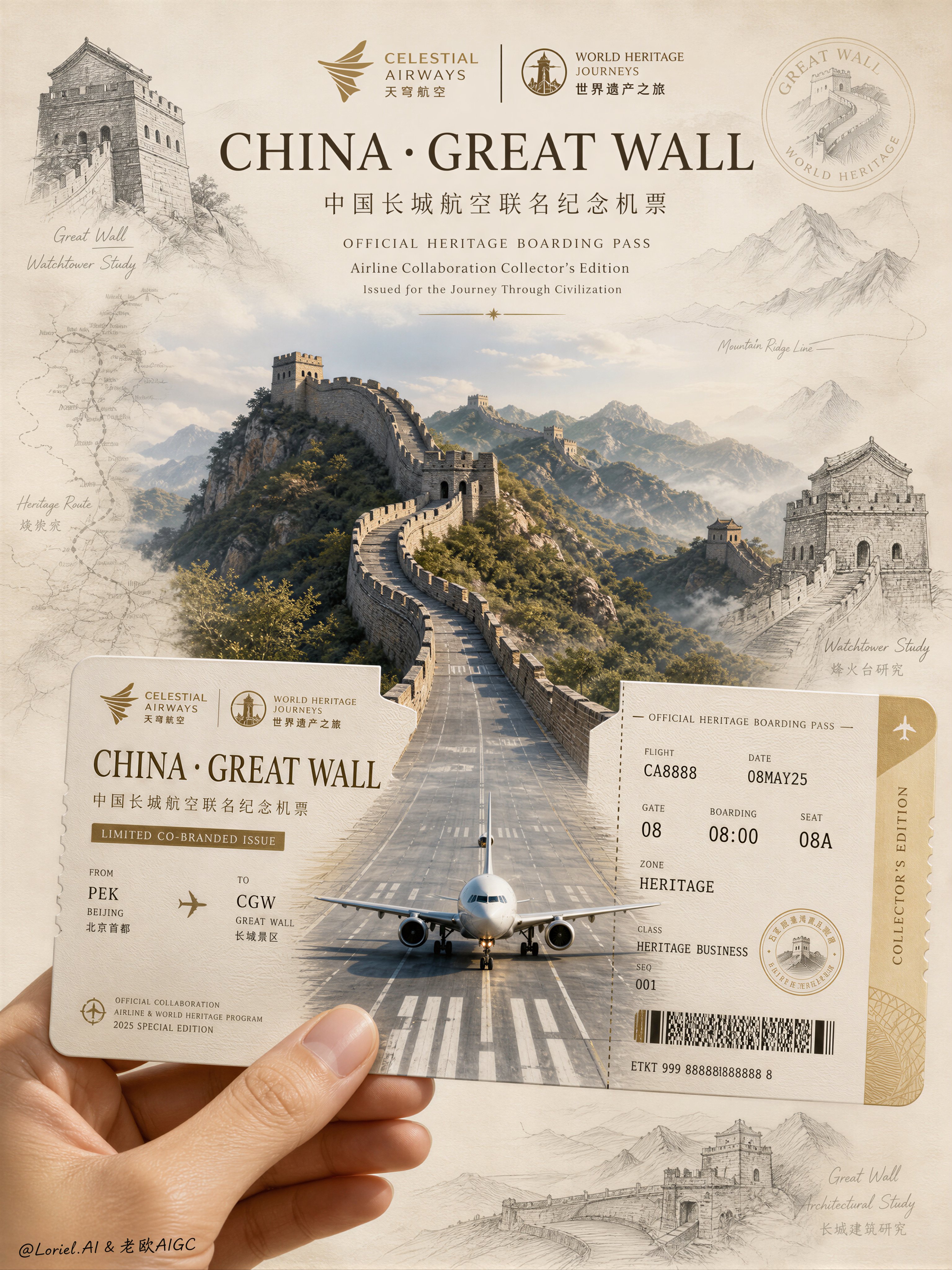
Aviation Archives Great Wall Boarding Pass
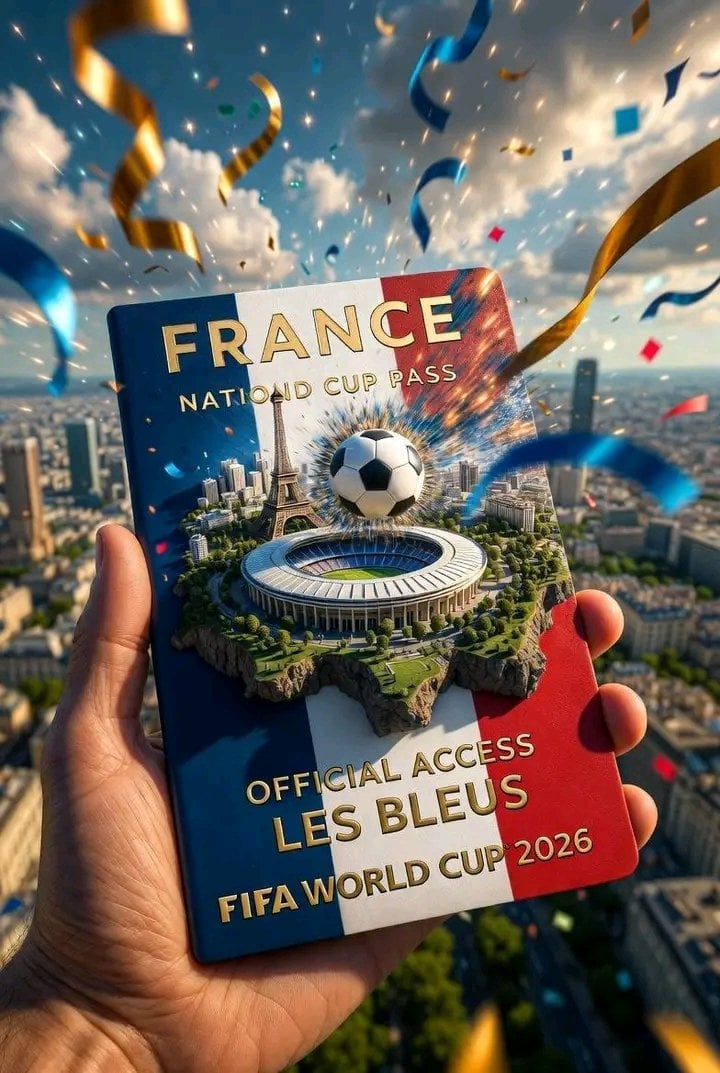
FIFA World Cup — National Cup Pass (Variable)

FIFA World Cup — Brazil National Pass Diorama
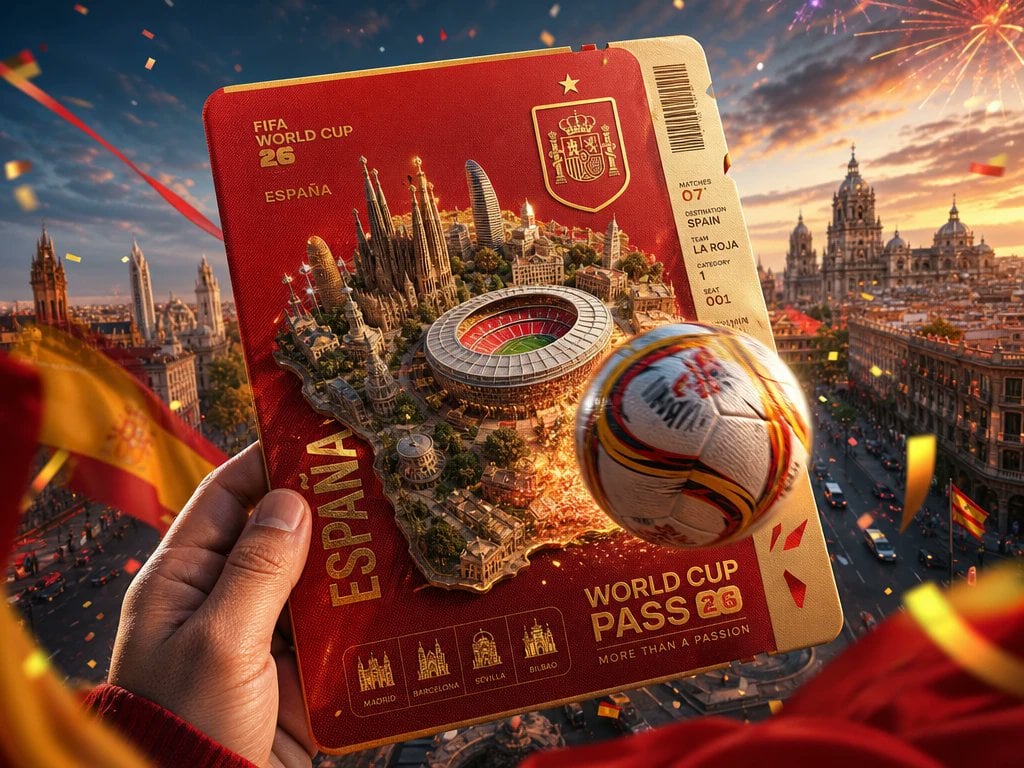
Spain World Cup Travel Pass Poster
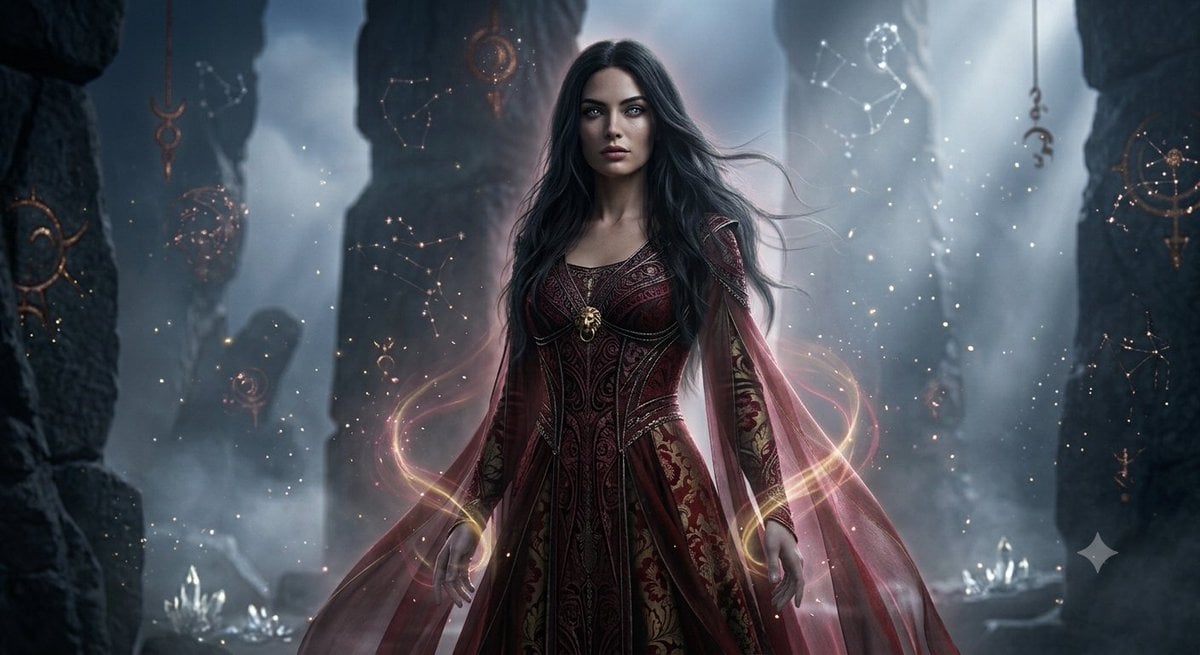
Mystical Ancient Guardian Portrait

Tribal Fantasy Warrior with Guardian Owl
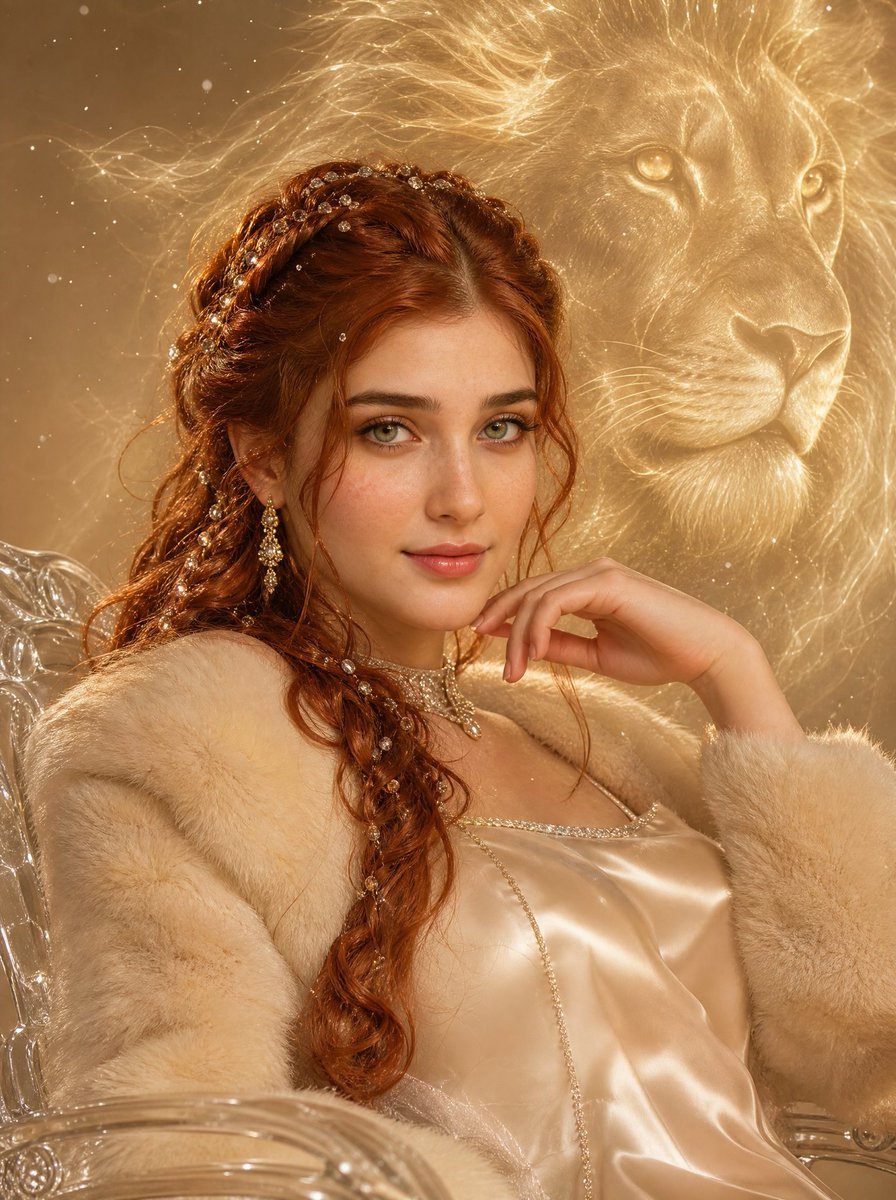
Surreal Fashion Portrait with Guardian Spirit
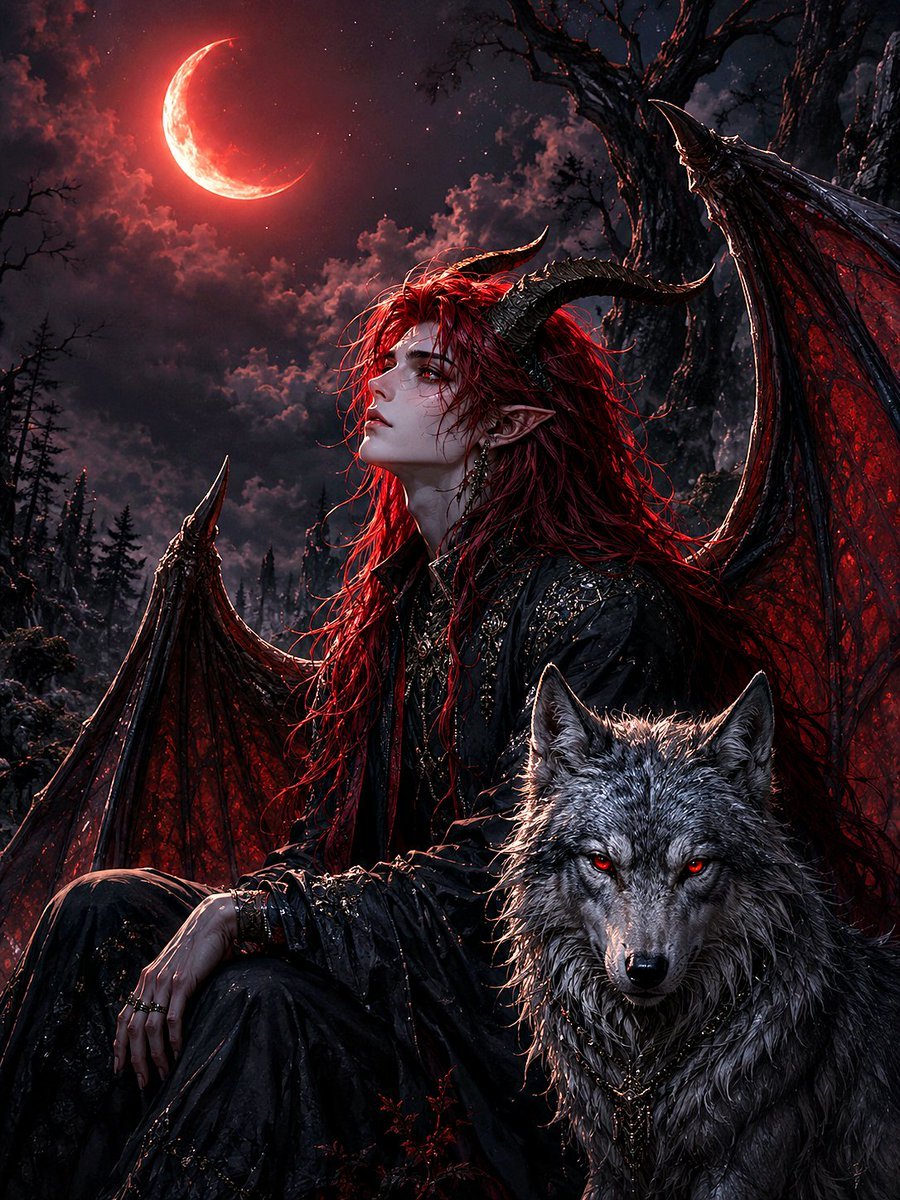
Guardian of the Night Silver Wolf
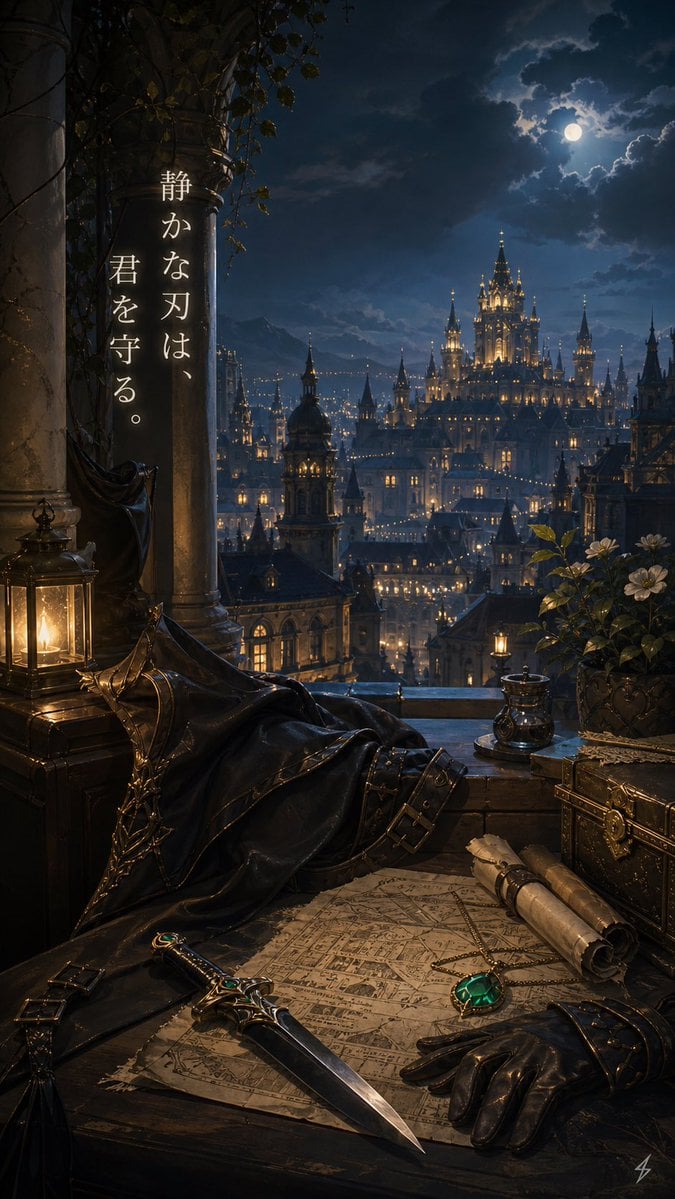
Moonlit Guardian Balcony
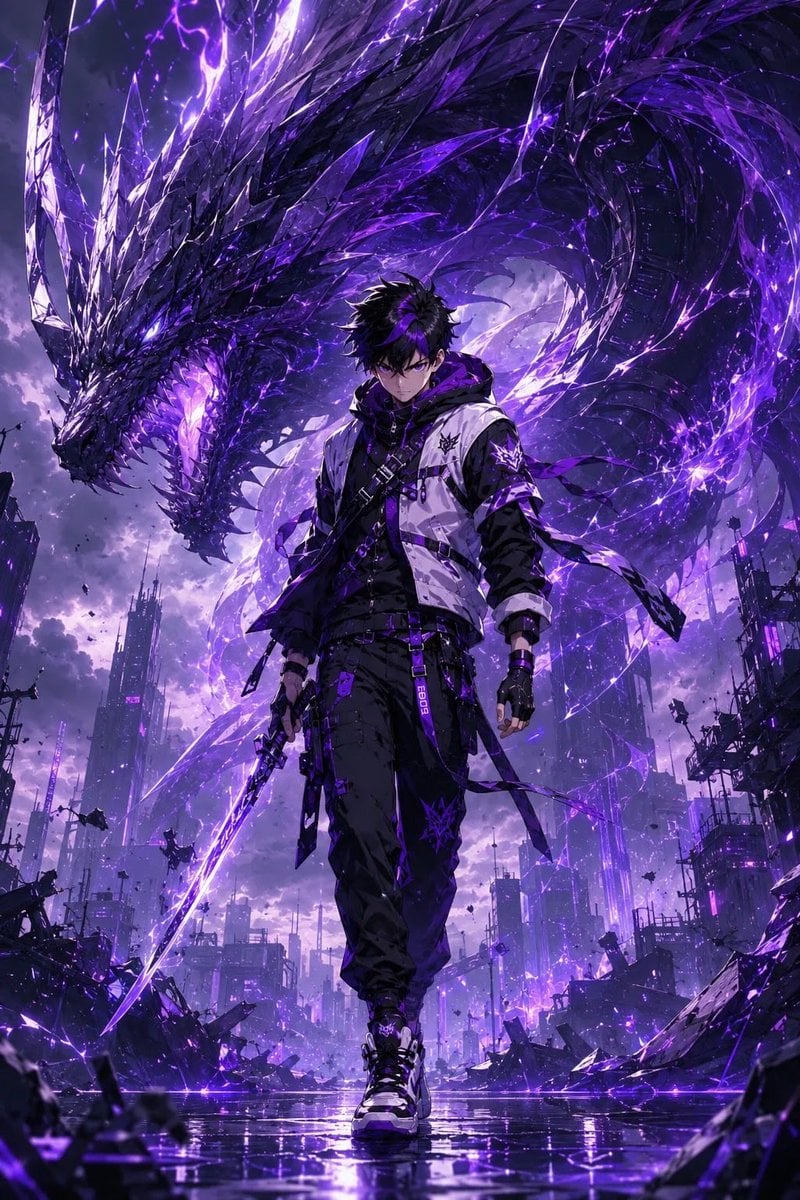
Epic Anime Worldview with Guardian Beast
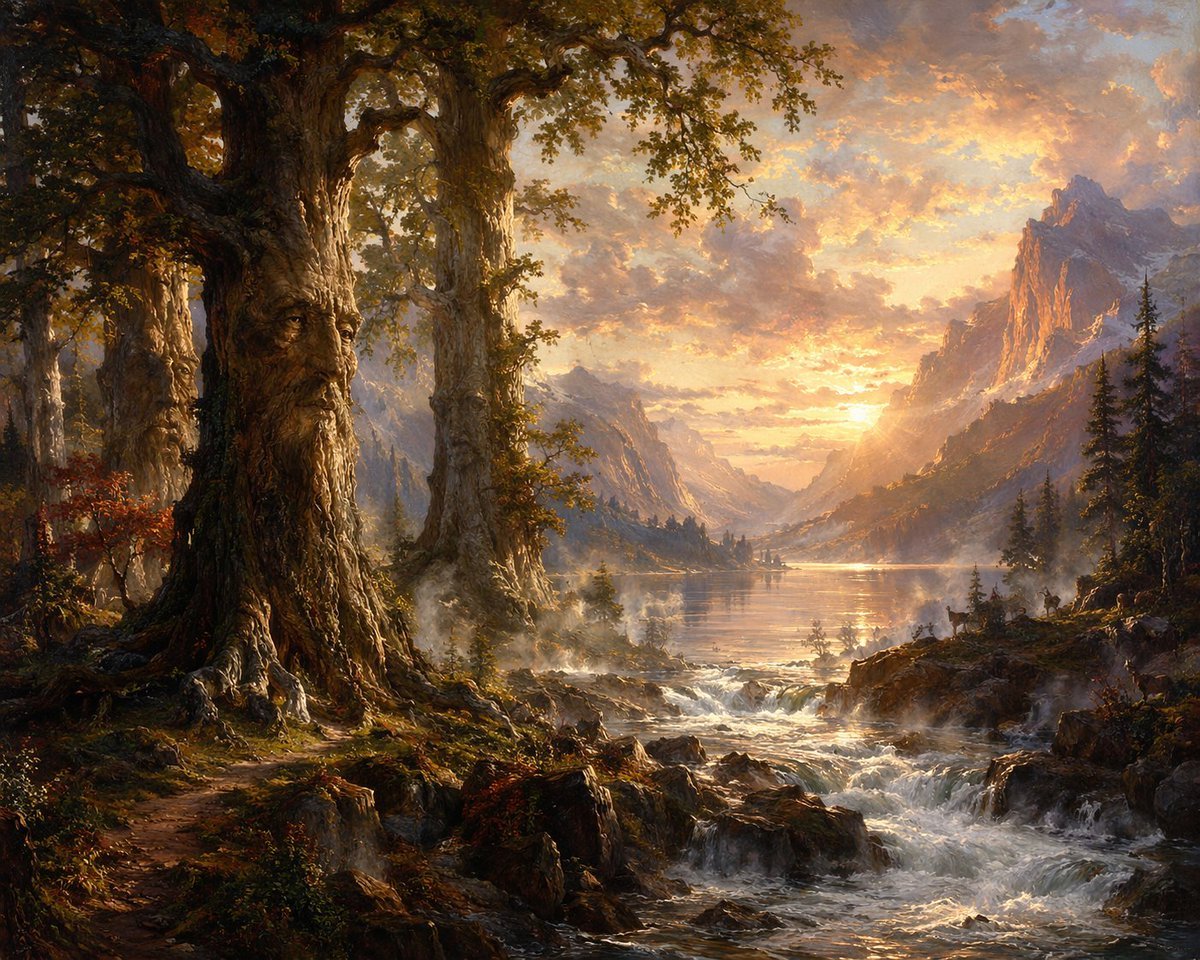
Ancient Tree Guardians at Sunset
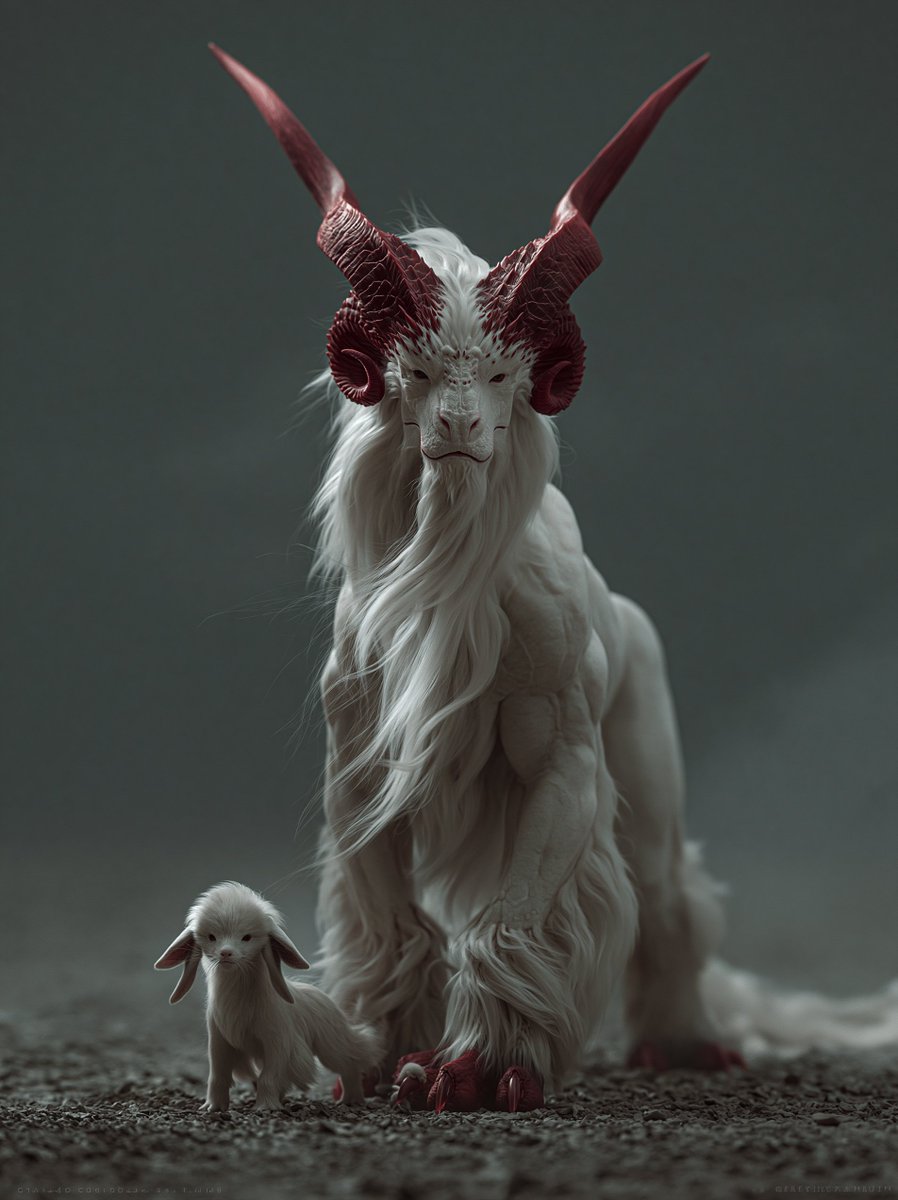
White Horned Fantasy Guardian
Make it yours
Guardian of the Snowbound Pass works as-is. These are the safest ways to change it without losing the look.
Change one field
Copy a single group, rewrite it, and generate again so you can see what that field is doing.
Keep the frame, change the subject
Hold the composition and light of Guardian of the Snowbound Pass, then swap wardrobe, props or the person for a new take.
| If the result… | Why | Fix |
|---|---|---|
| The result drifts from the preview | Too many fields changed at once. | Reuse Guardian of the Snowbound Pass as-is first, then change one group — subject, light, or setting. |
| The model over-stylizes the scene | The prose prompt leaves finish and camera underspecified. | Add one camera or lighting sentence and stay on GPT Image 2. |
More GPT Image 2 templates
Other prompts made for GPT Image 2.

Six VTuber Japanese Logo Sheet

Realistic Portrait of Woman and Deer

The Vista Modular Condo Poster

AI Model Routing Comparison Infographic

2.5D Anime Art Board

Isometric Productivity Desk Scene

New York Double Exposure Poster

Four-Panel AI Landscape Comparison

Japanese Tatami Lifestyle Magazine Cover

NESCAFÉ Coffee Map Poster
More image prompts
Fresh picks from across the catalog.
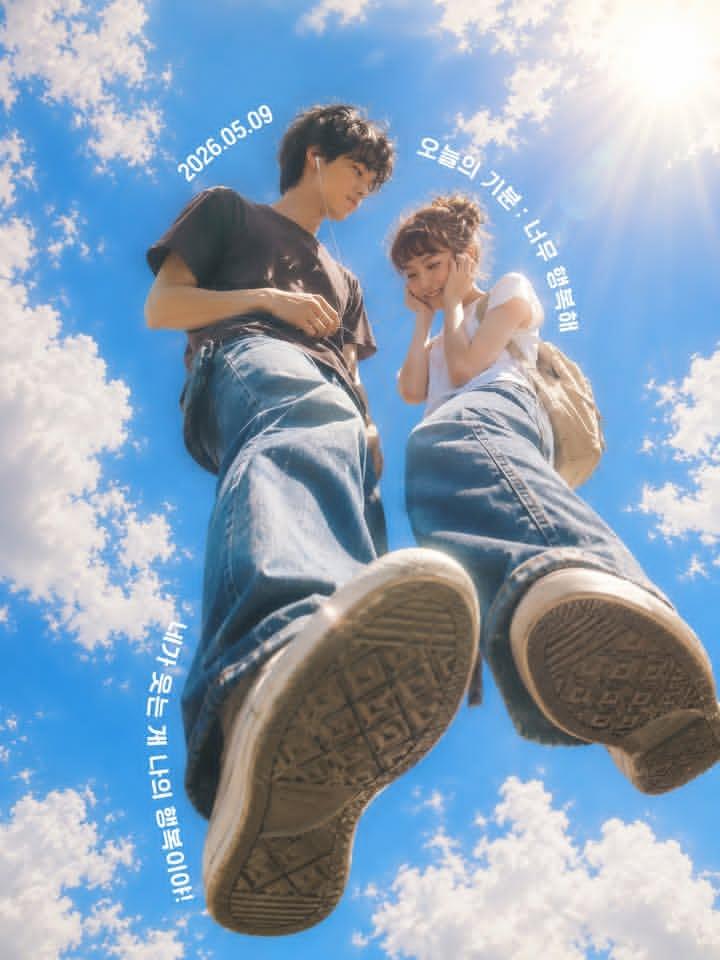
Low-Angle Sentimental Sky Poster
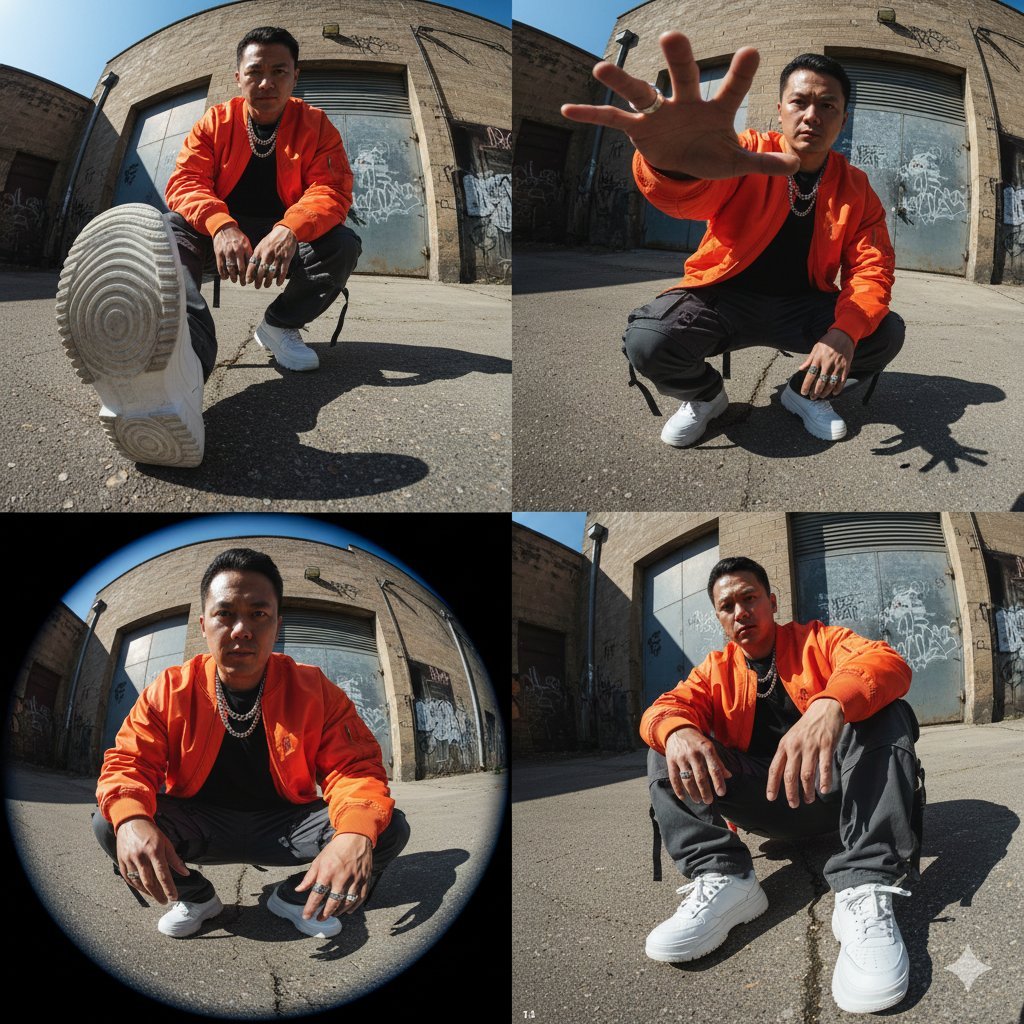
High-Fashion Streetwear Editorial (Multi-Panel, Identity Lock)
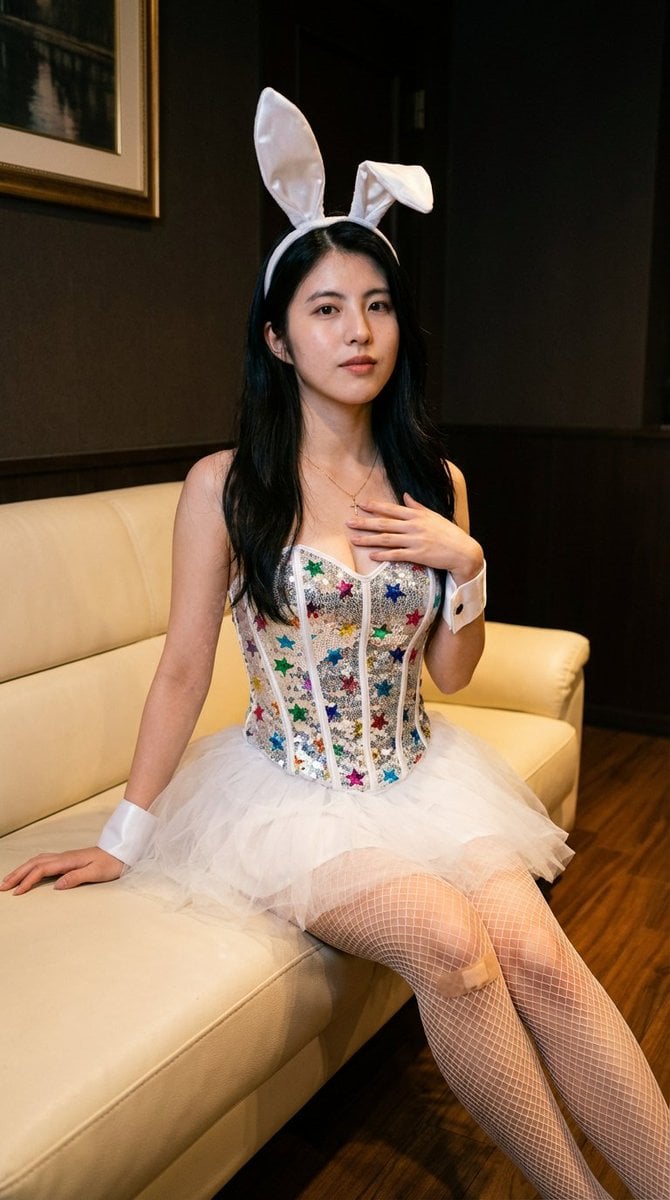
Simple image integration prompt
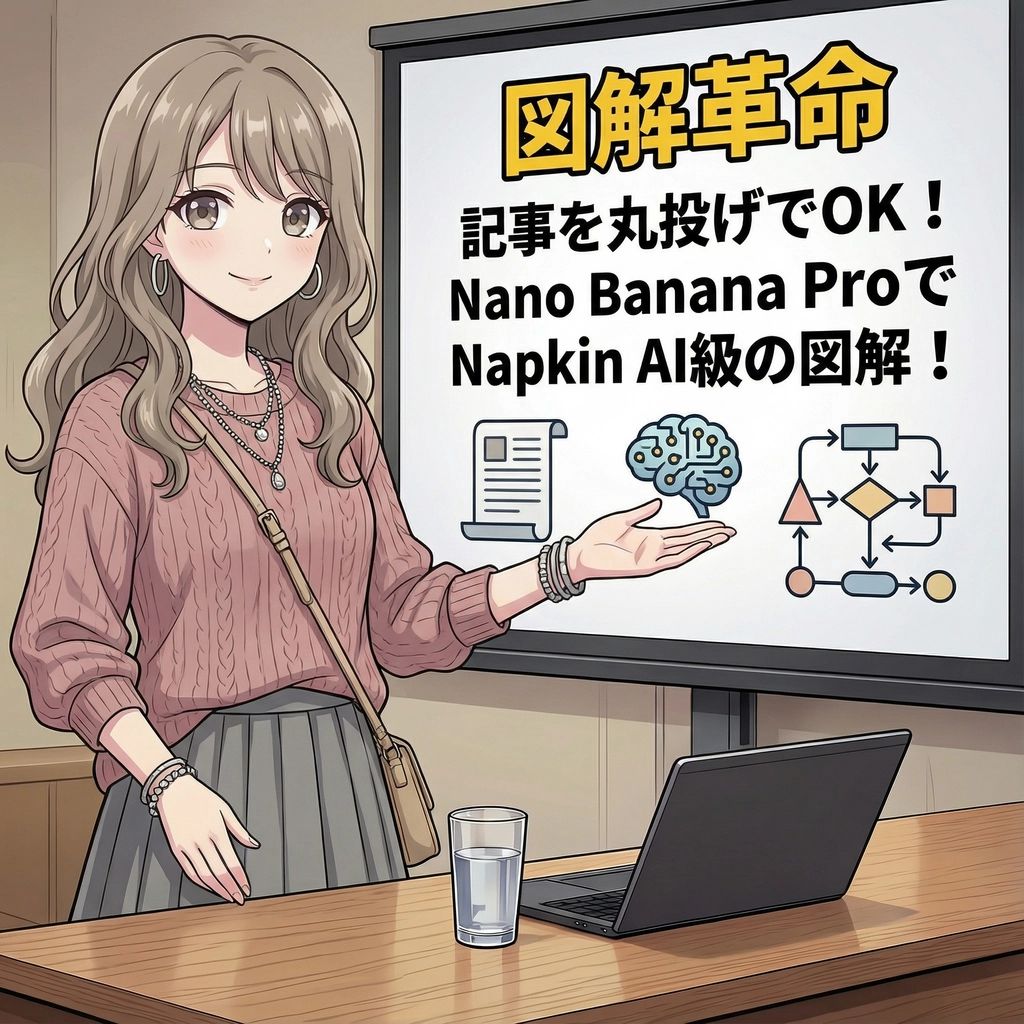
Magic Prompt for Automatic Infographic Generation with Nano Banana Pro
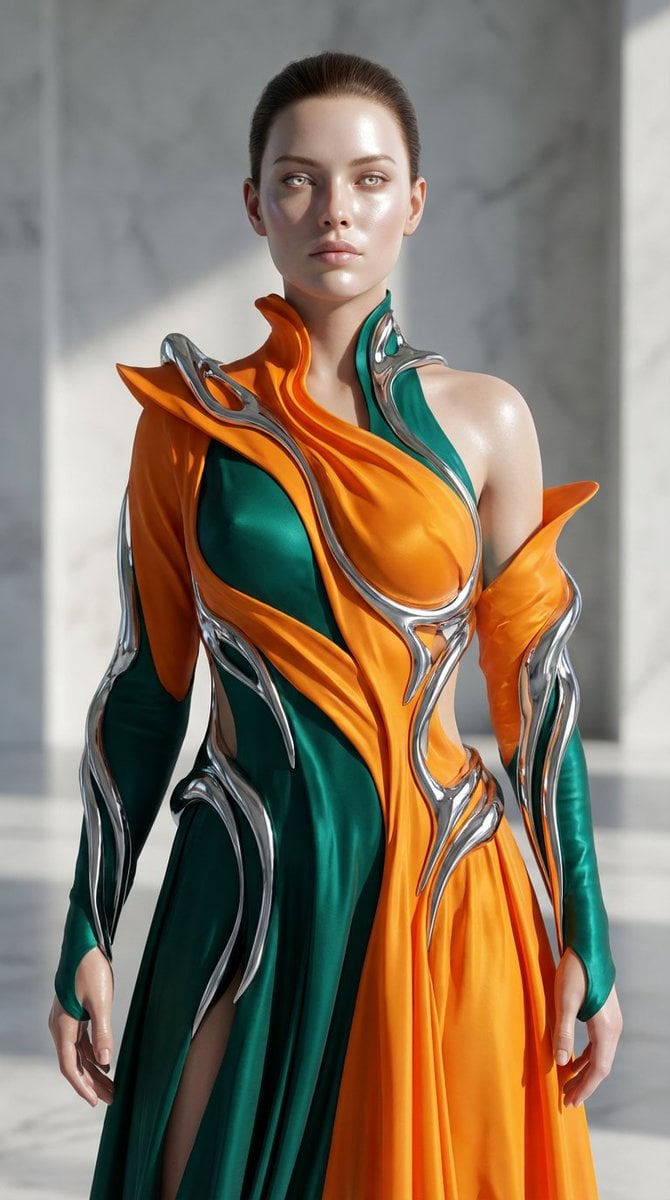
Biomorphic Art and Realism AI Woman Prompt
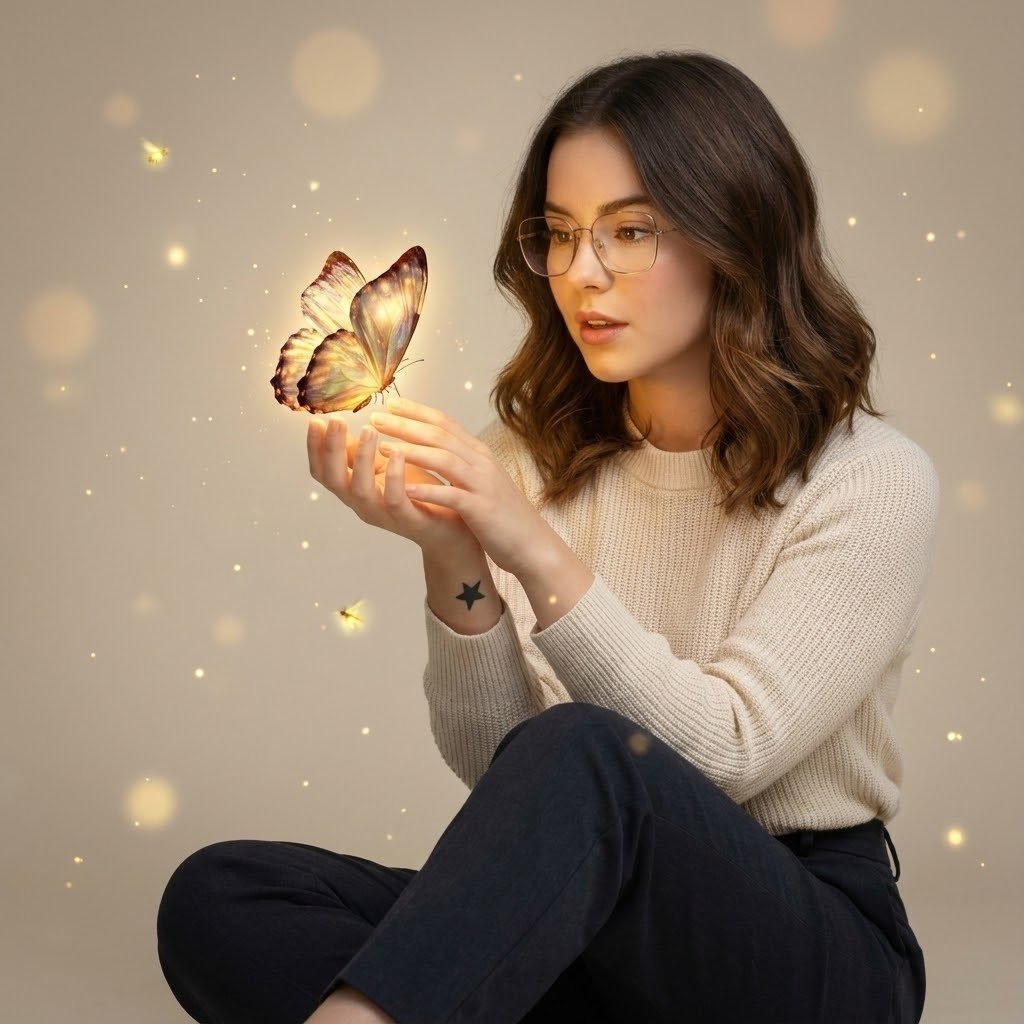
Cinematic Portrait with Bioluminescent Butterfly Interaction
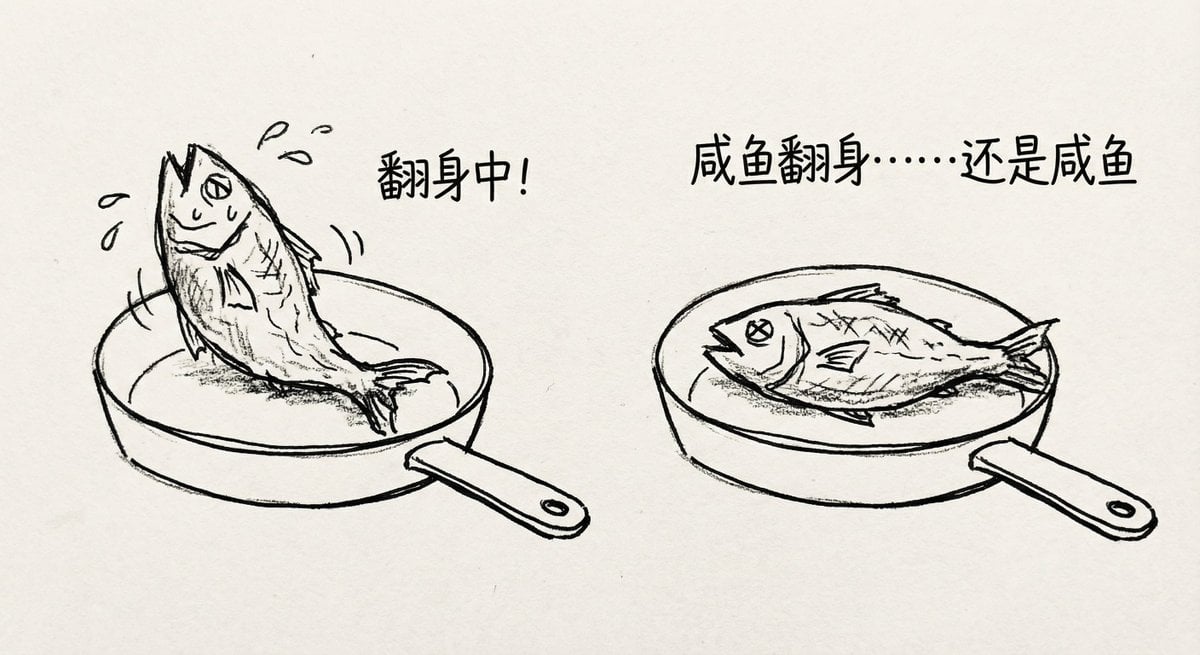
Salted fish trying to flip in a pan
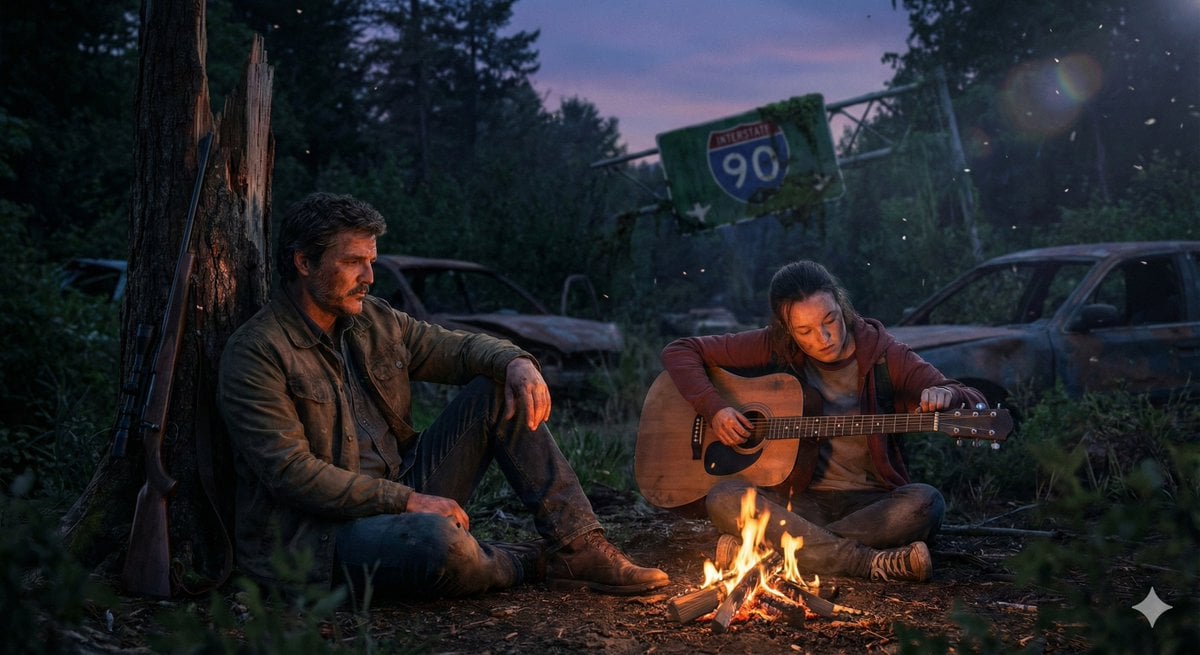
Cinematic Last of Us Campfire Scene
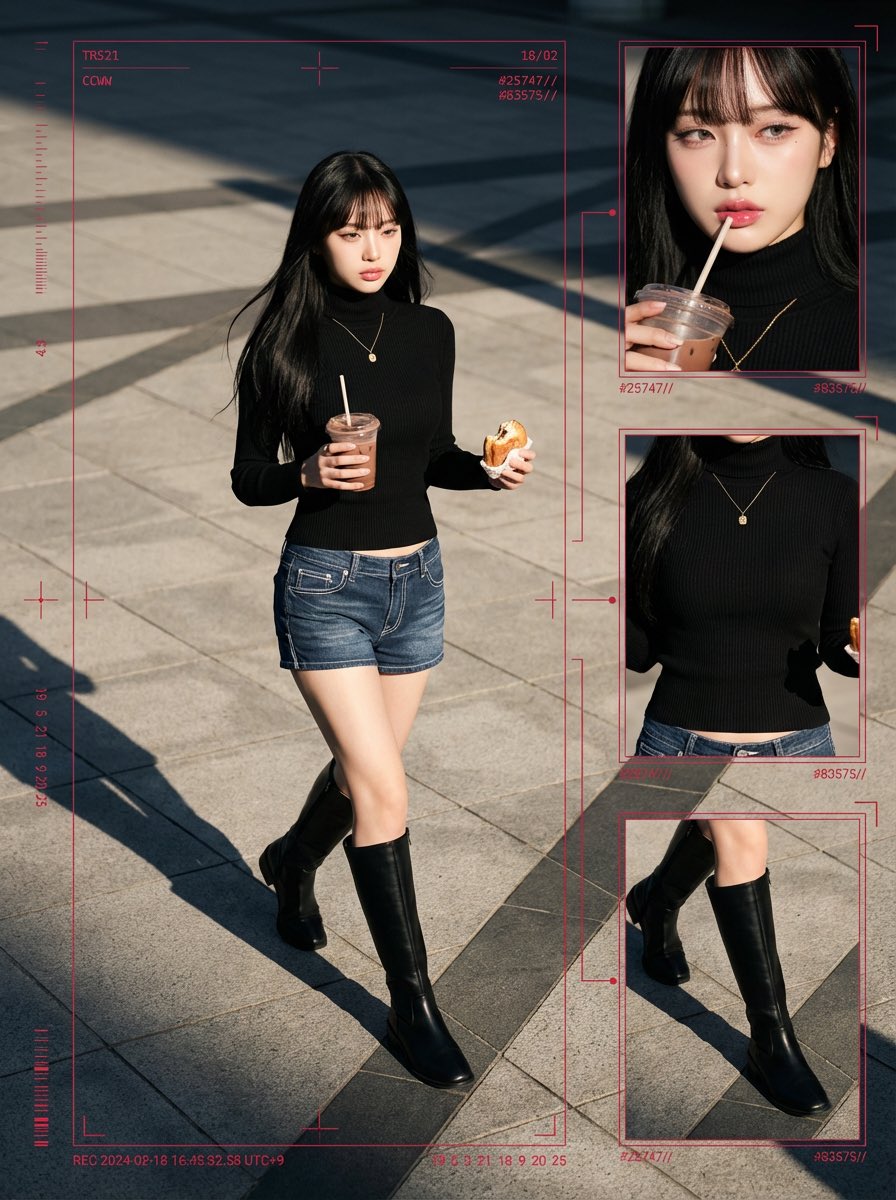
Cyber-Grunge Surveillance Fashion Editorial Prompt (Japanese Woman)
Dark Fantasy Cathedral Handshake Art
Browse template categories
Guardian of the Snowbound Pass questions
How do I use the Guardian of the Snowbound Pass template?
Add your photo if the template asks for one, edit the prompt if you like — the template's model and format are already selected — and press Generate. Your version opens in PicX Studio.
Can I customize the Guardian of the Snowbound Pass template?
Yes. You can change the subject, setting, lighting, mood, format, and available model controls before creating your image.
Is the Guardian of the Snowbound Pass template free?
Opening and editing this template is free. Generating uses credits, shown on the Generate button when you are signed in.
Which AI model should I use?
Start with GPT Image 2, which is the model associated with this template. You can compare another compatible model for a different finish.
Looking for something else? Browse all templates.

Your photo, any look
Thousands of ready templates for every top image and video model, from one credit balance.