How do I use the Playful Morning Lifestyle Smartphone Photo template?
Choose the primary action to open PicX Studio with the available template settings. Review the model and format, personalize the creative direction, and generate when ready.
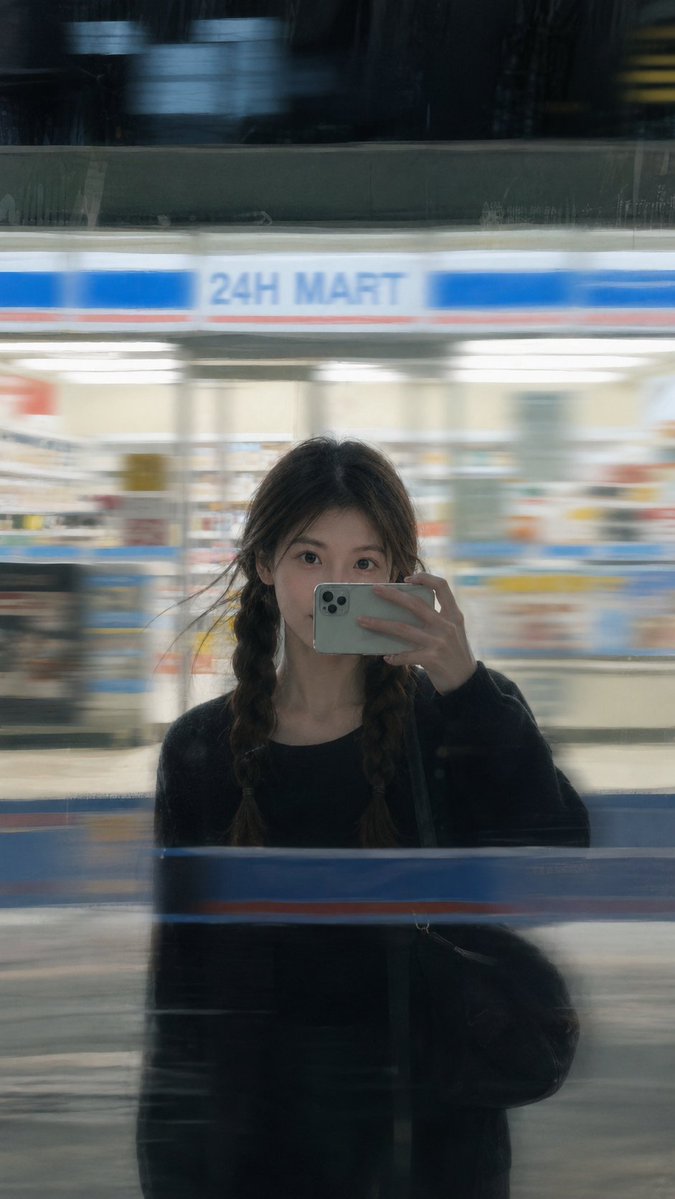
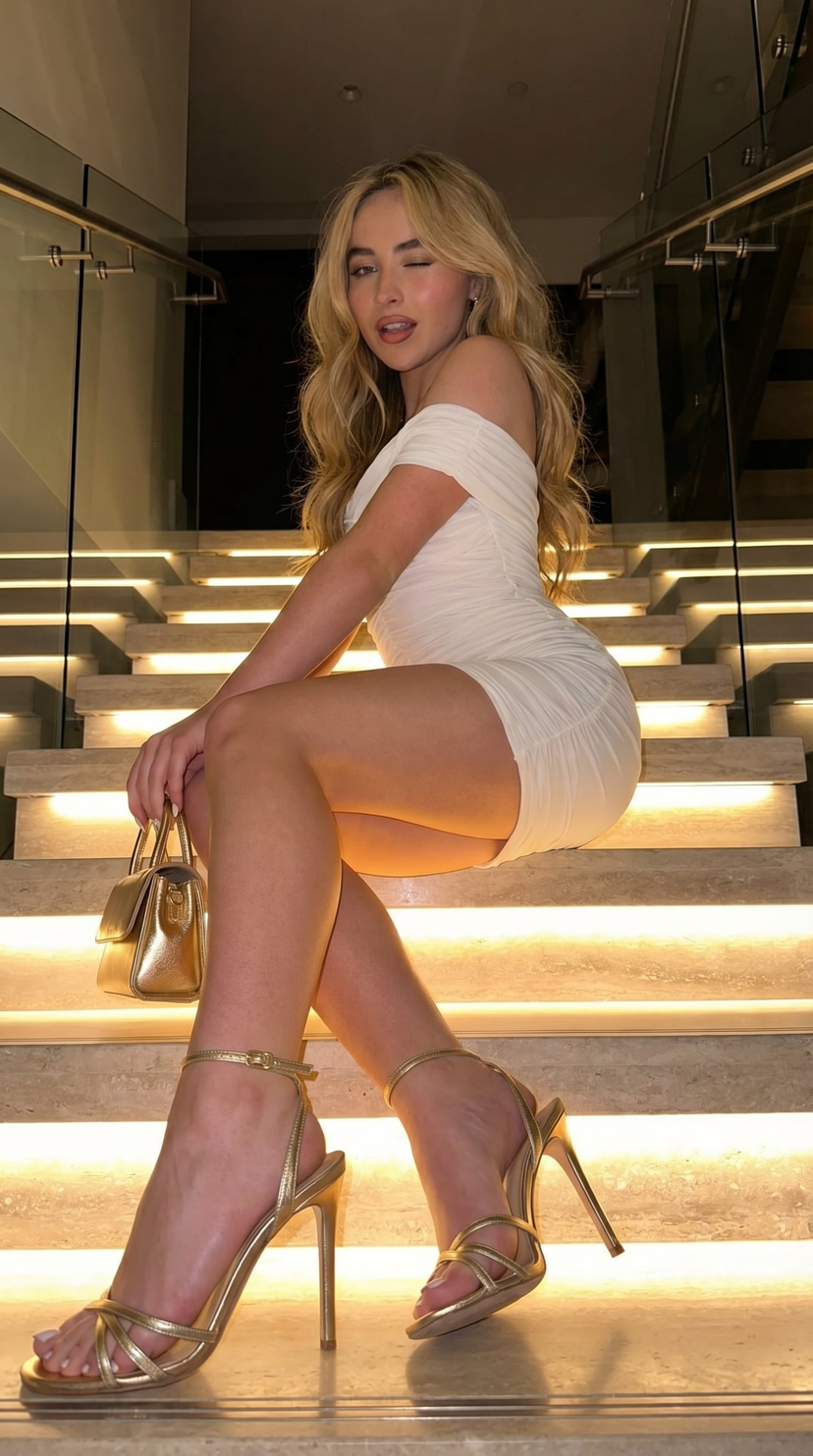
A highly structured JSON prompt designed to simulate an ultra-realistic, playful lifestyle photograph taken with an iPhone 17 Pro Max using an ultra-wide lens. Change the subject, setting, or lighting one variable at a time.

{ "meta": { "style": "ultra-realistic playful lifestyle smartphone photography", "quality": "4K Ultra HD, high detail, natural skin texture", "camera": "iPhone 17 Pro Max", "lens": "0.5x ultra wide lens", "aperture_simulation": "f/1.8 computational", "iso": 100, "white_balance": "warm soft morning daylight", "color_grading": "golden morning tones with soft highlights", "aspect_ratio": "9:16 vertical", "focus": "foreground emphasis with slight perspective distortion" }, "scene": { "location": "bright modern kitchen", "time_of_day": "early morning", "lighting": { "primary": "natural window sunlight", "secondary": "soft ambient indoor light", "mood": "fresh, cozy, playful", "shadows": "gentle sunlight shadows across floor and counter" }, "background_elements": [ "minimal white kitchen cabinets", "marble countertop", "steaming coffee mug", "small green plant near window", "sunlight streaming through sheer curtains" ], "atmosphere": "morning routine, candid lifestyle moment" }, "subject": { "gender": "female", "age": "young adult", "body_type": "fit with natural feminine curves", "skin_tone": "fair with natural glow", "hair": { "color": "soft blonde", "style": "slightly messy relaxed morning hair" }, "expression": "playful smile, relaxed confident gaze", "pose": { "position": "sitting casually on kitchen counter", "legs": "one leg extended slightly toward camera creating playful foreground emphasis, other leg bent naturally", "upper_body": "holding warm coffee mug near lips" }, "wardrobe": { "top": "oversized soft cotton t-shirt", "bottom": "short casual lounge shorts", "socks": "clean white ankle socks", "style_description": "cute cozy sporty morning look" }, "emotion": "relaxed, playful, enjoying quiet morning" }, "composition": { "camera_angle": "low-angle playful perspective with slight ultra-wide distortion", "framing": "foreground foot softly emphasized, subject centered", "depth_of_field": "moderate depth, foreground sharp with soft background blur", "realism_effects": "authentic iPhone HDR processing, natural lens distortion, subtle smartphone grain" }, "rendering_details": { "skin_detail": "natural skin texture with soft golden highlights", "fabric_detail": "visible cotton texture and realistic folds", "hair_detail": "individual strands illuminated by morning light", "lighting_effects": "warm reflections from sunlight", "realism_level": "photorealistic, authentic smartphone capture" }, "mood_keywords": [ "morning routine", "playful", "cozy", "sunlit", "casual lifestyle", "cute aesthetic", "natural beauty" ] }
Choose the primary action to open PicX Studio with the available template settings. Review the model and format, personalize the creative direction, and generate when ready.
Yes. You can change the subject, setting, lighting, mood, format, and available model controls before creating your image.
This template is free to open and customize. Generation usage is shown in PicX Studio before you create.
Start with Nano Banana 2, which is the model associated with this template. You can compare another compatible model for a different finish.
Follow a topic to a crawlable collection of related PicX Studio templates.
43,474 public templates available. Verified via the PicX Studio public templates API; refreshed hourly.











![Product Elemental Lifestyle - Midjourney v7/v8 — Prompt Studio: Product Elemental Lifestyle, with Midjourney v7 and v8\n\n[PRODUCT] half-buried in [volcanic bla](https://pbs.twimg.com/media/HFVlLNkbwAAUXmI.jpg?name=orig)
![Naive doodle-style subject illustration — A doodle-style {argument name="subject" default="[subject]"}, naive lines, humorous shape exaggeration](https://pbs.twimg.com/media/G6Wl2YxbsAARB2b.jpg)













![Instagram Feed Generation Prompt (Aesthetic Cohesion Test) — Create a 9-image Instagram feed for this product in [the same aesthetic]. Use different locations,](https://pbs.twimg.com/media/HCHGfWAXcAAtwmD.jpg)