How do I use the Candid Mall Escalator Photo template?
Choose the primary action to open PicX Studio with the available template settings. Review the model and format, personalize the creative direction, and generate when ready.
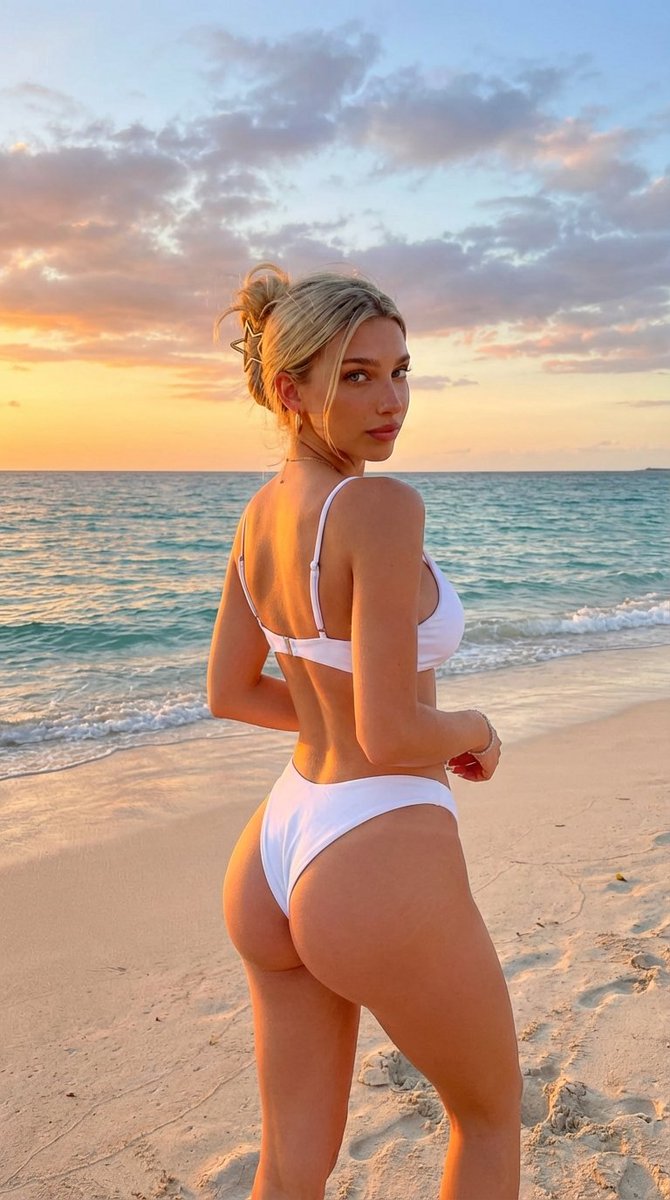
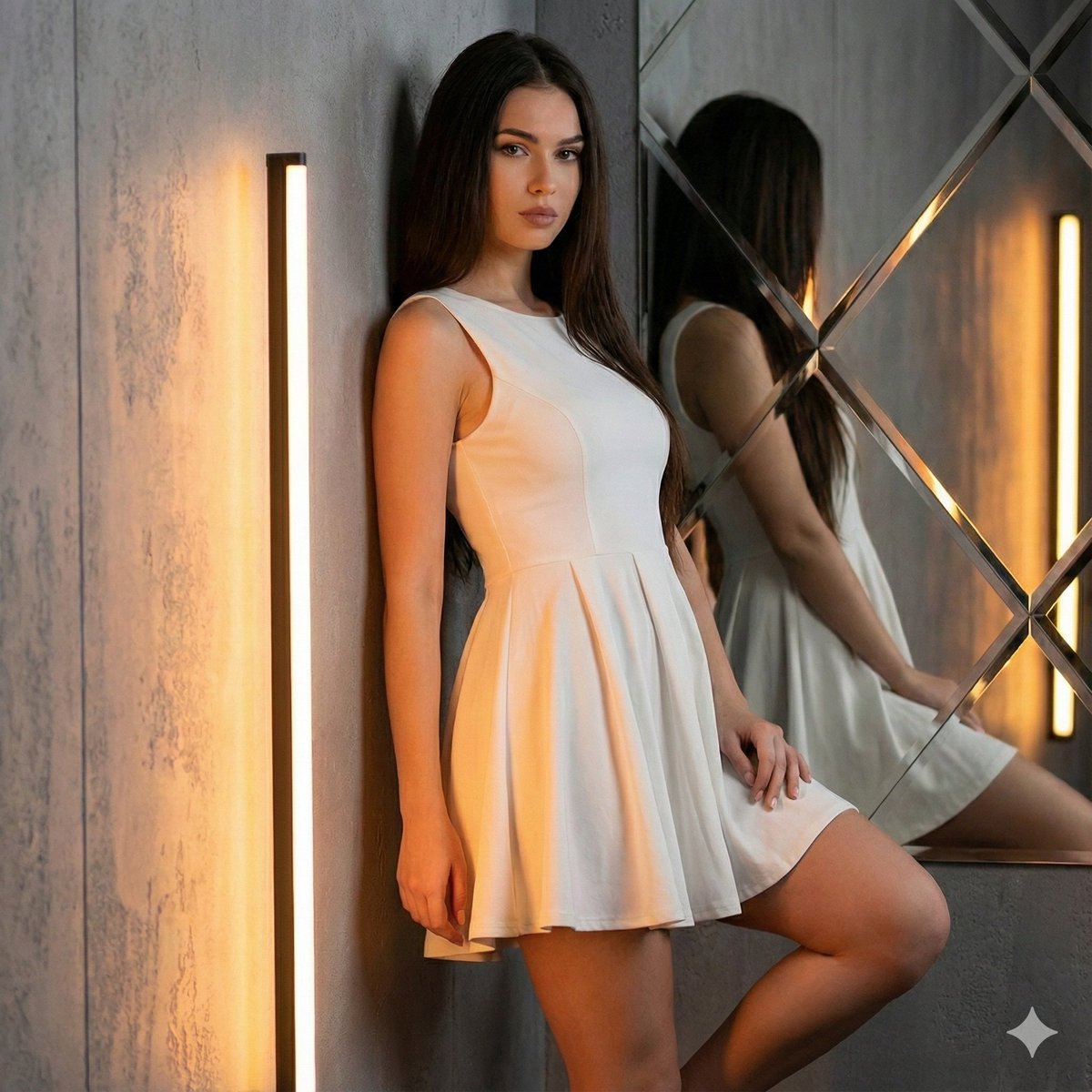
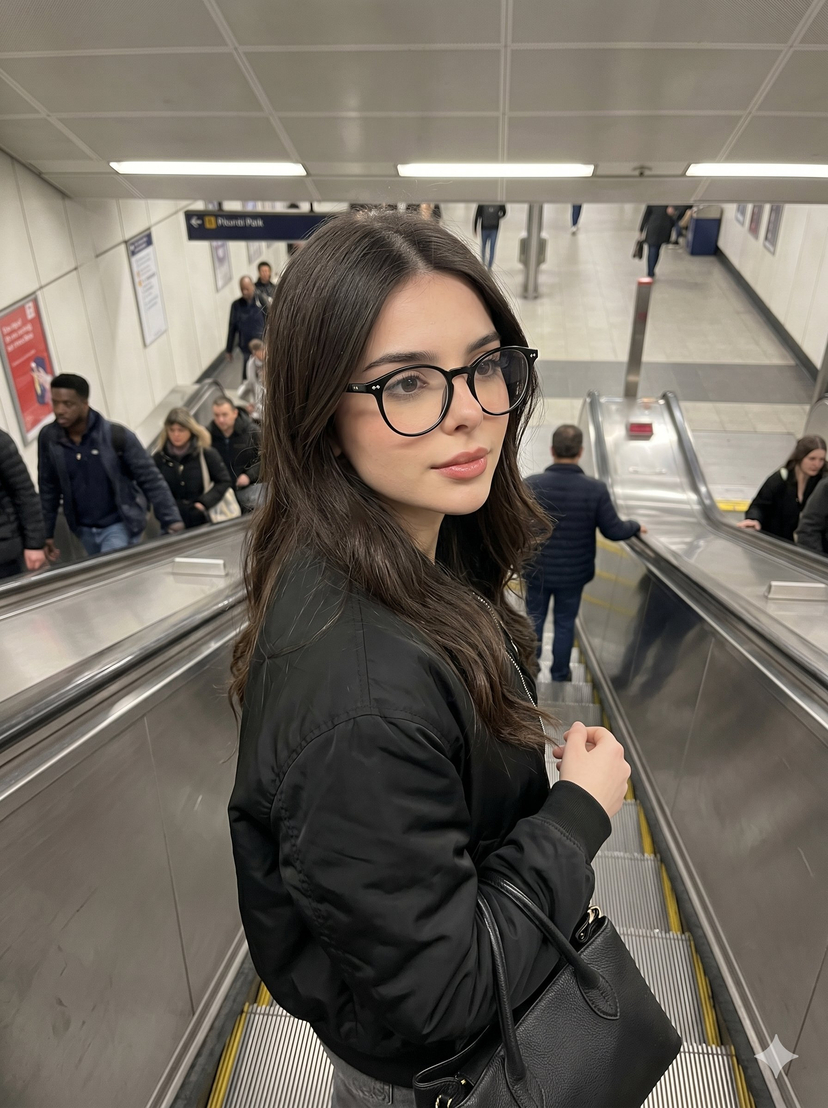
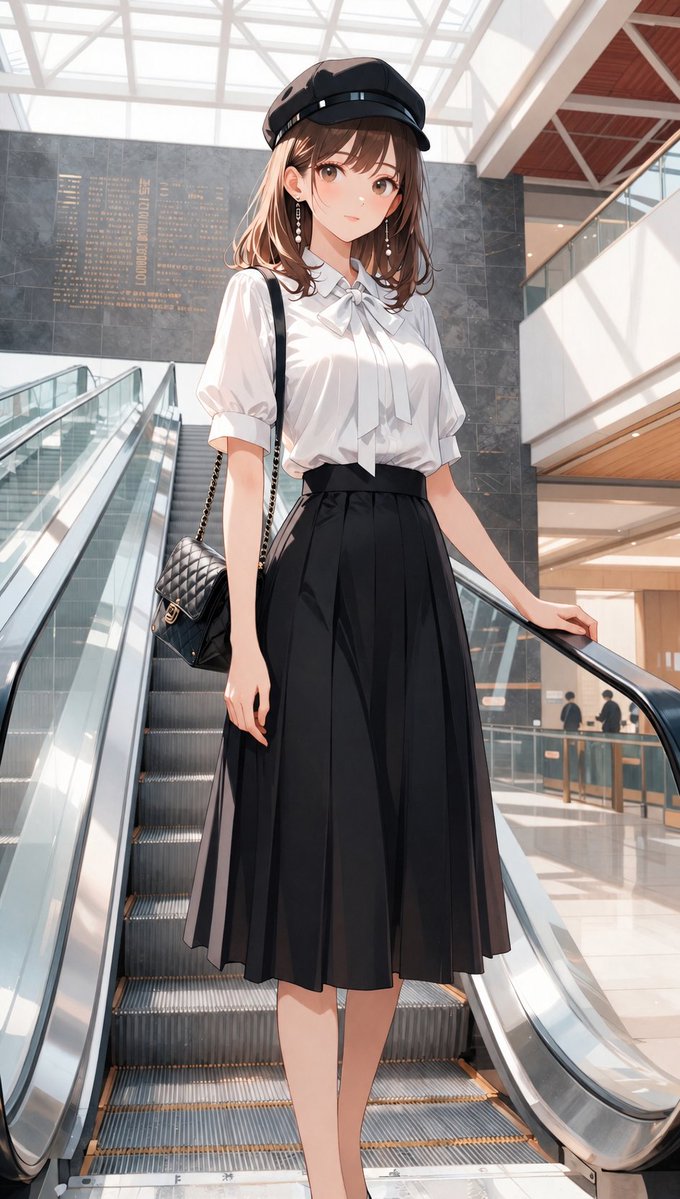
A structured prompt designed to generate an ultra-photorealistic, candid 8k image of a Slavic blonde woman on a shopping mall escalator, captured from a low angle, emphasizing a 'slim thick' body type and a playful expression. Change the subject, setting, or lighting one variable at a time.

{ "meta": { "quality": "ultra photorealistic", "resolution": "8k", "camera": "iPhone 15 Pro", "lens": "26mm", "aspect_ratio": "9:16", "style": "mall lighting, raw iphone candid" }, "character_lock": { "age": "mid 20s (adult)", "ethnicity": "slavic blonde", "skin": ["fair"], "hair": ["platinum blonde", "loose waves"], "face": ["pretty"], "body": { "type": "slim thick", "chest": "full", "waist": "small", "hips": "round" } }, "scene": { "location": "shopping mall escalator", "time": "afternoon" }, "subject": { "action": "riding escalator", "pose": { "one hand holding rail", "other hand tugging skirt down", "glancing back", "expression": "playful" }, "outfit": { "top": { "type": "tight crop top", "color": "grey" }, "bottom": { "type": "ultra mini skirt", "color": "black" } } }, "camera_perspective": { "pov": "standing one step below", "height": "hip level" }, "photography_rules": { "no_male_presence": true, "suggestive_not_explicit": true } }
Choose the primary action to open PicX Studio with the available template settings. Review the model and format, personalize the creative direction, and generate when ready.
Yes. You can change the subject, setting, lighting, mood, format, and available model controls before creating your image.
This template is free to open and customize. Generation usage is shown in PicX Studio before you create.
Start with Nano Banana 2, which is the model associated with this template. You can compare another compatible model for a different finish.
Follow a topic to a crawlable collection of related PicX Studio templates.
43,474 public templates available. Verified via the PicX Studio public templates API; refreshed hourly.











![Naive doodle-style subject illustration — A doodle-style {argument name="subject" default="[subject]"}, naive lines, humorous shape exaggeration](https://pbs.twimg.com/media/G6Wl2YxbsAARB2b.jpg)