How do I use the 2x2 Luxury Hat Campaign Grid template?
Choose the primary action to open PicX Studio with the available template settings. Review the model and format, personalize the creative direction, and generate when ready.
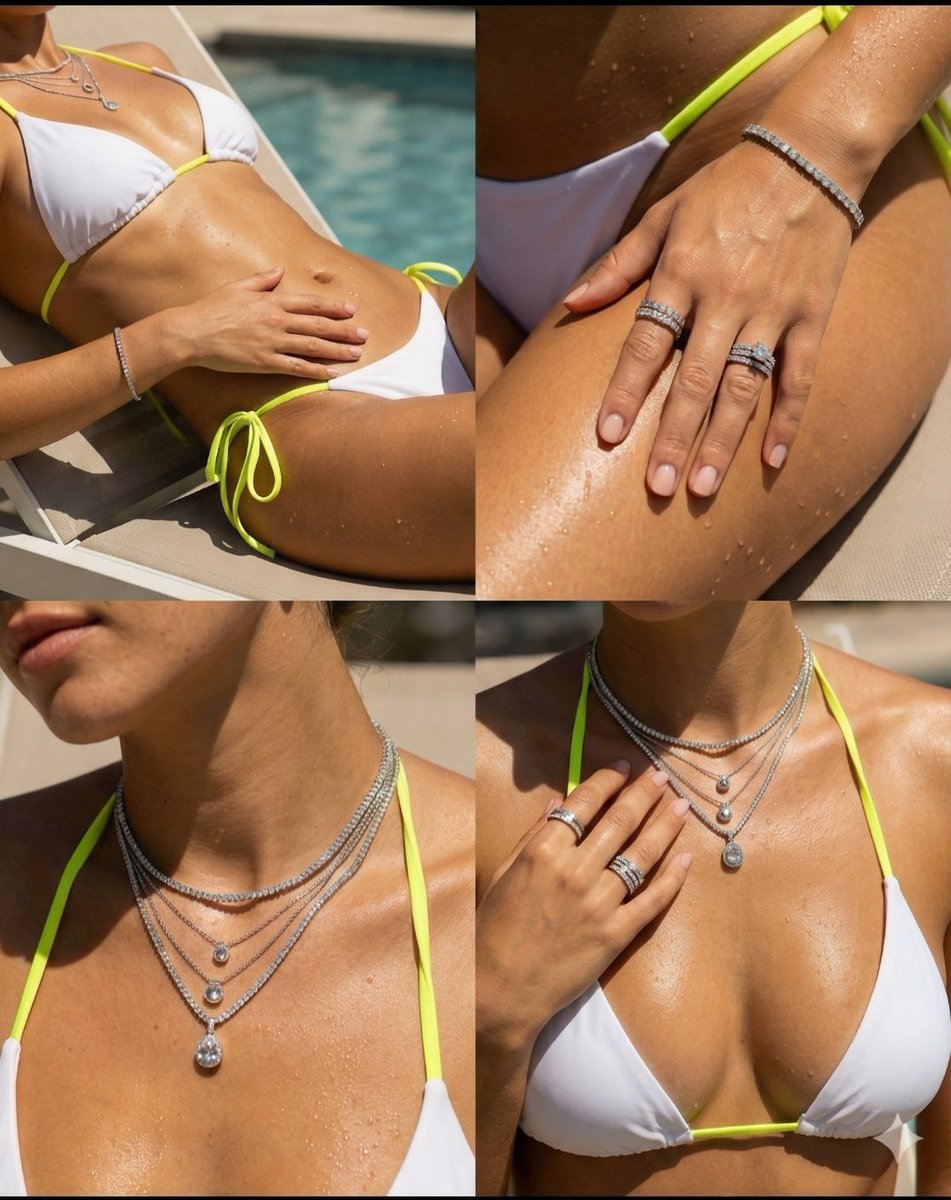
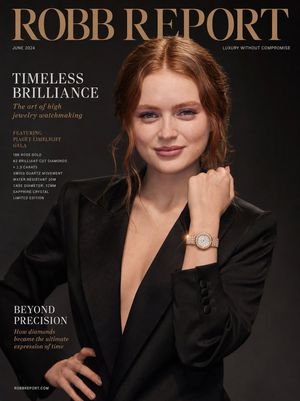
A complex JSON prompt for Nano Banana 2 (Pro) to generate a 2x2 editorial grid for a luxury hat campaign, maintaining the identity of an uploaded reference image while varying lighting, mood, angle, and environment across four frames (golden hour, indoor luxury, sunset glow, night look). Change the subject, setting, or lighting one variable at a time.

{ "generation_request": { "meta_data": { "tool": "NanoBanana Pro", "task_type": "2x2_editorial_grid_storytelling", "version": "v1.1_LUXURY_HAT_CAMPAIGN_WHITE_OUTFIT", "style": "ultra_realistic_high_fashion" }, "input": { "mode": "image_to_image", "reference_image_usage": "maximum", "preserve_identity": true, "notes": "Use the uploaded woman and hat as the base identity. Create a cohesive 2x2 grid with four cinematic editorial variations while keeping her facial features consistent. The woman must wear an elegant white outfit in all four frames." }, "grid": { "layout": "2x2", "consistency": "same model, same hat, same identity, same white outfit", "variation": "lighting, mood, angle, environment" }, "frames": [ { "position": "top_left", "scene": "golden hour sunlight portrait", "lighting": "soft warm sunlight casting shadow of hat details", "mood": "elegant, calm, luxury", "camera": "close-up, shallow depth of field", "details": "white outfit softly illuminated with refined couture texture" }, { "position": "top_right", "scene": "indoor luxury editorial", "lighting": "soft diffused window light", "mood": "minimal, high fashion magazine", "details": "focus on hat texture, crystals, and elegant white outfit details" }, { "position": "bottom_left", "scene": "sunset glow with stronger contrast", "lighting": "dramatic golden light + shadows", "mood": "sensual, bold, cinematic", "details": "skin glow, glossy highlights, white outfit catching warm sunset tones" }, { "position": "bottom_right", "scene": "night luxury look", "lighting": "spotlight + subtle sparkle reflections on crystals", "mood": "mysterious, premium, high-end campaign", "details": "crystals catching light, darker background, elegant white outfit accents remaining visible" } ], "styling": { "hat": "white luxury wide-brim hat with crystal embellishments", "outfit": "elegant white couture outfit, refined, feminine, luxurious, harmonious with the hat", "makeup": "natural glam, warm tones", "skin": "luminous, realistic texture", "hair": "soft, slightly hidden under hat" }, "cinematography": { "camera": "ARRI Alexa Mini LF", "lens": "85mm portrait lens", "aperture": "f/1.8", "depth_of_field": "shallow" }, "color_grading": { "palette": "warm ivory, gold, soft beige, pearl white", "style": "luxury editorial film", "grain": "subtle" }, "quality": { "resolution": "8K", "realism": "extreme", "details": "perfect skin texture, crystal clarity, white outfit texture, no distortion" }, "negative_prompt": [ "different face"
Choose the primary action to open PicX Studio with the available template settings. Review the model and format, personalize the creative direction, and generate when ready.
Yes. You can change the subject, setting, lighting, mood, format, and available model controls before creating your image.
This template is free to open and customize. Generation usage is shown in PicX Studio before you create.
Start with Nano Banana 2, which is the model associated with this template. You can compare another compatible model for a different finish.
Follow a topic to a crawlable collection of related PicX Studio templates.
43,474 public templates available. Verified via the PicX Studio public templates API; refreshed hourly.

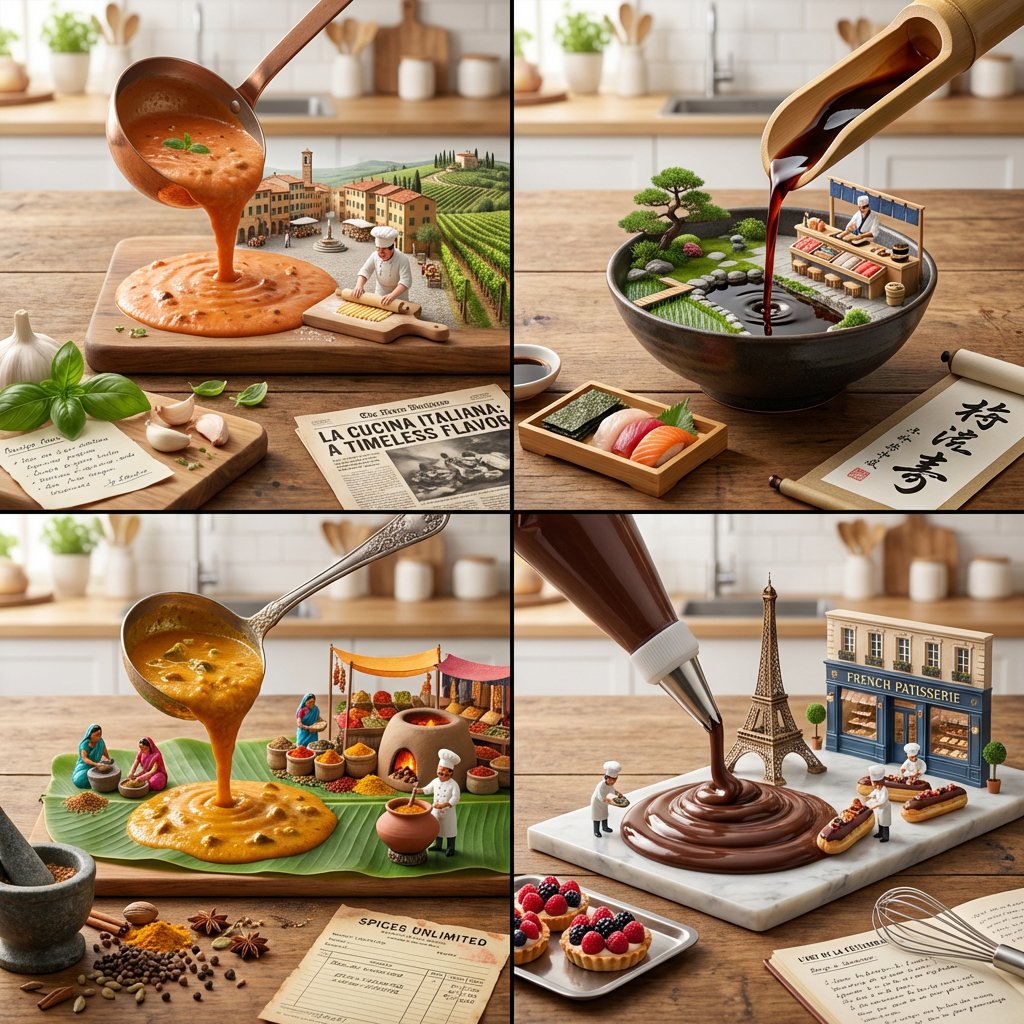
![Country Landmarks 2x2 Collectible Grid — <instructions> Role: You are a Lead 3D Artist at a premium collectible company Input Variable: [INSERT COUNTRY] Syst](/_next/image?url=https%3A%2F%2Fcdn.picxstudio.com%2Fuploads%2Fmeigen_2010411888434417944_1e02f0c8-5921-4445-9757-625e5c8a678b.jpg&w=828&q=100)



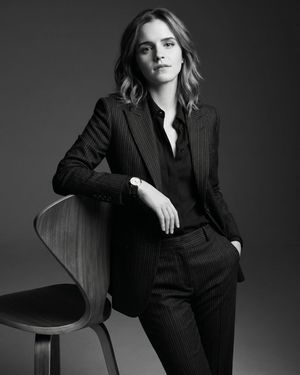
![A hero crystal typography visual for a luxury brand campaign — [BRAND NAME]
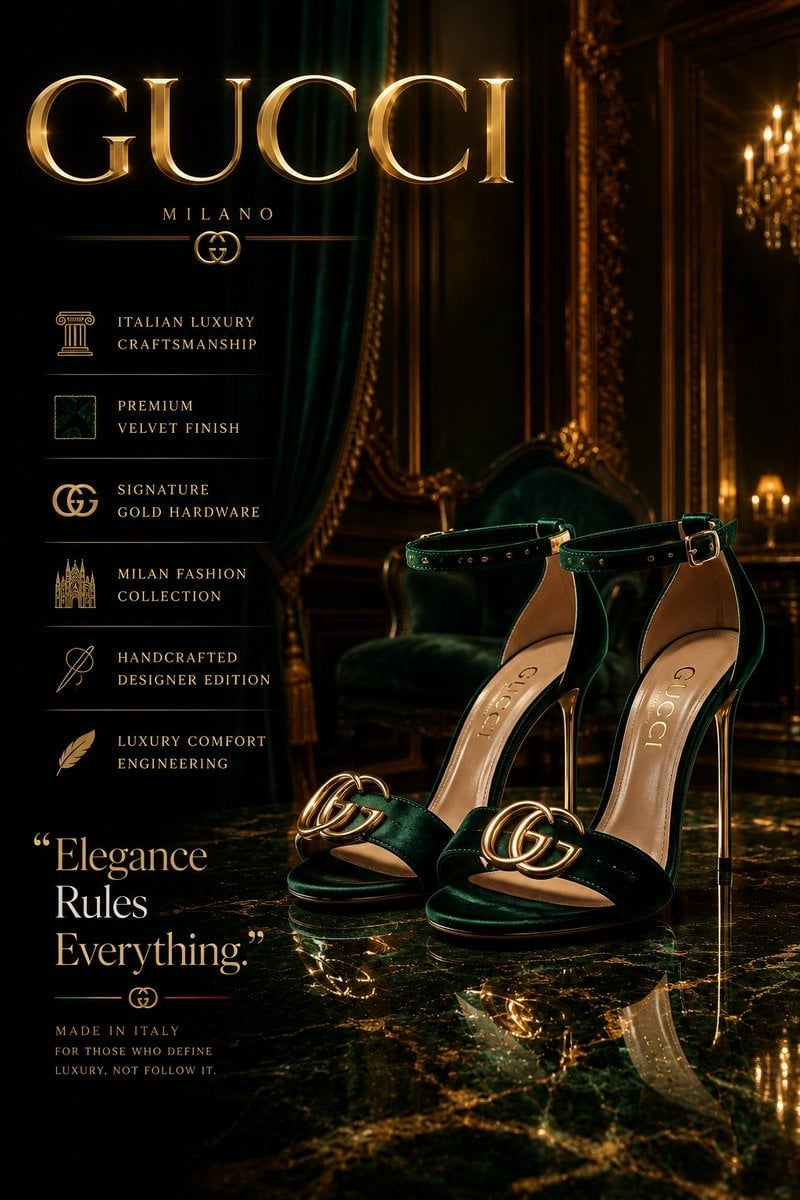
Act as a CGI Optical Physicist and 3D Type Sculptor creating a hero crystal typograp](https://images.meigen.ai/tweets/2043748561729302884/0.jpg)
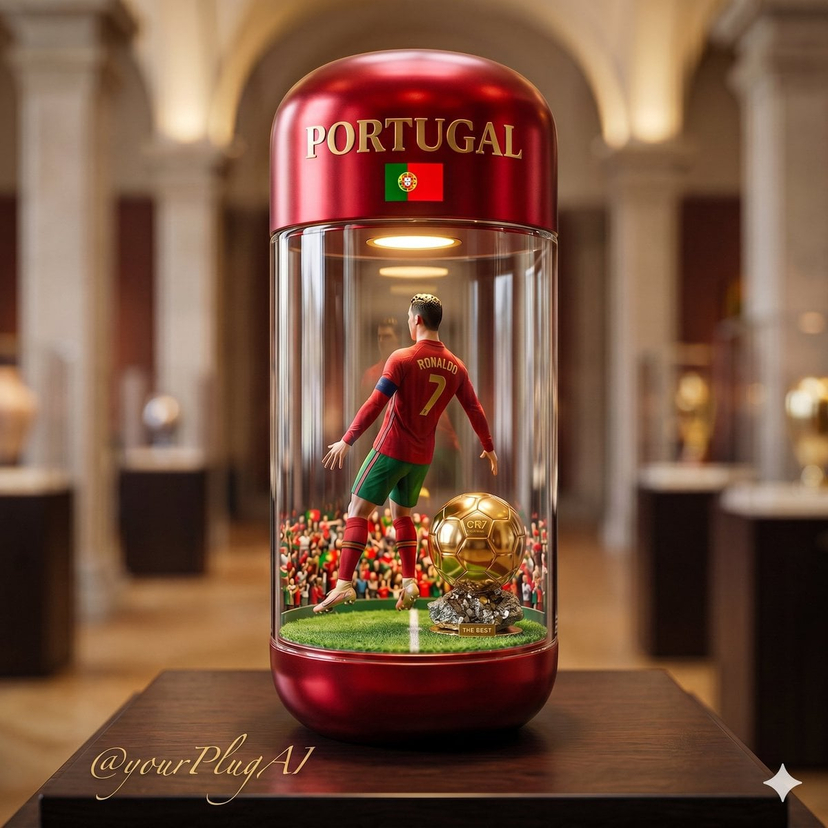



![Naive doodle-style subject illustration — A doodle-style {argument name="subject" default="[subject]"}, naive lines, humorous shape exaggeration](https://pbs.twimg.com/media/G6Wl2YxbsAARB2b.jpg)