
Chinese Photography Tutorial Book Page
This generates a polished Chinese editorial book page teaching backlit portrait photography, suitable for magazine spreads, photography guides, and premium layout mockups.
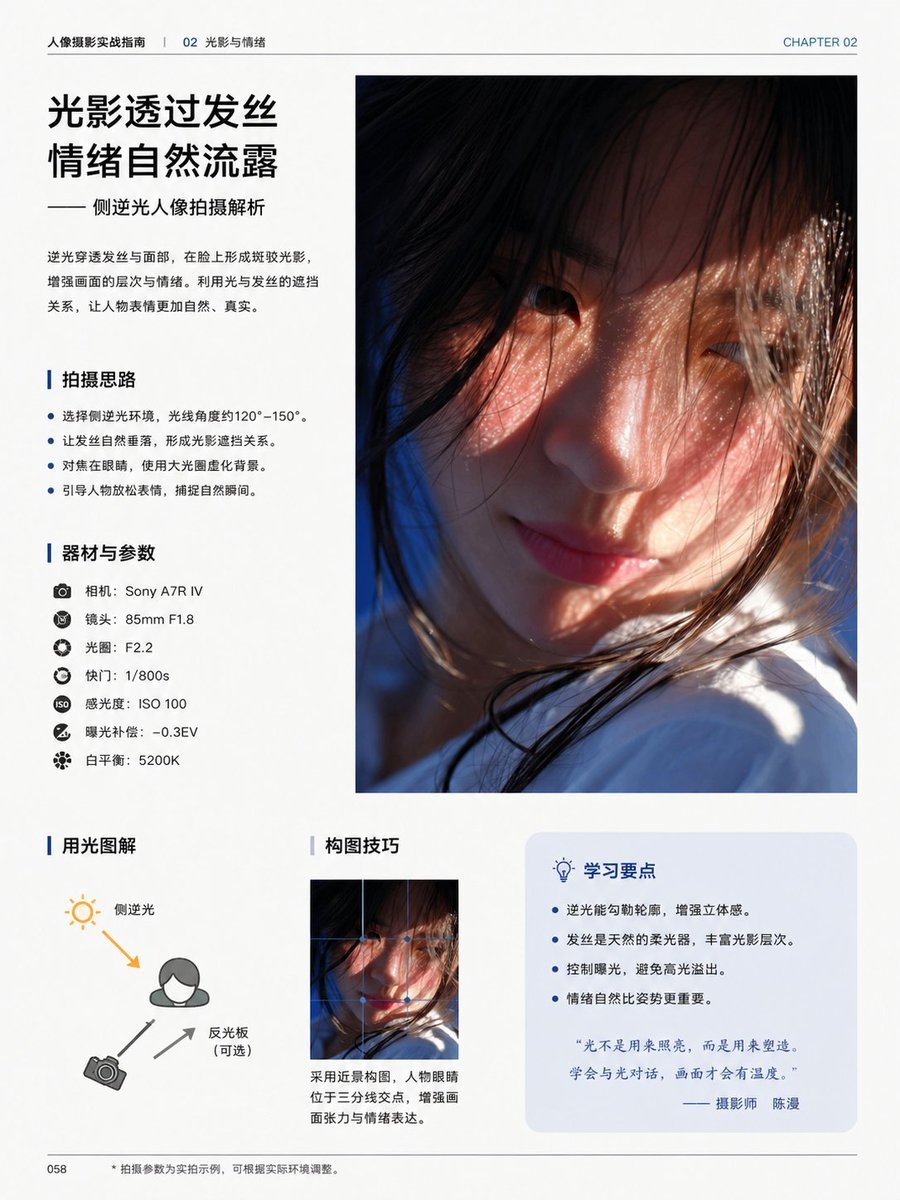
- Prompt included
- Model and format preset
- Free template
The prompt behind this image
Copy the exact prompt behind Chinese Photography Tutorial Book Page, or open it in the studio and make it yours.
- Type
- editorial photography tutorial book page
- Style
- clean modern Chinese magazine layout, minimalist white background, professional typography, generous margins, thin divider lines, blue accent color, premium print design
- Page › Chapter Label
- CHAPTER 02
- Page › Header Left
- 人像摄影实战指南 | 02 光影与情绪
- Page › Page Number
- 058
- Page › Size
- single portrait-oriented book page
- Content Blocks › 0 › Kind
- headline_block
- Content Blocks › 0 › Position
- top-left
- Content Blocks › 0 › Title
- {argument name="headline text" default="光影透过发丝 情绪自然流露"}
- Content Blocks › 0 › Subtitle
- —— 侧逆光人像拍摄解析
- Content Blocks › 0 › Body
- 逆光穿透发丝与面部,在脸上形成斑驳光影,增强画面的层次与情绪。利用光与发丝的遮挡关系,让人物表情更加自然、真实。
- Content Blocks › 1 › Kind
- main_photo
- Content Blocks › 1 › Position
- top-right
- Content Blocks › 1 › Count
- 1
- Content Blocks › 1 › Description
- large vertical portrait photo occupying the upper-right half of the page, cinematic close-up of a young woman in side backlight, warm sunlight passing through loose hair strands, soft skin tones, shallow depth of field, part of the face obscured by hair and framing, white clothing visible near the bottom, emotional and intimate atmosphere
- Content Blocks › 2 › Kind
- bullet_section
- Content Blocks › 2 › Position
- mid-left
- Content Blocks › 2 › Title
- 拍摄思路
- Content Blocks › 2 › Count
- 4
- Content Blocks › 2 › Items
- 选择侧逆光环境,光线角度约120°–150°。, 让发丝自然垂落,形成光影遮挡关系。, 对焦在眼睛,使用大光圈虚化背景。, 引导人物放松表情,捕捉自然瞬间。
- Content Blocks › 3 › Kind
- gear_section
- Content Blocks › 3 › Position
- left-center
- Content Blocks › 3 › Title
- 器材与参数
- Content Blocks › 3 › Count
- 7
Raw JSON
{"type":"editorial photography tutorial book page","style":"clean modern Chinese magazine layout, minimalist white background, professional typography, generous margins, thin divider lines, blue accent color, premium print design","page":{"chapter_label":"CHAPTER 02","header_left":"人像摄影实战指南 | 02 光影与情绪","page_number":"058","size":"single portrait-oriented book page"},"content_blocks":[{"kind":"headline_block","position":"top-left","title":"{argument name=\"headline text\" default=\"光影透过发丝\n情绪自然流露\"}","subtitle":"—— 侧逆光人像拍摄解析","body":"逆光穿透发丝与面部,在脸上形成斑驳光影,增强画面的层次与情绪。利用光与发丝的遮挡关系,让人物表情更加自然、真实。"},{"kind":"main_photo","position":"top-right","count":1,"description":"large vertical portrait photo occupying the upper-right half of the page, cinematic close-up of a young woman in side backlight, warm sunlight passing through loose hair strands, soft skin tones, shallow depth of field, part of the face obscured by hair and framing, white clothing visible near the bottom, emotional and intimate atmosphere"},{"kind":"bullet_section","position":"mid-left","title":"拍摄思路","count":4,"items":["选择侧逆光环境,光线角度约120°–150°。","让发丝自然垂落,形成光影遮挡关系。","对焦在眼睛,使用大光圈虚化背景。","引导人物放松表情,捕捉自然瞬间。"]},{"kind":"gear_section","position":"left-center","title":"器材与参数","count":7,"items":["相机:{argument name=\"camera model\" default=\"Sony A7R IV\"}","镜头:85mm F1.8","光圈:F2.2","快门:1/800s","感光度:ISO 100","曝光补偿:-0.3EV","白平衡:5200K"]},{"kind":"diagram_section","position":"bottom-left","title":"用光图解","count":3,"labels":["侧逆光","反光板(可选)","相机"],"description":"simple lighting diagram with a person icon, sun icon at upper left, camera icon at lower left, one orange arrow showing back-side light direction toward the subject, two gray arrows indicating camera and reflector relationship"},{"kind":"composition_section","position":"bottom-center","title":"构图技巧","count":1,"image":"small vertical crop of the same portrait image","caption":"采用近景构图,人物眼睛位于三分线交点,增强画面张力与情绪表达。"},{"kind":"tips_box","position":"bottom-right","title":"学习要点","count":4,"items":["逆光能勾勒轮廓,增强立体感。","发丝是天然的柔光器,丰富光影层次。","控制曝光,避免高光溢出。","情绪自然比姿势更重要。"],"quote":"“光不是用来照亮,而是用来塑造,学会与光对话,画面才会有温度。”—— 摄影师 {argument name=\"photographer name\" default=\"陈漫\"}"}],"footer":{"left":"058","center":"• 拍摄参数为实拍示例,可根据实际环境调整。"},"visual_notes":"all body text in simplified Chinese, headings in bold black Chinese type, blue vertical accent bars before section titles, pale blue rounded rectangle behind the tips box, realistic print-ready editorial composition, high-end educational photography book aesthetic"}How to use Chinese Photography Tutorial Book Page in 3 steps
- 1Upload ImagePNG, JPG or paste
Add your photo
Upload the photo the template builds on. The prompt, model and format are already set.
- 2…a portrait of your subject in softgolden-hour light, 85mm…
Personalize
Edit the subject and creative details for your destination.
- 3Generate
Generate
Press Generate — your image is created in PicX Studio, so you can compare it with the original and refine one variable at a time.
More like this
Templates with the same subject, style or setup. Open one to see its prompt.

Korean Model Floating Magazine Pages Campaign
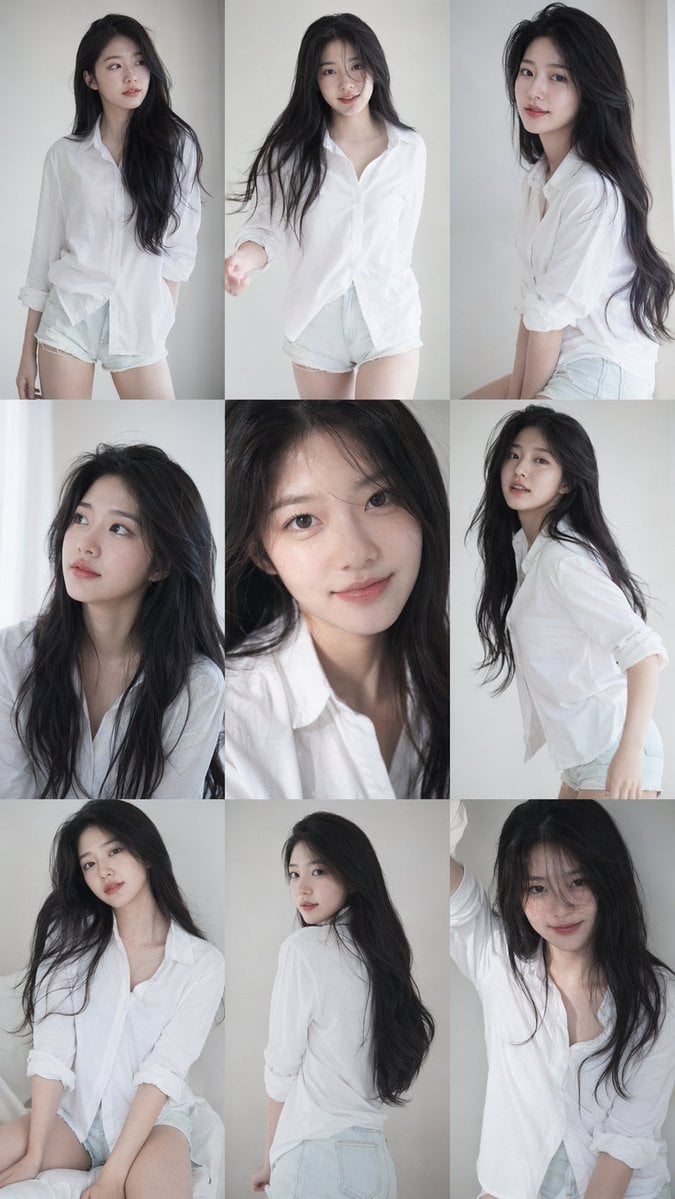
Korean Idol 3x3 Photobook Grid Portrait Series
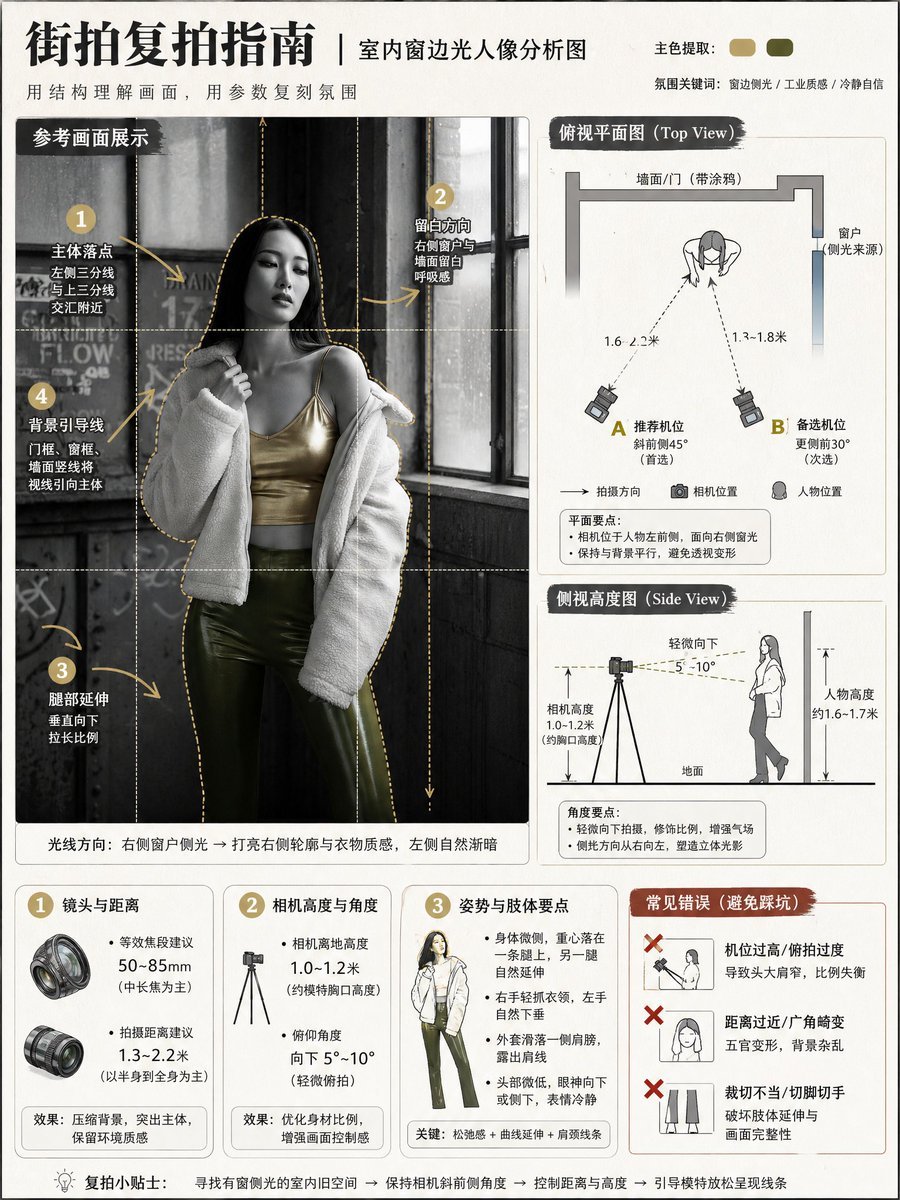
Photography Tutorial and Camera Setup Infographic

Mirror Selfie Chibi Characters Pixar Style

Flower Petal Sunglasses Couture Portrait

Fashion Portrait Colored Smoke Studio

Mountain Valley Lifestyle Portrait

青蛇小青写真大片,绿色紧身蛇鳞裙,湿发红唇,妖娆妩媚

A double exposure, long exposure editorial photograph of a man Use image

Portrait of a young woman in her early 20s walking calmly on a beautiful

Artistic portrait of an elegant Asian woman wearing a black silk

A high-quality photo collage featuring the same person with identical
Make it yours
Chinese Photography Tutorial Book Page works as-is. These are the safest ways to change it without losing the look.
Change one field
Copy a single group, rewrite it, and generate again so you can see what that field is doing.
Keep the frame, change the subject
Hold the composition and light of Chinese Photography Tutorial Book Page, then swap wardrobe, props or the person for a new take.
| If the result… | Why | Fix |
|---|---|---|
| The result drifts from the preview | Too many fields changed at once. | Reuse Chinese Photography Tutorial Book Page as-is first, then change one group — subject, light, or setting. |
| GPT Image 2 ignores part of the JSON | Some models flatten or skip nested keys. | Keep the same values and paste them as a short paragraph instead. |
More GPT Image 2 templates
Other prompts made for GPT Image 2.

Six VTuber Japanese Logo Sheet

Realistic Portrait of Woman and Deer

The Vista Modular Condo Poster

AI Model Routing Comparison Infographic

2.5D Anime Art Board

Isometric Productivity Desk Scene

New York Double Exposure Poster

Four-Panel AI Landscape Comparison

Japanese Tatami Lifestyle Magazine Cover

NESCAFÉ Coffee Map Poster
More image prompts
Fresh picks from across the catalog.
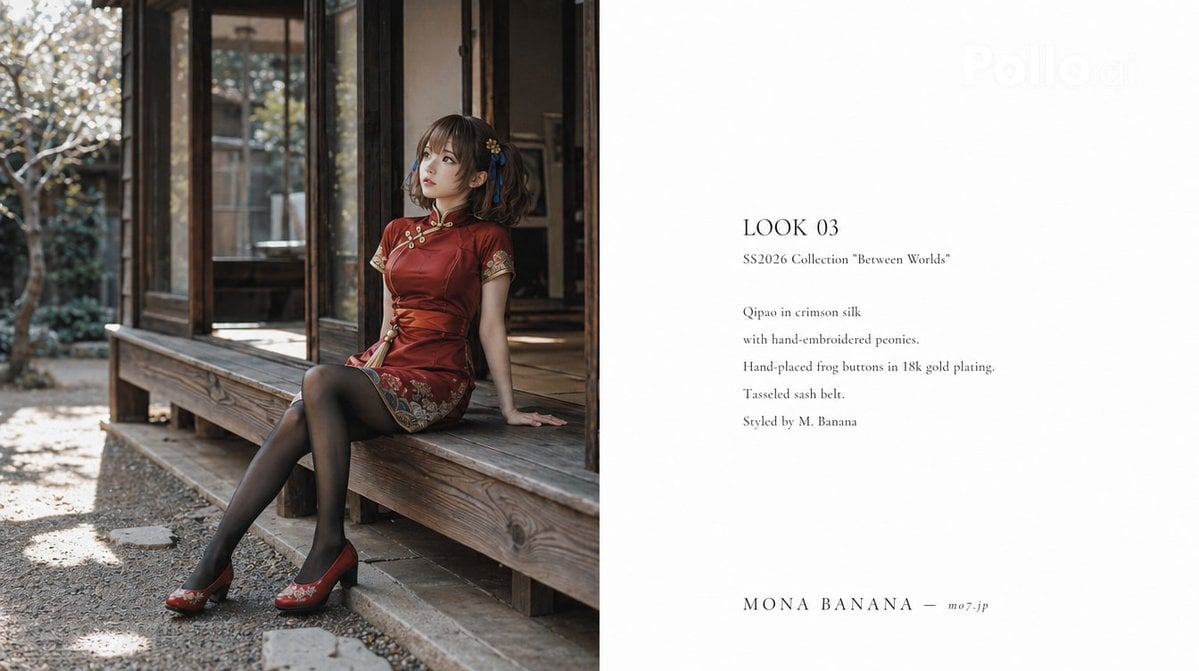
High Fashion Lookbook Spread

Edo-period castle town scene
Abstract Cinematic Portrait Style Prompt

Product Poster: Sunglasses with Shallow Depth of Field
Multi-Shot Cinematic Fashion Collage in Winter
Cyberpunk Elf Rollerblader
Geometric Mathematician Visualization
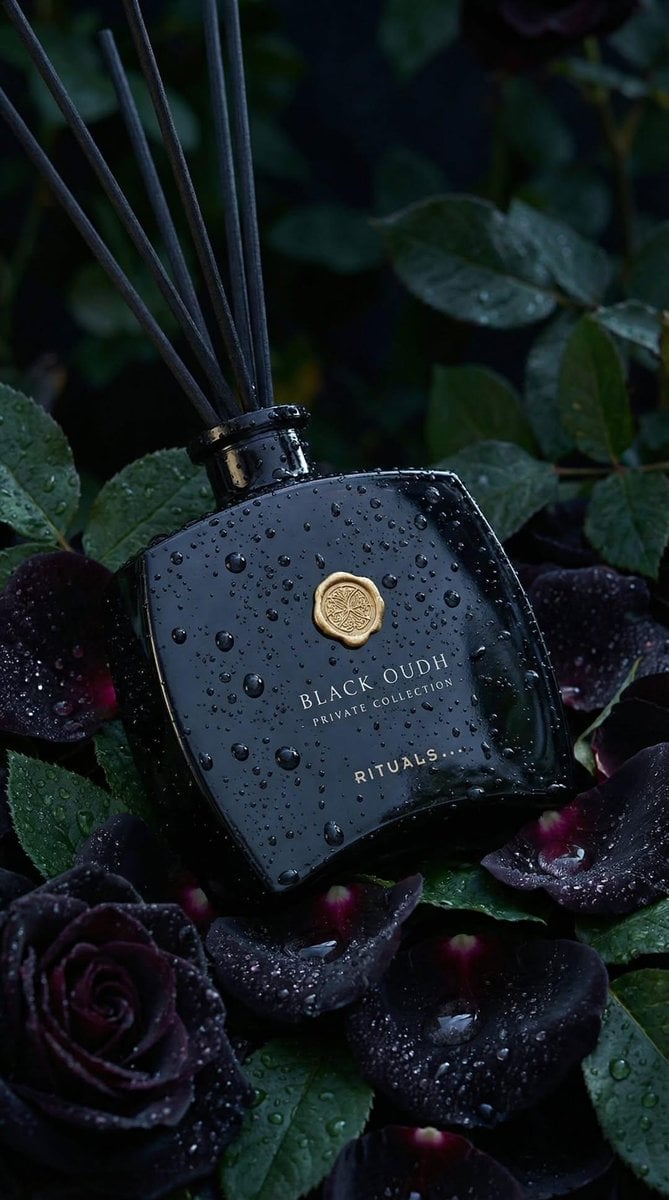
Luxury Product Photography: Black Oudh Diffuser
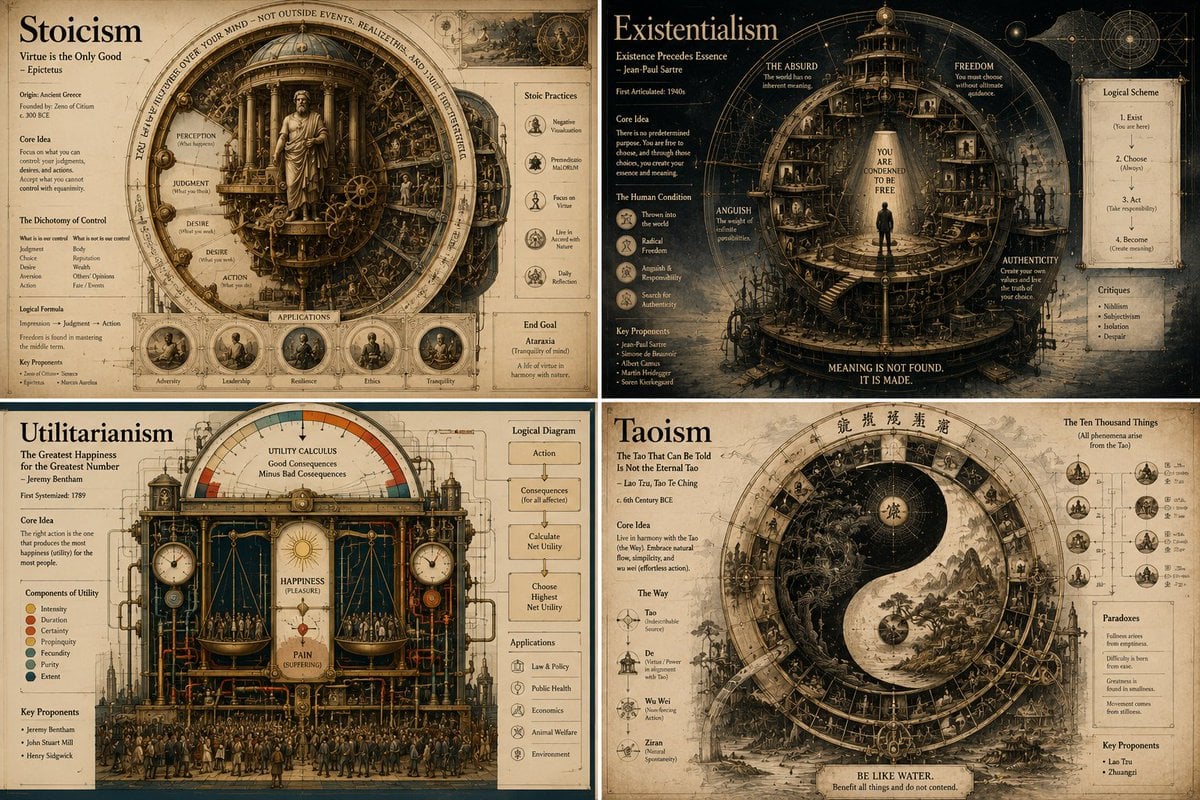
Philosophical Infographic Machine Generator
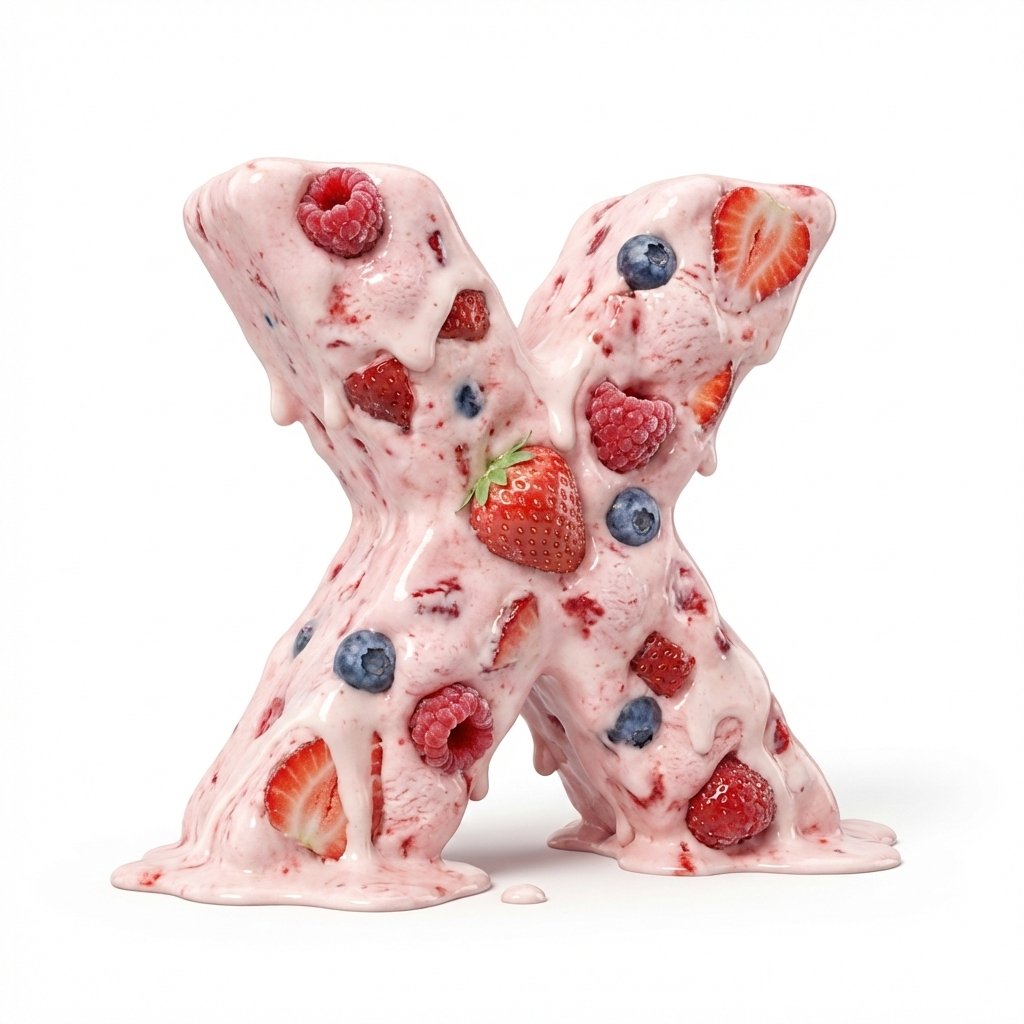
Strawberry Ice Cream 3D Letter 'X'
Browse template categories
Chinese Photography Tutorial Book Page questions
How do I use the Chinese Photography Tutorial Book Page template?
Add your photo if the template asks for one, edit the prompt if you like — the template's model and format are already selected — and press Generate. Your version opens in PicX Studio.
Can I customize the Chinese Photography Tutorial Book Page template?
Yes. You can change the subject, setting, lighting, mood, format, and available model controls before creating your image.
Is the Chinese Photography Tutorial Book Page template free?
Opening and editing this template is free. Generating uses credits, shown on the Generate button when you are signed in.
Which AI model should I use?
Start with GPT Image 2, which is the model associated with this template. You can compare another compatible model for a different finish.
Looking for something else? Browse all templates.

Your photo, any look
Thousands of ready templates for every top image and video model, from one credit balance.