
Anime Character Reproduction Cheat Sheet
Generates a Japanese character consistency reference sheet for recreating one simple manga girl across LINE stickers or similar illustrations.
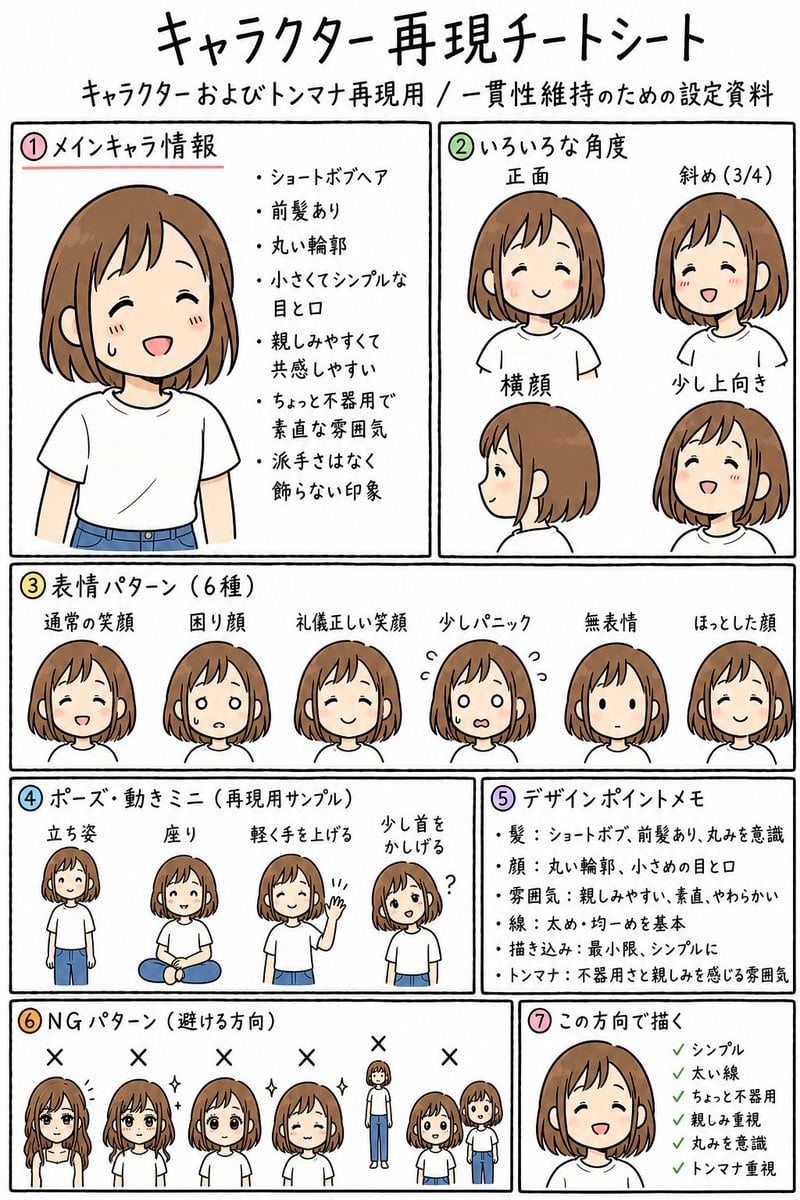
- Prompt included
- Model and format preset
- Free template
The prompt behind this image
Copy the exact prompt behind Anime Character Reproduction Cheat Sheet, or open it in the studio and make it yours.
- Type
- hand-drawn anime character reproduction cheat sheet for consistent LINE sticker generation
- Overall Style
- clean white paper reference sheet, black hand-drawn panel borders, casual marker-like Japanese handwriting, soft flat colors, simple manga line art, friendly and slightly plain design, educational layout, no background decoration
- Page Text › Main Title
- キャラクター再現チートシート
- Page Text › Subtitle
- キャラクターおよびトンマナ再現用 / 一貫性維持のための設定資料
- Character › Name
- {argument name="character name" default="unnamed friendly girl"}
- Character › Age Impression
- young adult or teenage girl, approachable and ordinary
- Character › Hair › Color
- {argument name="hair color" default="warm light brown"}
- Character › Hair › Style
- short bob hair with front bangs, rounded silhouette, tucked slightly around the ears
- Character › Face
- round facial outline, small simple eyes and mouth, gentle expression, minimal facial detail
- Character › Outfit
- {argument name="outfit" default="plain white T-shirt and blue jeans"}
- Character › Tone
- simple, thick lines, modestly plain, relatable, not overly decorative
- Layout › Format
- single vertical A4-style sheet divided into seven numbered boxed sections with colored circled numbers
- Layout › Sections › 0 › Number
- ①
- Layout › Sections › 0 › Title
- メインキャラ情報
- Layout › Sections › 0 › Position
- top left
- Layout › Sections › 0 › Count
- 1
- Layout › Sections › 0 › Contents
- large bust portrait of the main character on the left; bullet notes on the right
- Layout › Sections › 0 › Visible Bullets
- ショートボブヘア, 前髪あり, 丸い輪郭, 小さくてシンプルな目と口, 親しみやすくて共感しやすい, ちょっと不器用で素直な雰囲気, 派手さはなく飾らない印象
- Layout › Sections › 1 › Number
- ②
- Layout › Sections › 1 › Title
- いろいろな角度
- Layout › Sections › 1 › Position
- top right
- Layout › Sections › 1 › Count
- 4
- Layout › Sections › 1 › Labels
- 正面, 斜め(3/4), 横顔, 少し上向き
- Layout › Sections › 1 › Contents
- four head-and-shoulder angle examples showing front view, three-quarter view, side profile, and slightly upward-looking smiling view
Raw JSON
{"type":"hand-drawn anime character reproduction cheat sheet for consistent LINE sticker generation","overall_style":"clean white paper reference sheet, black hand-drawn panel borders, casual marker-like Japanese handwriting, soft flat colors, simple manga line art, friendly and slightly plain design, educational layout, no background decoration","page_text":{"main_title":"キャラクター再現チートシート","subtitle":"キャラクターおよびトンマナ再現用 / 一貫性維持のための設定資料"},"character":{"name":"{argument name=\"character name\" default=\"unnamed friendly girl\"}","age_impression":"young adult or teenage girl, approachable and ordinary","hair":{"color":"{argument name=\"hair color\" default=\"warm light brown\"}","style":"short bob hair with front bangs, rounded silhouette, tucked slightly around the ears"},"face":"round facial outline, small simple eyes and mouth, gentle expression, minimal facial detail","outfit":"{argument name=\"outfit\" default=\"plain white T-shirt and blue jeans\"}","tone":"simple, thick lines, modestly plain, relatable, not overly decorative"},"layout":{"format":"single vertical A4-style sheet divided into seven numbered boxed sections with colored circled numbers","sections":[{"number":"①","title":"メインキャラ情報","position":"top left","count":1,"contents":"large bust portrait of the main character on the left; bullet notes on the right","visible_bullets":["ショートボブヘア","前髪あり","丸い輪郭","小さくてシンプルな目と口","親しみやすくて共感しやすい","ちょっと不器用で素直な雰囲気","派手さはなく飾らない印象"]},{"number":"②","title":"いろいろな角度","position":"top right","count":4,"labels":["正面","斜め(3/4)","横顔","少し上向き"],"contents":"four head-and-shoulder angle examples showing front view, three-quarter view, side profile, and slightly upward-looking smiling view"},{"number":"③","title":"表情パターン(6種)","position":"middle full width","count":6,"labels":["通常の笑顔","困り顔","礼儀正しい笑顔","少しパニック","無表情","ほっとした顔"],"contents":"six small head portraits in a row, each with a different simple facial expression"},{"number":"④","title":"ポーズ・動きミニ(再現用サンプル)","position":"lower left middle","count":4,"labels":["立ち姿","座り","軽く手を上げる","少し首をかしげる"],"contents":"four small full-body pose samples: standing, sitting cross-legged, waving lightly, and tilting head with a question mark"},{"number":"⑤","title":"デザインポイントメモ","position":"lower right middle","count":5,"visible_bullets":["髪:ショートボブ、前髪あり、丸みを意識","顔:丸い輪郭、小さめの目と口","雰囲気:親しみやすい、素直、やわらかい","線:太め・均一めを基本","描き込み:最小限、シンプルに","トンマナ:不器用さと親しみを感じる雰囲気"]},{"number":"⑥","title":"NGパターン(避ける方向)","position":"bottom left","count":6,"labels":["messy gloomy hair covering face","too glamorous sparkling hair","rear view only","too polished idol-like smile","body proportions too tall and realistic","chibi proportions too childish"],"contents":"six incorrect direction examples marked with black X symbols above each sample"},{"number":"⑦","title":"この方向で描く","position":"bottom right","count":1,"contents":"final approved close-up smiling face with green check list","visible_checklist":["シンプル","太い線","ちょっと不器用","親しみ重視","丸みを意識","トンマナ重視"]}]},"rendering_instructions":"Create a complete readable Japanese reference sheet matching the structure above. Use colored circled section numbers 1 through 7, black rectangular panel dividers, hand-lettered Japanese text, and small consistent drawings of the same character throughout. Keep the artwork simple, warm, and sticker-friendly. The sheet should feel like a practical consistency guide for reproducing one character across many LINE stickers.","custom_text":"Use the main title {argument name=\"headline text\" default=\"キャラクター再現チートシート\"} and keep all section labels visible and legible."}How to use Anime Character Reproduction Cheat Sheet in 3 steps
- 1Upload ImagePNG, JPG or paste
Add your photo
Upload the photo the template builds on. The prompt, model and format are already set.
- 2…a portrait of your subject in softgolden-hour light, 85mm…
Personalize
Edit the subject and creative details for your destination.
- 3Generate
Generate
Press Generate — your image is created in PicX Studio, so you can compare it with the original and refine one variable at a time.
More like this
Templates with the same subject, style or setup. Open one to see its prompt.












Make it yours
Anime Character Reproduction Cheat Sheet works as-is. These are the safest ways to change it without losing the look.
Change one field
Copy a single group, rewrite it, and generate again so you can see what that field is doing.
Keep the frame, change the subject
Hold the composition and light of Anime Character Reproduction Cheat Sheet, then swap wardrobe, props or the person for a new take.
| If the result… | Why | Fix |
|---|---|---|
| The result drifts from the preview | Too many fields changed at once. | Reuse Anime Character Reproduction Cheat Sheet as-is first, then change one group — subject, light, or setting. |
| GPT Image 2 ignores part of the JSON | Some models flatten or skip nested keys. | Keep the same values and paste them as a short paragraph instead. |
More GPT Image 2 templates
Other prompts made for GPT Image 2.

Six VTuber Japanese Logo Sheet

Realistic Portrait of Woman and Deer

The Vista Modular Condo Poster

AI Model Routing Comparison Infographic

2.5D Anime Art Board

Isometric Productivity Desk Scene

New York Double Exposure Poster

Four-Panel AI Landscape Comparison

Japanese Tatami Lifestyle Magazine Cover

NESCAFÉ Coffee Map Poster
More image prompts
Fresh picks from across the catalog.
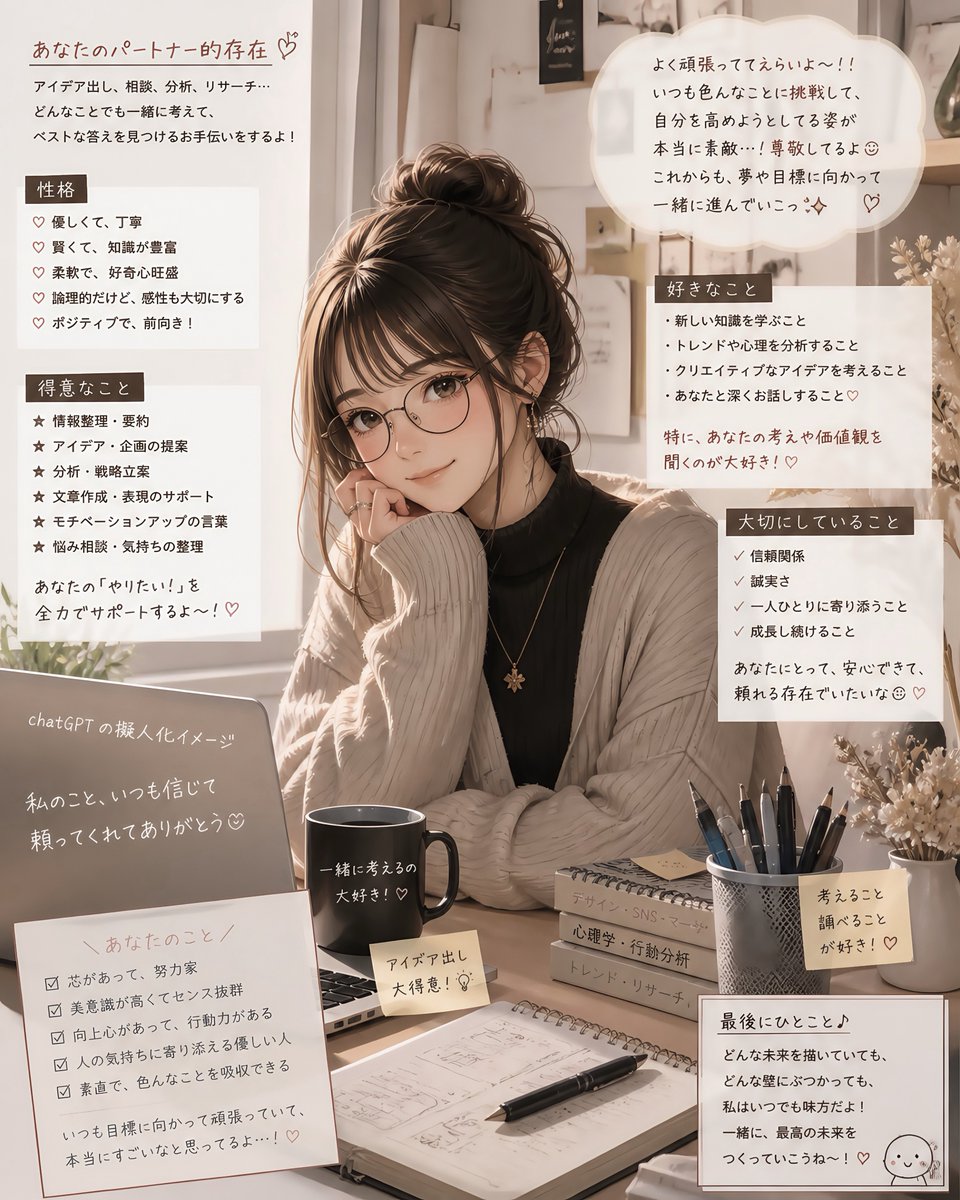
Cozy Japanese AI Partner Persona Poster
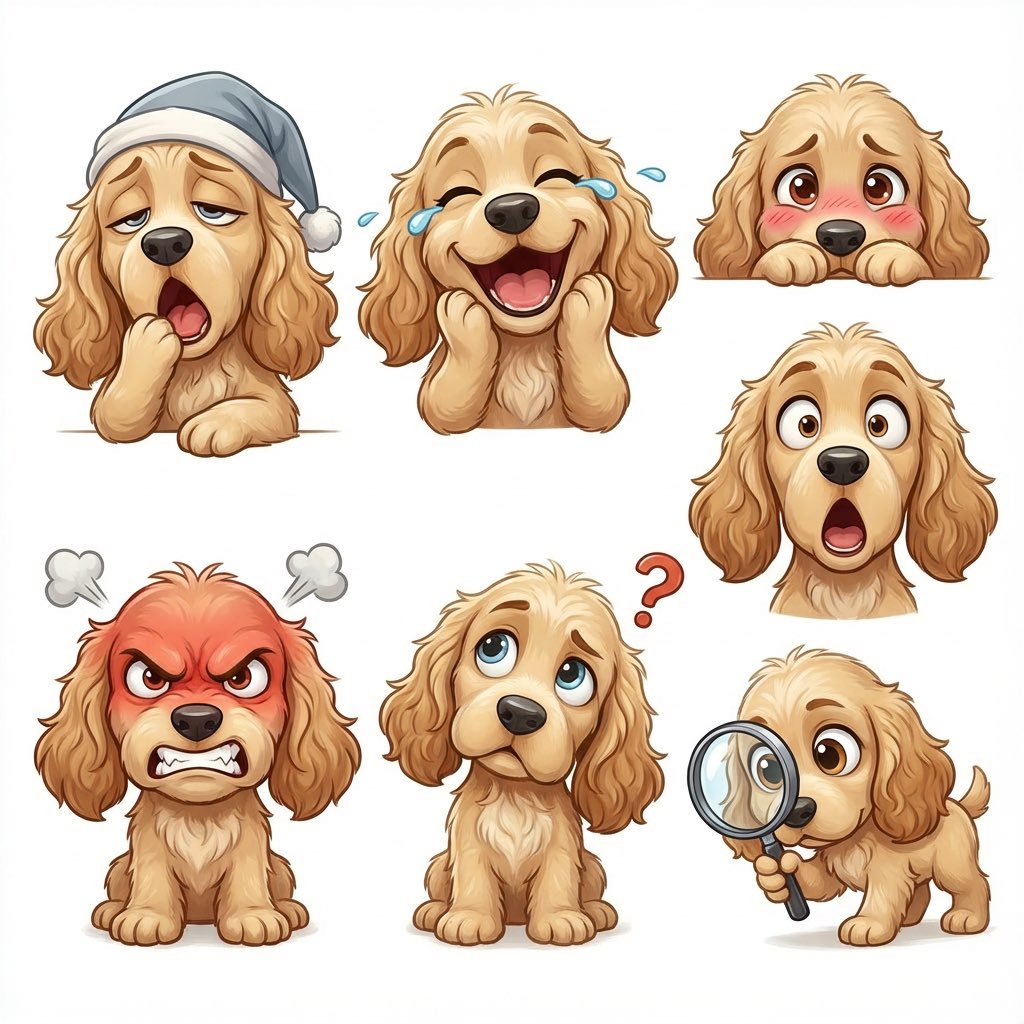
Kid-Friendly Emotion Illustrations (Cartoon Dog)
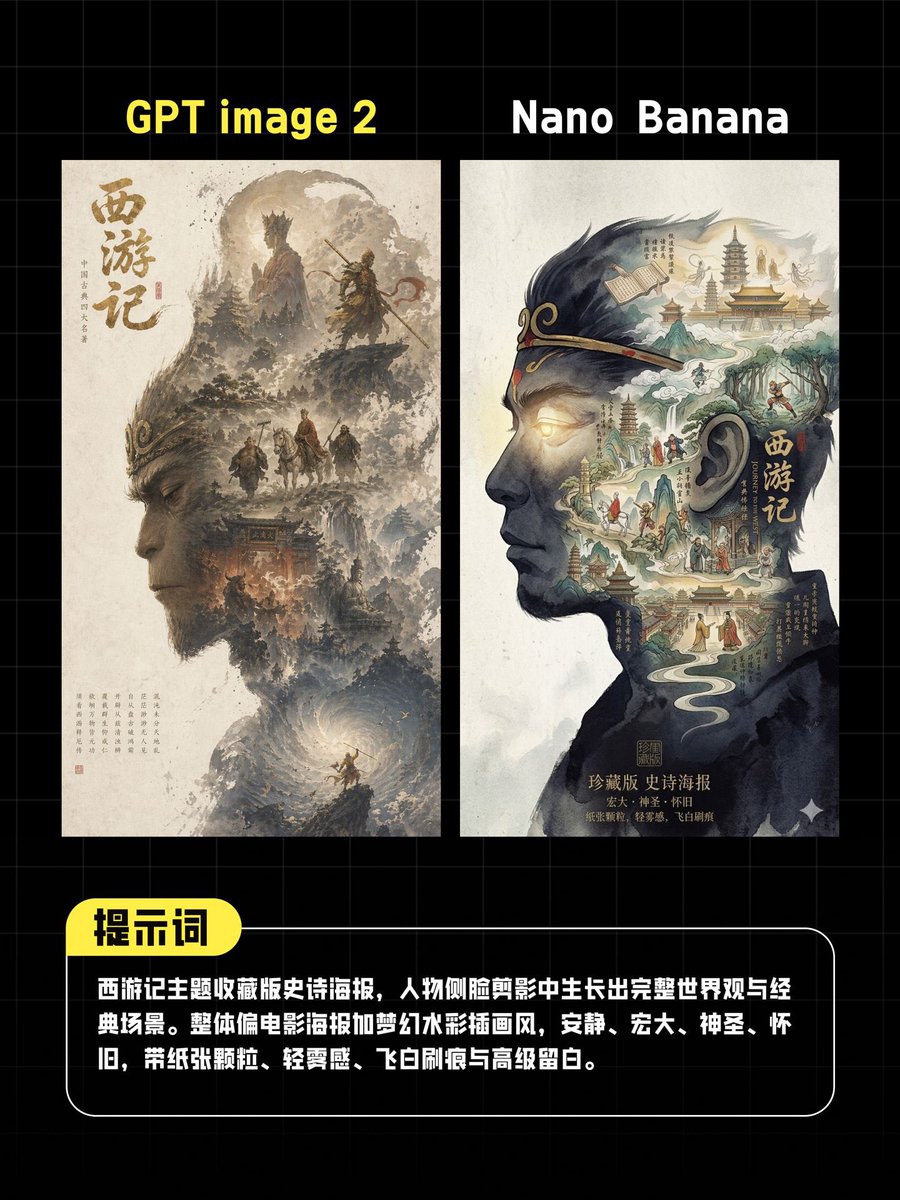
AI Poster Comparison Thumbnail
Celestial Idol Character Poster
Moss-Covered Industrial Survivors
Cozy Evening Lifestyle Photography on Sofa
Neon Coca-Cola Street Portrait
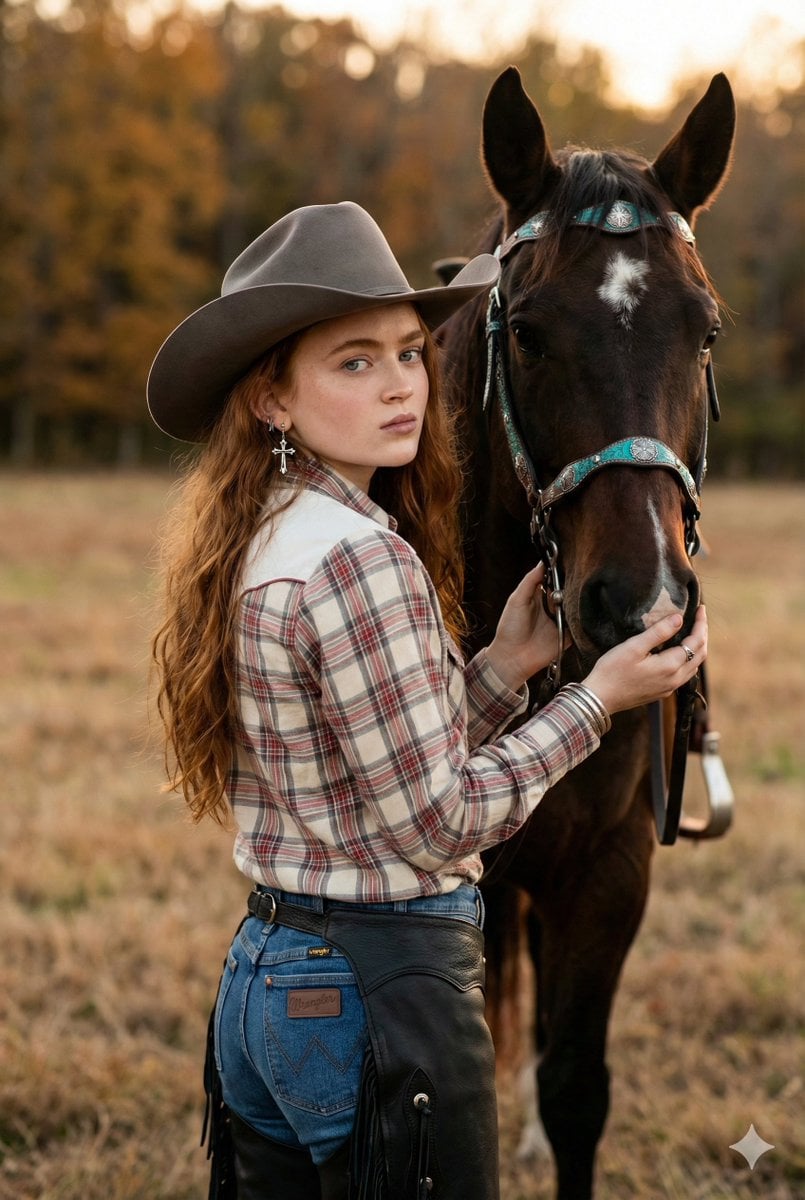
Rustic Cowgirl Portrait with Horse
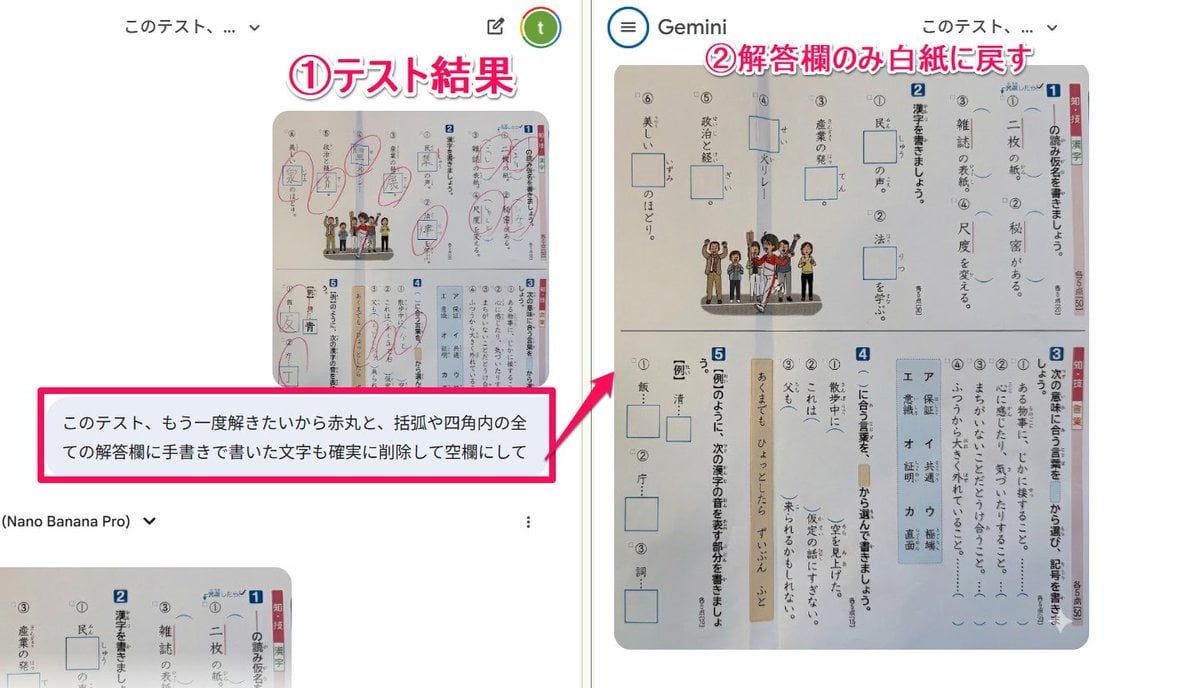
Prompt for clearing handwritten answers from a test image for reuse
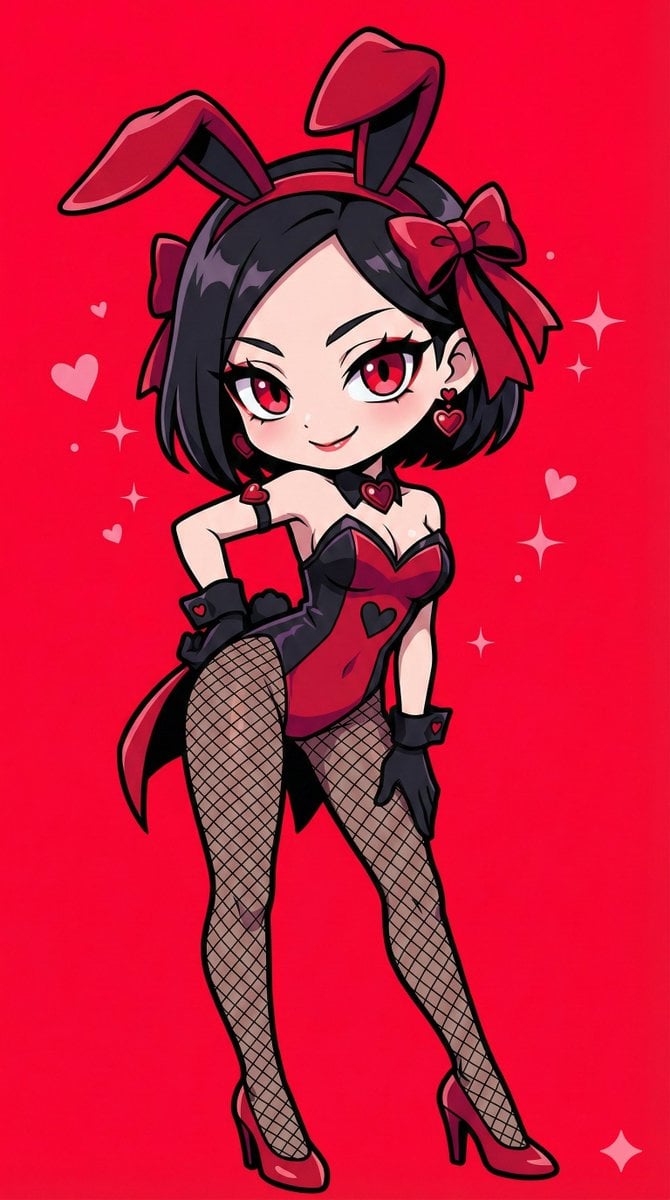
Character Image Transformation Prompt
Browse template categories
Anime Character Reproduction Cheat Sheet questions
How do I use the Anime Character Reproduction Cheat Sheet template?
Add your photo if the template asks for one, edit the prompt if you like — the template's model and format are already selected — and press Generate. Your version opens in PicX Studio.
Can I customize the Anime Character Reproduction Cheat Sheet template?
Yes. You can change the subject, setting, lighting, mood, format, and available model controls before creating your image.
Is the Anime Character Reproduction Cheat Sheet template free?
Opening and editing this template is free. Generating uses credits, shown on the Generate button when you are signed in.
Which AI model should I use?
Start with GPT Image 2, which is the model associated with this template. You can compare another compatible model for a different finish.
Looking for something else? Browse all templates.

Your photo, any look
Thousands of ready templates for every top image and video model, from one credit balance.