
Playful Pastel Collage Fashion Template
Playful Pastel Collage Fashion Template is a ready photo look.
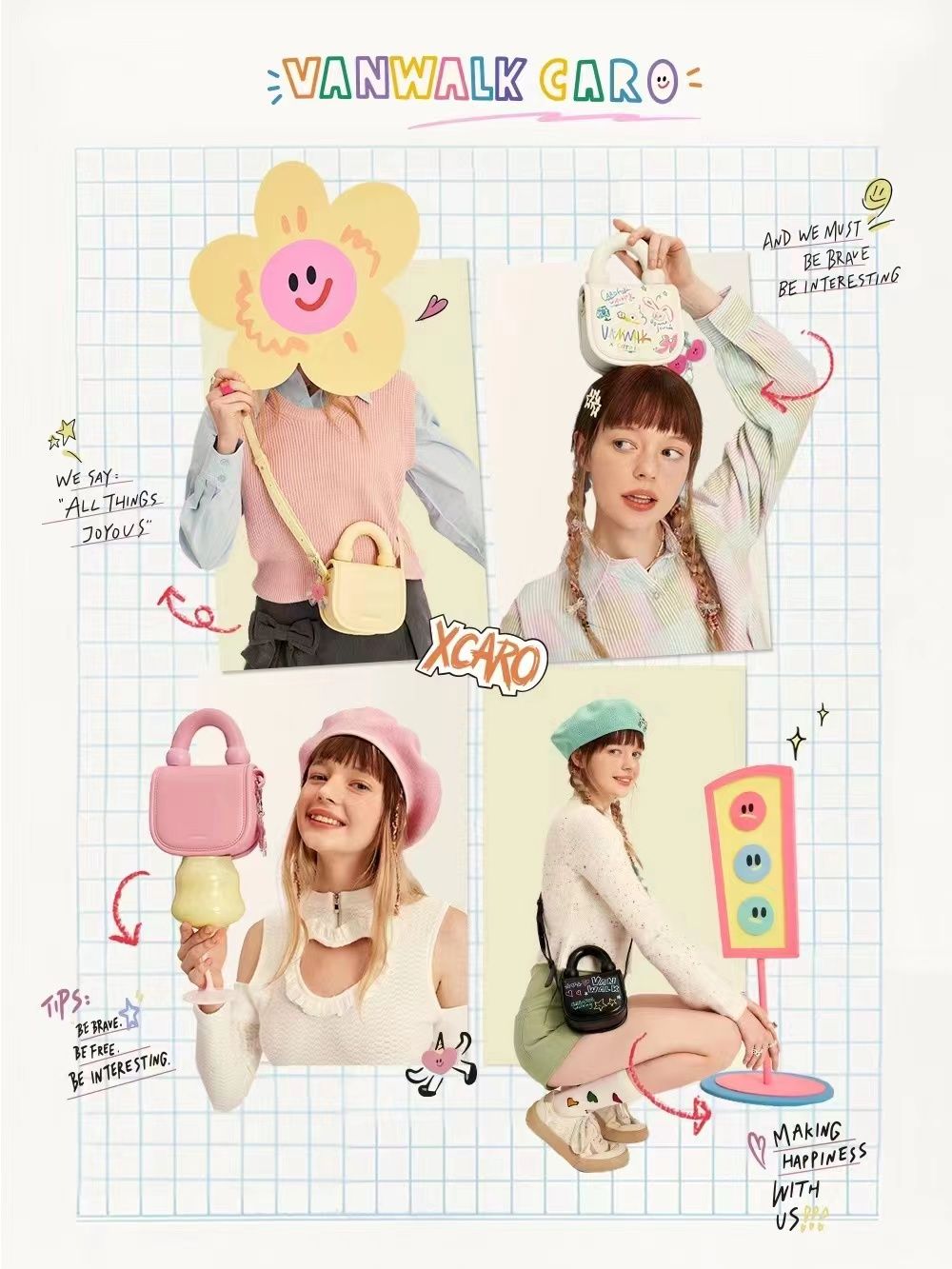
- Prompt included
- Model and format preset
- Free template
The prompt behind this image
Copy the exact prompt behind Playful Pastel Collage Fashion Template, or open it in the studio and make it yours.
- Prompt
- A playful fashion brand campaign collage featuring a young female model shown in multiple cut-out poses wearing pastel outfits and styling small mini handbags as the hero product. The layout includes four lifestyle portraits arranged in a balanced collage with white sticker-style outlines. The model appears cheerful and expressive, wearing cozy knitwear, berets, skirts, and casual accessories. The handbags are pastel-colored and styled creatively, including worn crossbody and held as playful props. The background is a clean white notebook-style grid paper with colorful hand-drawn doodles, arrows, hearts, smiley faces, and handwritten notes scattered throughout. Cute graphic icons and playful typography enhance the joyful, youthful vibe. Bright soft studio lighting, clean shadows, scrapbook-style pop-art aesthetic, lifestyle fashion lookbook energy.
- Negative Prompt
- dark mood, luxury serious styling, cluttered layout, dull colors, harsh shadows, blurry cutouts, distorted hands, unreadable graphics
- Style
- playful lifestyle fashion collage with doodle graphics
- Lighting
- bright soft studio lighting, even exposure
- Camera › Angle
- mixed lifestyle portrait angles
- Camera › Lens
- 35mm
- Camera › Aperture
- f/4
- Camera › Focus
- sharp focus on model and handbags
- Composition
- collage layout, sticker-style cutouts, balanced grid arrangement
- Background
- white notebook grid paper with hand-drawn doodles
- Mood
- cute, joyful, youthful, whimsical
- Quality
- ultra high resolution, professional campaign artwork, photorealistic subjects with graphic overlays
Raw JSON
{
  "prompt": "A playful fashion brand campaign collage featuring a young female model shown in multiple cut-out poses wearing pastel outfits and styling small mini handbags as the hero product. The layout includes four lifestyle portraits arranged in a balanced collage with white sticker-style outlines. The model appears cheerful and expressive, wearing cozy knitwear, berets, skirts, and casual accessories. The handbags are pastel-colored and styled creatively, including worn crossbody and held as playful props. The background is a clean white notebook-style grid paper with colorful hand-drawn doodles, arrows, hearts, smiley faces, and handwritten notes scattered throughout. Cute graphic icons and playful typography enhance the joyful, youthful vibe. Bright soft studio lighting, clean shadows, scrapbook-style pop-art aesthetic, lifestyle fashion lookbook energy.",
  "negative_prompt": "dark mood, luxury serious styling, cluttered layout, dull colors, harsh shadows, blurry cutouts, distorted hands, unreadable graphics",
  "style": "playful lifestyle fashion collage with doodle graphics",
  "lighting": "bright soft studio lighting, even exposure",
  "camera": {
    "angle": "mixed lifestyle portrait angles",
    "lens": "35mm",
    "aperture": "f/4",
    "focus": "sharp focus on model and handbags"
  },
  "composition": "collage layout, sticker-style cutouts, balanced grid arrangement",
  "background": "white notebook grid paper with hand-drawn doodles",
  "mood": "cute, joyful, youthful, whimsical",
  "quality": "ultra high resolution, professional campaign artwork, photorealistic subjects with graphic overlays"
}How to use Playful Pastel Collage Fashion Template in 3 steps
- 1
Open
The prompt is already in the box next to the preview, with the template's model and format selected.
- 2…a portrait of your subject in softgolden-hour light, 85mm…
Personalize
Edit the subject and creative details for your destination.
- 3Generate
Generate
Press Generate — your image is created in PicX Studio, so you can compare it with the original and refine one variable at a time.
More like this
Templates with the same subject, style or setup. Open one to see its prompt.
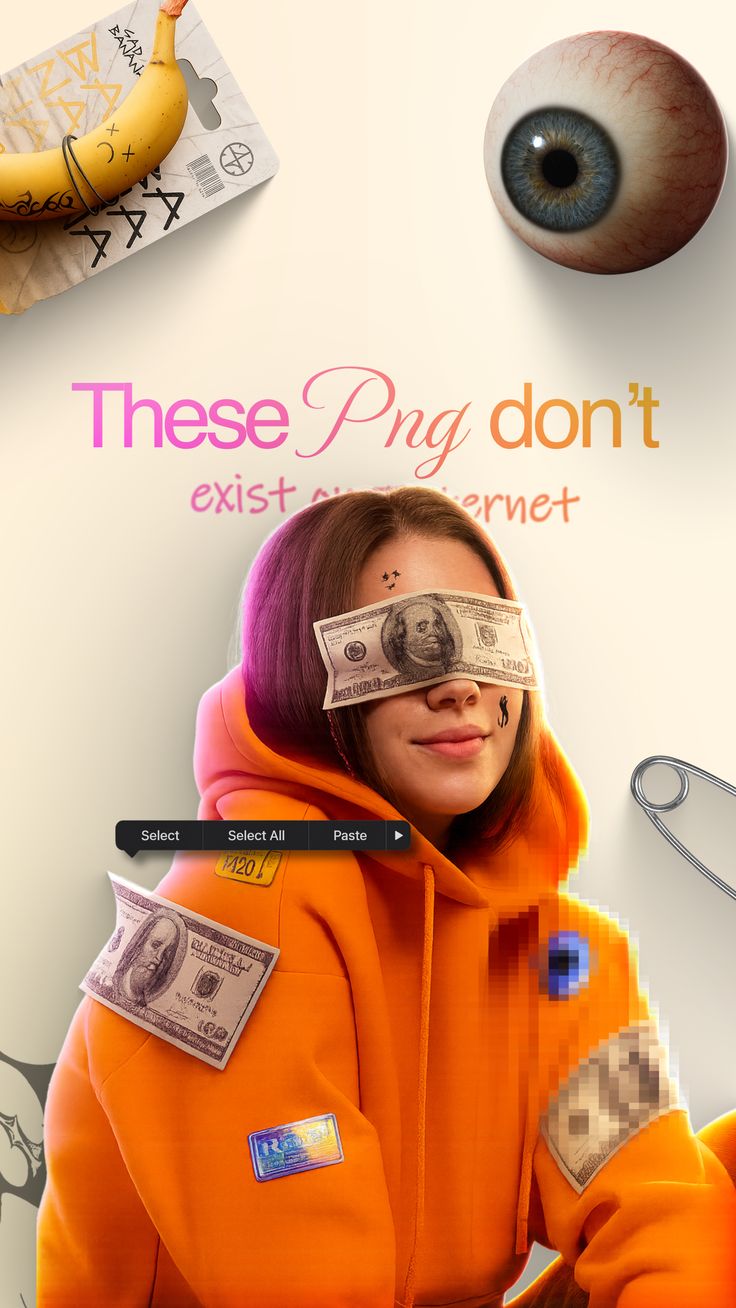
These PNG Don’t Exist
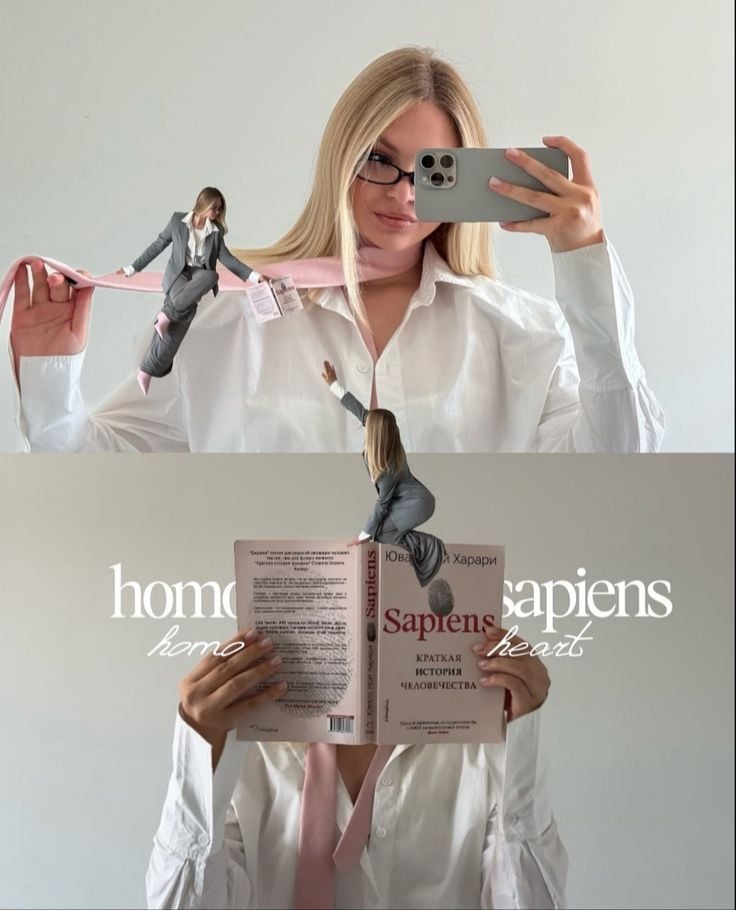
Miniature Self Portrait Collage
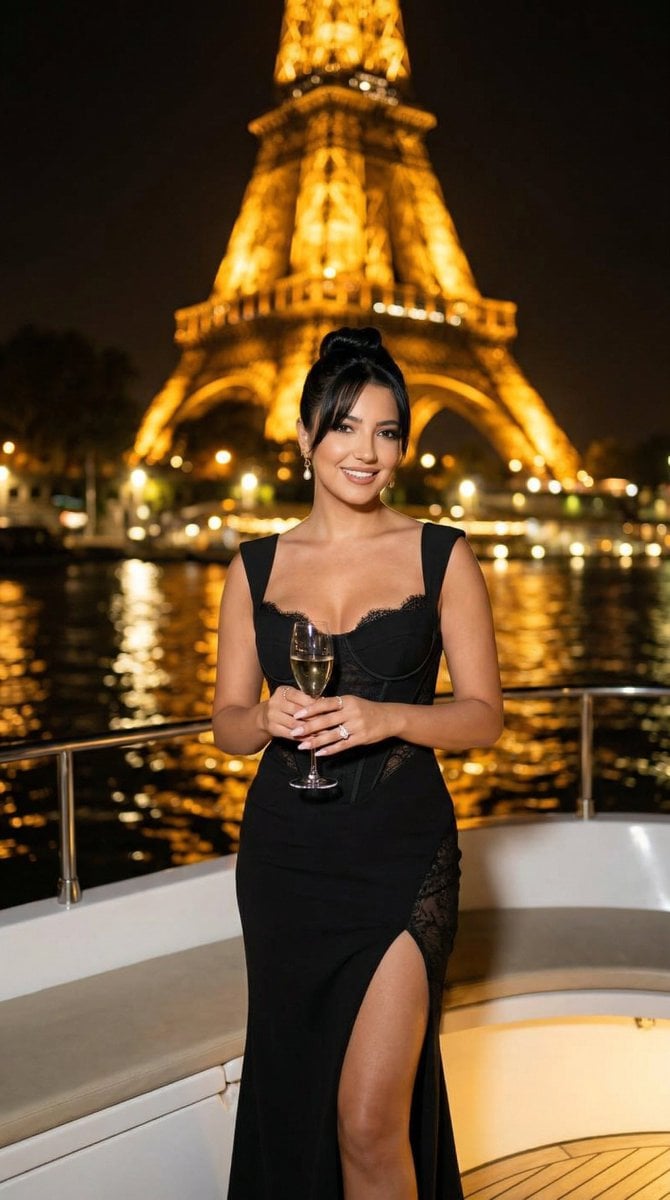
Nano Banana - Paris Cafe Editorial
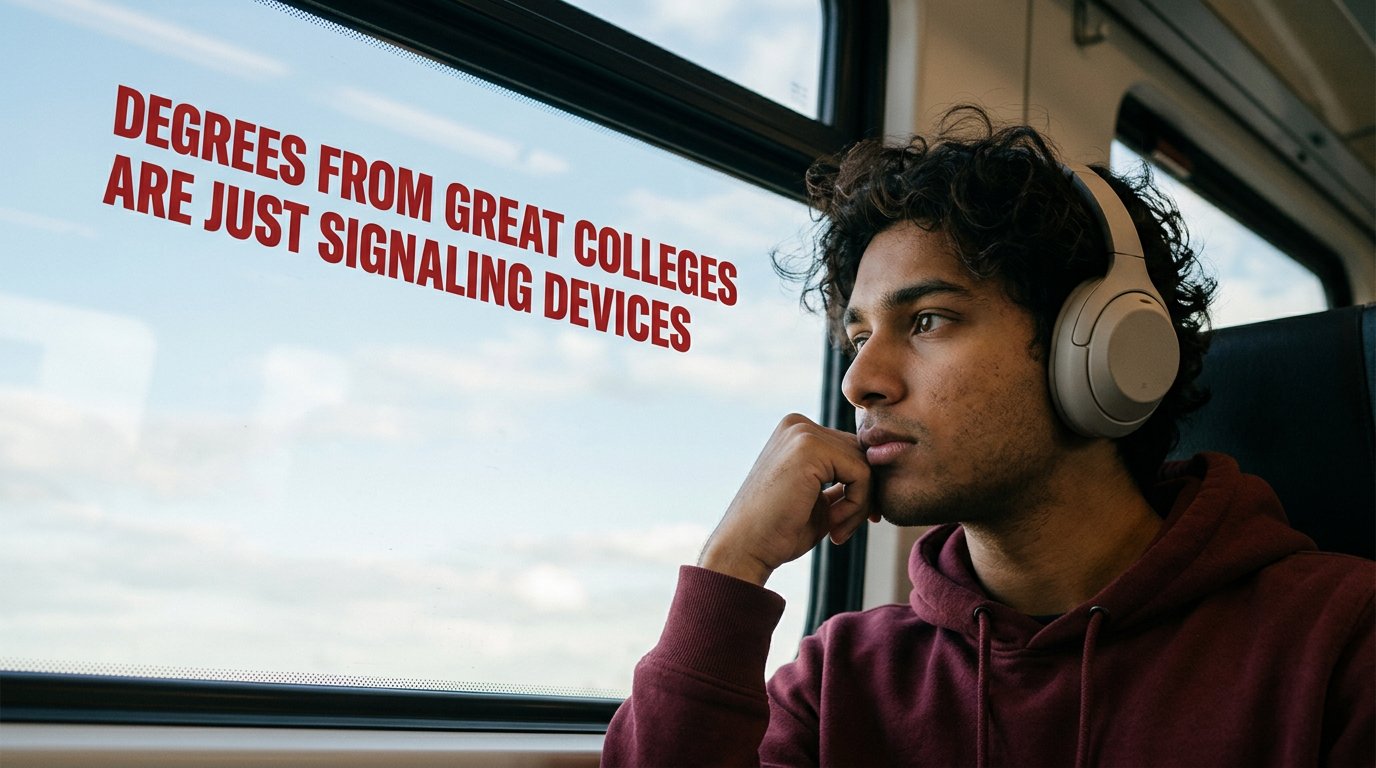
Cinematic Academic Signaling Thumbnail
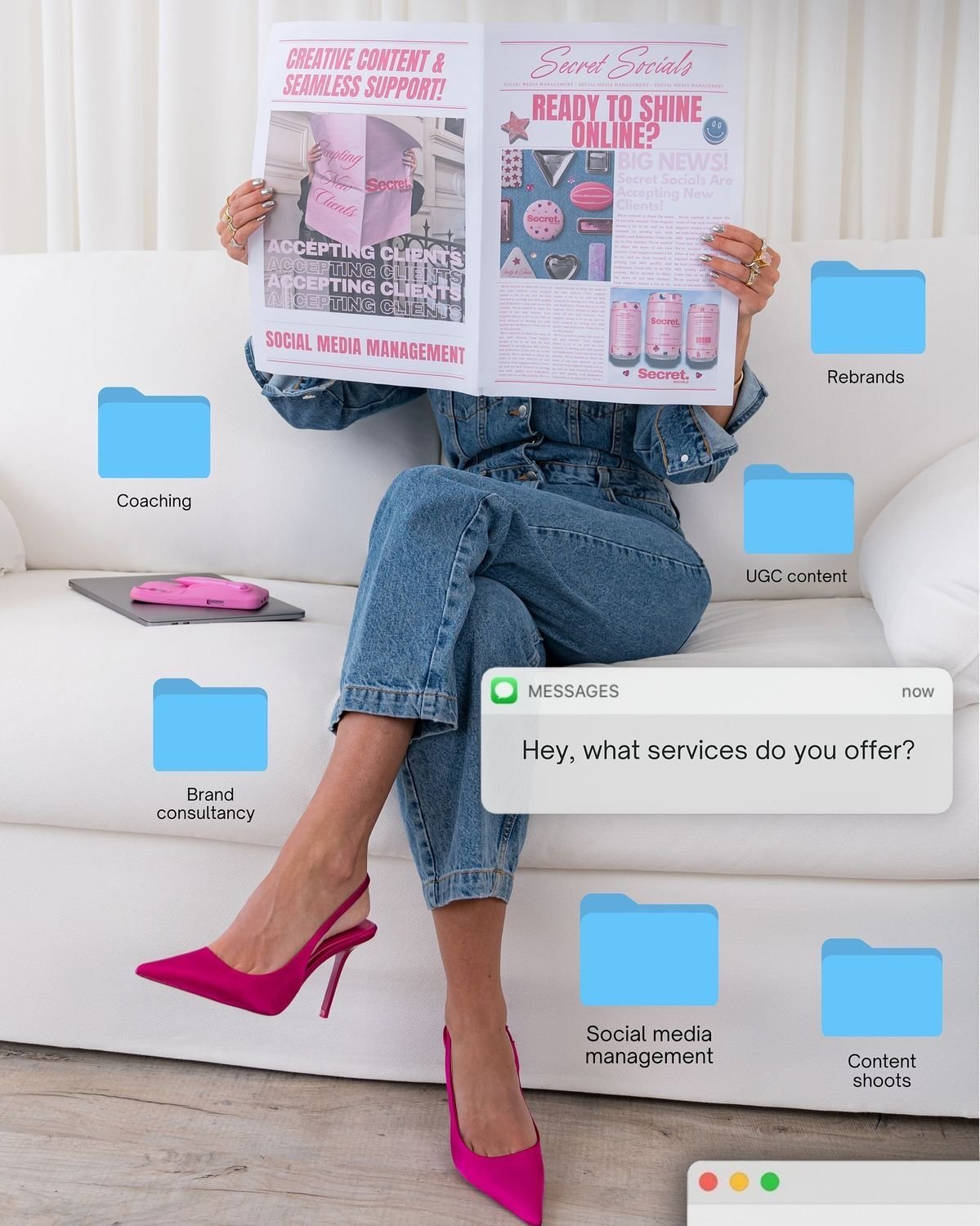
Social Media Manager Desktop Case Study
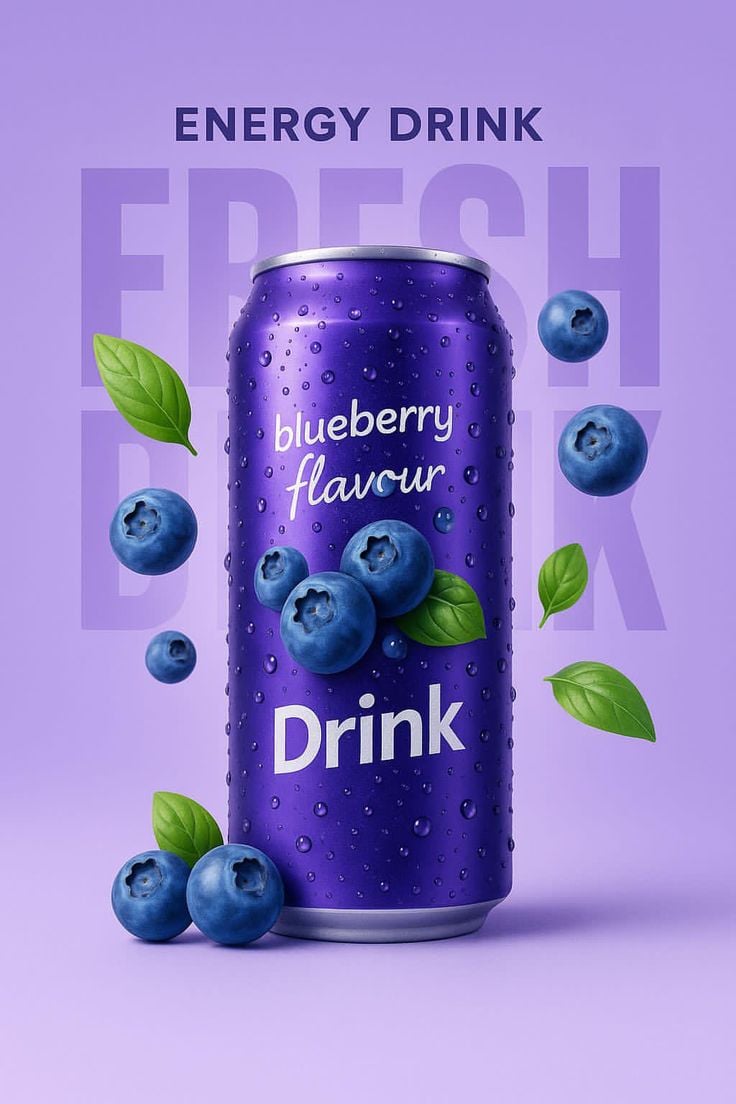
Blueberry Energy Drink Mockup
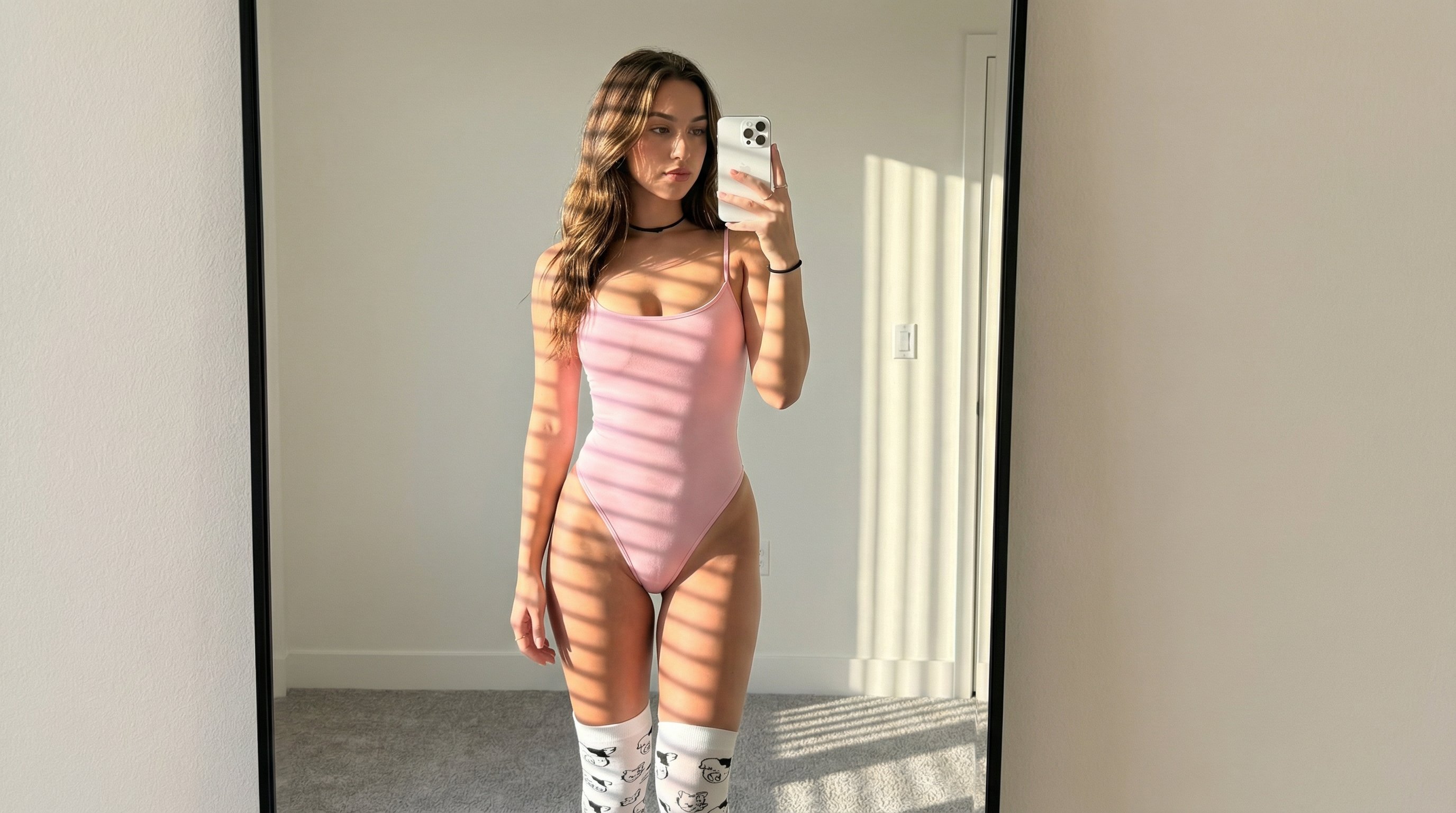
Minimalist Golden Hour Selfie
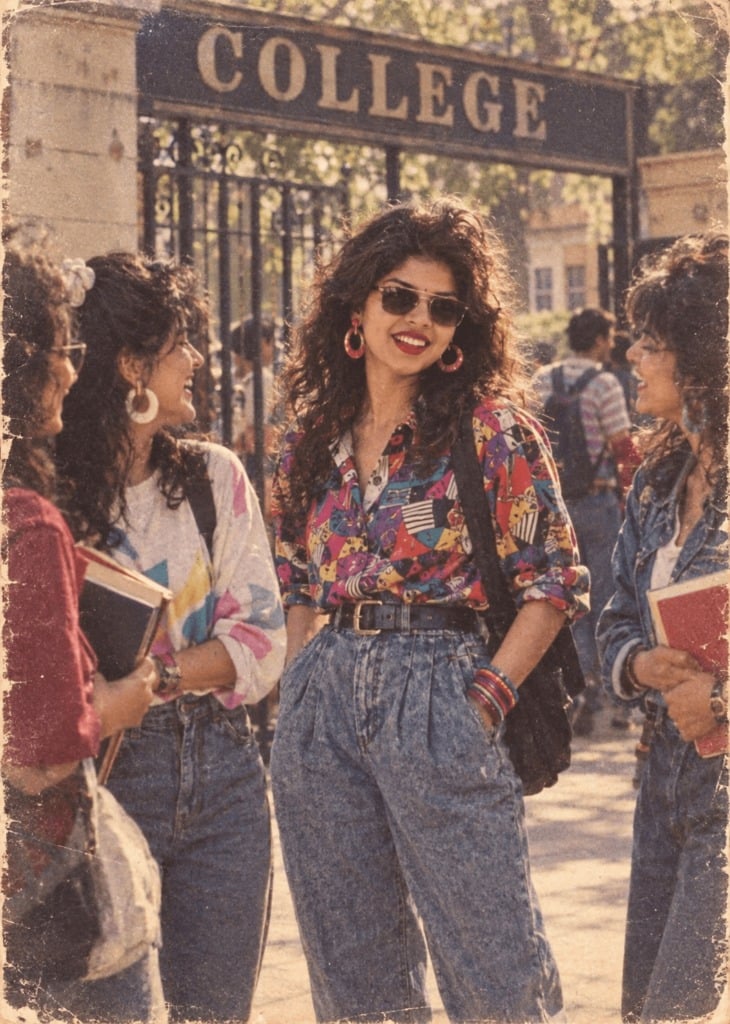
80s College Gate
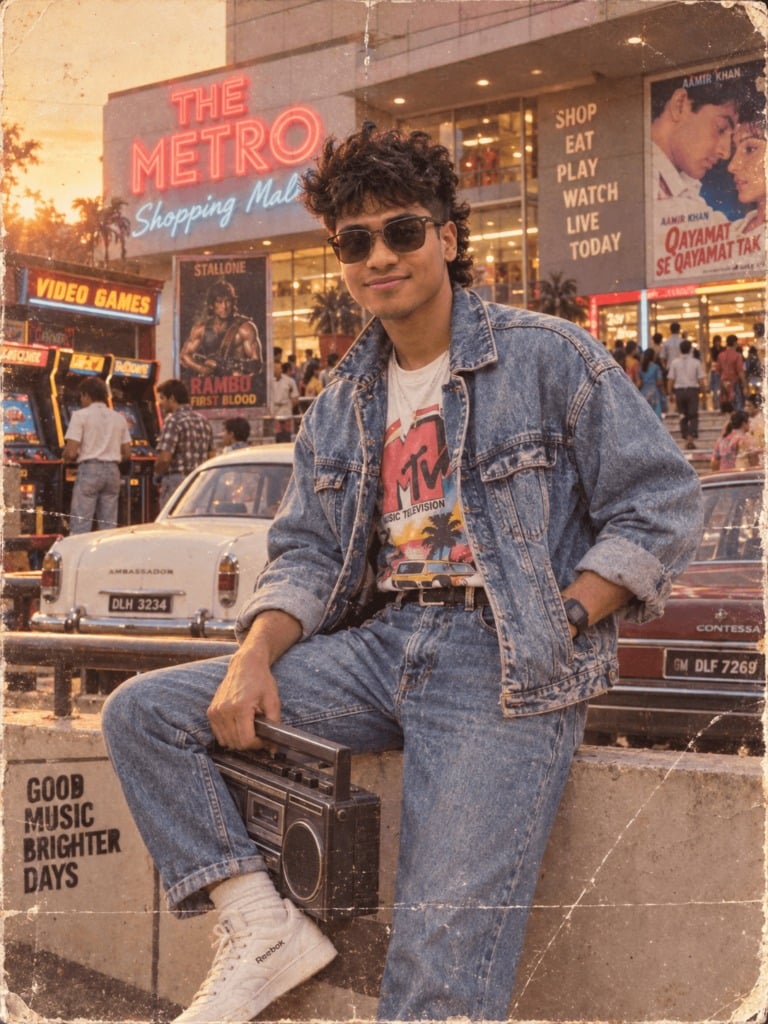
1988 Mall Style
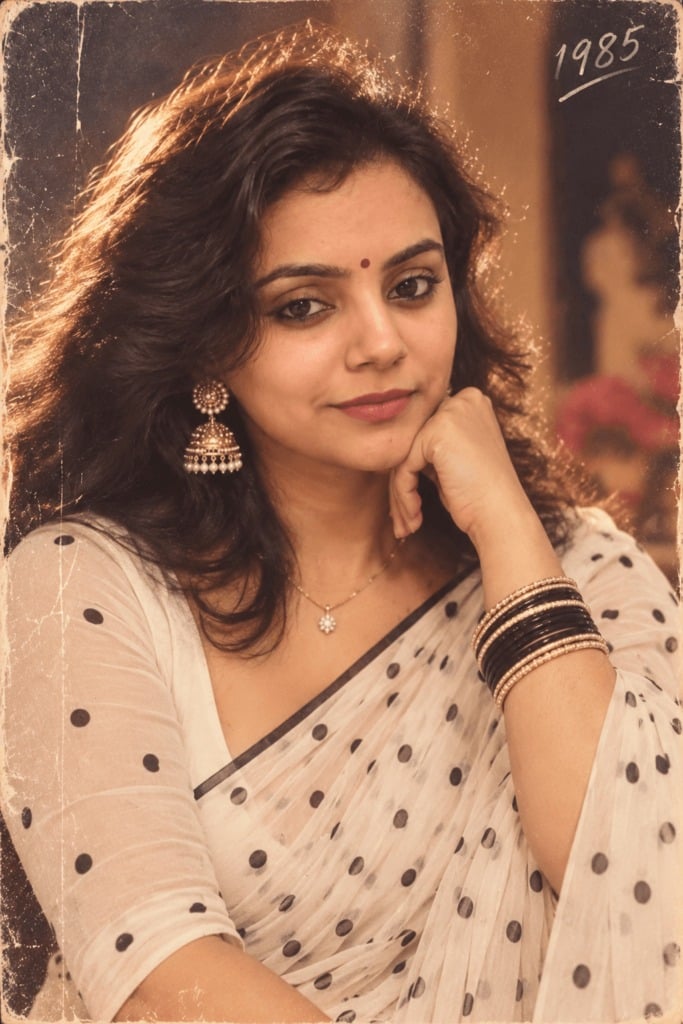
80s Polka Dot Saree
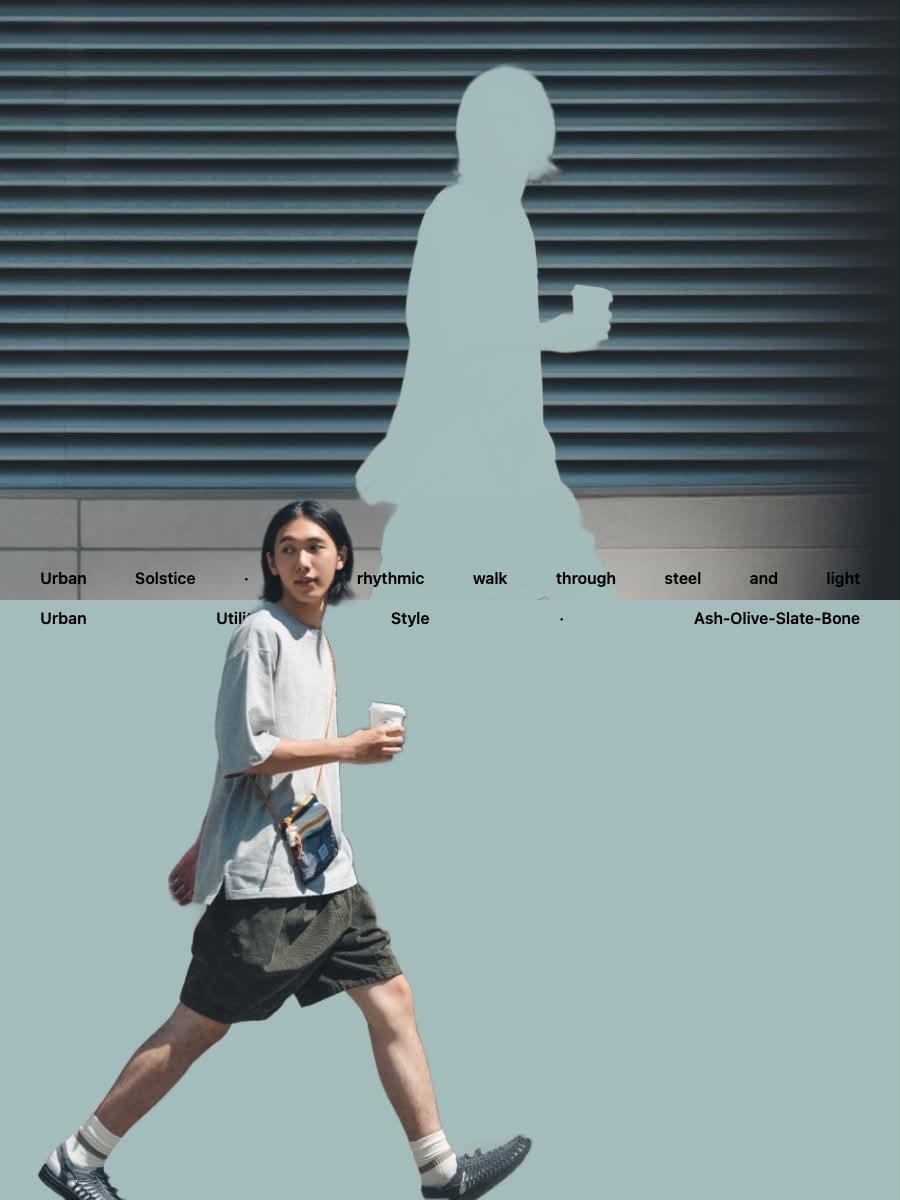
Japanese Minimalist Urban Fashion Campaign
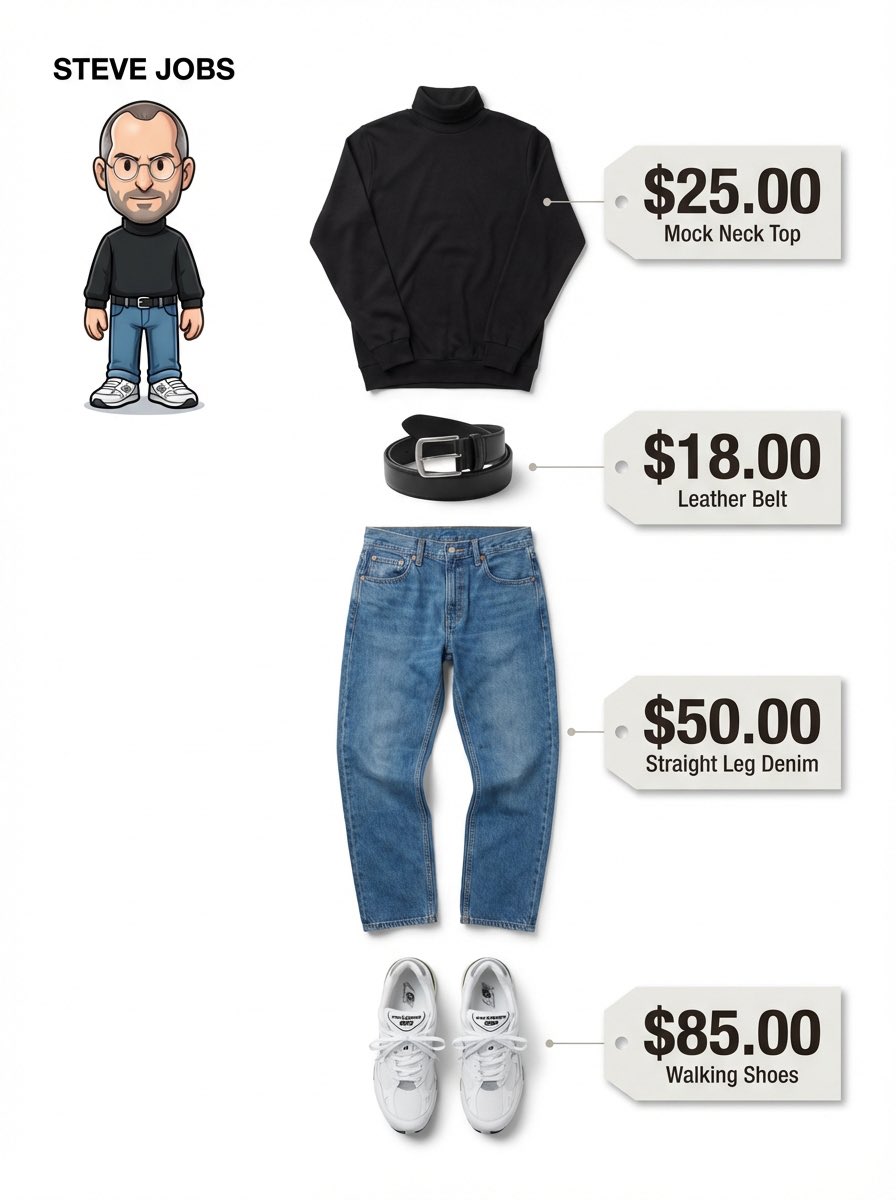
Clean, minimalist fashion infographic from an uploaded reference photo
Make it yours
Playful Pastel Collage Fashion Template works as-is. These are the safest ways to change it without losing the look.
Swap the setting
Keep the rest of the prompt and replace the location block. The current setting is “white notebook grid paper with hand-drawn doodles”.
Swap the light
One lighting change is enough to compare takes. Current light: “bright soft studio lighting, even exposure”.
Change one field
Copy a single group, rewrite it, and generate again so you can see what that field is doing.
| If the result… | Why | Fix |
|---|---|---|
| The result drifts from the preview | Too many fields changed at once. | Reuse Playful Pastel Collage Fashion Template as-is first, then change one group — subject, light, or setting. |
| PicX Studio ignores part of the JSON | Some models flatten or skip nested keys. | Keep the same values and paste them as a short paragraph instead. |
More image prompts
Fresh picks from across the catalog.
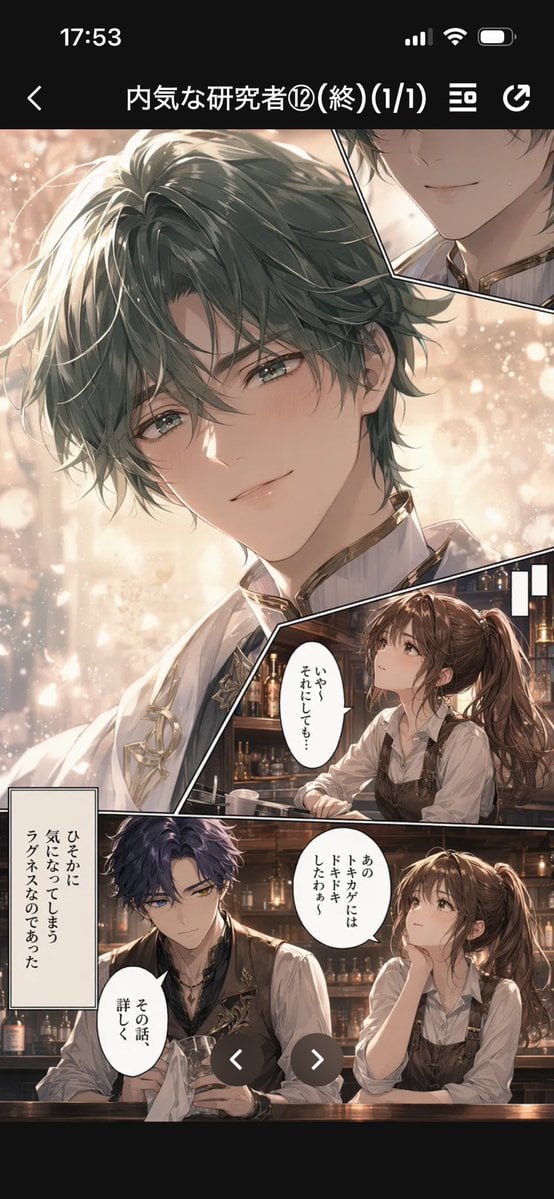
Manga Viewer Page from Reference Character
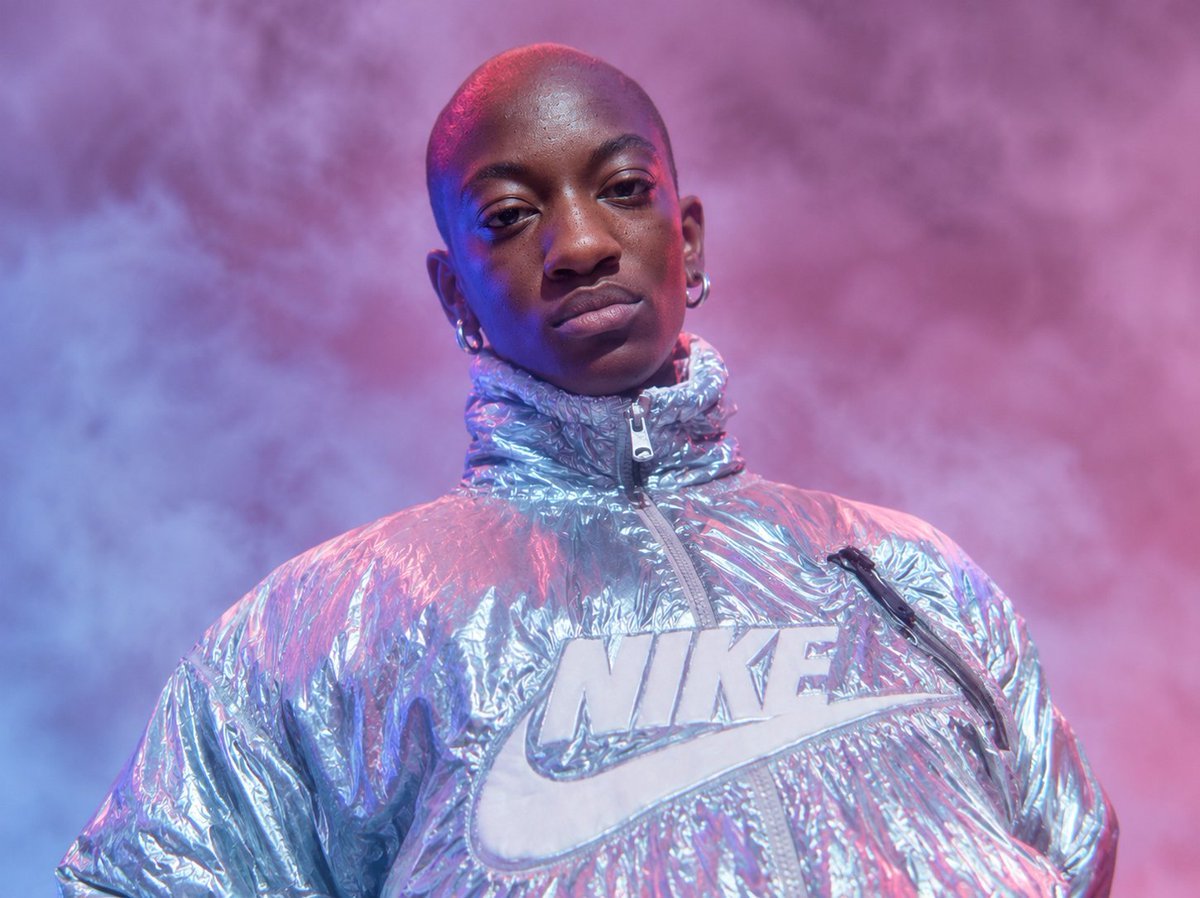
Neon Holographic Streetwear Portrait
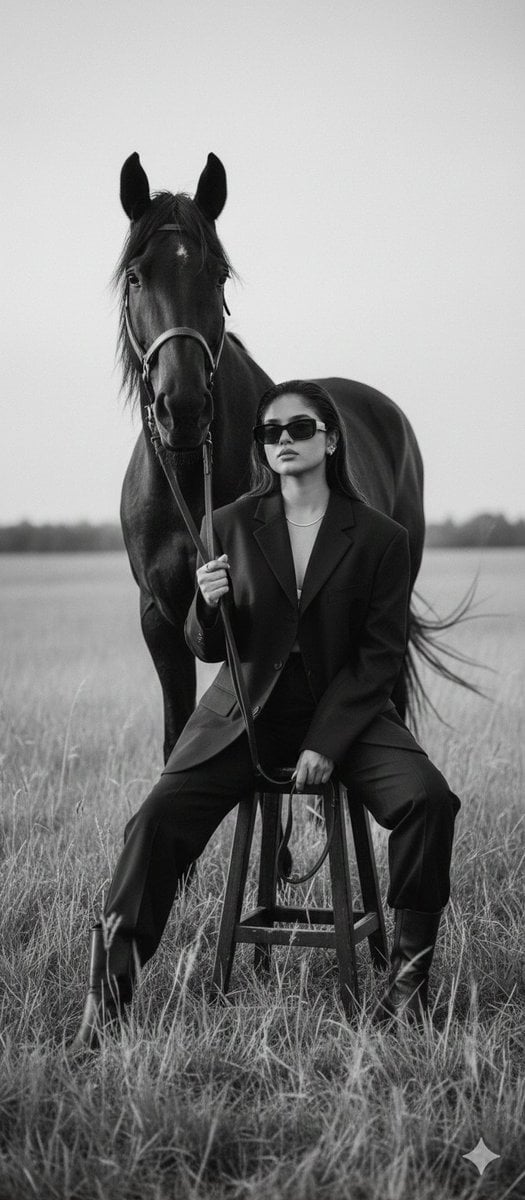
Cinematic Black-and-White Editorial Fashion Prompt
Lego Store Candid Lifestyle Photo Prompt

Procedural Whimsical Mono-Punk Floating Diorama Generator
Cinematic Late-Night Portrait
Cinematic Close-up Portrait with Pink Hair
Four-Panel Girl, Robot, and Goat Story
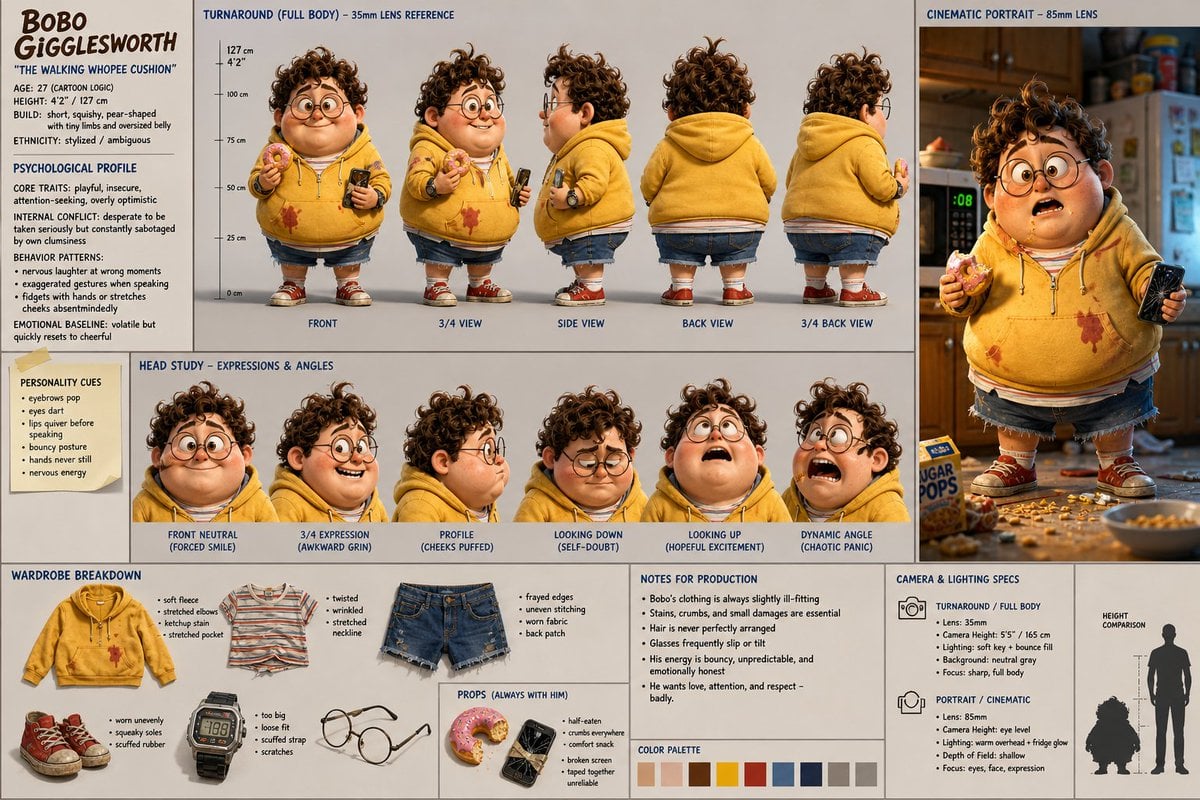
Cinematic Character Design Sheet
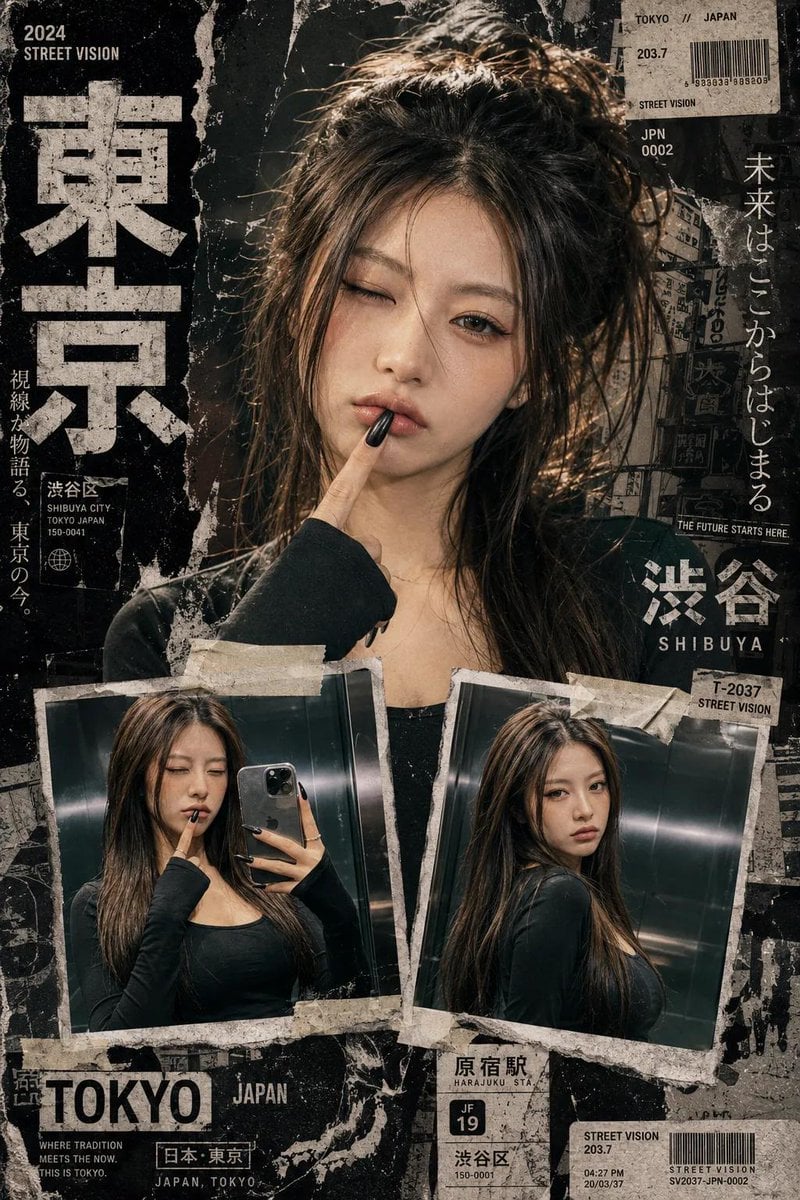
Y2K Japanese Street Editorial Collage
Browse template categories
Playful Pastel Collage Fashion Template questions
How do I use the Playful Pastel Collage Fashion Template template?
Add your photo if the template asks for one, edit the prompt if you like — the template's model and format are already selected — and press Generate. Your version opens in PicX Studio.
Can I customize the Playful Pastel Collage Fashion Template template?
Yes. You can change the subject, setting, lighting, mood, format, and available model controls before creating your image.
Is the Playful Pastel Collage Fashion Template template free?
Opening and editing this template is free. Generating uses credits, shown on the Generate button when you are signed in.
Which AI model should I use?
Choose a compatible model in PicX Studio based on the style, speed, and output controls your project needs.
Looking for something else? Browse all templates.

Your photo, any look
Thousands of ready templates for every top image and video model, from one credit balance.